A:AnswerYes, for 2.99 a month you can get Amazon freetime. It controls the parental settings and everything. Just go to your Amazon account and you should be able to find it under manage preferences.
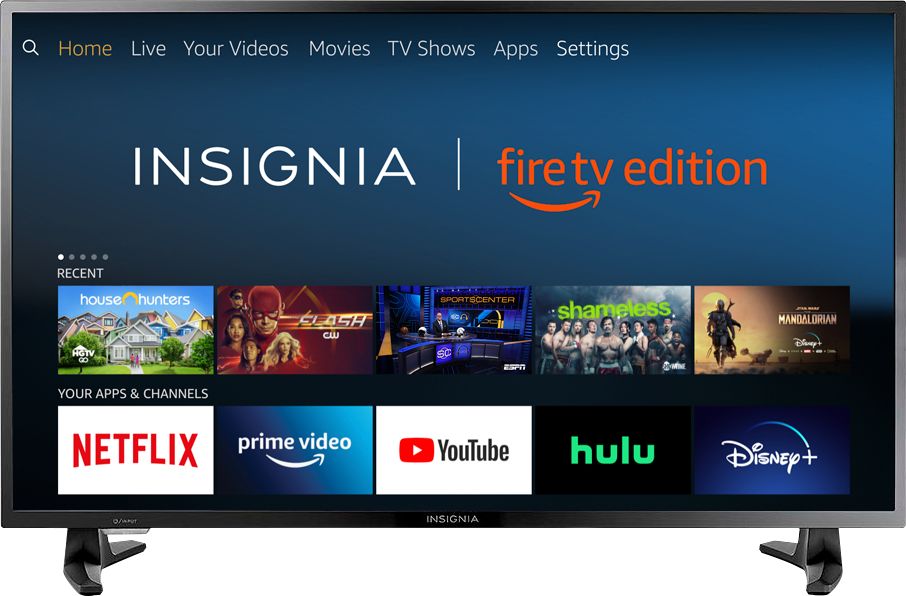
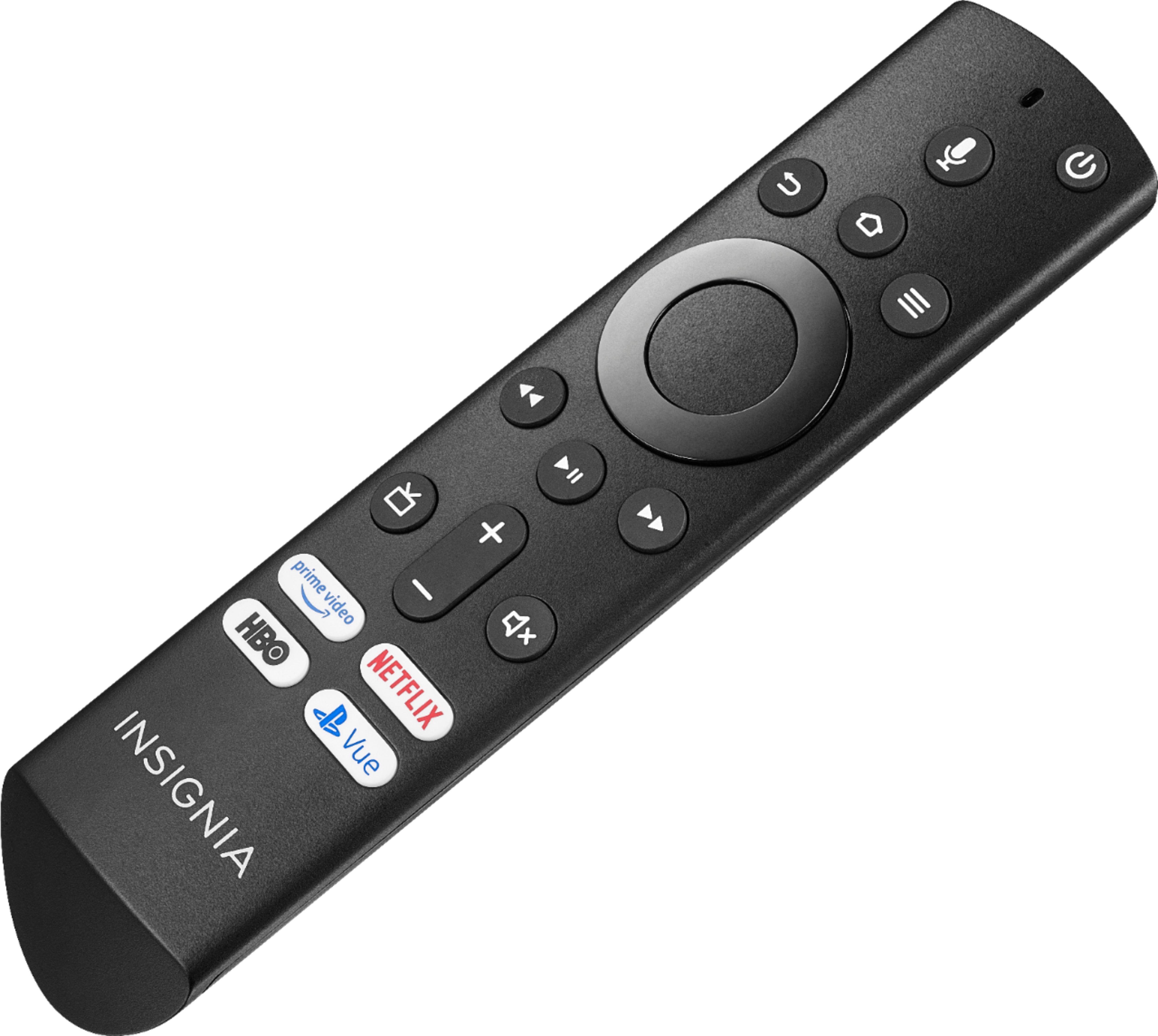
A:AnswerTo set the timer press and hold Home until the Quick Settings menu opens. Select Sleep Timer, then change the setting to the time you would like.
A:AnswerPlease visit this website to watch setup Videos for the Fire TV Edition television:
https://www.amazon.com/gp/help/customer/display.html?nodeId=202162190
David M. - Insignia Support
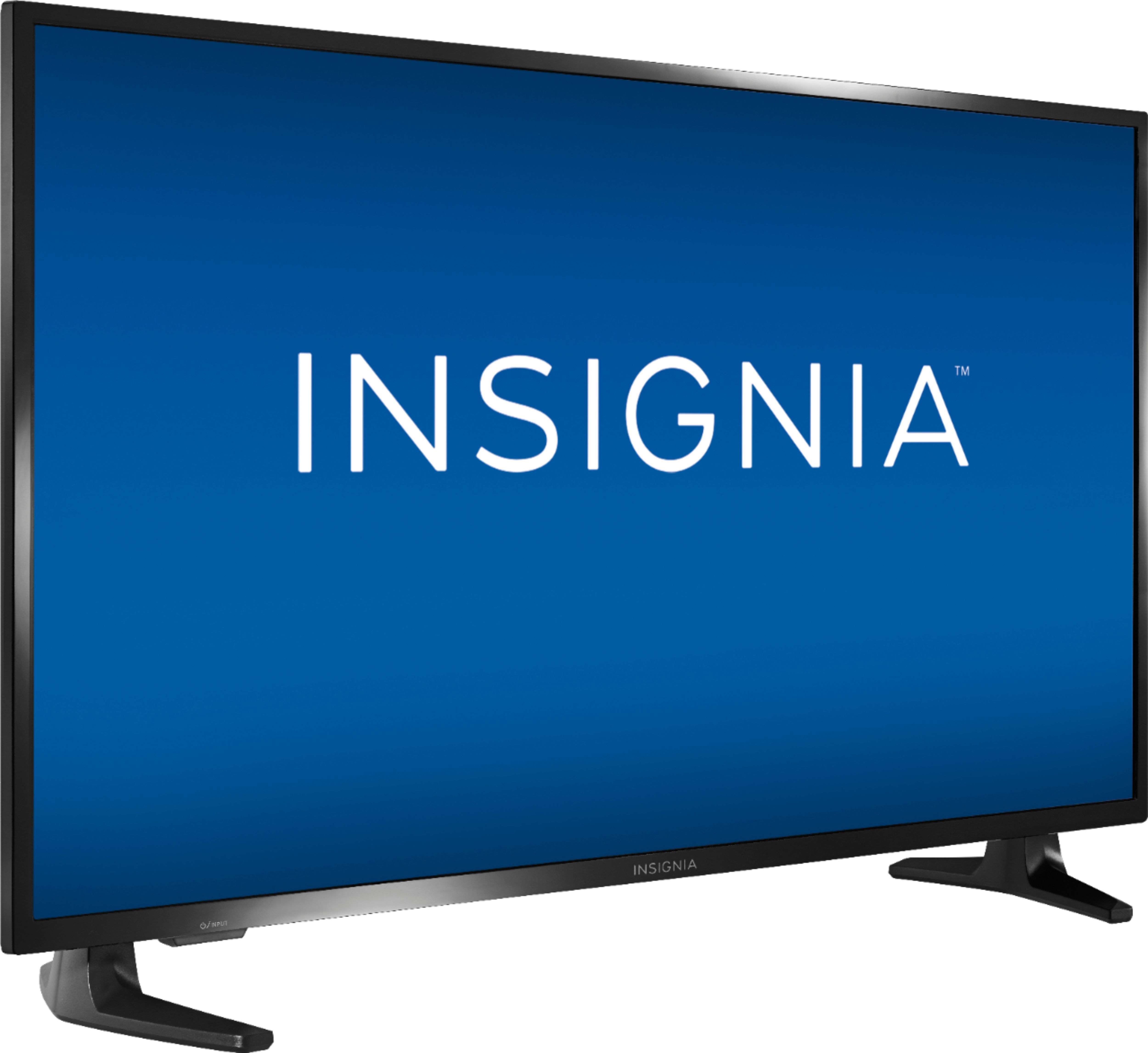
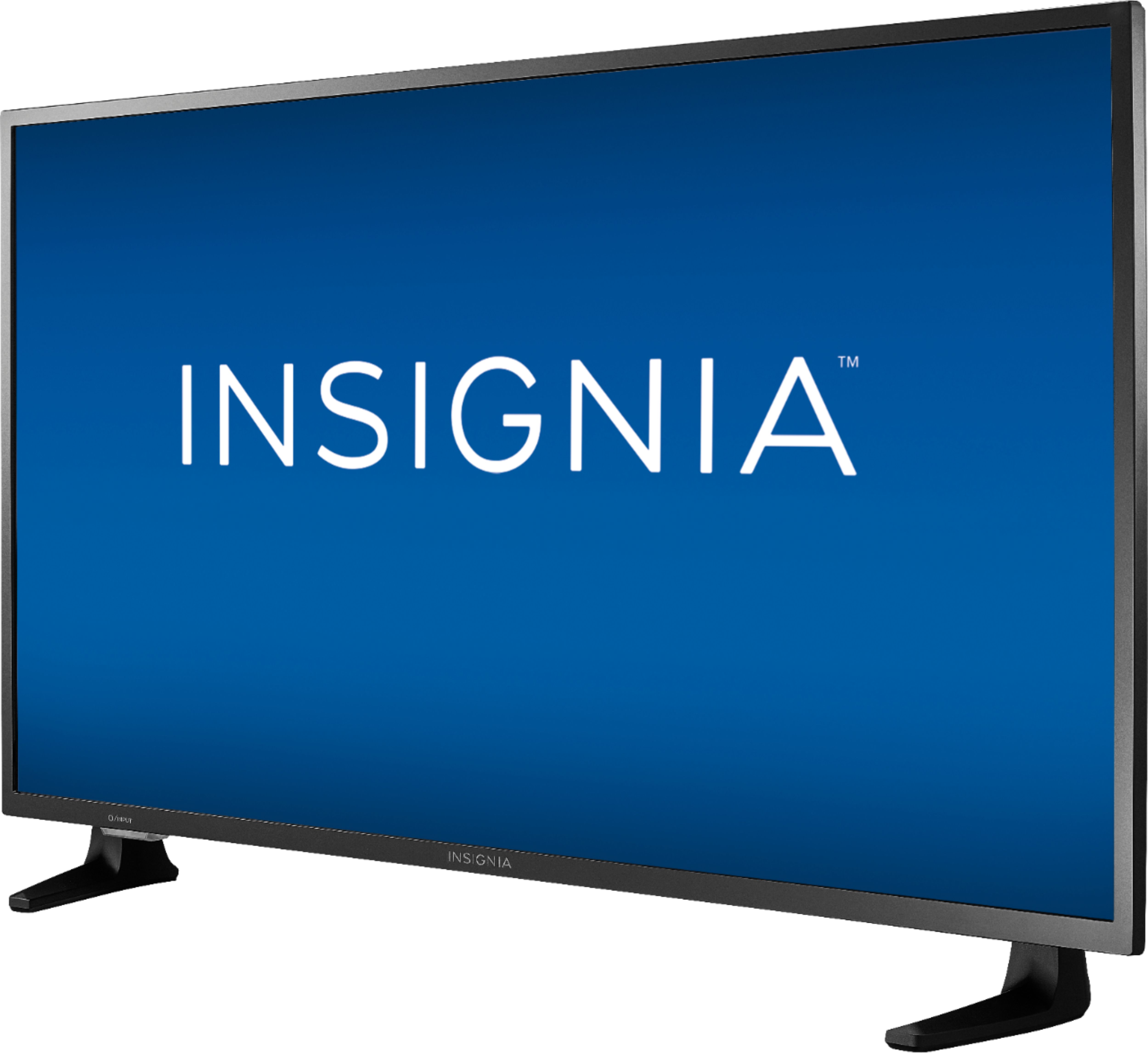
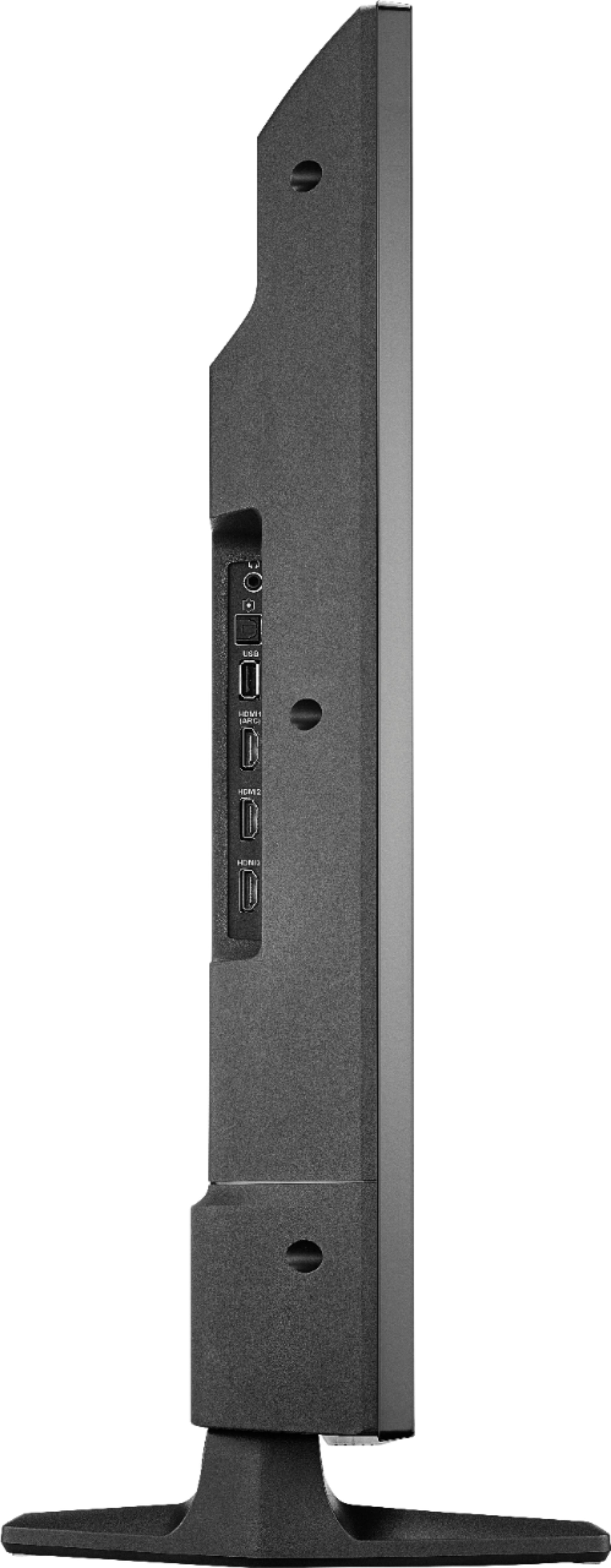
A:AnswerDimensions (HxWxD) with stand: 22.3 × 34.8 × 8.9 inches.
The stand width from left to right at the widest part: 30.75 inches.
David M. - Insignia Support
A:AnswerHi!
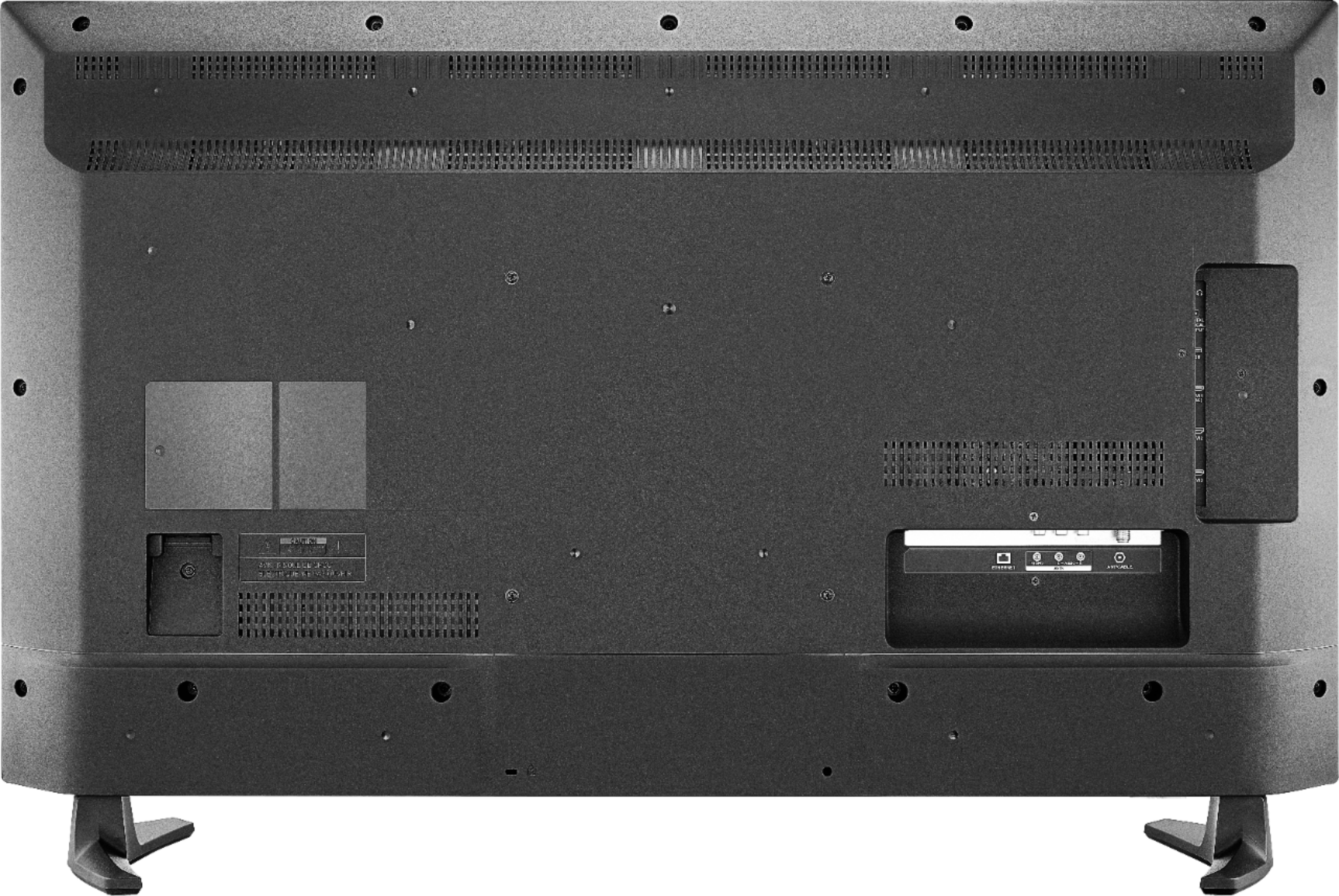
I sincerely appreciate you taking the time to share your inquiry with us. The required format of the thumb drive needs to be first FAT32, then the videos uploaded to it need to be in MP4 for them to play on the TV. In case the situation persists, please contact us at 1-877-467-4289 for additional support.
Alexander G. - Insignia Support
A:AnswerUnfortunately, the app Spectrum TV is not available for the Fire TV Edition experience. For a list of compatible devices, please visit:
https://www.spectrum.com/cable-tv/spectrum-tv-app.html
You can connect a compatible device to the TV using HDMI.
David M. - Insignia Support
A:AnswerThere are no Verizon apps at all listed on the TV'S app store, so you wouldn't be able to use it that way. You may be able to side load the app via flash drive, just like you can with so many apps on the Firestick devices. However, you'd need to do some research to see if anyone has successfully tested it and found it to be fully functional on the Fire TV.