A:AnswerThanks, but there is no setting for sleep mode that i can find. Only a sleep timer to turn it off after a set amount of time, which needs to be set every time it's used.
A:AnswerSorry but your answer is ridiculous. What balance are you talking about? Netflix, Disney are free for download. The same as Hulu (which I cannot download). I do not need any balance to buy those. What balance are you talking about?
A:AnswerTry the Power On feature, when enabled, the TV turns on displaying the last used input. To activate it, go to Settings > Display & Sounds > Power Controls > Power On and select Last Input.
For product support, please visit https://www.insigniaproducts.com/email-us
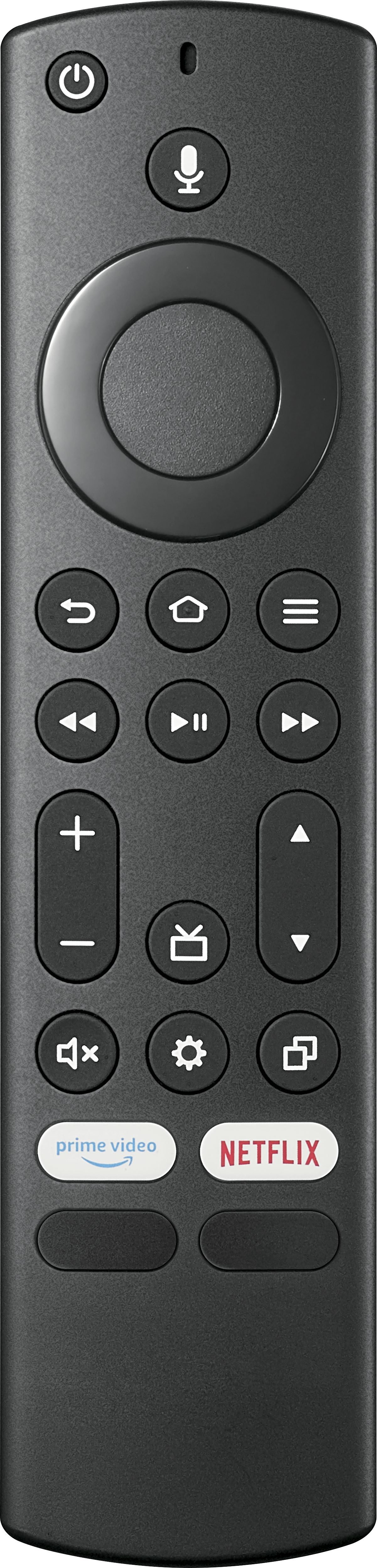
A:AnswerTry this, press and hold at the same time the following 3 buttons: DPAD-left, Back (↩) and Menu (≡) for at least 12 seconds. To pair the remote again, press the Home button for up to a minute.
For product support, please visit https://www.insigniaproducts.com/email-us
A:AnswerNo, this remote doesn’t have a Sleep timer button.
To set the sleep timer long press the Home Button and select Sleep Timer.
You can select between 5, 10, 15, 30, 60, 90, 120, 150, 180 and 240 minutes.