A:AnswerHi,
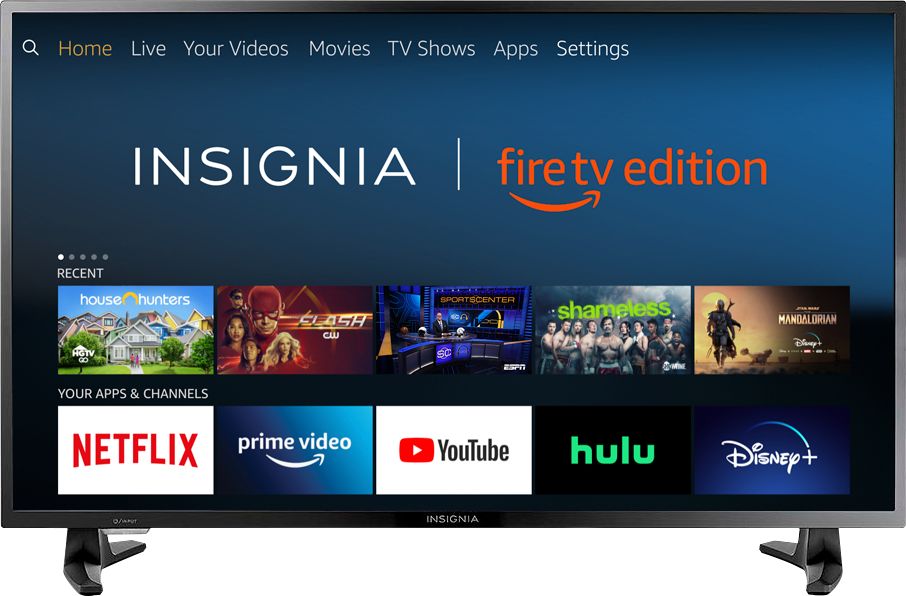
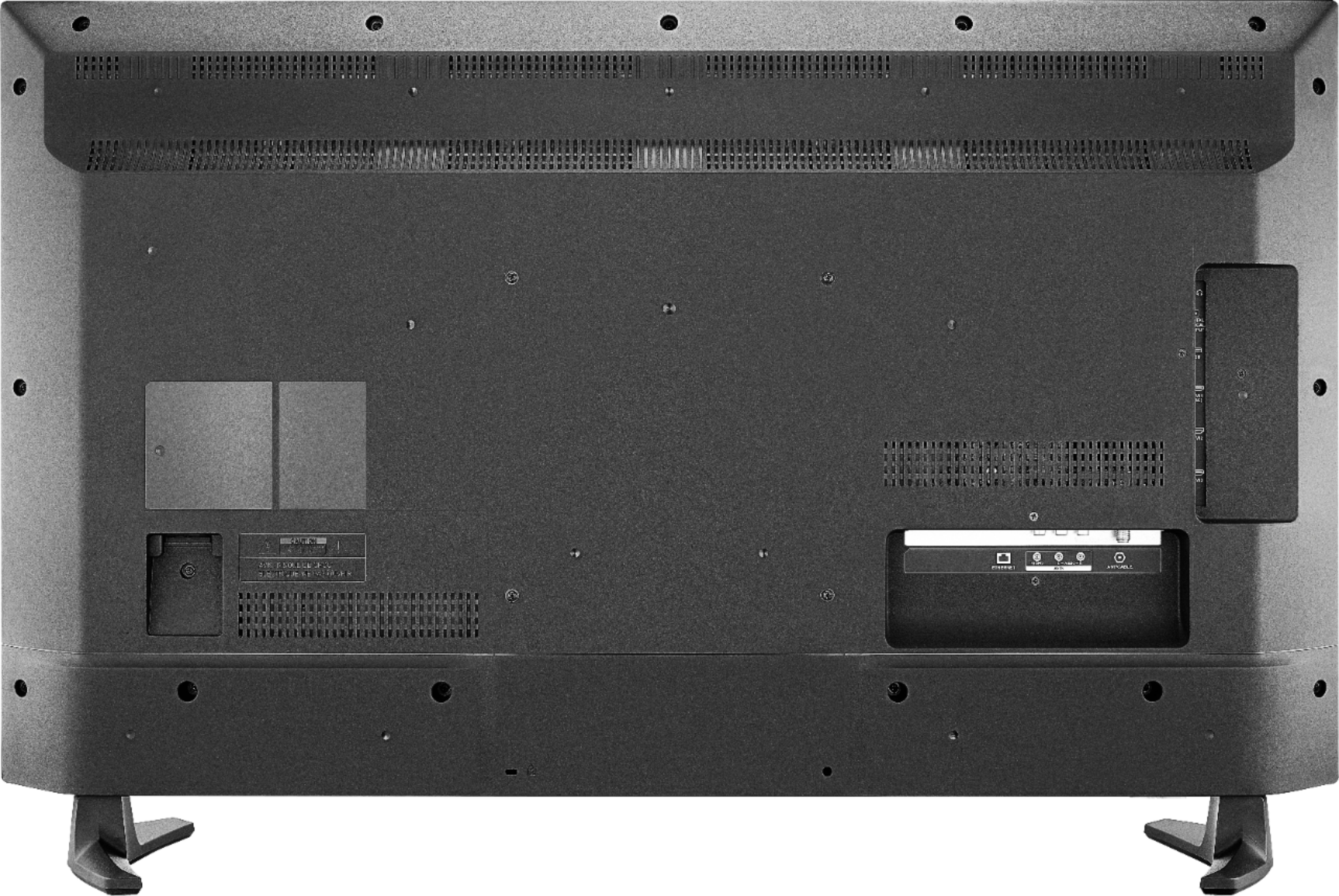
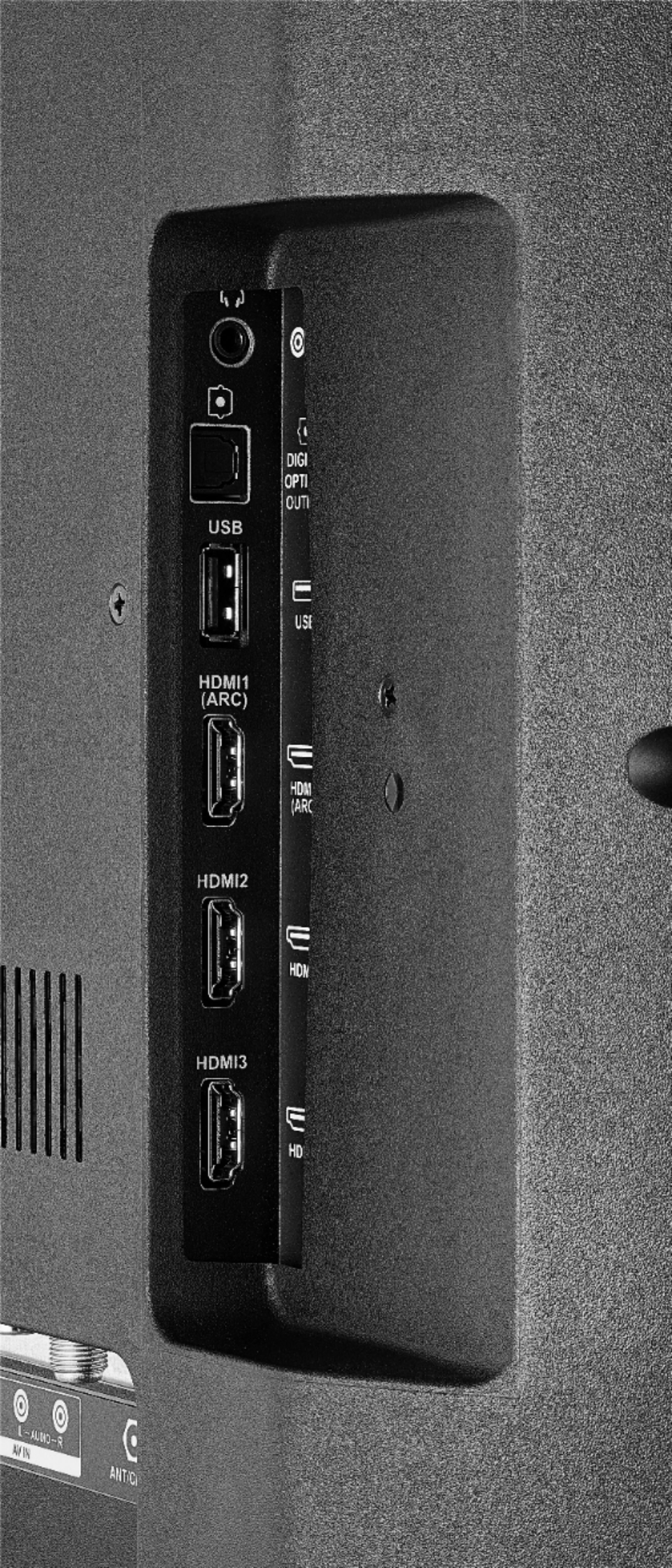
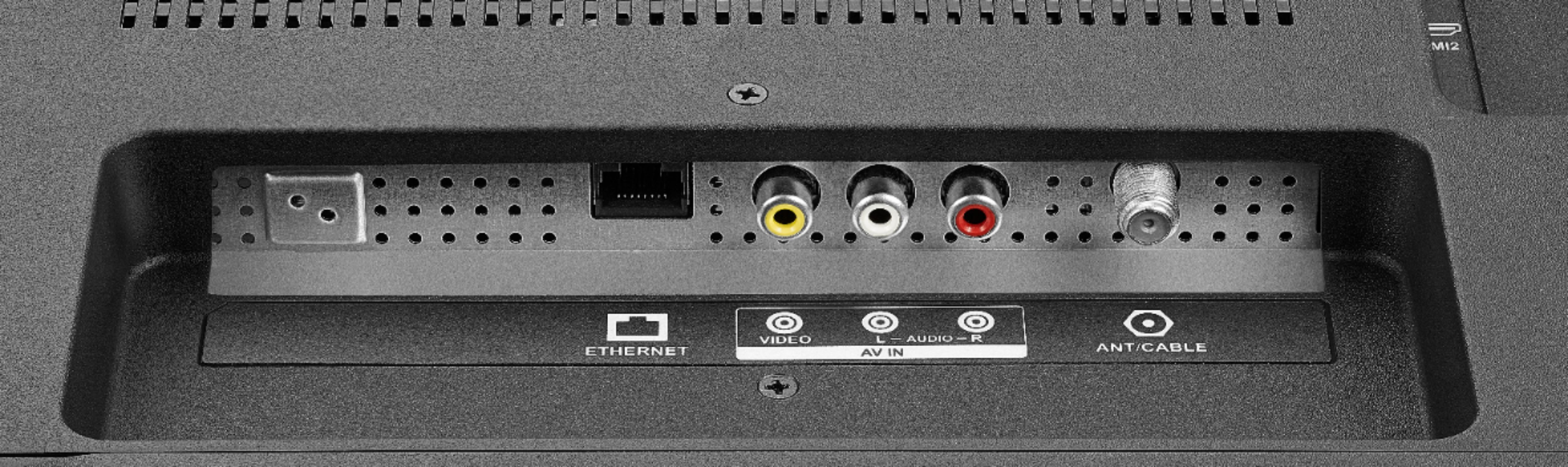
Unfortunately the Xfinity Stream app is not available for the Fire TV Edition experience. However, you can to connect a Cable Box using an HDMI cord to watch cable channels.
Alan O. - Insignia Support
A:AnswerHi! In this case, I would suggest that you contact us on the link below, so we can try some troubleshooting steps with you and check the connections.
Viridiana E.
Insignia Support.
https://www.insigniaproducts.com/contact-us
A:AnswerHi,
The resolution of this TV is 1080p (Full HD), so is better to set the resolution of the computer on Full HD to get the best picture possible.
Alan O. - Insignia Support
A:AnswerHi,
First you need to download the Disney+ app from the App Store, then you have to open it. If you need more assistance, please call 1-877-467-4289 available from 8am to 9pm CT daily.
Alan O. - Insignia Support
A:AnswerYou could try to use different picture modes.
The TV will display the available settings to change.
If it is not showing, it means that is not available for that model.
David M. - Insignia Support
A:AnswerHi,
The Apple TV app now shows as available for the Fire TV Edition experience.
For more information about the Apple TV app, please visit:
https://www.apple.com/apple-tv-app/devices/
David M. - Insignia Support
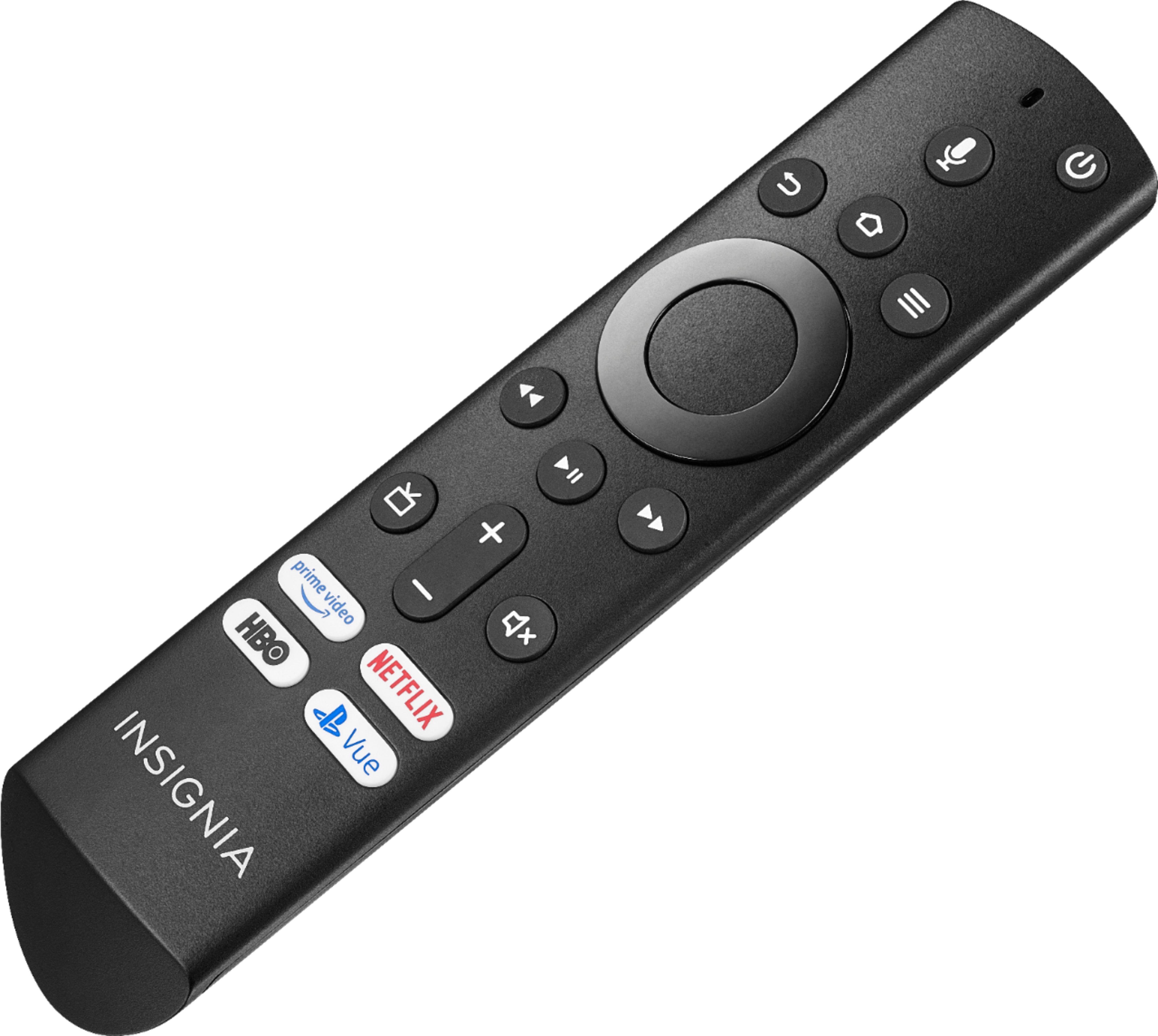
A:AnswerThe Fire TV Edition television comes with a Voice Remote to control the TV.
Download the Amazon Fire TV app to your Smartphone to control your Fire TV Edition television.
Link an Alexa enabled device (i.e. Echo) and control your TV hands free.
Alan O. - Insignia Support