A:AnswerHi Cablehater,
Yes this is easy to use. Please follow the following steps:
g your toaster oven
1 Place your food inside the toaster oven, then close the door.
2 Turn the TEMP.(°F)/FUNCTION knob to select a heat setting (Toast or Broil) or
the temperature you need:
• Bake: Select a temperature between 150-450°F (65-232°C)
• Warm: Select 150°F (65°C)
• Defrost: Select 150°F (65°C)
3 If you selected a temperature or Broil, turn the TIME Min knob to set the
cooking time. Your toaster oven heats and the Power indicator lights.
• If the time is less than 15 minutes, turn the knob past the 15-minute mark,
then turn it backward to the time you want.
• To turn on the toaster oven without a countdown, turn the Timer knob to
Stay On.
When the timer reaches “OFF,” a bell rings, and the toaster oven turns off.
4 If you selected Toast, turn the TOAST-TIMER knob to set the darkness of your
toast. Your toaster oven heats and the Power indicator lights. If you select
lighter toast, turn the knob past the halfway point, then turn it backward to
the darkness you want.
When the timer reaches “OFF,” a bell rings, and the toaster oven turns off.
5 Open the door completely and remove your food.
Tip: Lighter breads and waffles need less toasting time. Darker breads, muffins,
and English muffins need more time. Set the timer to the first toast icon for
the lightest shade and the last toast icon for the darkest shade.
WARNING: The cooked food and metal rack may be very hot. Handle with care.
Do not leave your toaster oven unattended.
Insignia Support
Renee
A:AnswerYes.
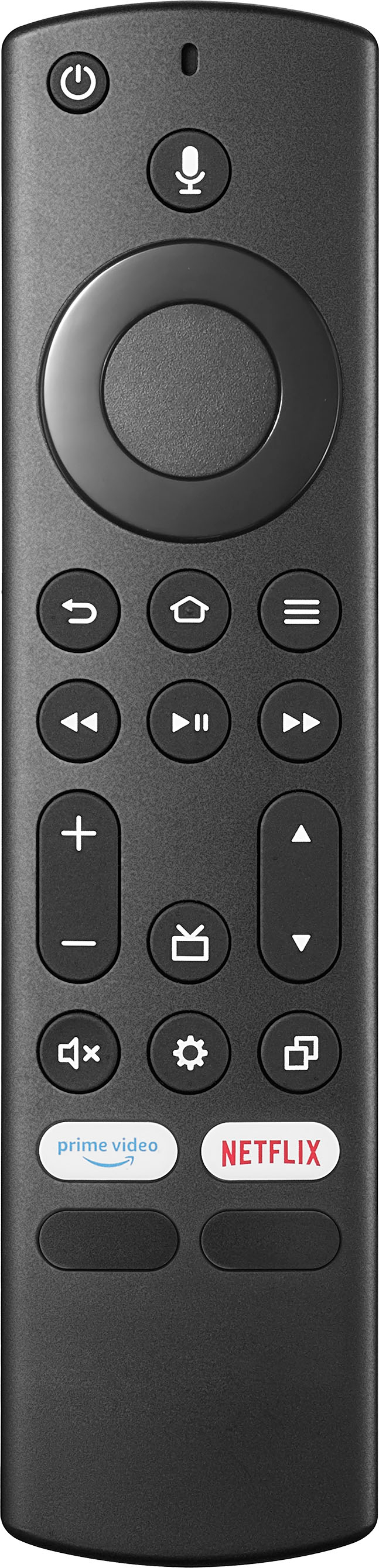
I have been using my old remote from my prior tv. And works just fine.
Just to avoid using the new one bc my son drops the remotes and don't want to break the new one quite yet.
A:AnswerHi Mark,
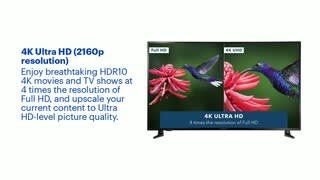
The tv upscales it but not perfectly which might cause some image artifacts. Most 4K bluray players upscale dvd and bluray to 4k before it sends it to the tv so it always looks good. But as for live tv and sports your cable box and the way you send the signal to the tv can have a major effect on your picture quality.
Insignia Products
Lisa
https://insigniaproducts.com
A:Answer1. Add External Storage to Fire TV.
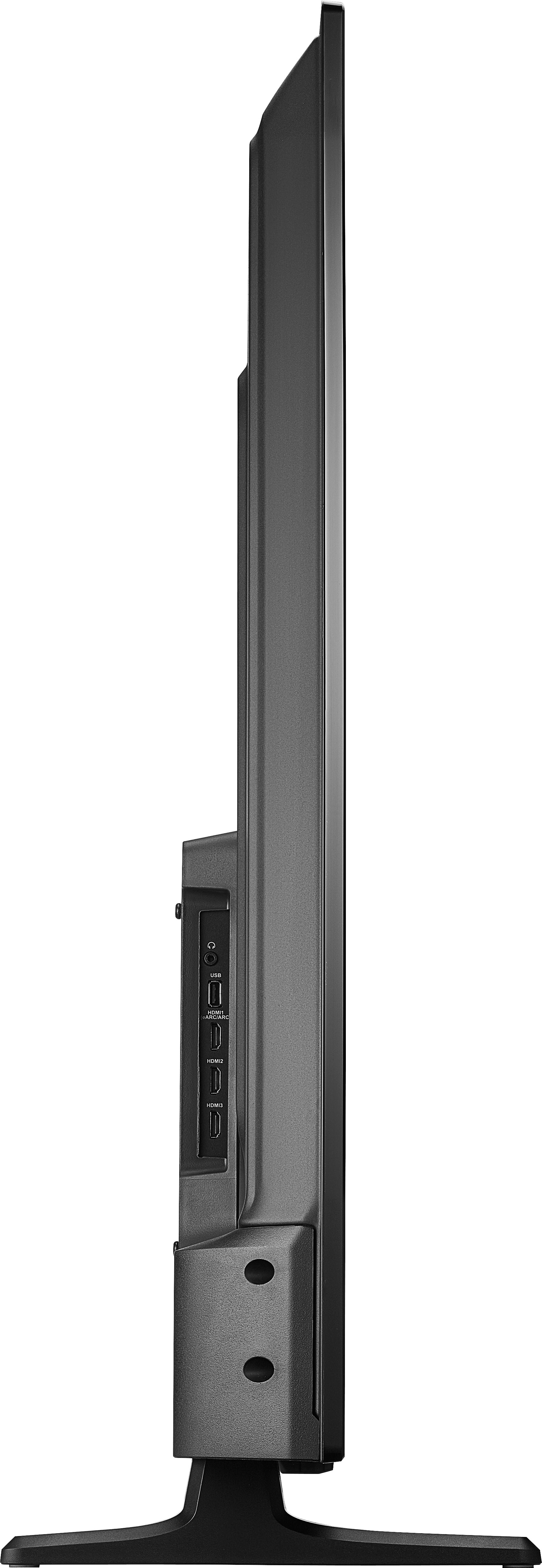
2. Plug a flash drive into the USB port on the back of your Fire TV.
3. It just takes a couple of seconds to format, and when it's done, head to Settings > About > Storage, and you'll see the extra space listed.
Rudson S.| Insignia Support. https://www.insigniaproducts.com/contact-us
A:AnswerHi Kitkat,
Other smart TV's has bluetooth hearing aids but with Insignia it only have the regular bluetooth. It If you have any questions or concerns, please use the link below to reach us and also you can contact this phone number 877-467-4289 for further assistance.
Insignia Products
Nikki
https://insigniaproducts.com
A:AnswerHi Bob,
Yes, it is compatible. If you have any questions or concerns, please use the link below to reach us and also you can contact this phone number 877-467-4289 for further assistance.
Insignia Products
Nikki
https://insigniaproducts.com