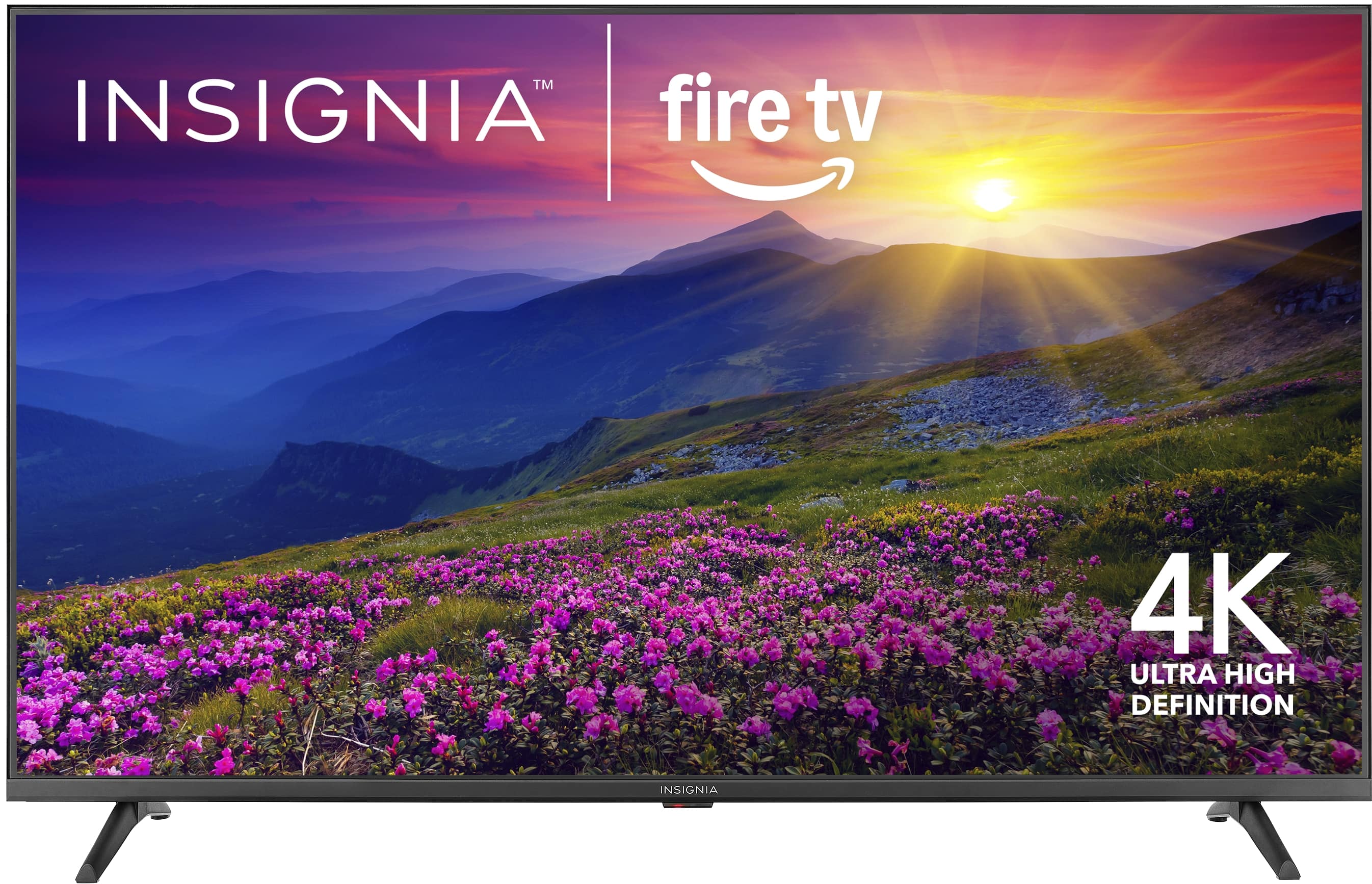
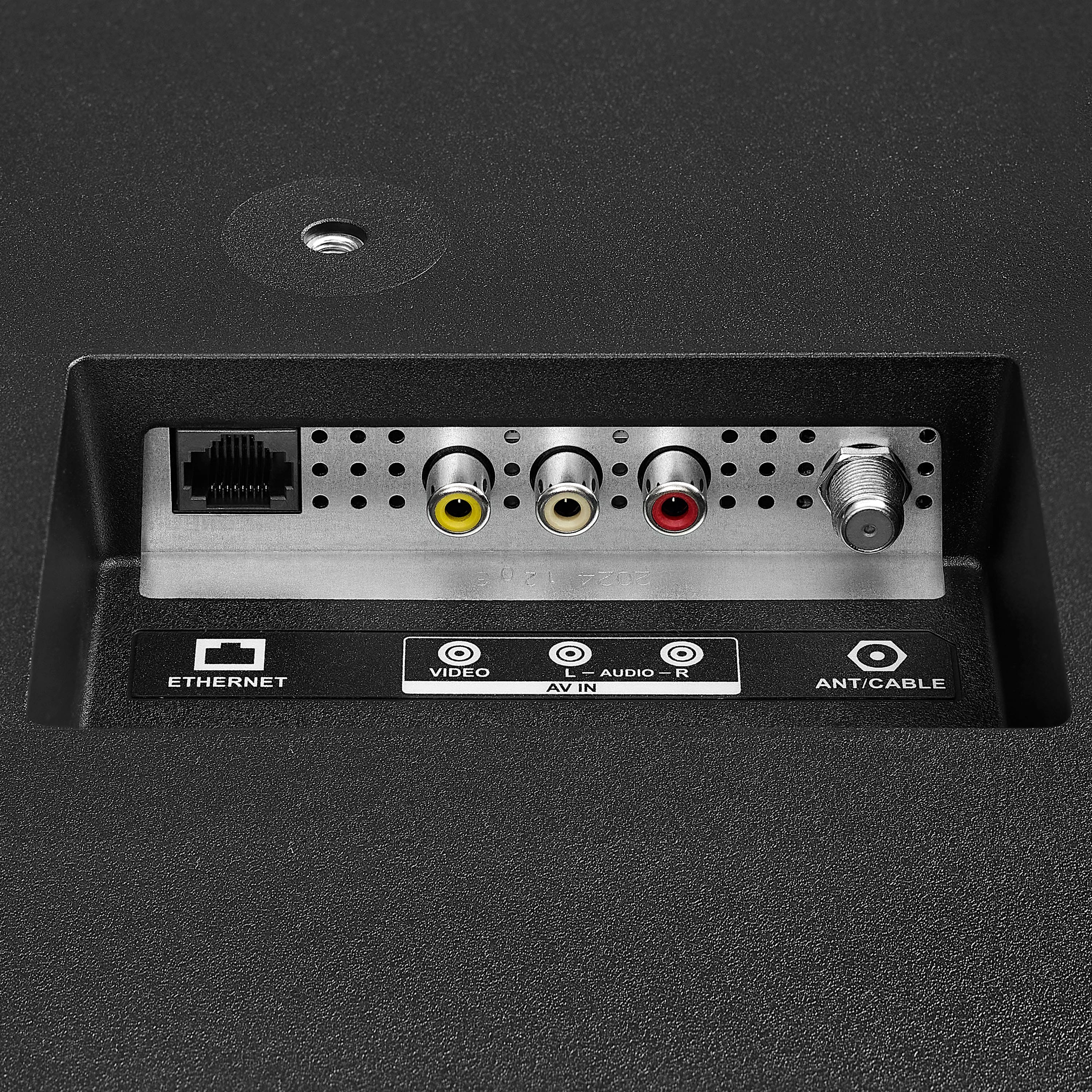
A:AnswerThank you for your inquiry! Yes, you can absolutely use a TV antenna with the Insignia™ 55" Class F50 Series LED 4K UHD Smart Fire TV. This model includes a built-in ATSC tuner, which allows it to receive over-the-air (OTA) broadcast channels when connected to an HD antenna. To set it up, simply connect the antenna to the coaxial input on the back of the TV. Then, using the remote, press the Home button and navigate to Settings, then to Live TV, and select Channel Scan or Scan for Channels. Follow the on-screen instructions to complete the scan. Once done, you’ll be able to watch local channels like ABC, CBS, NBC, FOX, and others without needing an internet connection. Keith | Insignia Support
A:AnswerHello Scruffy! Thank you for your question. If your Insignia 55" F50 Series Fire TV keeps turning off while you’re watching, it’s often due to a sleep timer. To fix it, make sure the sleep timer is turned off just press and hold the Home button until the Quick Settings menu appears, select Sleep Timer, and switch it to Off. If you face any issue you can reach out our team at 1-877-467-4289 available Monday through Saturday from 8:00AM to 9:00PM CST.
Darshan | Insignia
A:AnswerThank you for your inquiry! Yes, the Insignia™ - 55" Class F50 Series LED 4K UHD Smart Fire TV does include a sleep timer feature. This is a standard feature on most Fire TV-enabled devices, allowing you to set the TV to turn off automatically after a specified period of inactivity. Keith | Insignia Support
A:AnswerI own this exact model and when you press settings there is no display/sound menu item. I have gone through all the menus and this model does not seem to have a default option for power on. The previous answer must be speaking about a different model.
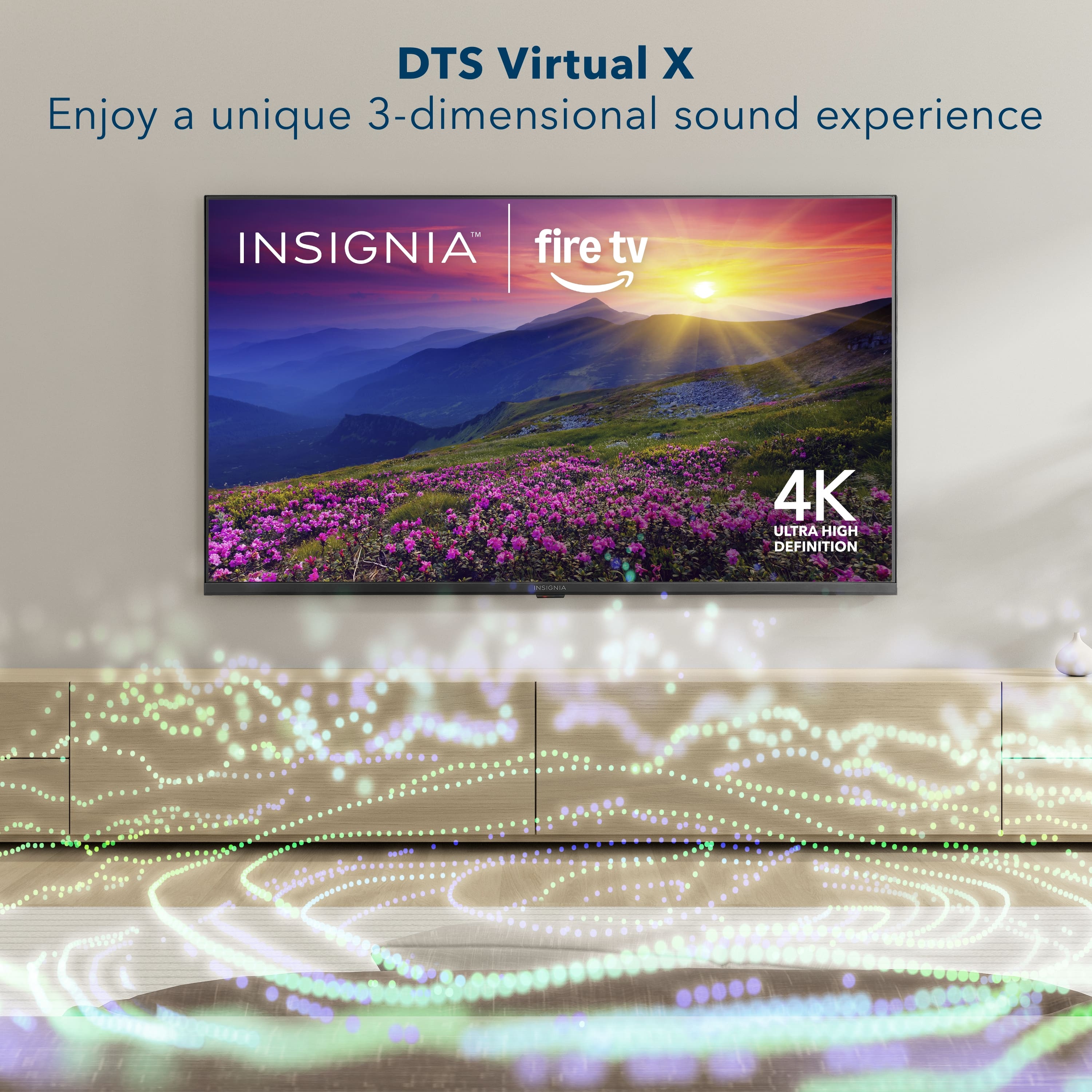
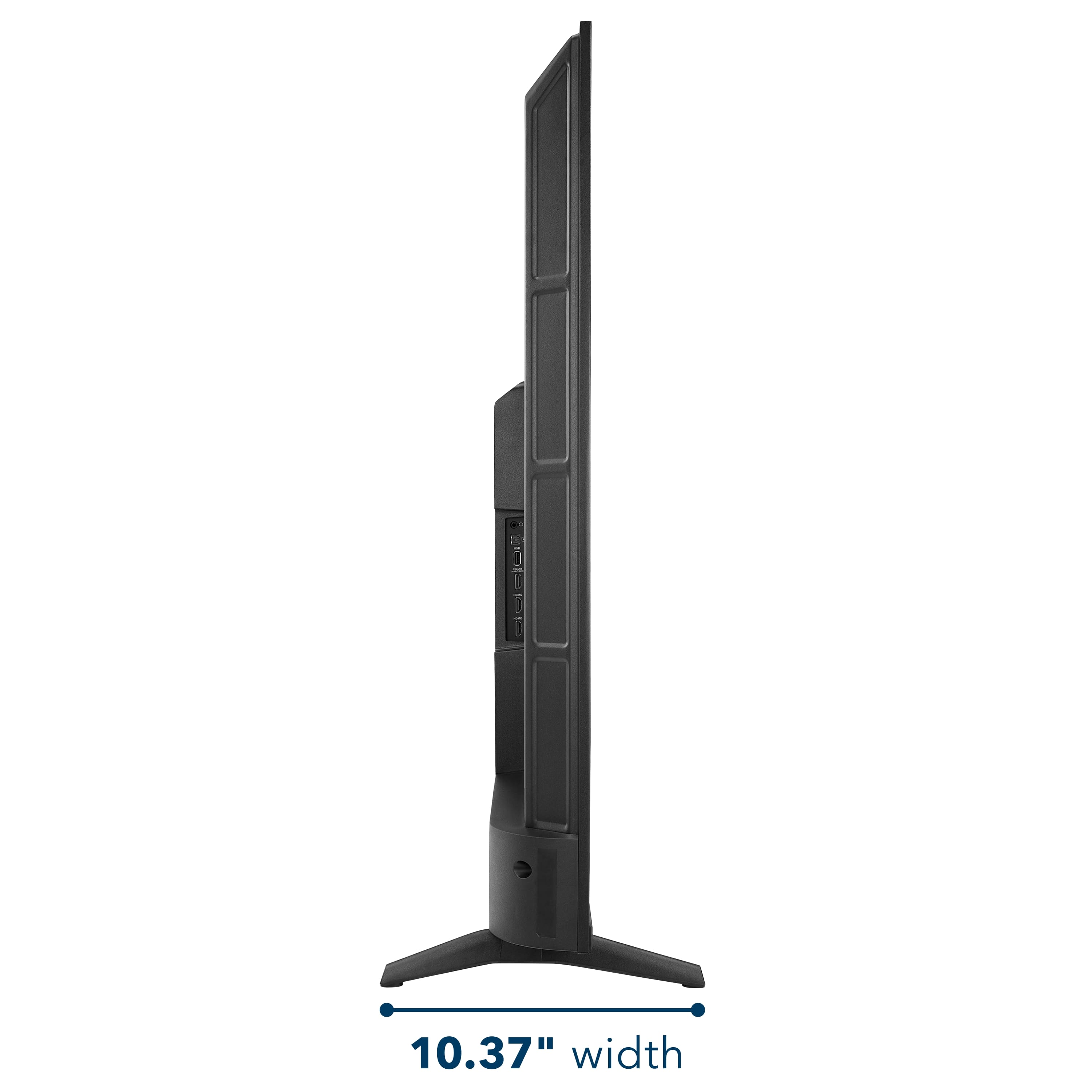
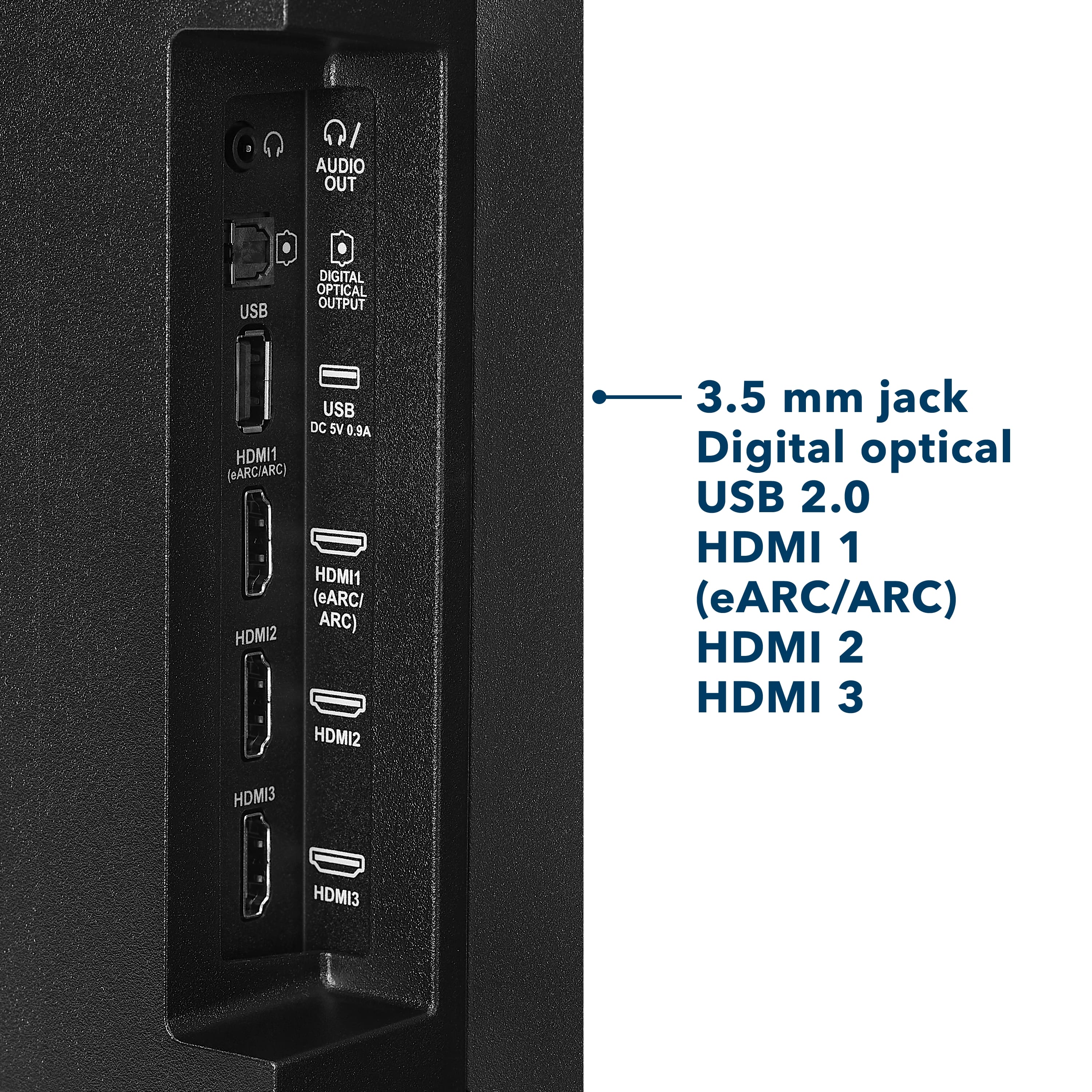
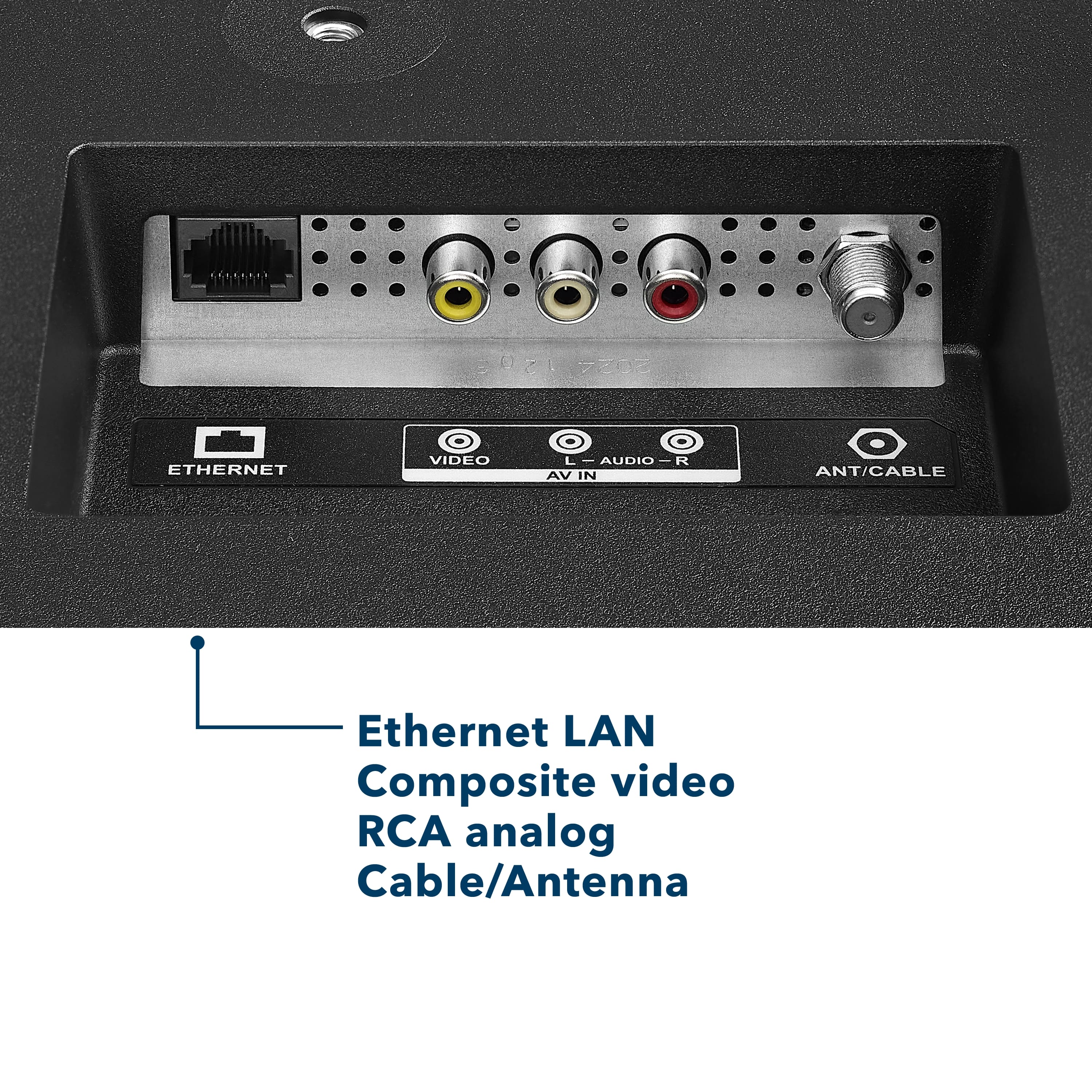
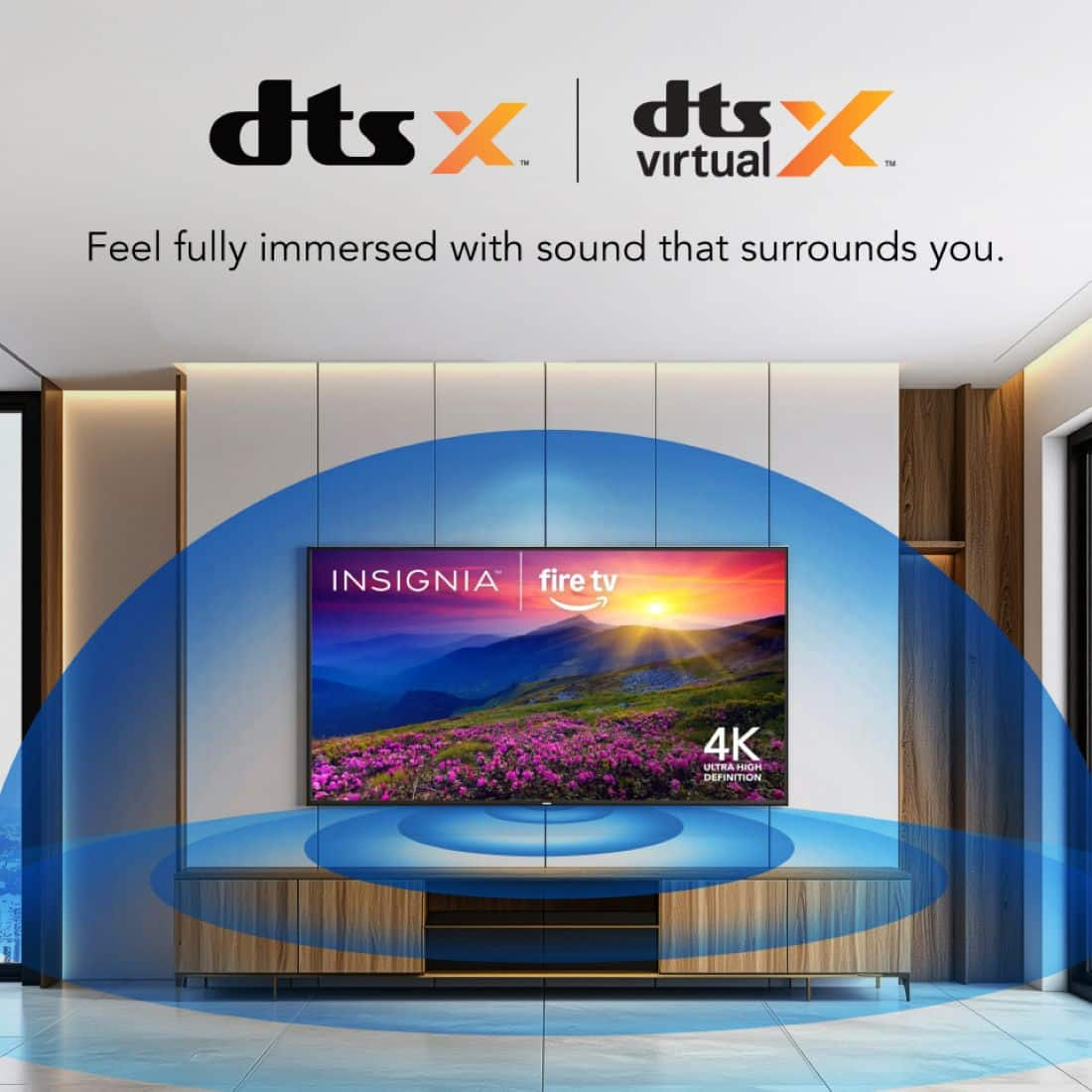
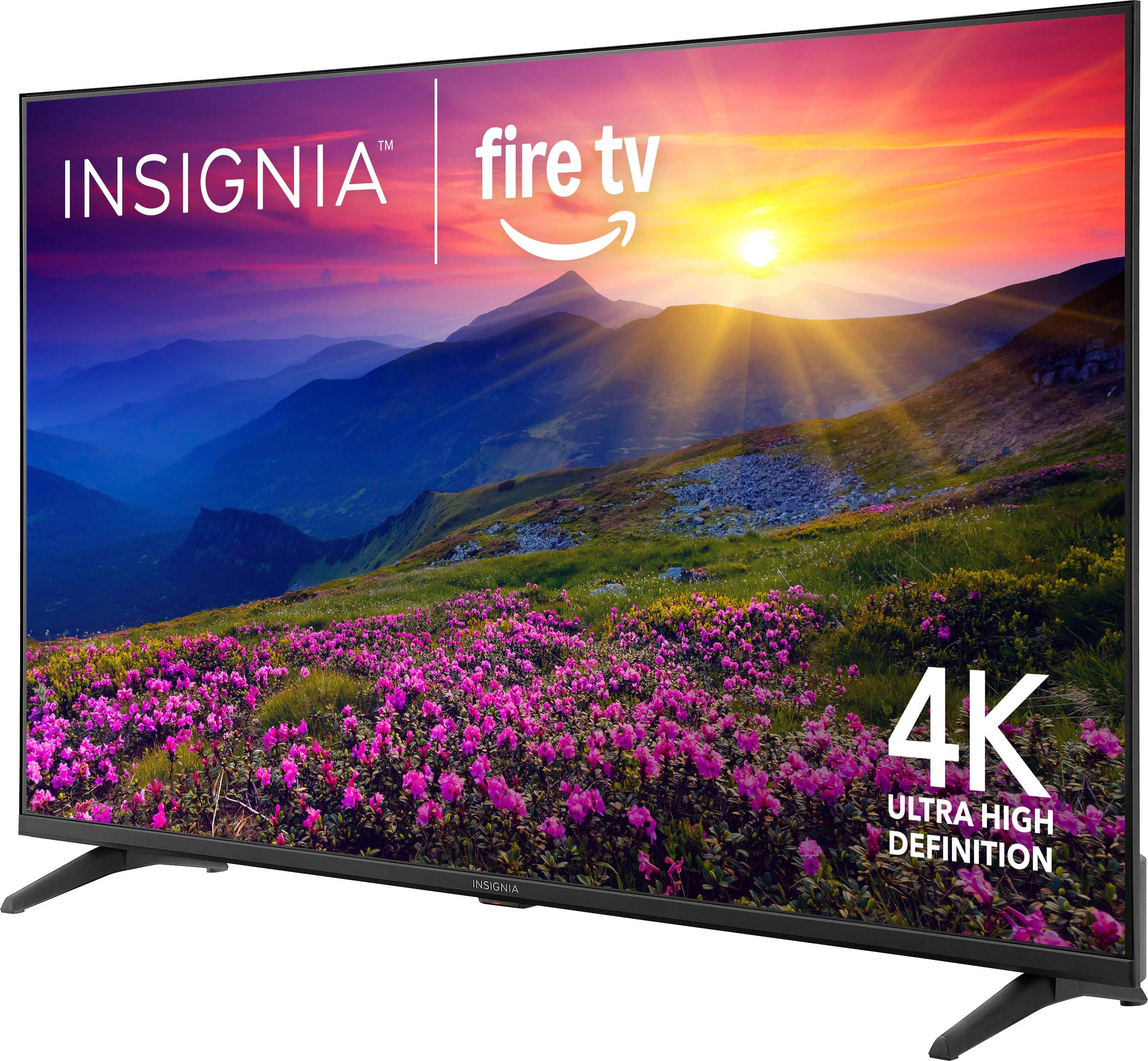
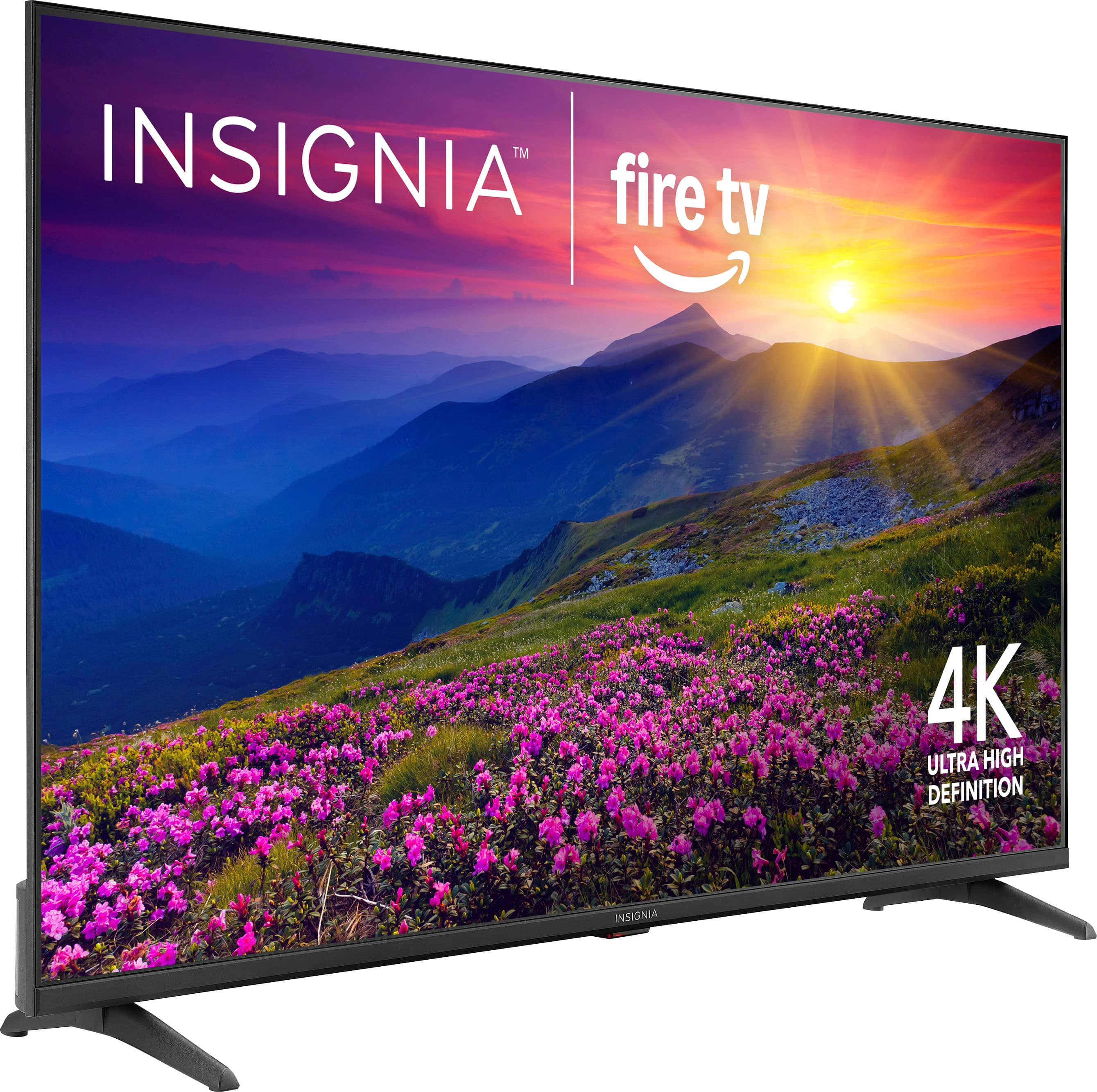
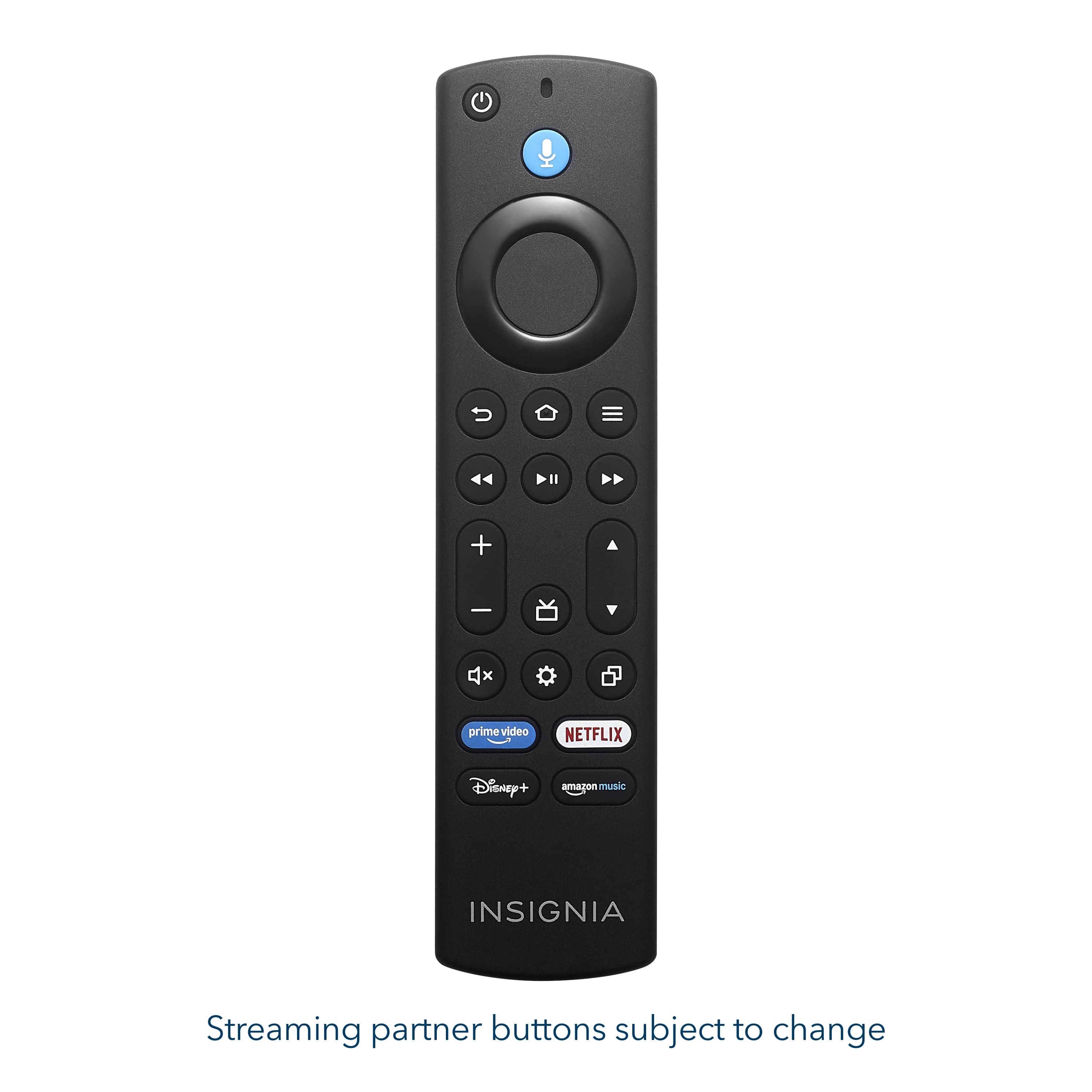
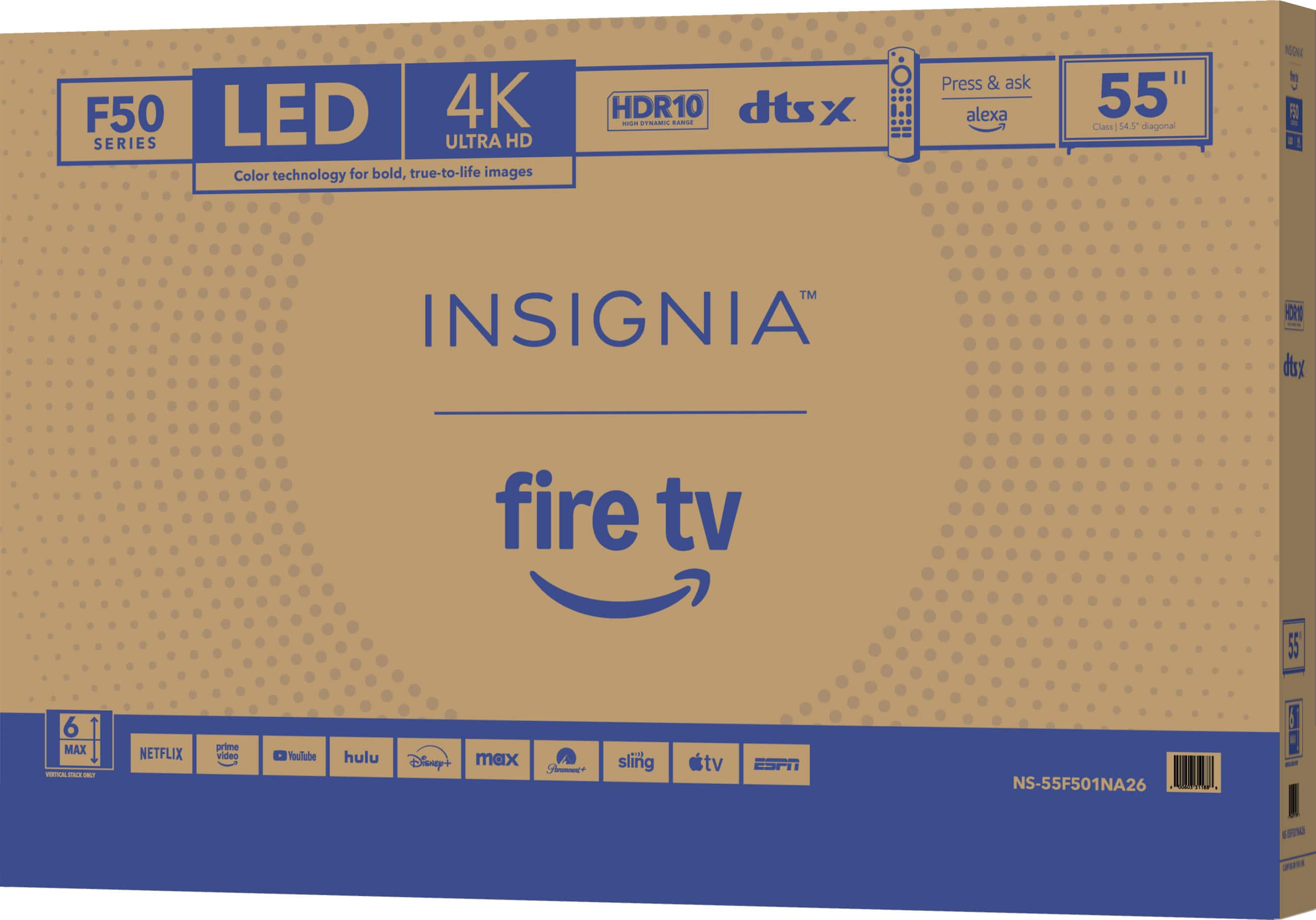
.
FEATURES:
- 160p Screen Resolution
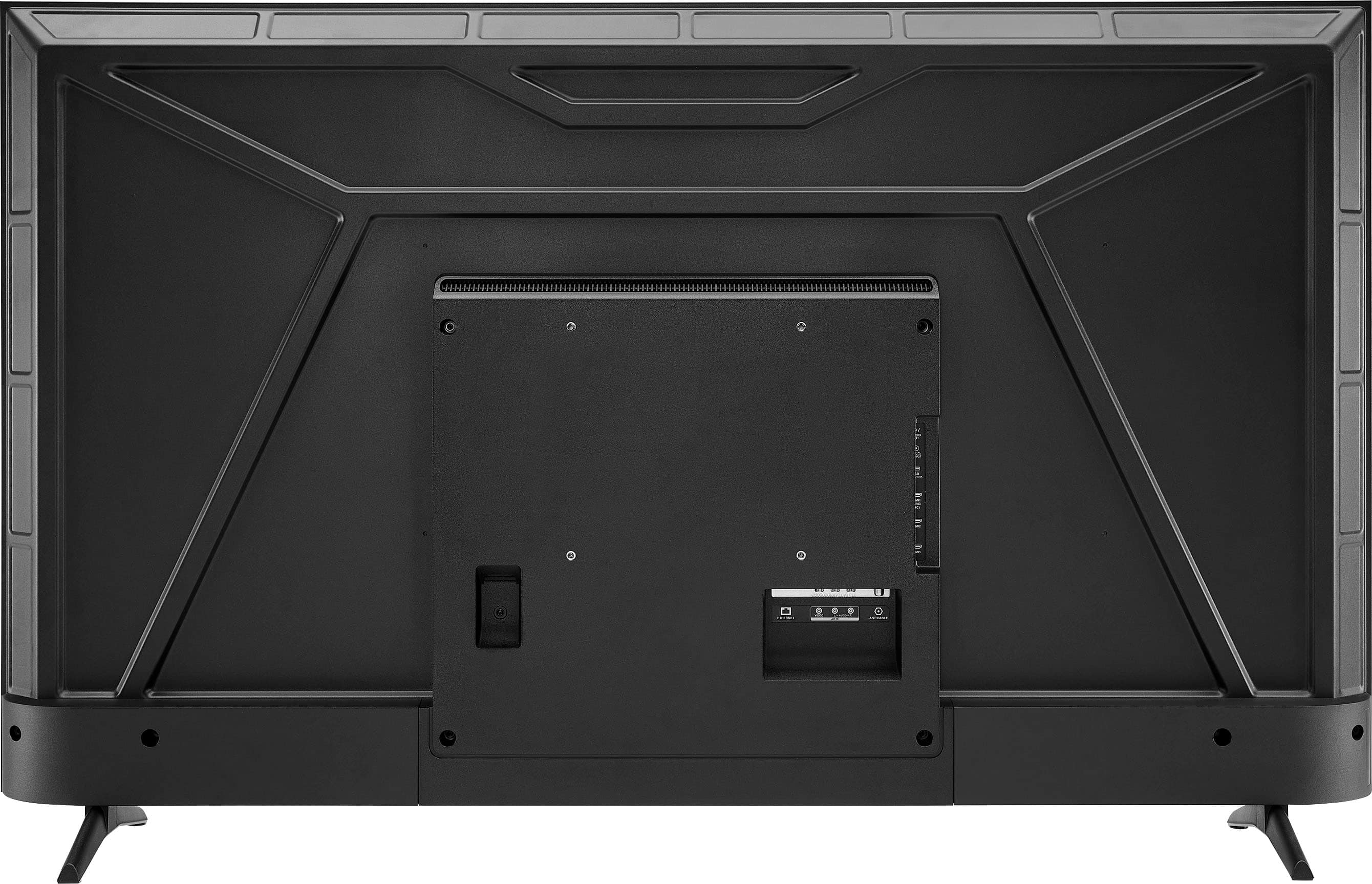
- Antenna/Cable Input
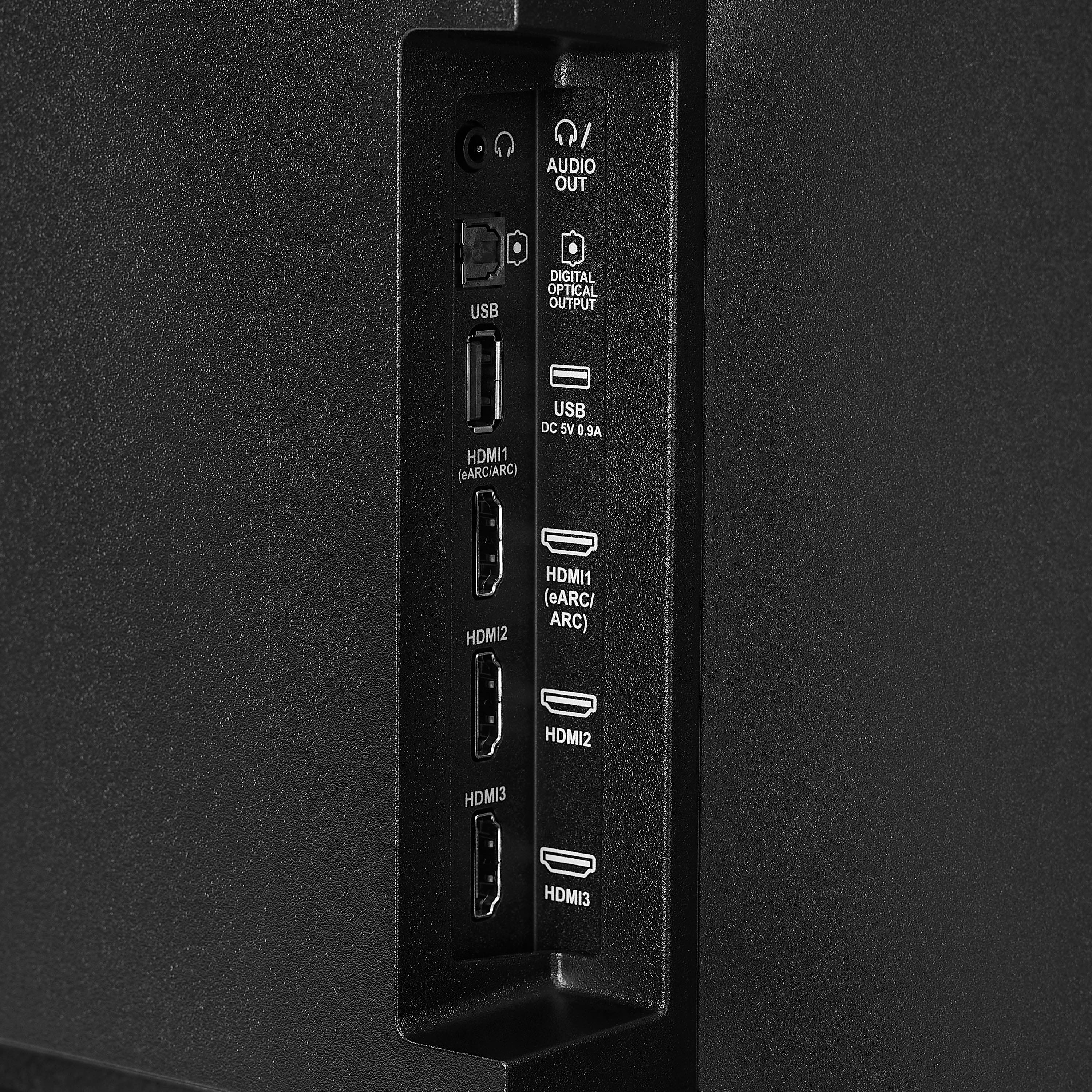
- HDMI Input
- Parallel Refresh Rate
- Headphone Jack
- Audio Output
- Wireless Digital Output
- Optical Audio Output
WARRANTY/SUPPORT:
- Best Buy and Insignia offer a limited warranty.
- Please recycle this box to help conserve natural resources.
- For more information about warranty and support, visit Best Buy.](https://pisces.bbystatic.com/image2/BestBuy_US/images/products/d9ec79da-15df-4d39-934a-5f9c9726d885.jpg)