A:AnswerNot natively. It is part of an ongoing feud. You can use the browser or sideload it since it is based on Android, it just takes more effort. You can opt for another streaming device for that if you want as well.
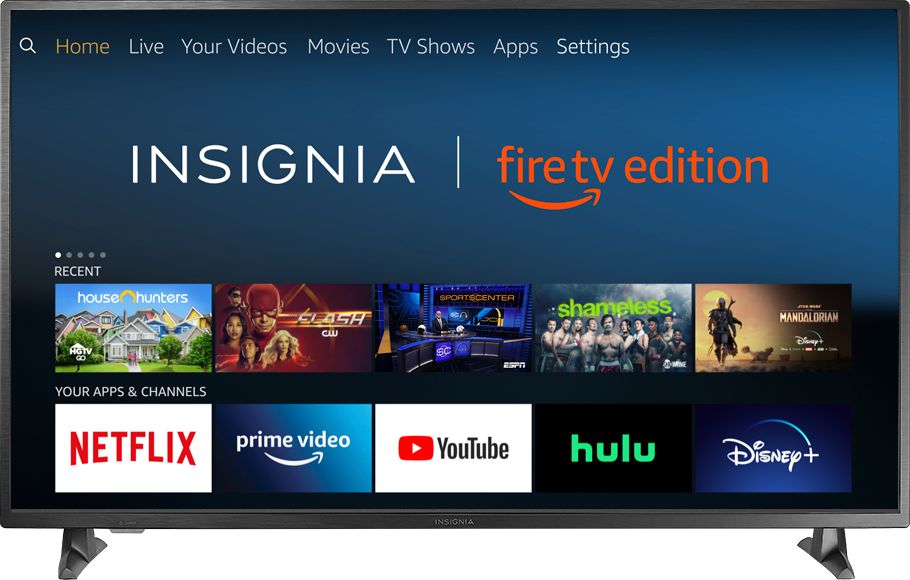
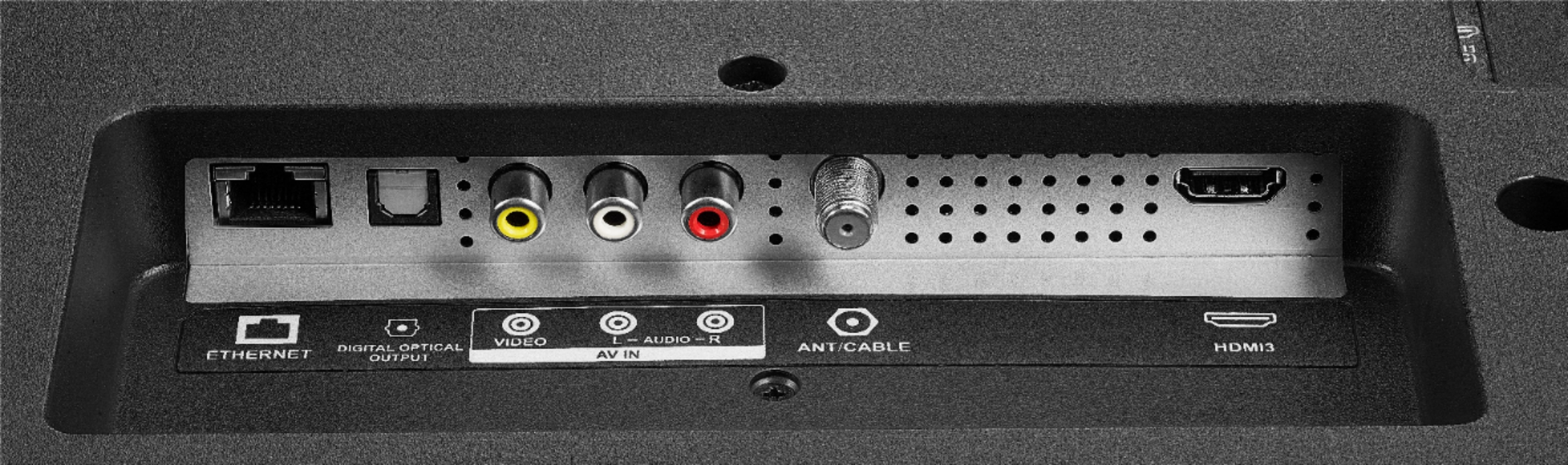
A:AnswerThe built-in FireTV's list of apps is limited, more apps are available on the actual FireStick or Roku. You can add the FireStick or Roku to an available HDMI port.
A:AnswerAnyways, ignore the other ludicrously unhelpful answer/rant, figured it out. I have a Roku. I found that when I went into the system settings, look for something called "Advanced System Settings", then "Advanced Display Settings." Look for "Auto-adjust display refresh rate" and enable it. Before this was enabled, picture settings would not come on when watching UHD HDR movies on Vudu. Afterwards, it would come on and I could turn off the motion interpolation setting that causes the soap opera effect. I'm guessing when the TV encounters HDR, you have to adjust the picture all over again as it has its own setting.
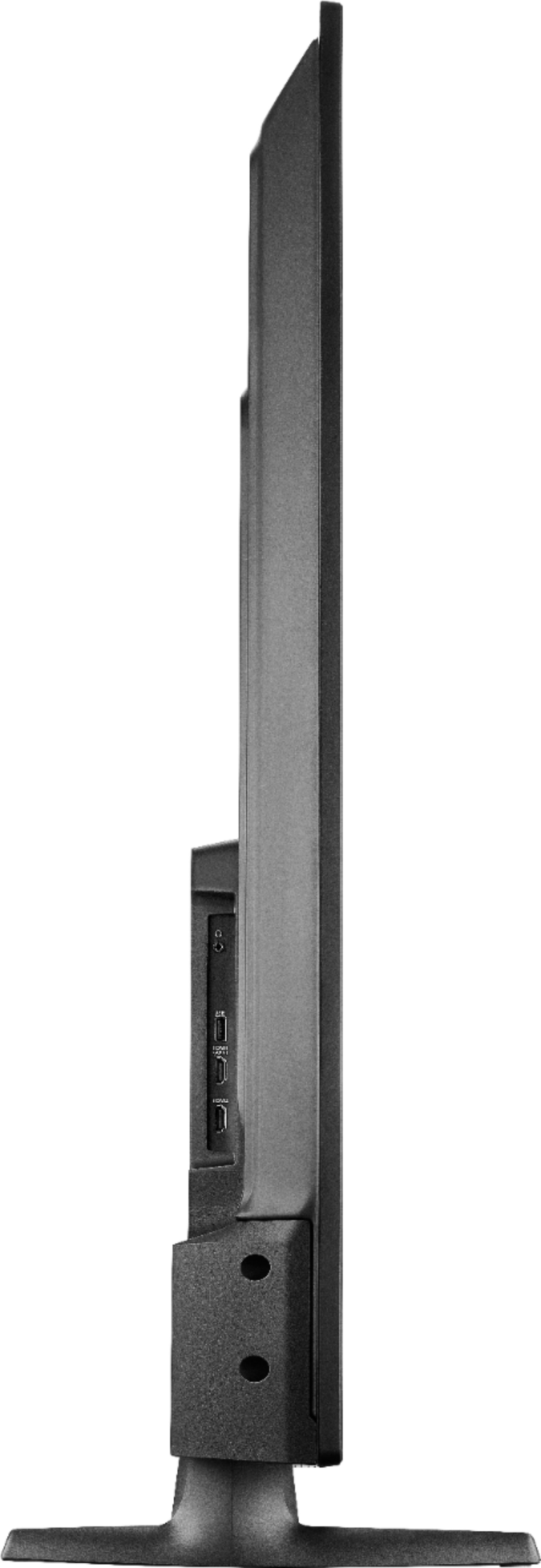
A:AnswerOK, The TV is wider than that. But I put a tape measure on the feet and they are just under 42 inches apart, so it should just fit on your 42 inch wide stand.
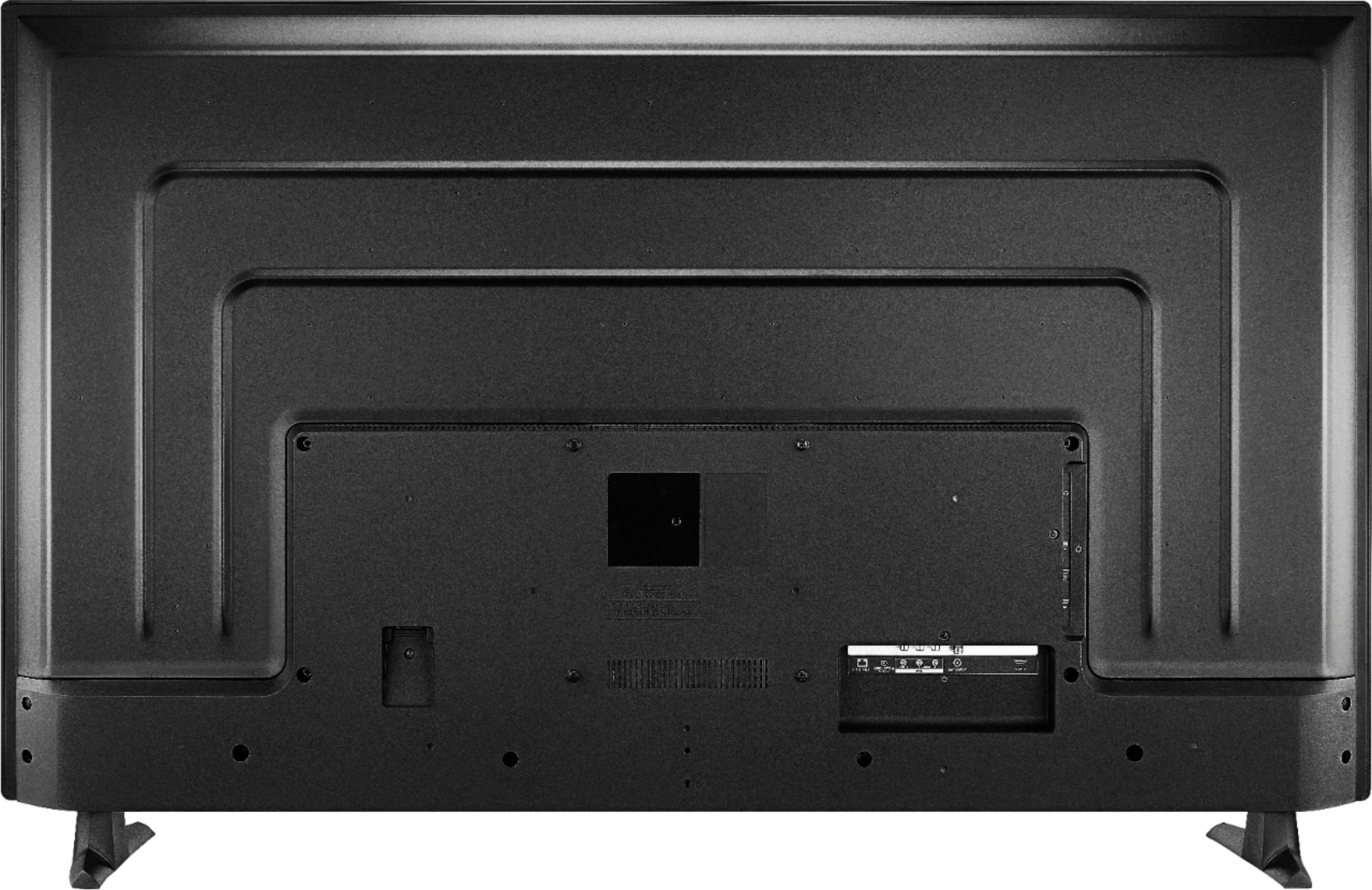
A:AnswerYou can connect an AppleTV (or any other device with a HDMI output) to the display and it will work. The TV has two HDMI inputs. You can stream from any of your apple devices by using Airplay and connecting to the AppleTV only. The display (TV) won't allow you to stream through it without the AppleTV.
A:AnswerI know that xFinity works just fine. There is a setting for the TV to turn back on at the place you turned it off. If you don't change the setting it will always start with the FireTV screen.
A:AnswerTry the Power On feature, when enabled, the TV turns on displaying the last used input. To activate it, go to Settings > Display & Sounds > Power On and select Last Input.
For product support please visit https://www.insigniaproducts.com/email-us
A:AnswerMy picture is magnificent so I really don't have a solution to adjusting it. If it was distorted when you first turned it on then my thoughts would be that it is either your input signal or device (DVD, cable, antenna, ect.) or something in wring with that particular set. I would take it back to best buy to exchange it.