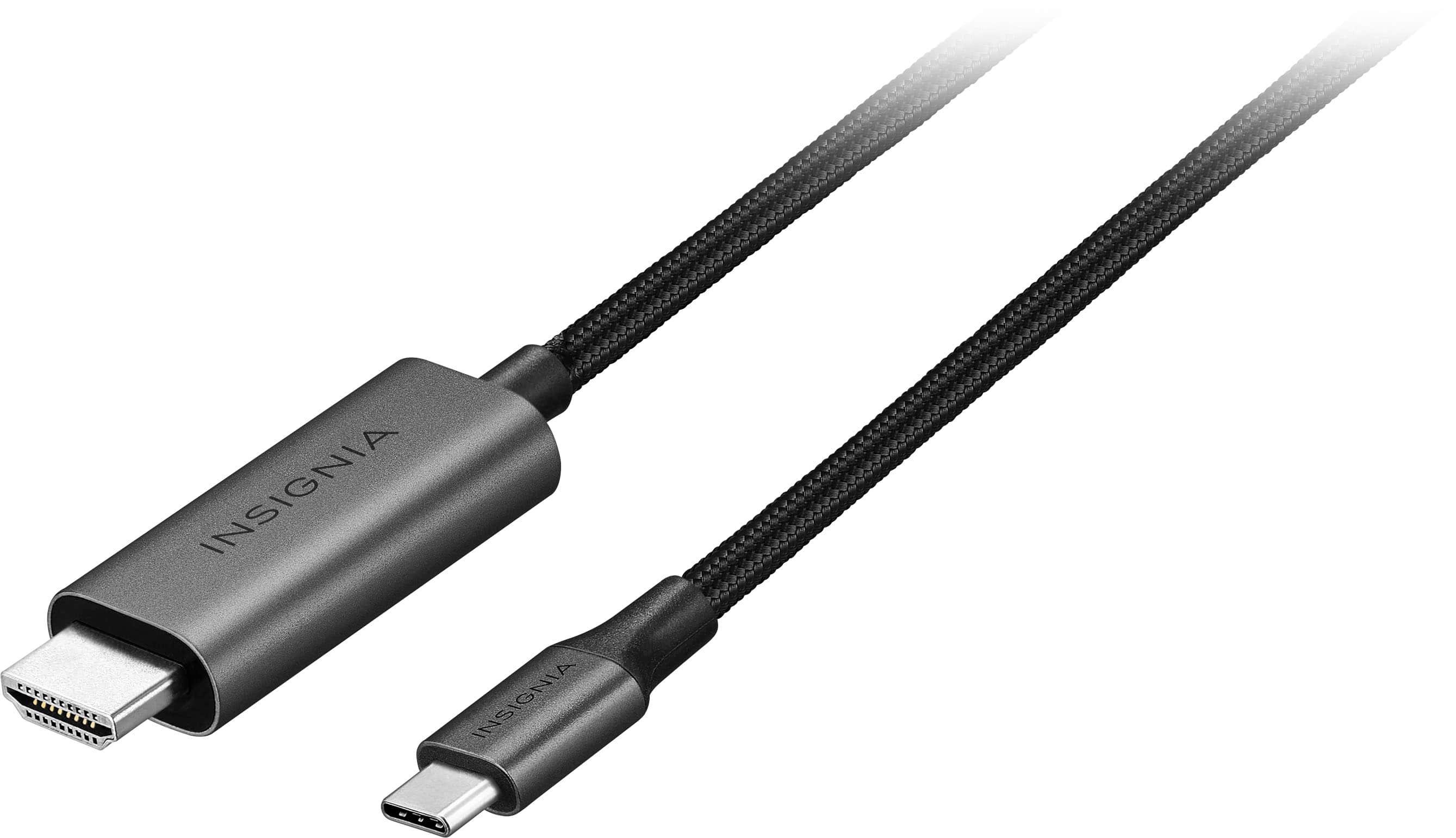
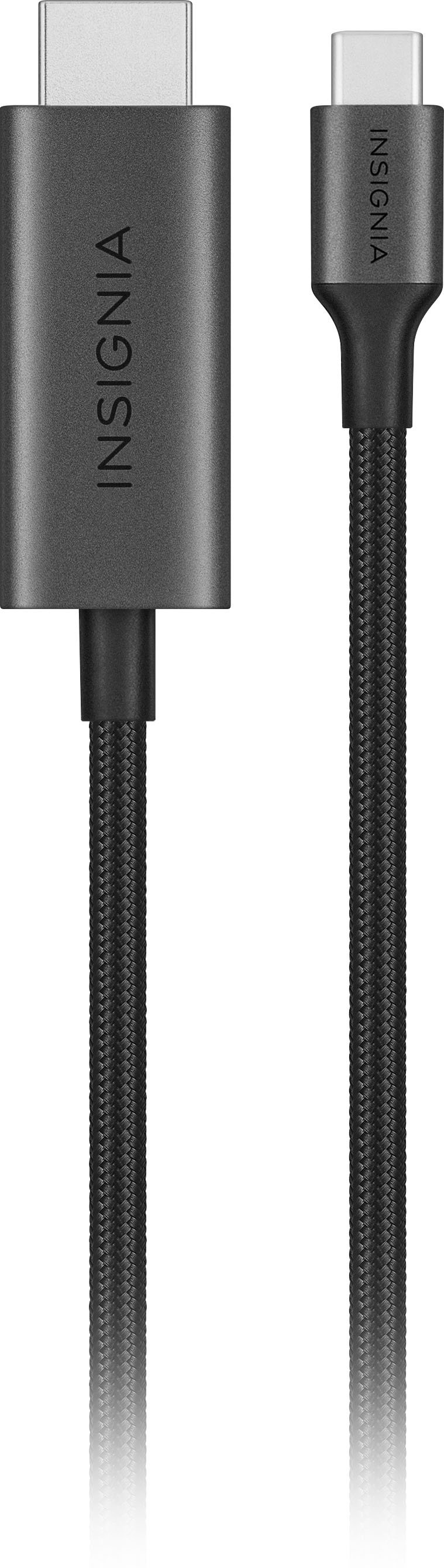
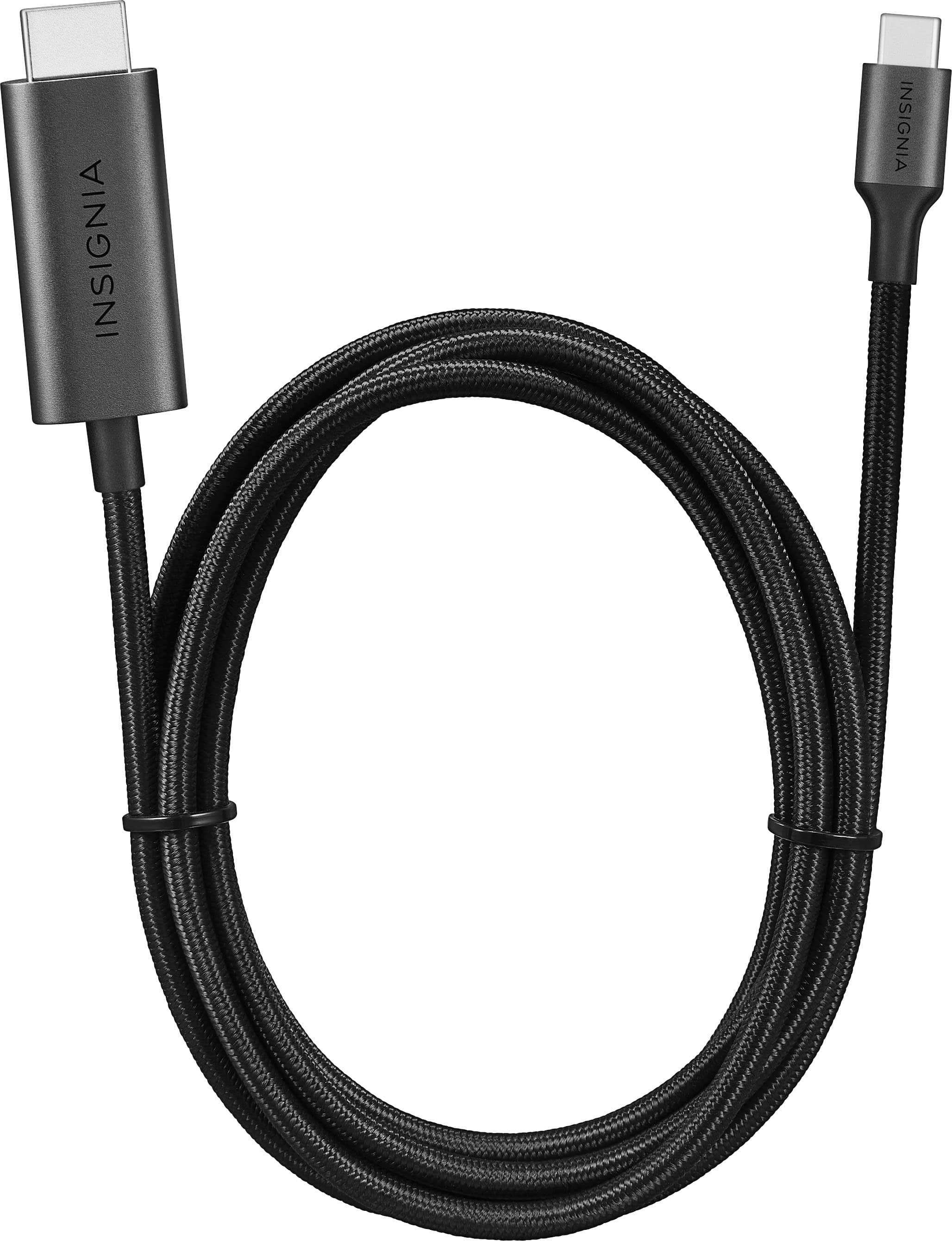
A:AnswerIve used this cable to connect my phone to my TV to use it like a little computer. You could very easily use it for display purposes and you'll likely have less lag than when using wireless screen mirroring.
A:AnswerHello SleekWizard,
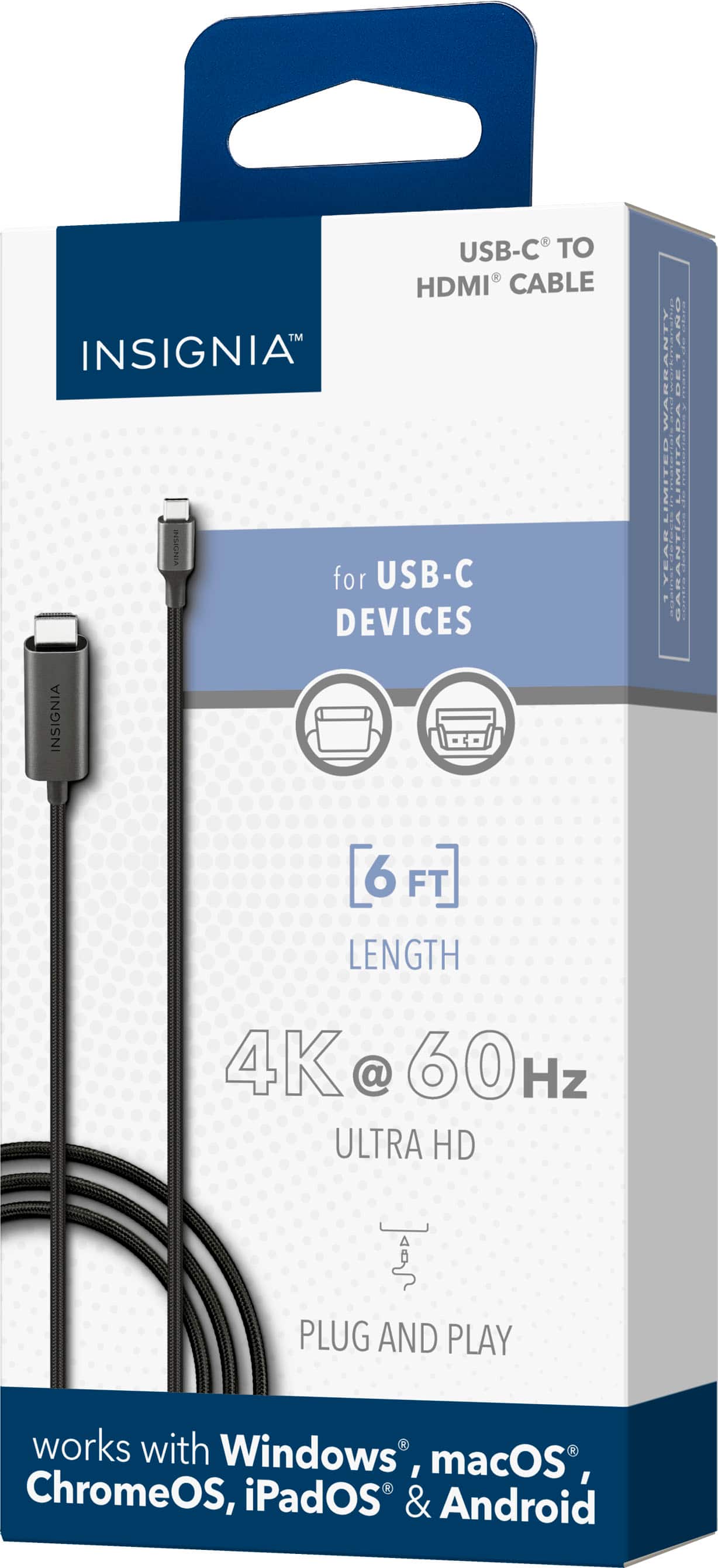
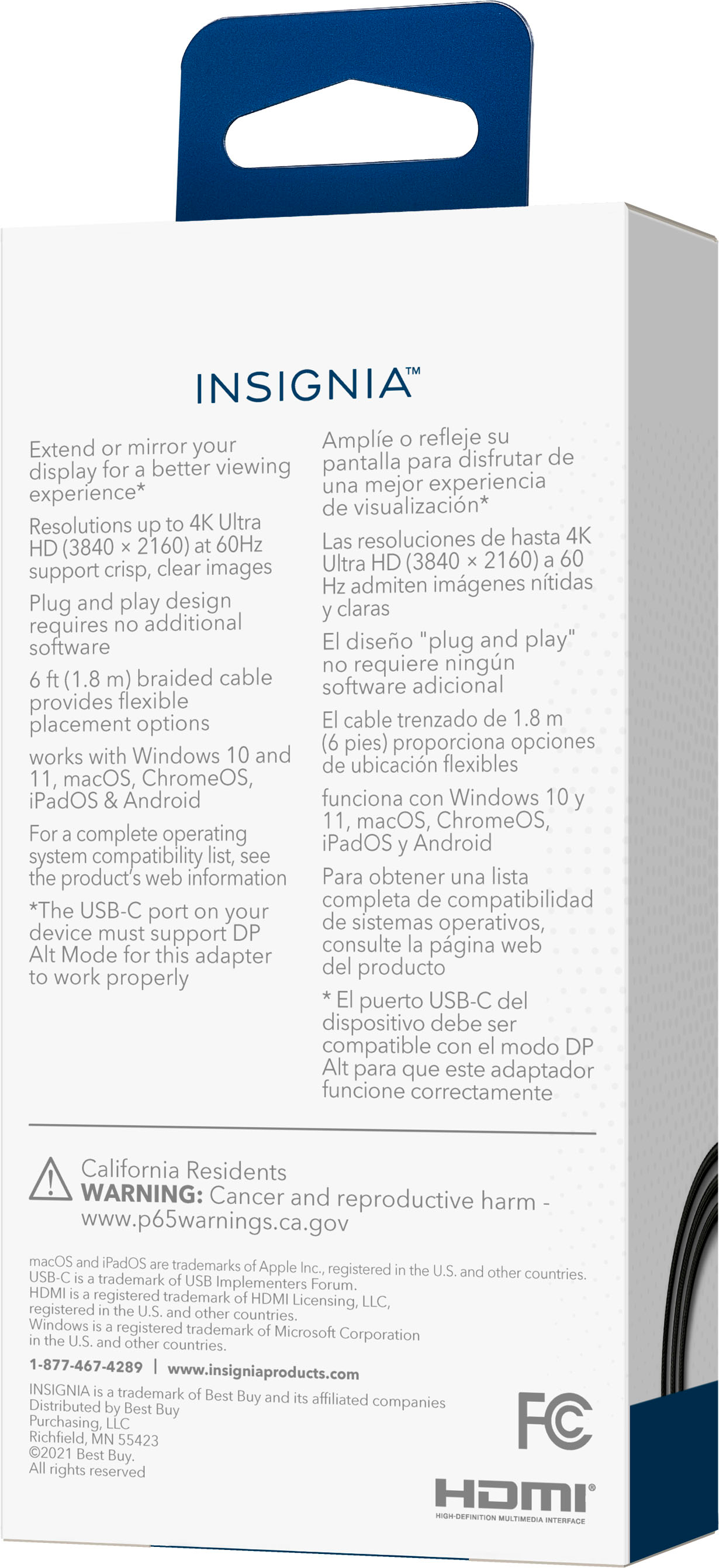
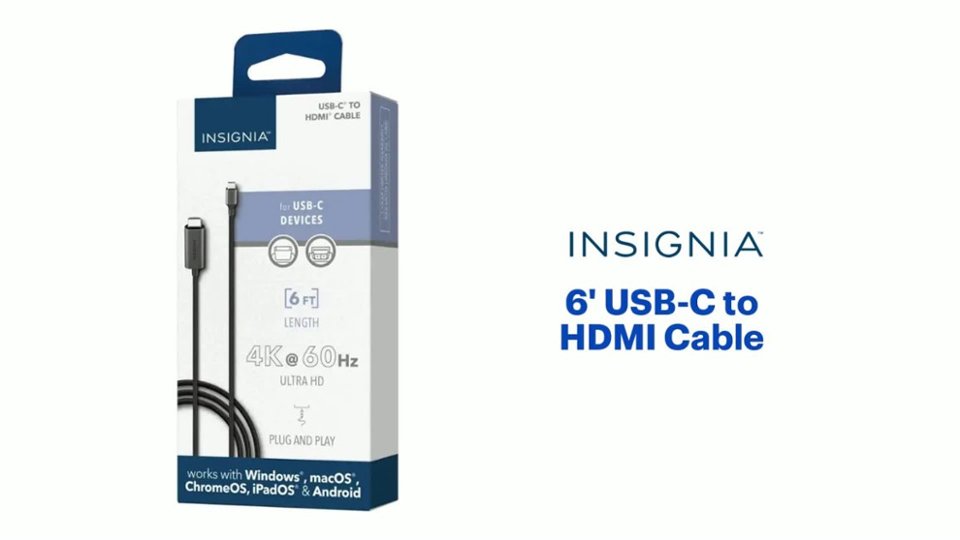
Connects to most USB-C devices that support DP Alt Mode for HDMI connections, including Windows 10, macOS 10.12 and Chrome OS systems.
Insignia Support
Louise
www.insigniaproducts.com/support
A:AnswerYou cannot use this cable to connect a USB C monitor to the HDMI port on your computer. This is not a bidirectional cable. I found this out the hard way. I purchased the cable, and when I opened the box, the cable had labels that say, "Notice: Directional Cable. Connect this end (the USB C) to the source device. Connect this end (the HDMI) to the monitor.
A:AnswerThis cable connects to most USB-C devices that support DP Alt Mode for HDMI connections.
Mary II Insignia Products II Please visit https://www.insigniaproducts.com/
A:AnswerYou won’t be able to watch Netflix without some kind of internet connection. If you’re asking if you can port the movie or show from your phone to the TV, I don’t think so.
A:AnswerYes, this HDMI cable can support thunderbolt 3.Thunderbolt uses the same miniaturized connector as USB Type-C (Mini DisplayPort on previous versions), but different hardware to control it.
Mary II Insignia Products Customer Support
A:AnswerHi there!
This unit supports resolution of 3840 × 2160 at 60 Hz grants crisp, clear images.
If you have any other concerns, you may use the link below to reach us.
Insignia Support
Dina
Please visit https://www.insigniaproducts.com/contact-us