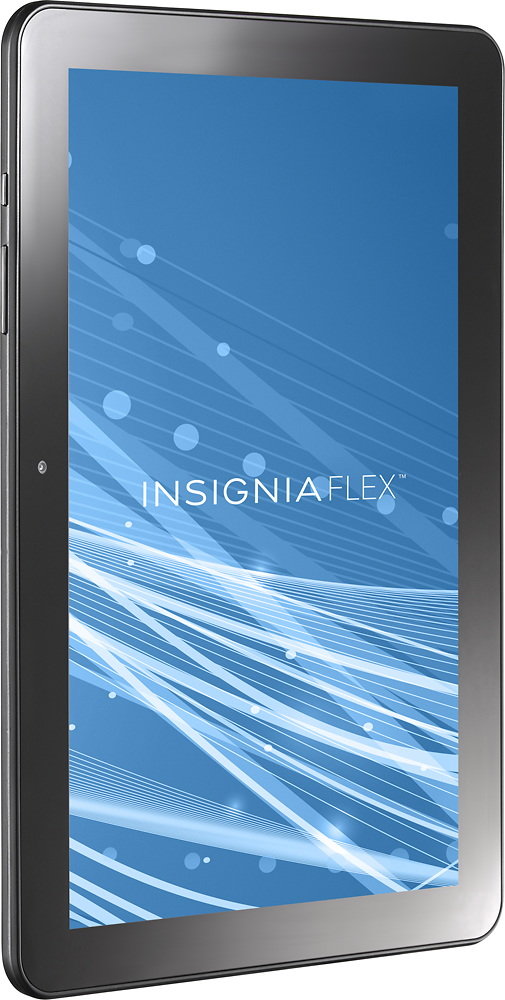
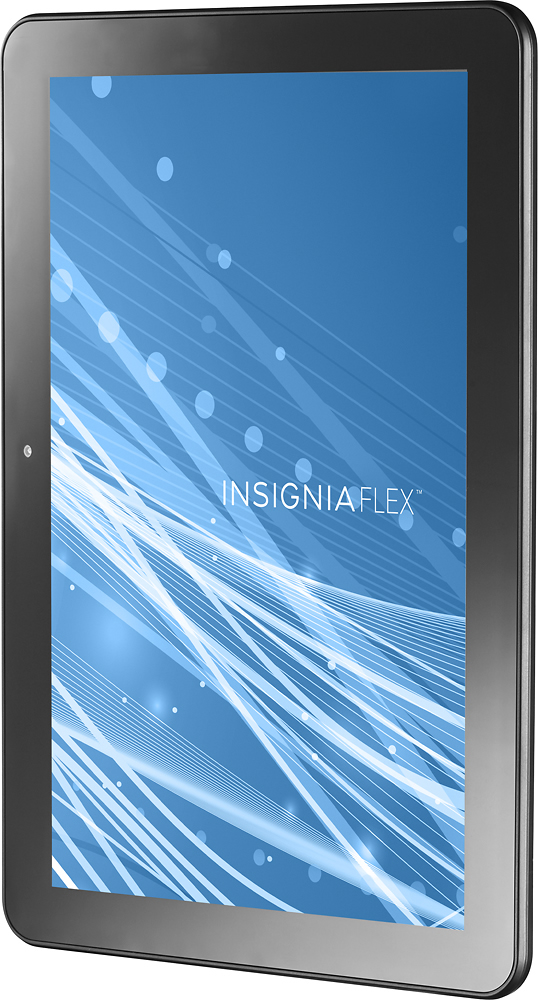
A:AnswerI discovered that sometimes you have to hold the power button in for a longer time to boot it up. My boys tablets did the same thing. But it cleared up after a couple of long boot ups.
A:AnswerThe wall charger is only set up for a 110 so if you are going to travel out side the USA you will need to get the converters that change the 110 plug into a 220 and they have the sets that come for the different country you can travel to
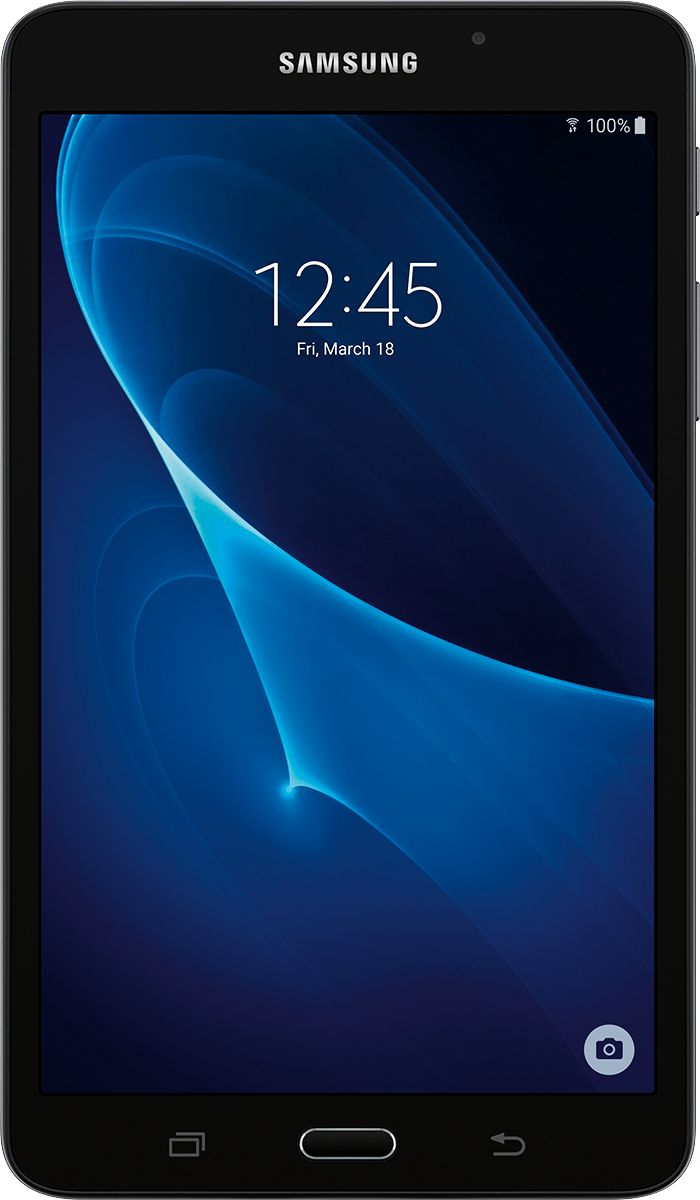
A:AnswerI only bought one Insignia tablet and took it back for a refund within three days. I had the same problem with getting it to turn on first thing in the morning. Plus, it was slow in terms of loading and running the Apps that actually worked properly on it. The screen resolution could be better. I replaced it with the Samsung Galaxy Tab A. 7-inch screen. Only 8GB internal storage and cost twice as much. But it runs beautifully. Excellent image quality. Like Night & Day between the two tablets...
A:AnswerI wish I knew. Mine will not turn on either. I have only used it 3 or 4 times since I purchased it several months ago. The battery should be charged since it has been plugged up over night. It does nothing.
A:AnswerDownload the Nickelodeon app from the Google Play Store. It should have episodes of Paw Patrol. There are also some Paw Patrol games. My grandson loves Paw Patrol too!
FYI Nickelodeon does take a good bit of data & storage memory. You many be able to download some episodes to watch offline.