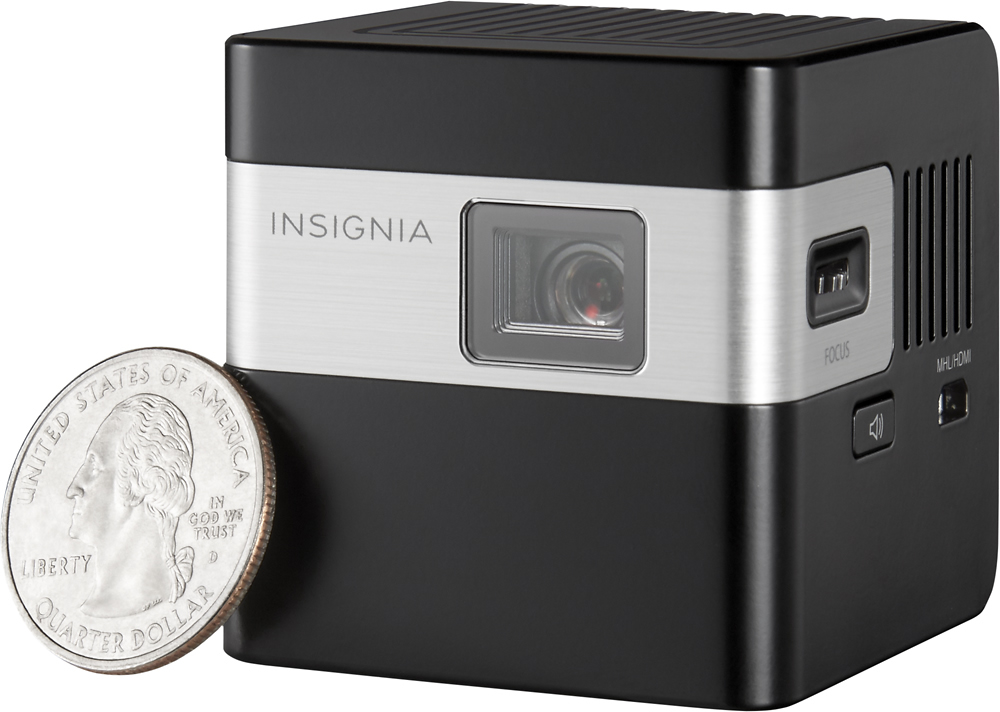
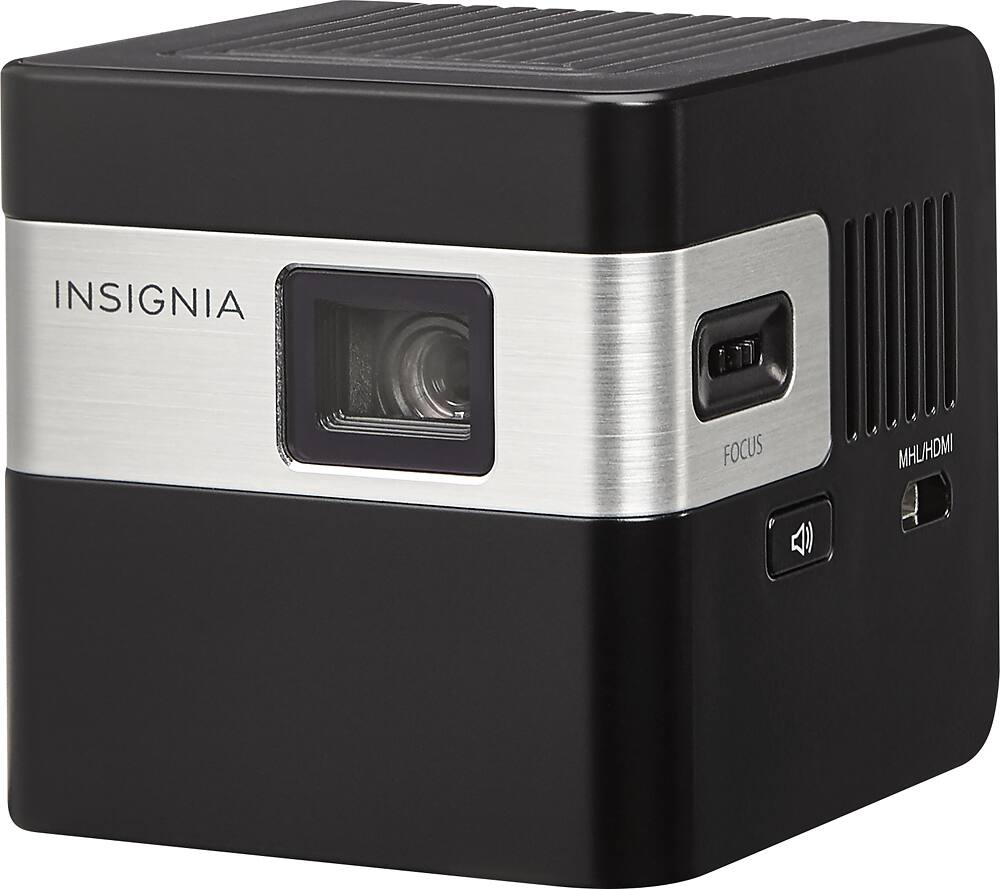
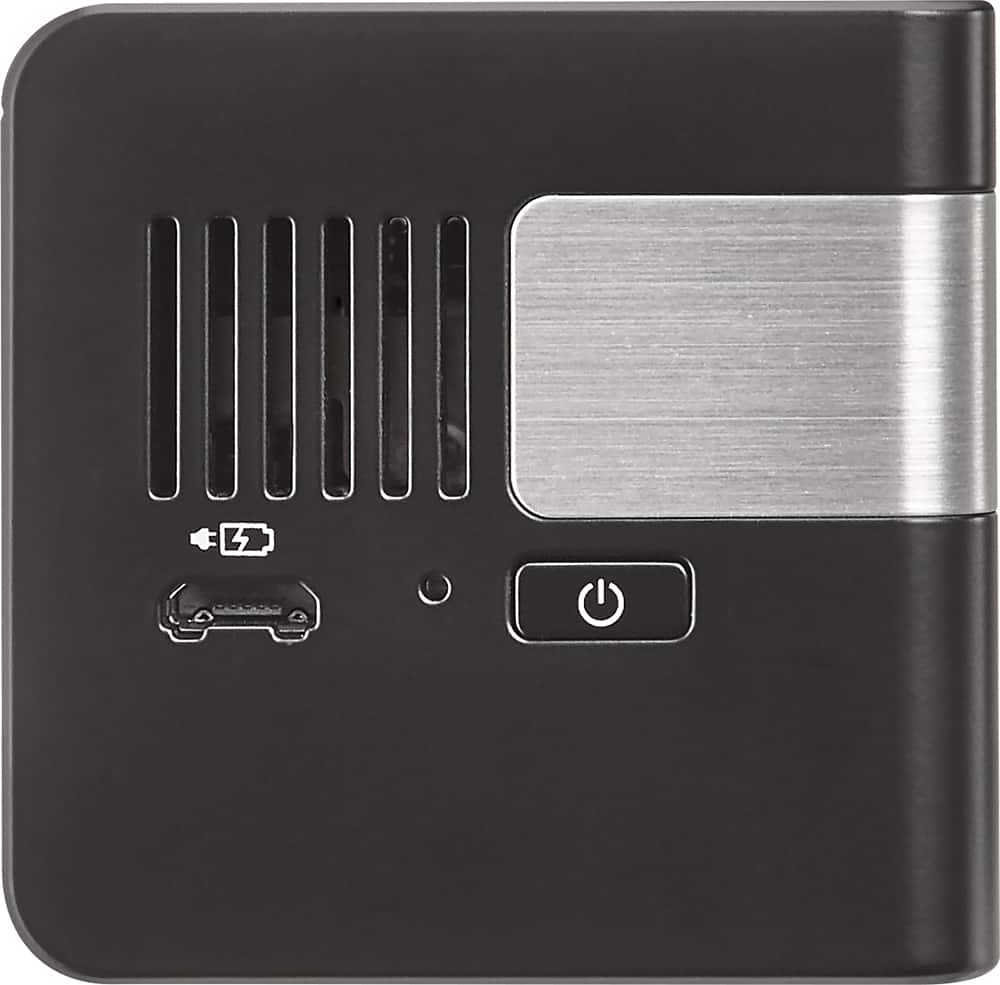
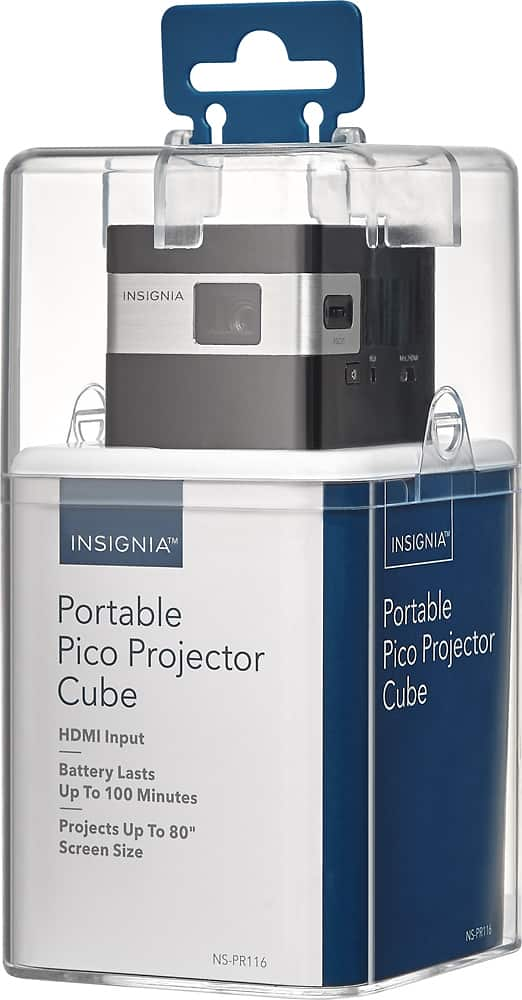
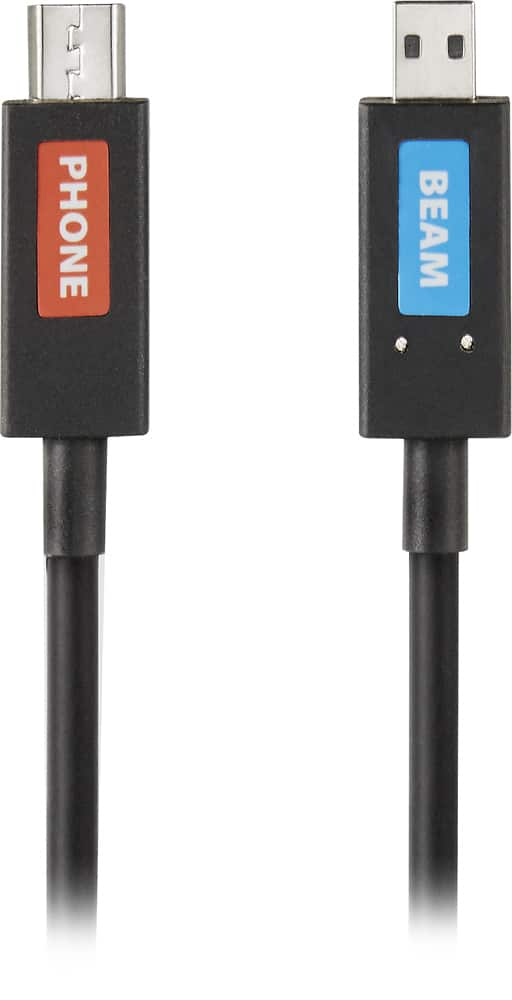
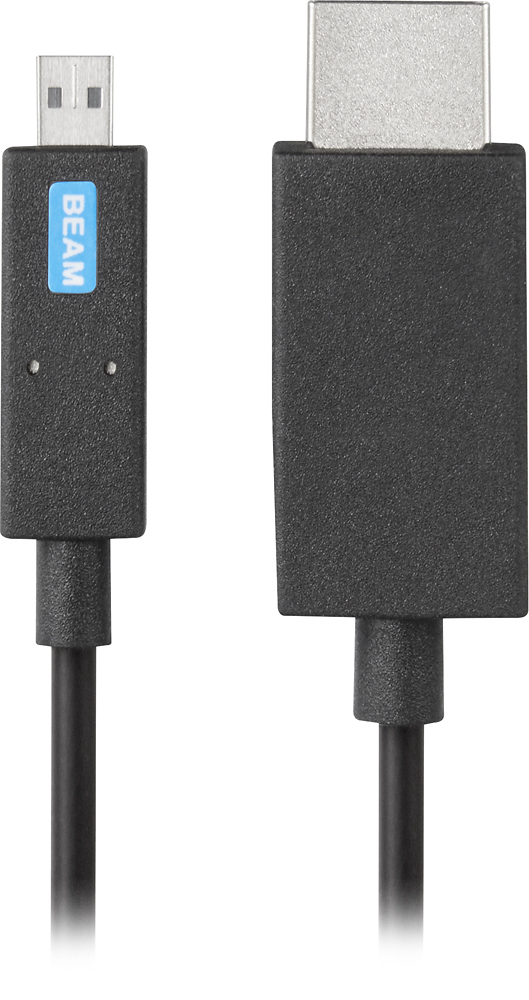
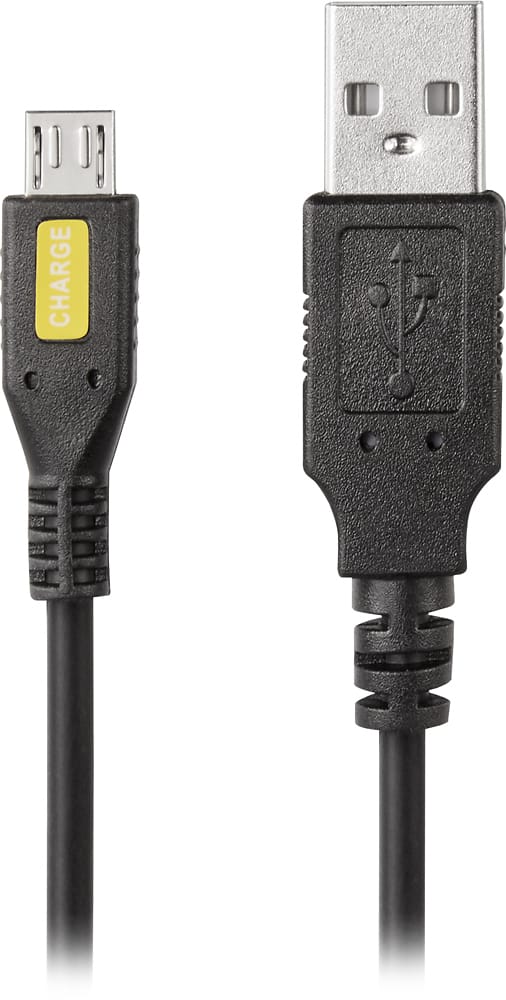
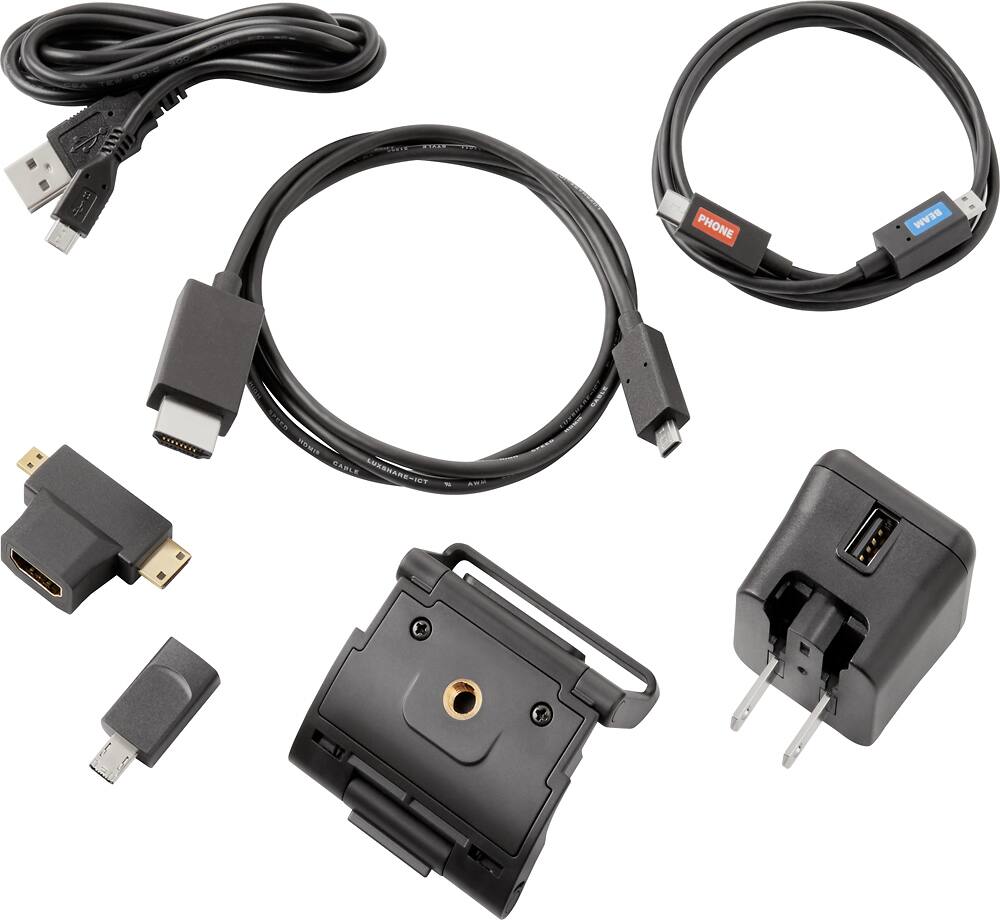
A:AnswerFor your laptop, you need to switch your output source, for Windows laptop is FN and the symbol of a laptop or/and screen. For the Android phones it got to be capable of Miracast or MHL and also a cable with hdmi to microusb (MHL/ Miracast).
A:Answer9-1/2 ft for an 80” screen. To get a 50” diagonal image on the screen the projector needs to be 6 ft away from the screen. The Throw Ratio for this projector is 1.43. Daniel T - Insignia Support
A:AnswerAfter you hook it up try turning it off again if not that try turning off your laptop but don’t turn the box off and see if that works hope this helps.
A:AnswerI have tried everything to work a bluetooth from many devices and also stream to the projector at the same time and could not find a way. The internal speaker by itself is useless.
A:AnswerThis is the manual (in .pdf form):
https://files.bbystatic.com/V3p7g4rp%2BaX%2BtlPX1e%2F3Rg%3D%3D/NS-PR116_NS-PR116-C_16-1144_QSG_V3_EN_Final_lr.pdf
A:AnswerDepending on the devices (PC, tablet or other HDMI device), I'd have to guess and say that your device needs to enable "output to second (or other) display".
A:AnswerWhen I had this issue I found that the issue was with the connection to the device I was using. I unplugged it from my computer, restarted the device then plugged it back in. After that it worked perfectly.