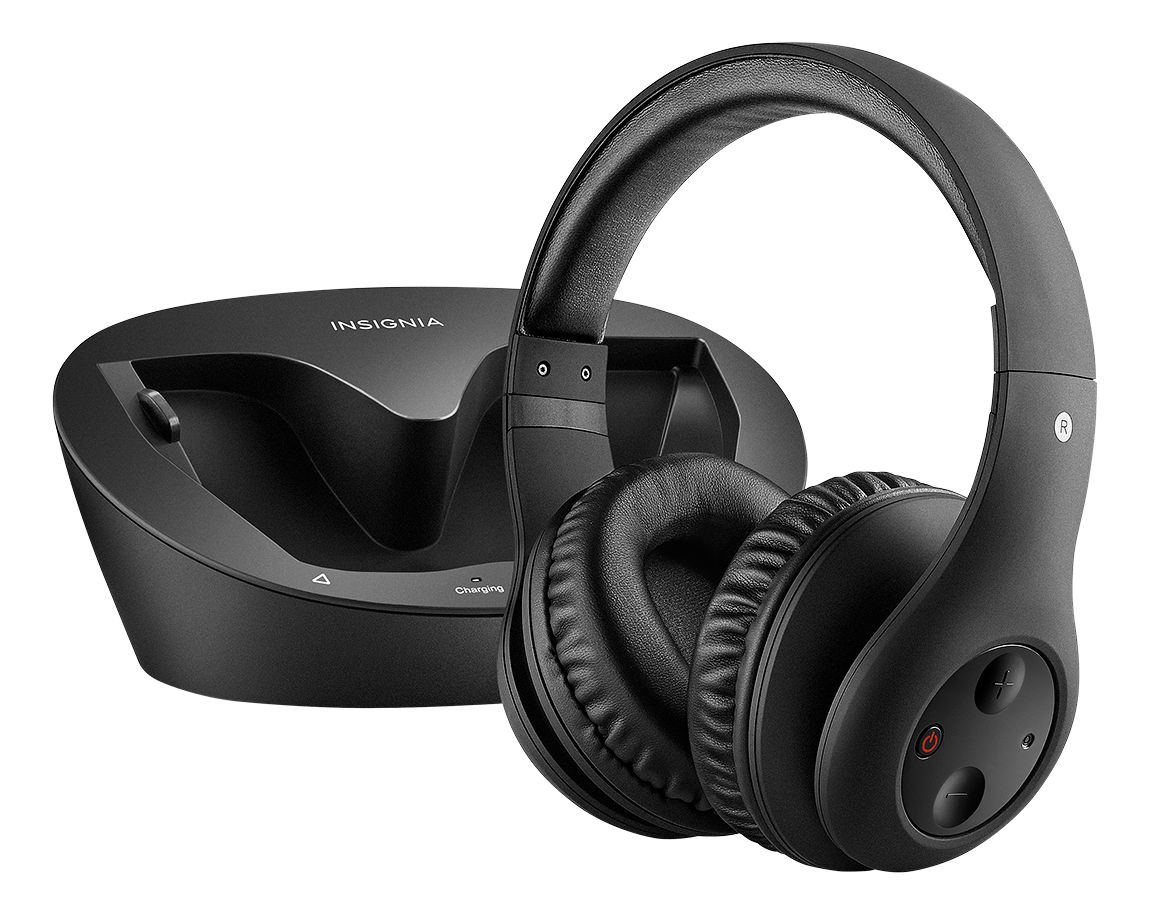
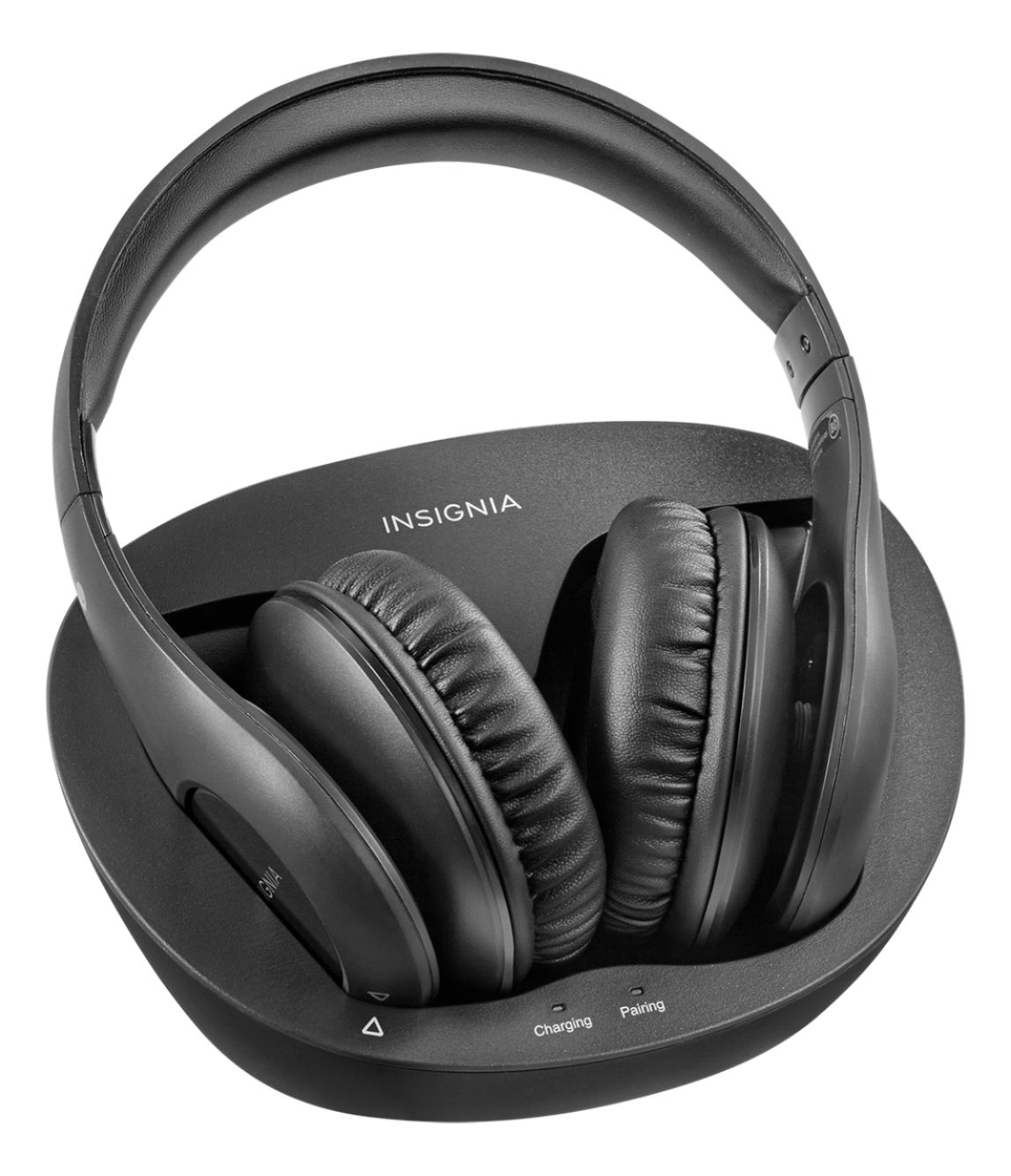
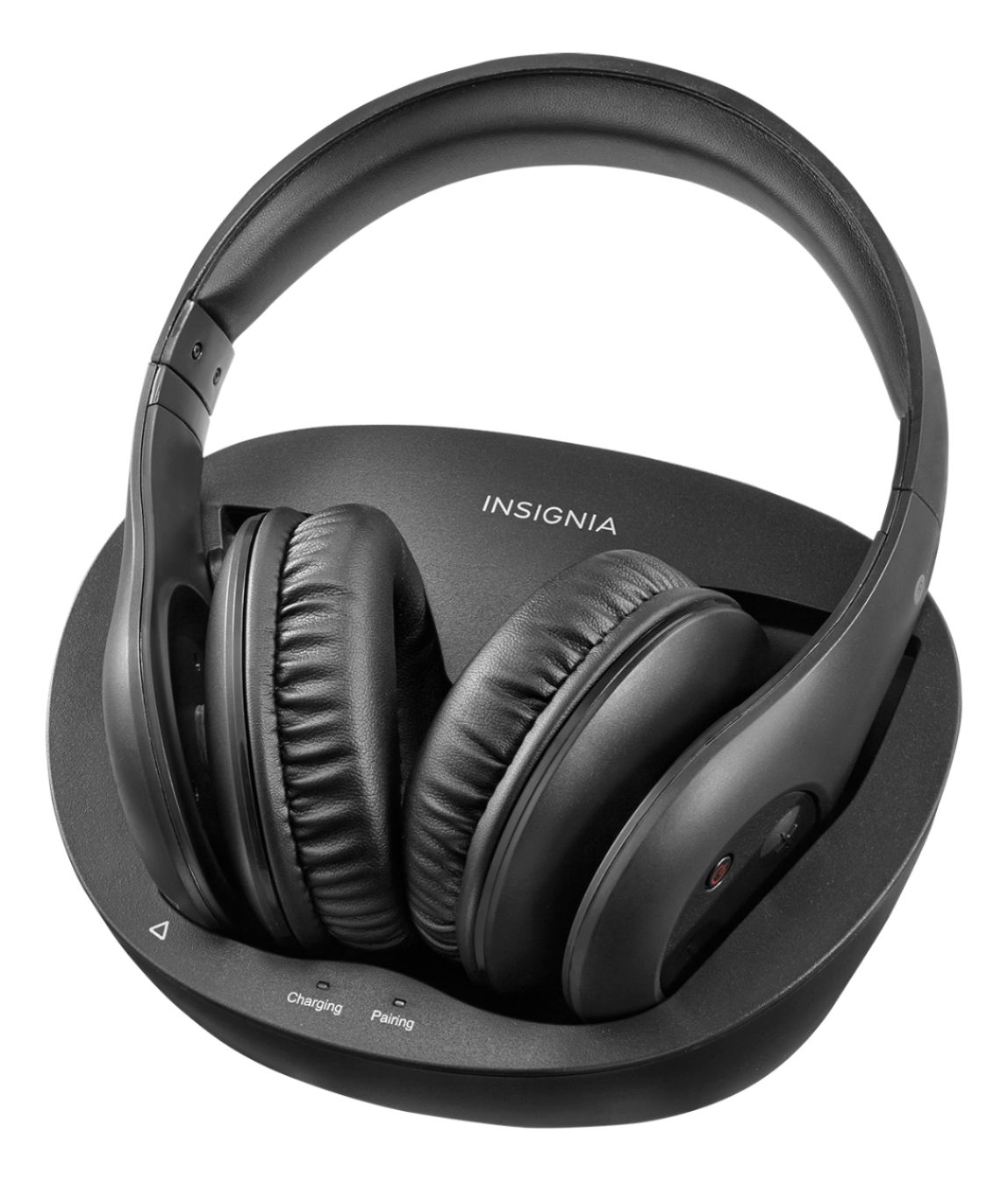
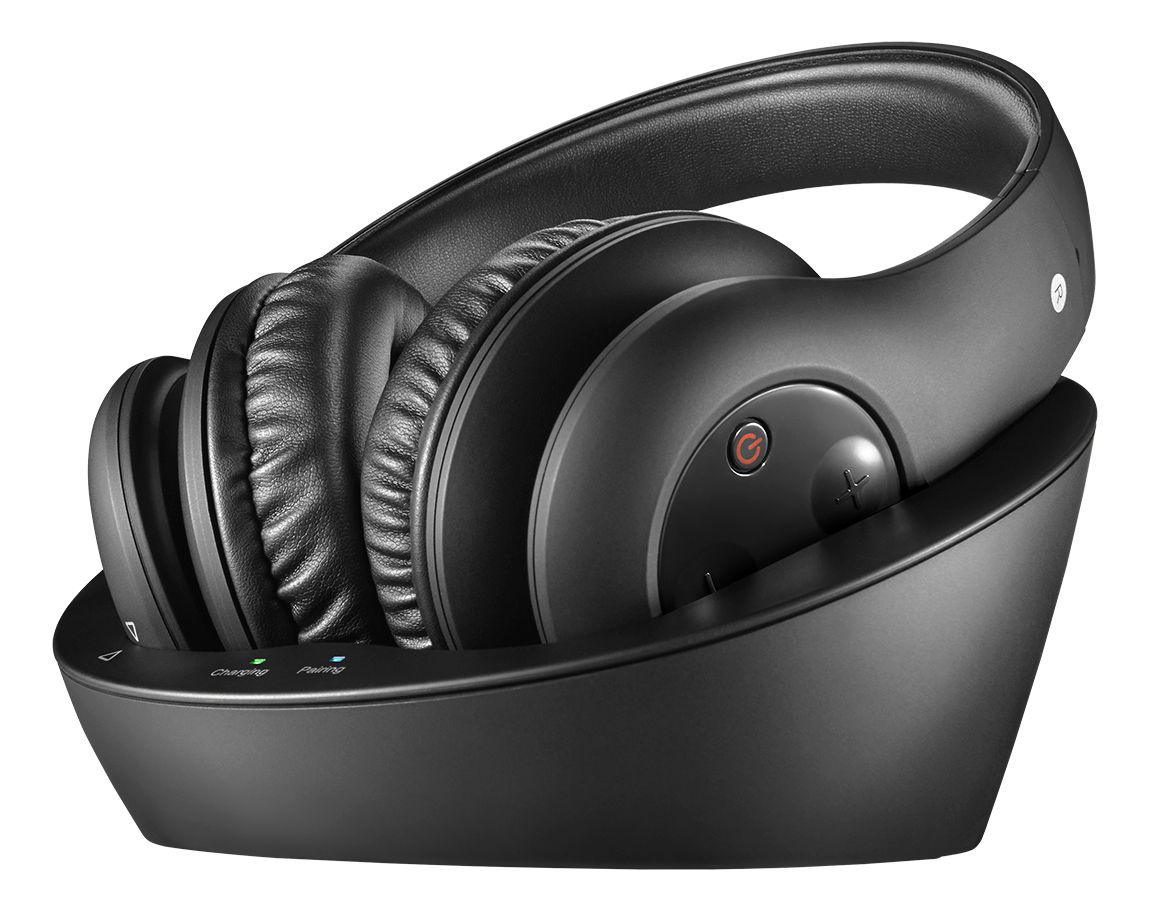
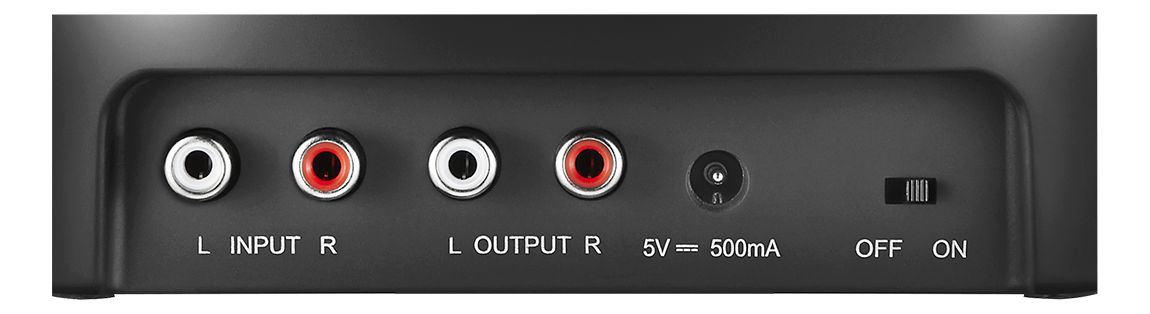
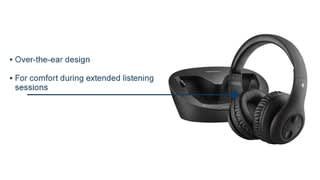
A:AnswerConnect them to audio output in the back of your TV it will be white and red. Match the colors on the cable and the other end goes to the headset receiver.
A:AnswerHi, keep in mind that these headphones broadcast on a 2.4GHz frequency and you should be aware of other devices such as cordless phone Wi-Fi routers and the likes that operate on the same frequency range that might cause an interference. So far I've not experience any problem with my headphones,. I would suggest turning the headphones off from the headset and back on again. This should force a new paring sequence that might eliminate the problem.
Good luck,
geepps61
A:AnswerYou probably have an optical out connection. To make these work you need an adapter and special cable. They have both a Best Buy. Runs about $58
A:AnswerHi taybay,
We certainly appreciate your questions and comments about our Over-the-Ear Wireless Headphones. If you have a 3.5mm splitter or a RCA Splitter cable, you could run both headsets out of the same TV port by using a splitter. We hope you enjoy it!
Arely R. - Insignia Support
A:AnswerI'm no expert but I think it could. The charging unit plugs into the earphone port on your computer. The wireless headphones get their signal through the charging unit. Don't know how a skype conversation works involving the microphone. Good luck.
A:AnswerYes! This product does a wonderful job at letting one person hear using the headphones, and the other person hear using the TV volume! I love it!
A:AnswerMore than likely the headphones are connected to a cable/satellite box so that is the only audio they will get. You will need to connect the headphones directly to the TV. Connecting the devices this way will allow you to get audio for whatever is on the TV screen.
A:AnswerWhen you take the headphones off the base and turn them on, they will attempt to pair with the base. If you are having to unplug the base frequently to get them to pair you may want to take the set back into Best Buy to the Geek Squad counter with the receipt for warranty evaluation.
A:AnswerI have two units in my home and don't have no problem with splitting them off on the TV. The devices will work on different channels so interference should be minimal to none.
A:AnswerYou can not connect it directly to your Apple TV, if you have your Apple TV hooked to a TV you can connect it to the TV and listen to anything in Apple TV through your TV.