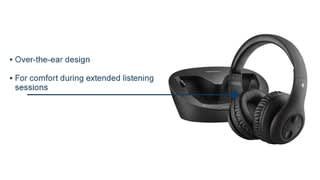
A:AnswerI was having a similar issue and moved the docking station a few feet farther away from the television. That *seems* to have solved the problem, so it's worth a try.
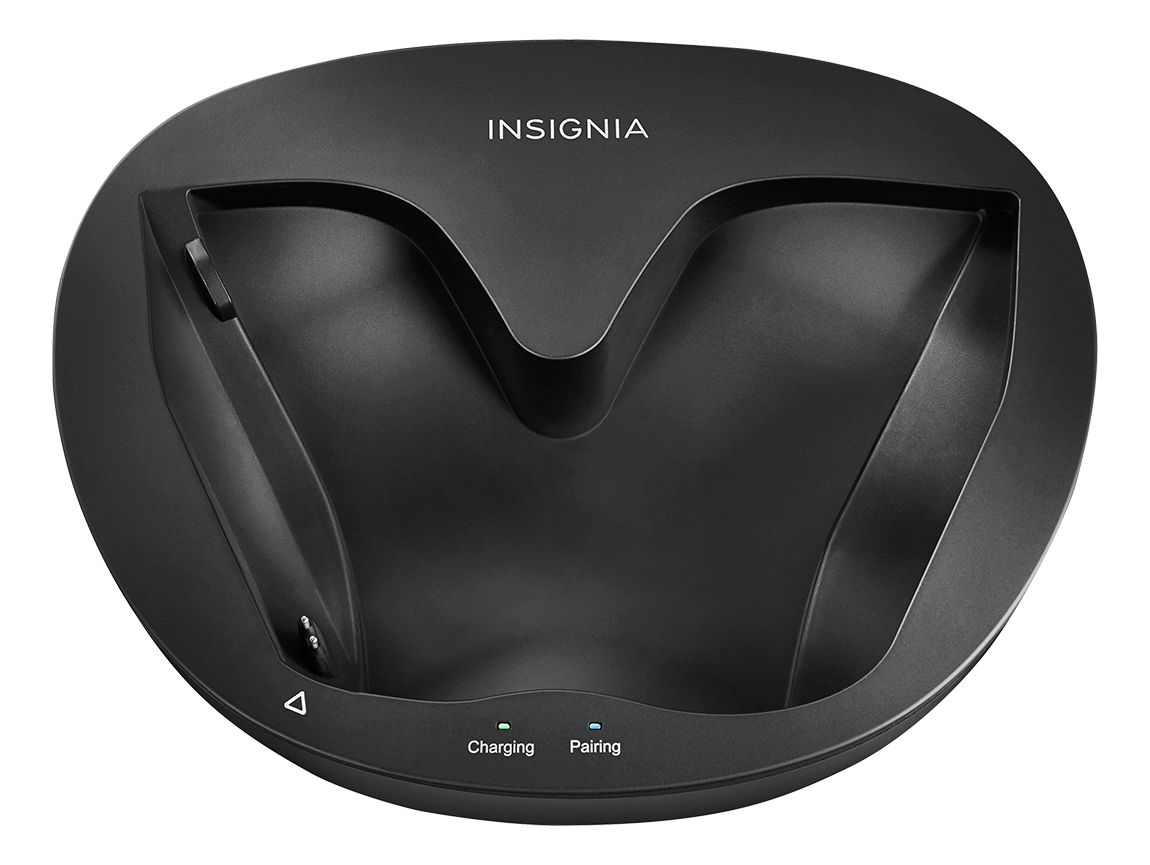
A:AnswerHi! If the red light does not change to green after being on charge for more than four hours, my suggestion would be for you to contact us at Insignia 8777-467-4289 so we can assist you with your unit. Viri E. Insignia Support
A:Answerthe particular television model that were using with these headsets do not allow that programing option. I'm sure some TVs with more bells and whistles will allow that feature. You could cable the tv audio out to a small stereo. run main speakers and use the stereos line out to power the headset unit. there's always a way if you don't mind the hassle and more cost.
A:AnswerSorry I don't think you can pair with a phone. I've got two pairs of these and have them plugged into my tvs. You have to have an audio source plugged into the base- and there is no adapter for phones. These are for connecting to a receiver or tv.
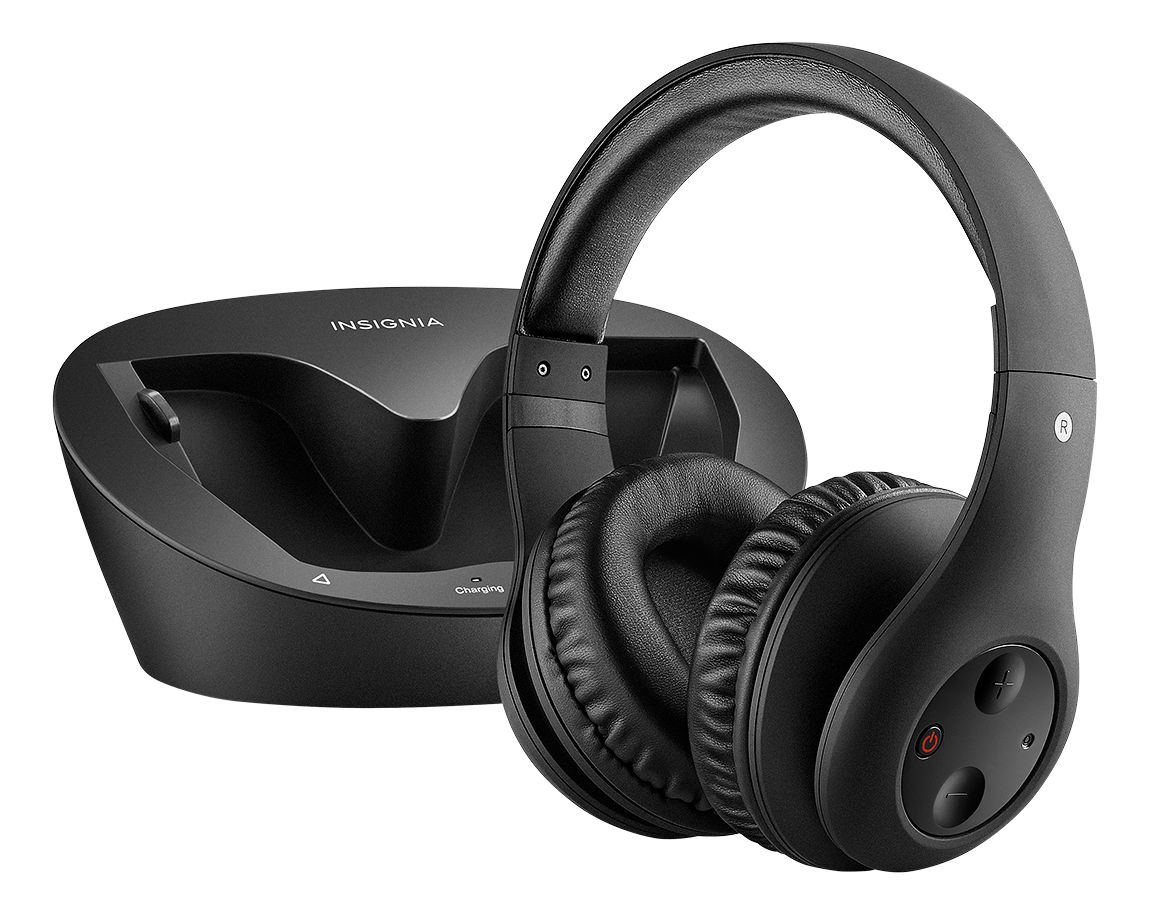
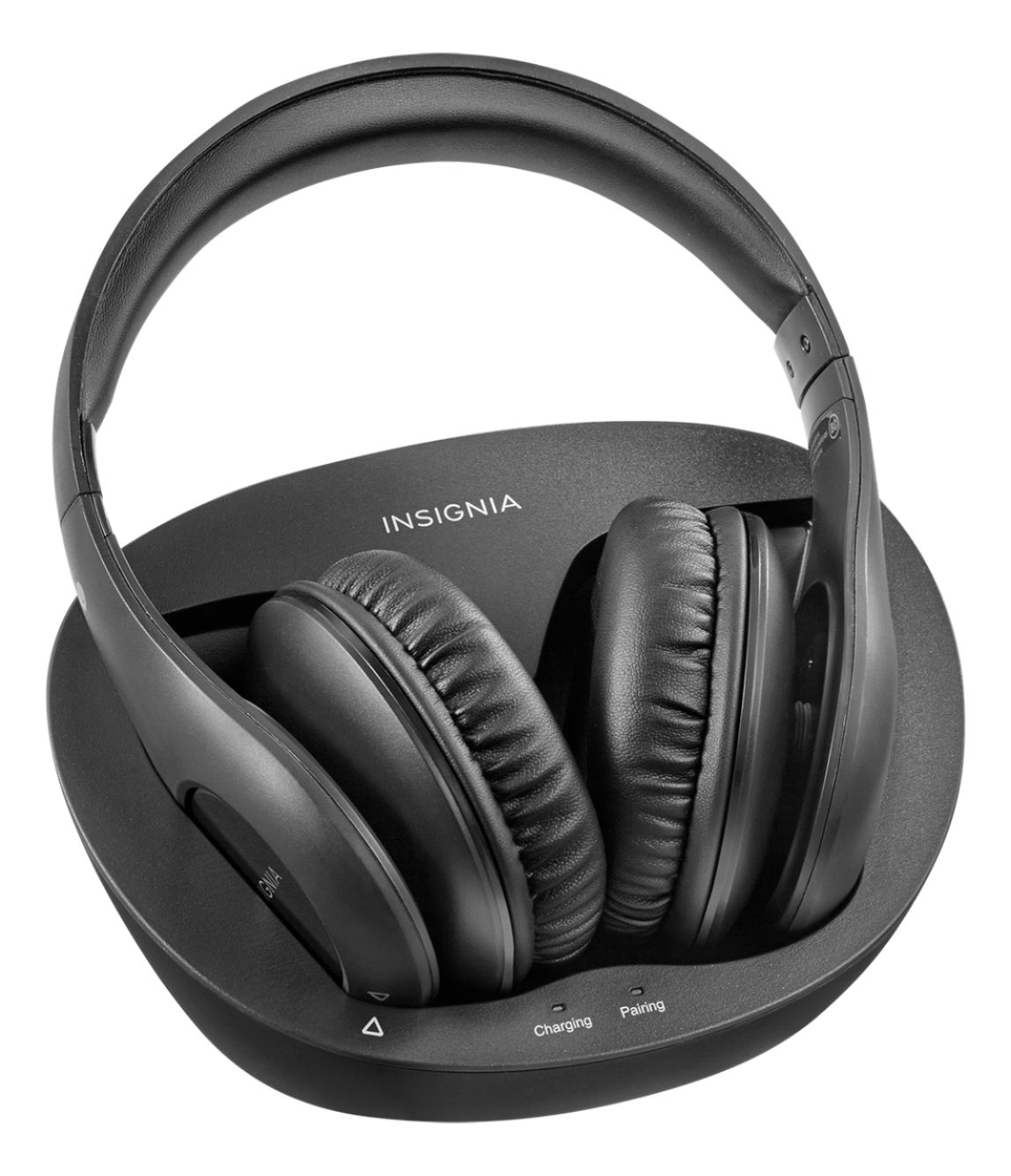
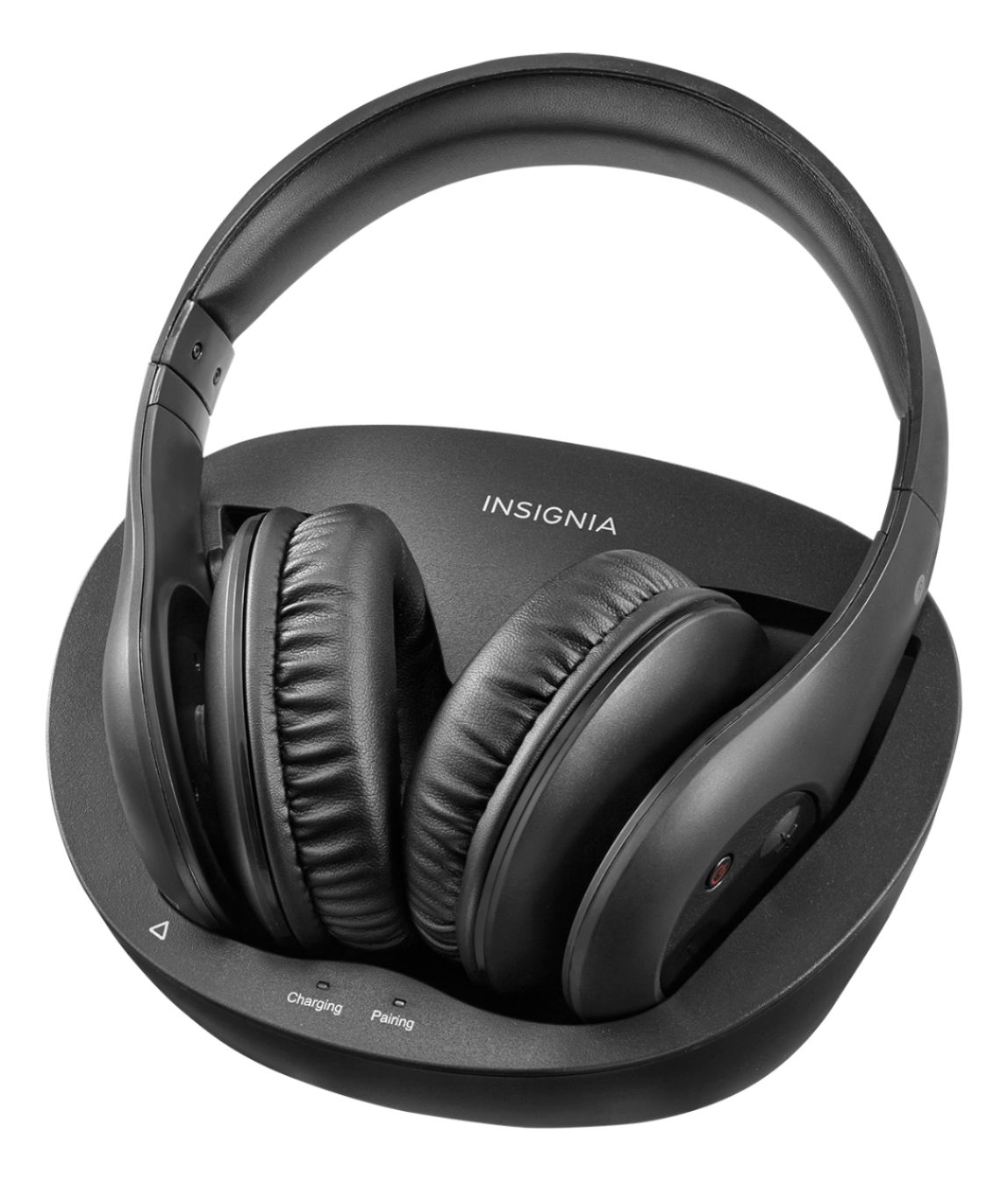
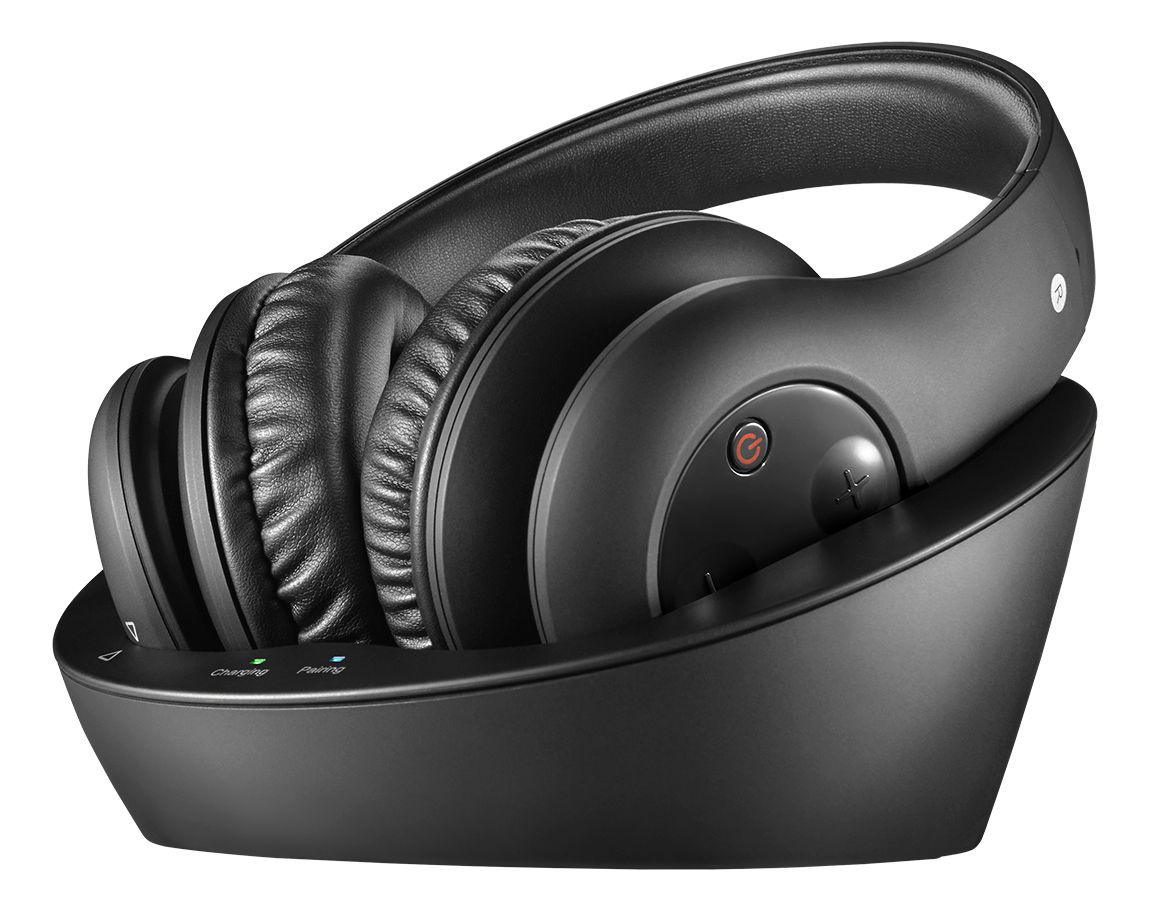
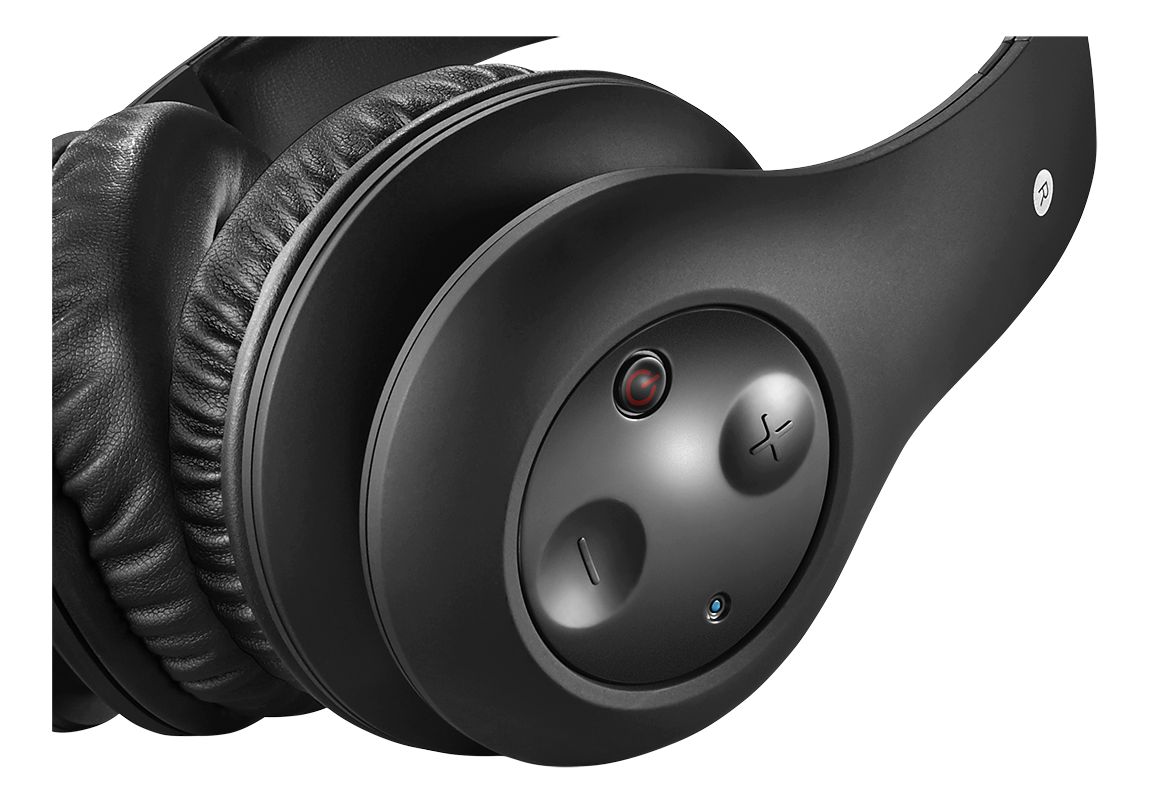
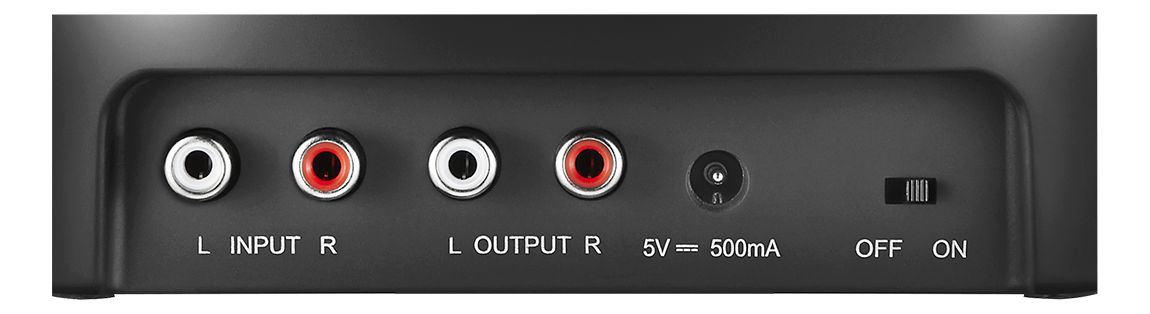
A:AnswerFirst plug in the charging base and turn it on. Put the headphones in it and let them charge up. Use the smaller connector, and plug the male into the speaker hole in the back or side of your TV. The same place where you would plug in earbuds. Then, connect that to the long cable that has the white and red ends. White to white, and red to red. Plug the other end of the long connector into the back of the charging base. Make sure that when you look at the side of the headphones, the light is on. If it's not, just press the button on the left side of that headphone. And it should automatically link with the charging base. Both of them will have the light on.
A:AnswerYou don't need a headphone jack/socket. They plug into the tv with RCA jacks. They come with an adapter in case you need to use a single or double RCA setup on your particular television. They connect in under one minute and are extremely easy to move from one tv to another if you chose to do so.
A:AnswerIt will flash red and blue when in the charging cradle until charge is complete. It will then be only blue when in use until properly returned and placed in cradle to recharge.
A:Answerhad same problem. realized the RCA red and white for tv was input only not output. Tv did have a digital audio output but not RCA. Had to buy a digital cable and a digital output to RCA converter. Hooked that up and headphones worked fine. double check your tv to see if RCA is input only. you should have a digital out or a 3.5 out if it doesnt
A:AnswerIt's automatic. Plug them in, connect base and TV with included cables and they should pair in a minute or so. The sound quality is good but they will only last about 2 years or less. No replaceable batteries so when the inside battery dies, so do the headphones. This is my third set but for the price, I've been very pleased with them.