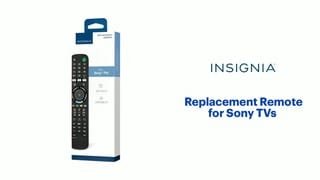
A:AnswerNo, this replacement remote doesn't work for Blu-ray/DVD players.
Try the Remote Control RMT-VB310U https://sony.encompass.com/item/10949758/Sony/1-493-284-11/
A:AnswerHi there! The Insignia™ Replacement Remote for Sony TVs (Model NS-RMTSNY21) is primarily designed to work with Sony TVs and may not support all functions, especially for navigating channels with sub-channels like 2.1 or 7.2 when using an antenna. -Ed | Insignia Support | https://www.bestbuy.com/site/brands/best-buy-brands/pcmcat1596746025285.c?id=pcmcat1596746025285
A:AnswerHi Pati,
Actually, you can pair the remote to your soundbar or audio receiver to control the audio level. Works with Yamaha, Bose, Denon, Samsung, JBL, Harman, Kardon, LG, JVC, Marantz, Philips, Onkyo, Panasonic, Technics, Pioneer and Sony brands. You can pair it quickly and easily with nearly all existing Sony TVs. For more product details, please visit https://www.bestbuy.com/site/brands/best-buy-brands/pcmcat1596746025285.c?id=pcmcat1596746025285
Insignia Support
https://www.bestbuy.com/site/brands/best-buy-brands/pcmcat1596746025285.c?id=pcmcat1596746025285
A:AnswerHi there,
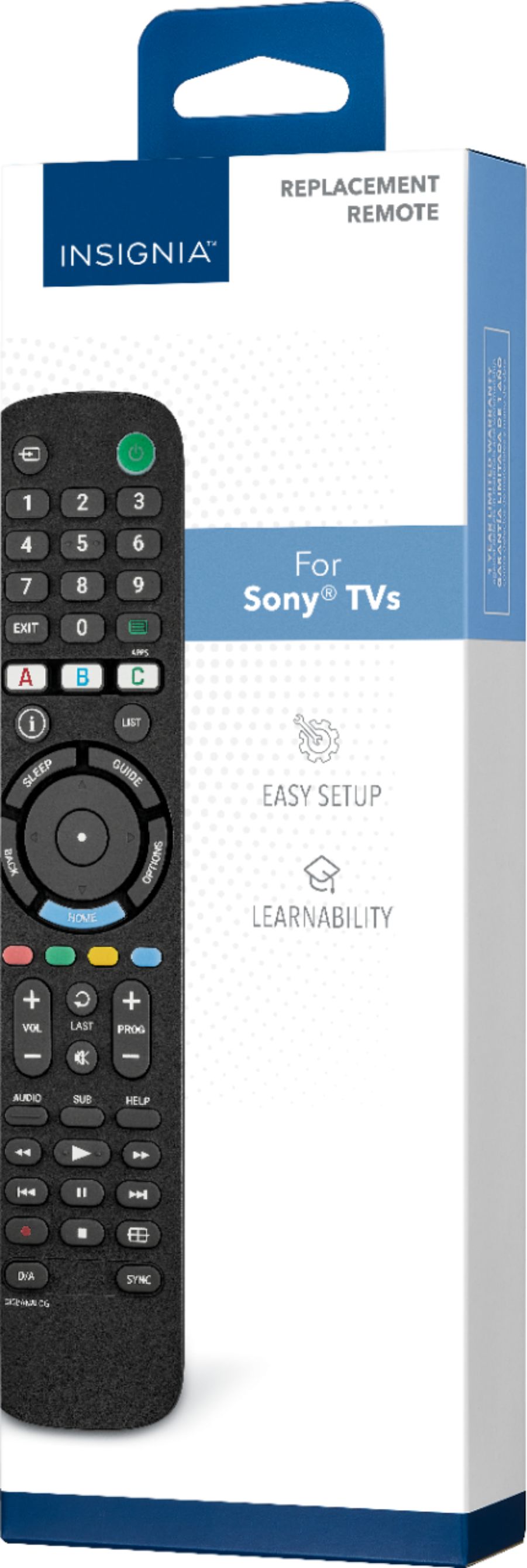
Since the product is a replacement remote for Sony TV, it will definitely work with nearly all existing Sony TVs.
Insignia Support
Molina
https://www.bestbuy.com/site/brands/best-buy-brands/pcmcat1596746025285.c?id=pcmcat1596746025285
A:AnswerHi Saguaro,
We really want to help you address this issue. For us to better assist you, please contact us directly at 1-877-467-4289 or you can email us www.bestbuy.com/site/brands/best-buy-brands/pcmcat1596746025285.c?id=pcmcat1596746025285 at so we can provide the best possible solution.
Insignia Product
Marites
www.bestbuy.com/site/brands/best-buy-brands/pcmcat1596746025285.c?id=pcmcat1596746025285
A:AnswerI would like to say giving the same response does not answer the question as to rather it will work with a model or not if you don't know just say you don't know.
A:AnswerTo scan for channels on your TV using the Insignia™ Replacement Remote for Sony TVs, follow these steps:
1. Connect the Antenna: Ensure your TV is connected to an antenna.
2.Turn on the TV: Use the power button on your remote.
3. Access the Menu: Press the “Menu” button on your remote.
4. Navigate to Channels: Use the arrow keys to go to the “Channels” or “Channel Setup” option.
5. Select Auto Program: Choose “Auto Program” or “Auto Scan” and select “Antenna” as the signal type.
6. Start the Scan: Press “Enter” to begin the channel scan. This process may take a few minutes.
7. Complete the Scan: Once the scan is complete, you should see a list of available channels.
If you need more detailed instructions, you can refer to the user manual.
If you have any questions or need further assistance, please don't hesitate to reach out. Thank you for choosing Insignia! - Emman | Insignia Support | https://www.bestbuy.com/site/brands/best-buy-brands/pcmcat1596746025285.c?id=pcmcat1596746025285
A:AnswerHi confoosed,
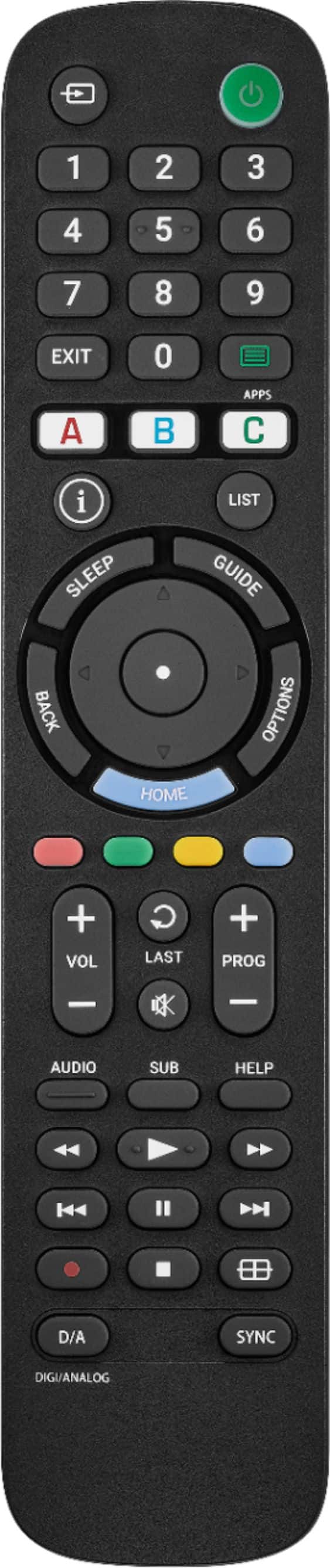
It does not have a decimal point on the remote display buttons, however if your TV has an onscreen keyboard that has a decimal point, you can use the directional ring buttons to navigate.
Ritchie |Insignia Support
https:https://www.bestbuy.com/site/brands/best-buy-brands/pcmcat1596746025285.c?id=pcmcat1596746025285
A:AnswerHello KAMAC10,
Try to press the SUB button on your remote. If it will not work, you have to go to your TVs Settings and locate for the close caption feature option.
Insignia Support
Molina
https://www.bestbuy.com/site/brands/best-buy-brands/pcmcat1596746025285.c?id=pcmcat1596746025285
A:AnswerHi Sonyremote,
Reset your Remote:
-Take the batteries out of your remote,
-Wait 2-3 minutes
-Put them back in
Insignia Products
Lisa
https://insigniaproducts.com
A:AnswerHi Asking, you may set up your remote by turning on your television then holding down red and blue buttons on the remote until the power button LED blinks twice. Then, point your remote towards the TV, press and hold the power button. As soon as your TV turns off, immediately release the power button, the LED will blink twice. Use the power button to turn on the TV and then test the other buttons. For further information, you may visit the link below and access "features" then scroll to "user guide". Dalainne | Insignia Support. https://www.bestbuy.com/site/insignia-replacement-remote-for-sony-tvs-black/6447937.p?skuId=6447937