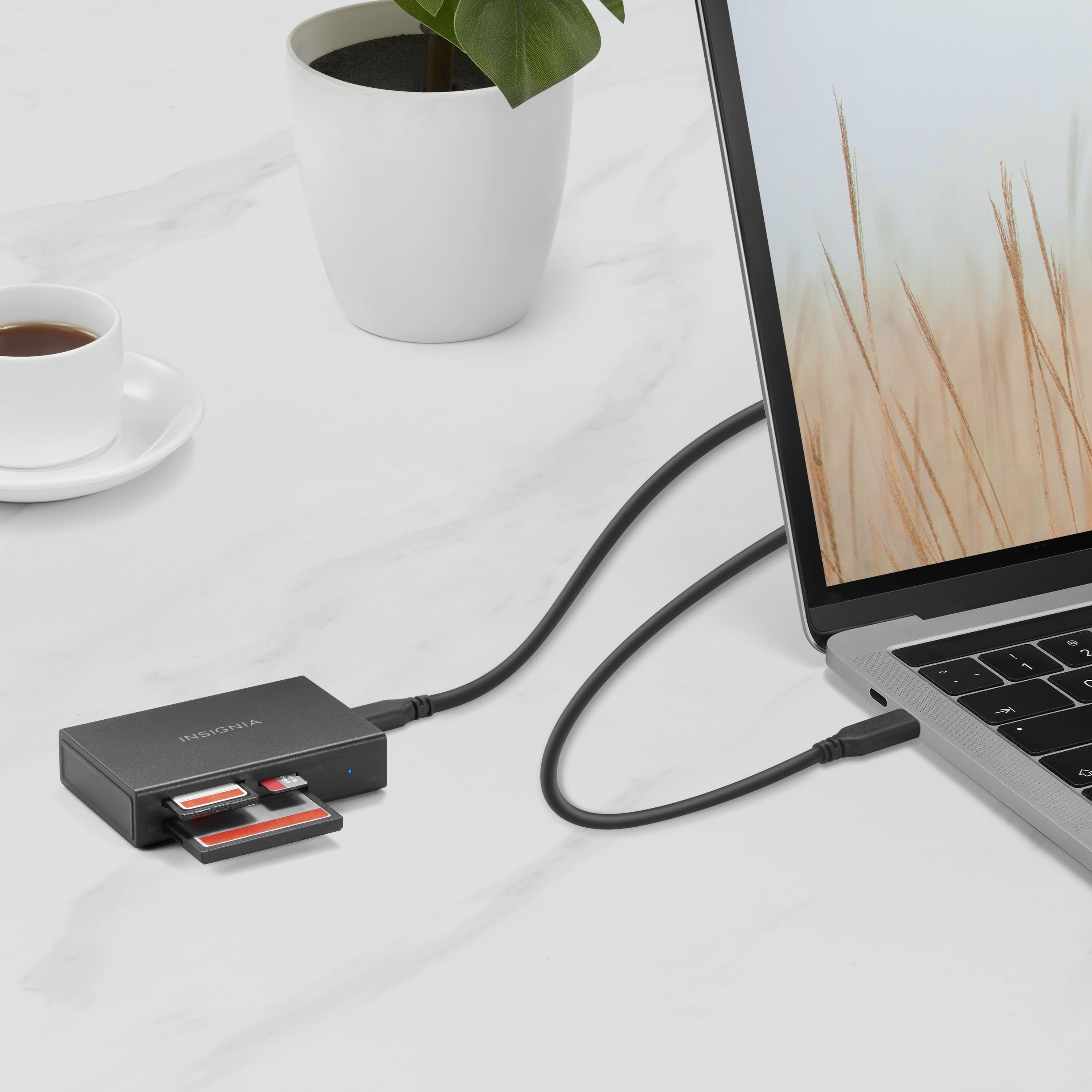
A:AnswerThank you for your inquiry! If the light on your Insignia™ USB-C to SD, microSD, and CompactFlash Memory Card Reader isn't turning on when plugged into your phone, there are several potential issues to consider. First, ensure that your phone supports OTG (On-The-Go) functionality, which is necessary for connecting external devices like card readers. Additionally, check that the card reader is properly connected and that the microSD card is inserted correctly and formatted. If your phone’s USB-C port isn’t supplying enough power, try using an external power source or a different device to see if that resolves the issue. Also, ensure that any adapters or cables you're using are functioning correctly. If these steps don't solve the problem, the card reader itself might be defective, so testing it with another device or trying a different card reader could help determine if that's the case. Keith | Insignia Support https://www.bestbuy.com/site/insignia-usb-c-to-sd-microsd-and-compactflash-memory-card-reader-black/6546686.p?skuId=6546686
A:AnswerThank you for your Inquiry! Yes, you should be able to read and write text files using the Insignia USB-C card reader, as long as the memory card inserted into the reader contains text files. Just make sure to insert the memory card with the text files into the appropriate slot on the card reader, and you should be able to access and edit the files on your computer. Keith | Insignia Support https://www.bestbuy.com/site/insignia-usb-c-to-sd-microsd-and-compactflash-memory-card-reader-black/6546686.p?skuId=6546686
A:AnswerHi Zion! We appreciate your inquiry. The Insignia™ - USB-C to SD, microSD and CompactFlash Memory Card Reader does not support Cfast 2.0 Memory cards. For more product information, please vist the link below and access "features". Dalainne | Insignia Support. https://www.bestbuy.com/site/insignia-usb-c-to-sd-microsd-and-compactflash-memory-card-reader-black/6546686.p?skuId=6546686
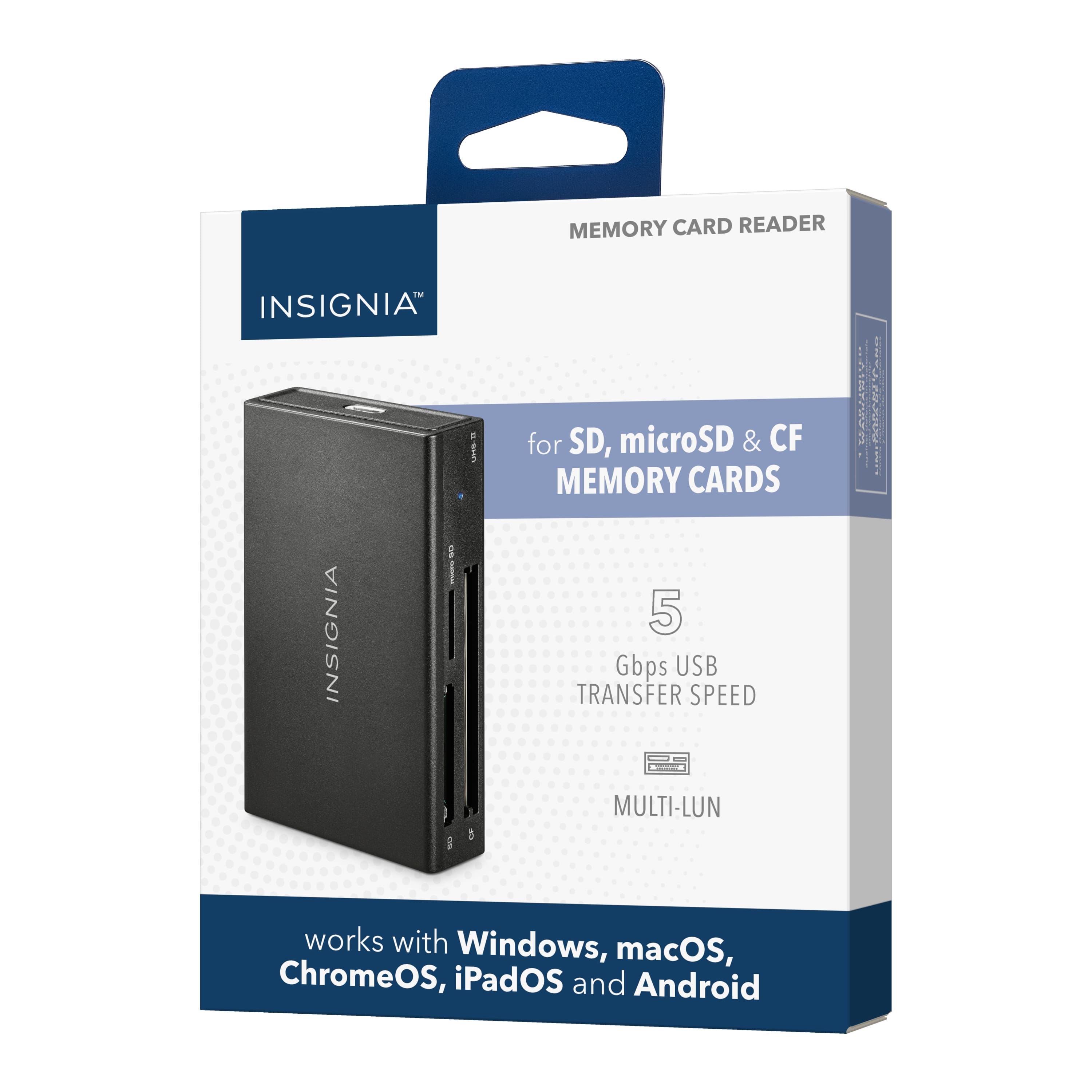
A:AnswerHi Dan! One of the features that Insignia™ - USB-C to SD, microSD and CompactFlash Memory Card Reader - Black have is the versatile compatibility. It works with Windows, macOS, ChromesOS, iPadOS, Android, and iOS (iPhone series with USB-C port) systems. |Angelica| Insignia Support| https://www.bestbuy.com/site/insignia-usb-c-to-sd-microsd-and-compactflash-memory-card-reader-black/6546686.p?skuId=6546686
A:AnswerHi there! Yes, Smart TV can access media files using Insignia™ - USB-C/USB 3.0 to SD and microSD Memory Card Reader. Carl | Insignia Support https://www.bestbuy.com/site/insignia-usb-c-usb-3-0-to-sd-and-microsd-memory-card-reader-black/6546684.p?skuId=6546684
A:AnswerHi Cooke,
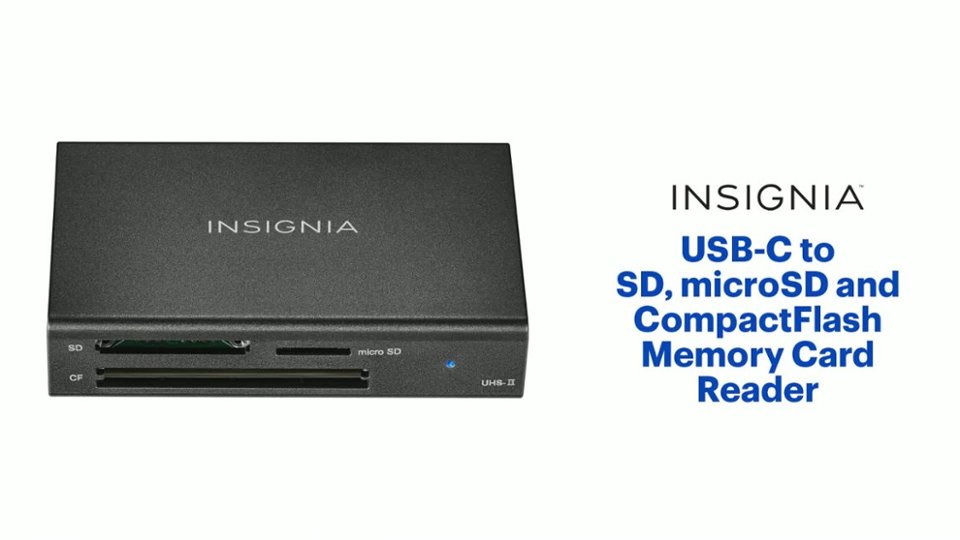
This indicates that the card detected: Blue LED on, while for the data access: Blue LED flashing.
Ritchie |Insignia Support
https:https://www.bestbuy.com/site/brands/best-buy-brands/pcmcat1596746025285.c?id=pcmcat1596746025285
A:AnswerThank you for your inquiry! No, this device is a card reader and does not have the capability to write to a flash card. It is used for reading data from memory cards and transferring it to a computer or other device. To write to a flash card, you would need a separate device such as a memory card writer or reader/writer that supports writing data to the flash card. Keith | Insignia Support https://www.bestbuy.com/site/insignia-usb-c-to-sd-microsd-and-compactflash-memory-card-reader-black/6546686.p?skuId=6546686
A:Answerno, it will not
did you notice there is no "ms" slot on the front panel ?
the specifications do not include memory stick:
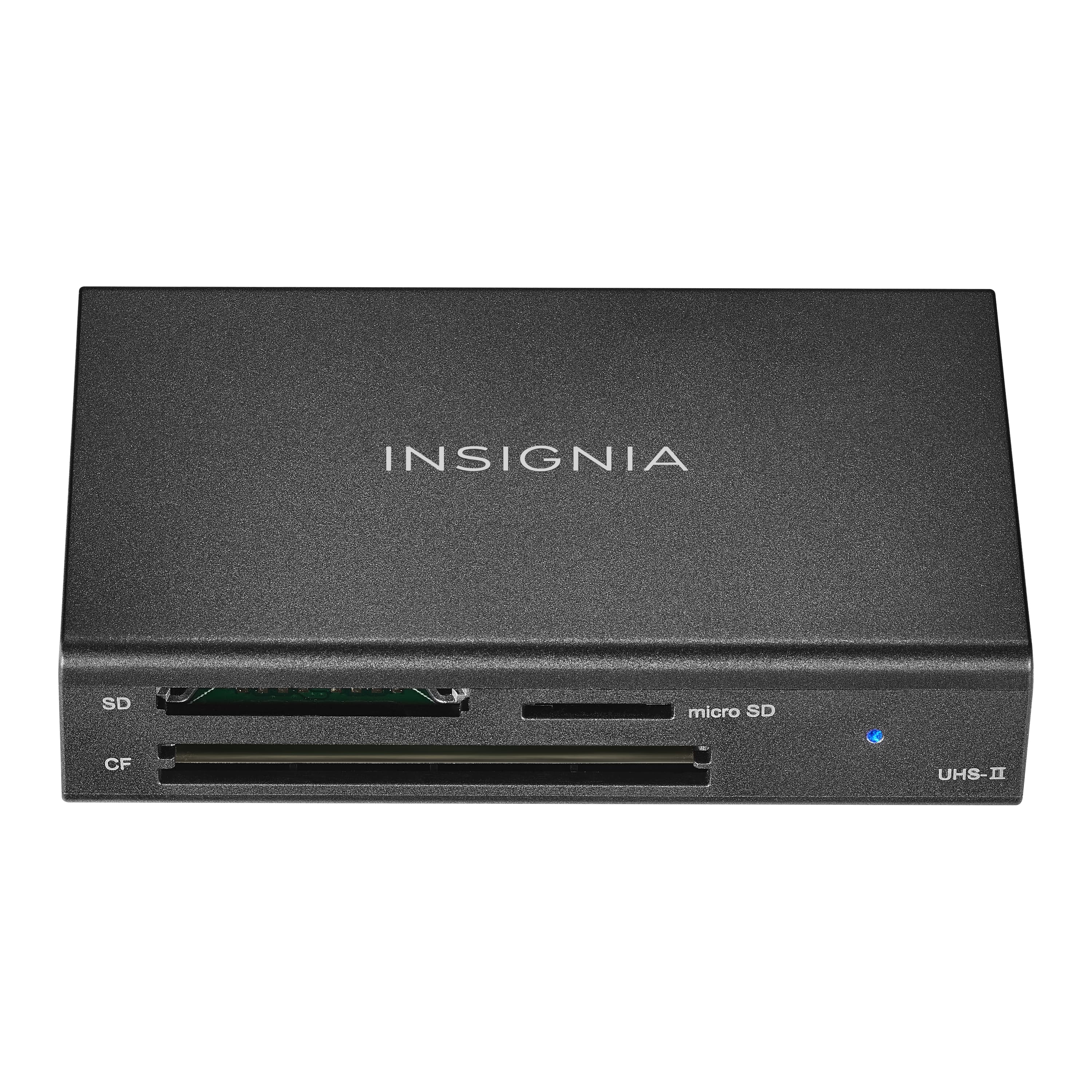
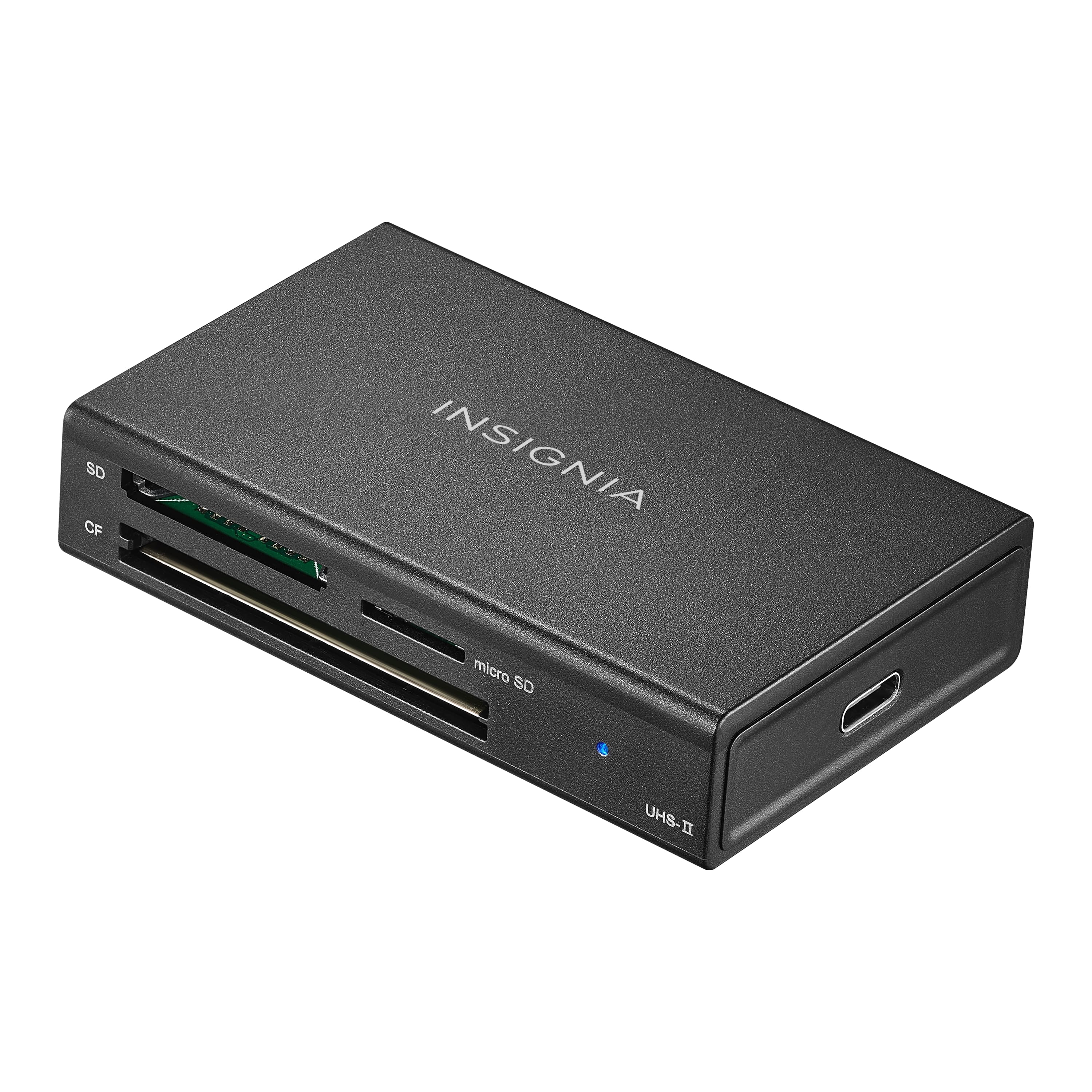
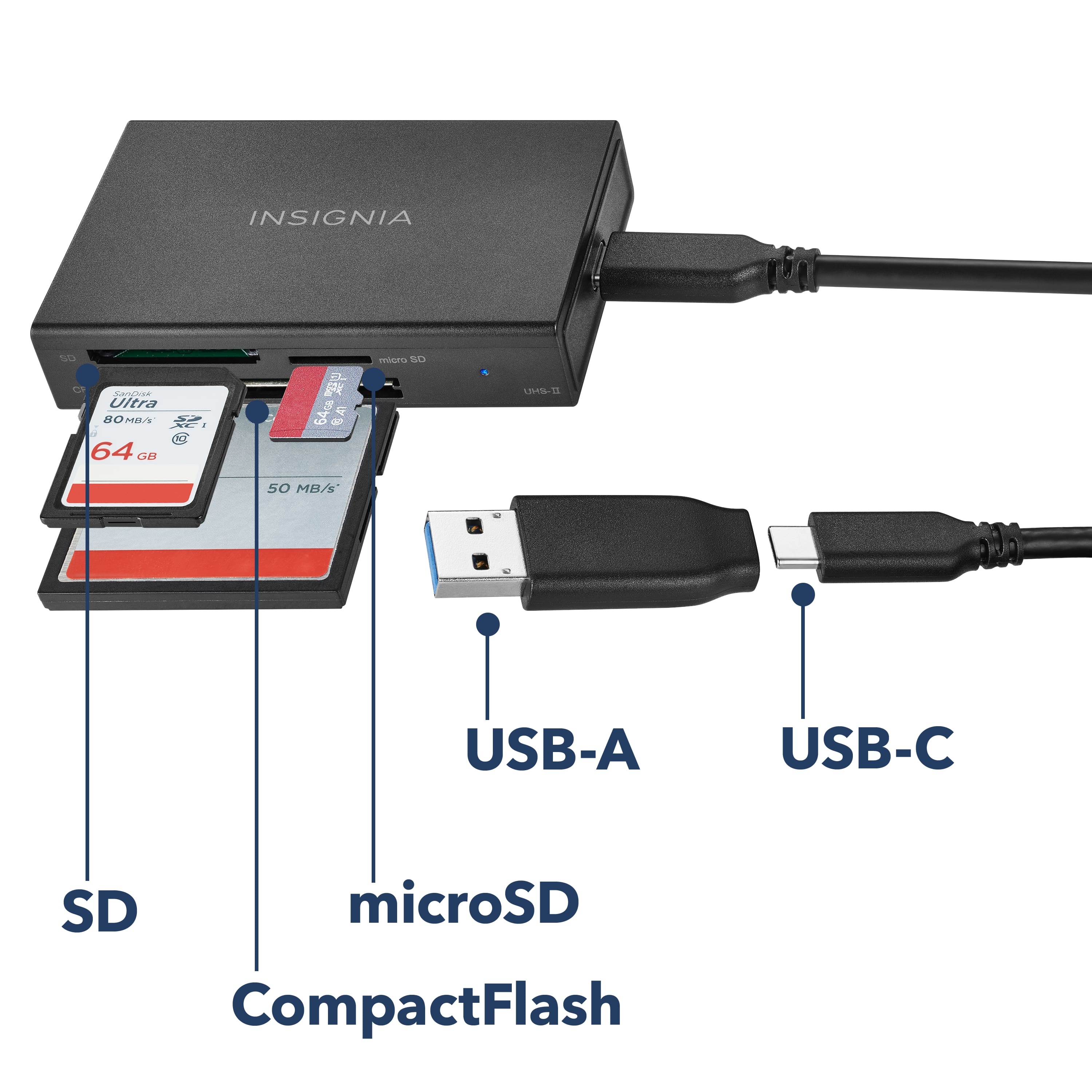
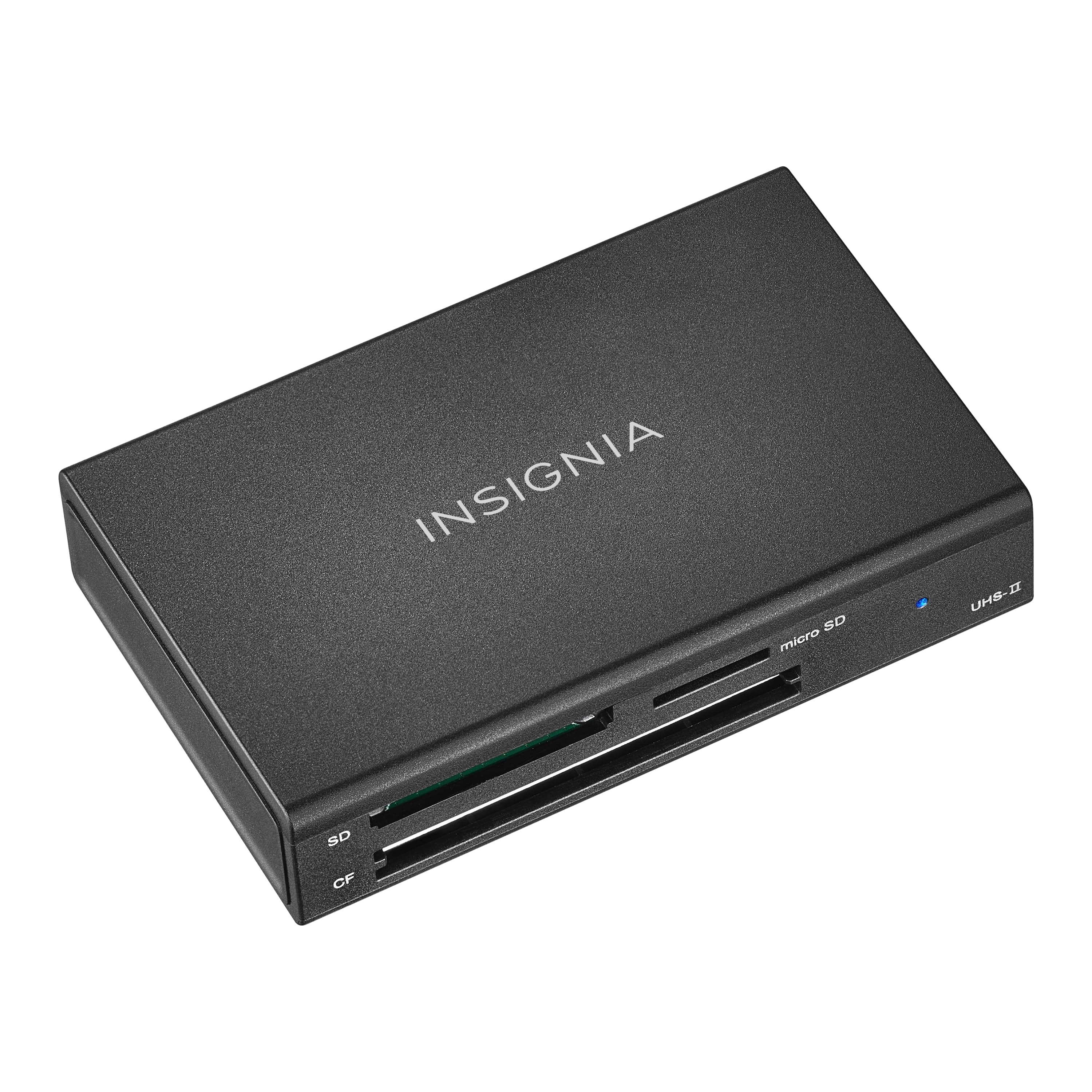
Secure Digital, microSD, Secure Digital High Capacity (SDHC), microSDHC, Secure Digital Extended Capacity (SDXC) Card, microSDXC, CompactFlash Type I
A:AnswerHi,
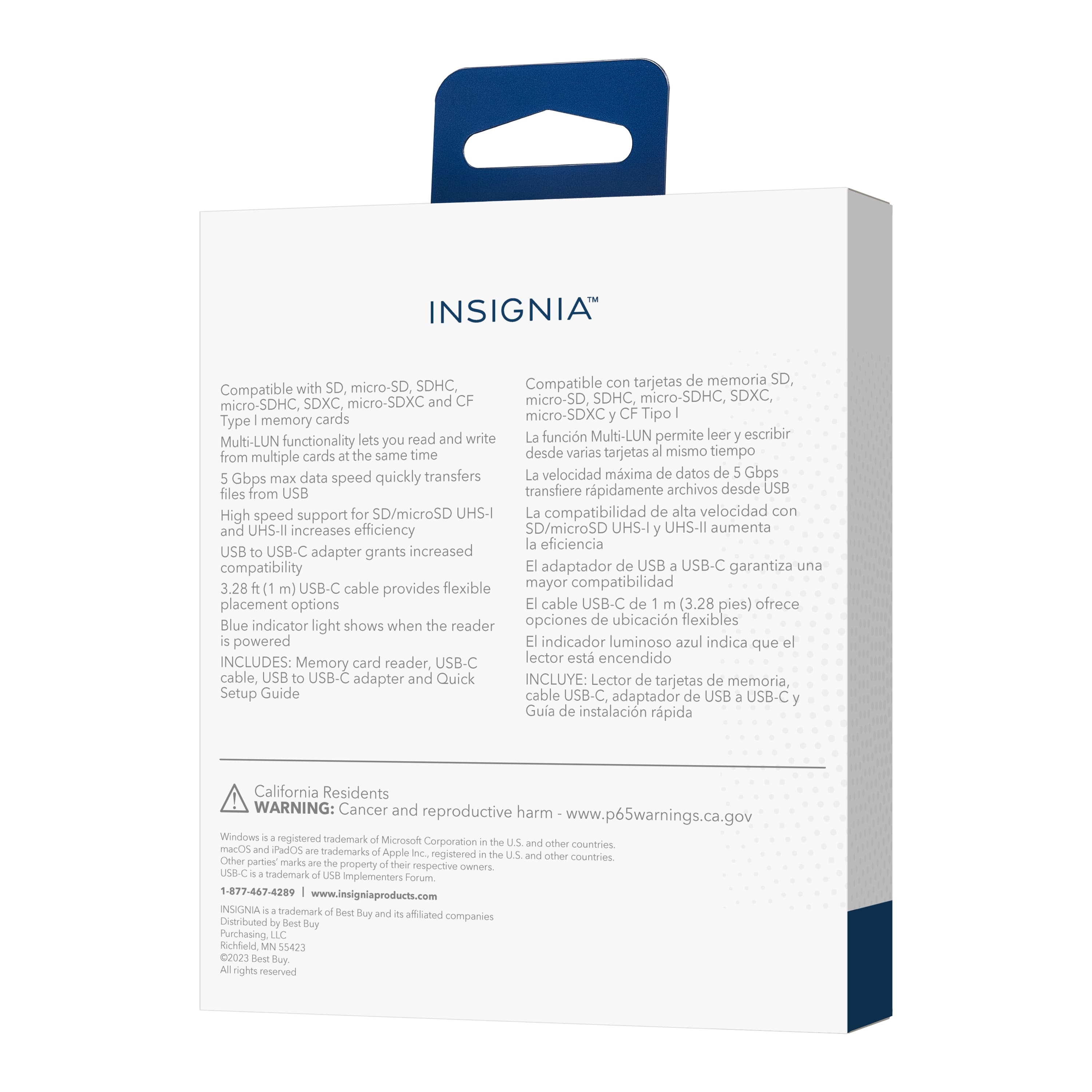
Supports SD, micro-SD, SDHC, micro-SDHC, SDXC, micro-SDXC and CF Type I memory cards. For more product details, please visit https://www.bestbuy.com/site/brands/best-buy-brands/pcmcat1596746025285.c?id=pcmcat1596746025285
Insignia Support
https://www.bestbuy.com/site/brands/best-buy-brands/pcmcat1596746025285.c?id=pcmcat1596746025285
A:AnswerHi there!
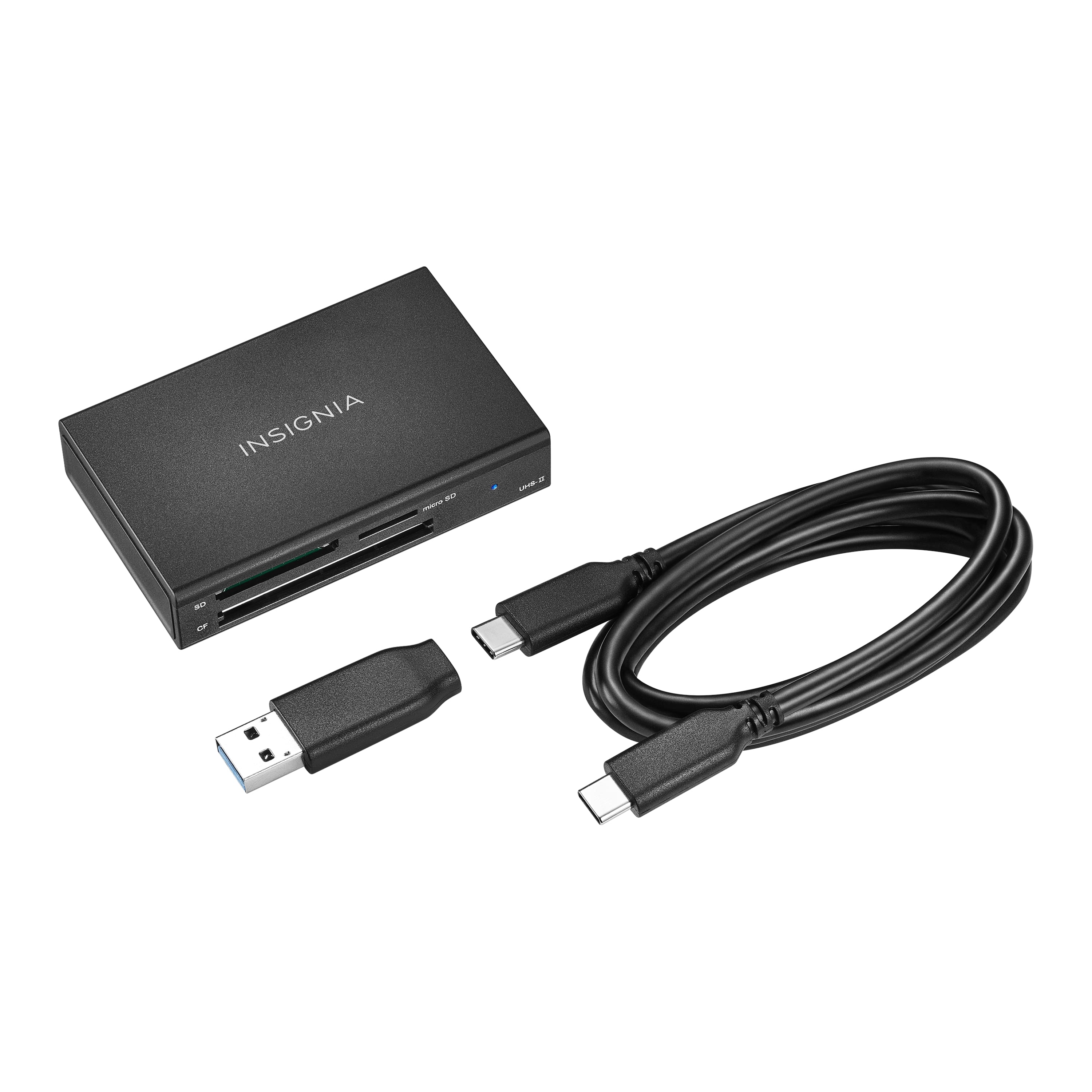
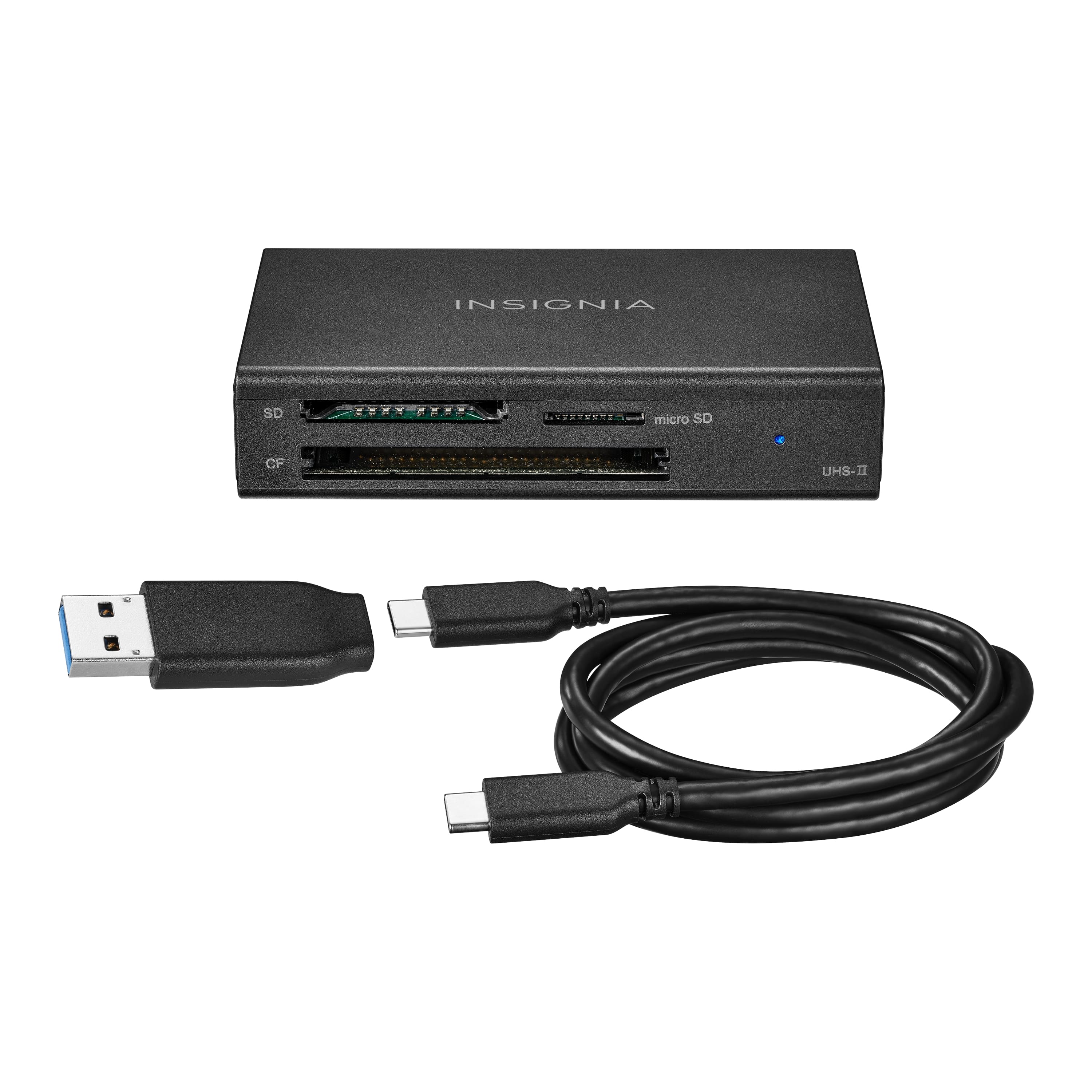
This memory card reader can transfer and back up files. You can simply plug in your card reader with the included USB-C cable to quickly transfer data from your memory cards. Works with Windows, macOS, ChromeOS, iPadOS, iOS, and Android systems. It supports SD, micro-SD, SDHC, micro-SDHC, SDXC, micro-SDXC and CF Type I memory cards.
Insignia Support
Angela
www.insigniaproducts.com/support