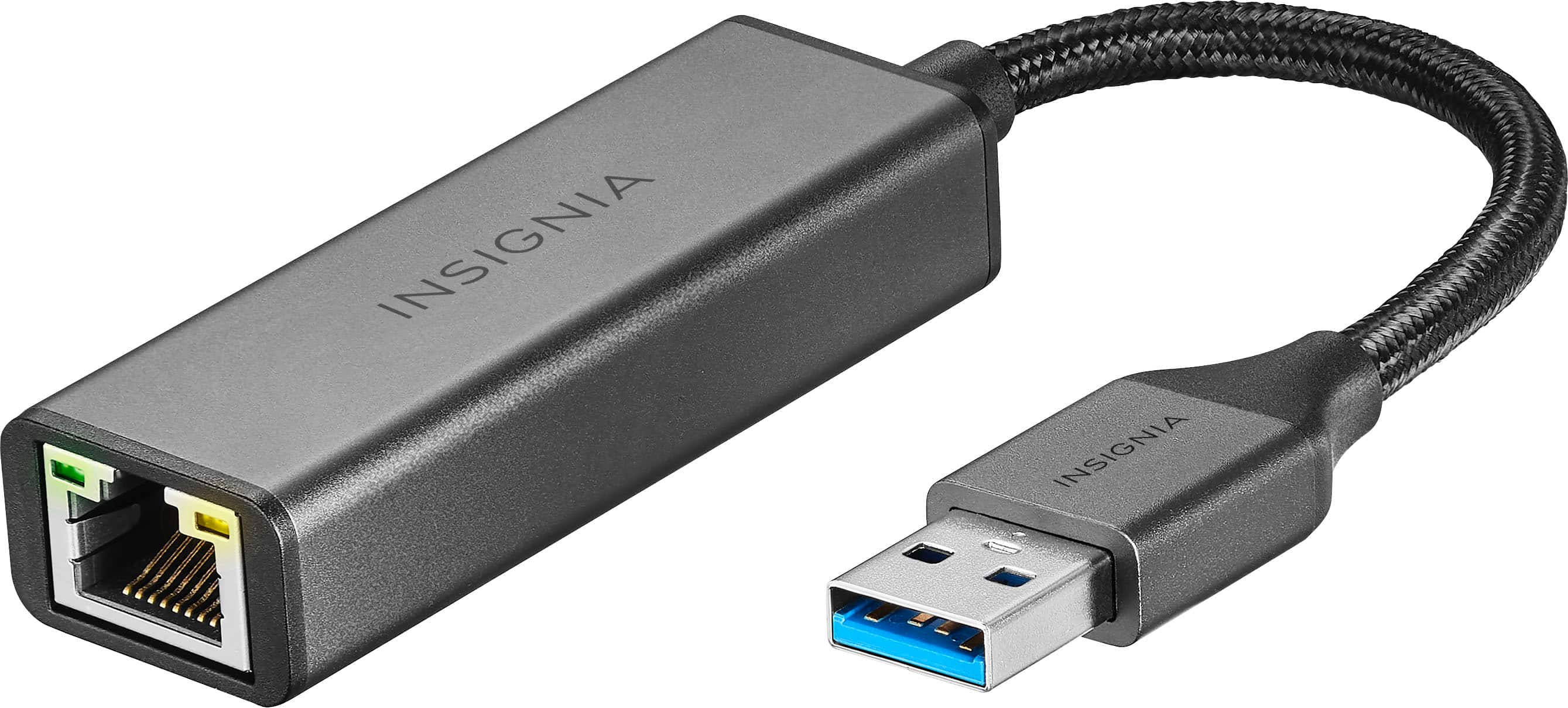
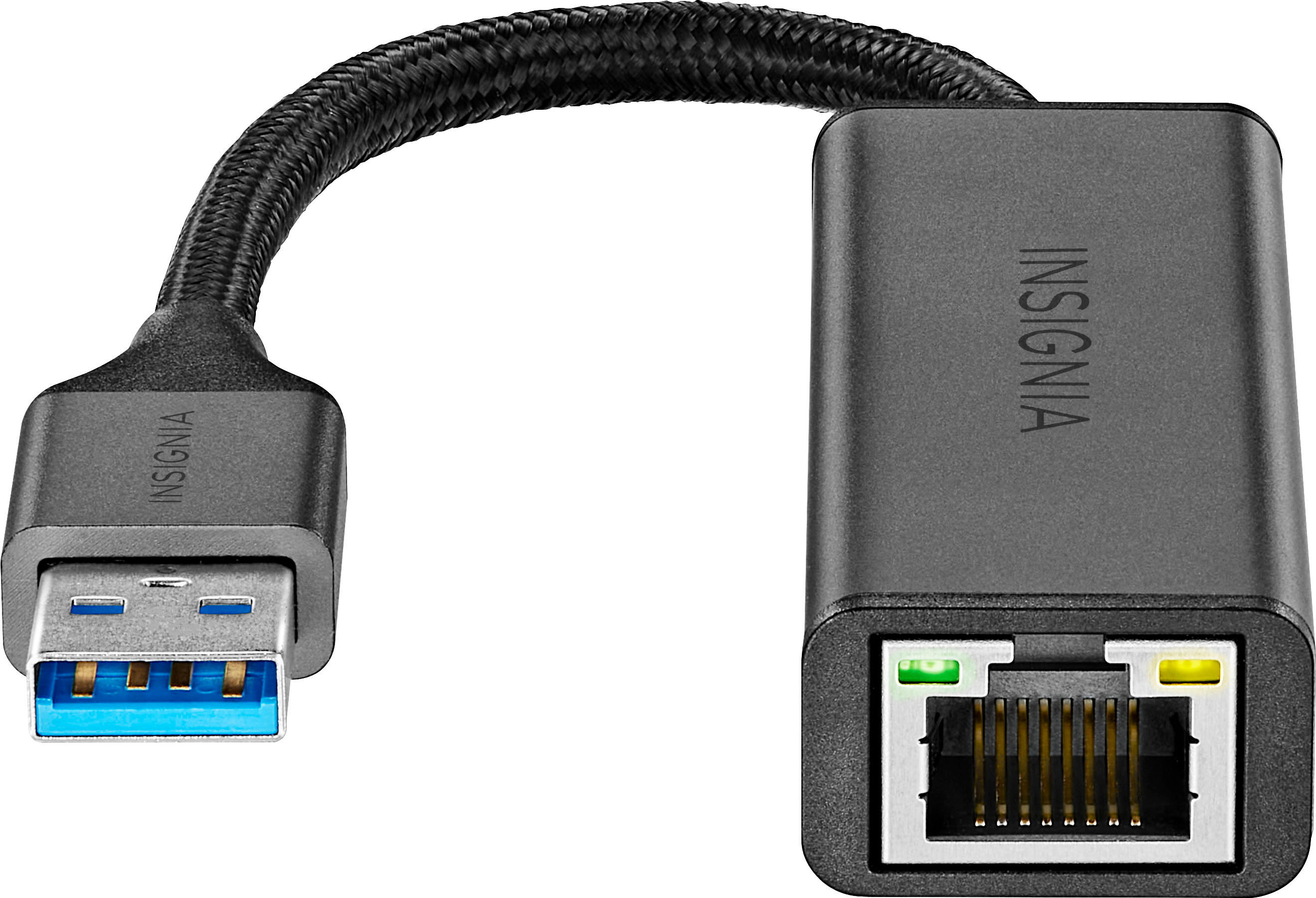
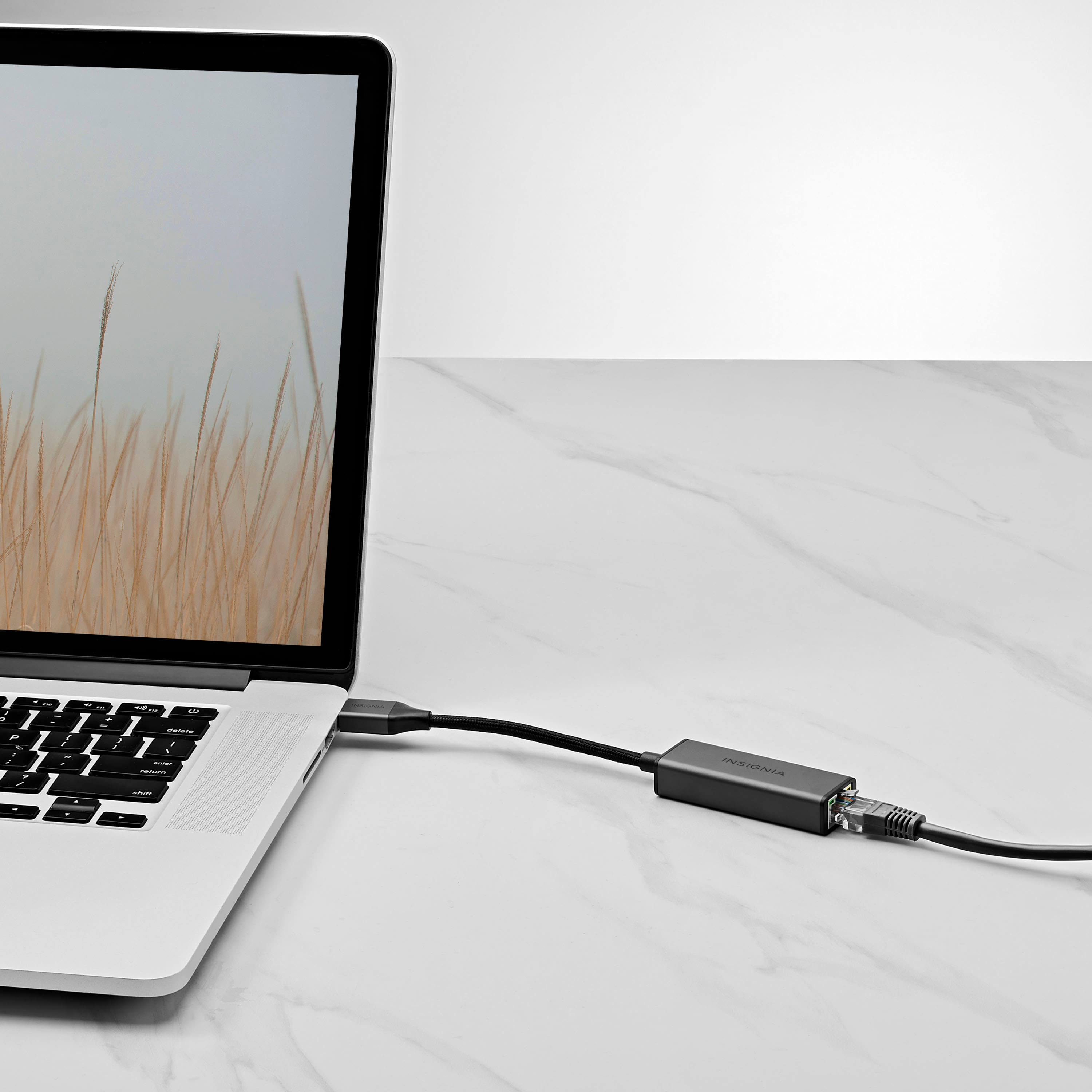
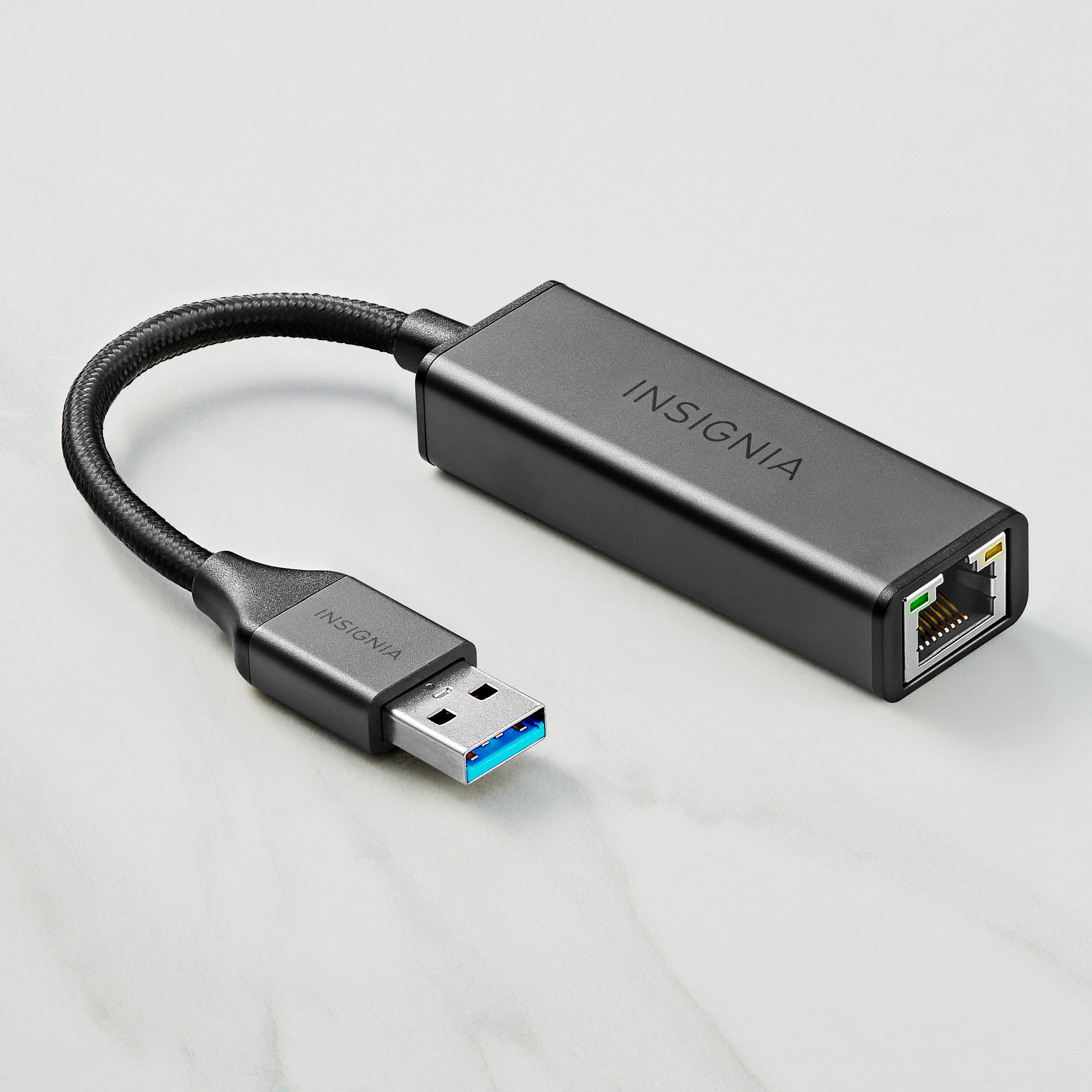
A:AnswerThank you for your inquiry! Yes, the Insignia™ USB to Ethernet Adapter should work with Linux Mint 22.1 Cinnamon running on kernel 6.11, as this version of the Linux kernel includes broad support for common USB Ethernet chipsets like Realtek RTL8153 and ASIX AX88179, which are typically used in adapters like this one. With proper chipset support, you can expect to achieve speeds close to 1 Gbps, assuming your network infrastructure (router, switch, and cabling) also supports gigabit speeds. Linux Mint’s modern kernel should automatically recognize the adapter without needing additional drivers, making it a plug-and-play experience.
A:AnswerThank you for your question. Our Insignia USB to Ethernet Adapter is designed to provide an Ethernet connection to devices with a USB port, primarily computers and laptops. However, Sonos powered speakers typically require a direct Ethernet connection or a Wi-Fi connection. Therefore, this USB to Ethernet adapter is not compatible with Sonos powered speakers. Sono's speakers are designed to receive network connectivity directly through their Ethernet ports or via Wi-Fi, not through a USB connection. If you have any other questions or need further assistance, feel free to ask! - Mae | Insignia Support
A:AnswerThank you for your inquiry. Unfortunately, our adapter is not compatible with computers running Windows XP. To ensure proper functionality, it requires Windows 10, as the driver for this adapter is only available for that operating system.
- Carl | Insignia Support
A:AnswerThank you for your inquiry! To console into a Ruckus 7150 Switch, you typically need to use a console cable, which can be either a USB Type-C to USB cable or an RJ-45 to USB cable. The Insignia™ USB to Ethernet Adapter is designed for network connections and might not be suitable for console access, as it does not provide the necessary serial communication required for console ports.
For configuring switch routing, you would need a console cable that matches the console port type on the Ruckus 7150 Switch. If your switch has a USB Type-C console port, you can use a USB Type-C to USB cable. If it has an RJ-45 console port, you would need an RJ-45 to USB console cable. https://www.bestbuy.com/site/insignia-usb-to-ethernet-adapter-black/6483535.p?skuId=6483535
A:AnswerHi Lamb,
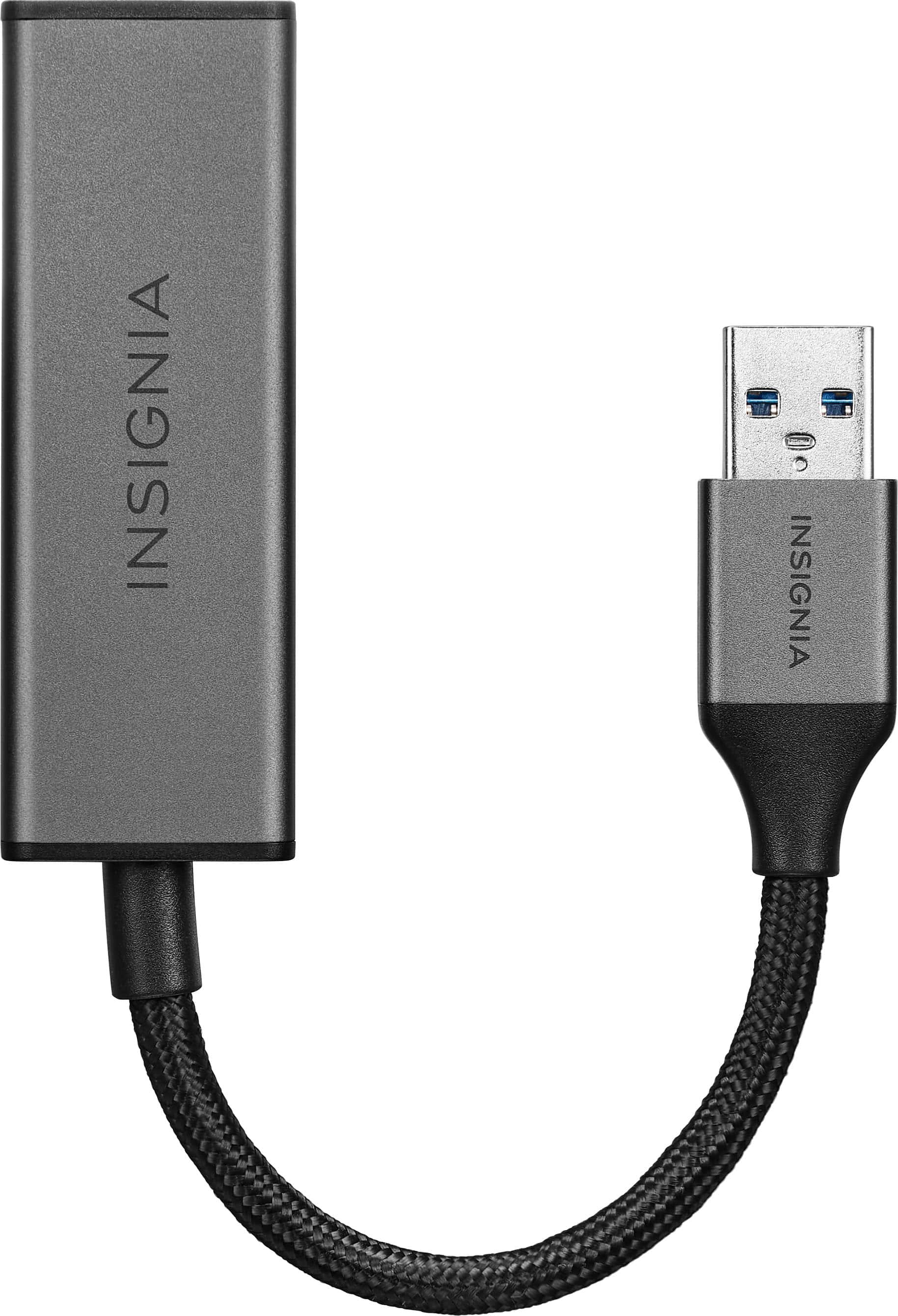
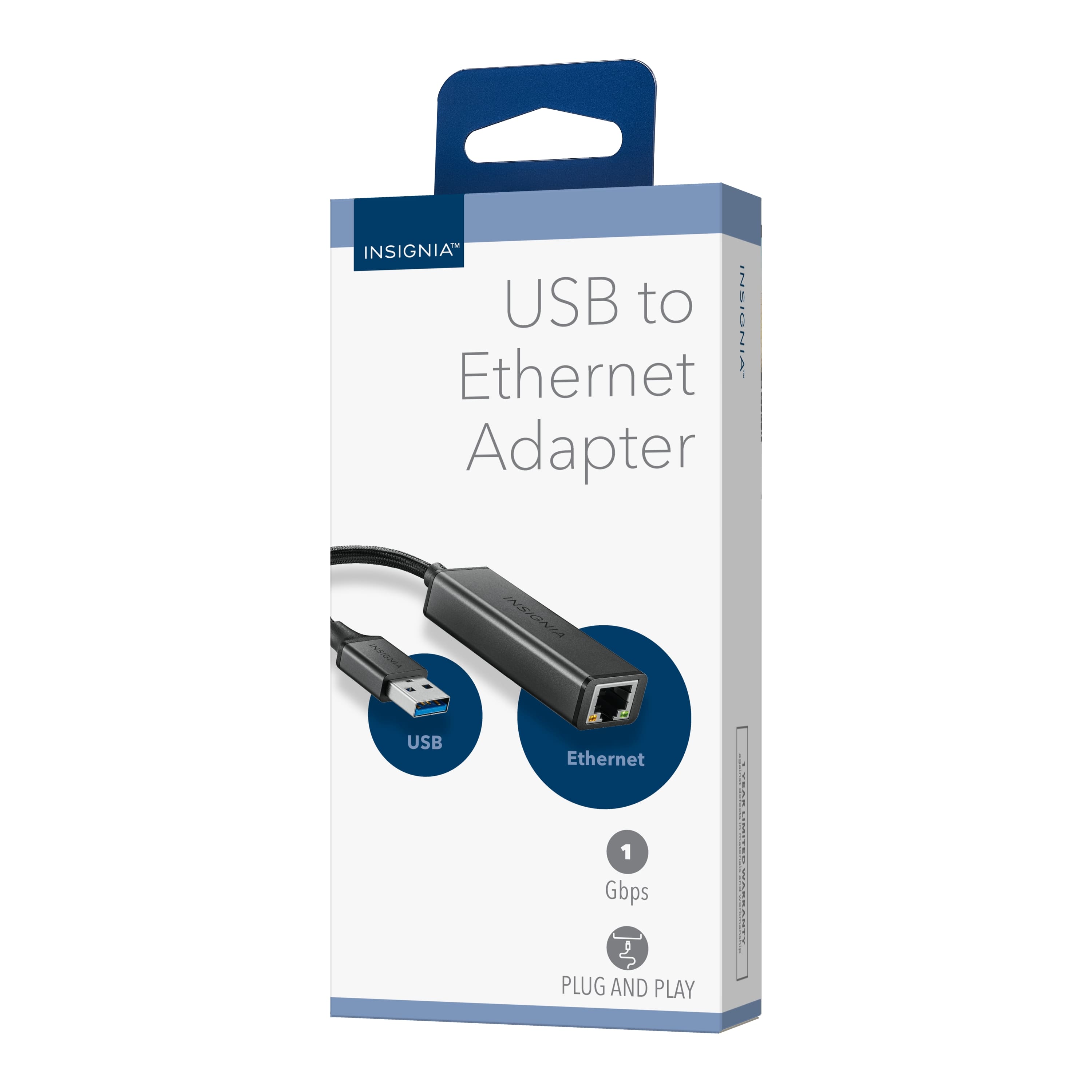
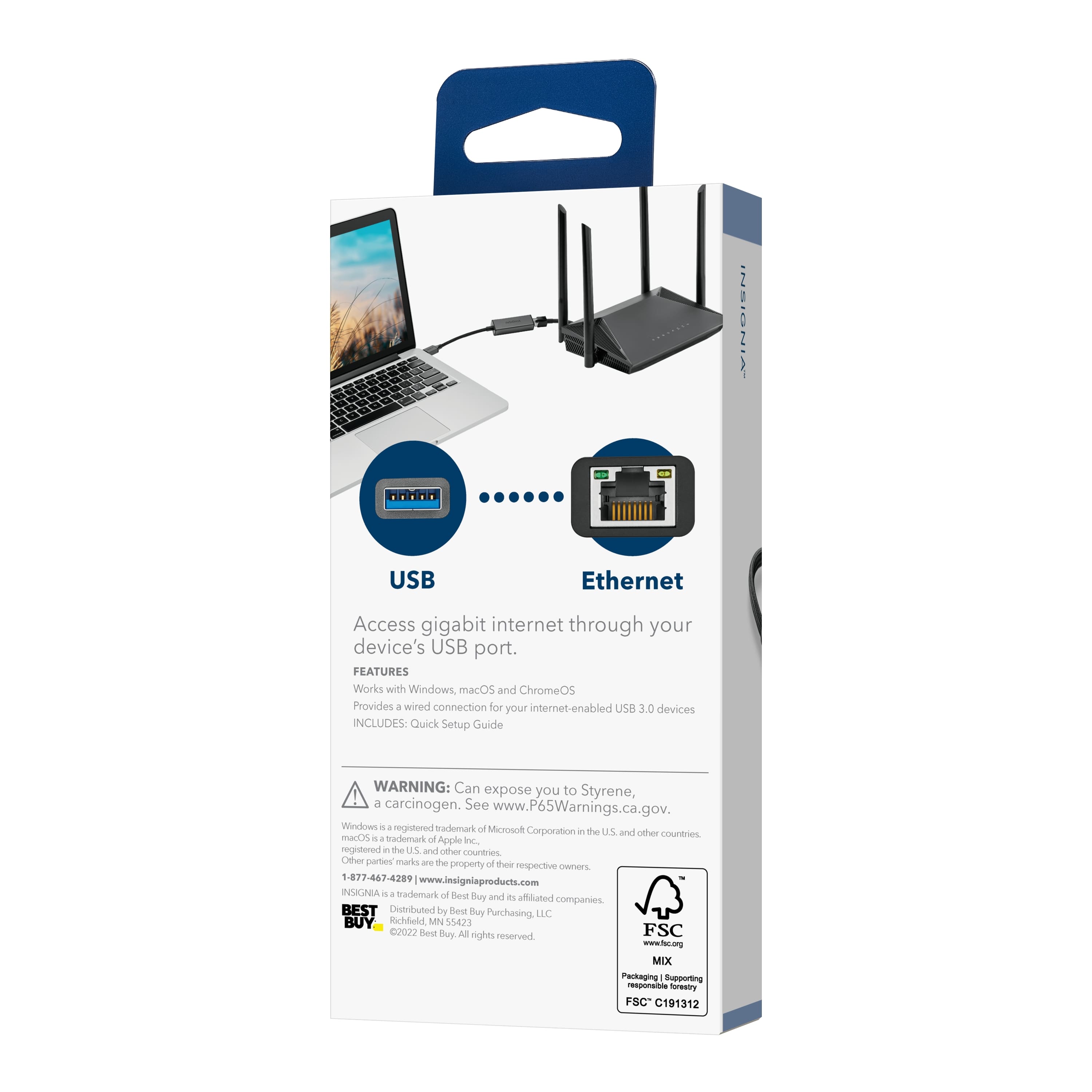
The Insignia™ USB to Ethernet Adapter is designed to connect a USB-enabled device, like a laptop or desktop computer, to a wired Ethernet network. Unfortunately, it won't work if you try to connect it directly to your modem and then to your PS5. The adapter needs to be connected to a device with a USB port that can recognize and use the Ethernet connection.
For improving your PS5's online gaming connection, I recommend connecting your PS5 directly to your modem or router using an Ethernet cable. This will provide a more stable and faster connection compared to Wi-Fi.
If you have any other questions or need further assistance, feel free to ask!
A:AnswerI’m sorry to hear you’re experiencing issues with your Insignia™ USB to Ethernet Adapter. Let’s try a few troubleshooting steps to resolve this: 1. Check the USB Port: Ensure the USB port you’re using is functional by testing it with another device. 2. Restart Your Device: Sometimes a simple restart can resolve connectivity issues. 3. Update Drivers: Make sure your computer’s USB and Ethernet drivers are up to date. 4. Try a Different Device: If possible, test the adapter on another computer to see if the issue persists. 5. Inspect the Adapter: Look for any visible damage on the adapter or the cable. - If none of these step's work, the adapter might be defective. Please don't hesitate to reach out our Insignia customer service team (877-467-4289). Thank you for choosing Insignia! - Mae | Insignia Support | https://www.bestbuy.com/site/brands/best-buy-brands/pcmcat1596746025285.c?id=pcmcat1596746025285
A:AnswerHi there! The compatibility of the Insignia™ USB to Ethernet Adapter with Sony Bravia TVs can vary depending on the specific model and the TV’s operating system. For more product information, please check the link below. |Angelica| Insignia Products| https://www.bestbuy.com/site/insignia-usb-to-ethernet-adapter-black/6483535.p?skuId=6483535
A:AnswerHello Txoutlaw! The Insignia™ USB to Ethernet Adapter NS-PA3U6E primarily supports modern operating systems like Windows 10 and 11. Unfortunately, it doesn’t officially support Windows XP. Jeth | Insignia Support. https://www.bestbuy.com/site/insignia-usb-to-ethernet-adapter-black/6483535.p?skuId=6483535
A:AnswerIt is unlikely that the Insignia USB to Ethernet adapter will work for your PlayStation 5, as it is not listed as a compatible accessory for the console as this works with Windows 10, Chrome OS 81 and macOS 10.12 systems. -Ed | Insignia Support https://www.bestbuy.com/site/insignia-13-8-cu-ft-garage-ready-convertible-upright-freezer-with-energy-star-certification-stainless-steel/6336450.p?skuId=6336450
A:AnswerNo, the Insignia™ USB to Ethernet Adapter is used to connect a laptop or desktop computer to a wired Ethernet network for internet access. It is not designed for transferring data between two laptops.
To transfer data between two laptops, you can use a USB flash drive, an external hard drive, a cloud storage service, or a direct Ethernet cable connection between the two laptops. - Mae | Insignia Support | https://www.bestbuy.com/site/brands/best-buy-brands/pcmcat1596746025285.c?id=pcmcat1596746025285