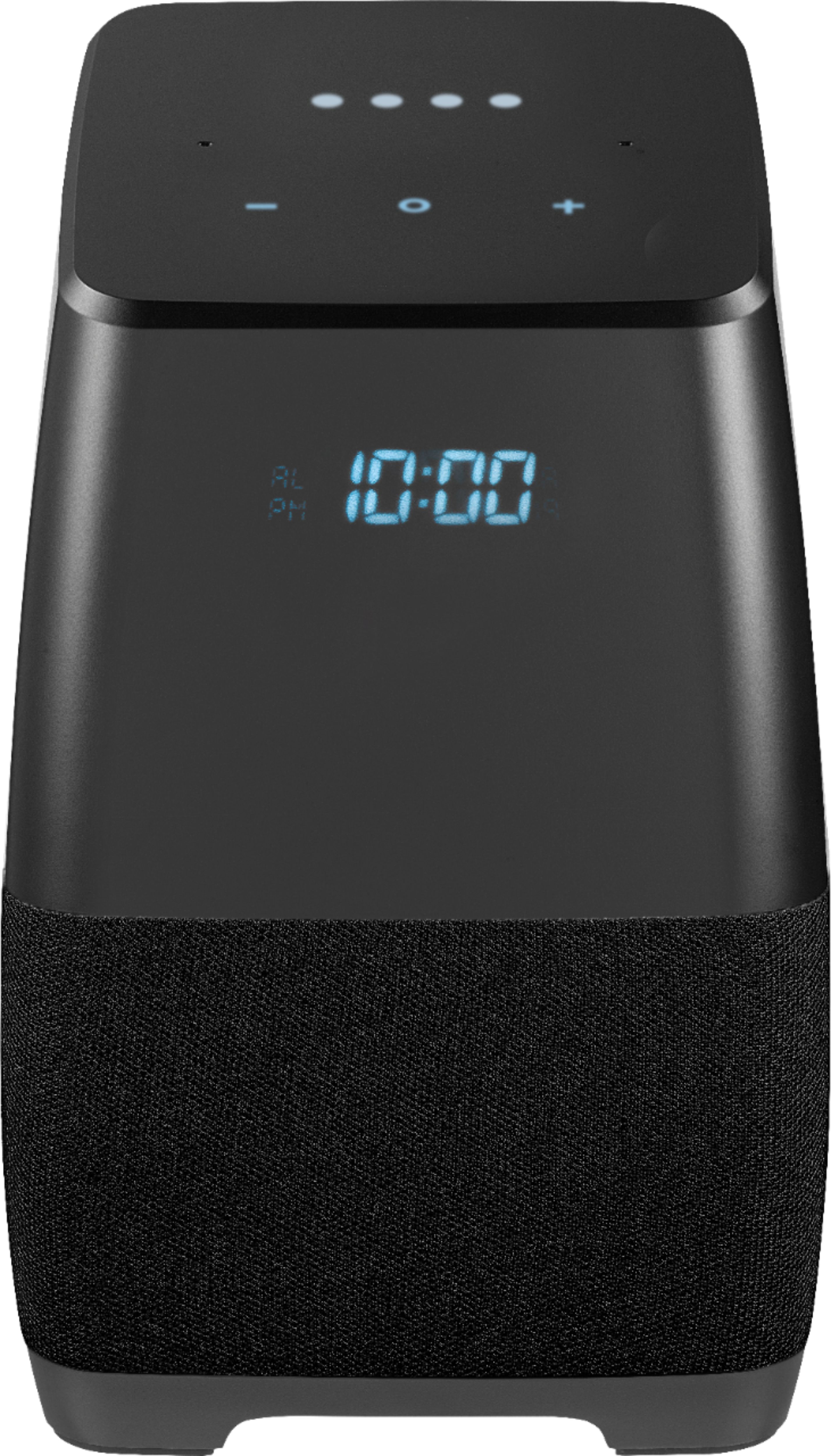
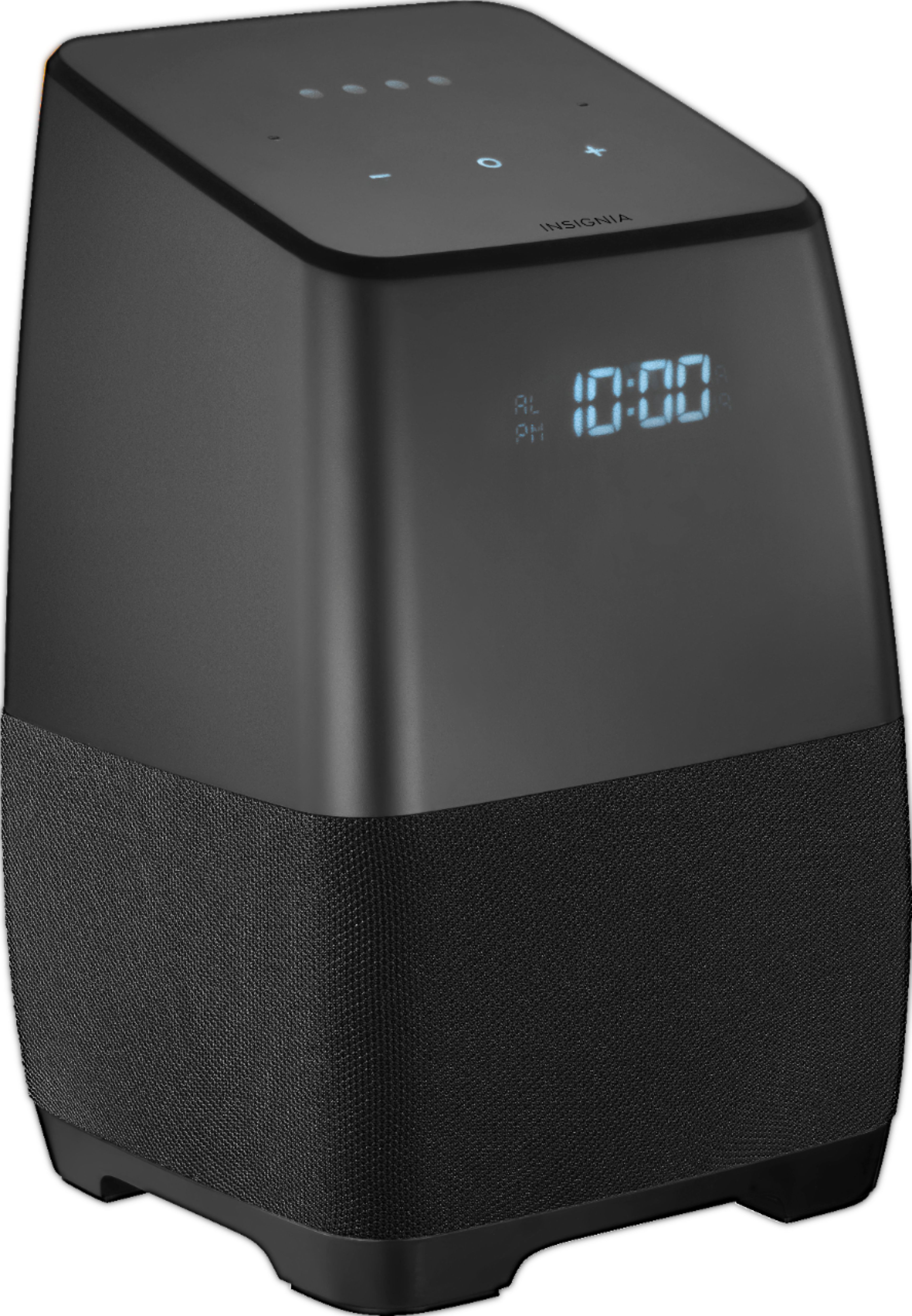
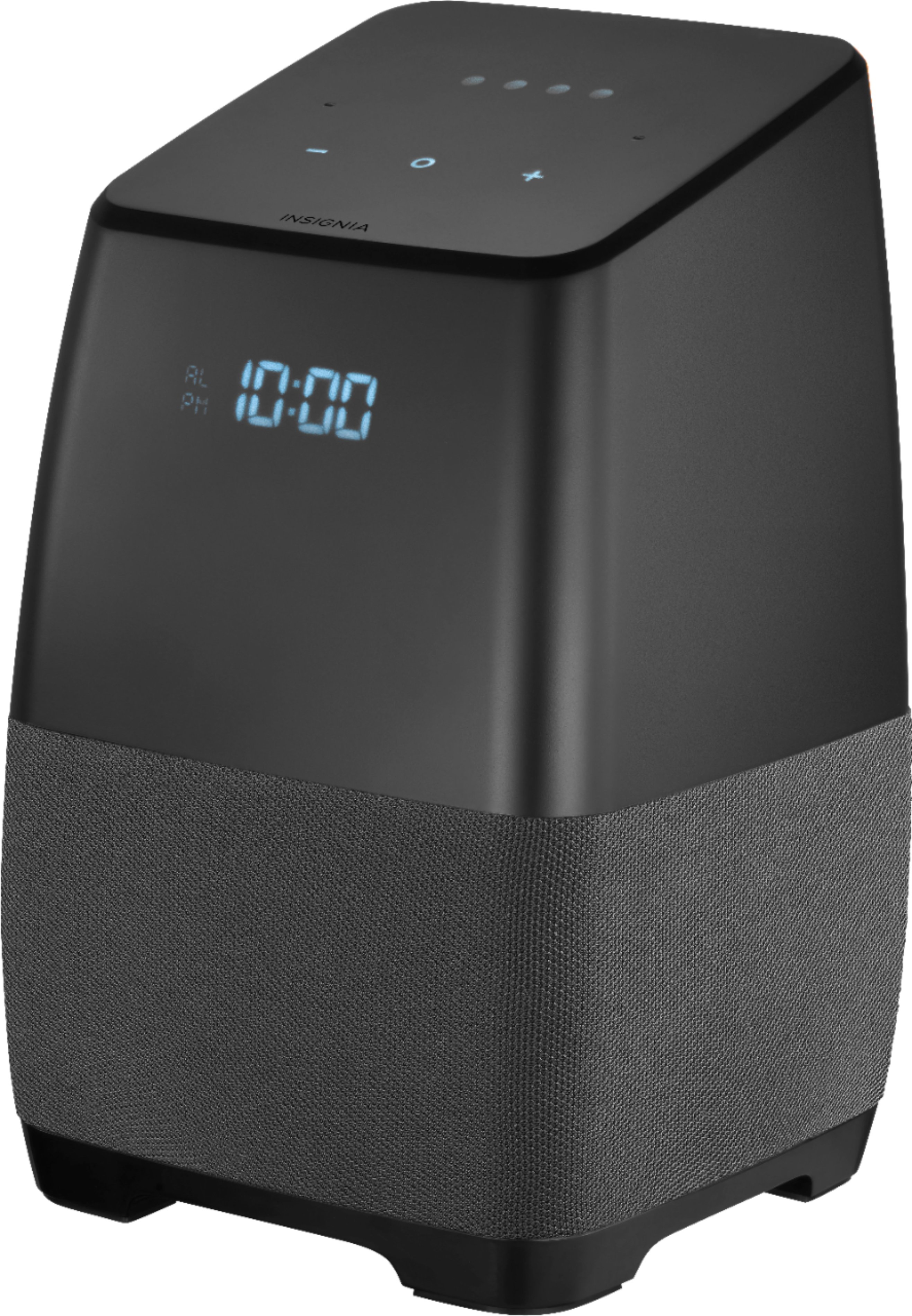
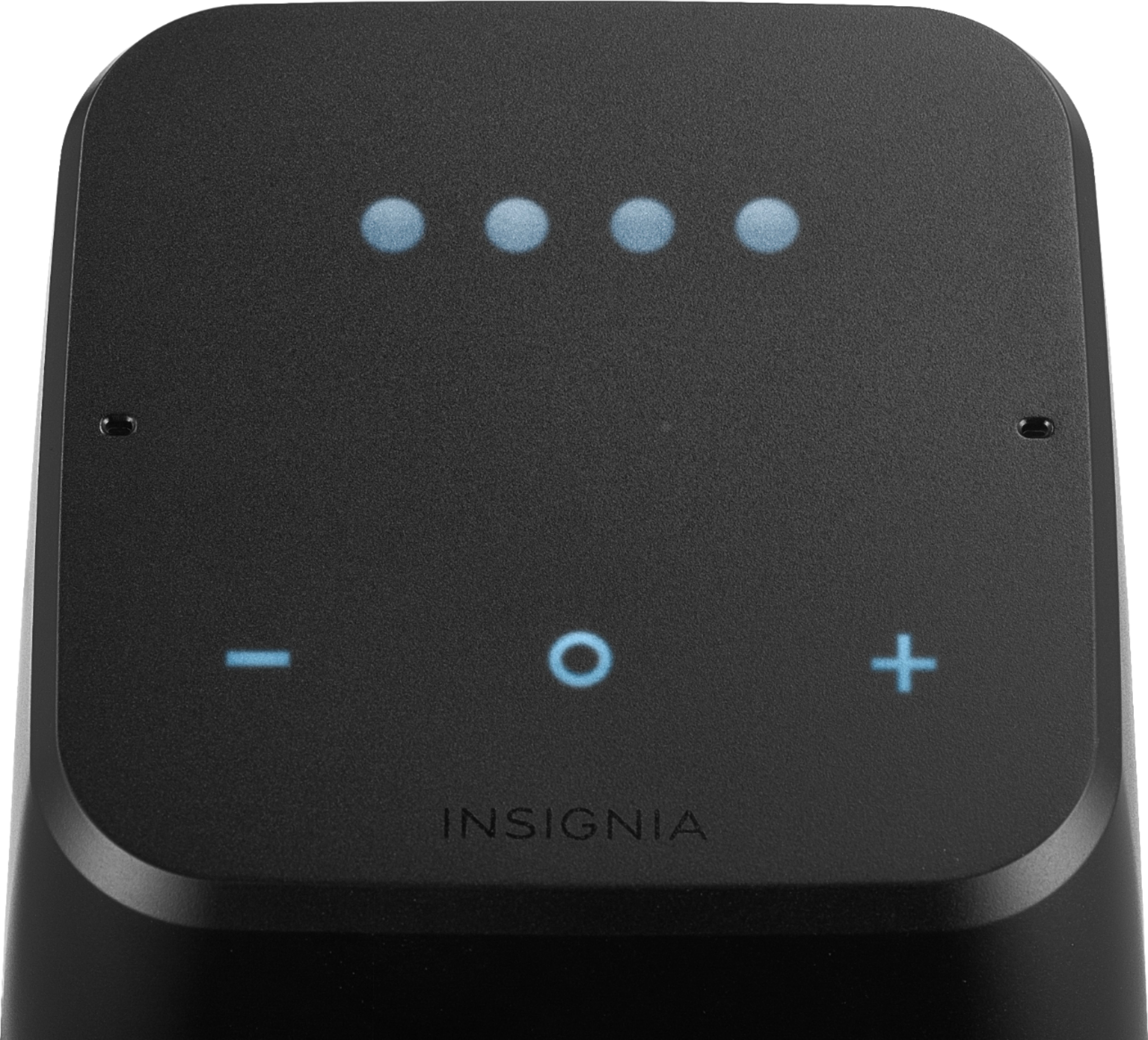
A:AnswerNo just plug it in, download the "Home" app from Google play store, connect to WiFi and set it up. Easy. No monthly charges this is just like ant Google home speaker, just made from another manufacturer. This one is portable too, so you can unplug it and move around the house or outside. Remember it needs wifi, if no wifi it has built in Bluetooth so you can use it like any portable Bluetooth speaker
A:Answeryes. You would need a hub.
As far as I know, only the Google Home, Mini and Google Hub(display) work directly with the GE C life bulbs w/o a hub in between.
A:AnswerAs long as it is connected to any wifi signal (hotspot included) that has an Internet connection, it will function as a Google Assistant.
(Of course, no wifi connection at all is required for it to function as a bluetooth speaker.)
A:AnswerIt depends on how many devices you have connected to your WiFi, and how powerful your WiFi router is, I have about 40 plus devices connected to my orbi routers (2 of them) and depending on how many speakers I'm using on the moment, same thing occurs, you might to invest in a better router
A:AnswerI believe that a recent firmware update has caused issues with broadcast and this speaker. I can tell the speaker to broadcast and it will send out the broadcast to other Google Home Mini/Hub speakers in my home, but when I broadcast from those the broadcast will not play on either of the Insignia speakers that I have. From what I read, this is related to an update, so hopefully there will be a new update at some point to resolve this issue.
A:AnswerYes, you can change the settings by Open the Google Home app on your phone. Tap the hamburger menu in the top left.
Here you'll select “More Settings”. Scroll to the bottom and select Personal Info under Google Account settings.
Tap Home & Work locations.
Enter your home address, tap ok.
A:AnswerSomeone else said this started with firmware update 314. I assume Broadcast stopped working when the Reply feature was rolled on on my real Google Homes. I can broadcast FROM the Insignia assistants, but they do not receive broadcasts since Reply was rolled out.
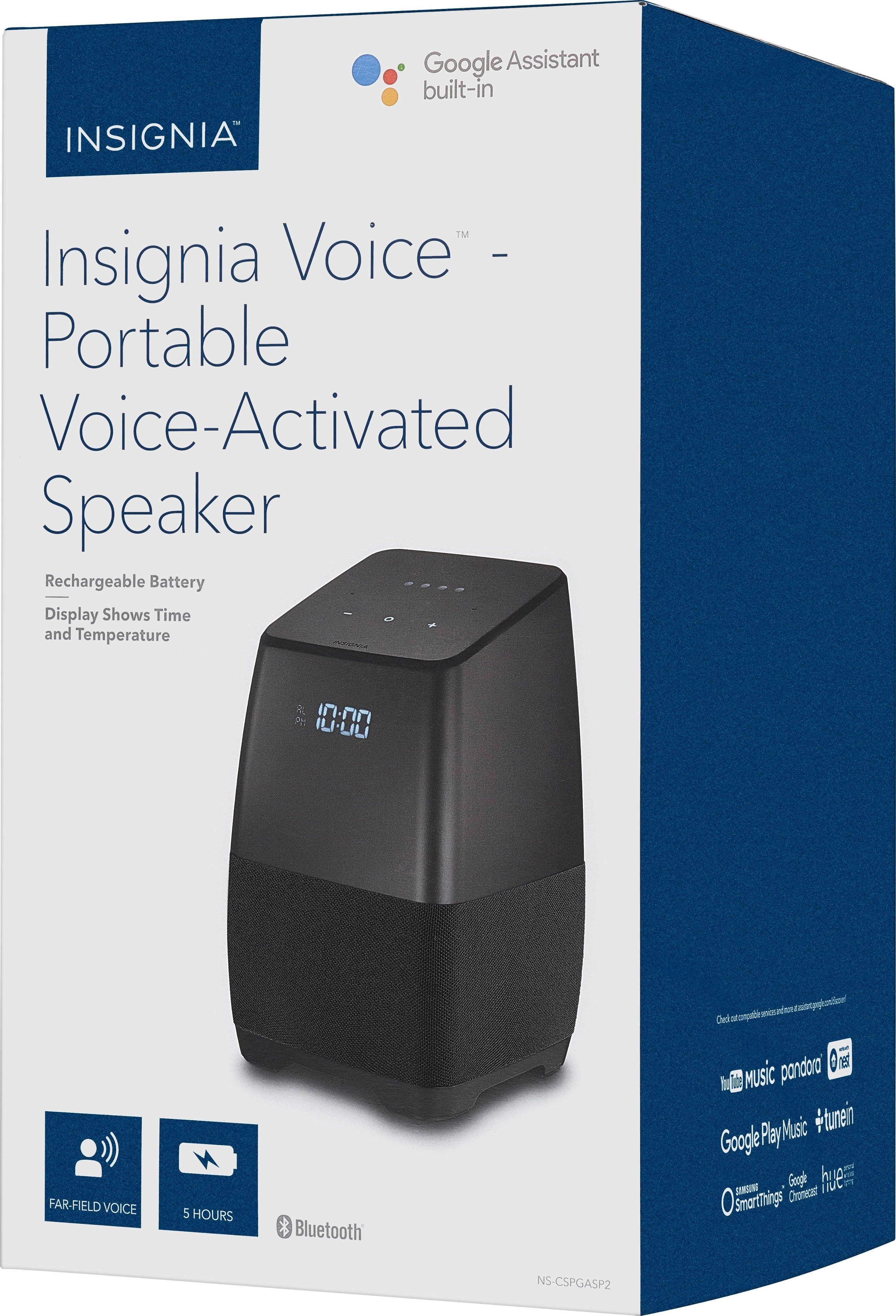
A:AnswerThe temperature is only available on demand. To see the temperature on the unit, say "Hey Google, what's the temperature?" It will then verbally say the temperature and display the temperature on the front of the speaker.
A:AnswerHello Tmom,
The Voice speaker with smart assistant can play music from Apple music.
This can be done either pairing via Bluetooth to an apple device or converting Apple Music to Google Play Music.
Daniel B. - Insignia Support.
A:AnswerI recently the purchased the same model and it doesn't make calls at all - all the reviews and instructions said that none of them do. We're all hoping for a software upgrade to include that feature but maybe you got one that already has the upgrade and the other one hasn't received it yet. I also bought the smaller version, but we haven't set that one up yet.
A:AnswerHello,
There are many configurations on this speaker, so for this issue, I would recommend you to contact us at 877-467-4289 from 8AM to 9PM Central Time so we can provide further help with your device.
Hector S. - Insignia Support
A:AnswerYes, you are right. This does not have a tuner. This is a smart speaker which plays radio through dedicated radio apps when you asked it to play certain station.