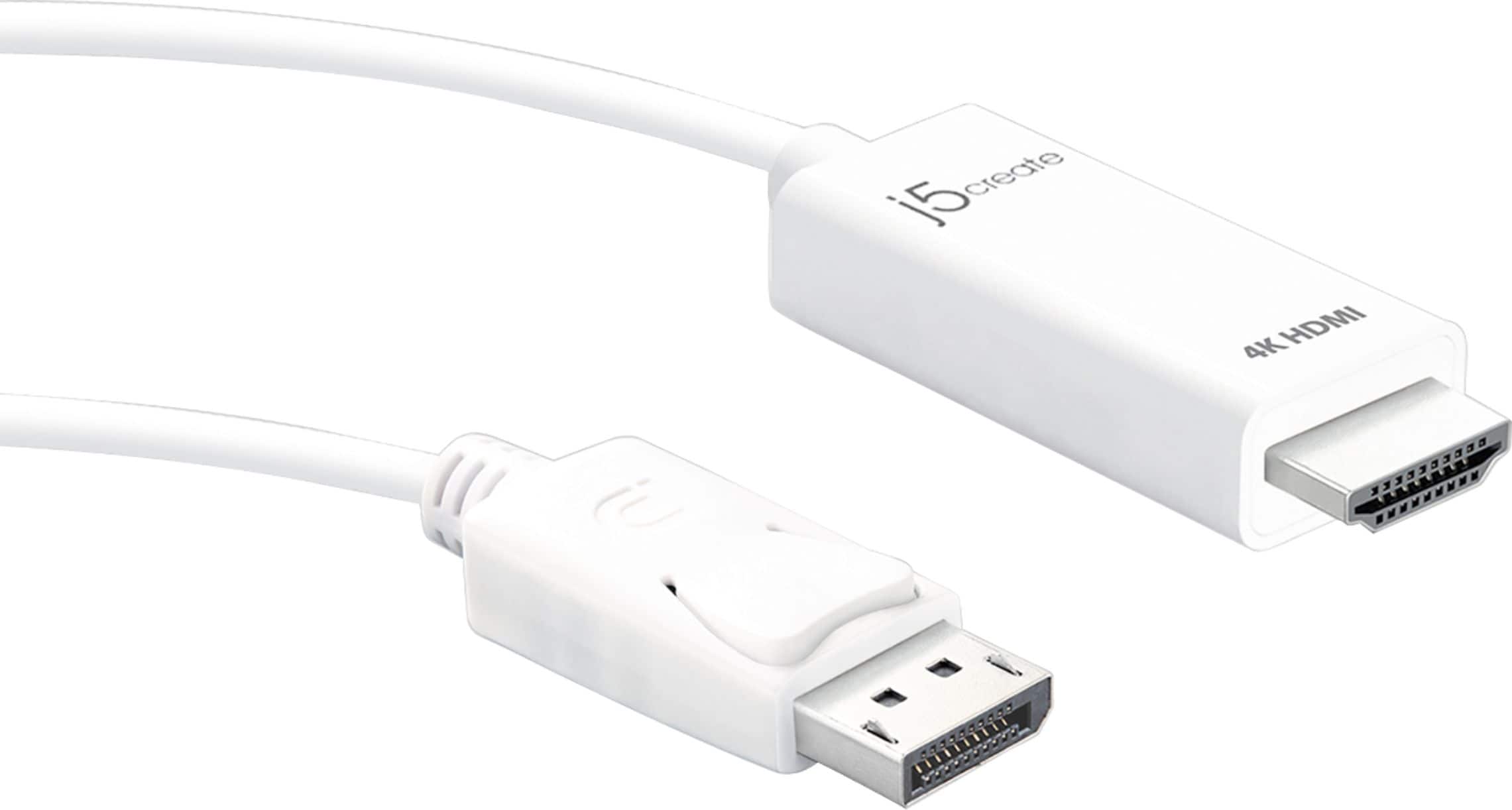
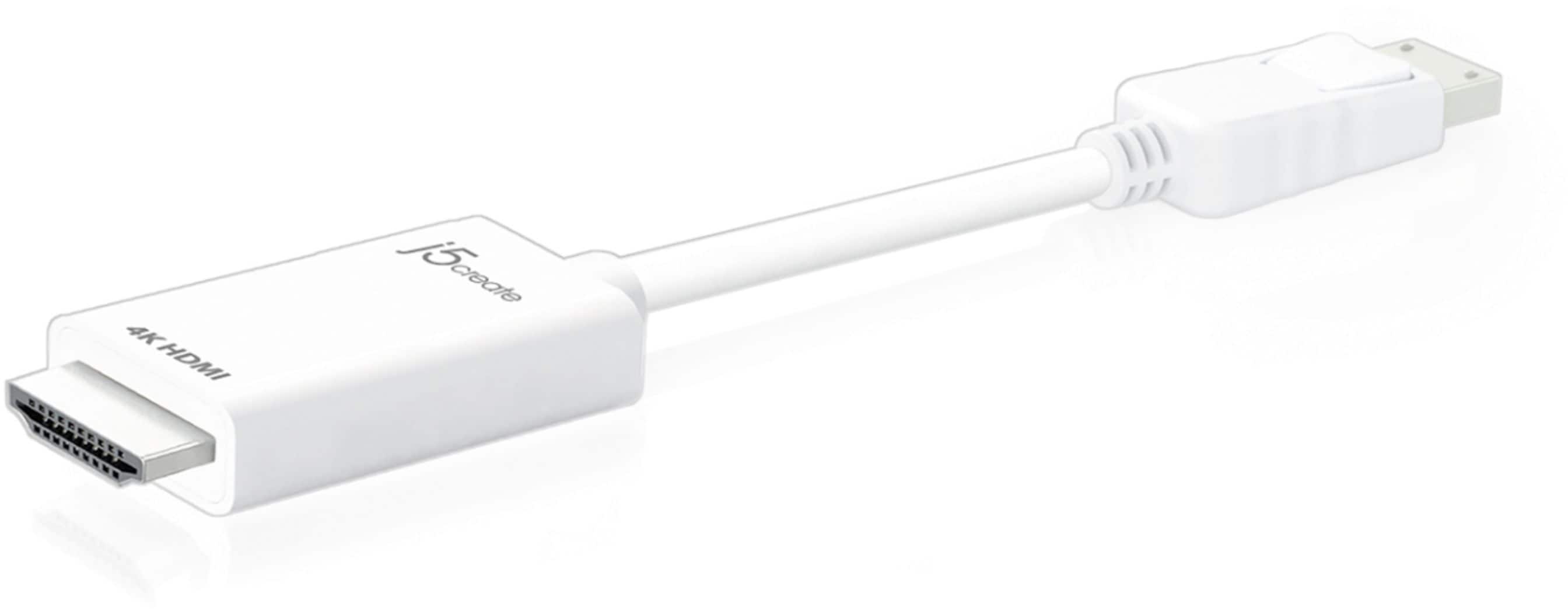
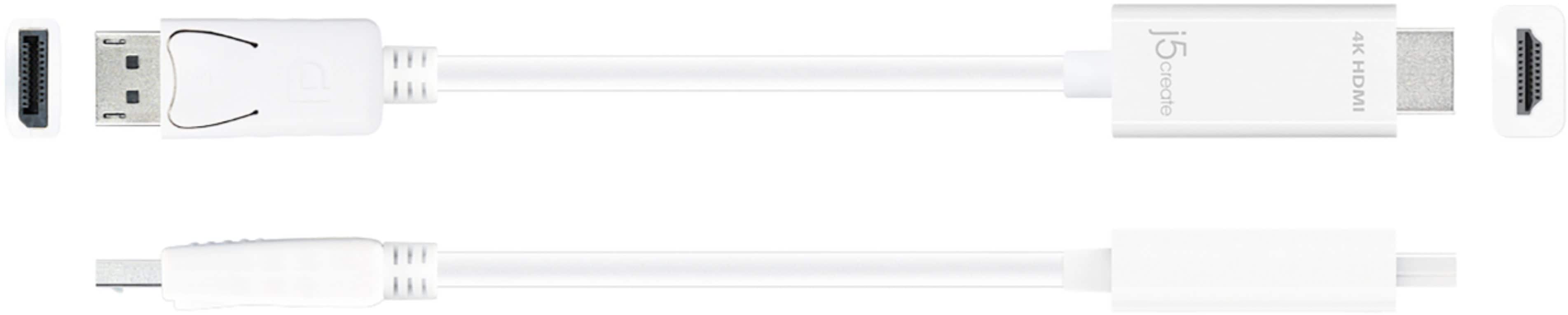
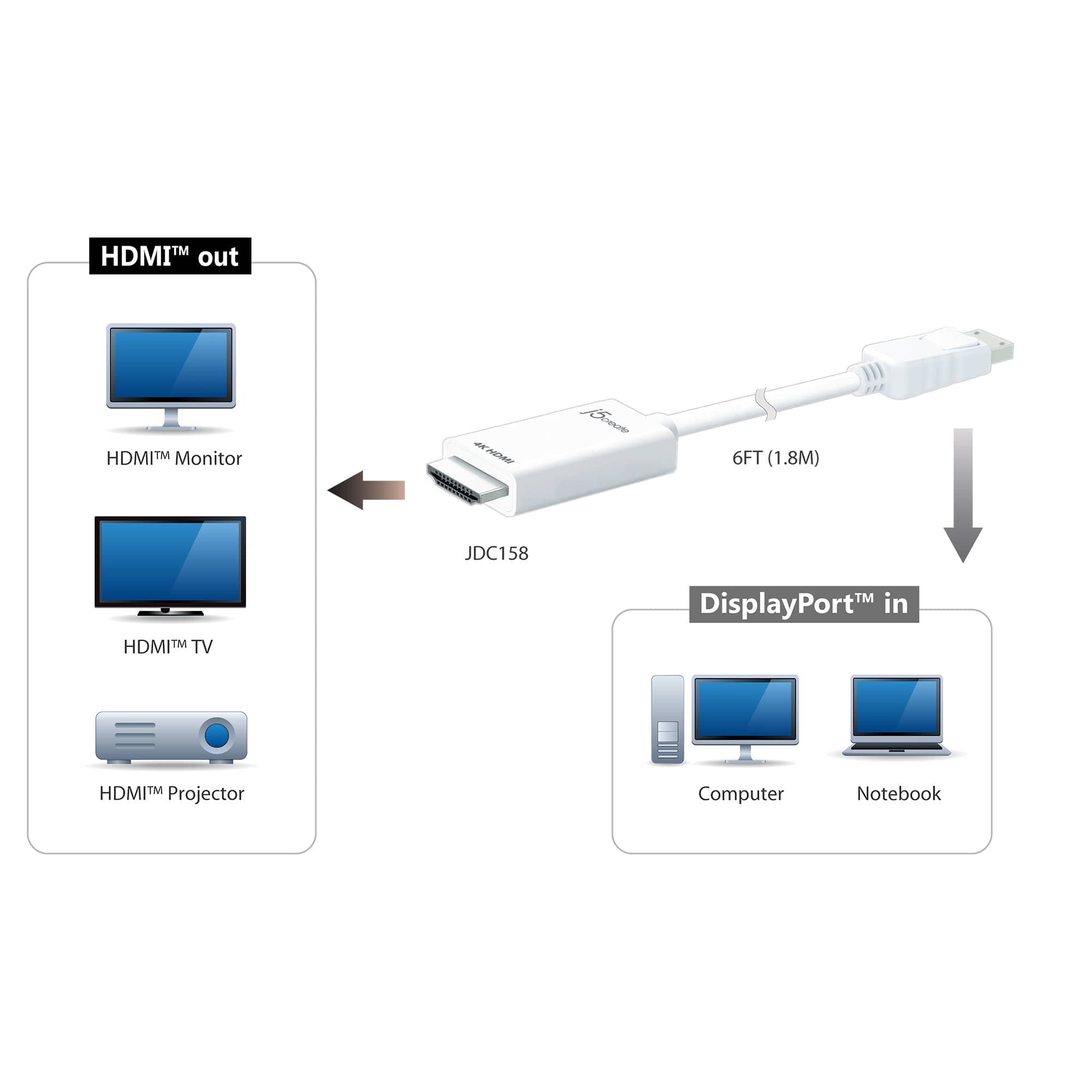
A:AnswerThe Xbox Series S is not compatible with the 4K HDMI DisplayPort Cable because the HDMI end of the cable needs to connect to the monitor while the DisplayPort end connect to a device such as a computer. My recommendation would be to purchase our JCD53 8K HDMI cable. The cable supports higher refresh rates at lower resolutions. Thank you.
A:AnswerThe 4K HDMI DisplayPort Cable is not bidirectional. DisplayPort connects to a computer and HDMI to a display. Will not support 144HZ, only 4k @ 60 Hz.
A:AnswerNo, the HDMI Out connects to an available display with an HDMI Input and the DisplayPort In connects to computer with an DP Output. Will not work for a PS5.
A:AnswerNo, the Galaxy A14 supports a USB Type-C Interface. If the Galaxy A14 supports DP Alt Mode features to transmit audio and video signals, you may want to look at JCC153G or JCC155G. Please refer to the manufacturer of your hardware for more information on your device. Thank you.
A:AnswerI believe the 4K HDMI DisplayPort Cable will care 120Hz on 1080p . Not sure through 1440p. ** Feel free to contact j5create Technical Support regarding this question. Their information can be found on our website under the "Support" tab and a specialist will be ready to assist you. Thank you.
A:AnswerDepending on the make and model of your computer and what the integrated graphics card supports, the JDC158 may output 4k @ 60 Hz. The JDC158 is designed to output such performance, but it comes down to what your computer's graphics card can support. In order to obtain a more definitive answer, we recommend contacting support on the packaging and an agent will be happy to help.
A:AnswerNO.
Need a Display Port to Display port Cable. THIS CABLE only works @ 60Hz.
Bought this because it says it supports 2560x1440 120 Hz. Have it plugged in right now and 60 Hz is the ONLY SELECTION LISTED.