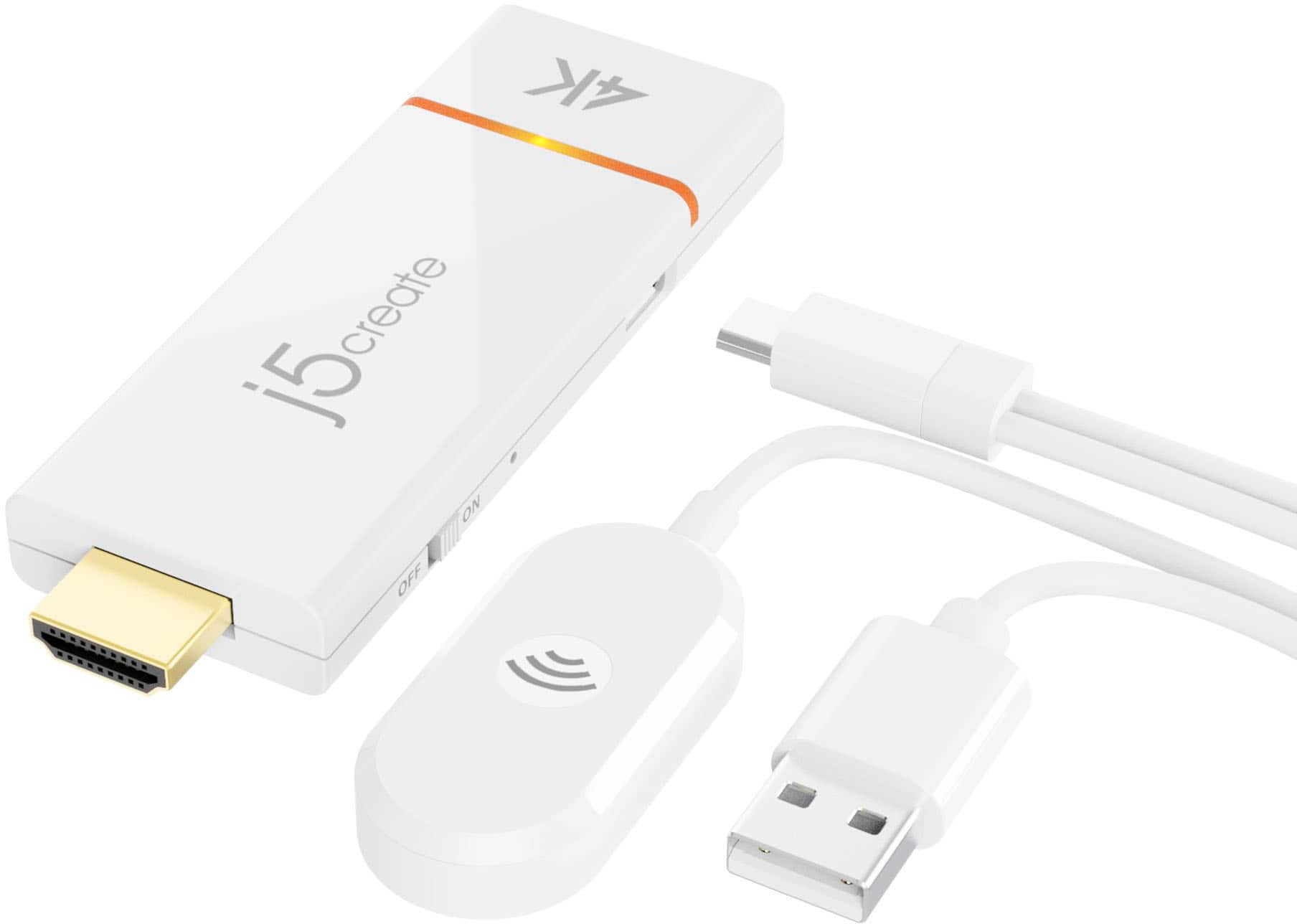
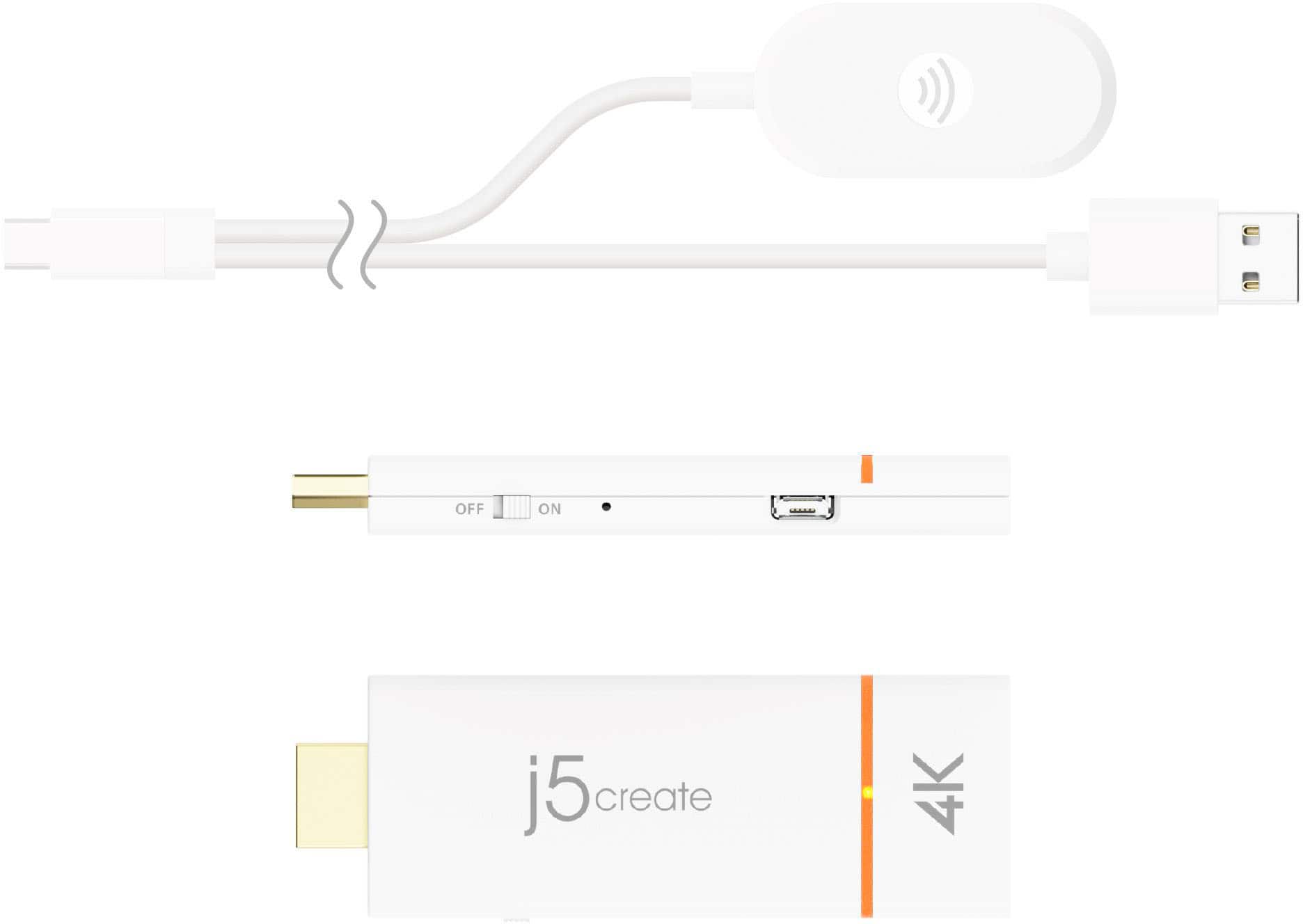
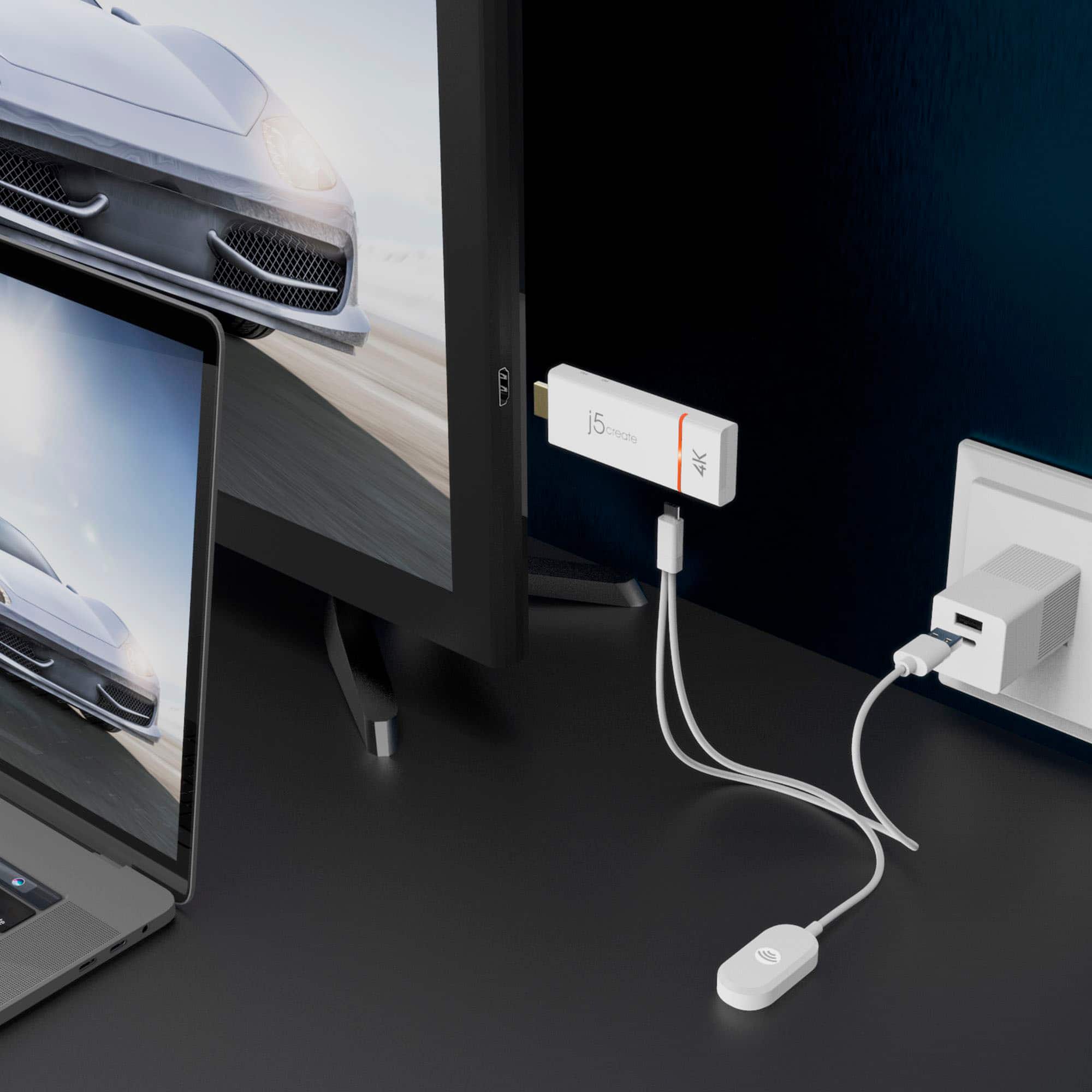
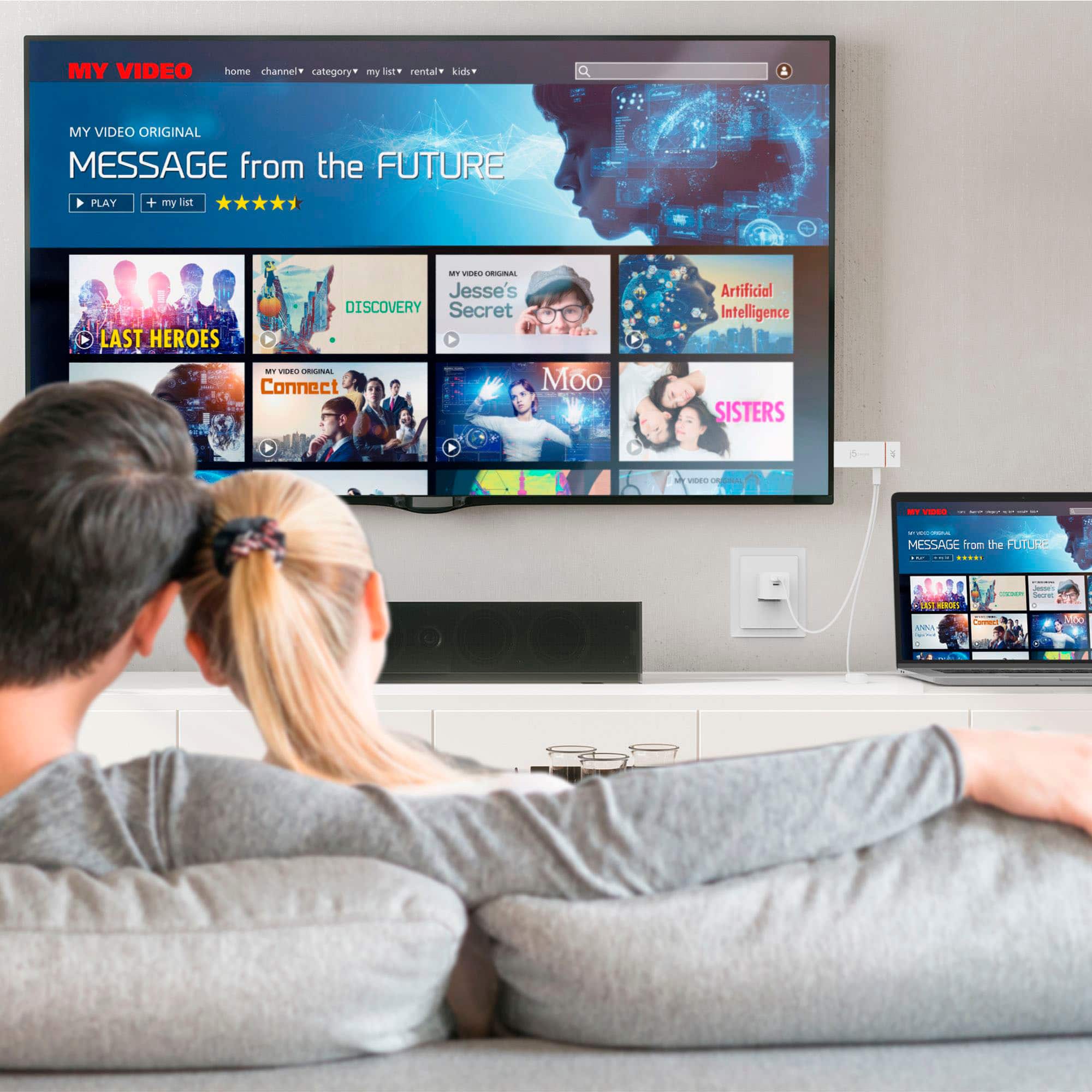
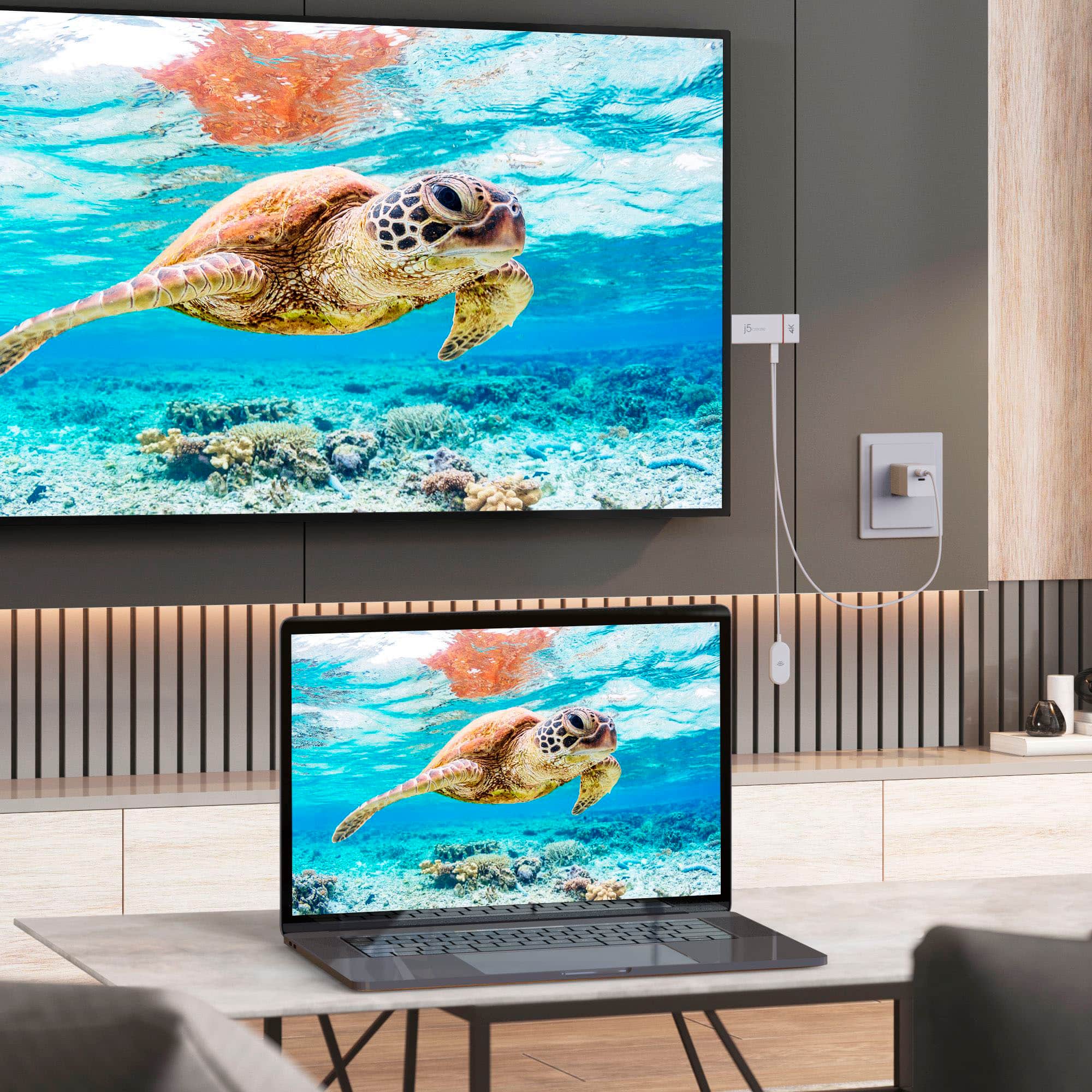
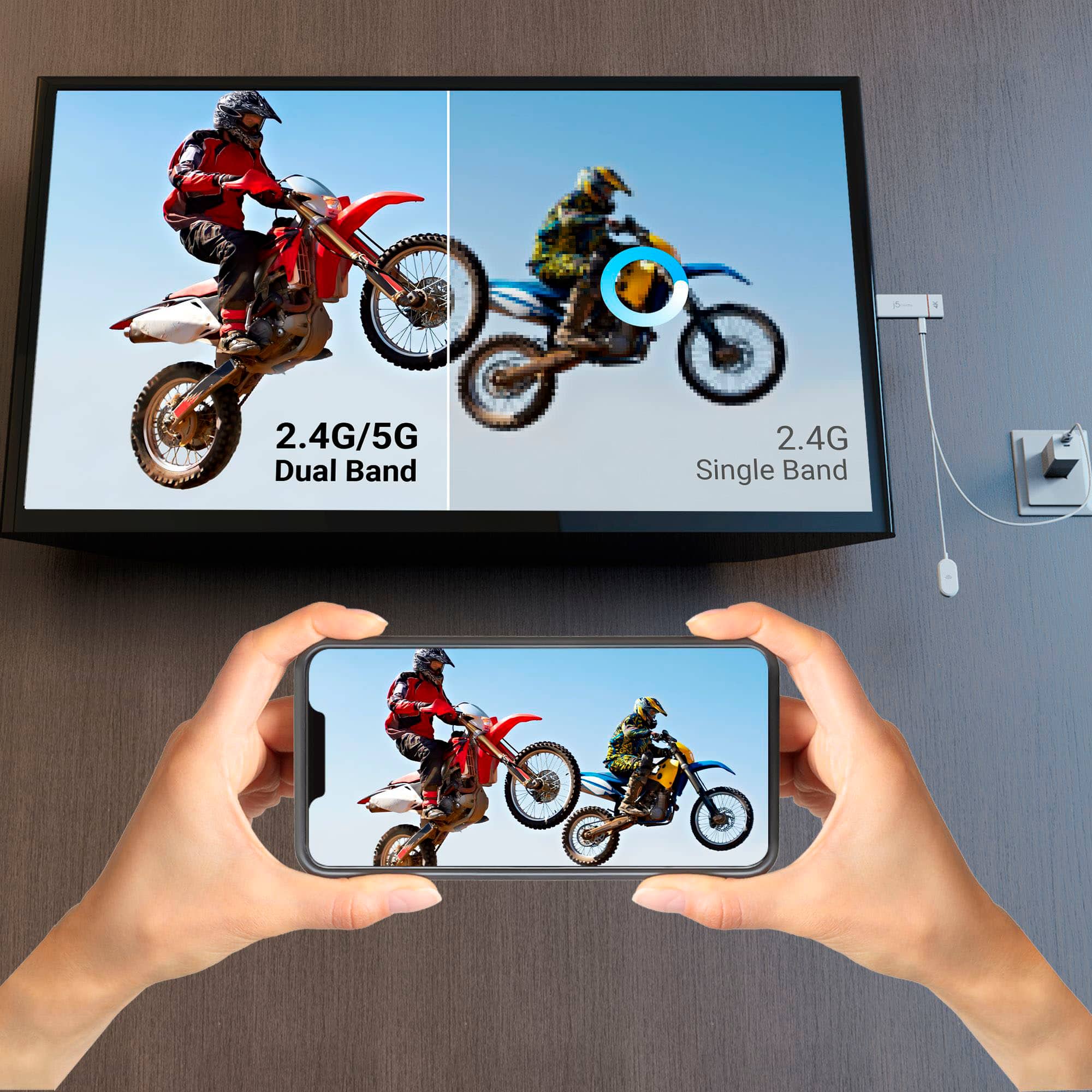
A:AnswerYou can place the ScreenCast 4K Wireless Display Adapter up to 15 meters away from your computer, tablet, or smartphone assuming there are no obstructions such as walls, etc. If you have any further questions please reach out to our customer support team who will gladly assist you. Thank you.
A:Answerif you use two separate dongles probably, but whether they stay perfectly in sync, i doubt it. For example if the videos are of dominoes or a falling ball the timing of all the videos will probably not be precise ....that gets into a volume issue.
A:AnswerYou can can change the device name (i.e. the name that shows up when you connect your device to it), but not the name of the wireless network it broadcasts (at least I haven't found a way to change the the wireless network name). To change the device name, you first need to connect to the devices WiFi network (the name and password of which is displayed on the TV when the ScreenCast is on and you're on it's input on the TV). Once connected to the WiFi network, go to 192.168.203.1 in your browser (that's the IP address of the ScreenCast itself), and you'll be able to login to the device and change a bunch of its settings, including the device name.
A:AnswerUnfortunately, the setup you're describing may not work as intended. The ScreenCast 4K Wireless Display Adapter is typically designed to receive signals wirelessly from a compatible device (like a smartphone, tablet, or computer) and then display that content on a television or monitor. It's not designed to function as a signal source that you can split and distribute to multiple displays.
A:AnswerMost newer computers that support the screen cast option it will cast to the tv and you can use it for zoom meetings via the computer that zoom is running on.
A:AnswerMore than likely the issue is with the DirecTV app and not the ScreenCast. A number of apps have DRM built-in to prevent you from mirroring your device to a TV. They want you to only watch on your phone, or pay extra to be able to watch it on your TV.
A:AnswerYes, you can connect the ScreenCast to Your HDTV with available HDMI port and an available USB Type-A port. Select your TV's input/source until you see the setup screen. Or you can mirror your iOS phone by swiping down to open Control Center and start Screen Mirroring by selecting the ScreenCast's device name.
A:AnswerYes. I use mine every day with 65 inch tv in my classroom. As long as your tv has an HDMI port and the device you want to cast from is compatible it works great. I use a Samsung tablet and my laptop which runs windows.
A:AnswerThe code will be emailed to you or you can uncover it in your purchase details and see the code. Note if you have ever used premium before youtube will not honor it. It will only work for new users only.