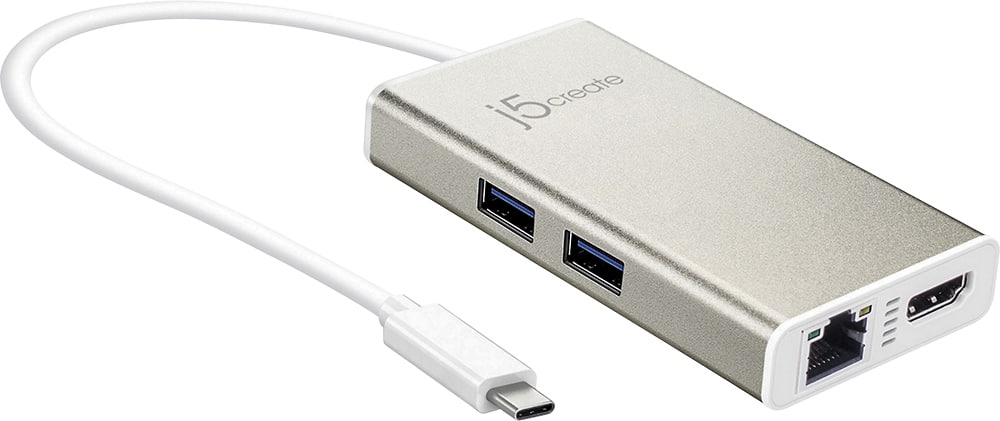
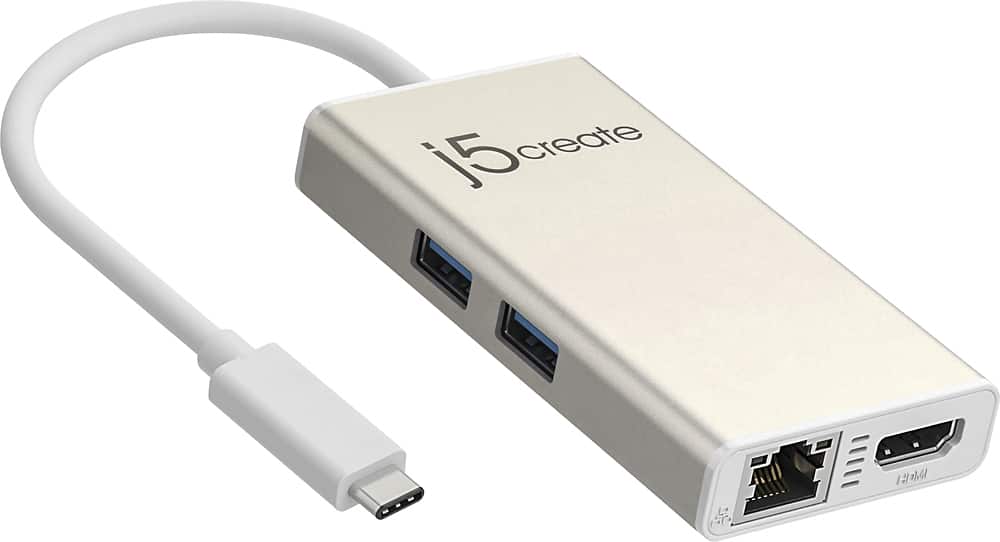
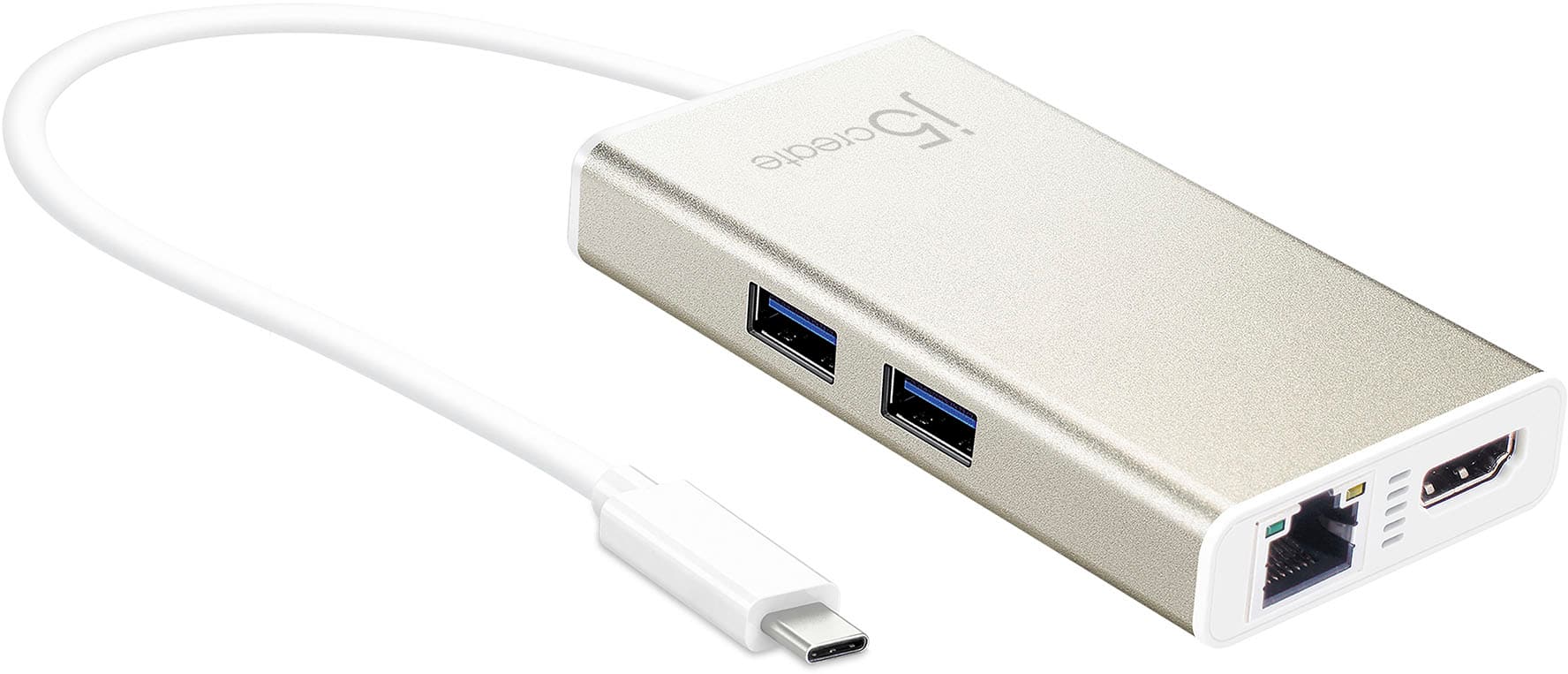
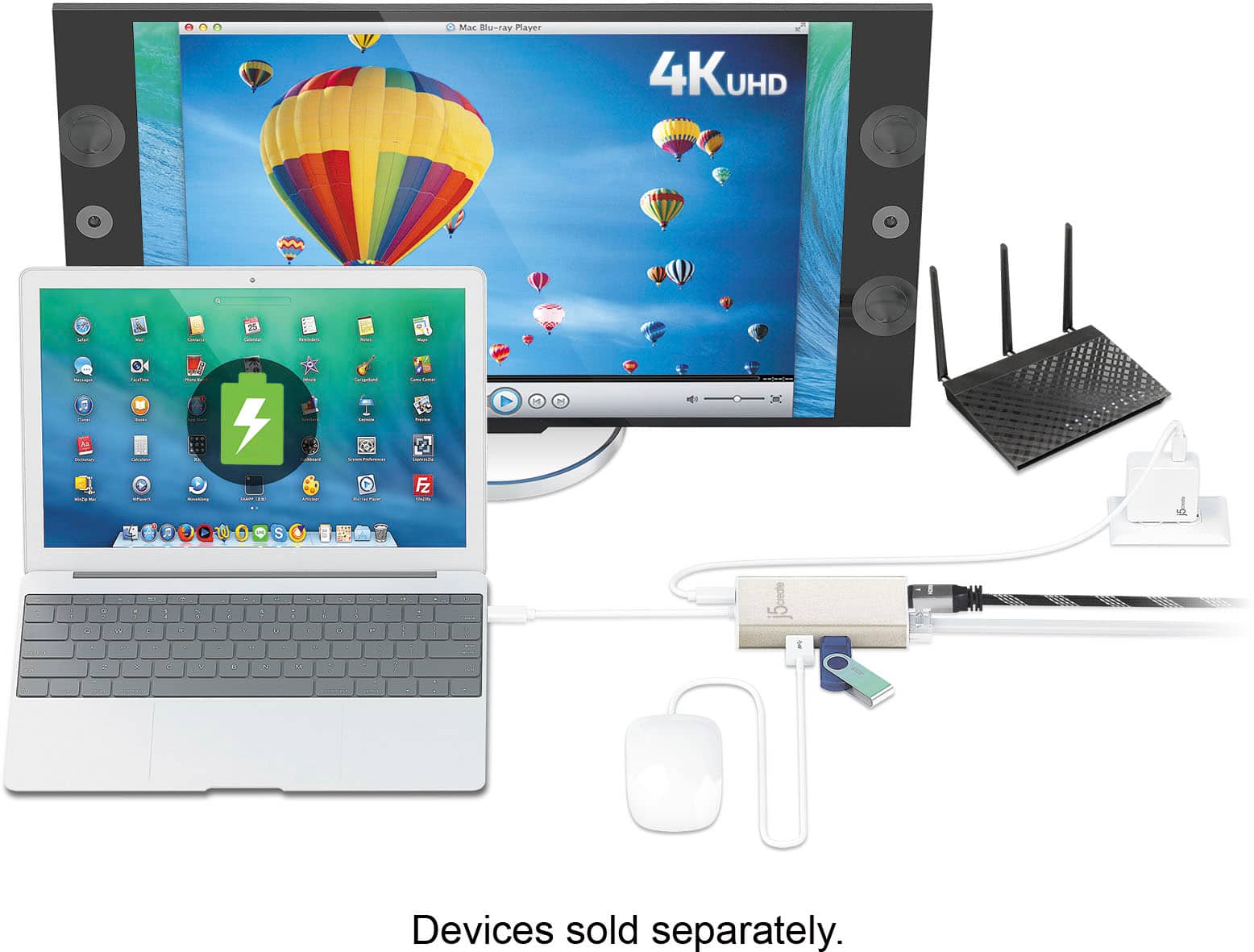
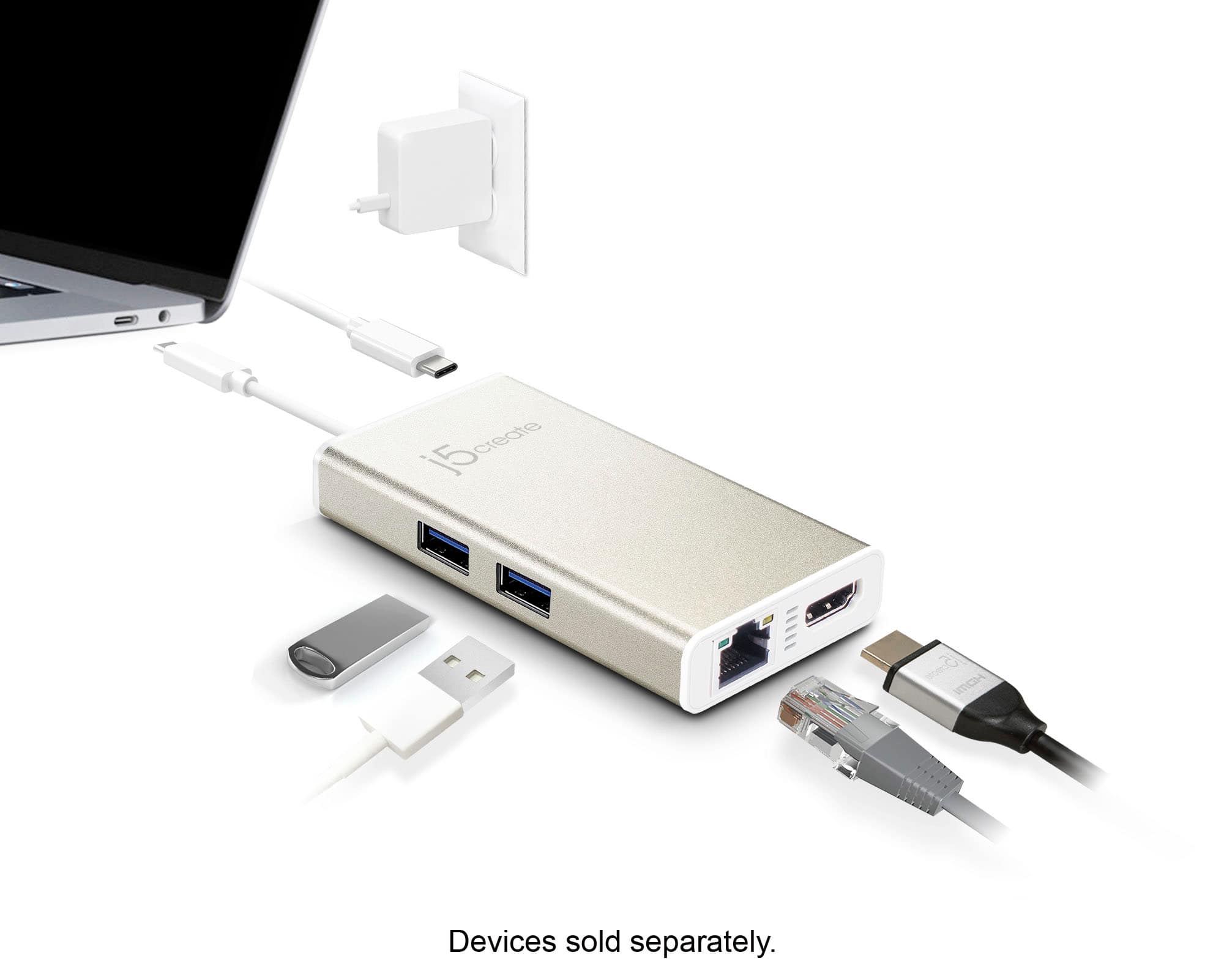
A:AnswerYes, you will be able to connect this device to your computer, then connect an HDMI cable to the HDMI port on the device, and then connect that cable to your display. This will allow you to receive both video and sound on your display.
A:AnswerThe compatibility of a USB-C Multi-Adapter with devices like the ROG Phone or Steam Deck depends on several factors, including the specific features and requirements of the devices.
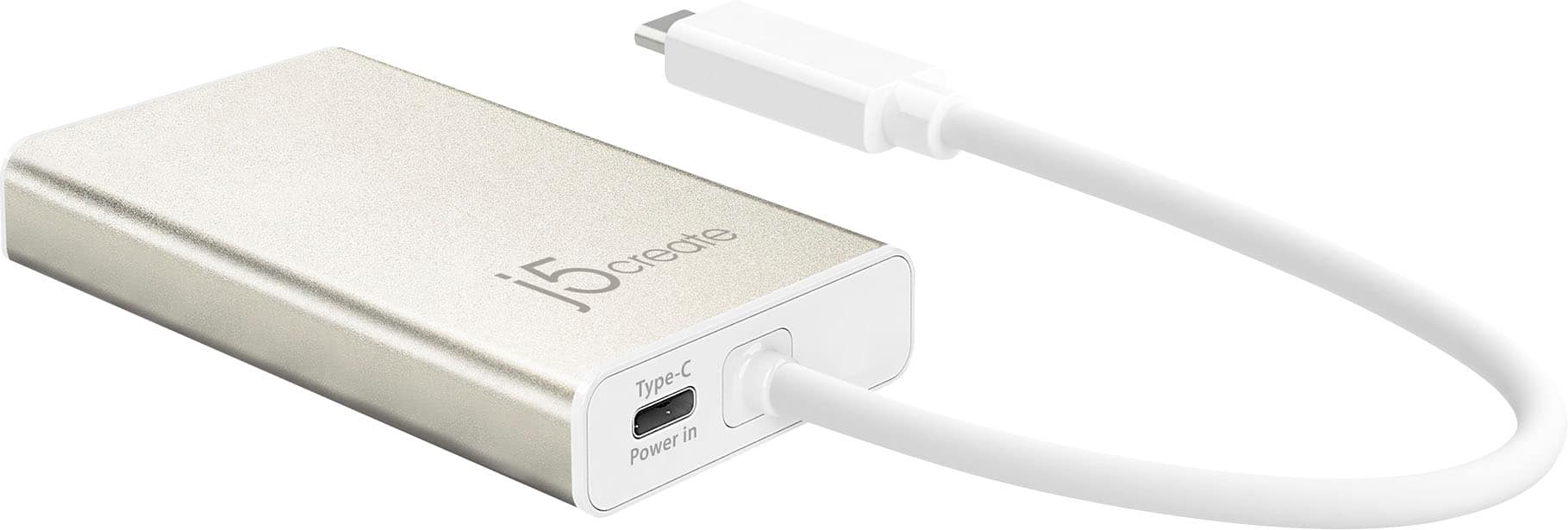
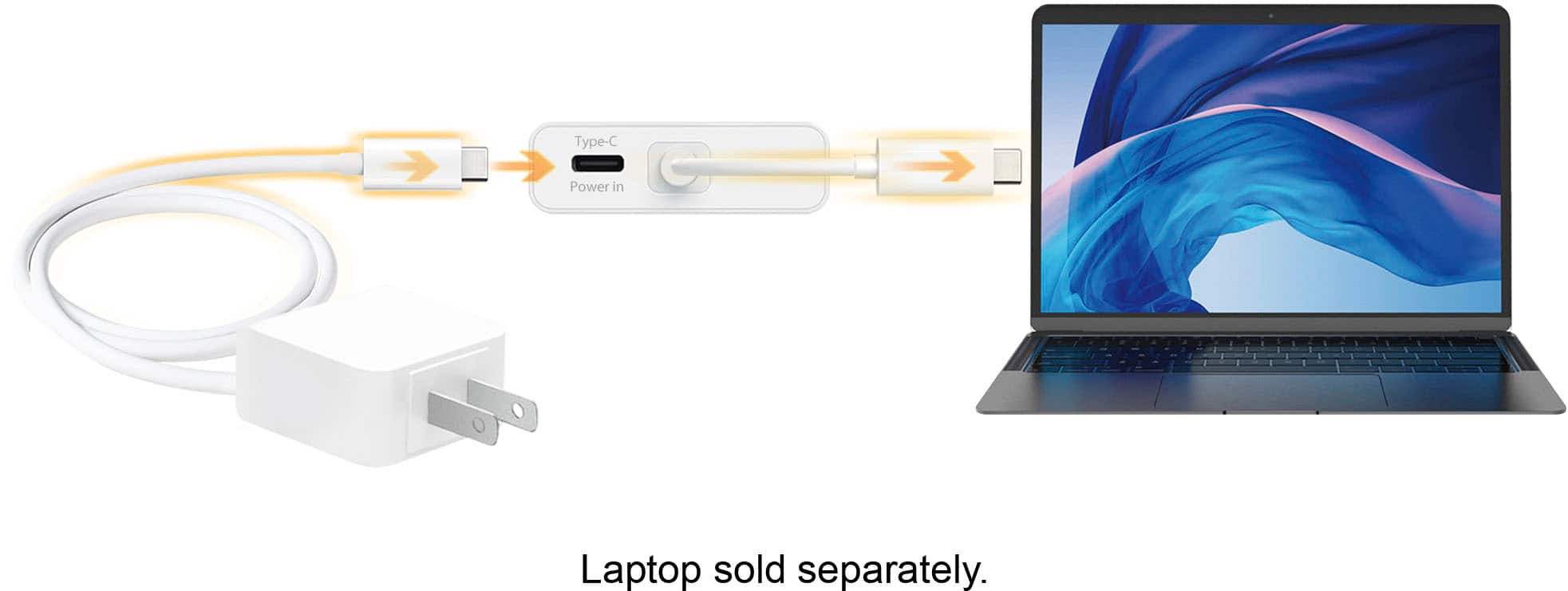
Both the ROG Phone and Steam Deck must support Power Delivery (PD) and that the power requirements of the ROG Phone or Steam Deck are within the supported range. DisplayPort v1.2 is also require to transmit audio and video signals.
If you intend to use the Ethernet port on the USB-C Multi-Adapter, ensure that it is compatible with the network requirements of the ROG Phone or Steam Deck. The Ethernet port does require an installation of a driver. Even though it seems that both units look to run Windows, it's possible it may not work as the Adapter is meant for computer's running Windows or macOS.
It may be possible to use the USB-C Multi-Adapter on both ROG Phone and Steam Deck but there can be limitations or considerations to keep in mind.
A:AnswerThere is no lock on this USB-C Multi-Adapter - HDMI/Ethernet/USB 3.1 HUB/PD 3.0. If this question is for another j5create product, please provide model number. Thank you.
A:AnswerThe USB-C Multi-Adapter supports 60 Hz @ 1920 x 1080 / 30 Hz @ 3840 x 2160. This Adapter will also require that a computer supports an available USB-C port with DisplayPort v1.2 Alt Mode and USB Power Delivery 2.0 or 3.0 features. Please refer to the manufacturer of your hardware for more information on your device. Thank you.
A:AnswerThe USB-C Multi-Adapter is intended to connect to a computer, tablet or mobile phone that supports DP Alt Mode and PD features. The Ethernet port would need to connect to a modem or router with the use of a Ethernet cable. Will not work towards a Oculus Meta2 device. ** If you require further assistance; please contact the j5create Technical Support team and they will be glad to further assist if necessary. Their information can be found on our website under the "Support" tab. Thank you.
A:AnswerYes, if you have serial number starting with AY3 or above, it will not require an installation of a driver. It will be Plug n Play. AY1 and AY2 requires a driver, which are available on j5create website under the "Support" tab > "Downloads/Drivers. ** Feel free to contact j5create Technical Support if you require further assistance. Thank you.
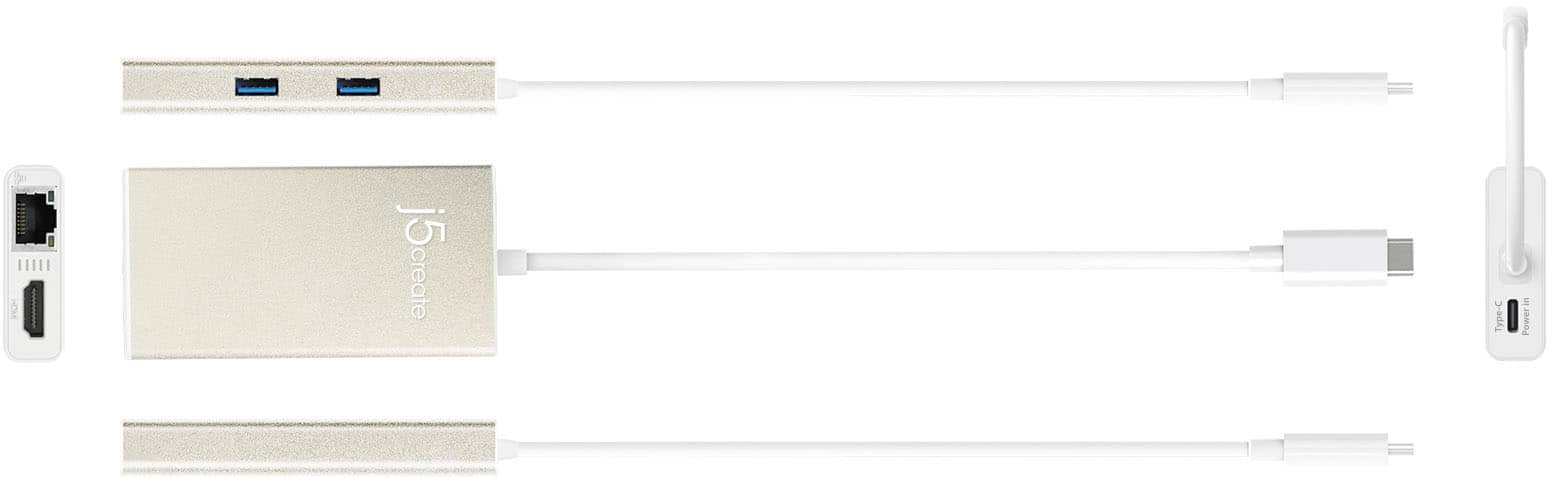
A:AnswerThe only ports that will not work are the HDMI, VGA and Mic ports. Those require drivers but are only available on Windows and MacOS computers. The rest of the ports are PnP. The JCD612 is also another option for the iPad Pro.
A:AnswerThe Ethernet port on the j5 device is to access internet without using Wi-Fi. ** If you require further assistance; please contact the j5create Technical Support team and we will be glad to further assist if necessary. Thank you.