A:AnswerWe do not recommend using converters with our adapters due to signal degradation - this may or may not work. We suggest making direct connections instead.
A:AnswerThis is a USB C port. Thunderbolt uses USB C specs. So, as long as your HP laptop has USB C, then no, you do not need Thunderbolt 3.
Source:
https://www.businessinsider.com/is-thunderbolt-the-same-as-usb-c
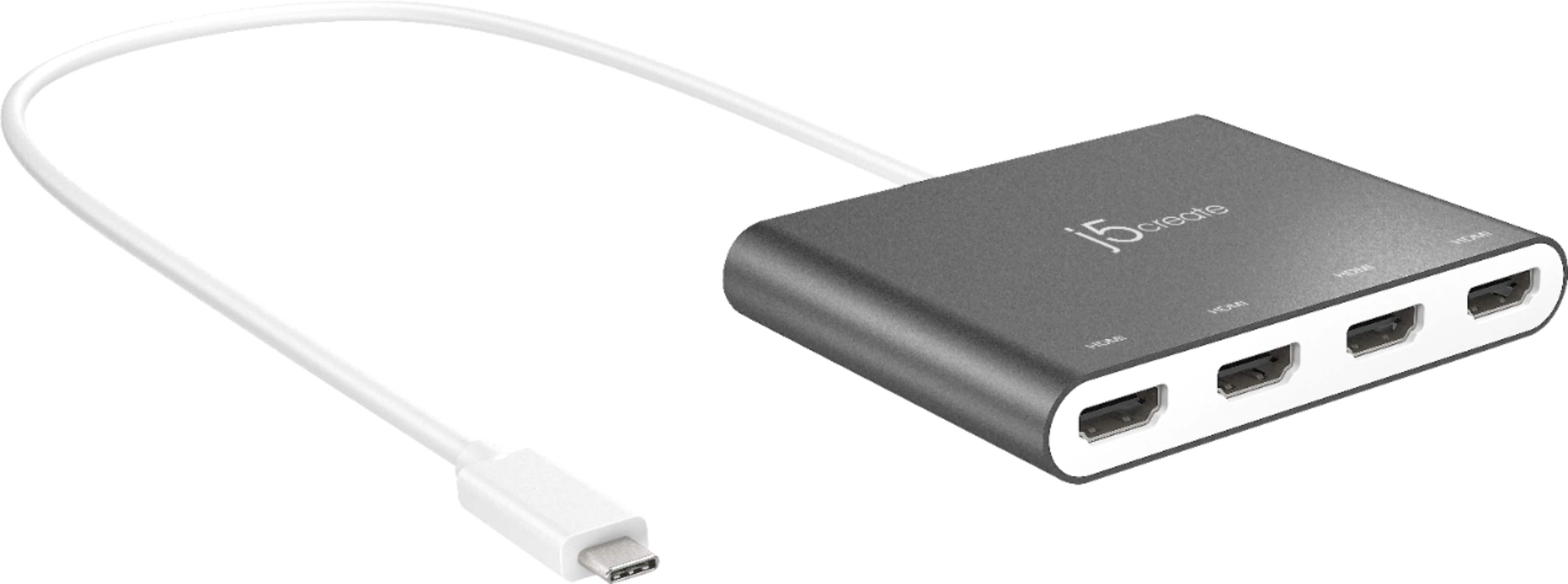
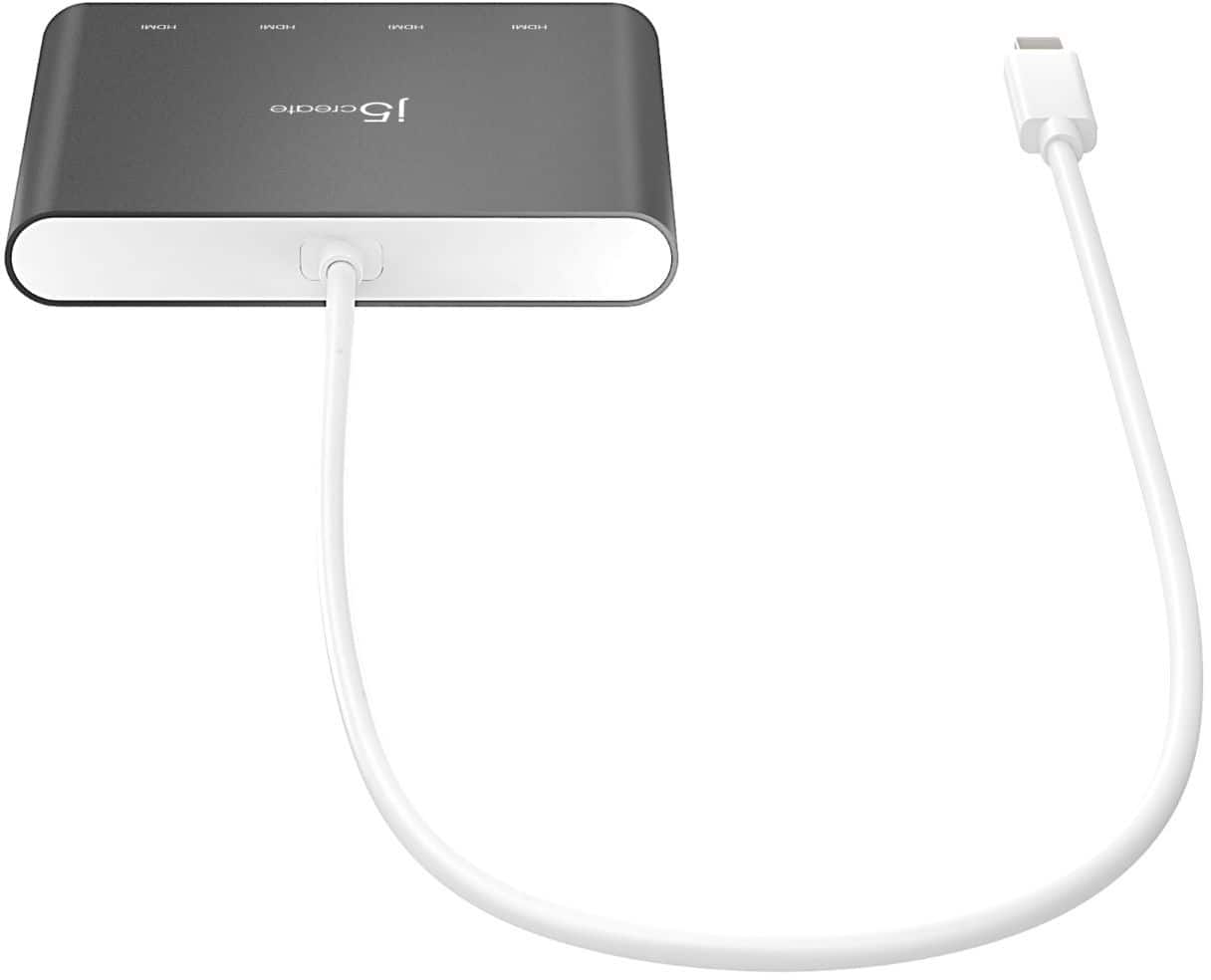
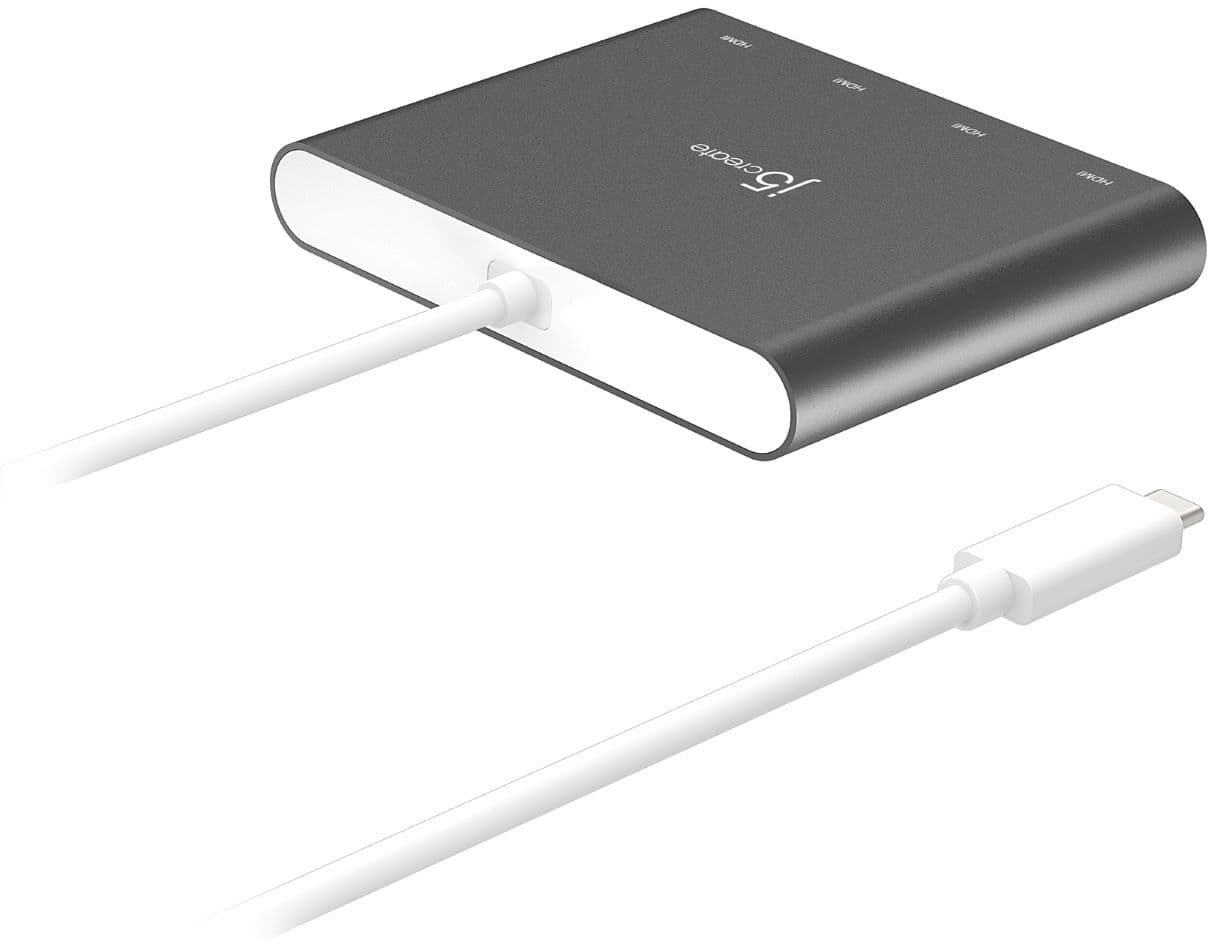
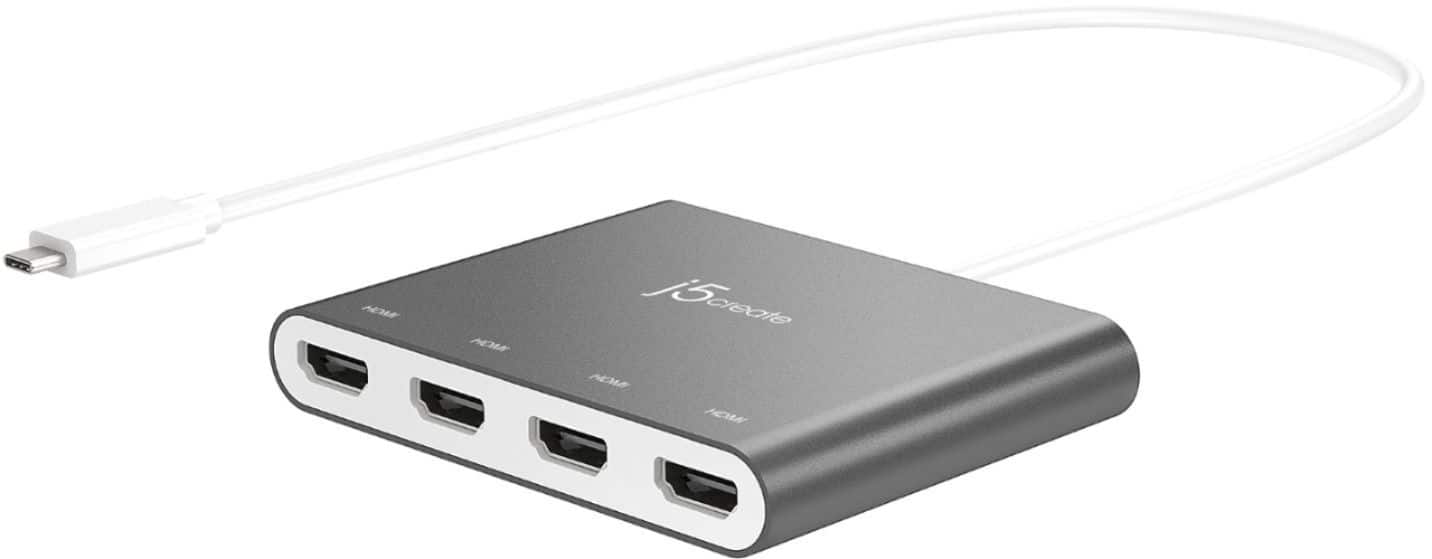
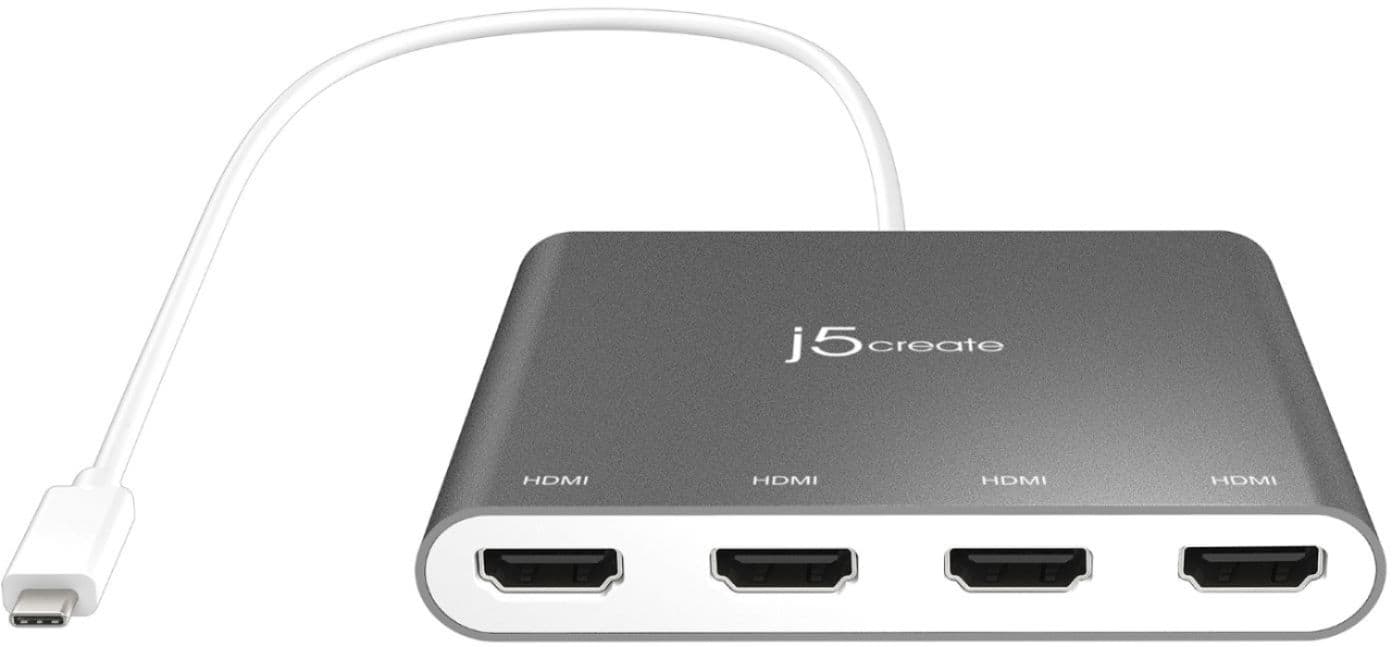
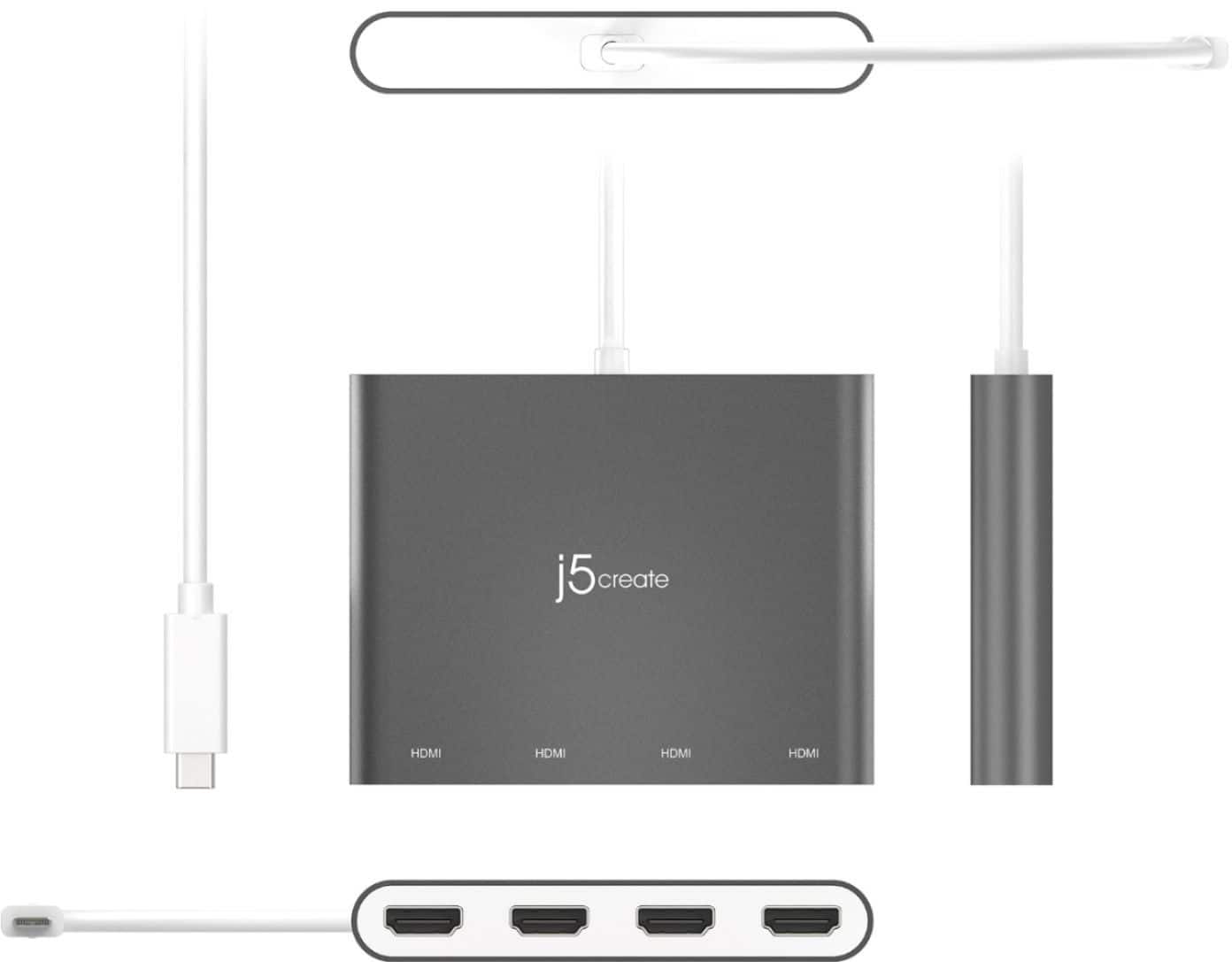
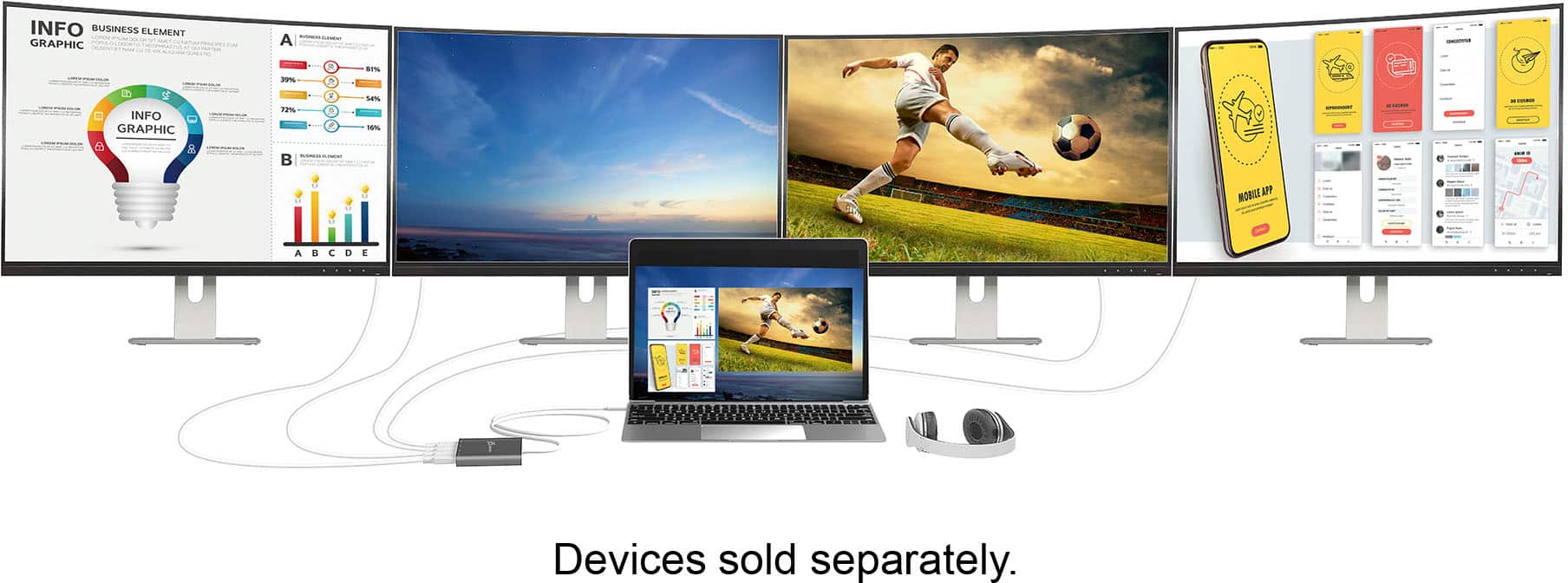
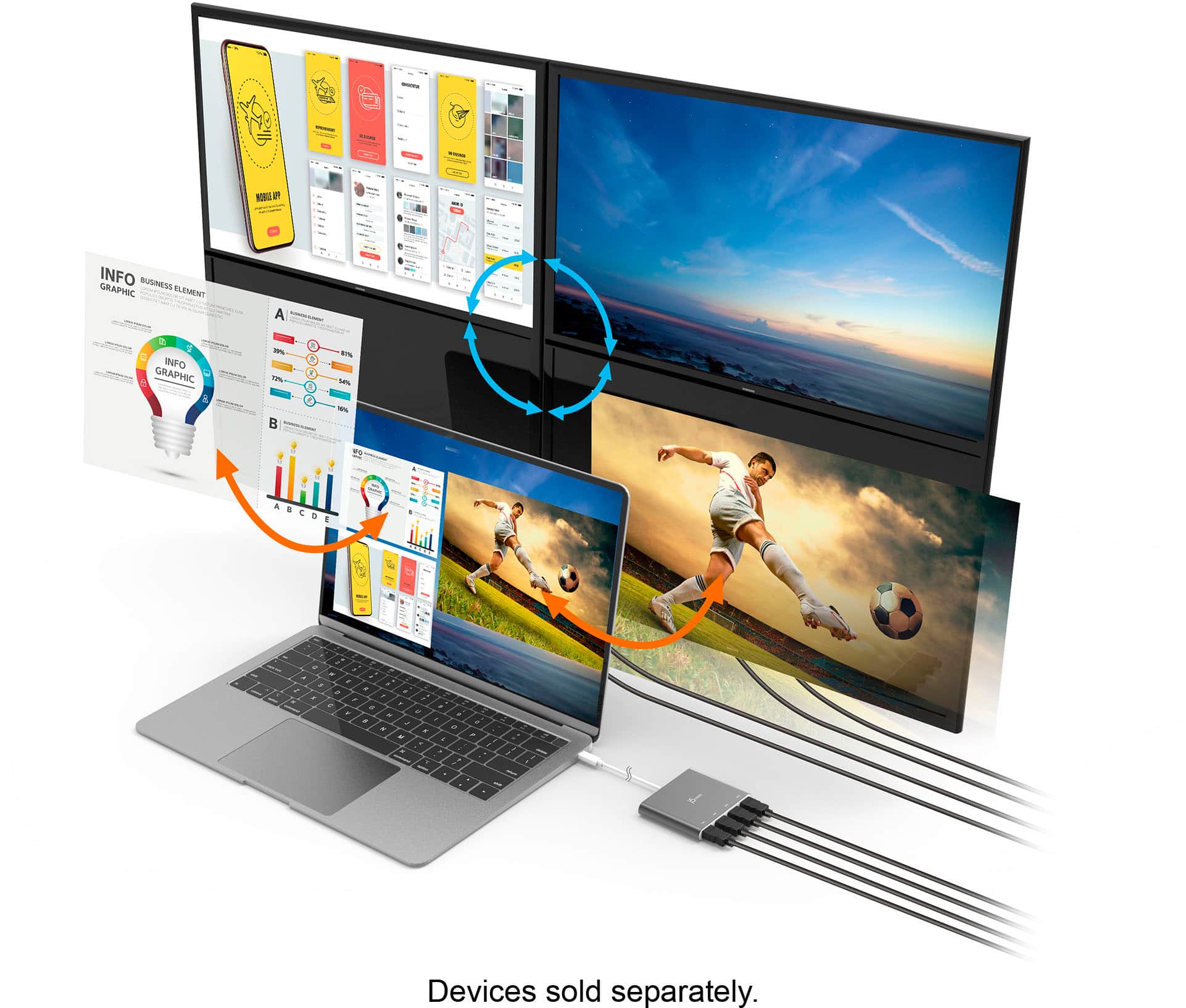
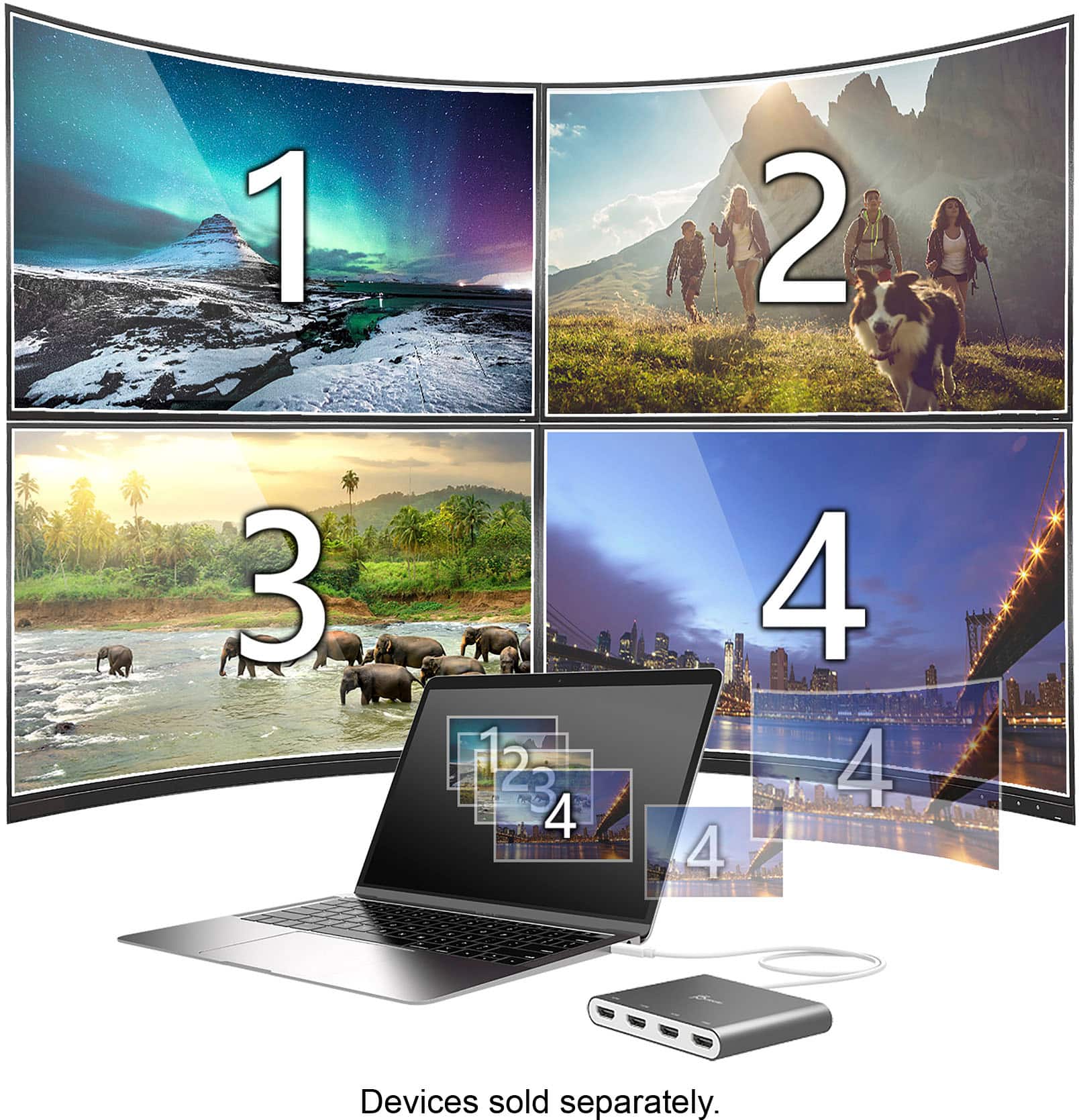
A:AnswerThe JCA366 is not compatible with Chromebook computers. It requires drivers and will not work for you. Acer's website states your computer has 2 USB-C ports and supports DisplayPort over USB-C, USB charging. The JCC153G will work since it's a Plug n Play video cable. Unfortunately, we do not have a PnP device that has 4 HDMI ports.
A:AnswerThis docking station is configured for a USB-C connection. There are numerous USB-A to USB-C adapters online that state they work with laptops, but j5create cannot validate the functionality of these adapters with our docking station.
Yes, this docking station will support 3 monitors, 1 VGA, 1 HDMI, and 1 either HDMI or DisplayPort.
A:AnswerThank you for submitting a question. Yes, the JCA366 is indeed compatible with Mac; depending on which version of Mac you have there is a driver.
** Feel free to contact the Technical Support team mentioned on the packaging for further assistance or if you have any other questions and someone will be glad to assist you.
A:AnswerIt is possible you may be operating on Big Sur. In order to confirm and offer assistance, we recommend reaching out to support printed on the packaging and a specialist will be able to offer solutions.