A:AnswerThank you for submitting a question. I was able to look up the specs for the iPhone 8+ and I see it has a lightning connector on it and therefore the JCC153G will not be compatible with your iPhone unfortunately. If you wish to connect to a monitor with ha USB-C input, then I would recommend a JLC15 instead. You can also take a look at the list of Lightning connector devices available from j5create.
** Please feel free to contact the j5create Technical Support team if you require further assistance and or if you have any other questions.
A:AnswerNo, this is HDMI to USB type C. Like the charger cable to most cell phones or tablets. The Xbox 360 is full USB type A. What you use to plug a mouse or keyboard to a PC.
A:AnswerYes you can use this cable to connect to the Samsung TV (via HDMI) but you may need a little adaptor that connects from the cable's type C end to the USB end that goes into the Wii. Alternatively, a j5create hub would solve your connectivity problem, hands down.
A:AnswerIn order to potentially resolve the fuzzy image, I recommend that you visit the computer manufacture's to download and install all updates for your computer. The most import updates to consider are: Chipset, Thunderbolt, BIOS, and Video Drivers.
Another things to check on is the refresh rate. Please make sure the refresh rate is set to a value that the display supports.
Lastly, I would recommend that, if you are are currently mirroring the display, change the display settings to "Extend these displays" under Windows Display Settings.
If the issue persists, feel free to contact us by making a support ticket from our website:
https://en.j5create.com/pages/contact-us
A:AnswerHello,
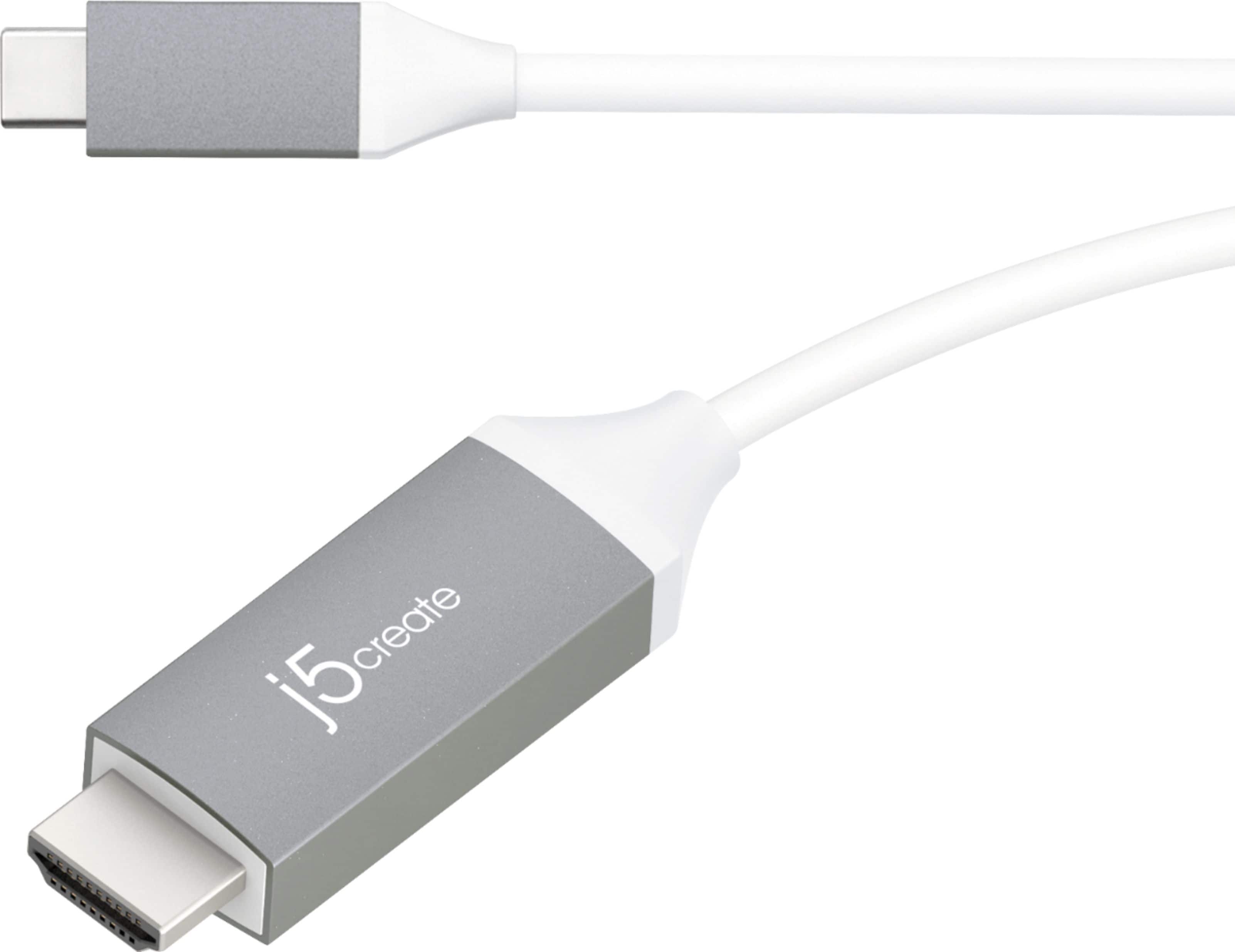
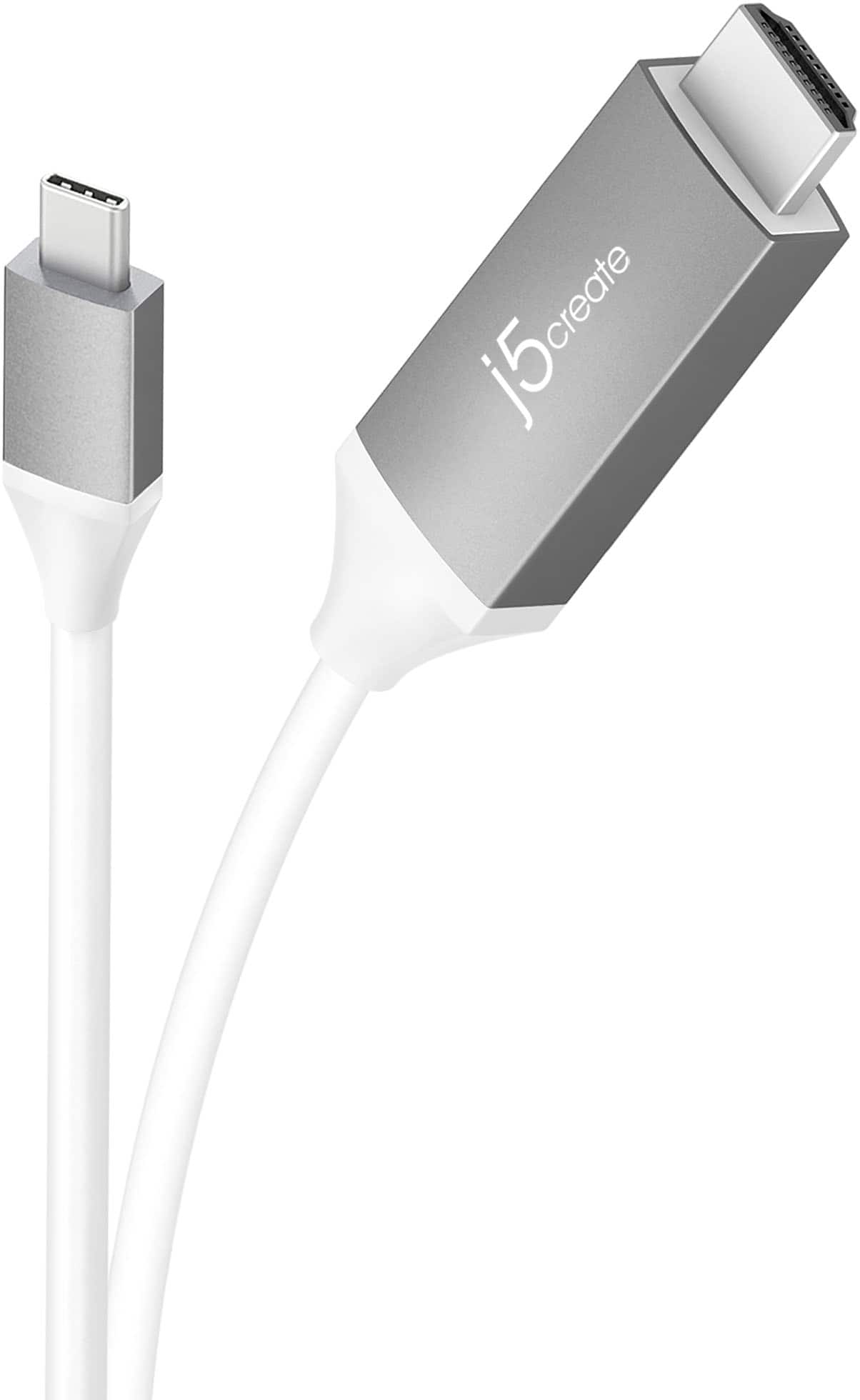
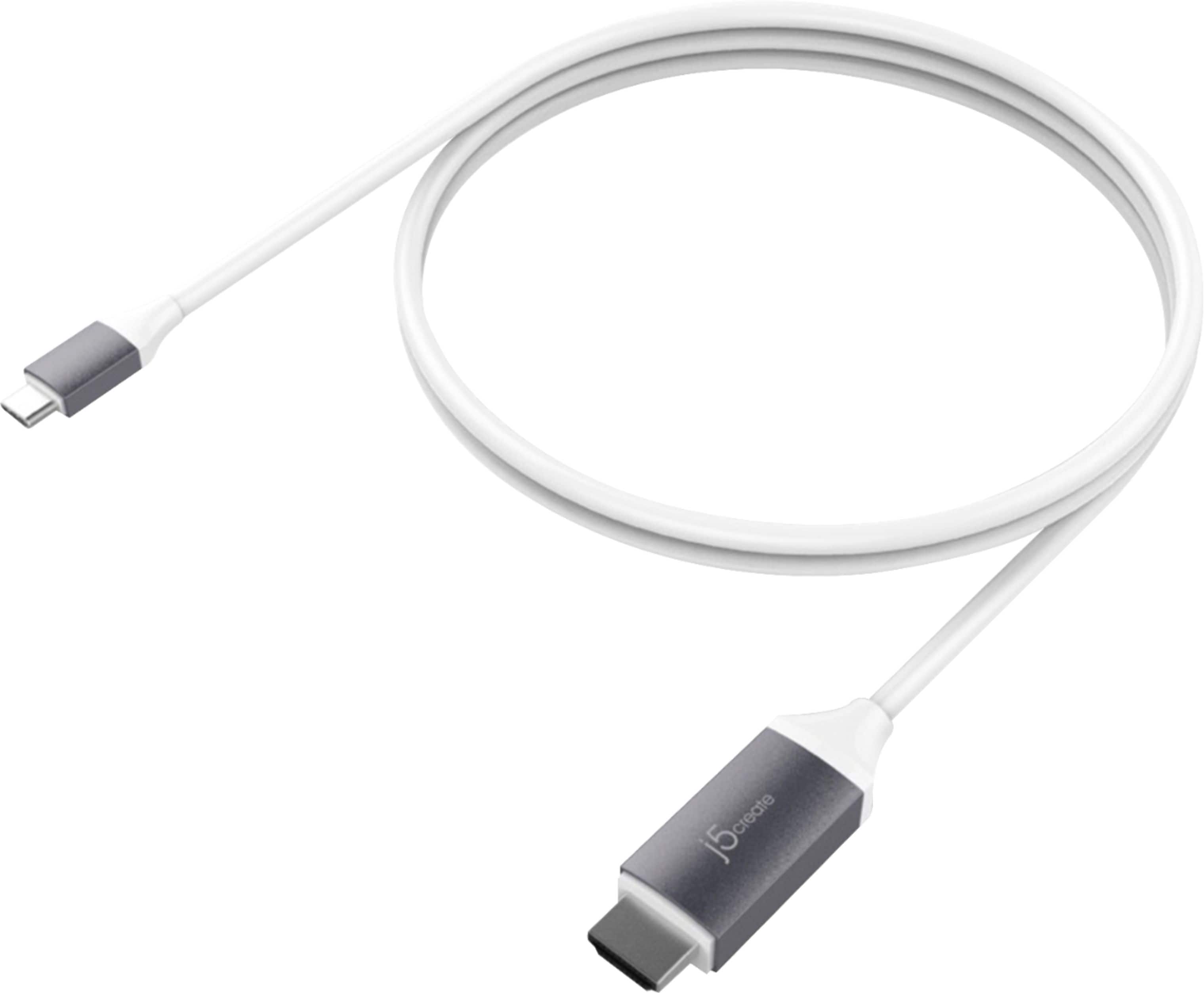
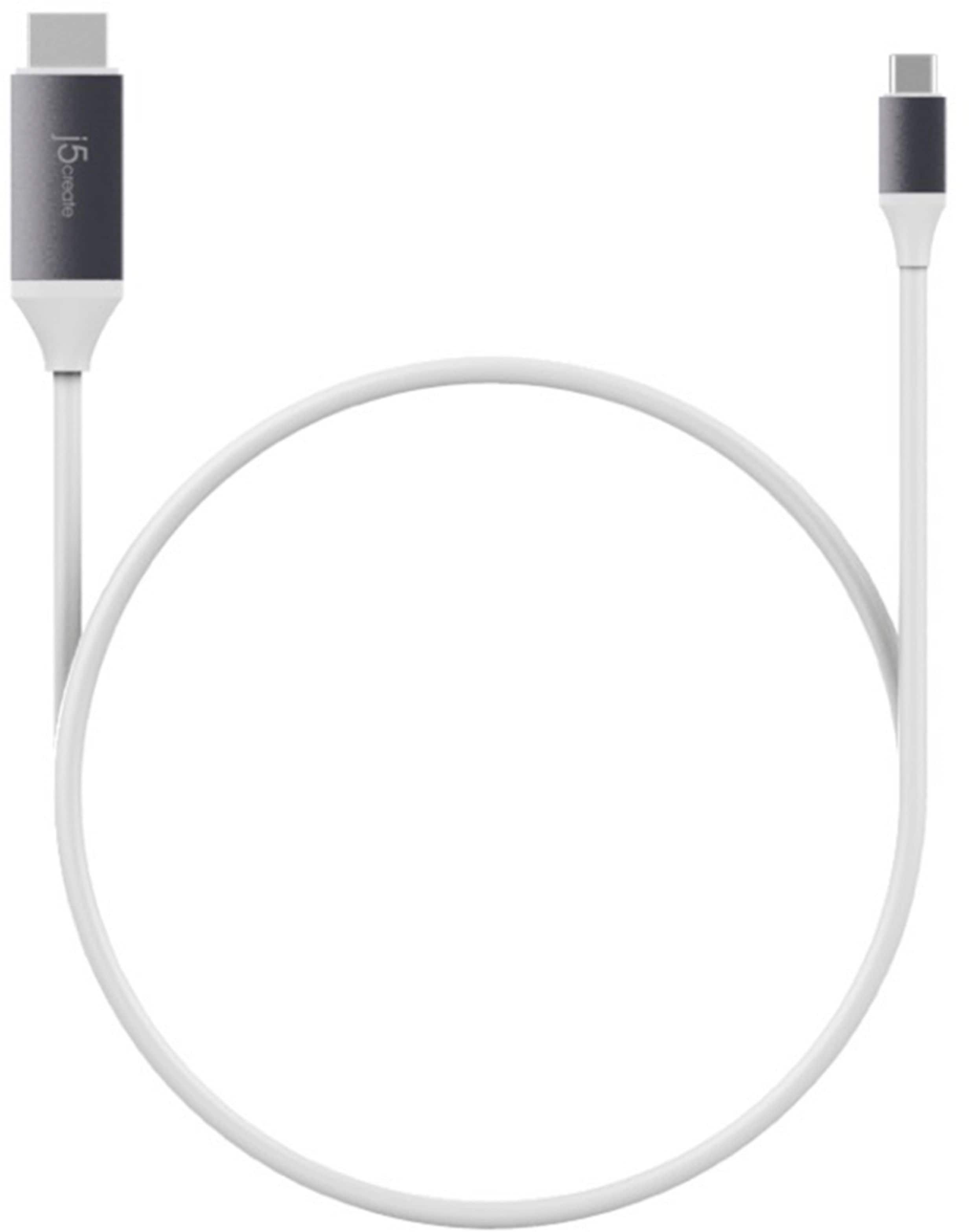
The j5create - 6' USB Type C-to-HDMI Cable (JCC153G) is designed to connected to a computer/phone with a USB-C output to a display with an HDMI input.
Unfortunately, the iPhone 11 uses a lightning port, instead of USB-C, and will not be compatible with the JCC153G.
A:AnswerUnfortunately, this device will not work on your phone because it requires that your phone supports Display Port Alternate Mode over USB Type-C in order to output display. In your case your phone does not support this feature.
A:AnswerUnfortunately, this cable will not work on your phone because it requires that your phone supports Display Port Alternate Mode over USB Type-C in order to output display. In your case your phone does not support this feature.
A:AnswerThank you for submitting a question. Yes, the JCC153G is intended to be plugged into the Mac via USB-C and the HDMI male end into the TV, monitor, projector and it should be displaying for you
- that simple.
** Feel free to contact the j5create Technical Support team if you require further assistance or have any more questions.
A:AnswerUnfortunately, this device will not be able to output a display through your phone because it does not feature DisplayPort Alternate Mode over USB Type-C
A:AnswerThank you for submitting a question. Unfortunately, after looking up the specs for your device, I see you only have USB micro on there and the JCC153G requires a USB-C port to connect. However, if you are simply attempting to display the tablet onto a TV, I recommend the JUA165C instead and that will work for you.
** Feel free to contact the j5create Technical Support team if you require further assistance or if you have any other questions.
A:AnswerIf your computer support DisplayPort Alternate Mode over USB Type-C then you will be able to output a display through your computer to your projector; with this device.
A:AnswerThank you for submitting a question. Unfortunately, the JCC153G is as long as our USB-C to HDMI cables will run. However, you could exchange the JCC153G for the JCA153G and then you could connect a separate HDMI to HDMI cable that is longer than the 6' cable if you wish.
** Feel free to contact the j5create Technical Support team if you require further assistance or if you have any other questions and someone will be glad to assist you in your needs.
A:AnswerHi! Yes, the JCC153G USB-C to HDMI cable will be supported by your iPad Pro 12.9" as long as it is the 2018 and above year model that come with a USB Type-C connector.