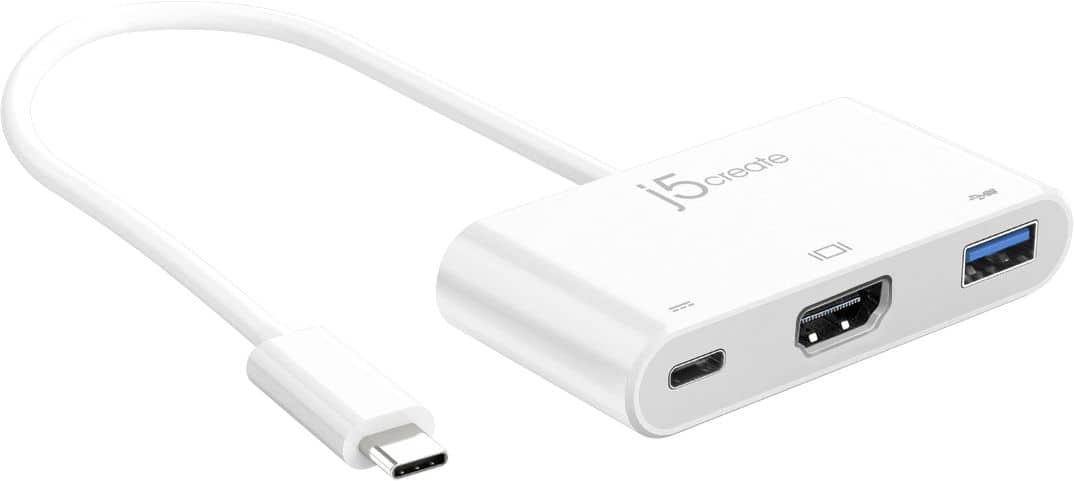
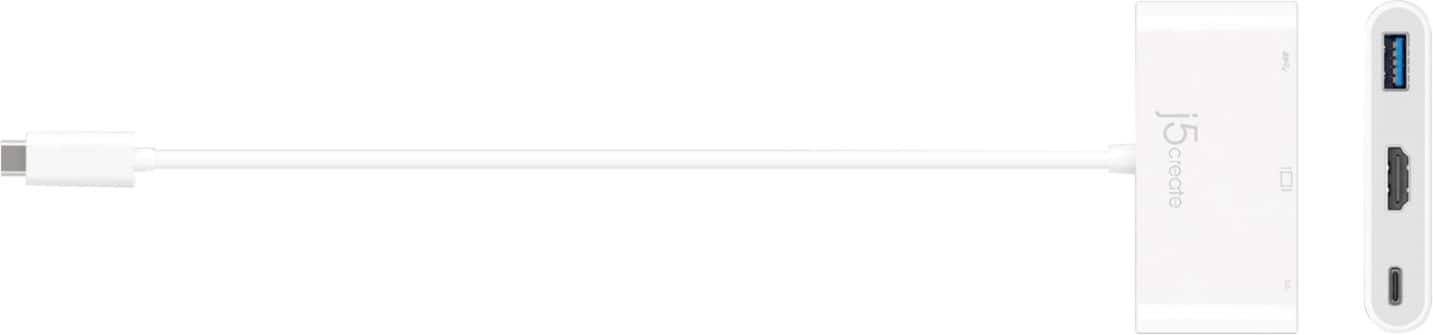
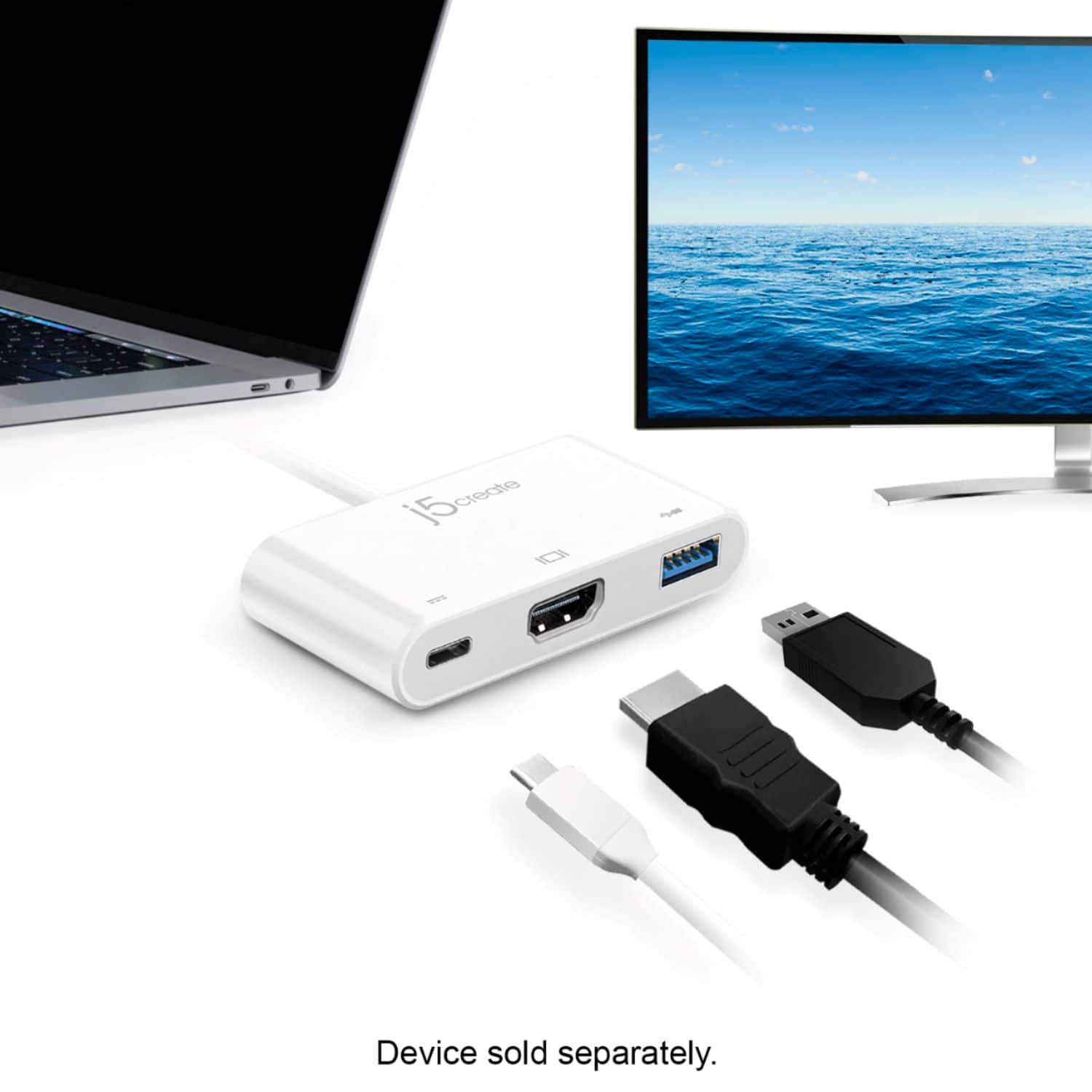
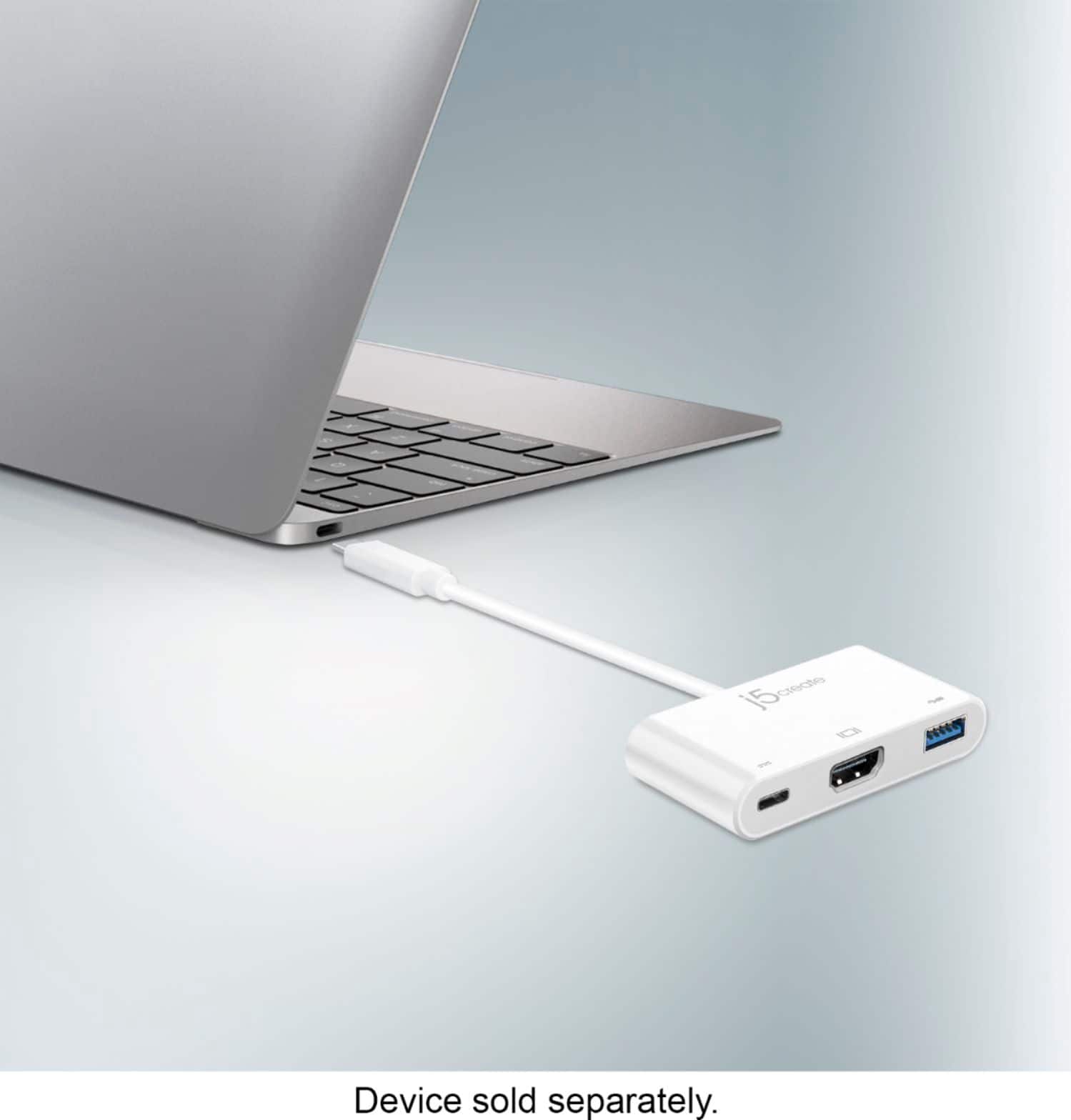
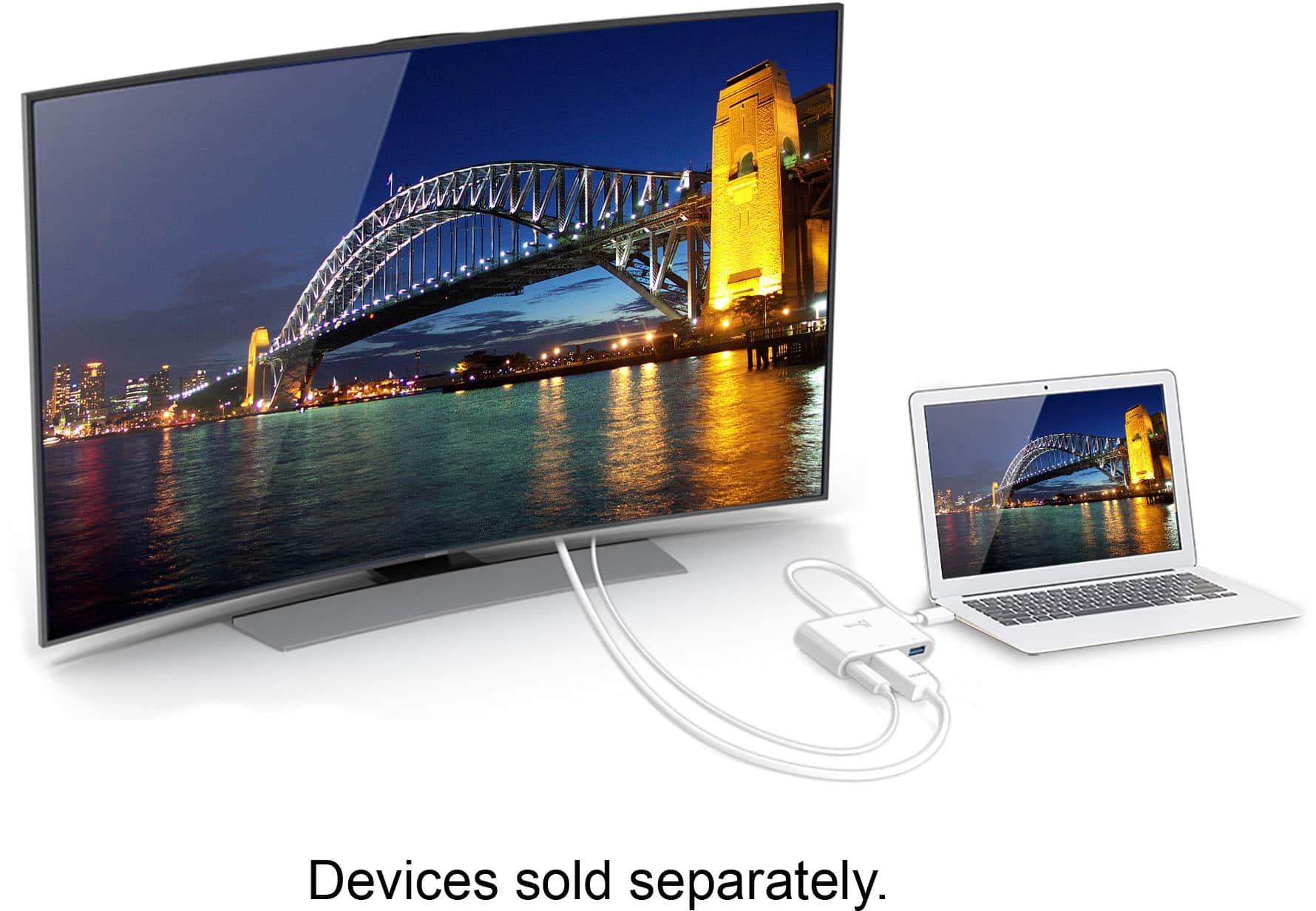
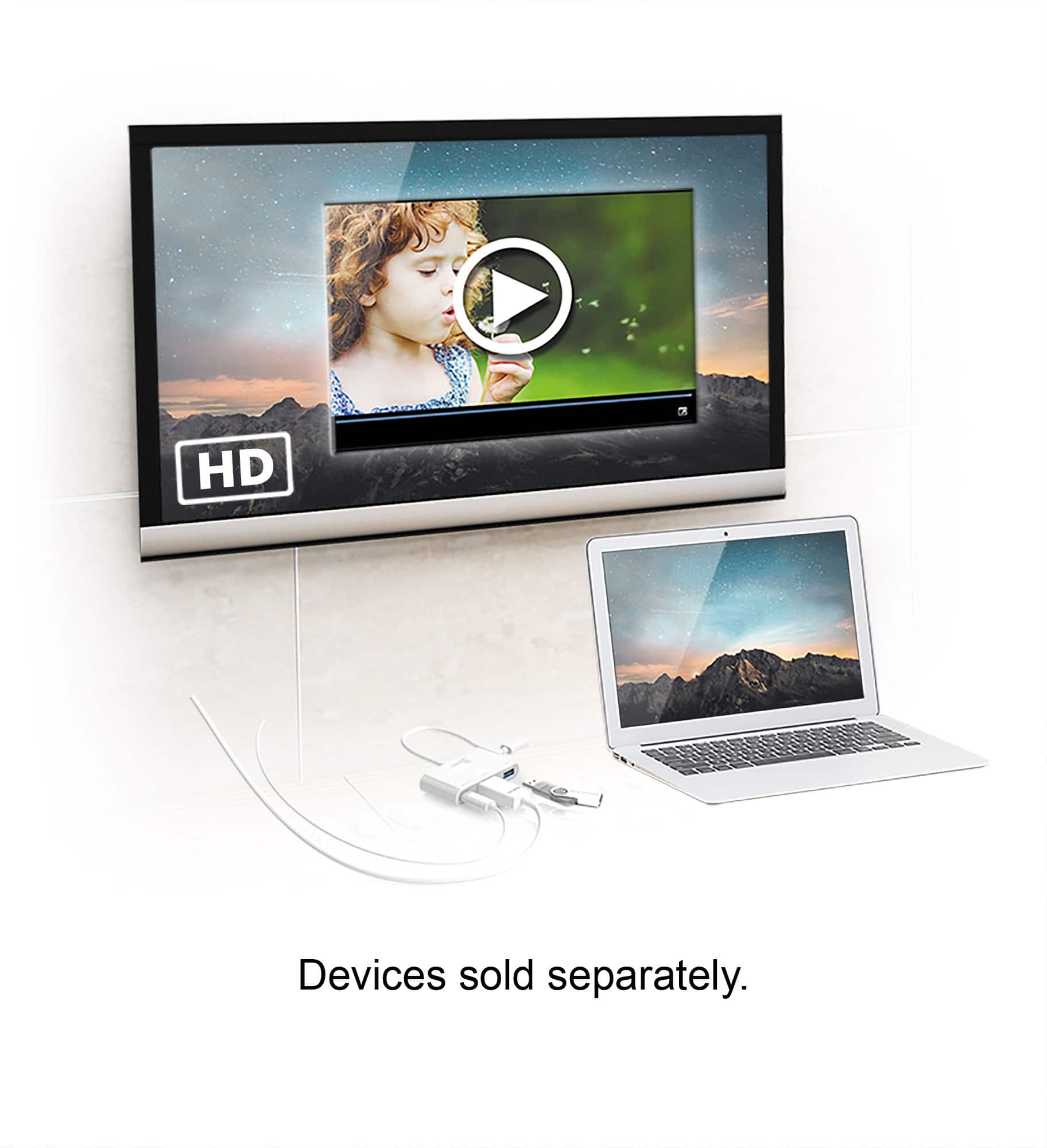
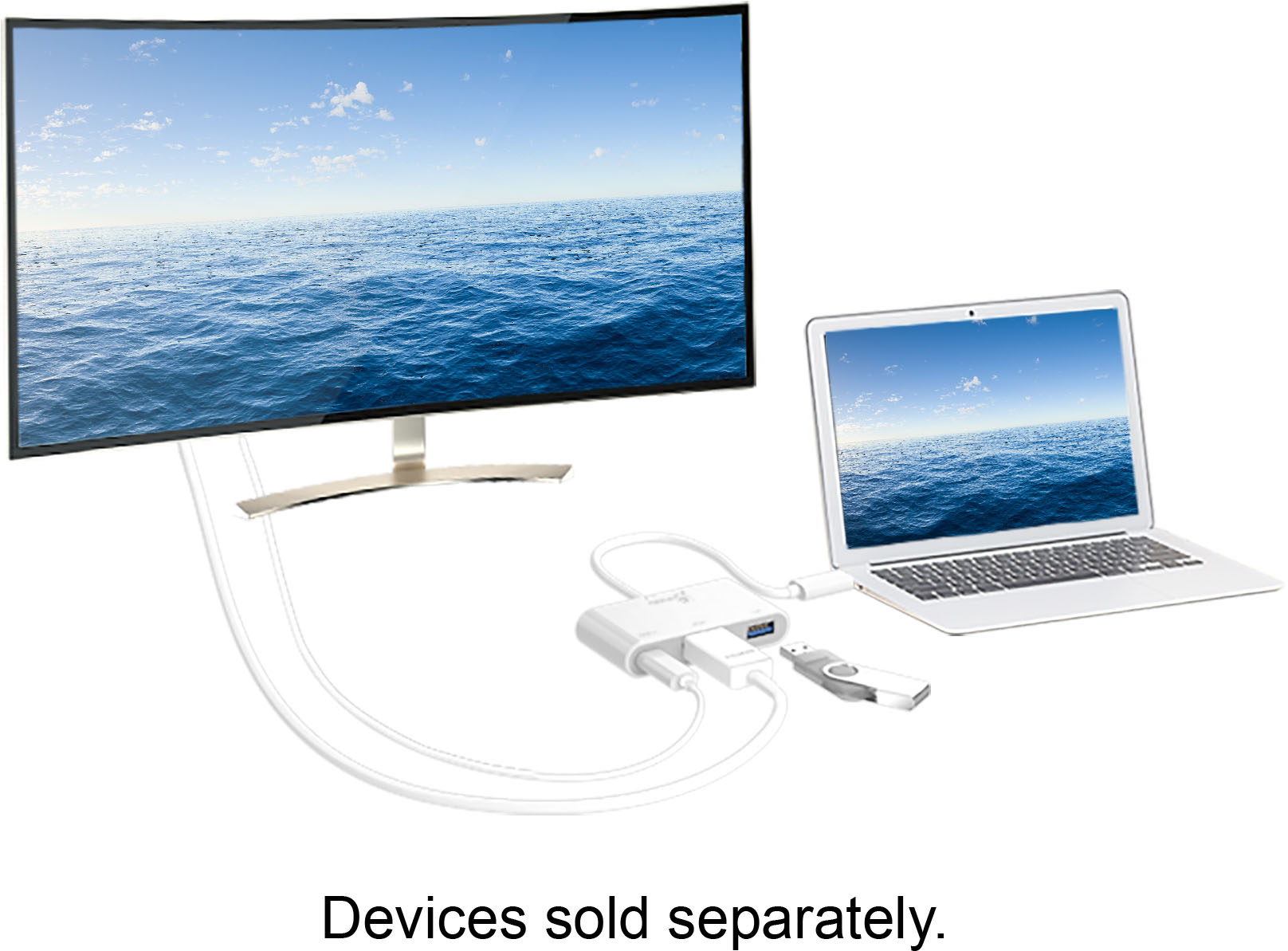
A:AnswerThe j5create - USB Type-C to HDMI External Video Adapter (JCA379) can support up to 1280 x 720 @ 75 Hz, 1920 x 1080 @ 60 Hz and 3840 x 2160 @ 30 Hz.
However, you if require an Ethernet network port, I recommend that you consider looking at the j5create - 2-Port USB 3.0 Hub with HDMI and Gigabit Ethernet USB Type-C Adapter (JCA374) or j5create - USB Type-C Multi Adapter (JCD383).
These adapters also support up to 1280 x 720 @ 75 Hz, 1920 x 1080 @ 60 Hz and 3840 x 2160 @ 30 Hz.
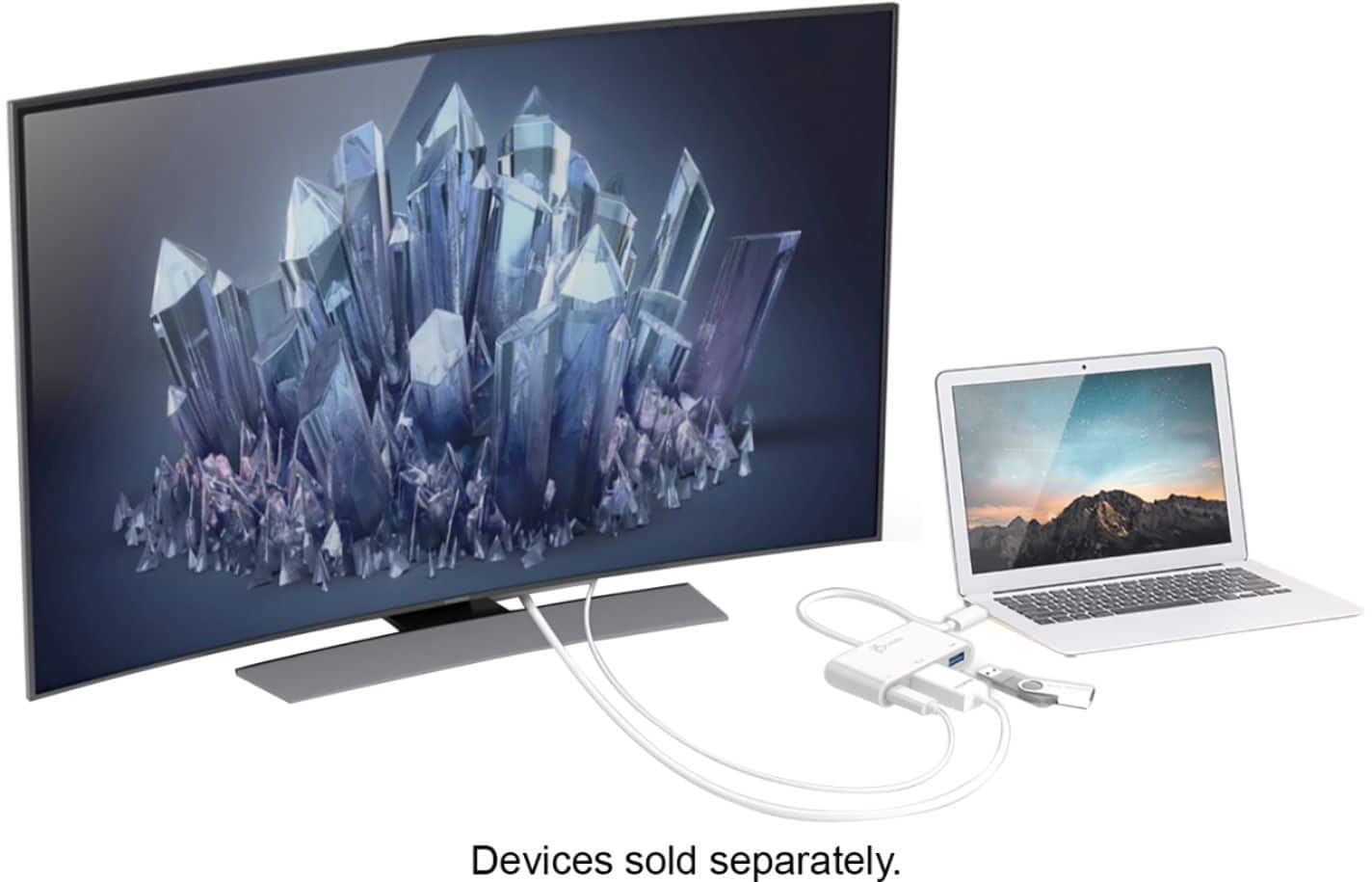
A:AnswerThank you for submitting a question. Yes, the JCA379 will work with the Note 10+; simply plug in via USB-C into your phone and the HDMI to HDMI cable out to the TV, monitor and it should be working.
** Feel free to contact the j5create Technical Support team for further assistance or if you have any other questions and someone will be glad to assist you.
A:AnswerNo, only one monitor via the JCA379. If you wish to obtain dual HDMI monitors, we recommend the JUA365 instead.
** Feel free to contact the Technical Support team mentioned on the packaging for further assistance or if you have any other questions and someone will be glad to assist you.
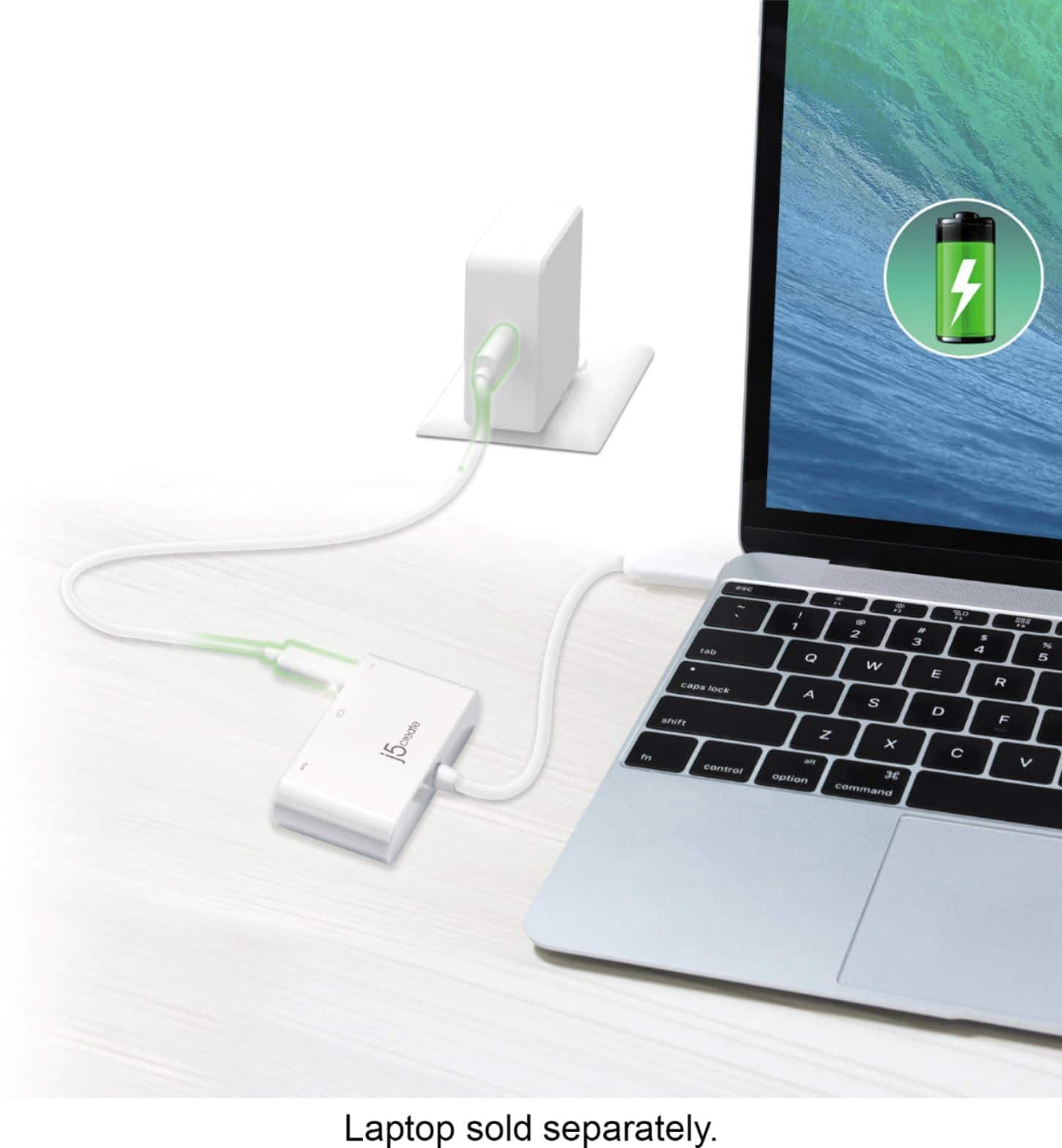
A:AnswerThe JCA379 requires a charger to be connected to the battery port in order to charge - yes. But, if you simply wish to use the device and not charge - no.
** Feel free to contact the Technical Support team mentioned on the packaging for further assistance or if you have any other questions and someone will be glad to assist you.
A:AnswerThe JCA379 can be used with phones, tablets, computers as long as they support video/display via the USB-C port. If they do not, you will not be able to obtain signal via the HDMI port on the JCA379. In this case, we would recommend the JUA165C instead and that will work for you.
** Feel free to contact the Technical Support team mentioned on the packaging for further assistance or if you have any other questions and someone will be glad to assist you.
A:AnswerIn order for the USB-C to HDMI & USB 3.0 with Power Delivery to output to the TV your phone's USB-C port must support DisplayPort Alternate Mode. I recommend reaching out to Motorola customer support to verify if your phone supports DisplayPort Alternate Mode. If you have any other questions please reach out to our customer support team by visiting the j5create website then click on the "SUPPORT" tab at the top right of the webpage. Thank you.
A:AnswerFor this device to give a display out it requires that your phone supports a feature called "Displayport Alternate mode" via your USB - C port. Unforutnatley i am unable to verify if the Revvl 4 supports this feature. I would recommend contacting your phone manufacturer to verify if you phone supports this feature. If it does then yes, it will be compatible.
A:AnswerYou connect the adapter to your phone's usb-c port. Plug your normal usb-c charger cord into adapter. Connect a HDMI cable from adapter to your TV.