A:AnswerHi there- Please click on this link to update the firmware and change the language of your Jabra device: https://www.jabra.com/supportpages/jabra-talk-45#/SOFT#100-99800900-02. Thank you!
A:AnswerThat would depend on what you are using it for. I used mine for 9 straight hours of navigation with some talk also. It never said the battery was low.
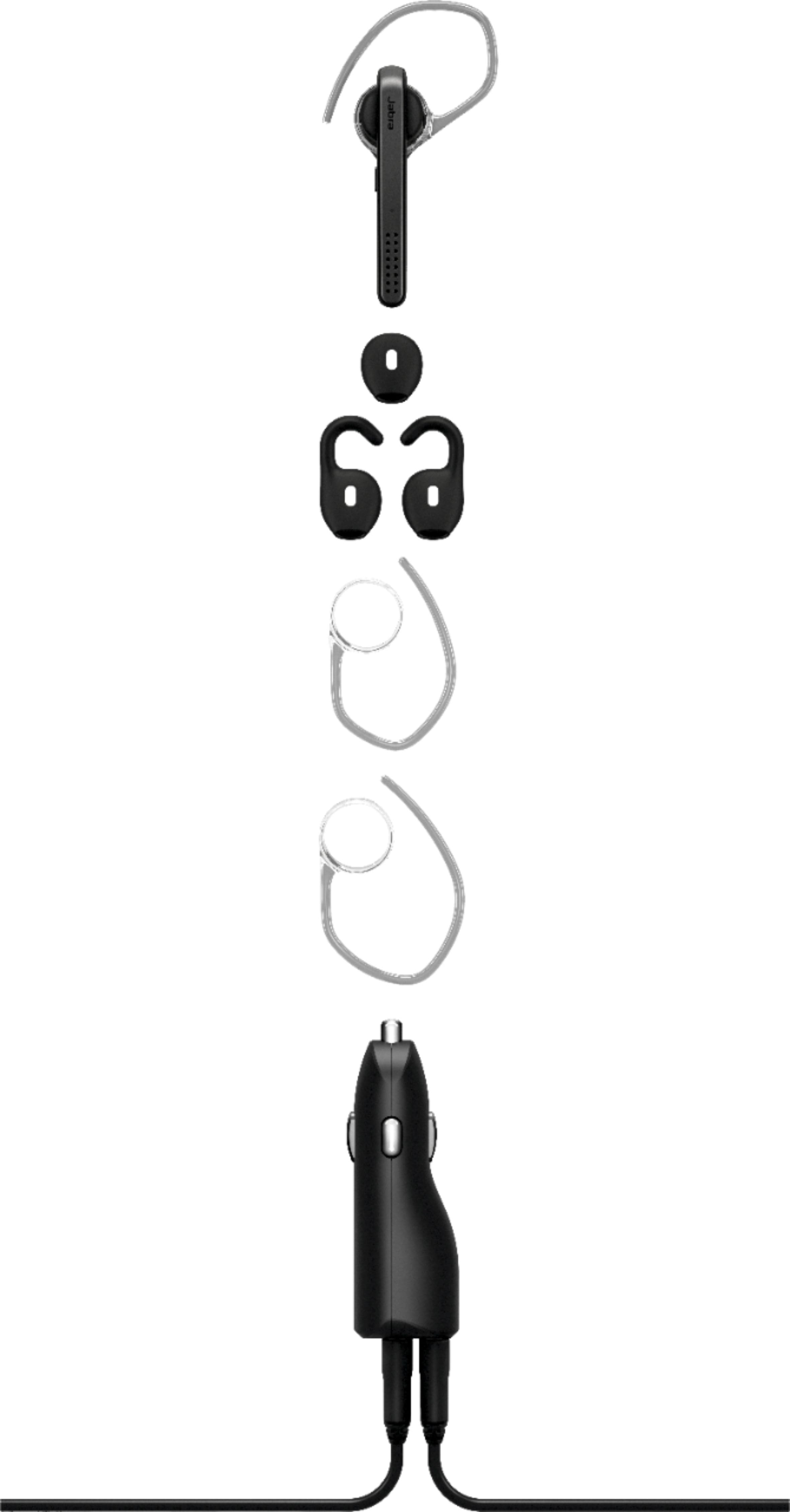
A:AnswerThey are called "eargels". Easiest way to find them is on Amazon. I would suggest starting with: Jabra eargels for Jabra Talk45. I actually purchased earless that are 3rd party because they channelled the voice more directly into my ear. The ones that come with the Talk 45 work quite well under "normal" conditions. In my case, I often drive a truck which is quite loud.
A:AnswerThanks for all the answers, but none of them helped. Jabra helped me download software that did not help. Jabra also sent me a new unit that was no different. I have found that talking from my Samsung S10 to my husbands S10 is the loudest and can not stand talking. We usually talk several hours a day so this devise had to be returned. Exchanged it for a Plantronics for the same price and that was even worse. So my conclusion is that it is something to do with the Samsung s10. So I hope that Samsung can do something about that in the near future as this phone has been an aweful experience so far!
A:AnswerVolume in the Jabra Talk 45 is controlled by the mobile device. Use the volume control in your phone to set the volume of the Bluetooth device. Thank you.