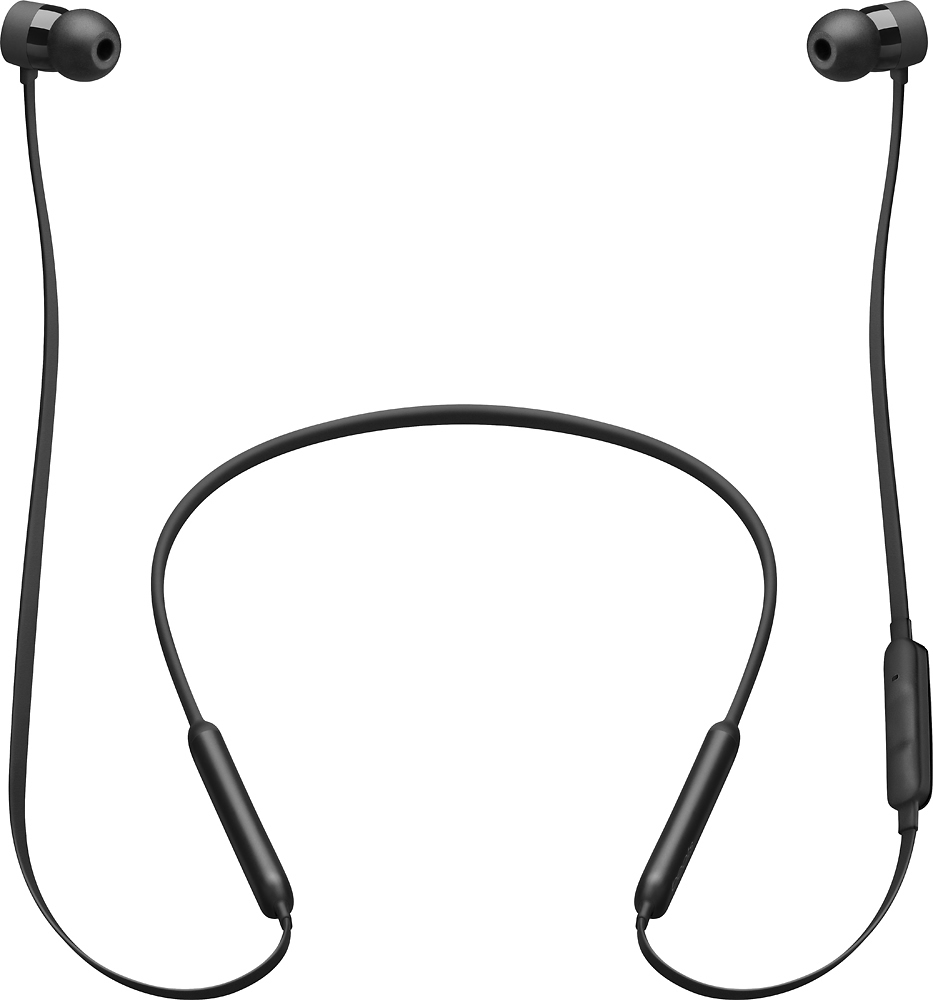
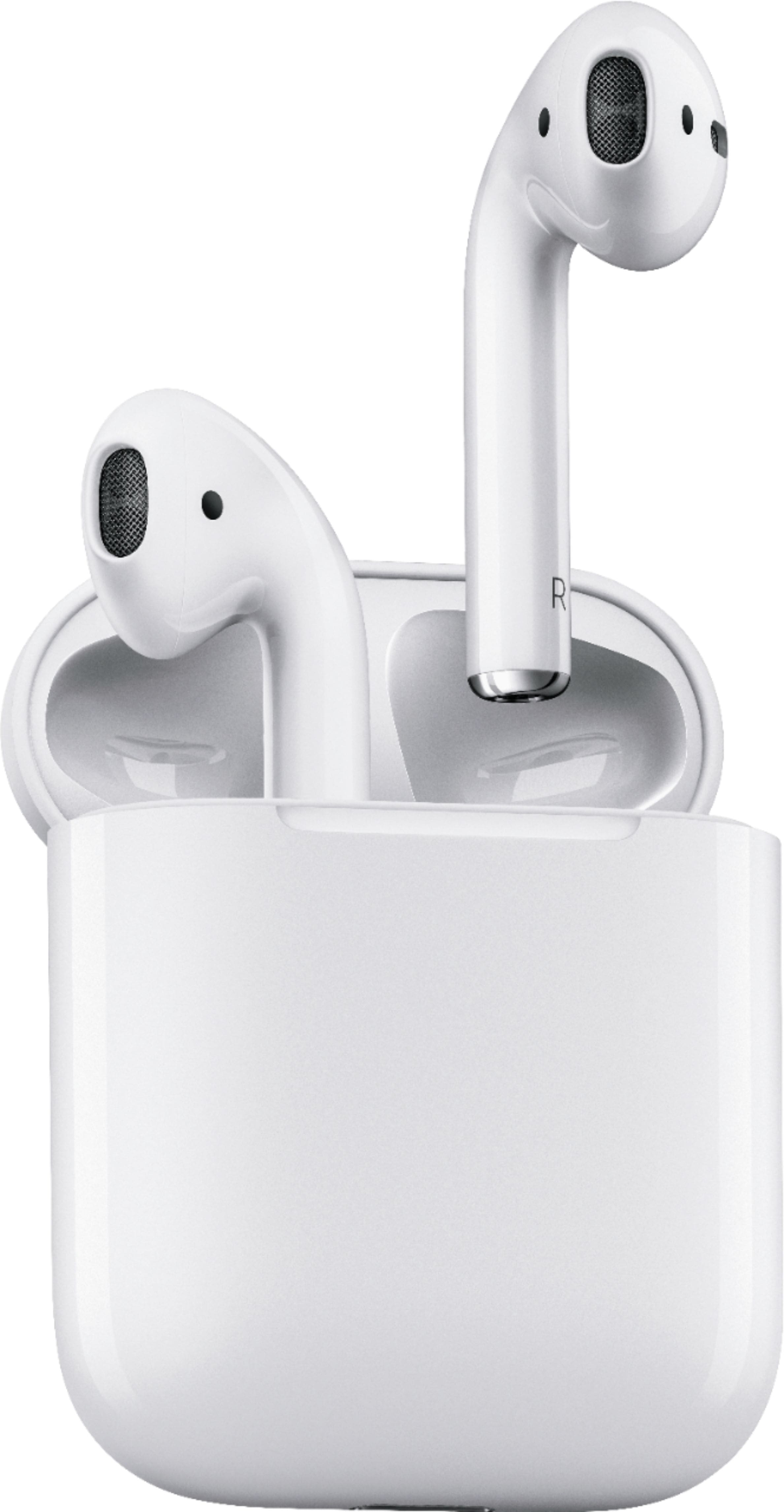
A:AnswerI have personally never had this issue, try to be a bit more gentle and do not pluck on the wires when taking them out.
OR try a smaller tip may be?
A:AnswerYes - the versions are based on what you are looking for and the setting/environment (e.g., activity, function, etc.) you will need them to be used.
A:AnswerTroubleshooting Earbuds: Keep holding the power button down until you see a blink of red and green - this means it is searching for a device to pair. Then you can pair it with your phone.
Troubleshooting your phone Bluetooth connection: if u r having issues connecting to Bluetooth then go to Bluetooth settings and press forget the Bluetooth device, Switch off the mobile, switch it on, then once you keep your Bluetooth headphones in a search mode you can see the name of that headphones on your mobile Bluetooth list, then simply pair it by pressing on the device name on mobile and then pressing the button on your Bluetooth device if required
A:AnswerI bought mine a year and half ago. They suddenly stopped working, and my Best Buy Warranty fully covered them for a new pair. I went ahead and got a new protection plan for 19.99. Glad I got the protection plan.