A:AnswerWe are sorry to know you are experiencing issues setting up your soundbar, please contact our tech support line, we will be glad to help you set it up,
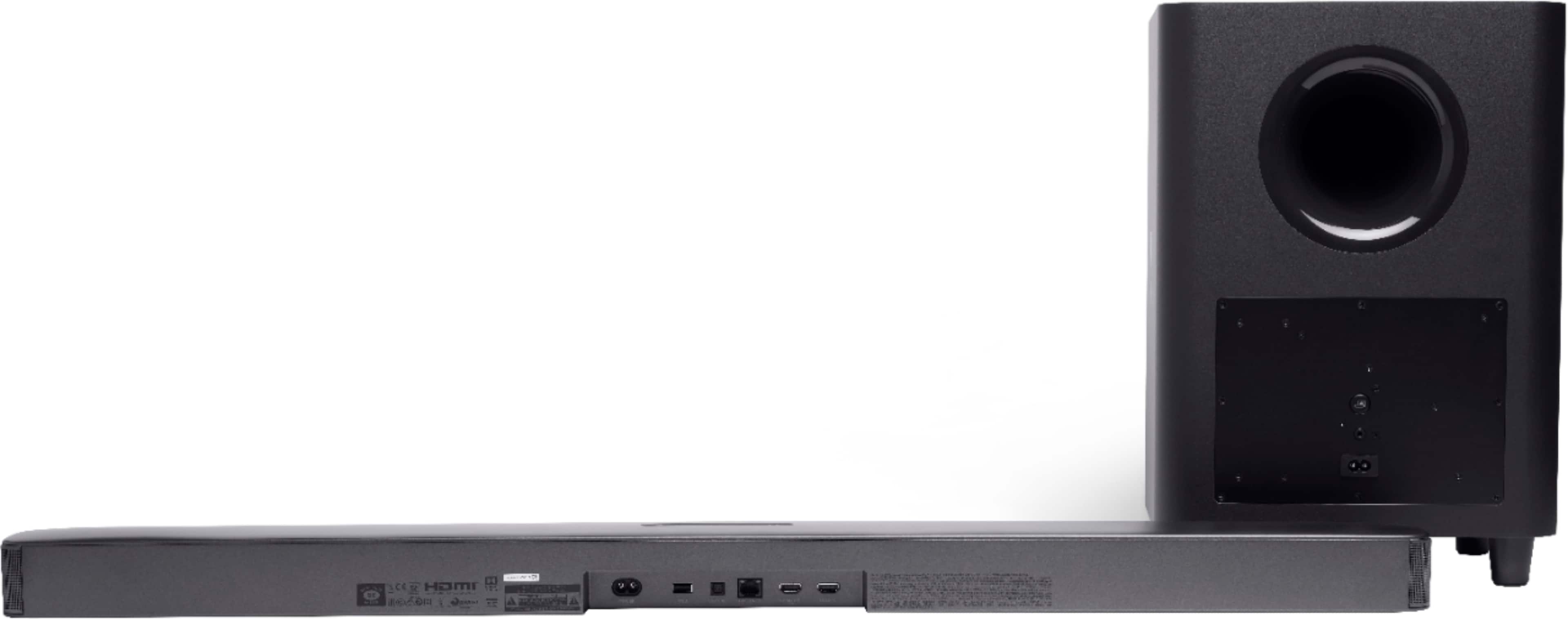
A:AnswerYou can connect our JBL Bar 5.1 to your PC either through 3.5mm aux cable or HDMI cable. Please make sure your PC's sound settings are set to play to the soundbar.
A:AnswerOur JBL Bar 5.1 surround has a built-in Chromecast and Airplay 2 so you can cast your music to the soundbar. Unfortunately it doesn't have a voice assistant.
A:AnswerWe installed ours and it was super easy. Comes with a template to put the brackets in the right place and just had to get an optic cable. Very easy to set it up and the sub pairs as soon as the sound bar is turned on