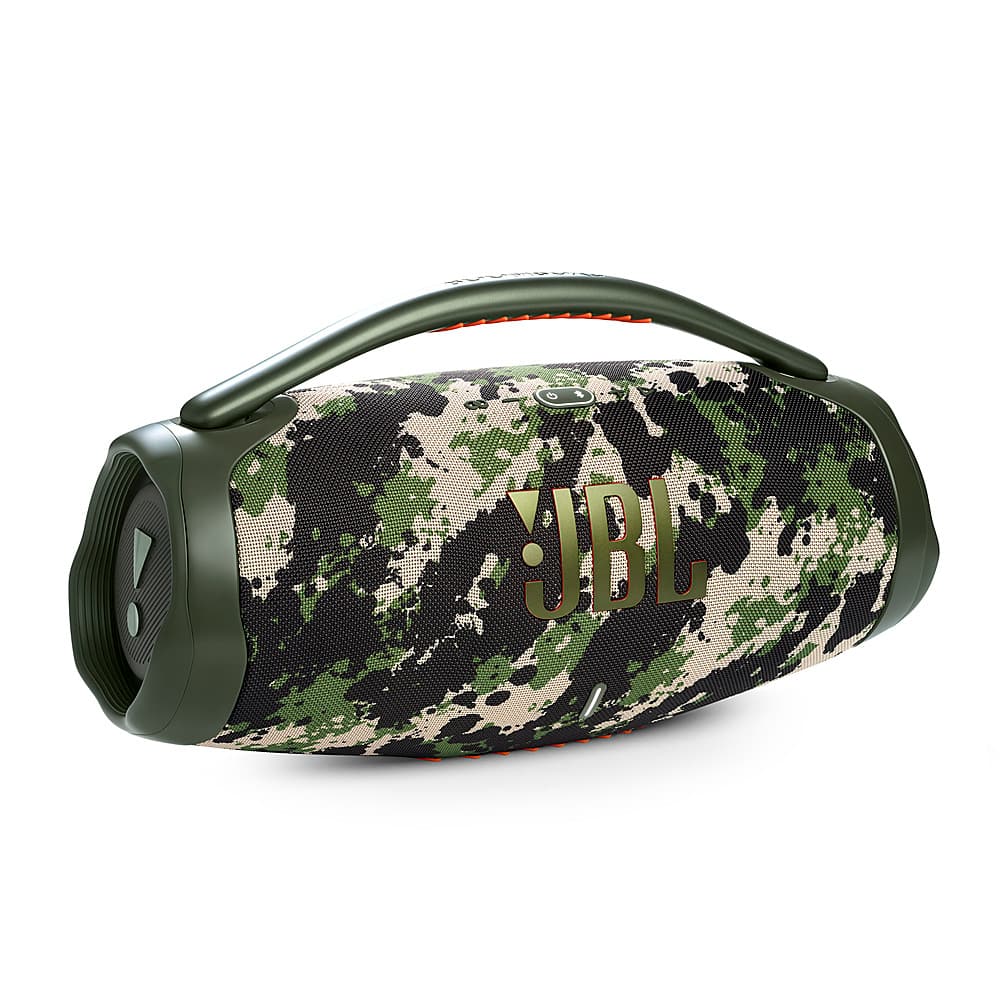
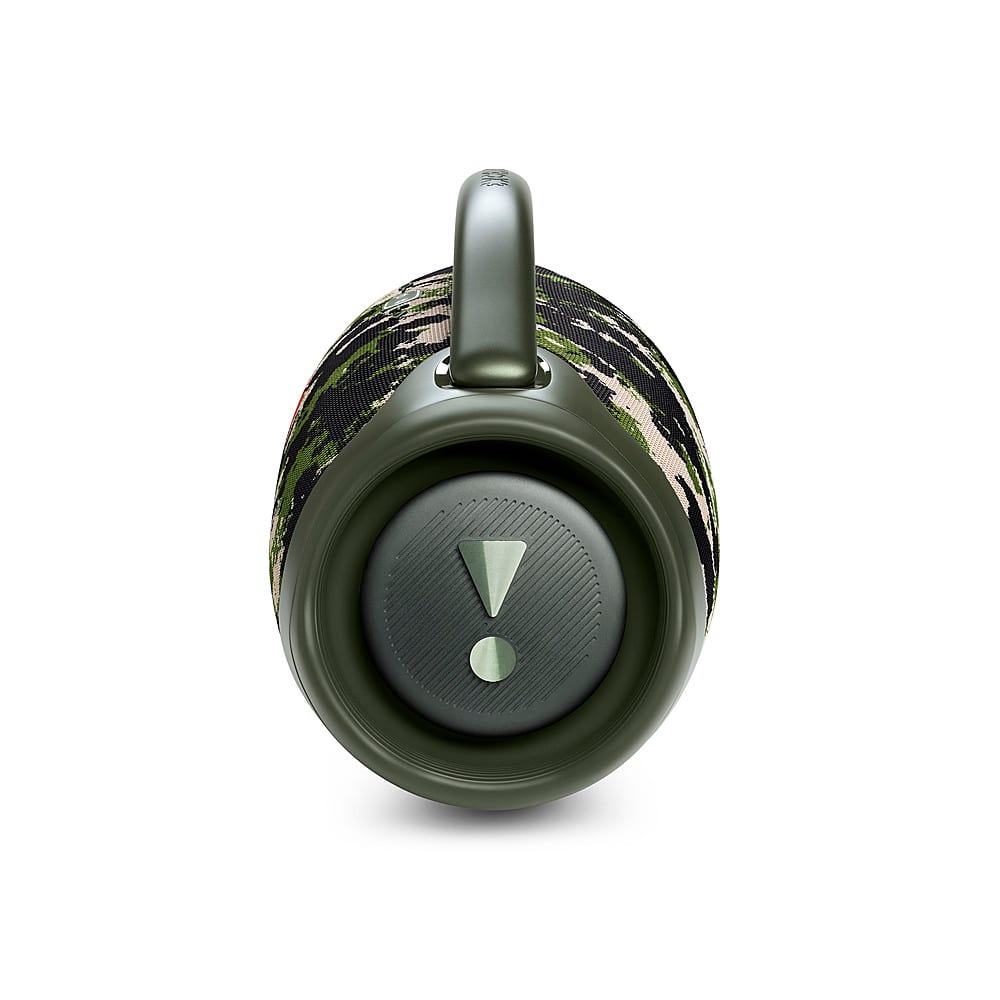
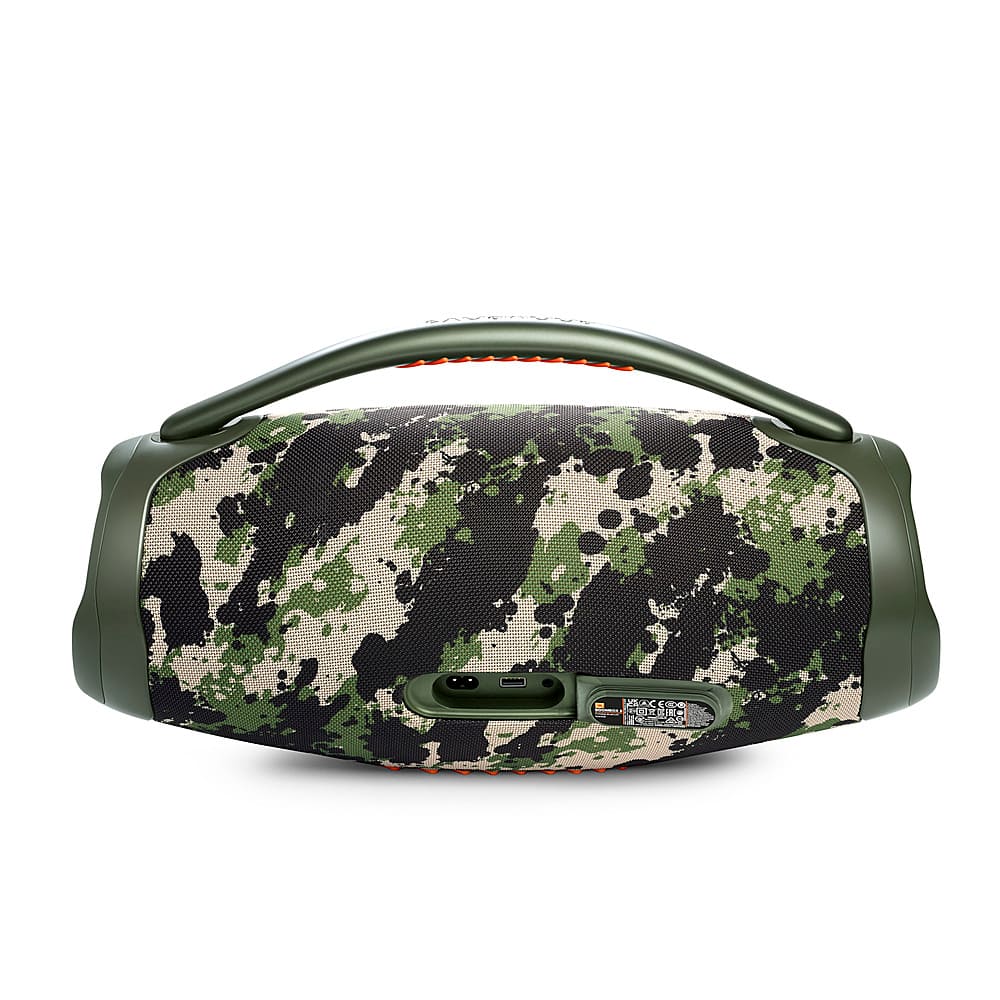
A:AnswerThank you for your inquiry. Our JBL Boombox 3 speaker has a 10,000 mAh battery (or equivalent to 76.2 Wh). It requires a charging time of 6 hours and can last up to 24 hours. Note that volume level and music content will affect its playtime hours.
A:AnswerCheck the electrical outlet you plugged in or try a location to powder your speaker, if nothing else take it to the Geek squad they are great, they can definitely help
A:AnswerThanks for your question. Our JBL Boombox 3 mainly connects through Bluetooth and auxiliary inputs. If you want to stream music directly using AirPlay, you'll need a compatible device like an Apple TV or an AirPlay-enabled wireless speaker with an auxiliary output. Alternatively, if your AirPlay device supports Bluetooth output, you can connect it to the Boombox 3 via Bluetooth.
A:AnswerThank you for your inquiry. You may experience delay when using your JBL Boombox 3 with an electronic drum set via AUX input. The speaker is primarily designed for use with phones, tablets, and laptops.
A:AnswerThanks for your inquiry. Our JBL Boombox 3 has an output power of 80W RMS-subwoofer + 80W RMS-midrange + 20 W RMS-tweeter (AC mode) and 60W RMS-subwoofer + 60W RMS-midrange 16W RMS-tweeter (Battery mode)
A:AnswerThanks for your inquiry. The USB port in our JBL Boombox 3 is designed exclusively for its power bank function and does not support audio playback.