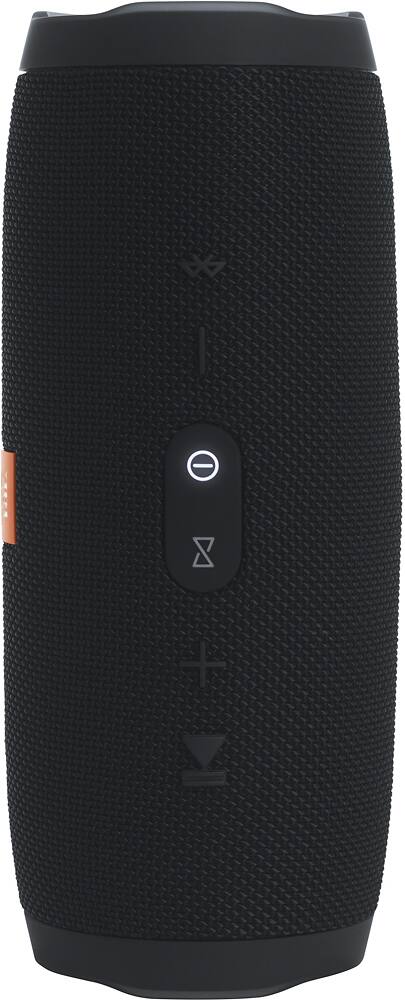
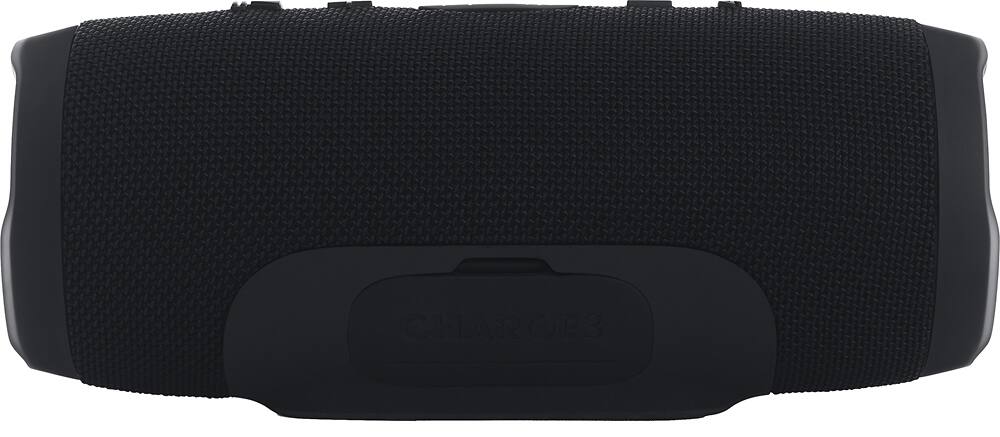
A:AnswerI havent had this experience. I bought my JBL Charge 3 on May first of this year and I have only had to charge it twice since then. When it is completely off and disconnected from a music source the battery holds up pretty well. For example, I sat out in my garage for 3-4 hours last Saturday playing music constantly and then just cut it off and brought it in the house and sat it in the living room without charging it. The very next day the power went out at my house and my wife and I cut the speaker n lit some candles and played cards for 2 hours until the power came back on. I still havent charged that speaker and i used it out in my garage again Thursday morning. You may have a defective speaker, because the battery life from my experience has been great. Either that or your speaker wasn't completely turned off.
A:AnswerIt appears that you can use an audio cable that would resemble a headphone jack. I'm not certain how exactly that would work because I don't drive. Sorry I can't be a tremendous help!
A:AnswerI found that it does impact it slightly. This bad boy is meant to sit on its like perch on the side. I don't think if you used it vertically that you'd be disappointed. But in my test I can tell when it's sits like that.
A:AnswerUnfortunately, we can’t play music through a USB stick with the CHARGE 3. The USB port on the CHARGE 3 is only used for charging mobile devices, similar to powerbanks. You can connect it via Bluetooth or wired connection to stream music from a source device.
A:AnswerWe would like to work with you directly to help you with your issue. Please submit a case request at https://www.jbl.com/support-contact.html and the Customer Service Team will be more than happy to assist you.
A:AnswerThey default to party mode (mono) every time you turn them on. The software is very flaky so sometimes it takes several minutes and a few restarts to be able to get them into stereo mode.
A:Answer@ CommunityAnswer, You wrote "Any microphone with a 3.5 mm connection will work." I found this not to be true as I tried with 2 different microphones having the 3.5 mm connection. While I was able to plug my standard mics to the aux input, it simply didn't give any output via the speaker. However, I found that my bluetooth karaoke microphone, with a built in speaker, works well. As a side note, the built in speaker on the karaoke mic is muted once plugged in to the speaker, which is fine with me since the Charge 3 is louder than the mic speaker.