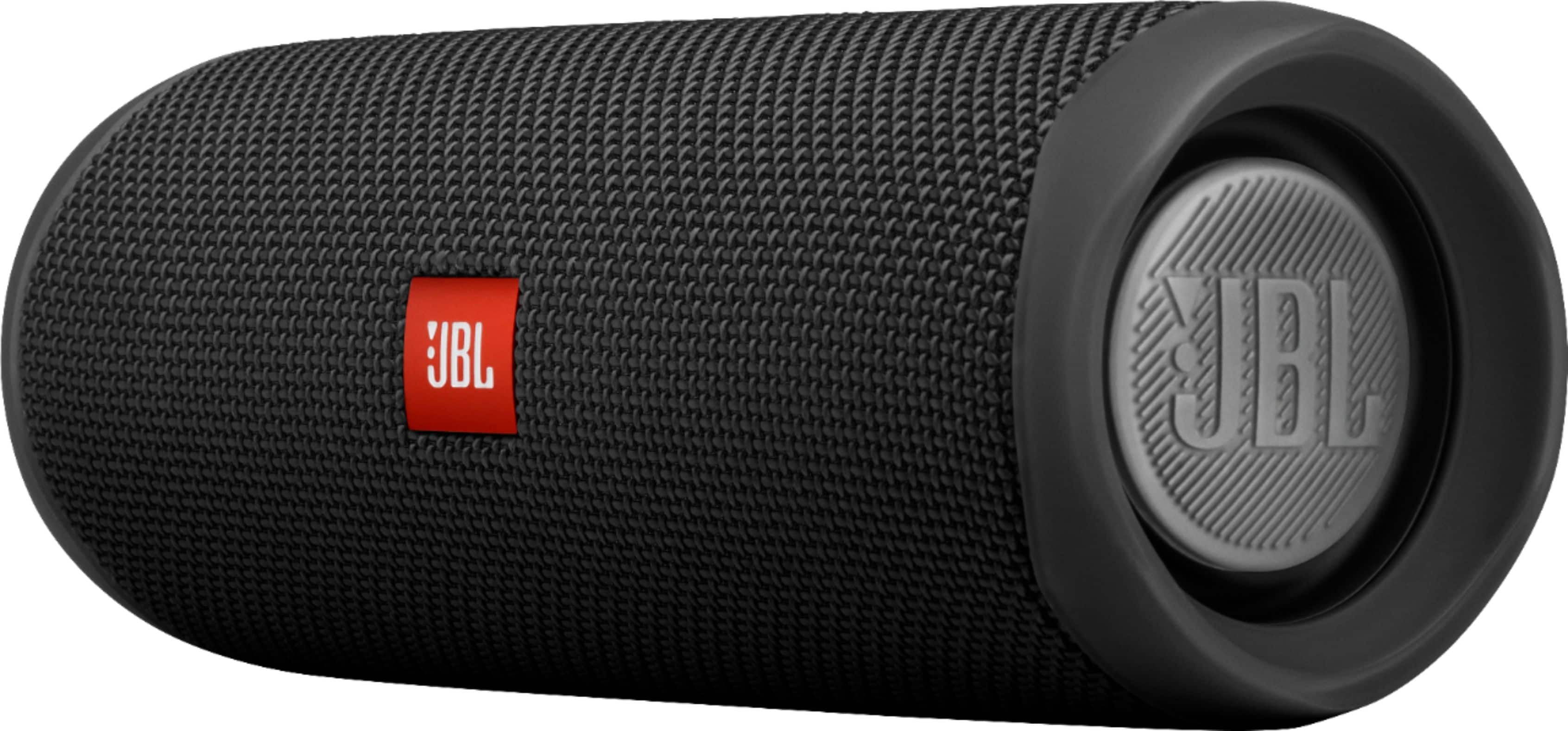
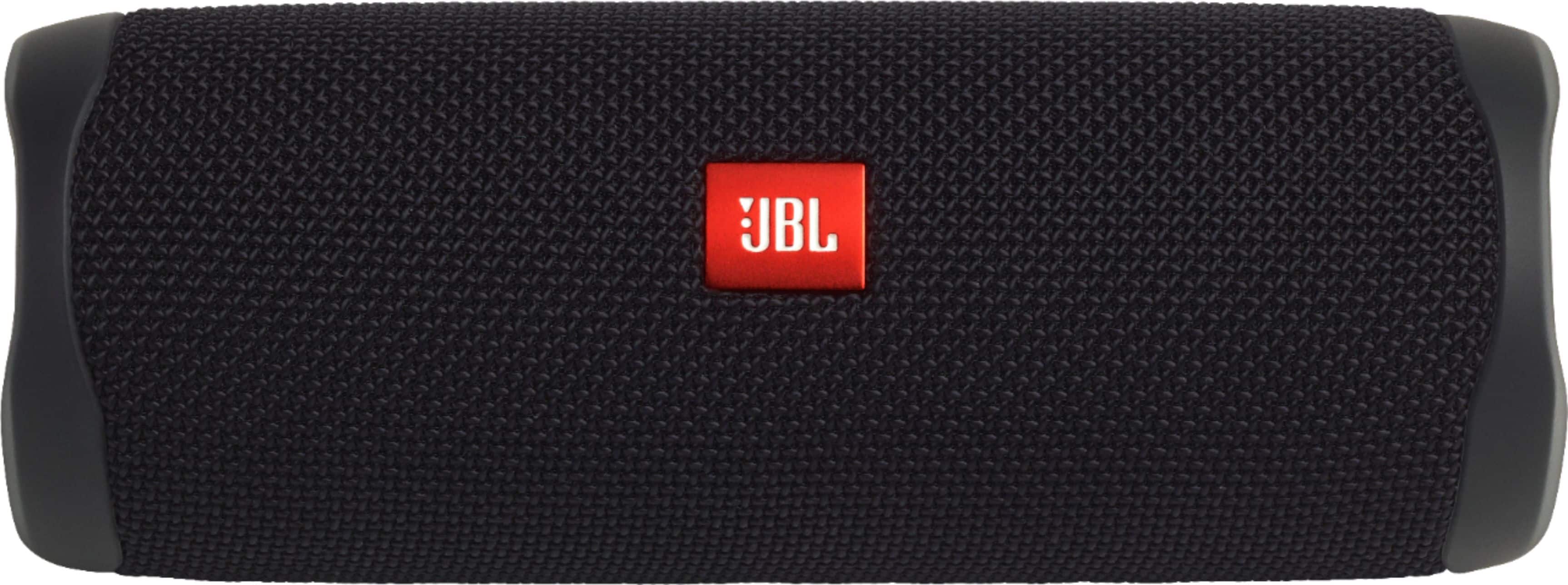
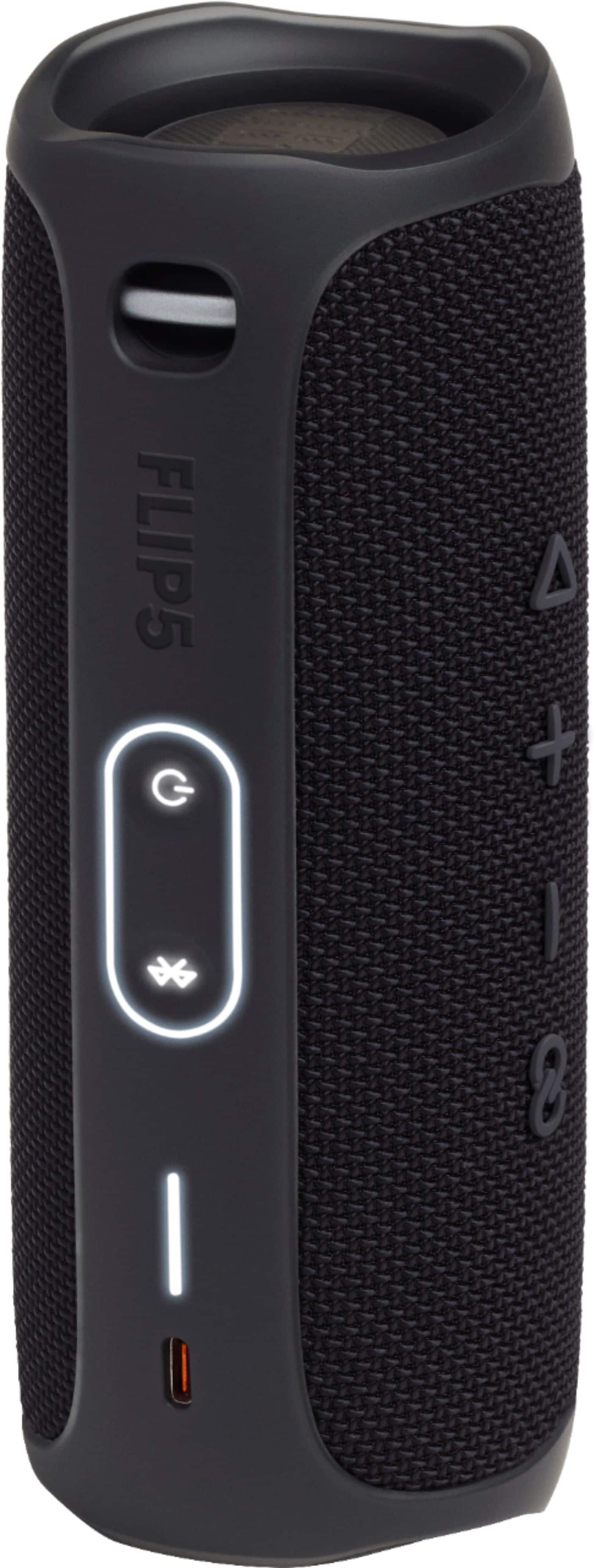
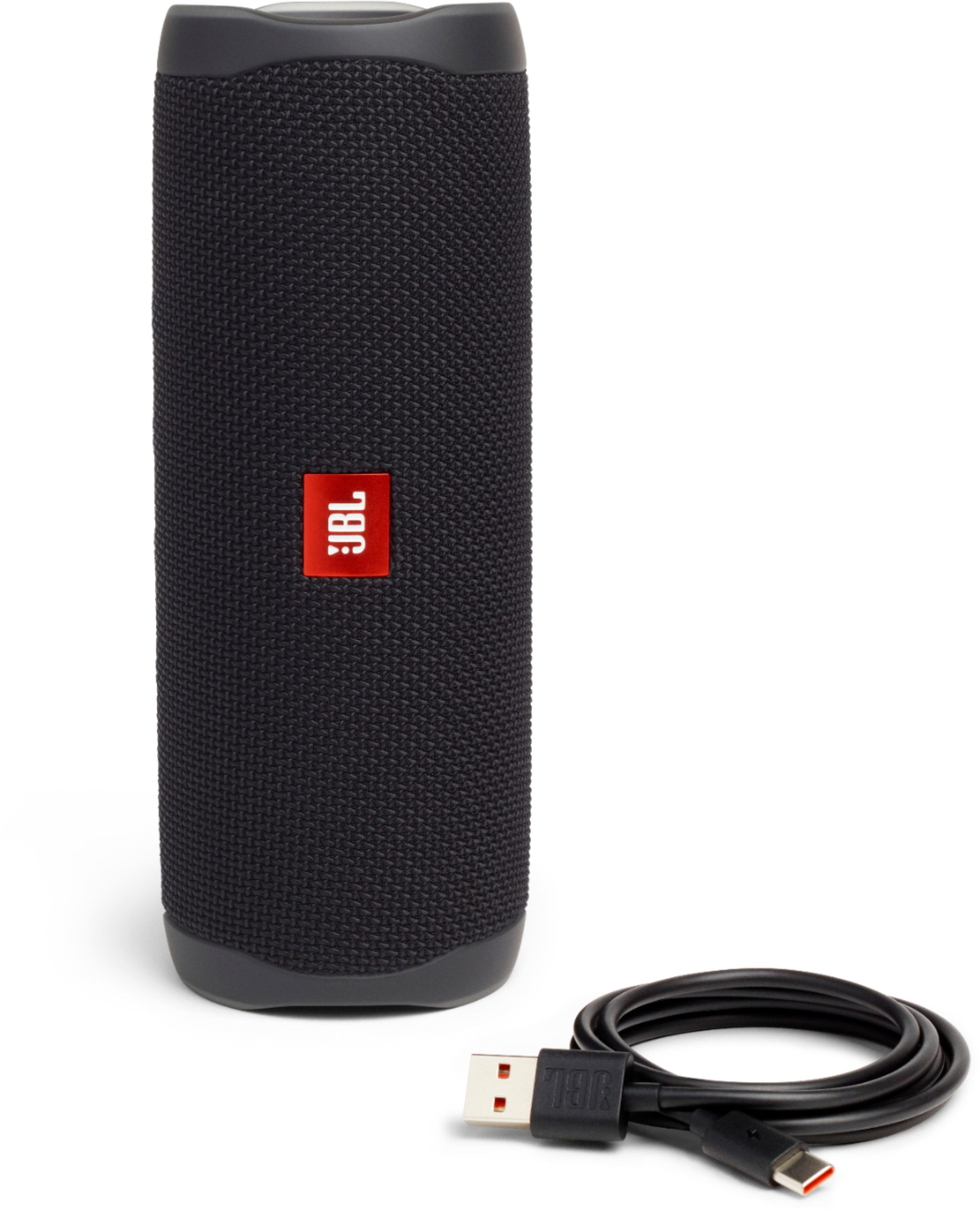
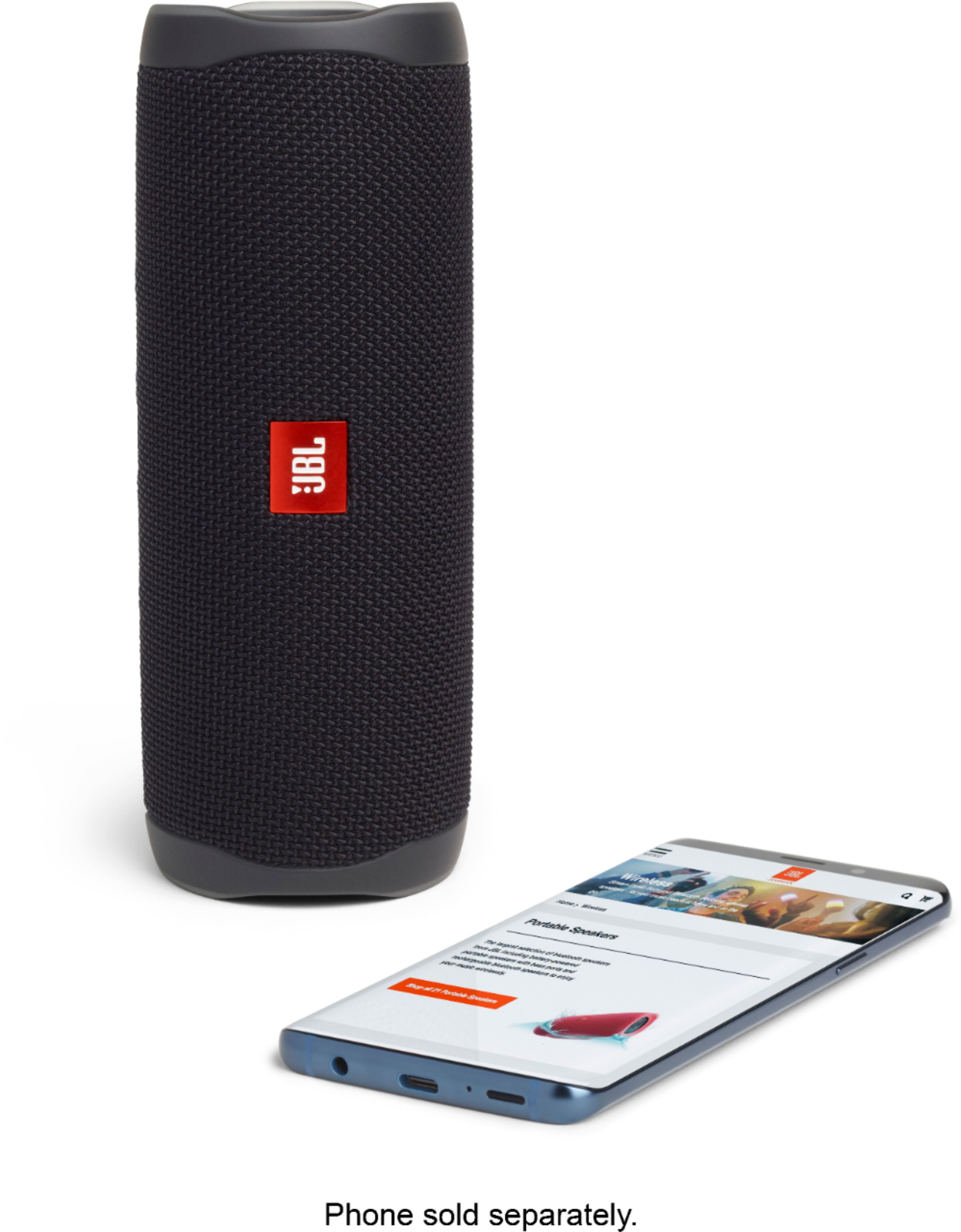
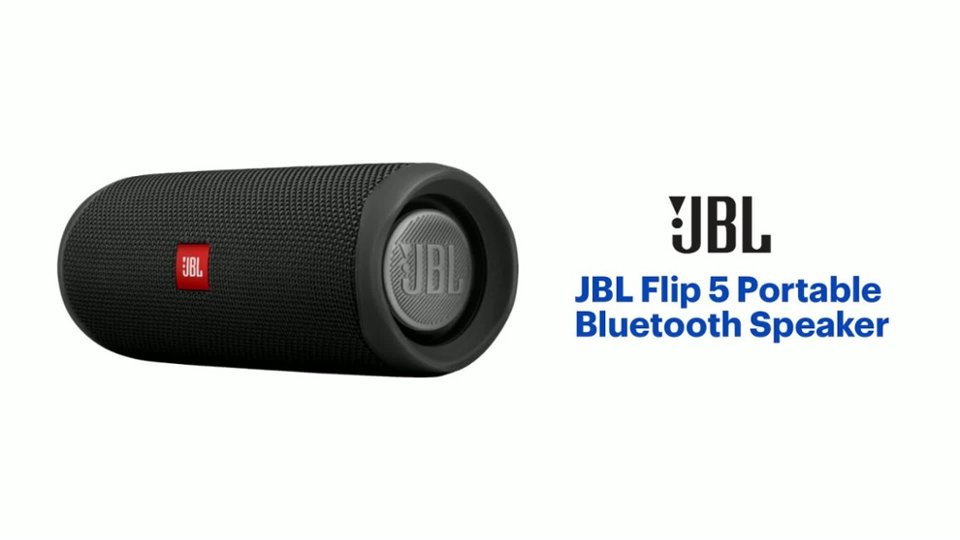
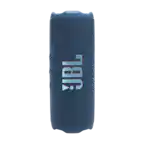
A:AnswerThanks for reaching out. Our JBL Flip 5's USB Port doesn't act as an audio input and is only used for charging. You may only connect a Bluetooth device to it as it doesn't have any wired connection.
A:AnswerAs part of our efforts to reach our environmental goals, our Flip 5 does not include an aux port. Furthermore, we reallocated the cost savings in that decision to focus on improving Bluetooth software and sound quality on our units.
A:AnswerOur JBL Flip 5 has a maximum Bluetooth range of 10 - 15 meters, with no large objects blocking the line of sight. A distance farther than that would pose signal deterioration.
A:AnswerOur JBL Flip 5 has a maximum Bluetooth range of 10 - 15 meters, with no large objects blocking the line of sight. A distance farther than that would pose signal deterioration.
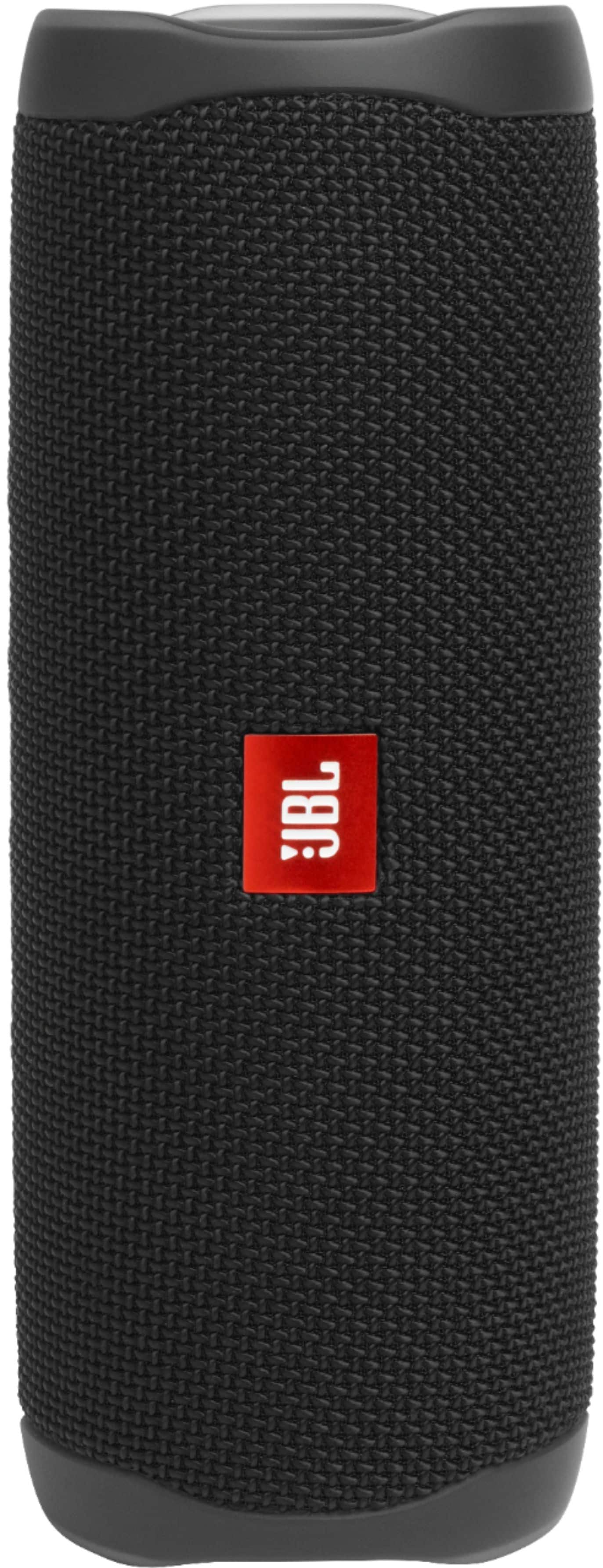
A:AnswerYes, it fits in a standard cup holder. Its a nice safe place for it while driving. You don't have to worry about it rolling around in the seat or ending up on the floor board.