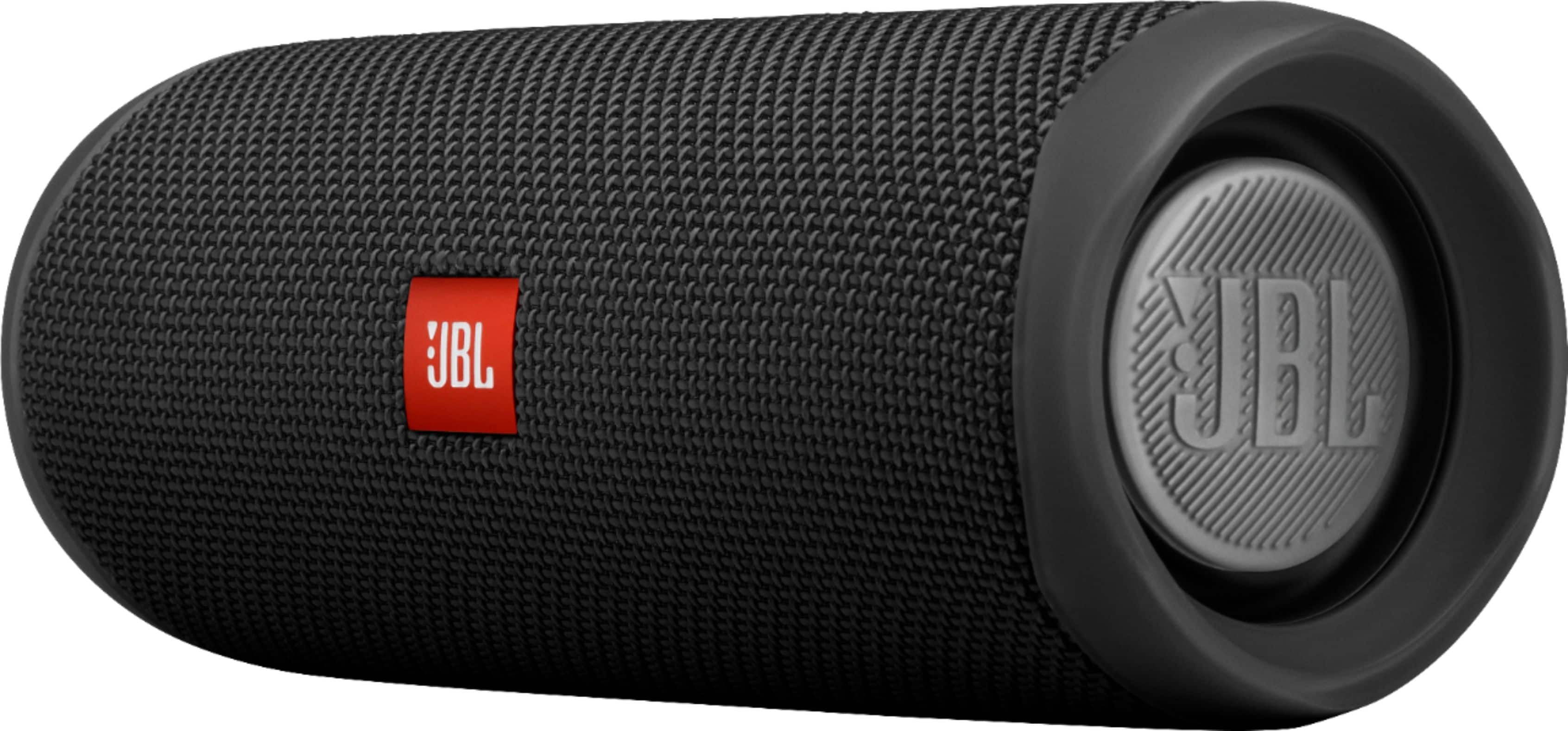
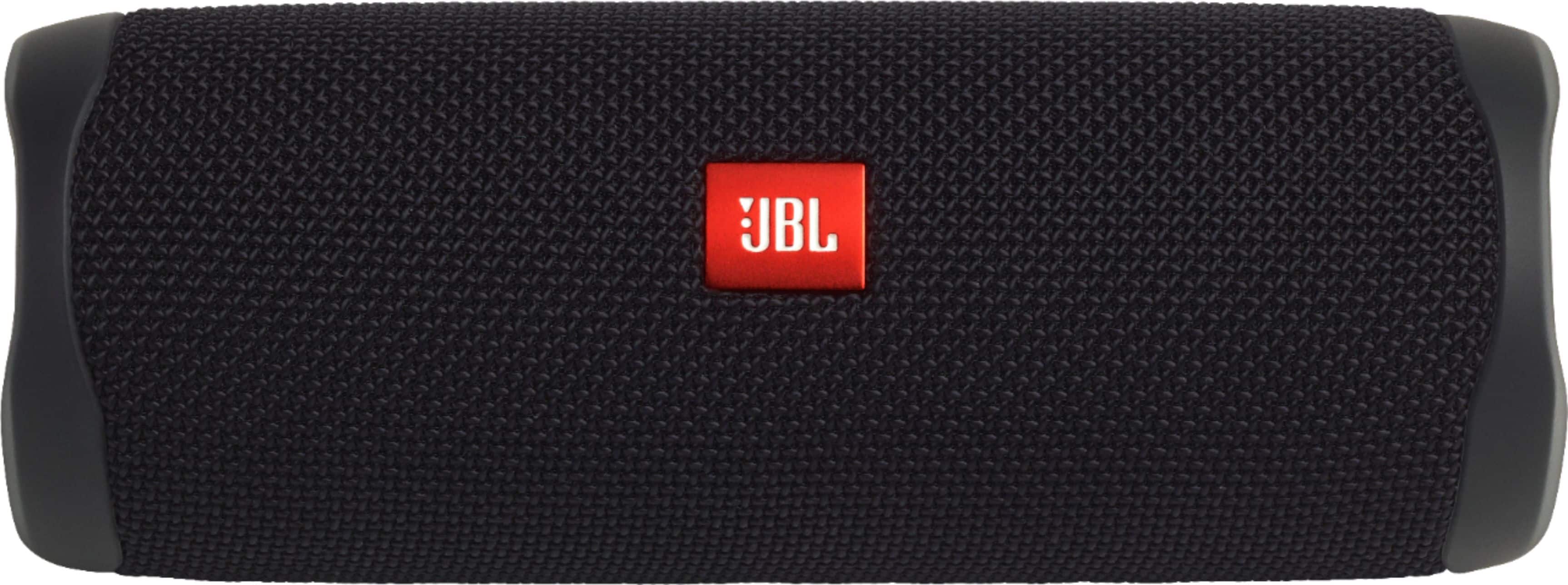
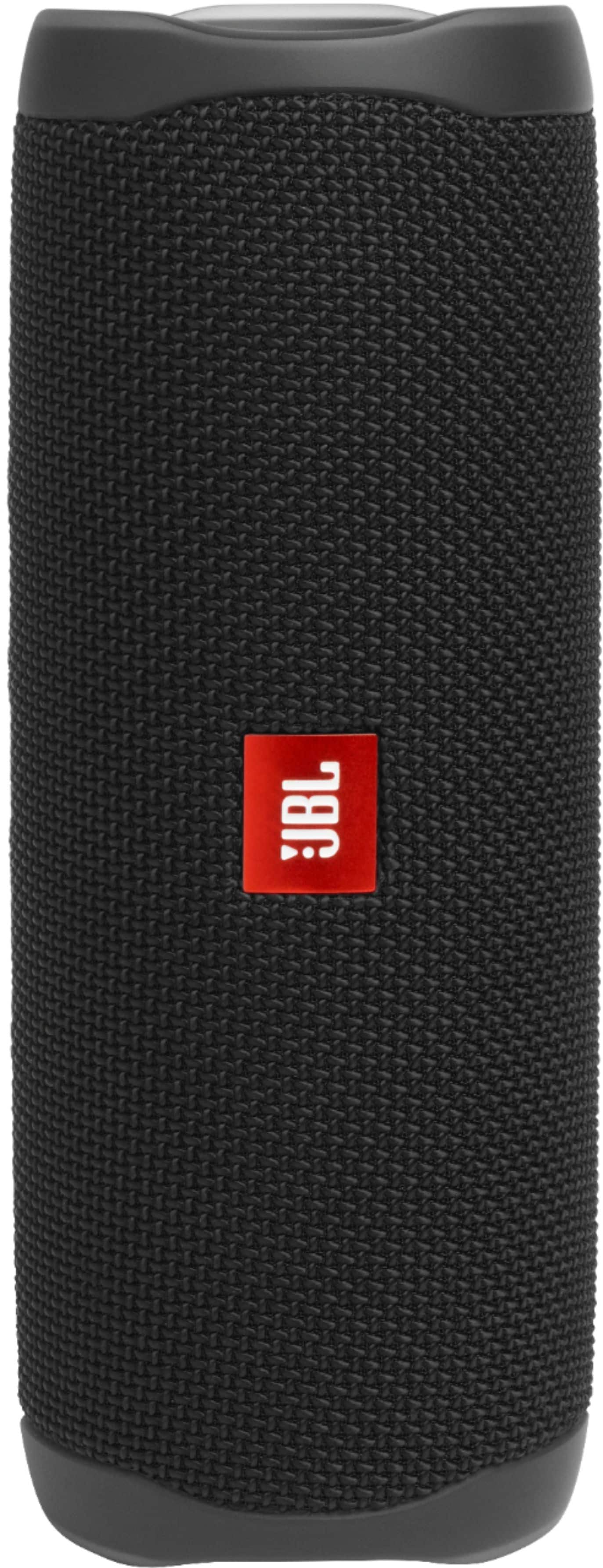
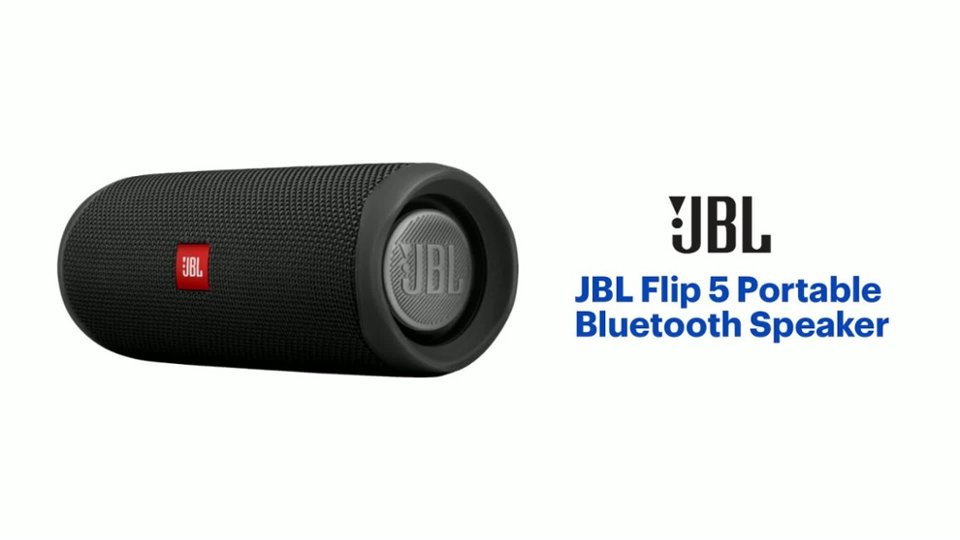
A:AnswerOur newest JBL Flip 5 is IPX 7 with a single powerful racetrack driver. It can also connect with the other new speakers like Pulse 4 and Boombox 2 through PartyBoost feature.
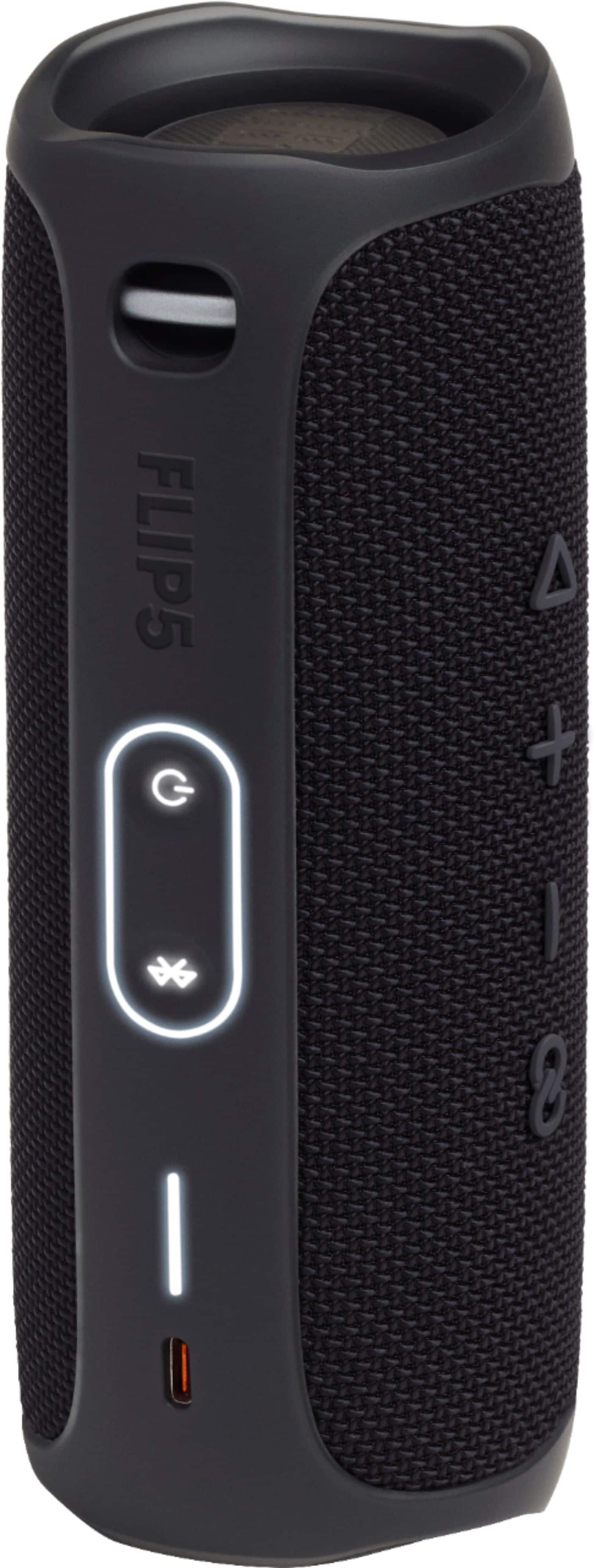
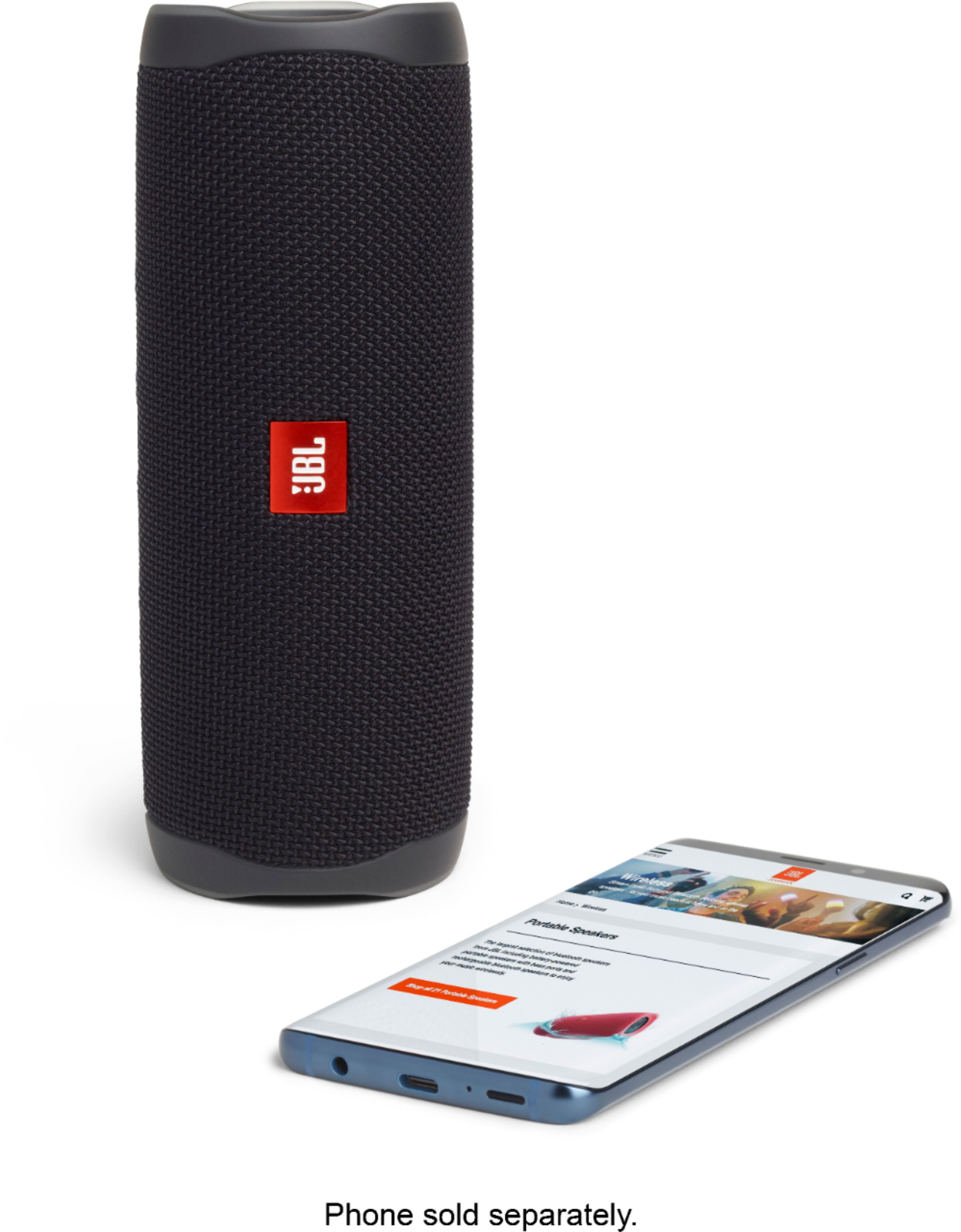
A:AnswerJBL Flip 5 is compatible to be connected with phones, tablets, and laptops. The must be in pairing mode to connect with your devices, to do so press and hold the Bluetooth button until you hear the audible chime, and the led will be blue.
A:AnswerJBL Flip 5 will automatically go into battery-saving mode after 10-15 minutes of inactivity or if the audio signal is too low. The power-saving option is mandatory, and it can't be disabled. You can find all the regulations in the (ErP) 2009/125/EC Directive for Energy-Related Products. https://bit.ly/2JVxFbG
A:AnswerAs of this moment, we don't have a JBL Charge 5 speaker model. Our JBL Flip 5 is an improved version of our Flip 4. Due to technology limitations, our Connect + enabled speakers (Boombox, Flip 4, Charge 4, Charge 3, Pulse 3, Xtreme 2) aren't compatible with our new PartyBoost speakers. As Bluetooth technology improves, so do our portable products. The new PartyBoost feature allows you to connect up to 100+ of other PartyBooost enabled speakers. It contains a more powerful Bluetooth transmitter, which allows you to play the speakers further apart from each other. If you have more questions, please reach out to our Customer Support. We're here to help. https://support.jbl.com/us/en/
A:AnswerThe dimensions of Flip 5 are as follows in inches 7.1 x 2.7 x 2.9 (L x W x H). It weighs at 1.19 lbs. For more information, check out the specifications here: https://bit.ly/2wUFGdV
A:AnswerOur JBL Flip 5 has our PartyBoost feature that allows you to connect up to a 100+ PartyBoost enabled speakers at the same time. (Flip 5, Pulse 4, Boombox 2) If you have more questions, please reach out to our Customer Support. https://support.jbl.com/us/en/
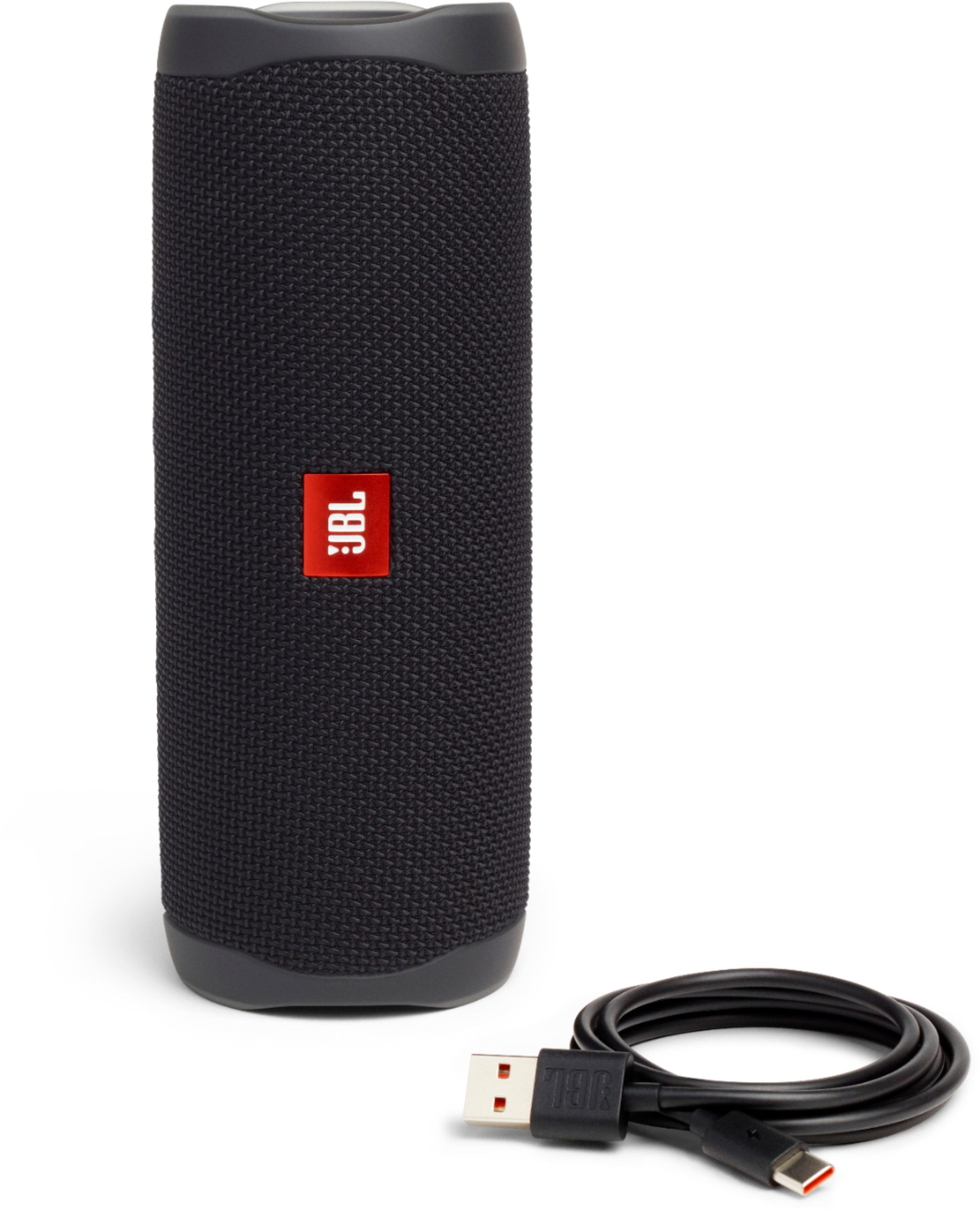
A:AnswerHere are the dimensions of our JBL Flip 5 in inches - 7.1 x 2.7 x 2.9 (W x D x H). The Micro USB cable included has a length of one meter. Check out more information here: http://bit.ly/2qzrpjs
A:AnswerOnly connect one of the two speakers to your phone (turn them both on and press the loop button on both of them) this activates partyboost and that is how you use both of them at once (range suffers a little)