A:AnswerSo far I had to transport it from one place to the other for fix, I noticed if the job Is been shakes the sound come out can play for long but if shake again, you might not have that sound back.
A:AnswerThanks for your inquiry. Our JBL PartyBox 1000 doesn't have a built-in rechargeable battery, it needs to be plugged into a power source to function. Therefore, it will play as long as it is plugged in.
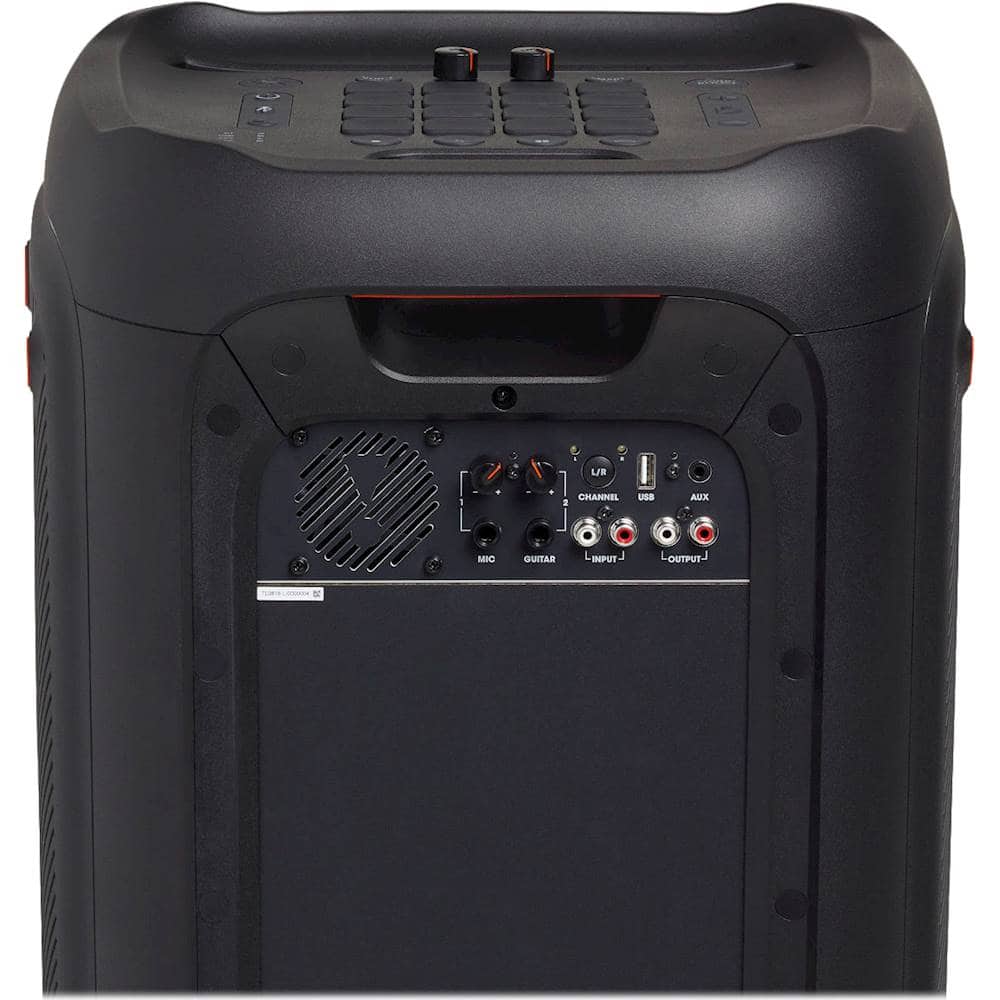
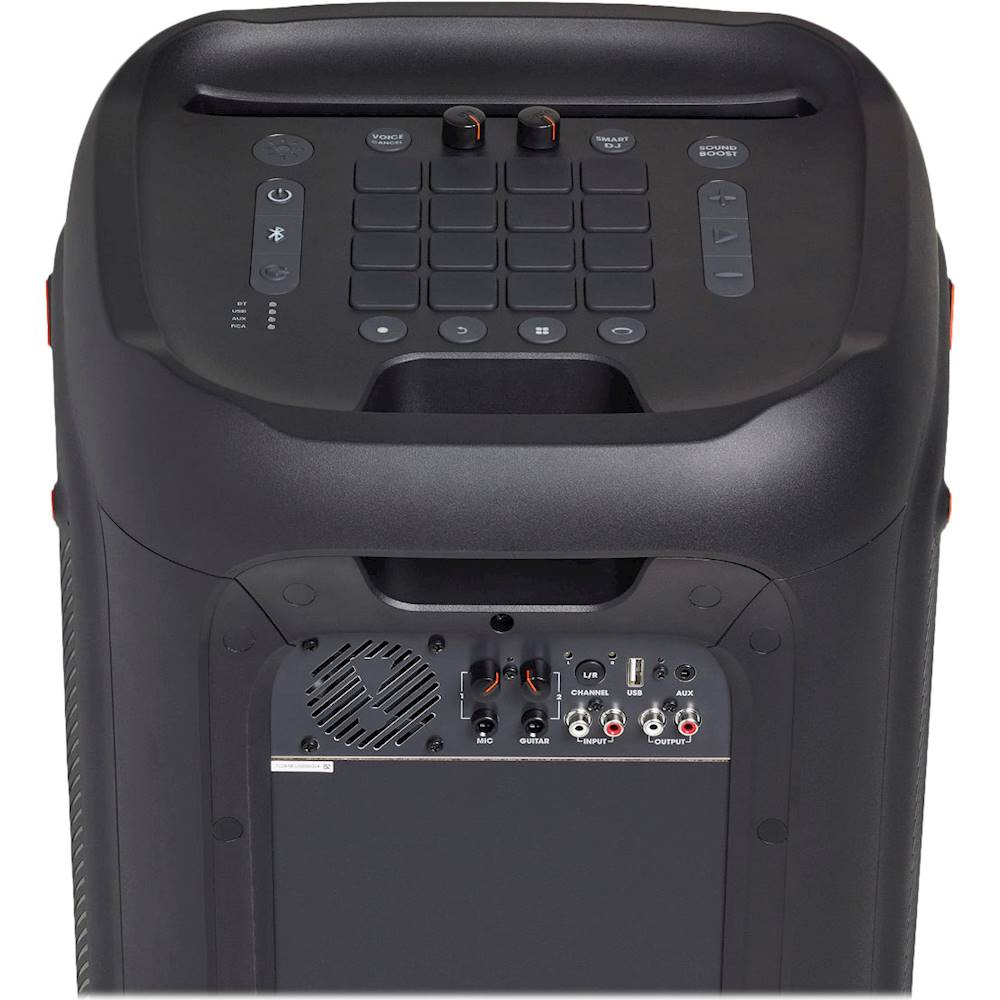
A:AnswerWe're here to help with your JBL PartyBox 1000. Please try using a different RCA cable and/or Aux cable to further isolate the issue. Try connecting from the RCA output of your PartyBox 1000 wired to the RCA input of the PartyBox 310 and vice versa or from the AUX output of your PartyBox 1000 wired to the AUX input of the PartyBox 310 then on the other way around. If you need more help, please contact JBL Customer Support.
A:AnswerPlease note that our JBL Partybox 1000 has a sleep or standby mode feature. The speaker automatically turns off to save power when idle or inactive for 10 to 15 minutes if it doesn't receive any audio signals..
A:AnswerYes, it has a wristband remote but it does not have the capacity to control all of the features. It is more for hosting a party or event. However, the novelty of it is quite nice.
A:AnswerThanks for bringing this to our attention. When pairing to the Partybox 1000, please make sure that the device is close to the speaker as Bluetooth performance can be affected by the distance between this product and your Bluetooth device and the environment of operation. If the issue still persists, please contact our customer support for further assistance.
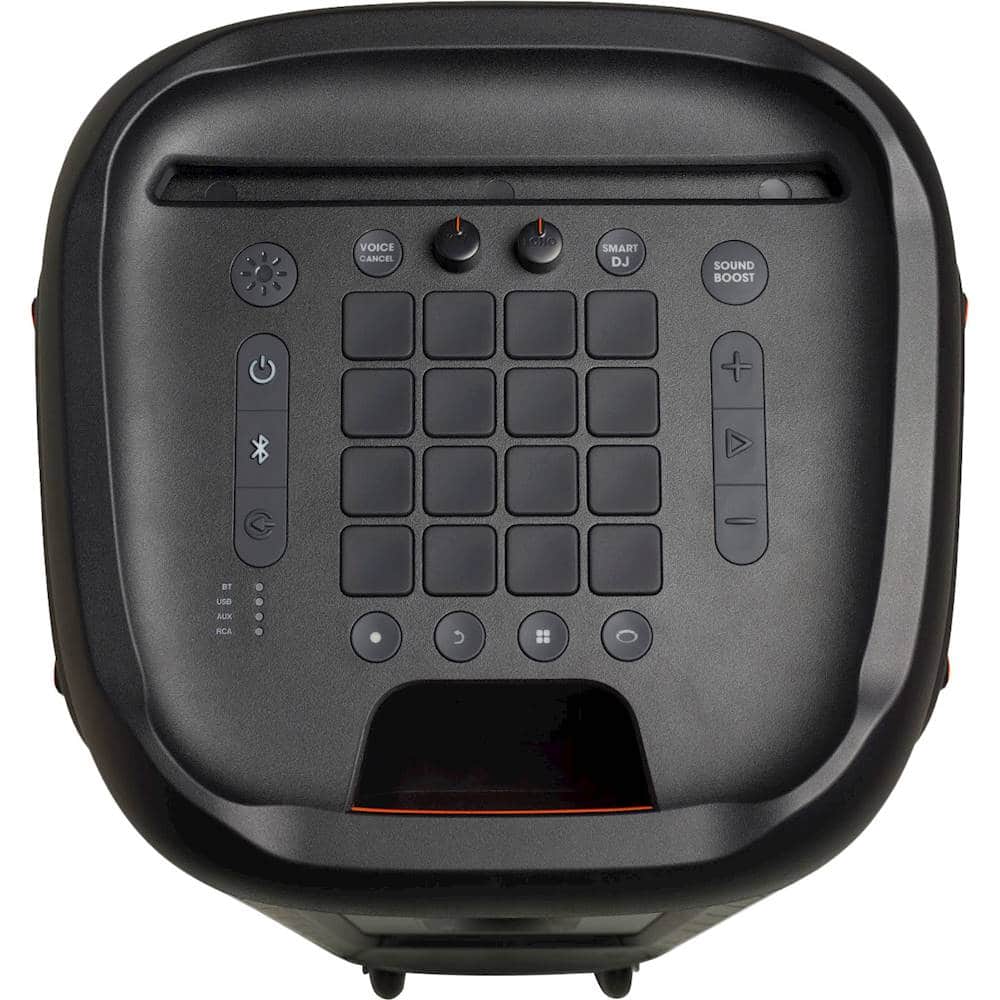
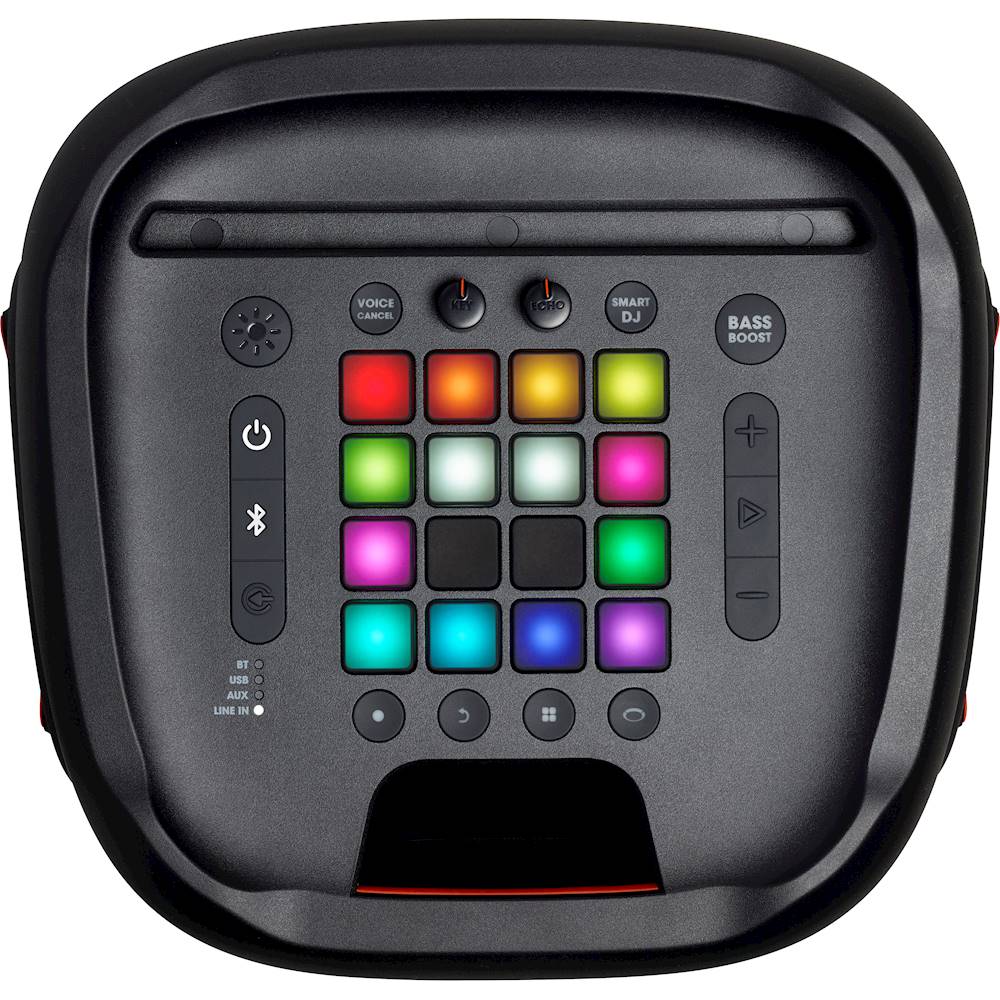
A:AnswerThanks for reaching out. We're here to help with your JBL Partybox 1000. Please try to reset the factory settings of the speaker by pressing and holding the "Play/Pause" and "Volume +" down for more than 10 seconds. The JBL Partybox will power off and back on and is now reset. If the issue continues, please contact our customer support via our official website or toll-free hotline.