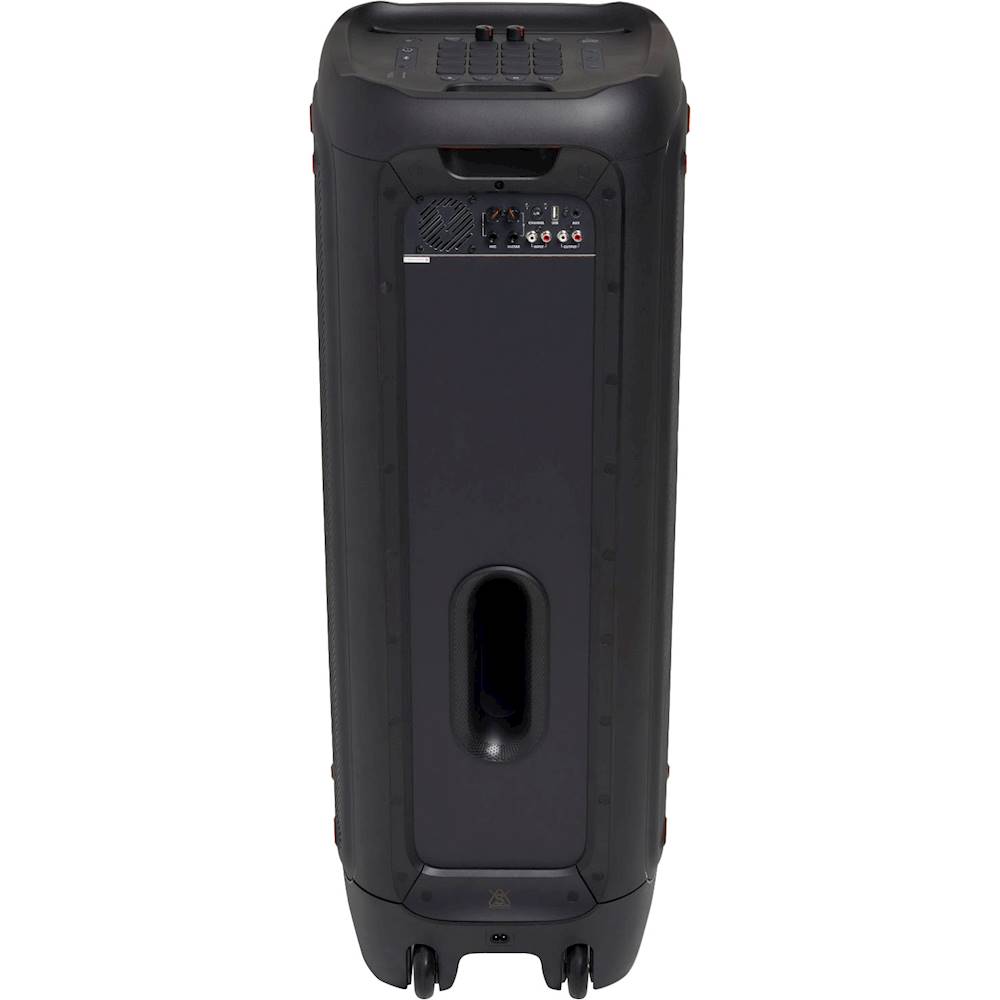
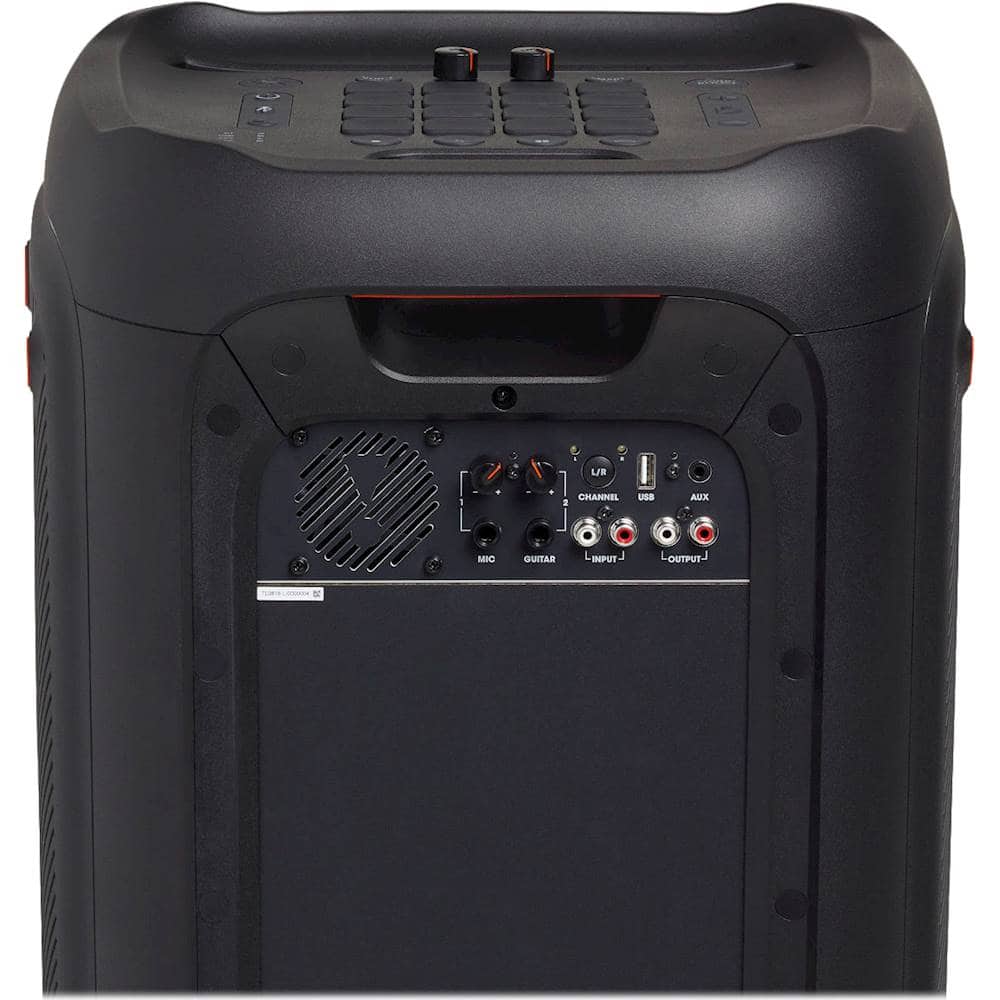
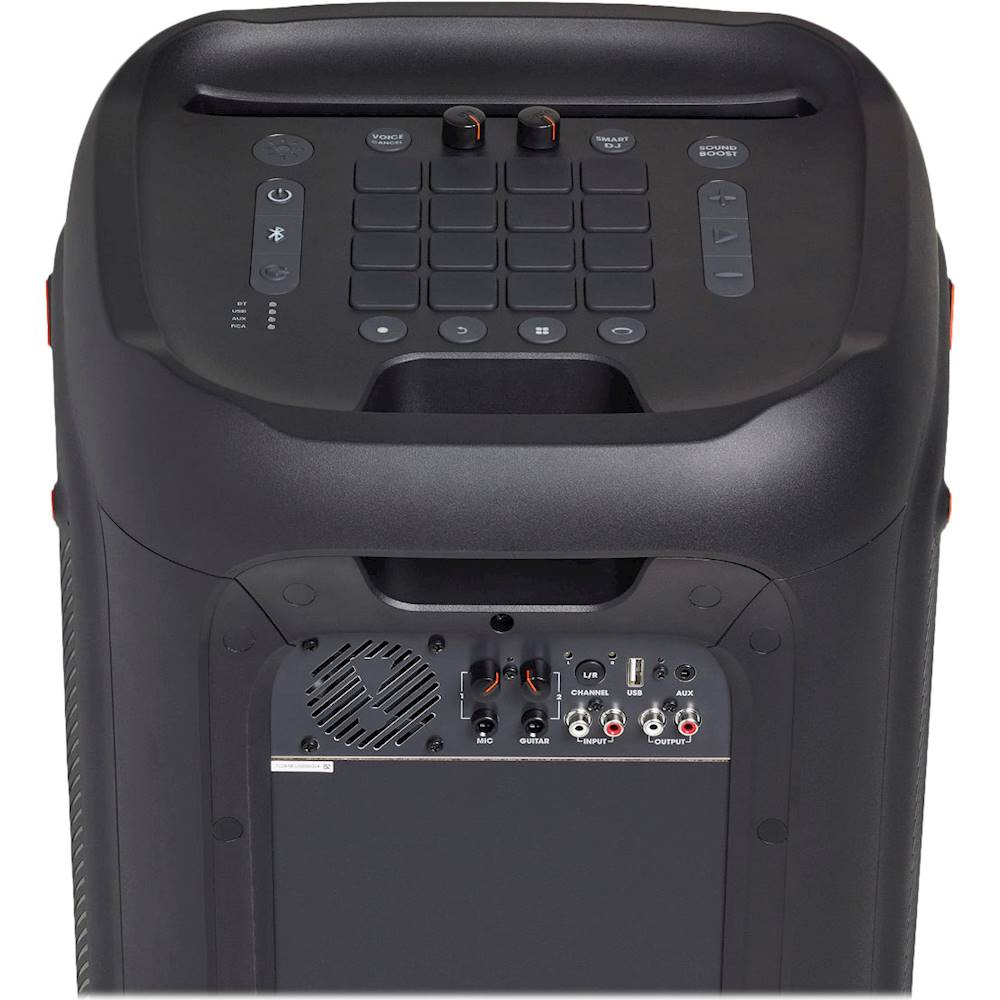
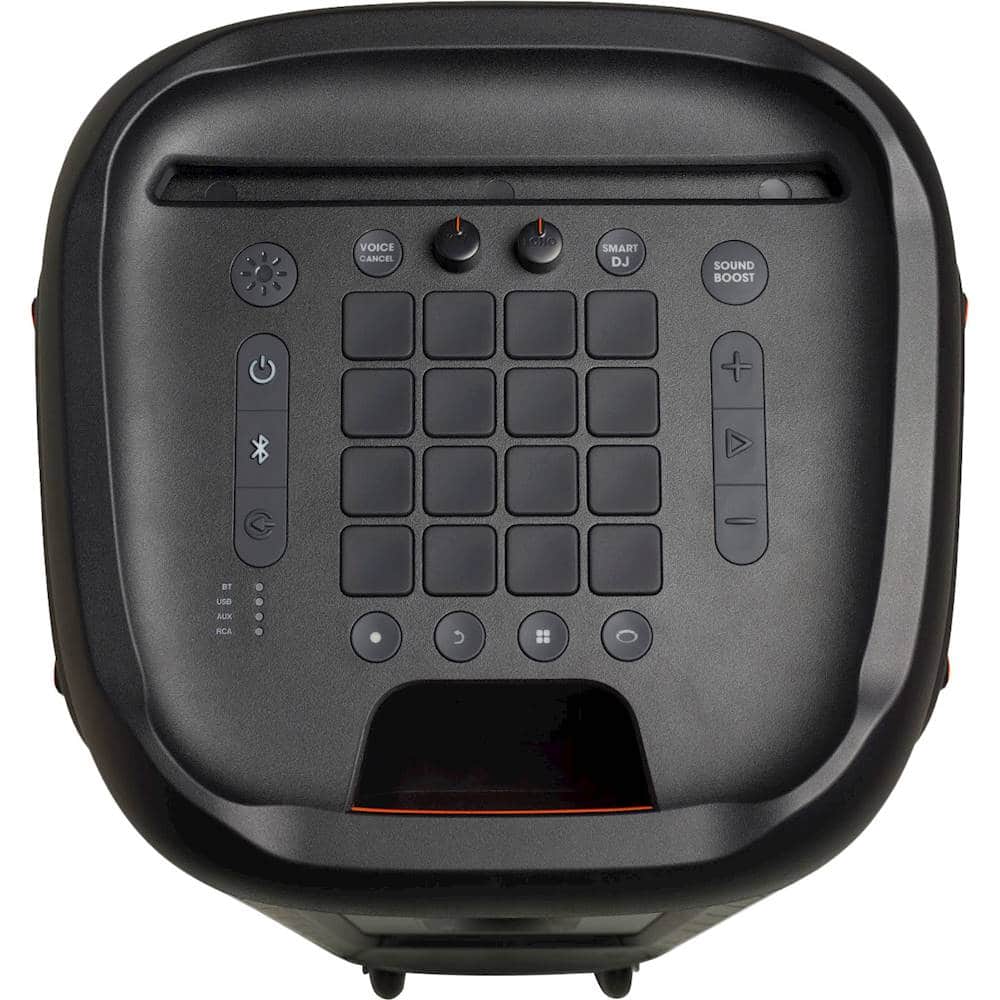
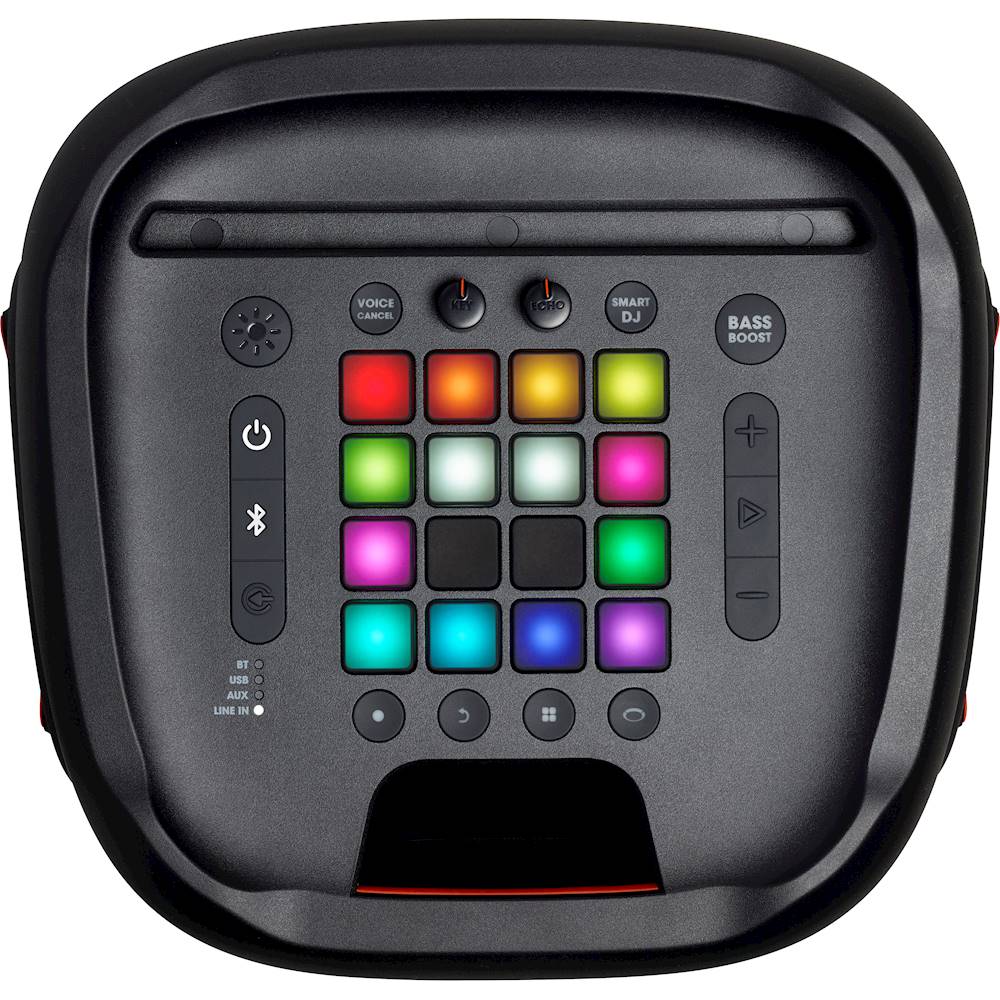
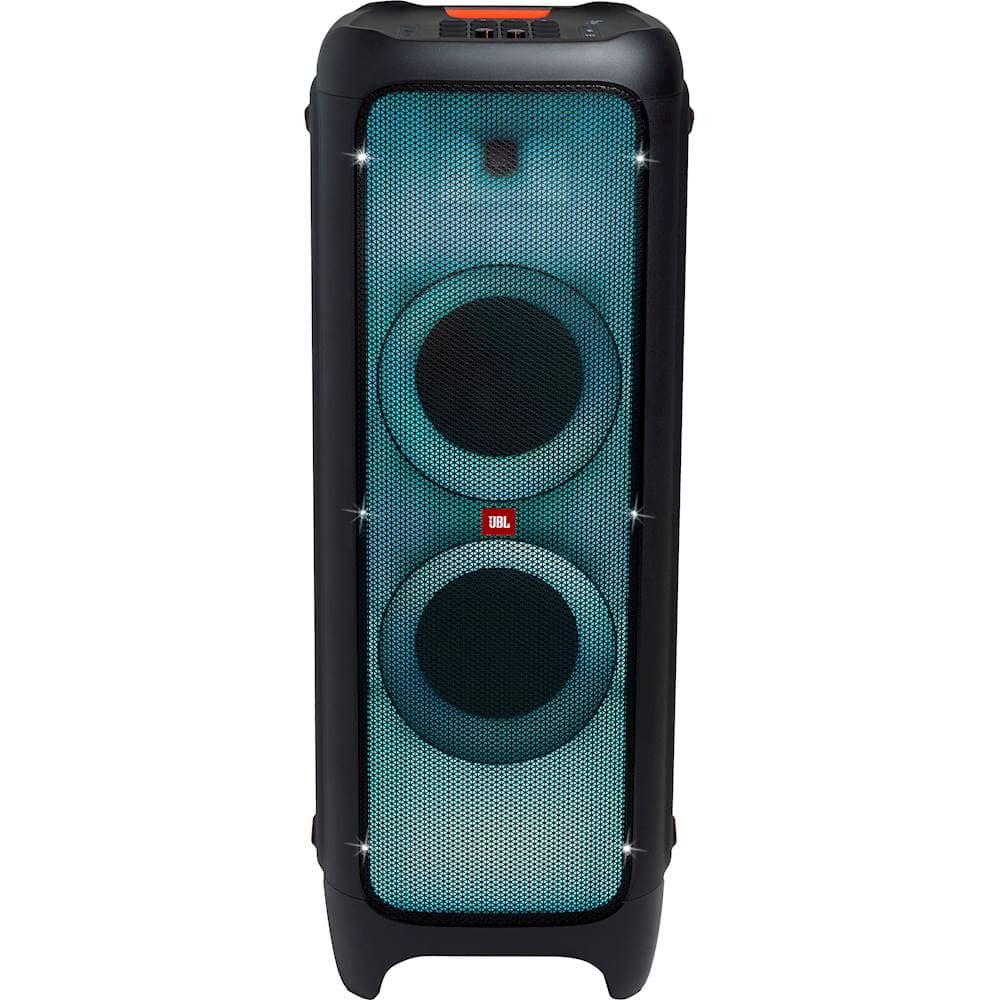
A:AnswerThe Line Input/Output connection of our Partybox 1000 is mainly used for the Daisy chain function which lets you connect the Partybox 1000 with other Partybox speakers.
A:AnswerThank you for your question. Unfortunately, this speaker doesn't have a companion app, and isn't compatible with the JBL Partybox app like the next generation JBL PartyBox 710.
A:AnswerOur JBL Partybox features both Input and Output RCA connection. Connect your RCA cable (not included) to either one of the ports. If you need more help, please use the link to contact our customer support. https://bit.ly/2WocMfi
A:AnswerThanks for reaching out. The recommended optimal temperature for all our products including our JBL Partybox 1000 is between 5 and 35 degrees Celsius. (41 to 95 Fahrenheit).
A:AnswerWe'd like to work with you directly so we could try some troubleshooting with your JBL Partybox 1000. Please reach out to JBL Customer Service for technical support and assistance at (800) 336-4525 Mon - Fri: 9:00 am - 11:00 pm (EST), Sat-Sun: 9:00 am - 5:00 pm (EST).
A:AnswerWe wouldn't recommend opening the speaker itself as this would void the warranty coverage. If you need assistance with dismantling parts on the speaker, please reach out to our Customer Support so we could refer you to a service center. We're here to help.
A:AnswerOur JBL Partybox 1000 already has a built-in amp which is perfectly made for the woofer/drivers inside of it and connecting a preamp would not make any difference. If you have more questions, please reach out to our Customer Support here: https://bit.ly/31ddXUv
A:AnswerOur JBL Partybox 1000 already has a built-in amp which is perfectly made for the woofer/drivers inside of it and connecting a preamp would not make any difference. If you have more questions, please reach out to our Customer Support here: https://bit.ly/31ddXUv
A:AnswerAbout 130 to 150 db depending on the song, the songs original recording levels and the output level of the sourcwe device such as phone, pc, etc. There are 3 main volume control usually with a simple phone or pc to speaker via bluetooth, the output or source device, the media player volume, and the main speaker volume on the speaker itself which is the only control that directly increases or decreases the onboard amplifiers potential volume output. You may also have additional volume controls on a ny other peripherals such as a DAC, pre-amp, mixer, synthesizer, or equalizer, etc.
A:AnswerOnce your phone paired the first time with your JBL PartyBox 1000, it will connect automatically once you turn on the Bluetooth. If it fails to automatically connect, please go to the Bluetooth menu of your phone and look for JBL PartyBox 1000 and choose connect.