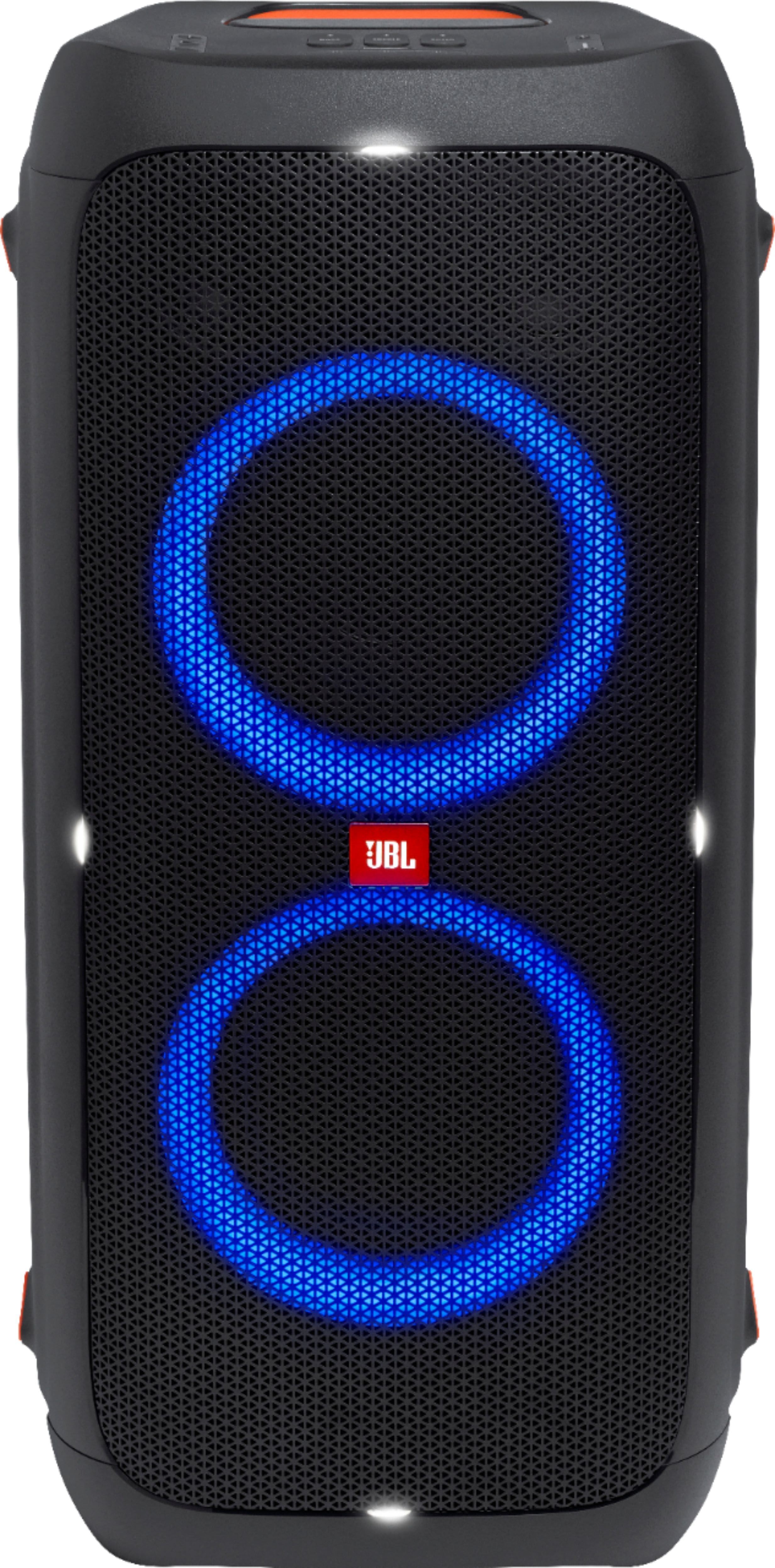
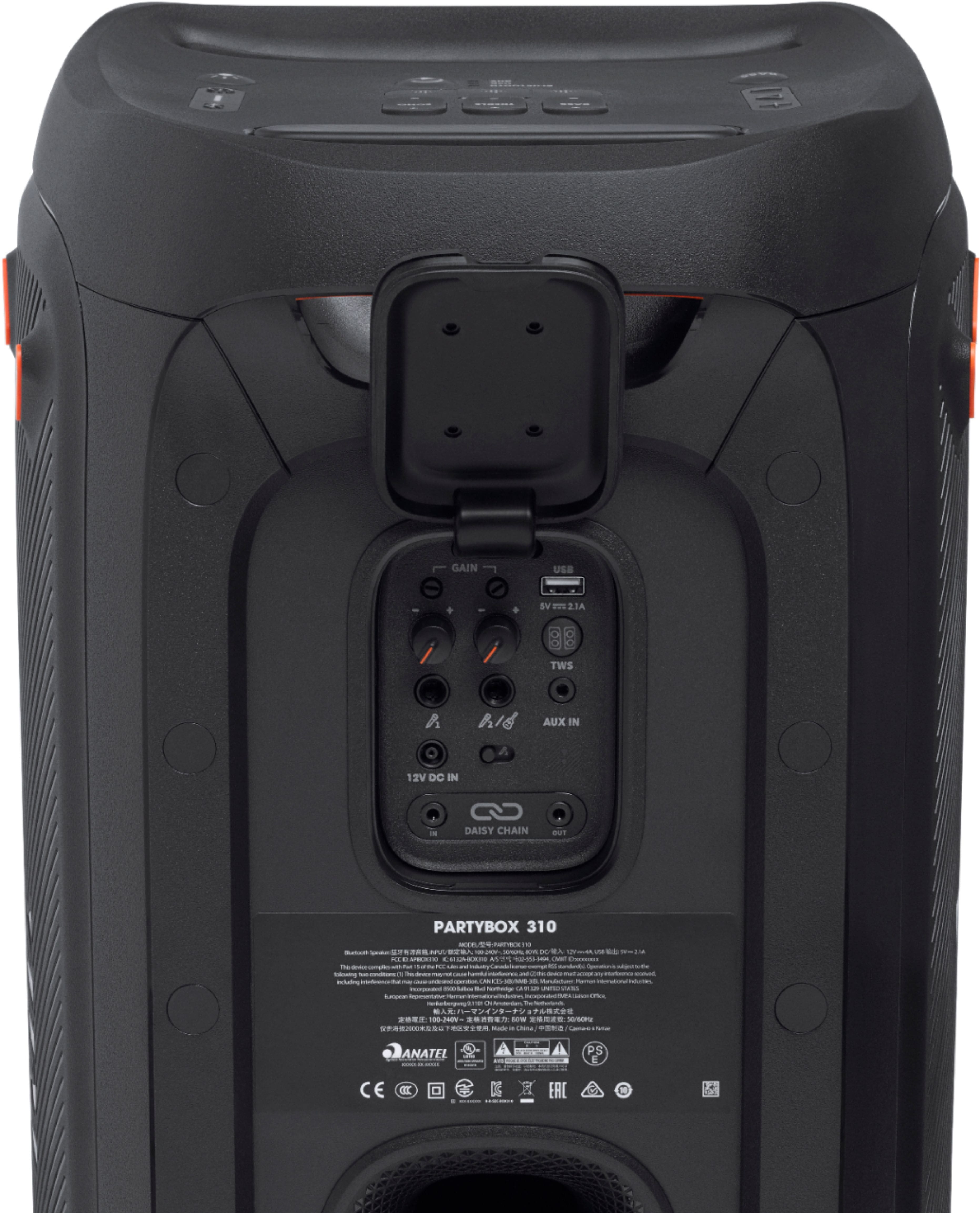
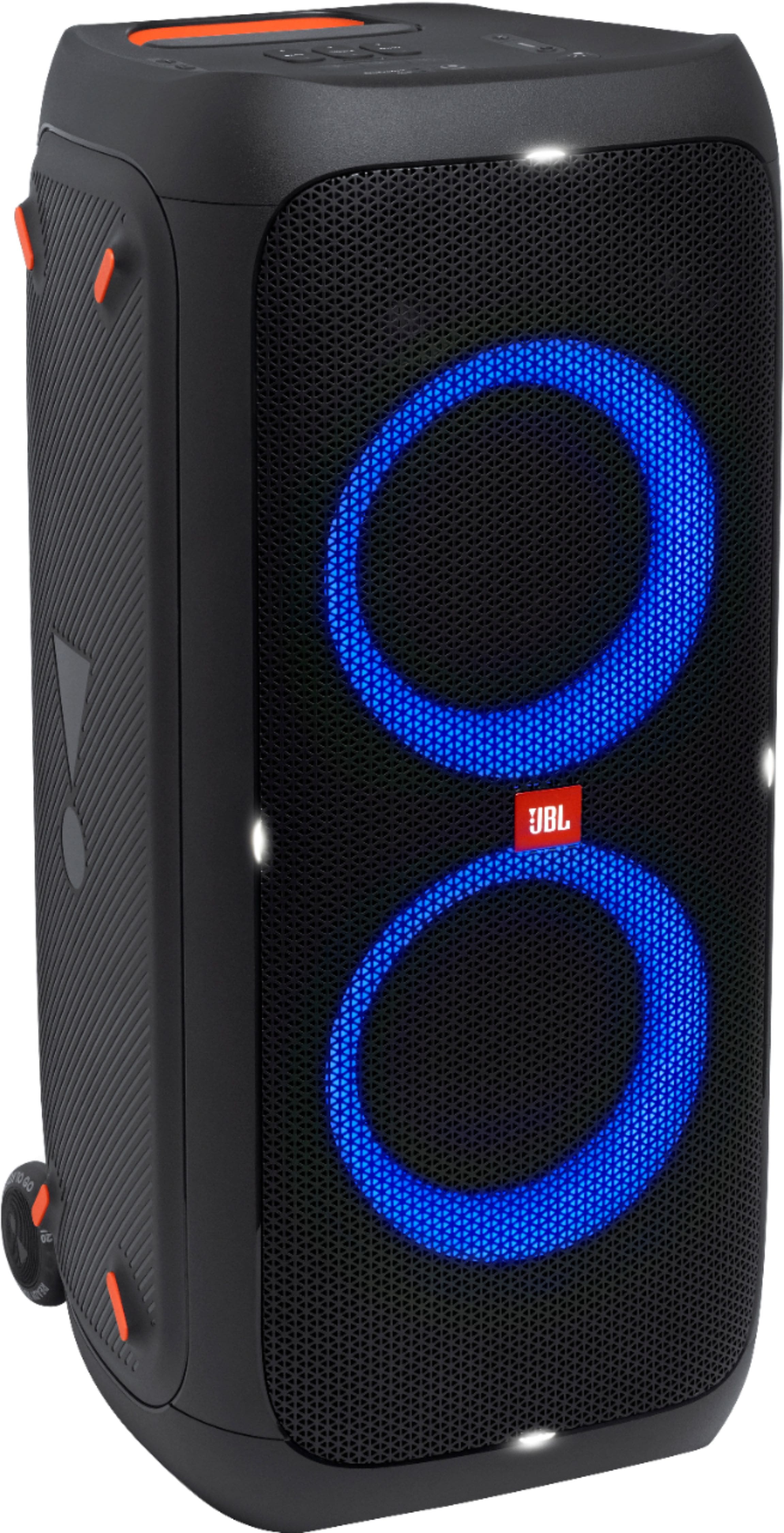
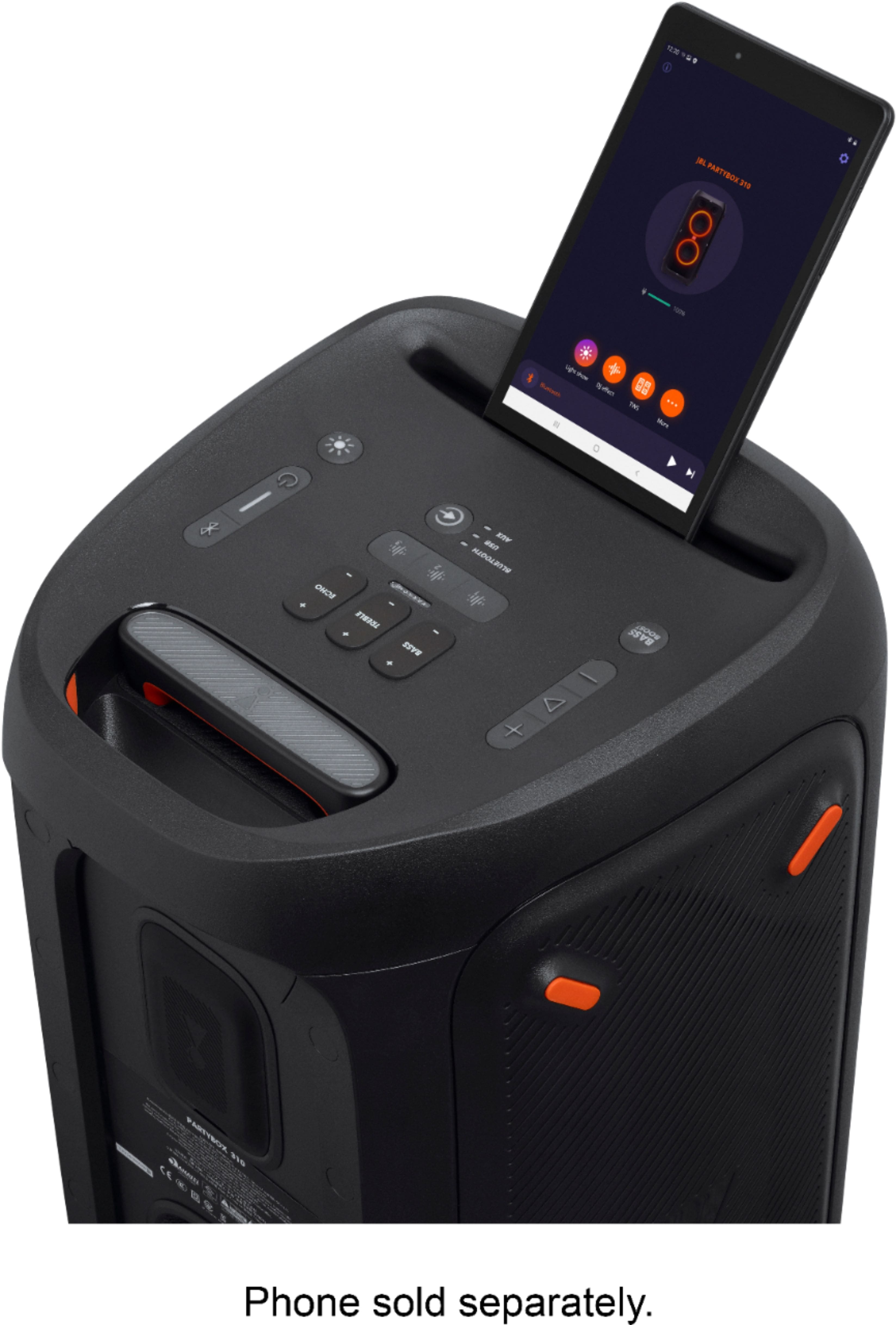
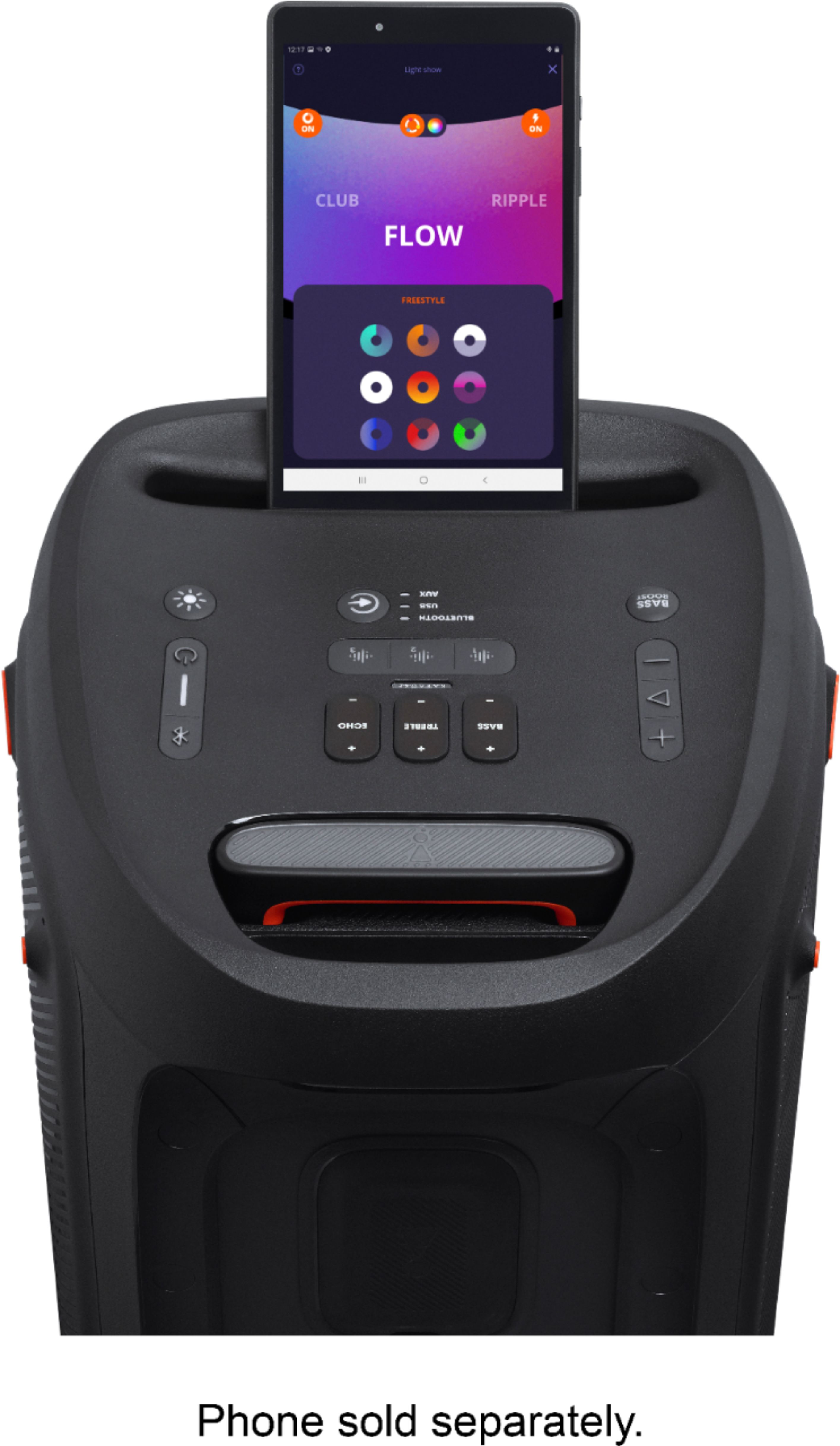
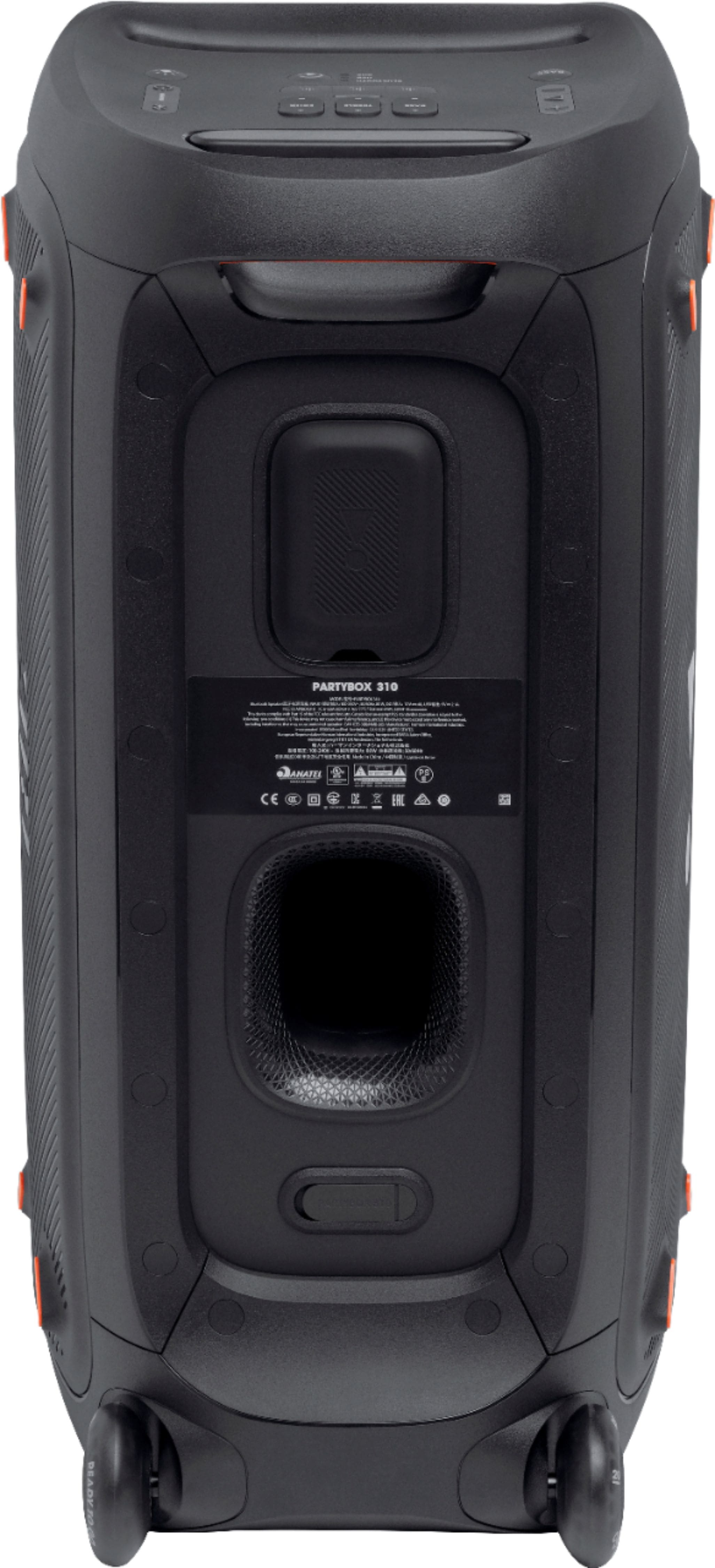
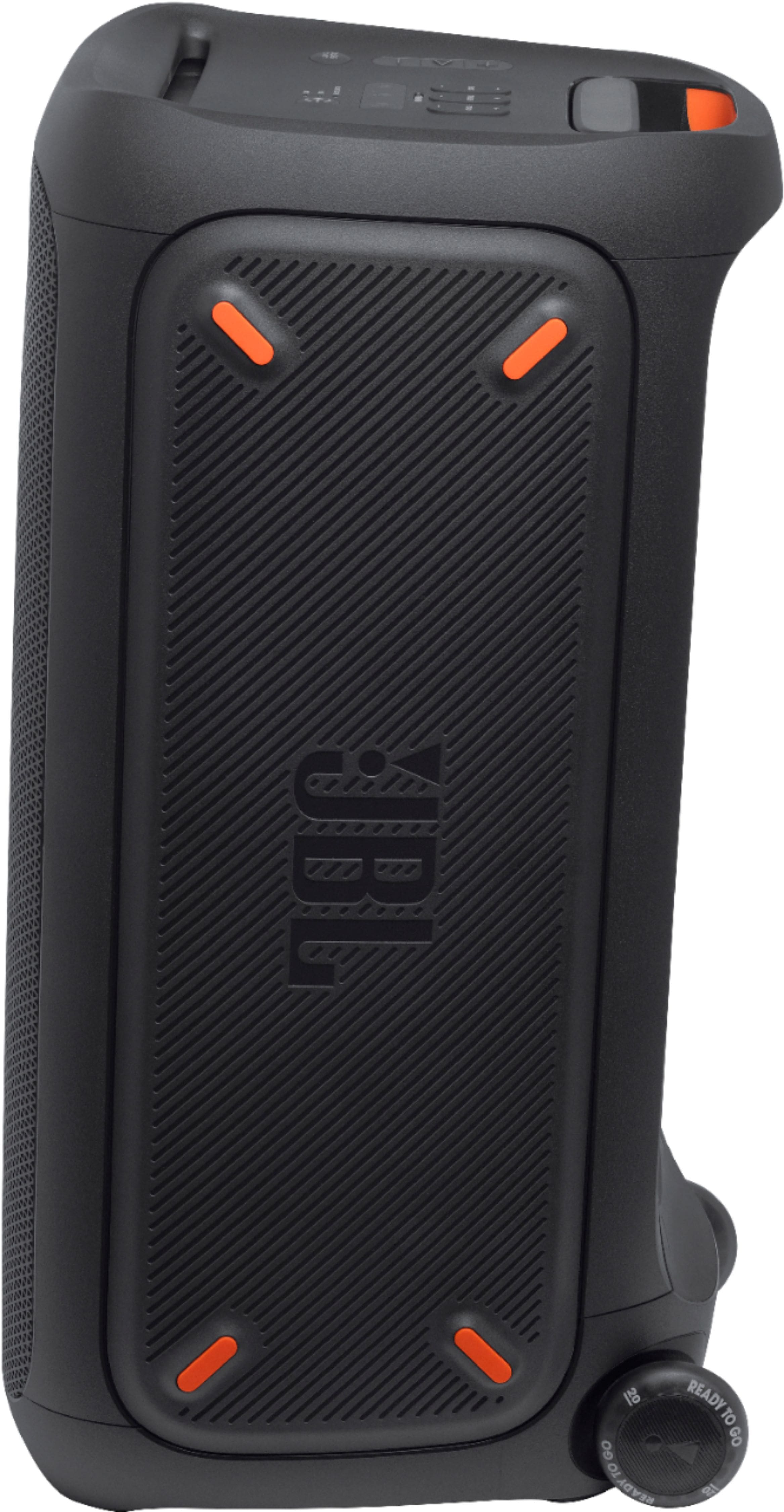
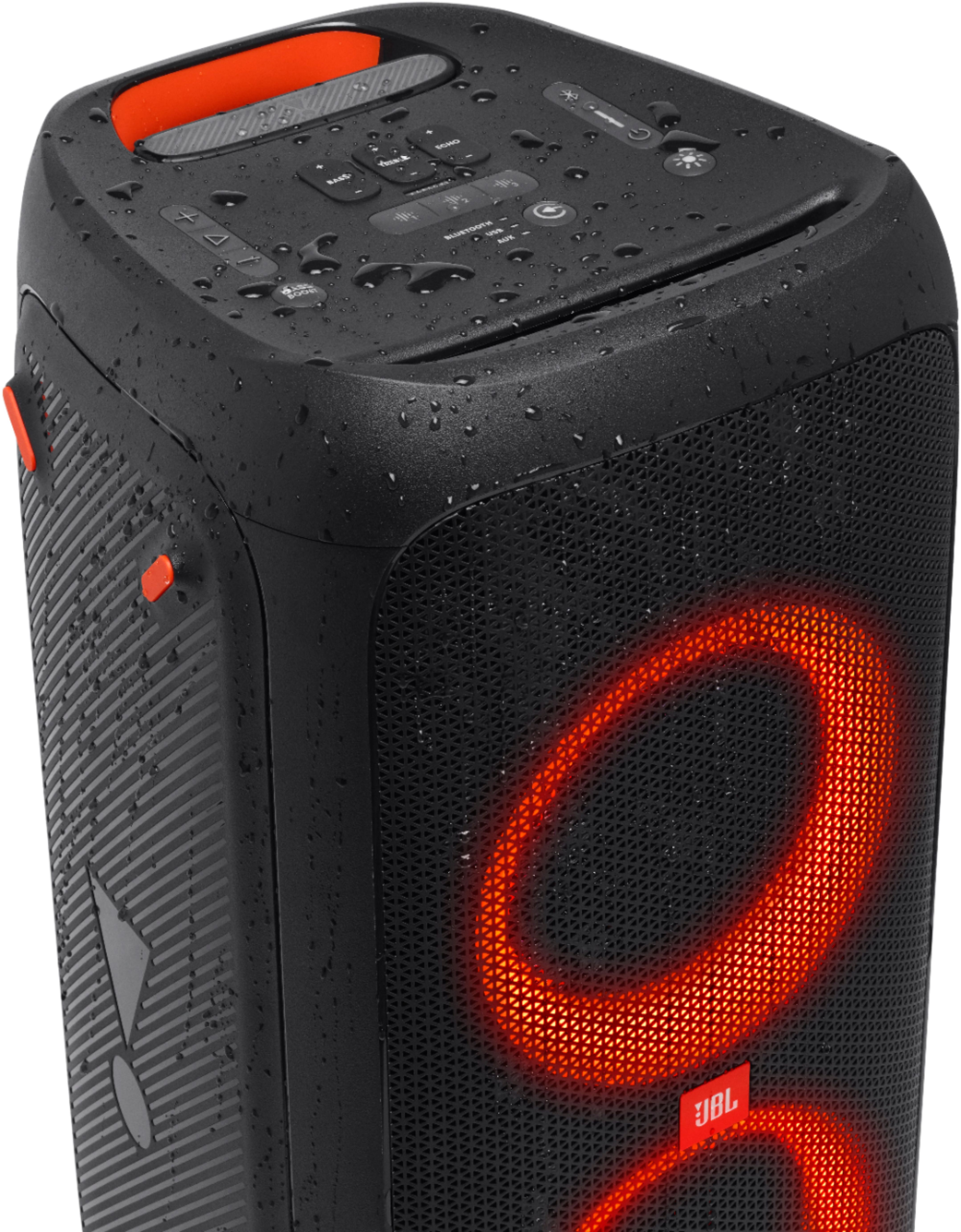
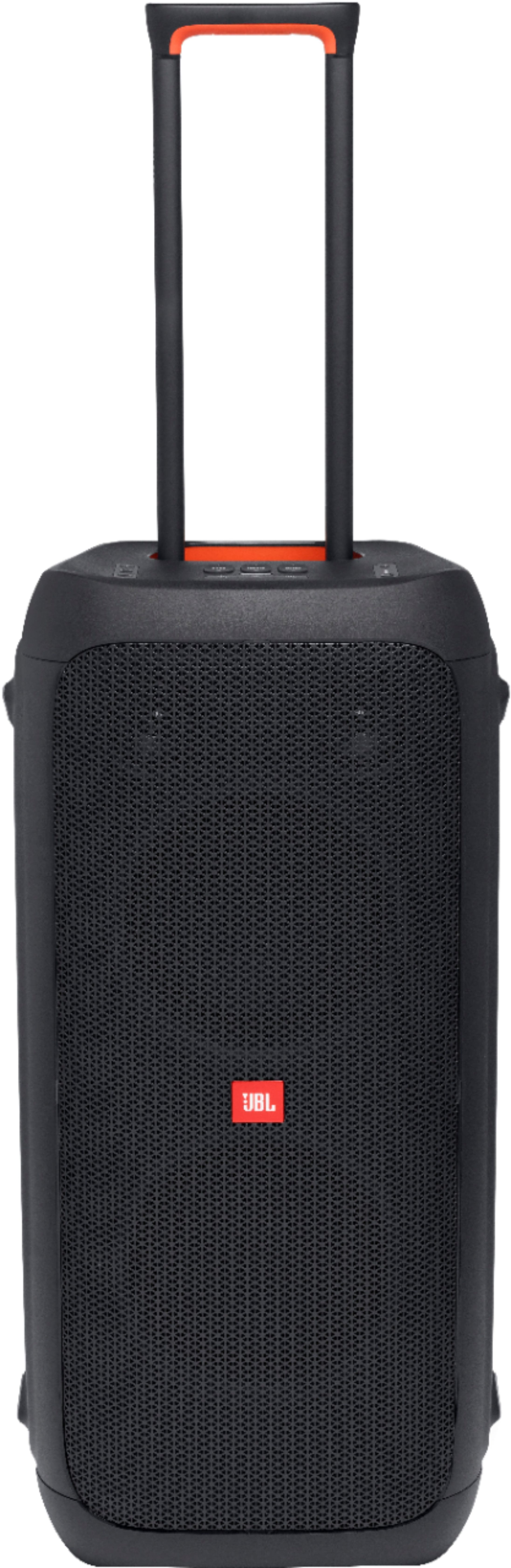
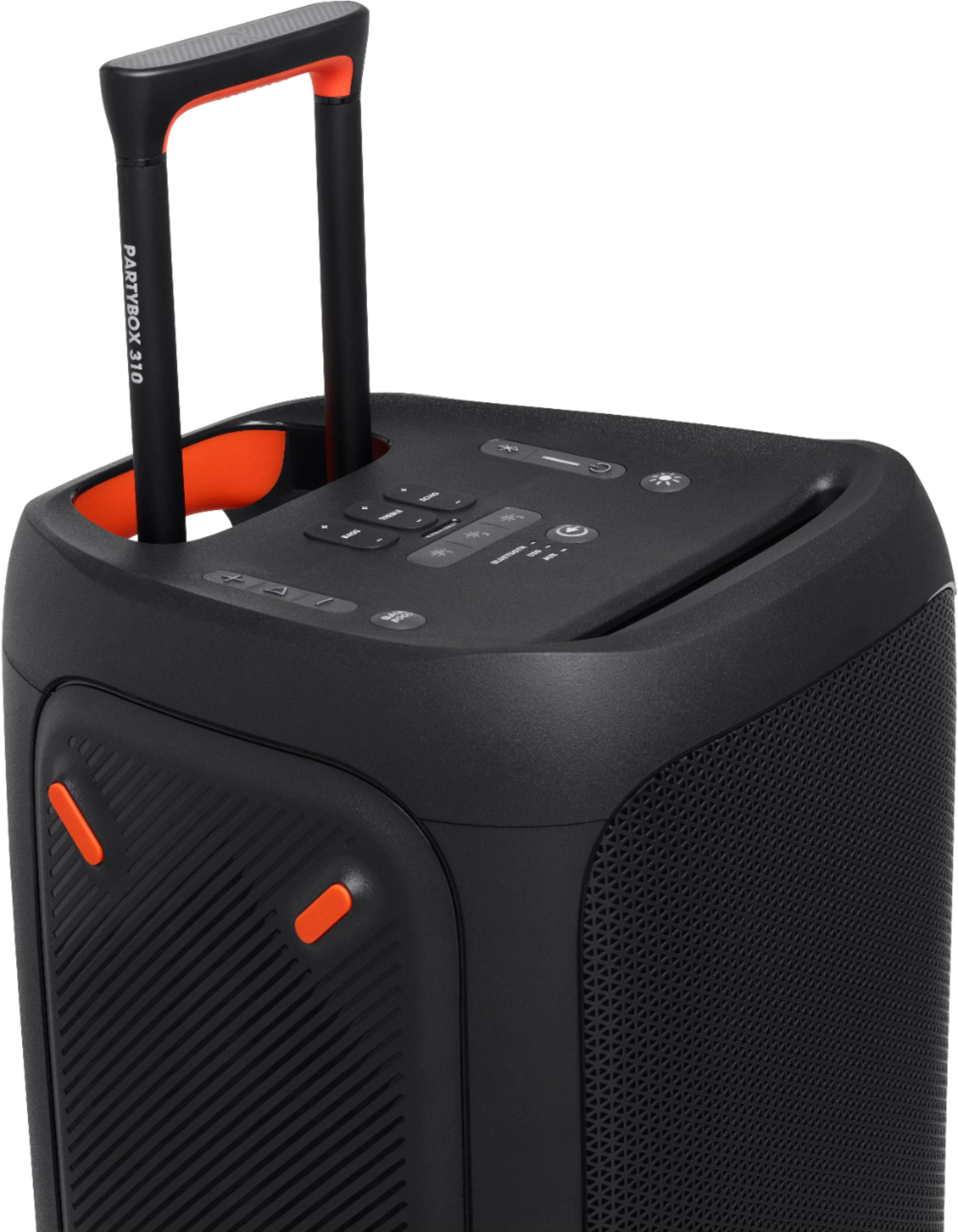
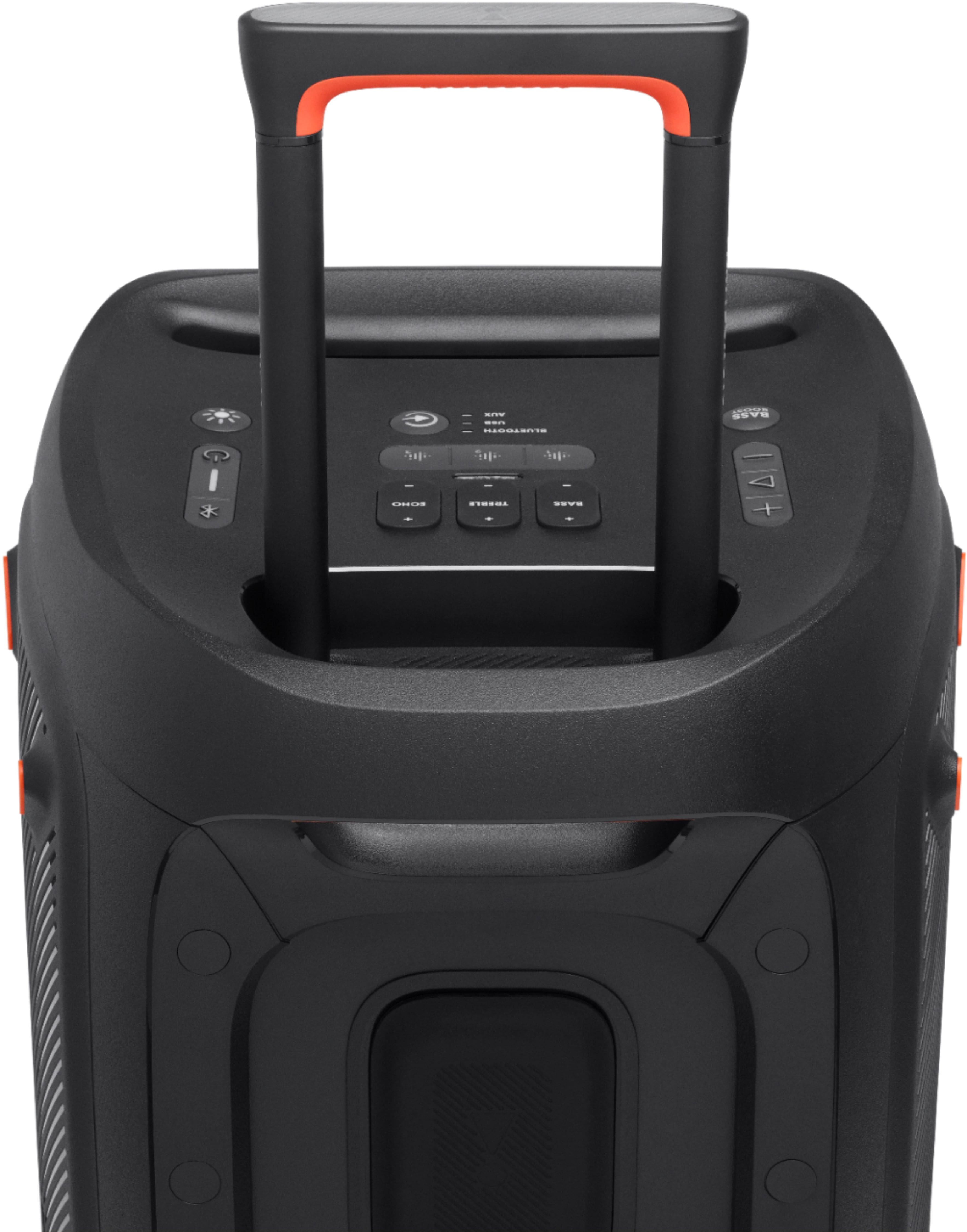
A:AnswerThanks for reaching out. Our JBL Partybox 310 and Partybox 110 can be paired using the TWS feature. Press the buttons labelled TWS on both speakers to connect the speakers in TWS mode.
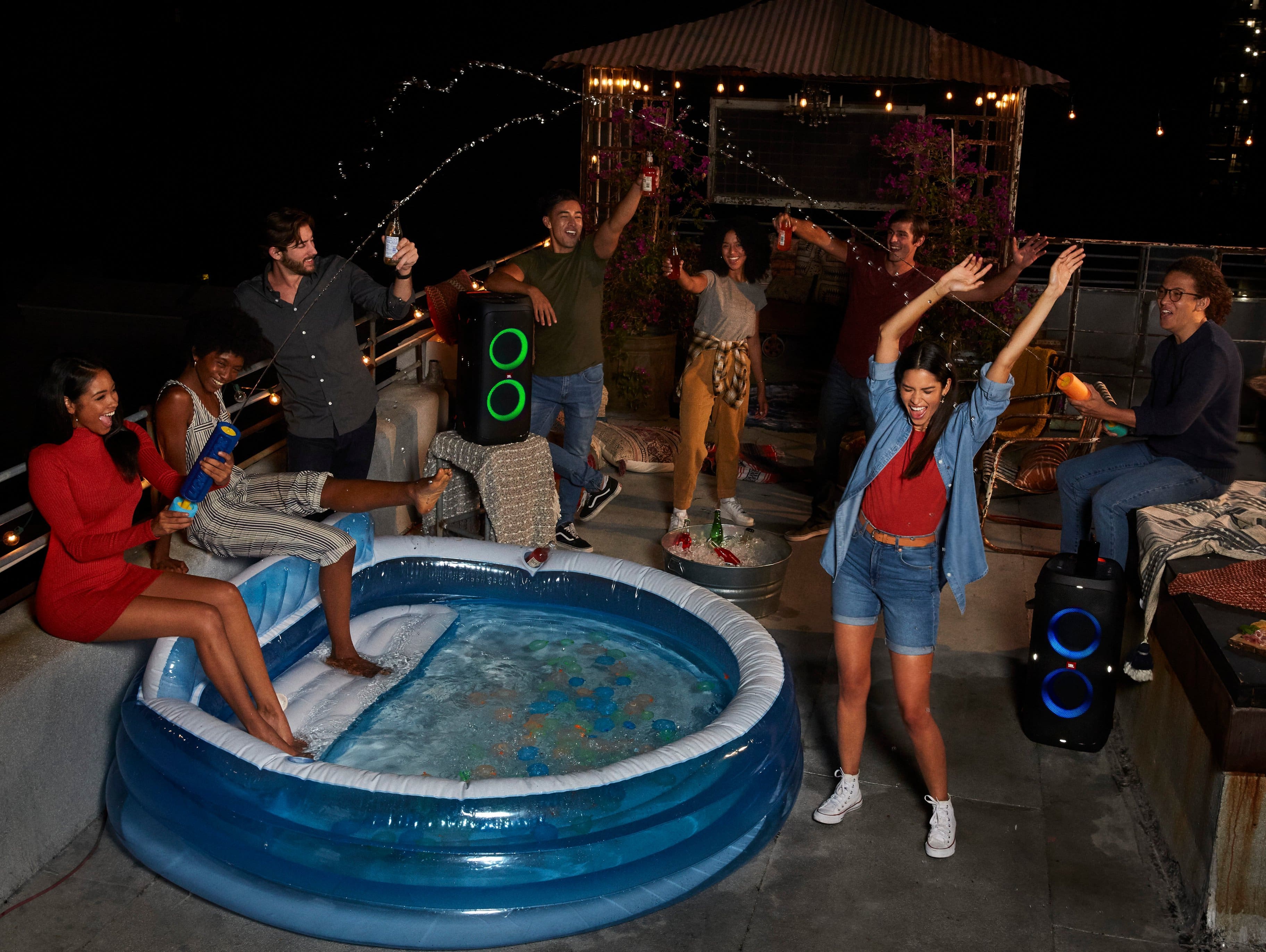
A:AnswerIt really depends on what “loud enough” means for you, If I were you doing a party for 40 people I’d get the 710 for the fact that will be louder, im not sure the 310 can host a party for 40 people being an owner of one myself, especially outdoors
A:AnswerThanks for your question. Please make sure that your speaker has a sufficient charge to make sure that you will not experience the same problem. If the issue persists, please reach out to our Customer Support so we could check your options further.
A:AnswerYou can play the JBL Partybox 310 at full blast, the only thing that will be affected by playing the JBL Partybox 310 at full volume is the playtime, as the longevity of the battery is dependent on the volume and music content you're playing. However, you can use it while it is plugged in. To learn more about this unit here's the service manual link: https://bit.ly/3GGQSZp
A:AnswerThanks for bringing this to our attention. We would like to discuss the power issues of your JBL Partybox 310 directly with you and find a solution for you. Please reach out to JBL Customer Service for technical support and assistance at (800) 336-4525 Mon - Fri: 9:00 am - 11:00 pm (EST), Sat-Sun: 9:00 am - 5:00 pm (EST).
A:AnswerOur JBL - PartyBox 310 Portable Party Speaker supports the following Bluetooth profile: A2DP 1.3, and AVRCP 1.6. We would also like to work with you directly to get more information and to do troubleshooting with the audio issues you're experiencing with our product. Please contact Customer Support at https://bit.ly/2WocMfi
A:AnswerThanks for reaching out. Our JBL - PartyBox 310 Portable Party Speaker has a dynamic frequency response range (Hz) of 45 Hz - 20 kHz (-6 dB). You can view more of this speaker's specifications via this link. https://bit.ly/3F8OqdU
A:AnswerThanks for reaching out. Here are some things to try that often fix these issues. If you have other charging cables, give them a try. (Be sure that the cable has the same type of connector as the original one that came with your product.). Try other electrical outlets at your location to be certain it is not a local wiring issue. Charge the product overnight for at least 8 hours. Check to see if there is dirt/dust on the charging port of the speaker. Check to see if there is damage/ bent pin/s on the charging port of the speaker. Sometimes wiggling the charging connection restores charging power. If none of these fixes the issue, please reach out to JBL Customer Service for technical support and assistance. https://bit.ly/2UYUuDV
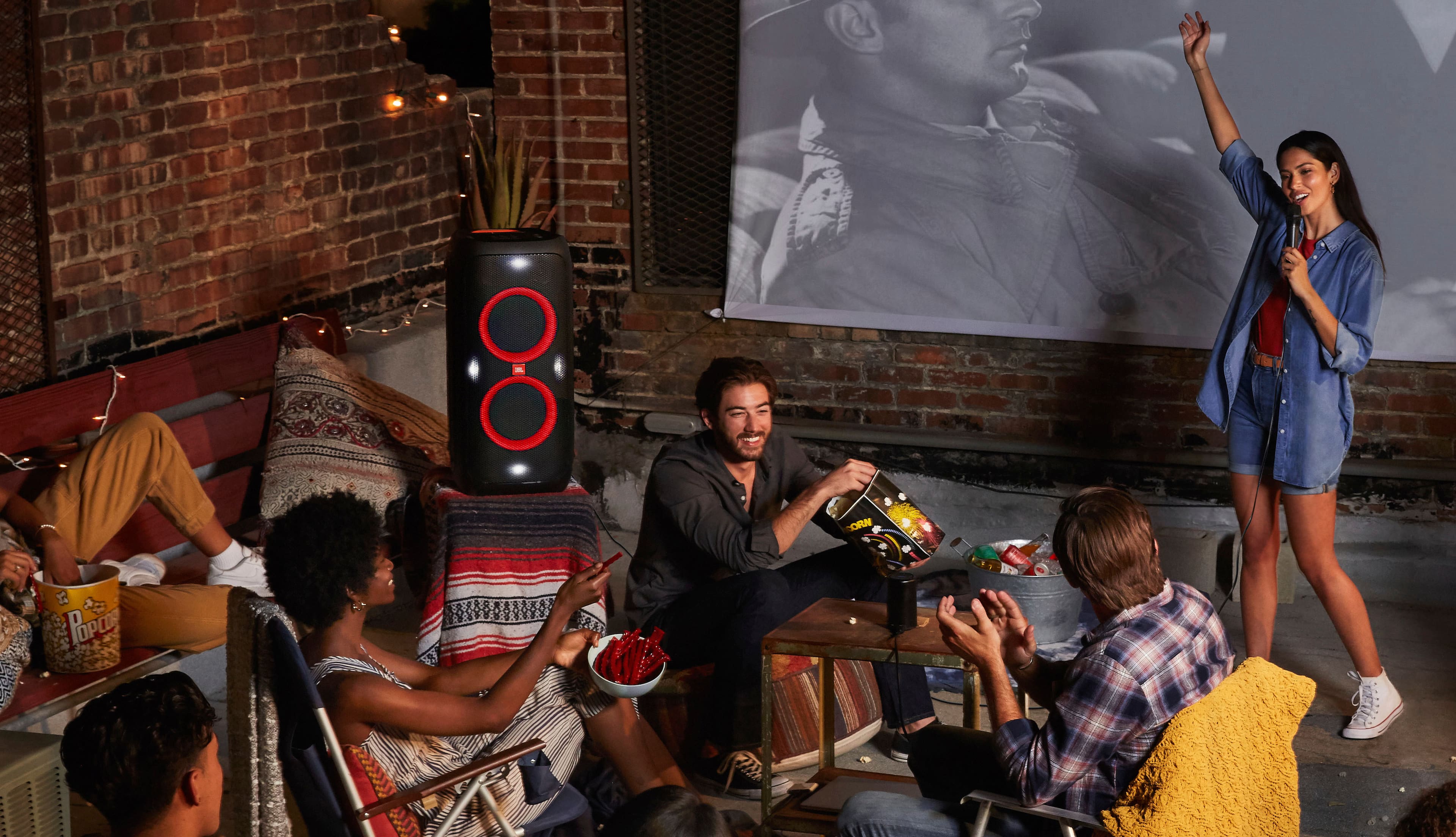
A:AnswerOur JBL PartyBox 310 isn't recommended to be used with TV or watching videos as it could result in audio video delays. Aux cables are better at providing a superior sound quality when compared to Bluetooth. However, it's probably not very noticeable. If you're planning to connect it, we would recommend using an Aux cable for a more stable connection.
A:AnswerOur JBL PartyBox 310 plays audio files on the USB storage device from the root folder to the last level of subfolders in alphabetical sequence. Please note that up to 8 levels of subfolders are supported.