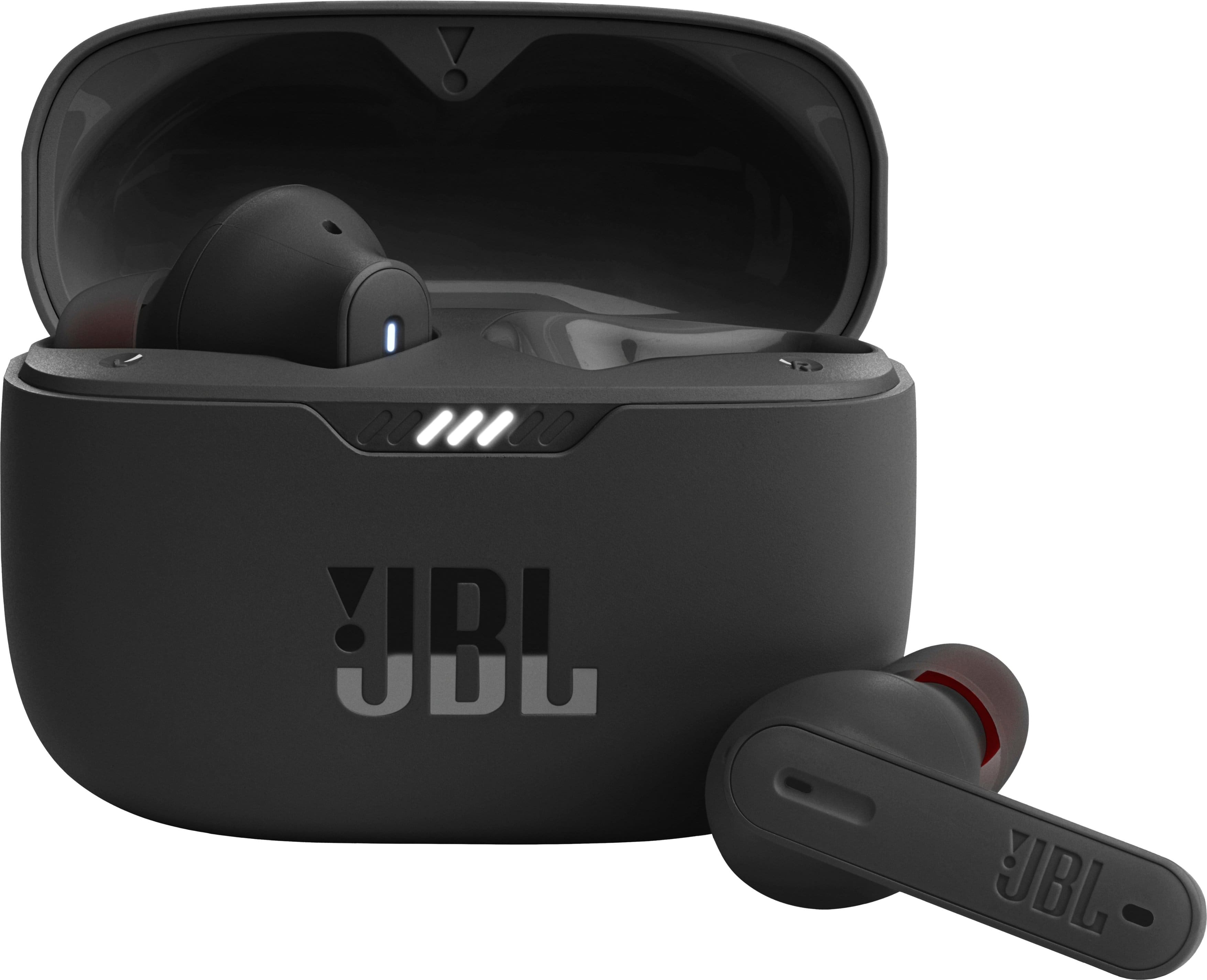
A:AnswerWe're here to help with your JBL Tune 230NC TWS. To further isolate the issue, please try connecting your earbuds with a different device and see if the issue remains. We also recommend doing a factory reset. To do it, double tap on the right earbud and hold it on the 3rd tap for 5 seconds, then put the earbuds back in the case to complete the reset. It is also necessary to remove or forget the earbuds from the previously connected device on your phone before connecting again. If the same issue remains, please contact our customer support for further assistance.
A:AnswerOur JBL Tune 230NC TWS does not have a function to amplify the sound of the surrounding environment, these earbuds can't be used as hearing aids.
A:AnswerThey are water resistant. People wear them during workouts (I know zero about this subject) or sweat (I know a lot about this sibject) and they should work under those conditions.
A:AnswerOur JBL Tune 230NC TWS is compatible with your 2012 MacBook Pro. It is Bluetooth version 5.2. This is backwards compatible with previous Bluetooth versions.
A:AnswerOur JBL Tune 230NC has the ability to announce contacts out loud who are calling on the phone. As long as your smartphone has Announce Calls enabled in its settings and is connected to your JBL Tune 230NC, you will be able to hear caller ID announcements through your earbuds.
A:AnswerThank you for bringing this to our attention. Please try to perform a factory reset by tapping the touch control twice and hold for 5 secs. If the issue still persists, we'd like to work with you directly to address the issues you're experiencing with your JBL Tune 230NC TWS. Please contact our customer support via our official website or toll-free number.