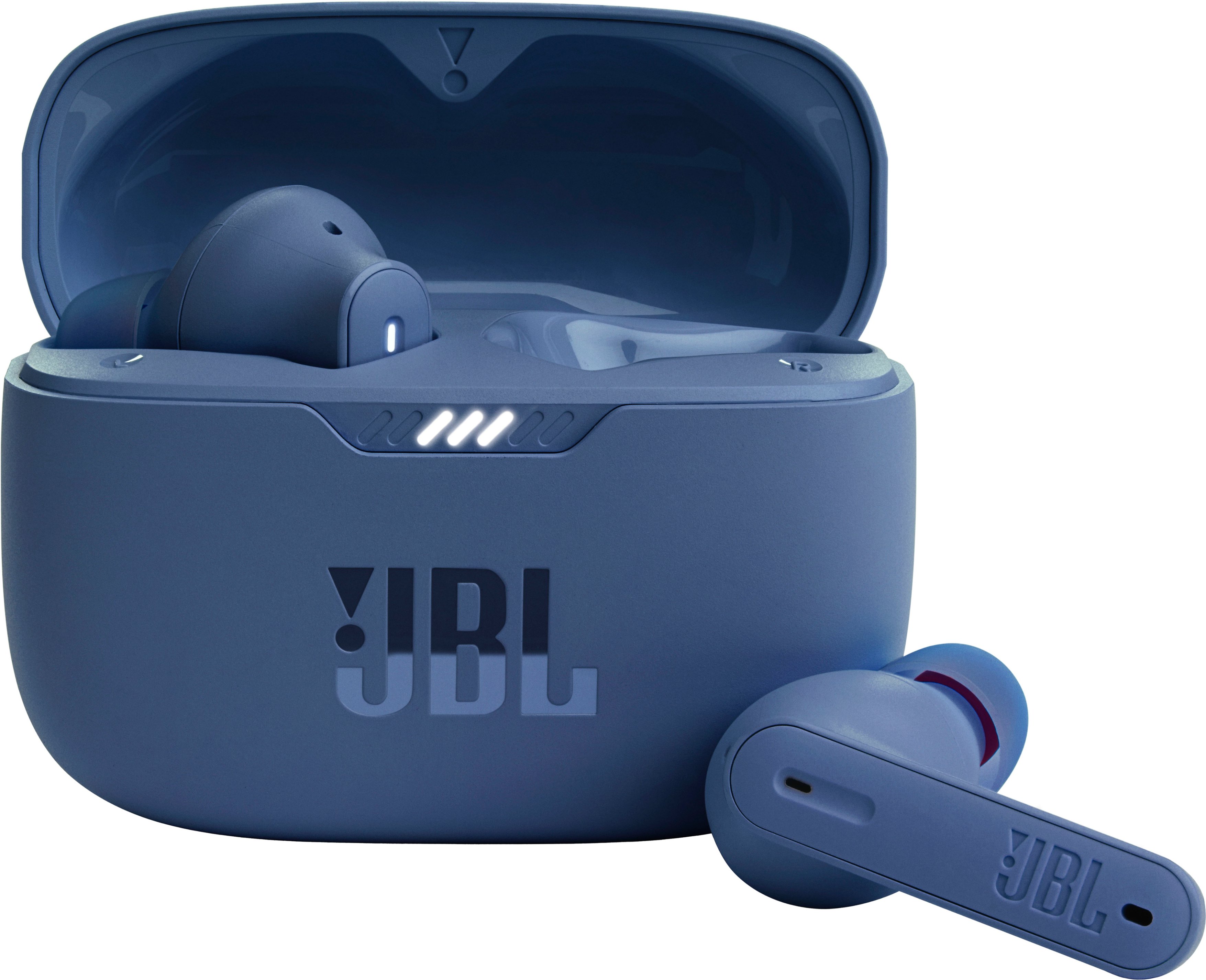
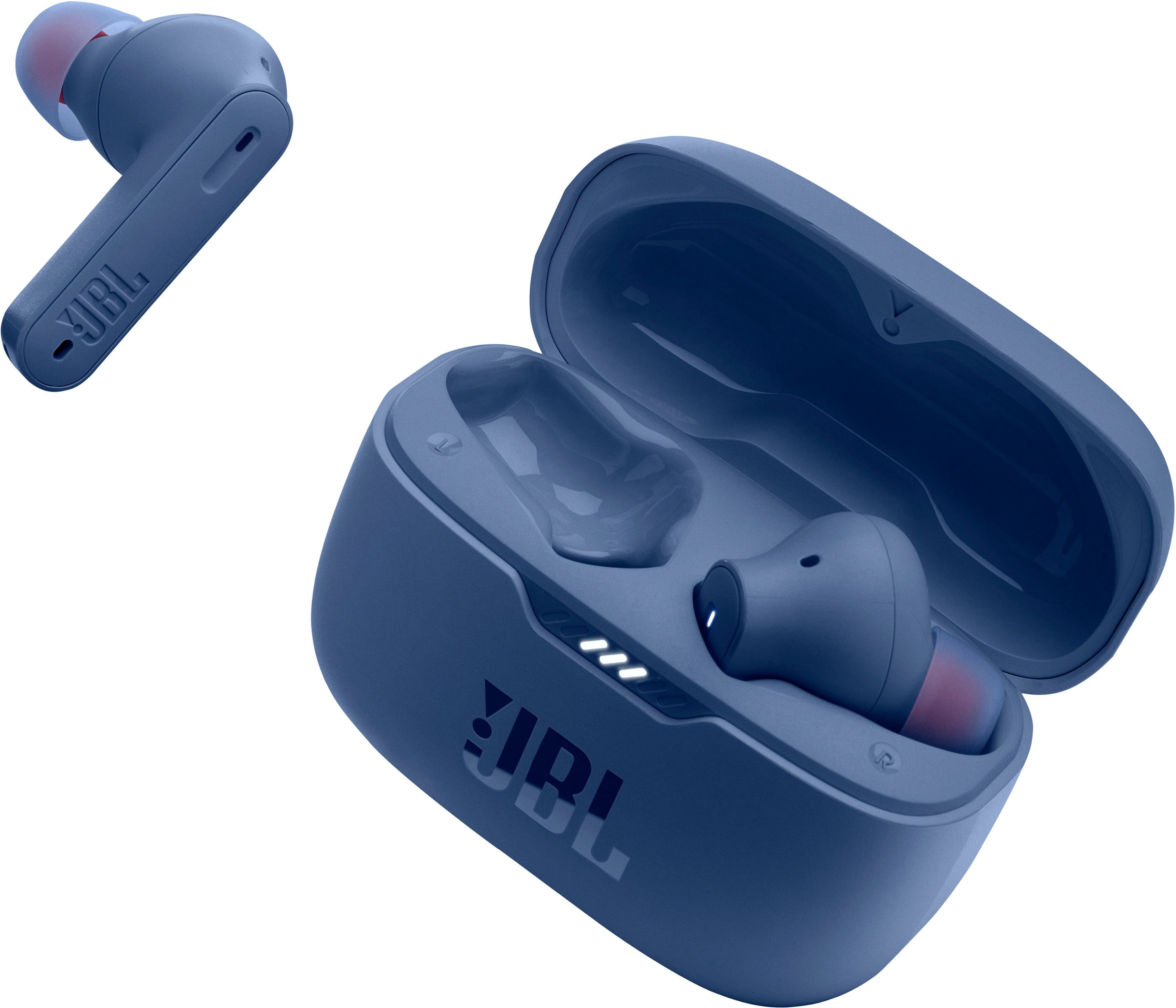
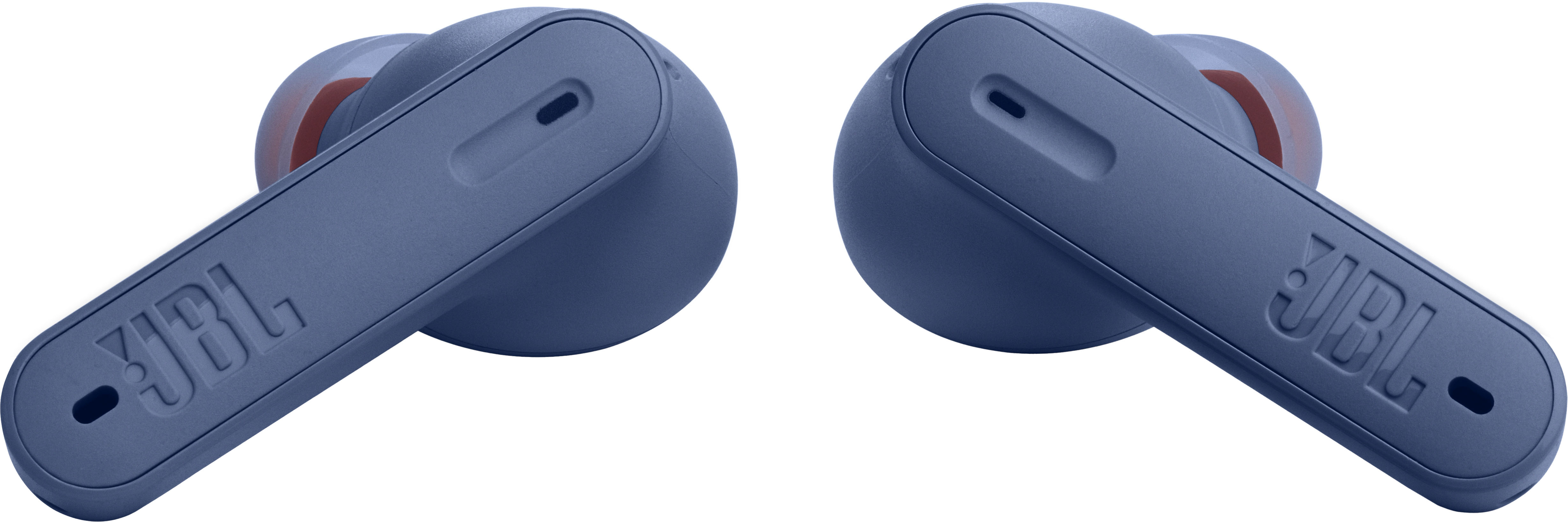
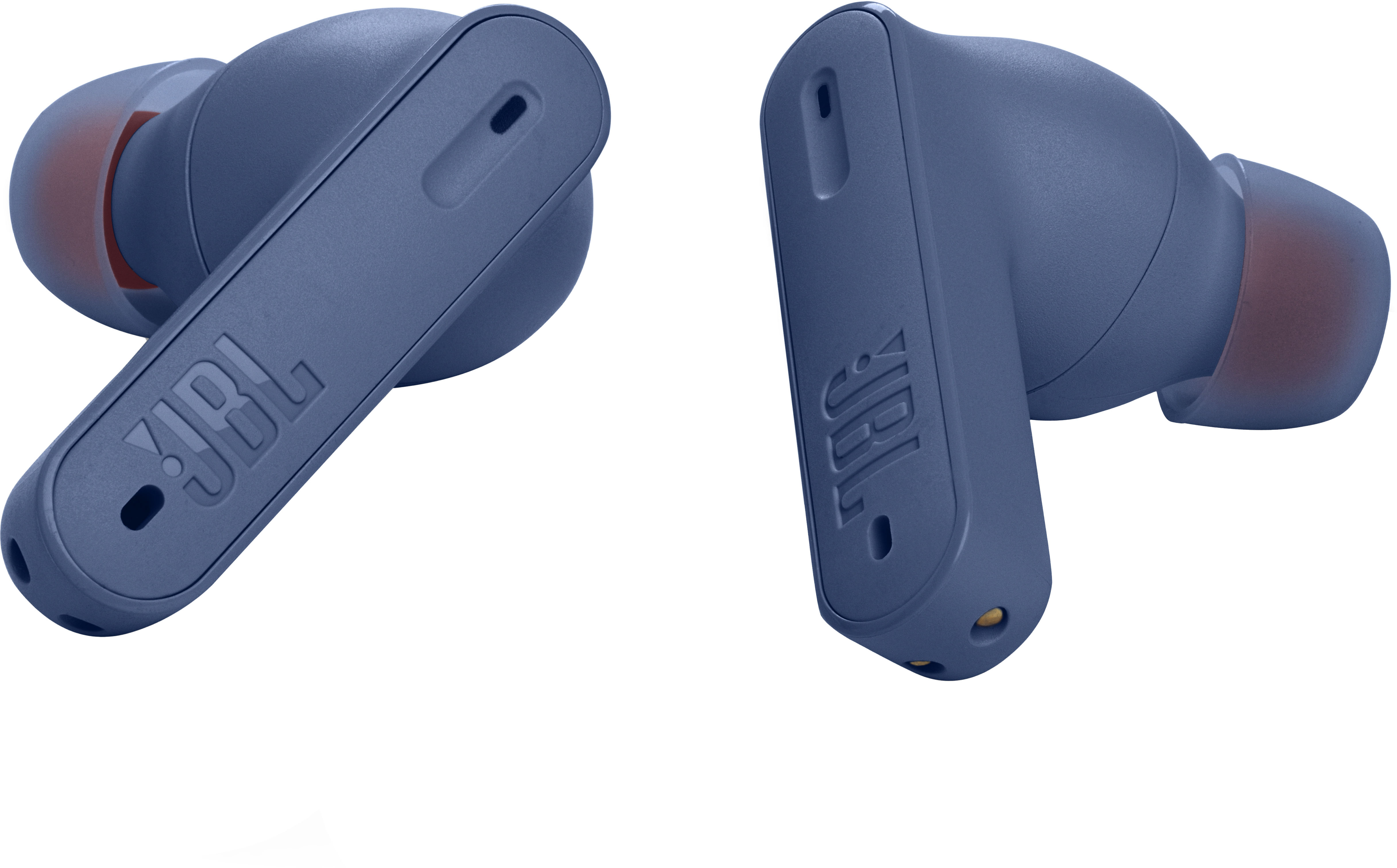
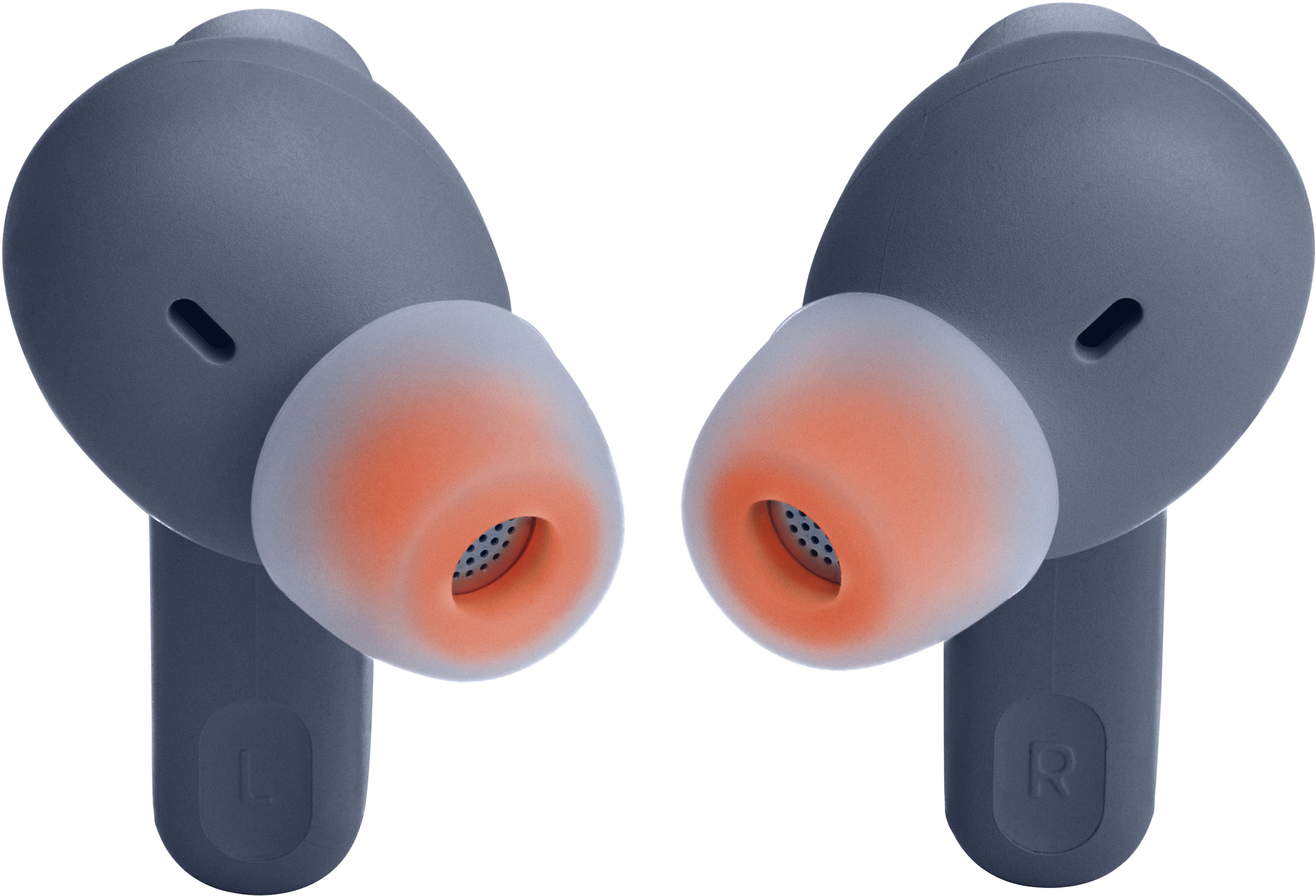
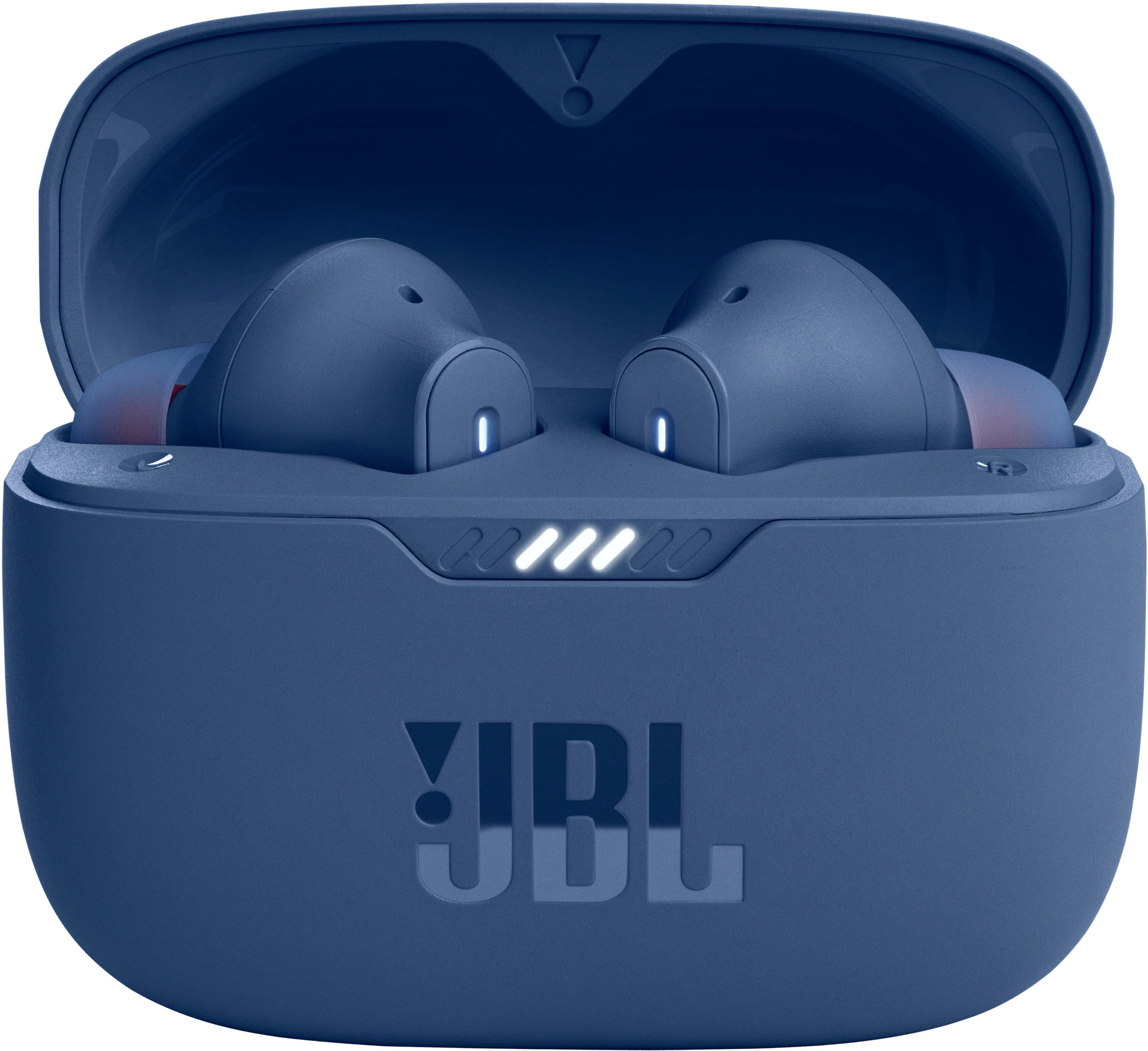
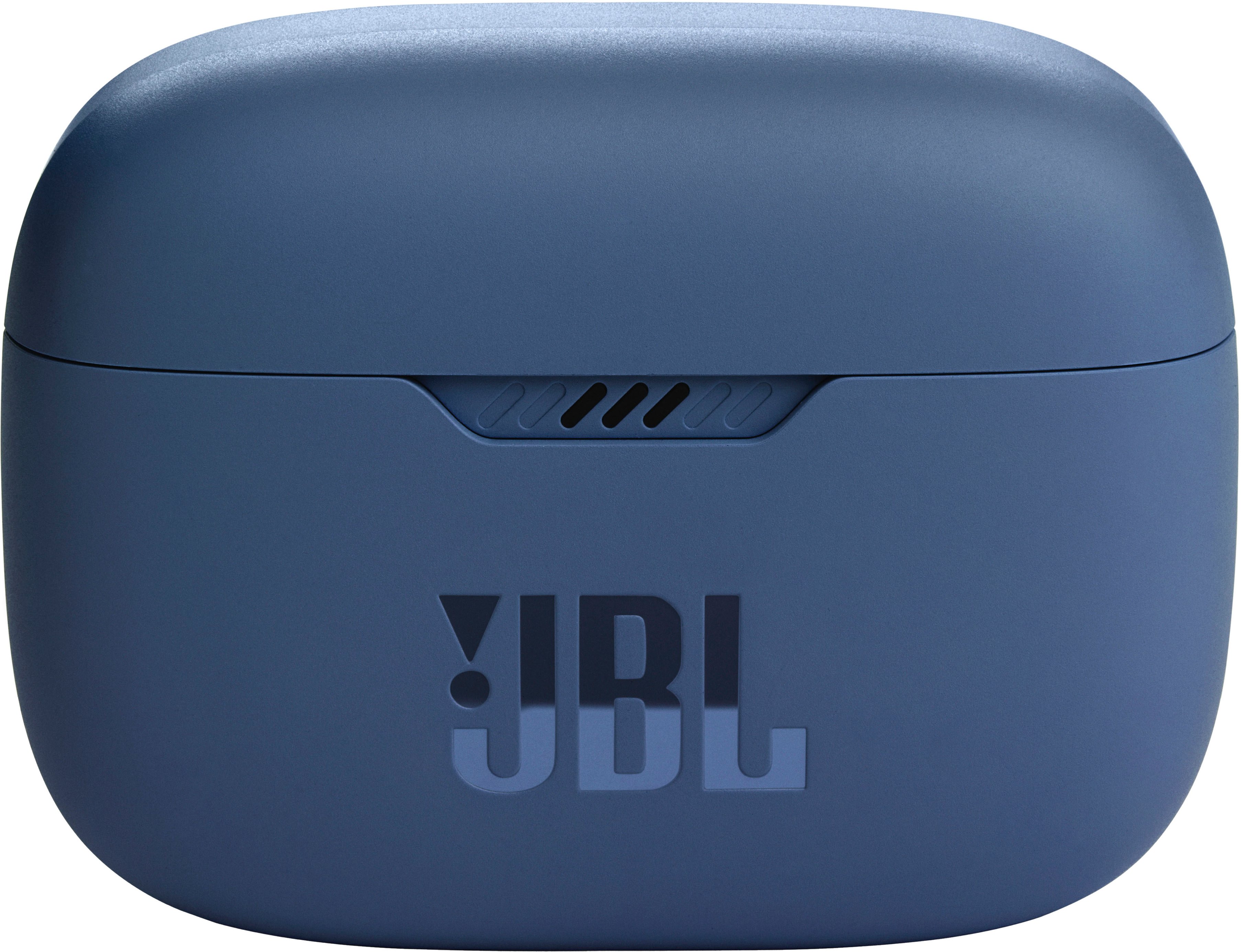
A:AnswerYou can still use the Active noise canceling feature of our Tune 230 NC TWs even when the device is connected to a computer. Simply tap the touch control of the L earbud once to activate ANC.
A:AnswerThank you for your interest in our JBL Tune 235NC TWS. Our headphones will lasts for years depending on how they will be used and the necessary maintenance. To assure that we have a quality headphones, our products has a 1-year warranty period upon purchase. If you have other concerns, please contact our customer support.
A:AnswerWhen removing them from the case, grab them by the rubber ear plug, not the body. Touching them on the back of the stem stem will enable only a single.
A:AnswerThanks for your inquiry. Our JBL Tune 230NC TWS is compatible to be used with devices that have Bluetooth capabilities like phones, tablets, and laptops. It isn't recommended to be used with gaming consoles as you may experience audio-video delays. We would recommend our JBL Quantum series of Headphones instead.
A:AnswerWhen answering calls on your JBL Tune 230NC TWS, simply tap either the left or the right bud twice. It doesn't automatically pause when you take them out of your ears.
A:AnswerYes, our JBL Tune 230NC has the VoiceAware feature which can control the amount of mic input routed back into your earbuds and choose how much to hear of your own voice.
A:AnswerOur JBL Tune 230NC TWS is designed to be used for connecting with your mobile phones, tablets, and laptops for streaming audio. You may encounter audio-video delays when you're using it to connect with your TV or gaming console via Bluetooth since these headphones don't have apt-X HD low latency codes, which are being used for Bluetooth connectivity with TV.
A:AnswerI would rate these much higher than the Apple earplugs. The apple plugs cost more. They didn’t fit well, constantly slipping out of his ears and he lost 1 out of each pair (2) that were purchased. I highly recommend this product.