A:AnswerXraynancy,
In our manuals we state that our mounts have to be installed directly into the brick which means you'd likely have to remove the tongue and groove paneling to safely hang your TV. If you'd like to install on top of the paneling you'd have to determine a safe way to do so and you'd need different hardware than what we provide. Your best bet would be to contact an AV installer if you're unsure of anything. Keep in touch using the support button on our website if you have any additional questions, thanks.
A:Answerboss hogg,
The amount you can slide your TV is dependent on the VESA spacing (bolt pattern) on the back of your TV. If you're TV has the common 400x400 spacing you'll be able to offset you're TV 4" left or right from the center. Contact us directly using the support button on our site if you need different dimensions, thanks.
A:AnswerIf you could please email us directly at support@kantoliving.com and pass along your TV's full model number and we would be happy to determine compatibility for you and the amount of swivel you'd achieve.
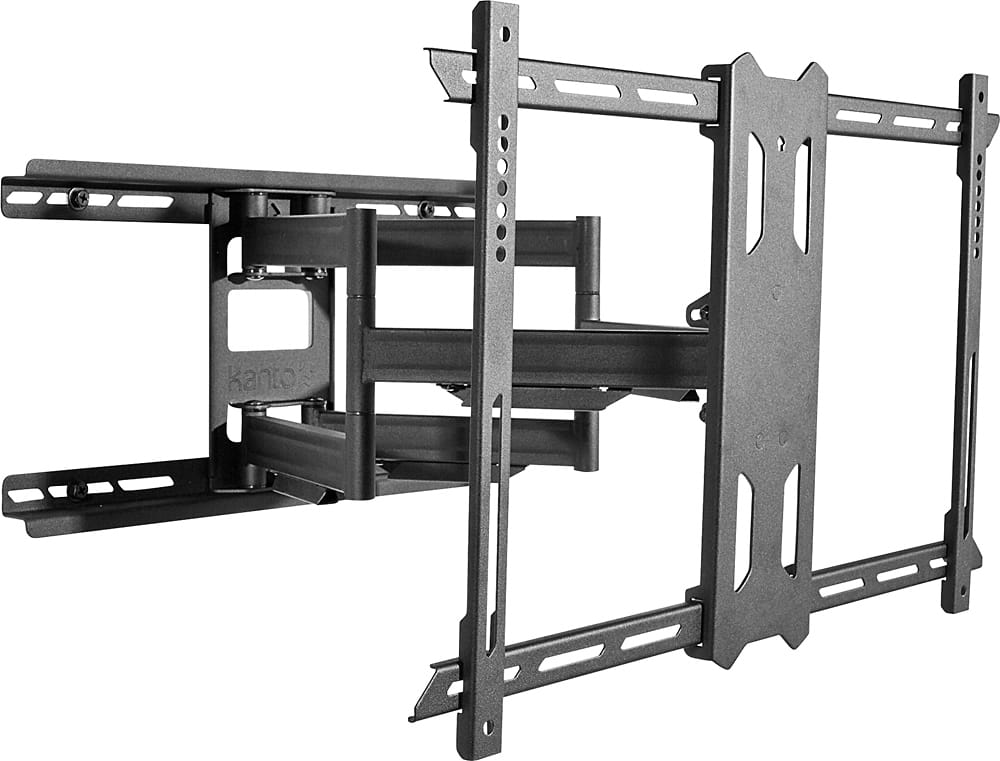
A:AnswerThe LDX690 extends 28″ from the wall. If you have any other questions or require additional information, if you could please email us directly at support@kantoliving.com and we would be happy to help
A:Answerin a corner no, close to the corner yes... unit will tilt and extend to give the look that it in the corner, you will be able to put it on a 45 degree angle in that corner.
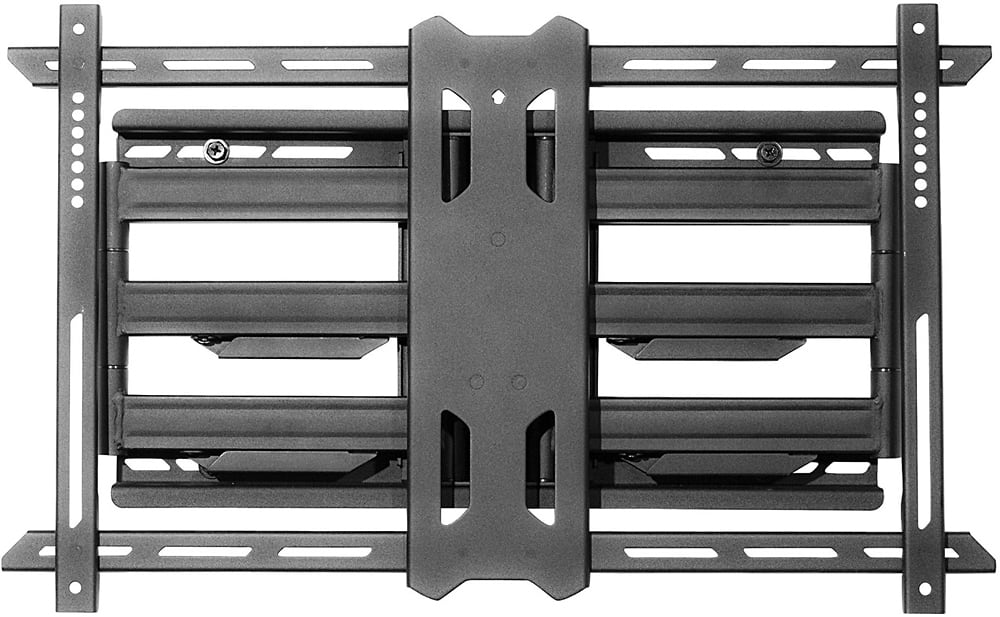
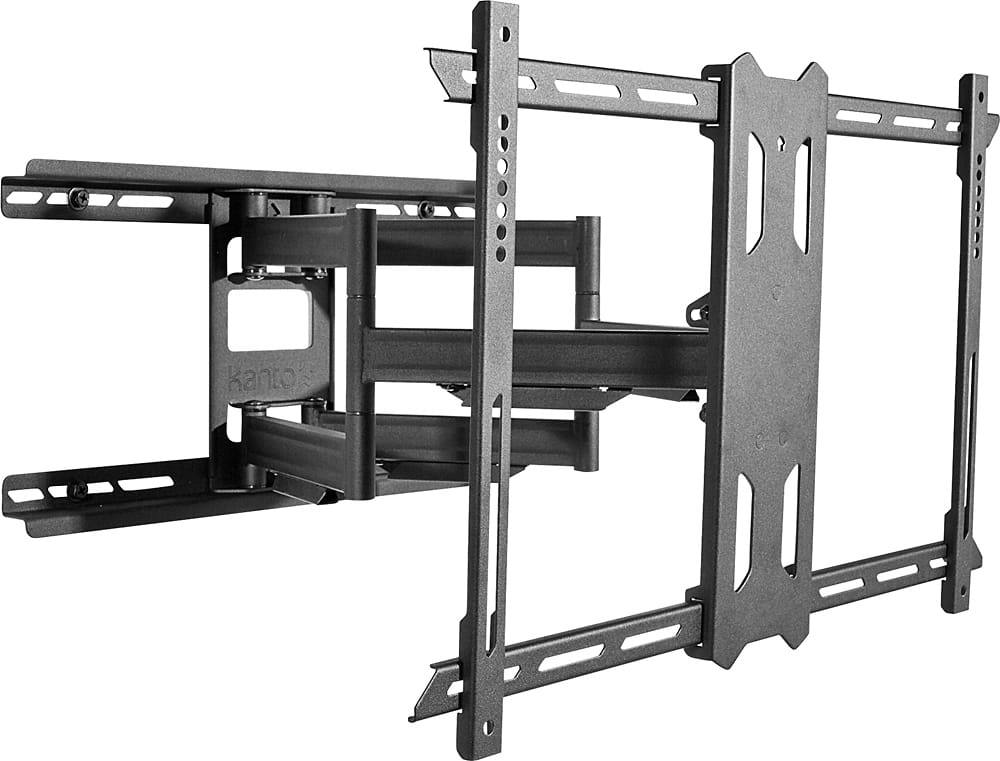
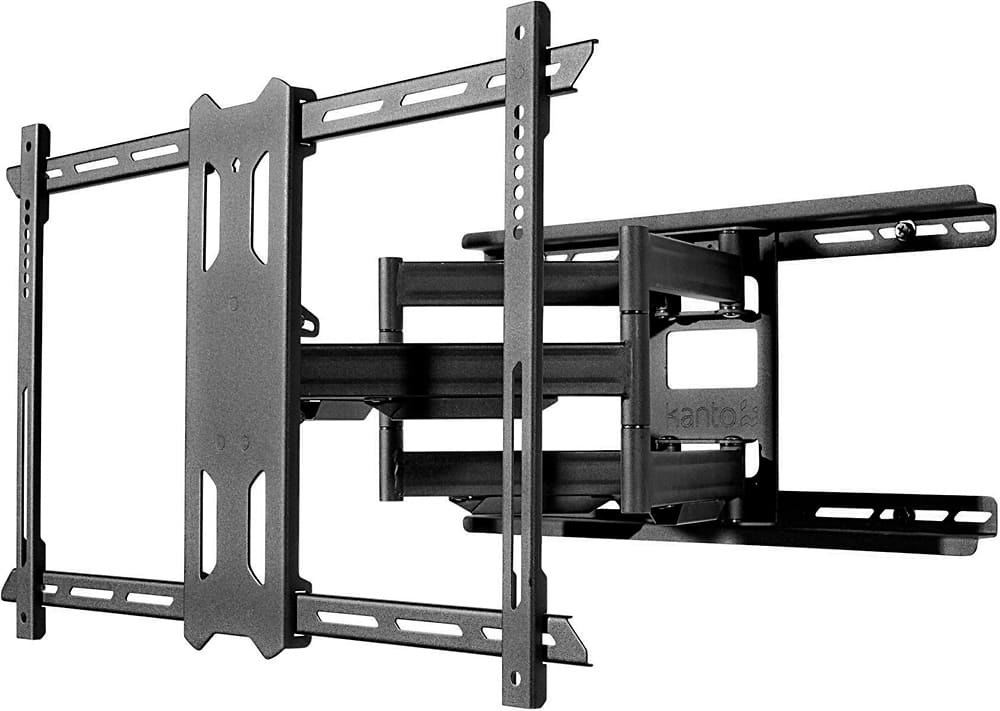
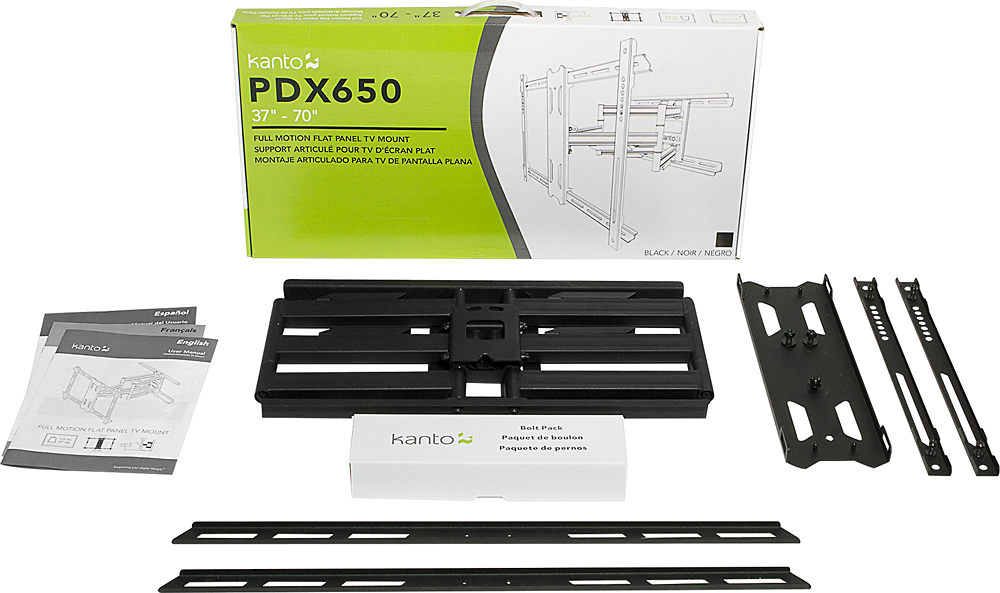
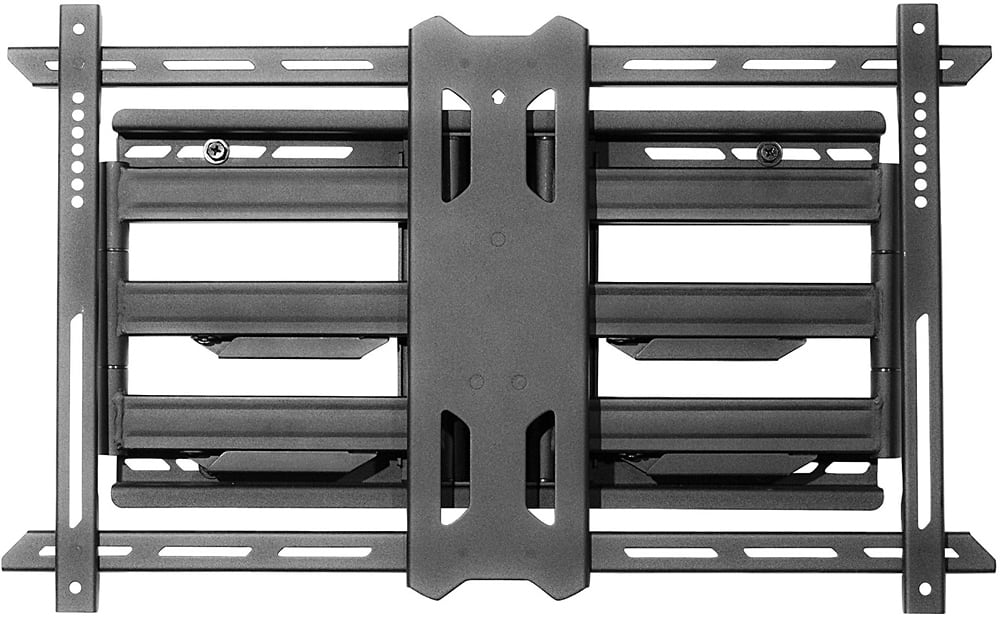
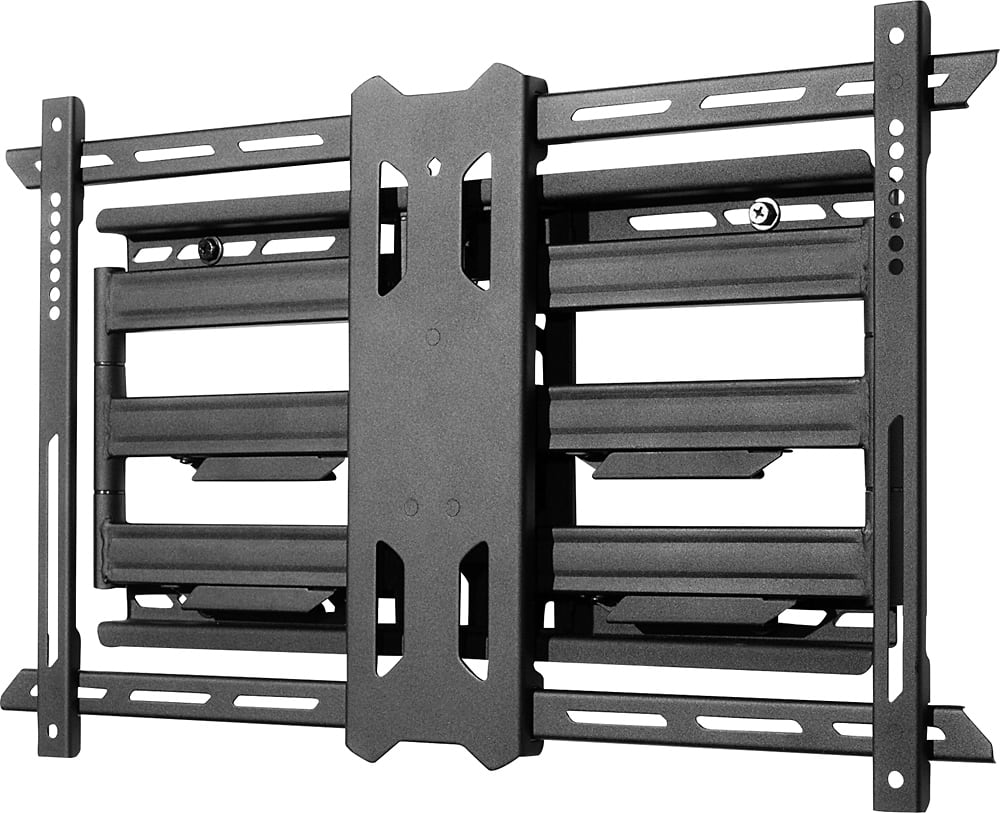
A:AnswerHans, The PDX650 is 2" from the wall when fully closed. If you have any other questions, please feel free to contact us directly at support@kantoliving.com.
A:AnswerHi, The PDX650 can tilt your TV 15 degrees down or 3 degrees up, it can also swivel your TV left or right 80 degrees. I hope that clears up any confusion, but please feel free to contact Kanto directly if you have any other questions and we'll be happy to help.