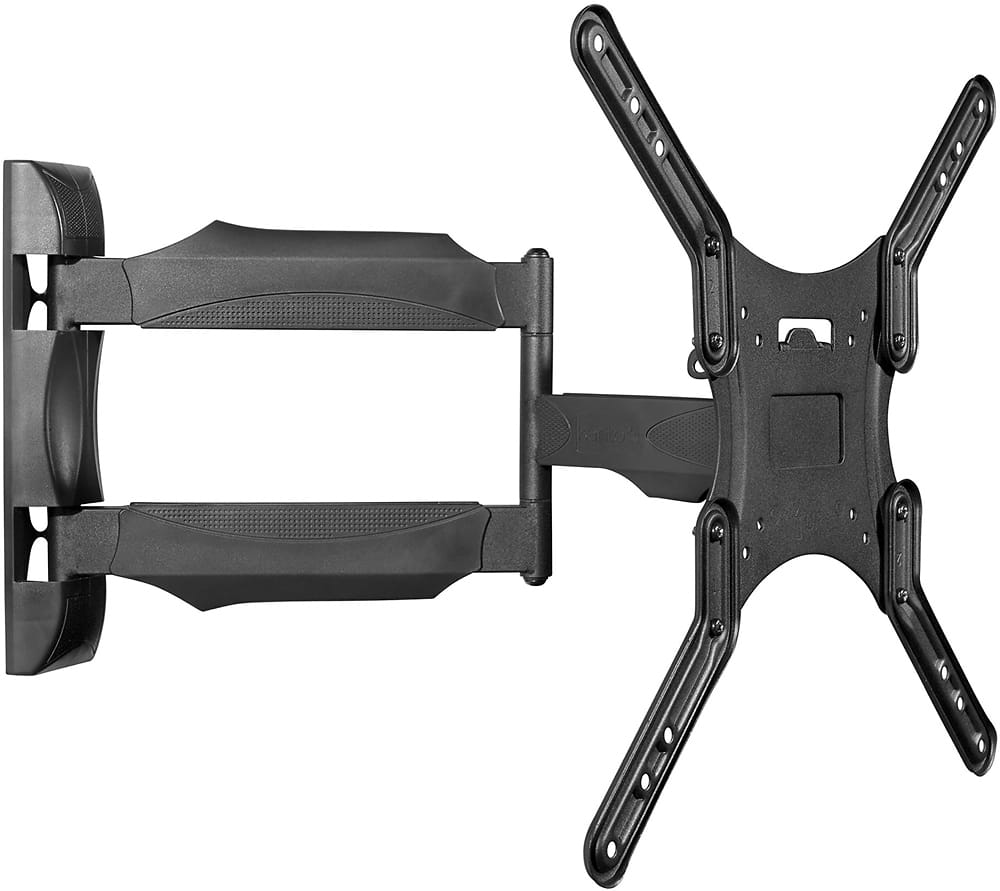
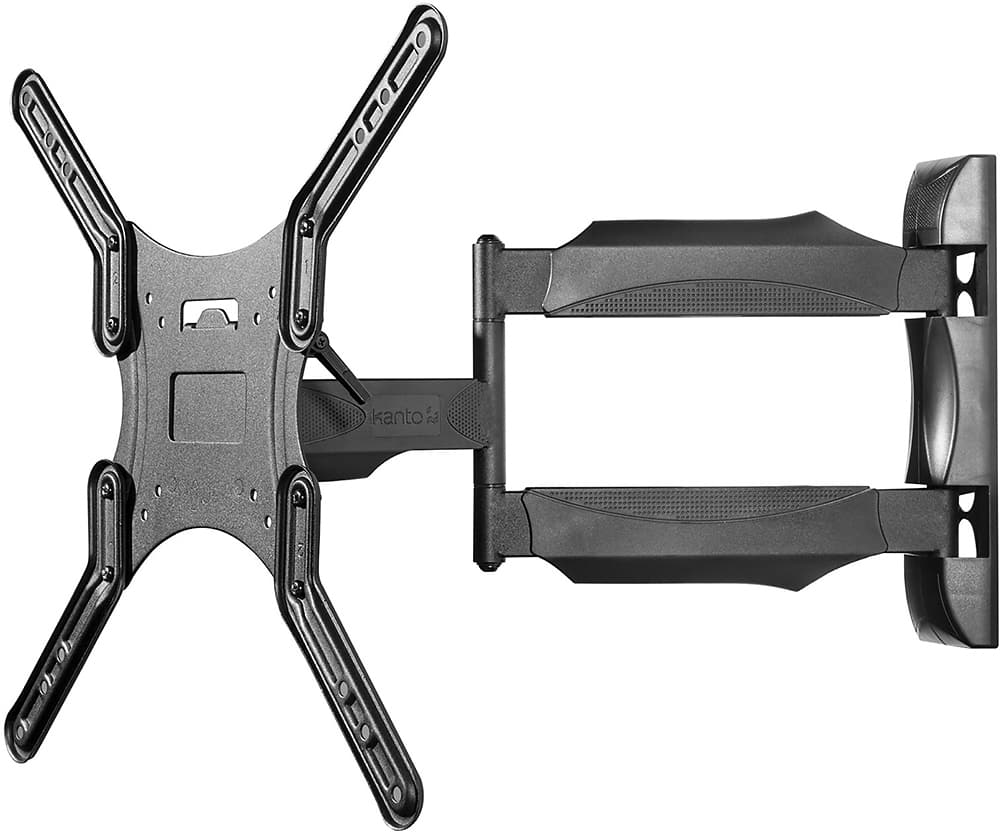
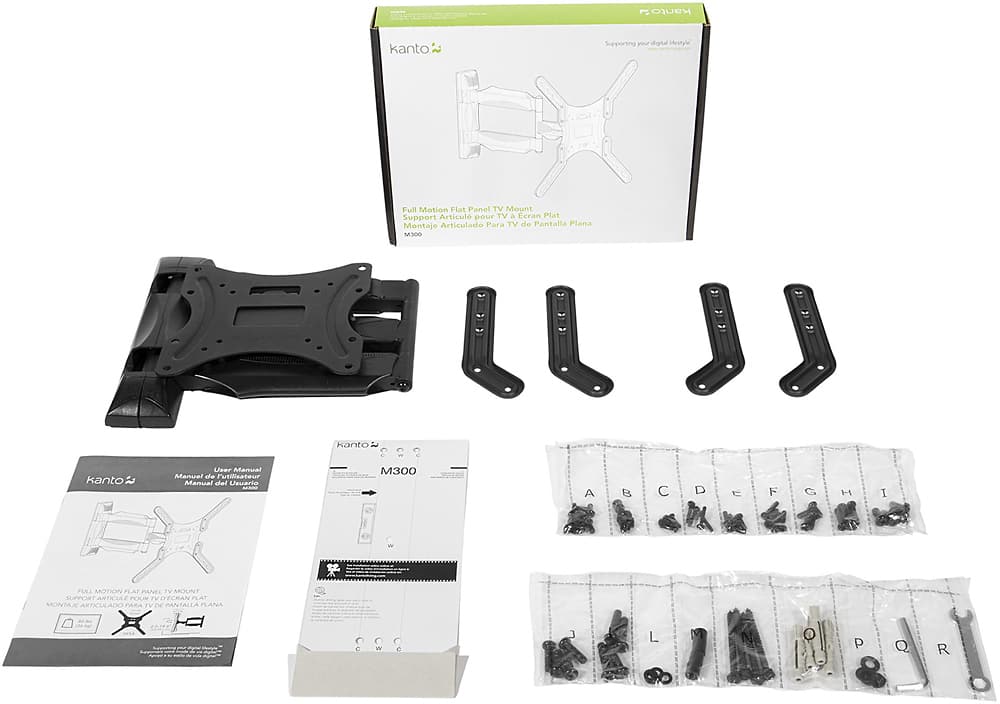
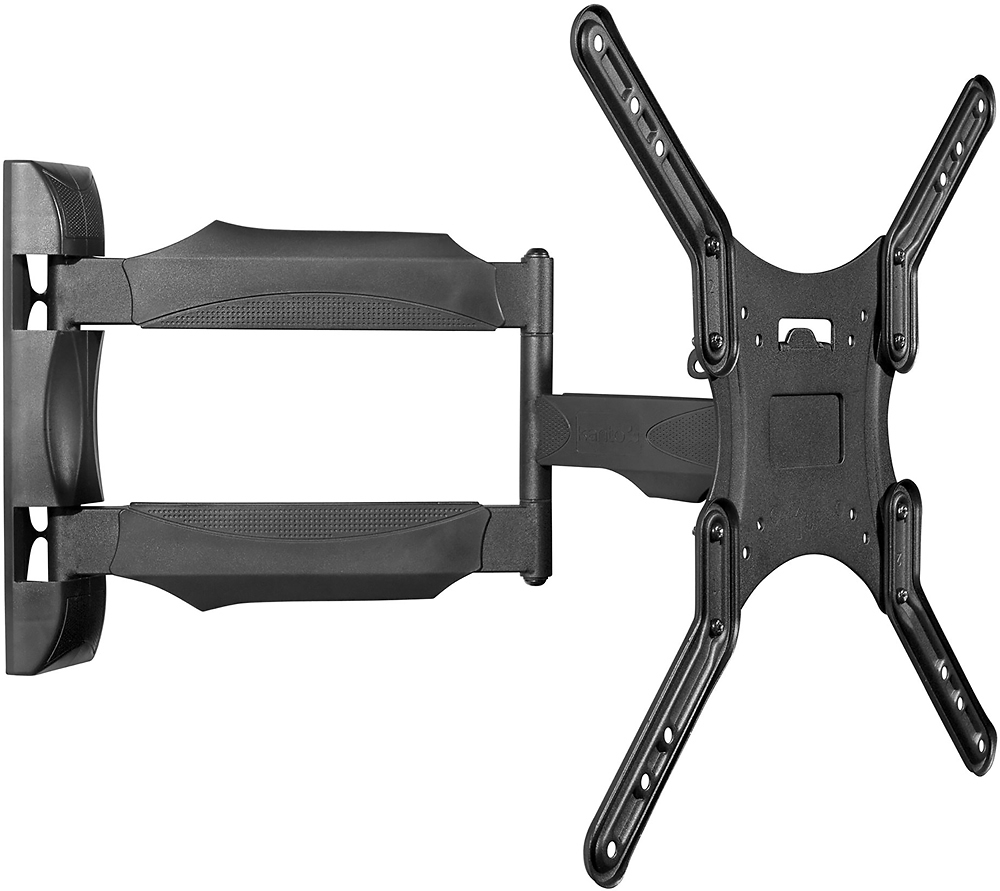
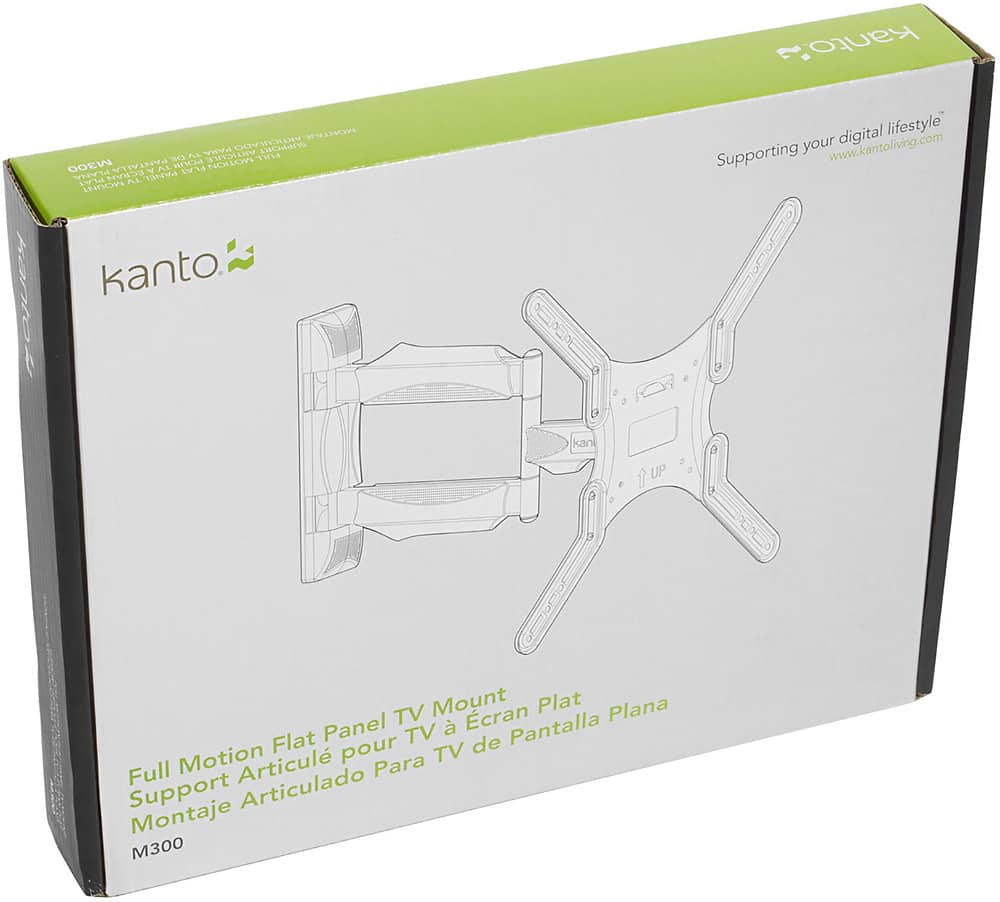
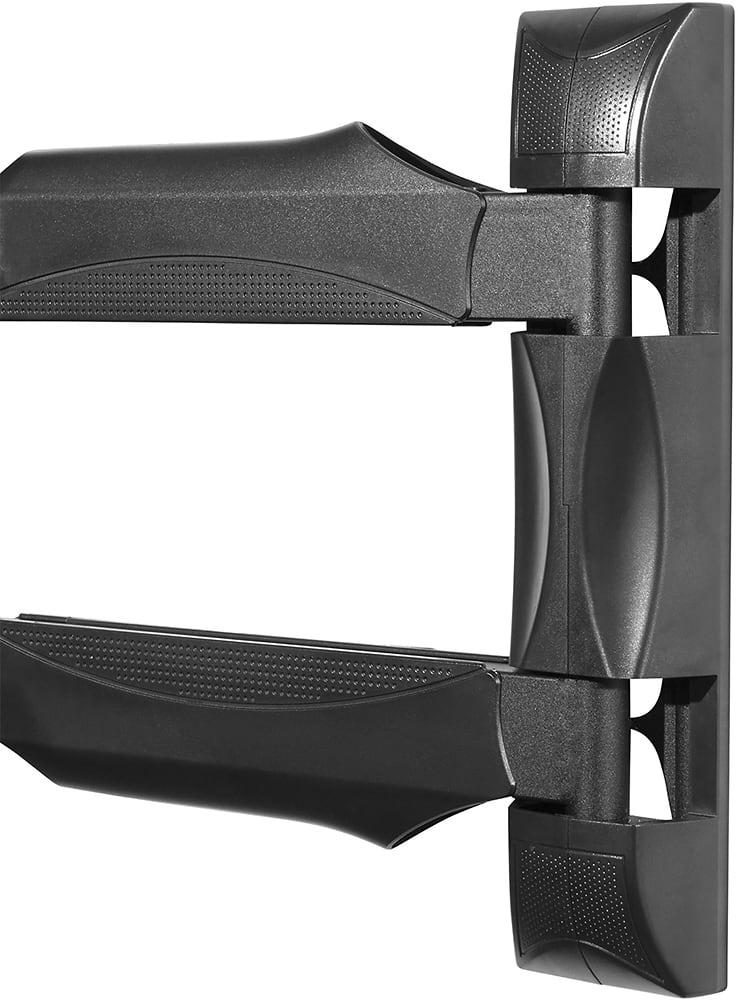
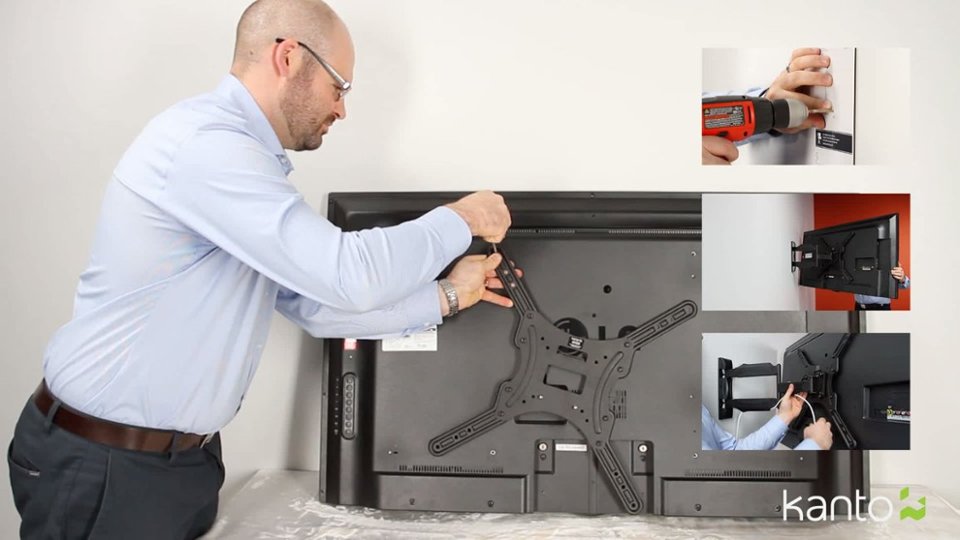
A:AnswerRick, The M300 is 2" from the wall when fully collapsed. Please email us directly through the support button on our website if you have any other questions.
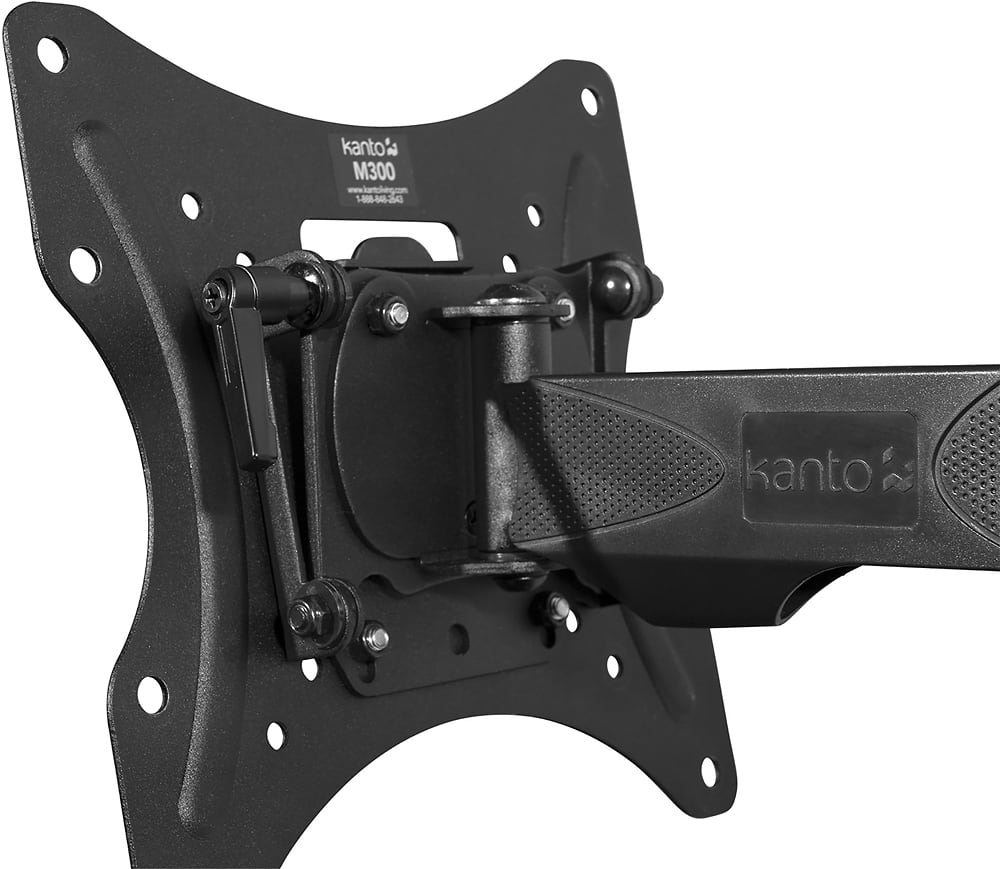
A:AnswerYour TV has a compatible VESA pattern (bolt pattern) of 200x200 and is under the weight capacity of the M300 so it should work well! Feel free to contact us directly using the support button on our website if you have any additional questions, thanks.
A:AnswerContact us directly using the support button on our website and pass along both your TVs full model numbers so we can confirm compatibility, thanks
A:AnswerContact us directly using the support button on our website and pass along both your TVs full model numbers so we can confirm compatibility, thanks
A:AnswerElcubiche,
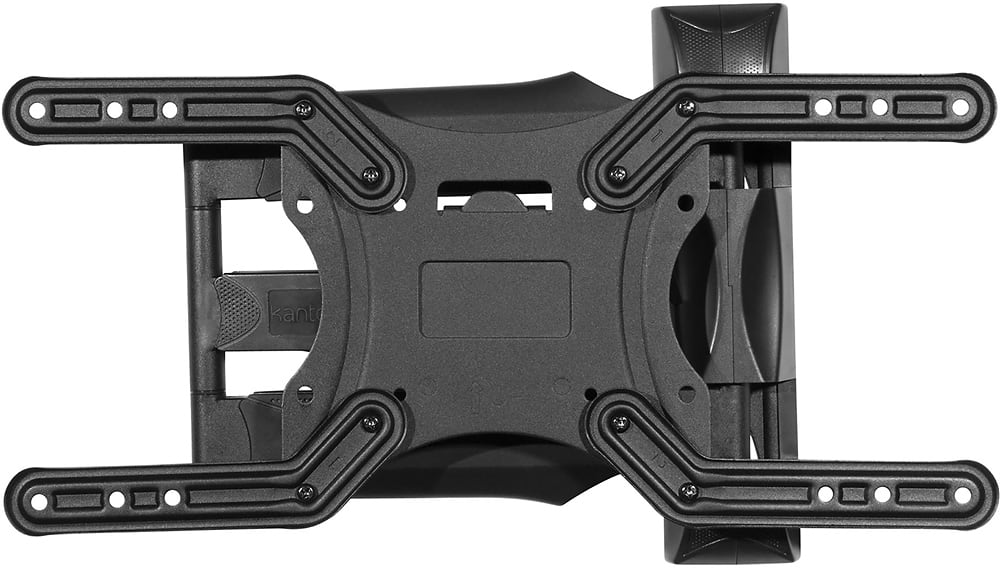
There's a chance that the plate that attaches to the monitor will be too large and interfere with inputs or other design elements of the monitor. You would be better off with a mount designed for desktop use like the DMS1000 or DM1000. Feel free to contact us directly using the support button on our website if you have any additional questions, thanks.
A:AnswerInstalled in our motorhome. I use a bungee cord to hold it in place when driving and the tv is not in use. We have also had it extended so the grand kids can watch movies while in motion.
A:AnswerIt would make the most sense to install the mount into the brick and add the stone around the mount. Feel free to contact us directly using the support button on our website if you have any additional questions, thanks.
A:AnswerWhat is the VESA listed for the specs on that model size TV? The mount fits any TV VESA that is 100x100 to 400x400 for TVs 26"to 55". The spec size should be listed on Best Buy's website for that model or in the TV's owner's manual.