A:AnswerBobby,
Since there are so many variations in the construction of ceilings we do not provide any hardware or instructions for mounting. You should be able to use our mount on suspended ceilings with the correct hardware but you will have to determine what works best. We recommend contacting an AV installer to determine the best mounting method if you're unsure of how to install it. Feel fee to contact us directly using the support button on our website if you have any additional question, thanks.
A:AnswerOruge,
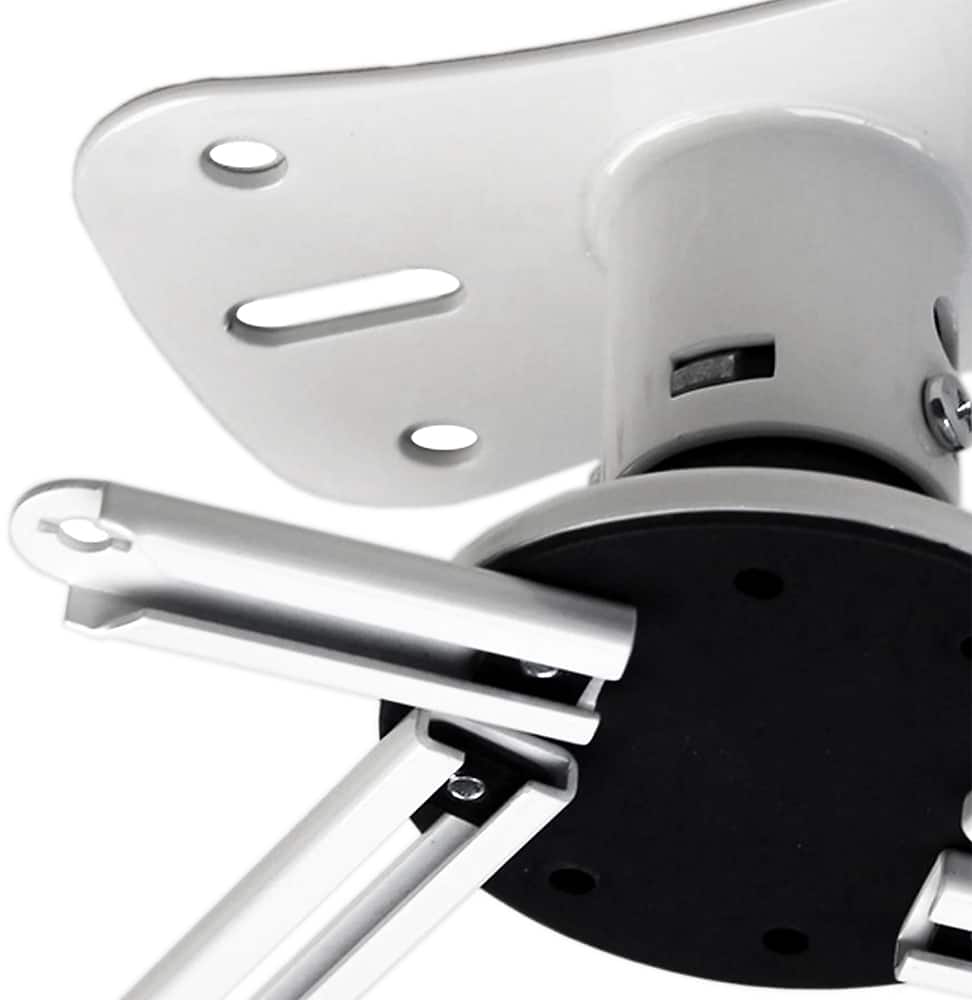
Yes, it can roll, pan, and tilt. Feel free to contact us directly using the support button on our website if you have any additional questions, thanks.
A:AnswerYes. Projectors have prethreaded holes on the bottom. The mount comes with several different screws so that one will fit. Most projectors have the ability to flip the image so it can be mounted this way.
A:Answerbltzkrig,
The P101W has pitch, roll, and yaw adjustments. Feel free to contact us directly using the support button on our website if you have any additional questions, thanks.
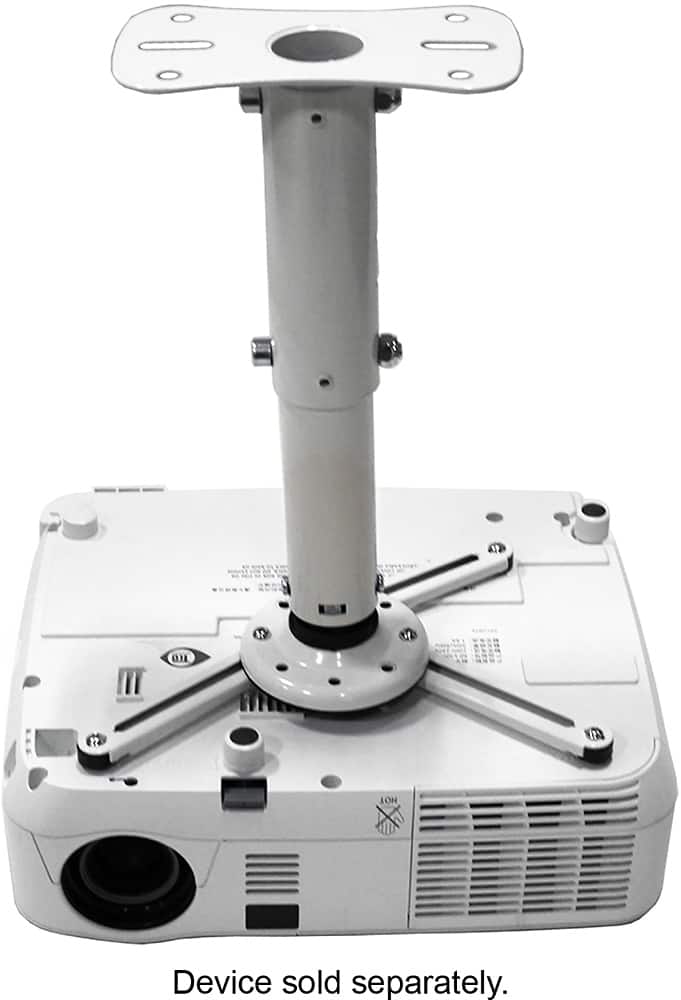
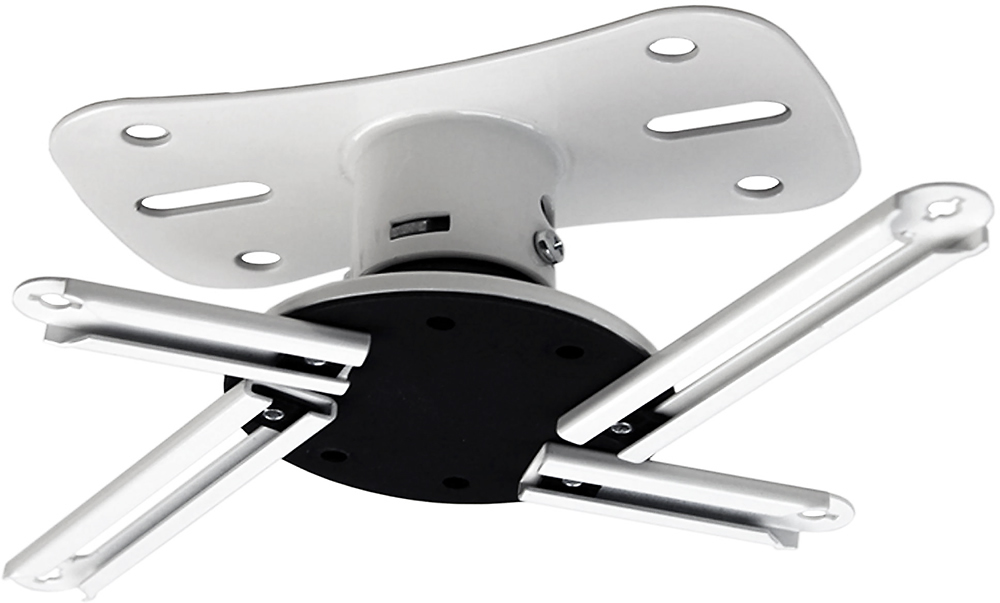
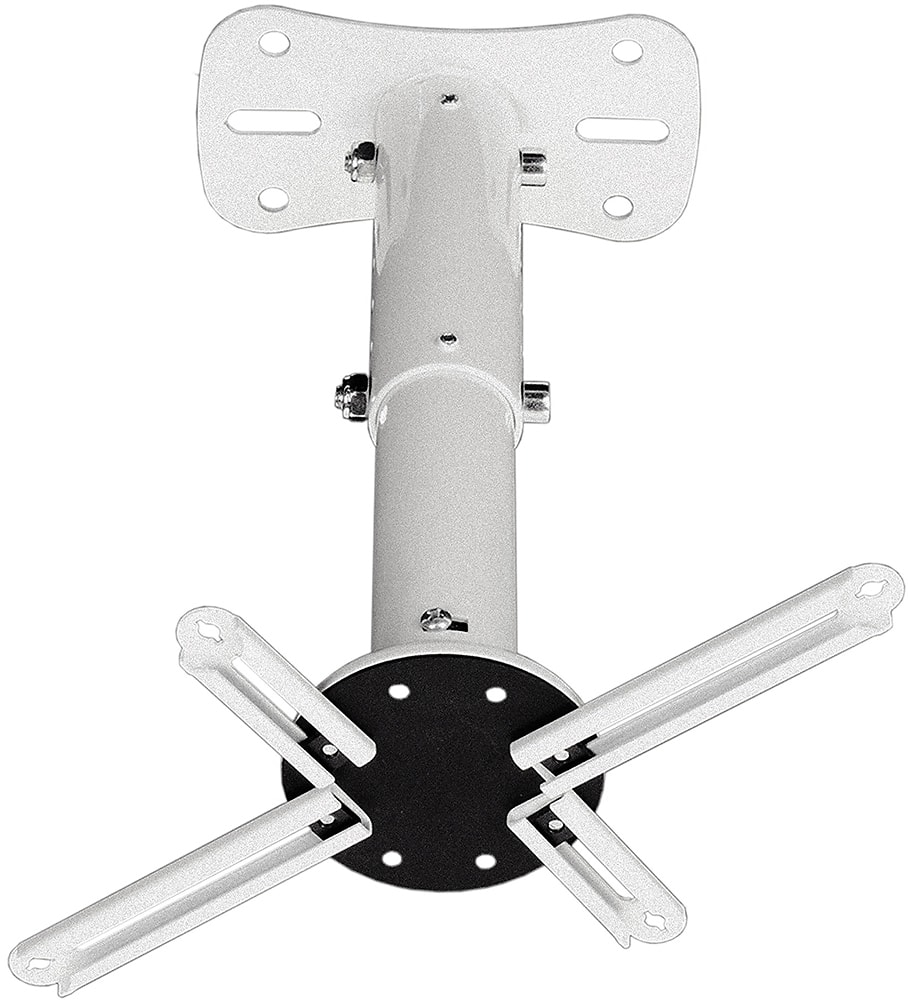
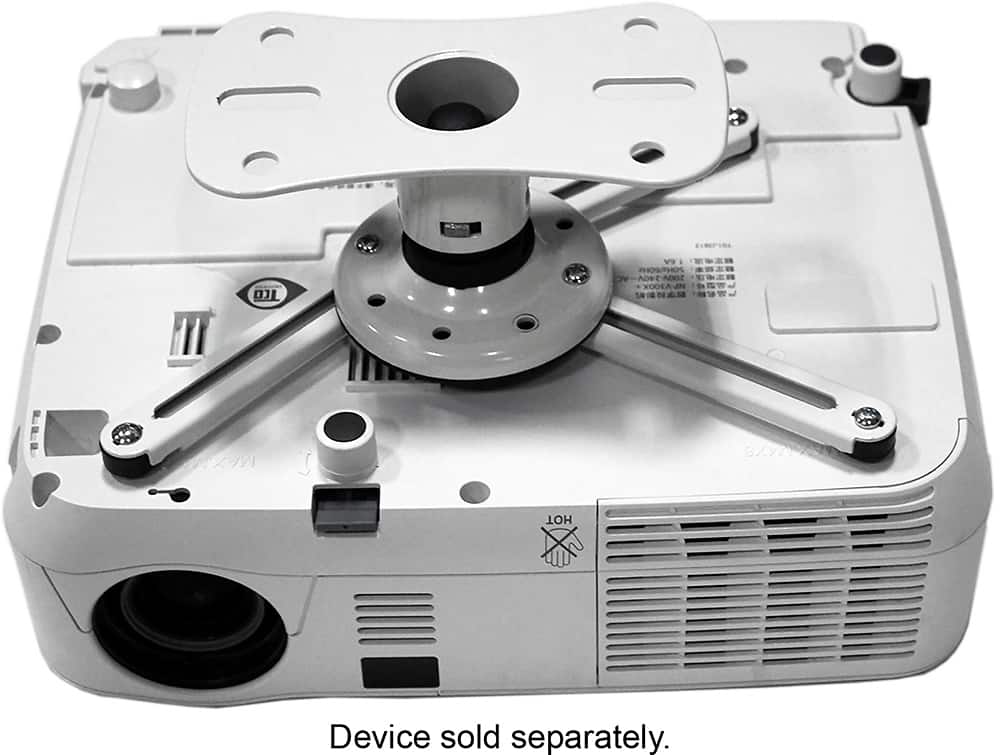
A:AnswerPeterM, Most projectors mount very similarly, and our mount is universal. The P101W comes with four long extension brackets, and two short ones. With these parts you'll be able to find a pattern that will work. If you have any other questions, please feel free to contact us directly through the support button on our website and we'll be happy to help.
A:AnswerBeki,
Most projectors mount very similarly, and our mount is universal. The P101W comes with four long extension brackets, and two short ones. With these parts you'll be able to find a pattern that will work. Feel free to contact us directly using the support button on our site if you have any additional questions, thanks.
A:AnswerDmull23,
Most projectors mount very similarly, and our mount is universal. The P101W comes with four long extension brackets, and two short ones. According to the Optima HD141x manual there are three standard mounting holes on the bottom of the projector so you'll be able to find a pattern that will work. Feel free to contact us directly using the support button on our site if you have any additional questions, thanks.
A:AnswerJBJB,
Most projectors mount very similarly, and our mount is universal. The P101 comes with four long extension brackets, and two short ones. According to the Dell S520 manual there are four standard mounting holes on the bottom of the projector so you'll be able to find a pattern that will work. Feel free to contact us directly using the support button on our site if you have any additional questions, thanks.
A:AnswerMyke,
Yaw it does! The P101W can rotate 360 degrees about it's vertical axis. Feel free to contact us directly using the support button on our site if you have any additional questions, thanks.
A:AnswerJagan,
After reviewing the user manual it looks like the Epson 2045 projector will work with no issues. The base of the projector is flat, and has three mounting holes. We provide four long extension brackets, and two short ones, so you'll be able to find a pattern that will work. Feel free to contact us directly using the support button on our site if you have any additional questions, thanks.
A:AnswerNewbee,
After reviewing the user manual it looks like the Epson 2045 projector will work with no issues. The base of the projector is flat, and has three mounting holes. We provide four long extension brackets, and two short ones, so you'll be able to find a pattern that will work. Feel free to contact us directly using the support button on our site if you have any additional questions, thanks.
A:AnswerSam, After reviewing both user manuals it looks like they will work with no issues as both has three mounting holes. We provide four long extension brackets, and two short ones, so you'll be able to find a pattern that will work. Feel free to contact us directly using the support button on our site if you have any additional questions and we'll be happy to help.
A:AnswerGeorgia,
I am not too sure which length you are referring to. Please contact us directly using the support button on our website and provide us with a bit more info about what specs you need, thanks.
A:AnswerKwinters999,
This mount can tilt, swivel, and roll. Contact us directly using the support button on our website if you have any additional questions, thanks.
A:AnswerOur projector mount will work with projector that has mounting holes. You should be able to
reach the mounting holes on virtually all projectors and easily locate the center of gravity using the included hardware. Feel free to contact us directly using the support button on our website if you need any additional info, thanks.
A:AnswerChris,
I apologize, I'm not sure I understand your question. Please email us at support@kantoliving.com or using the support button on our website to contact us directly.