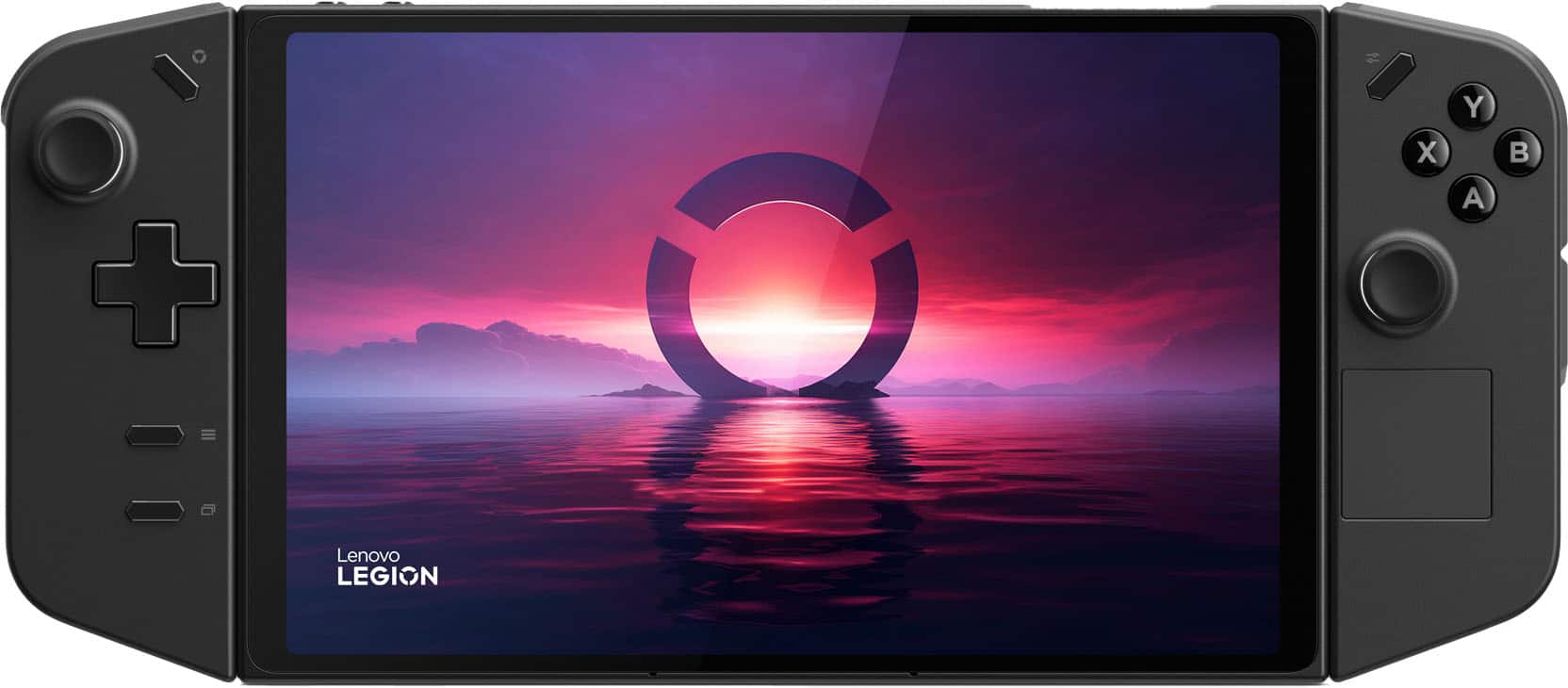
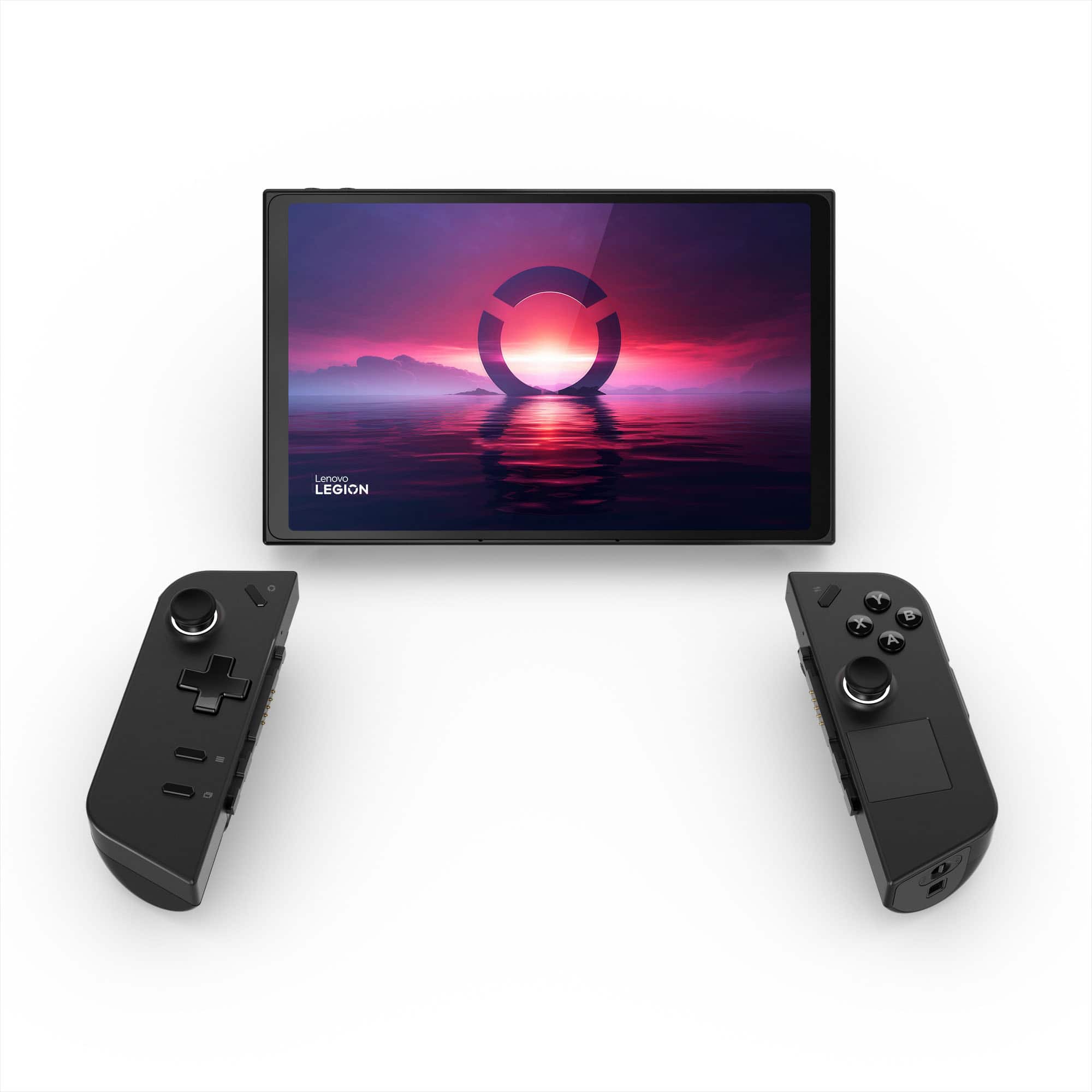
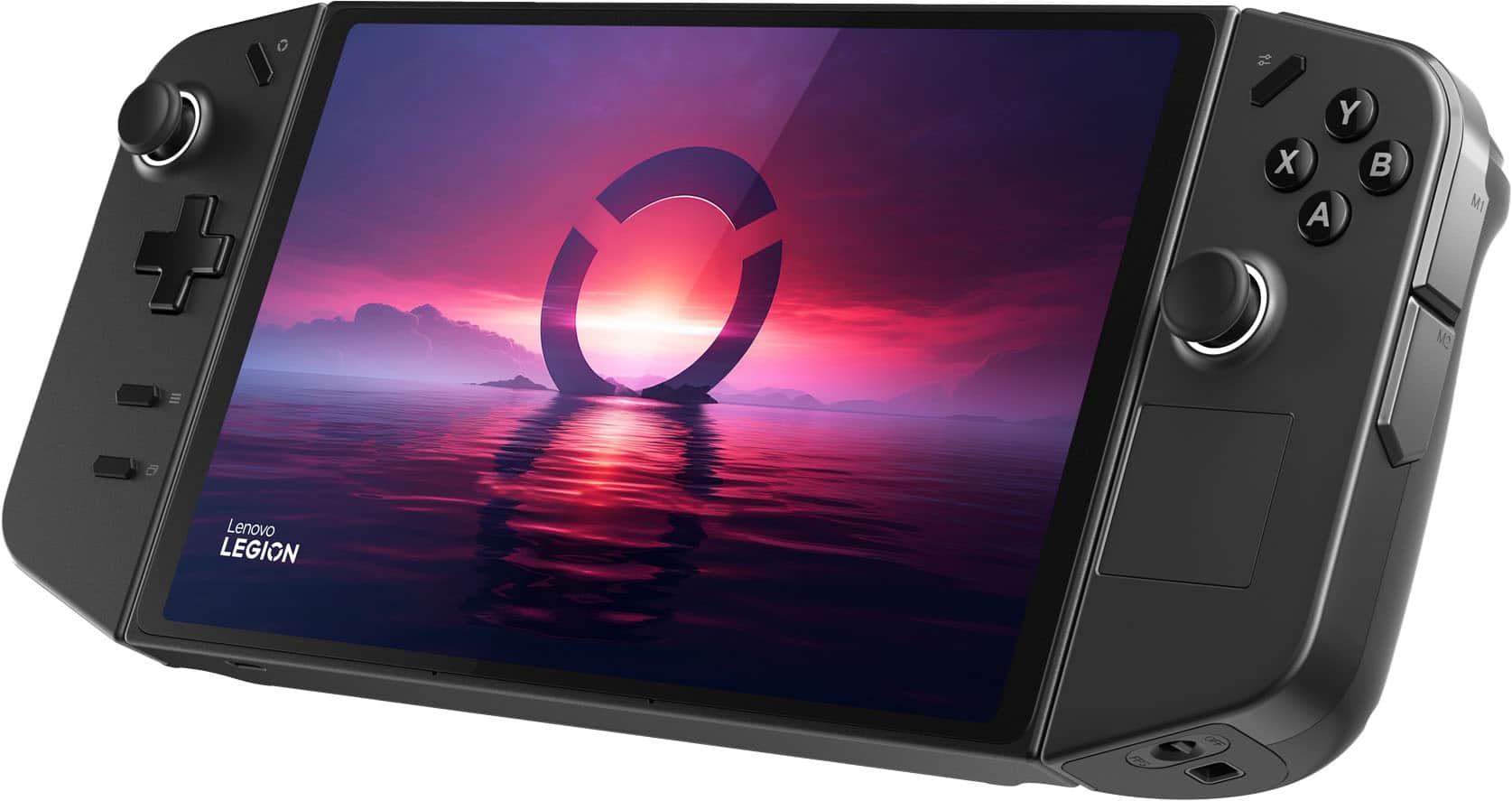
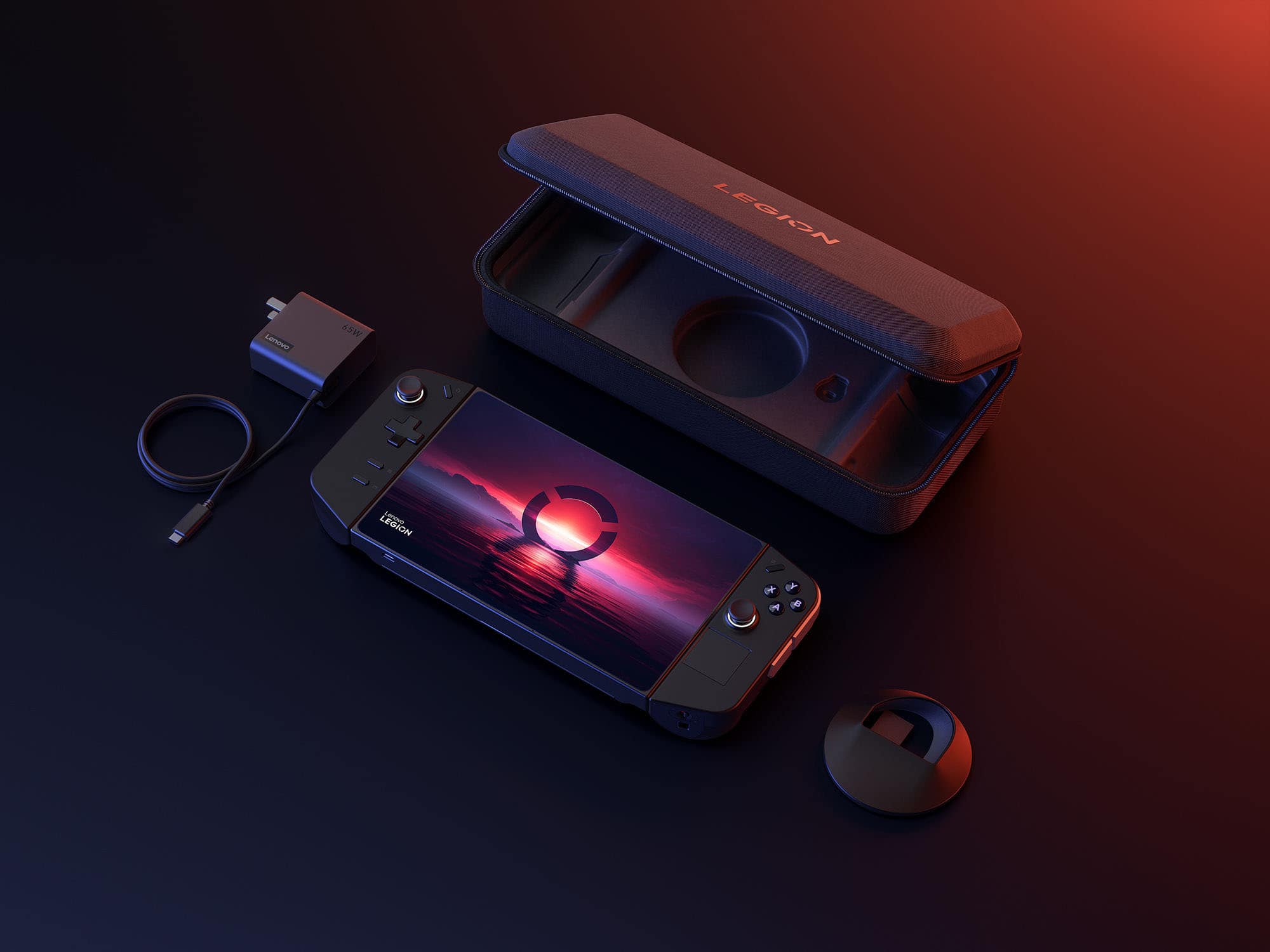
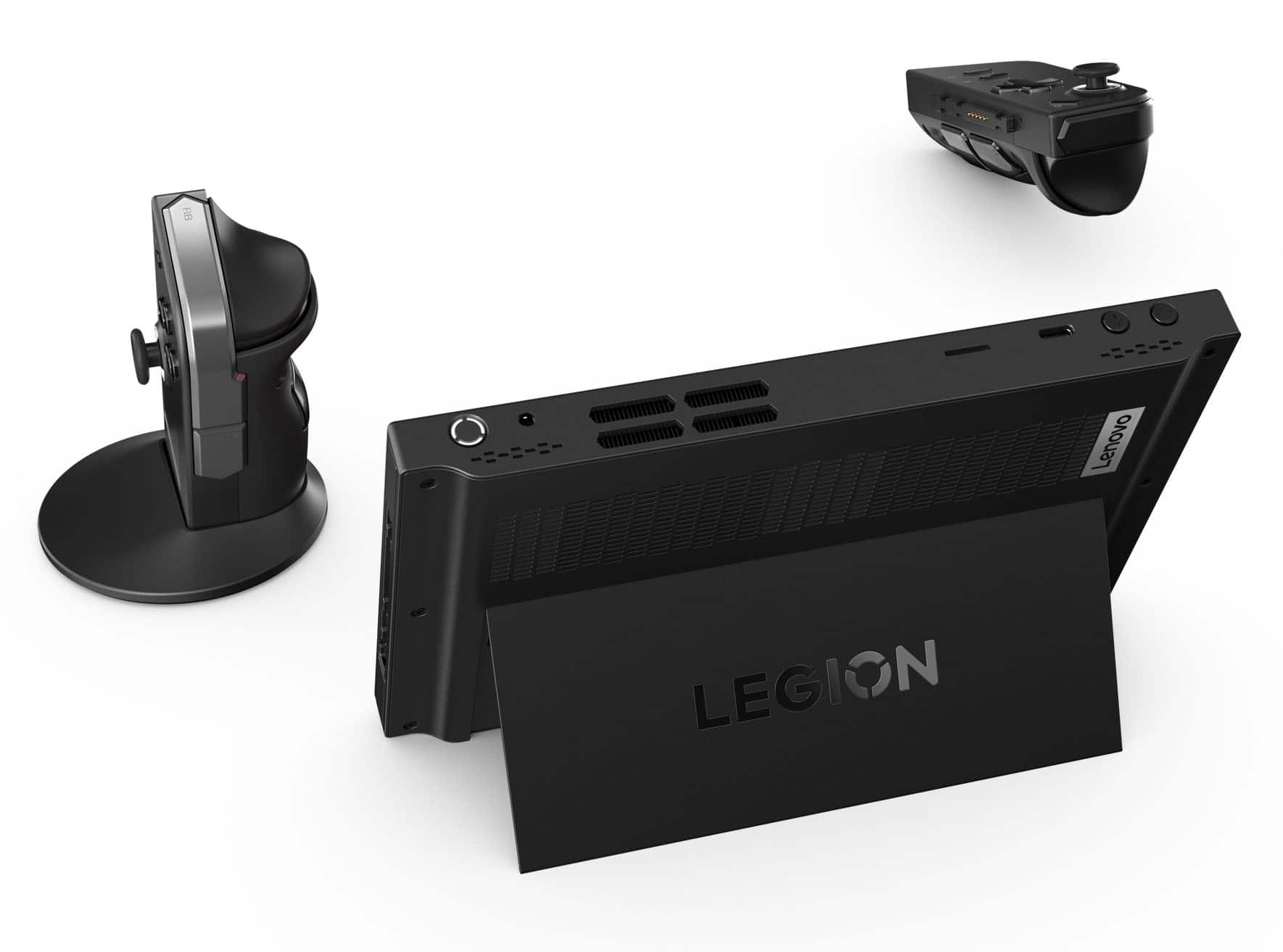
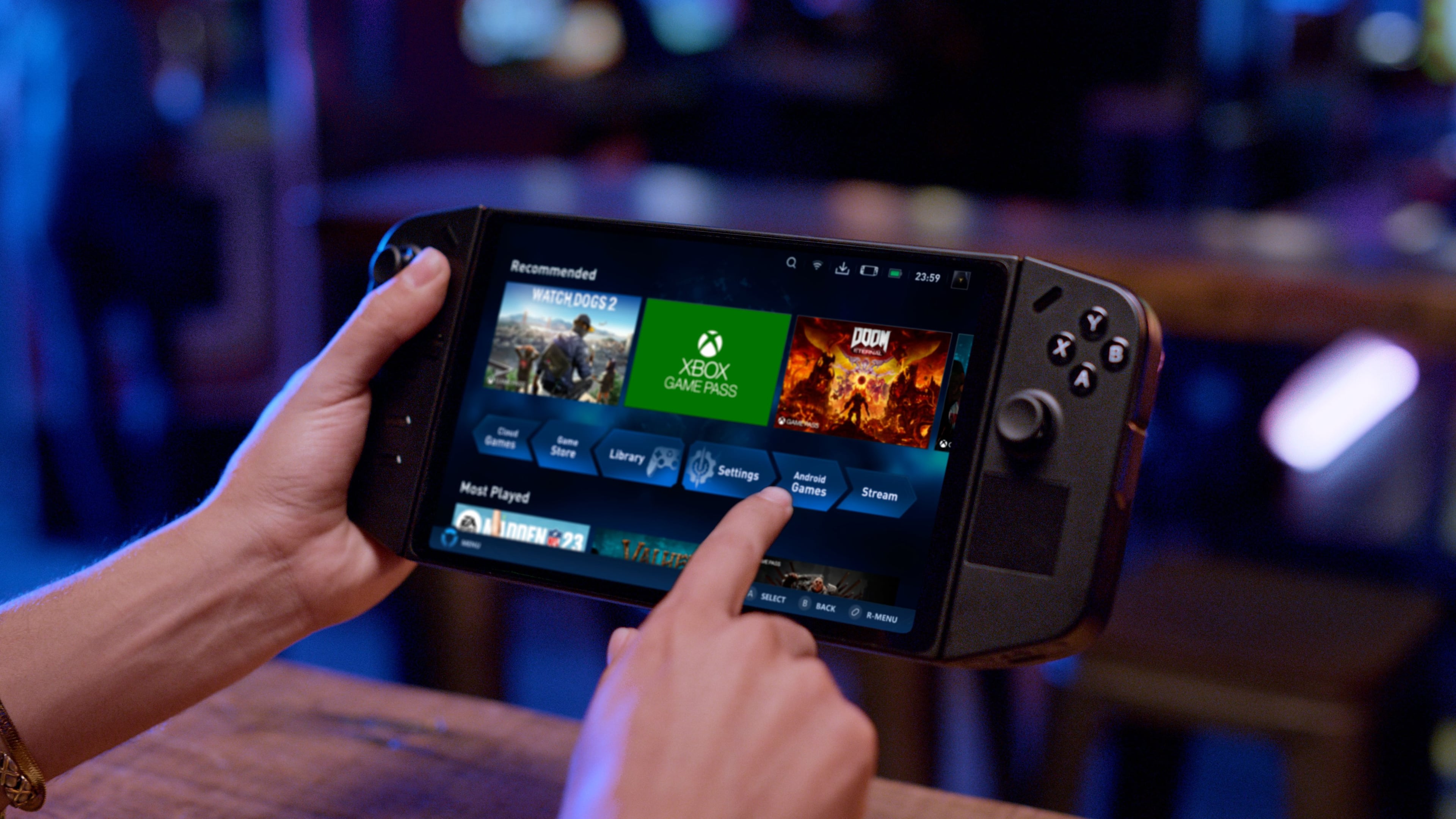
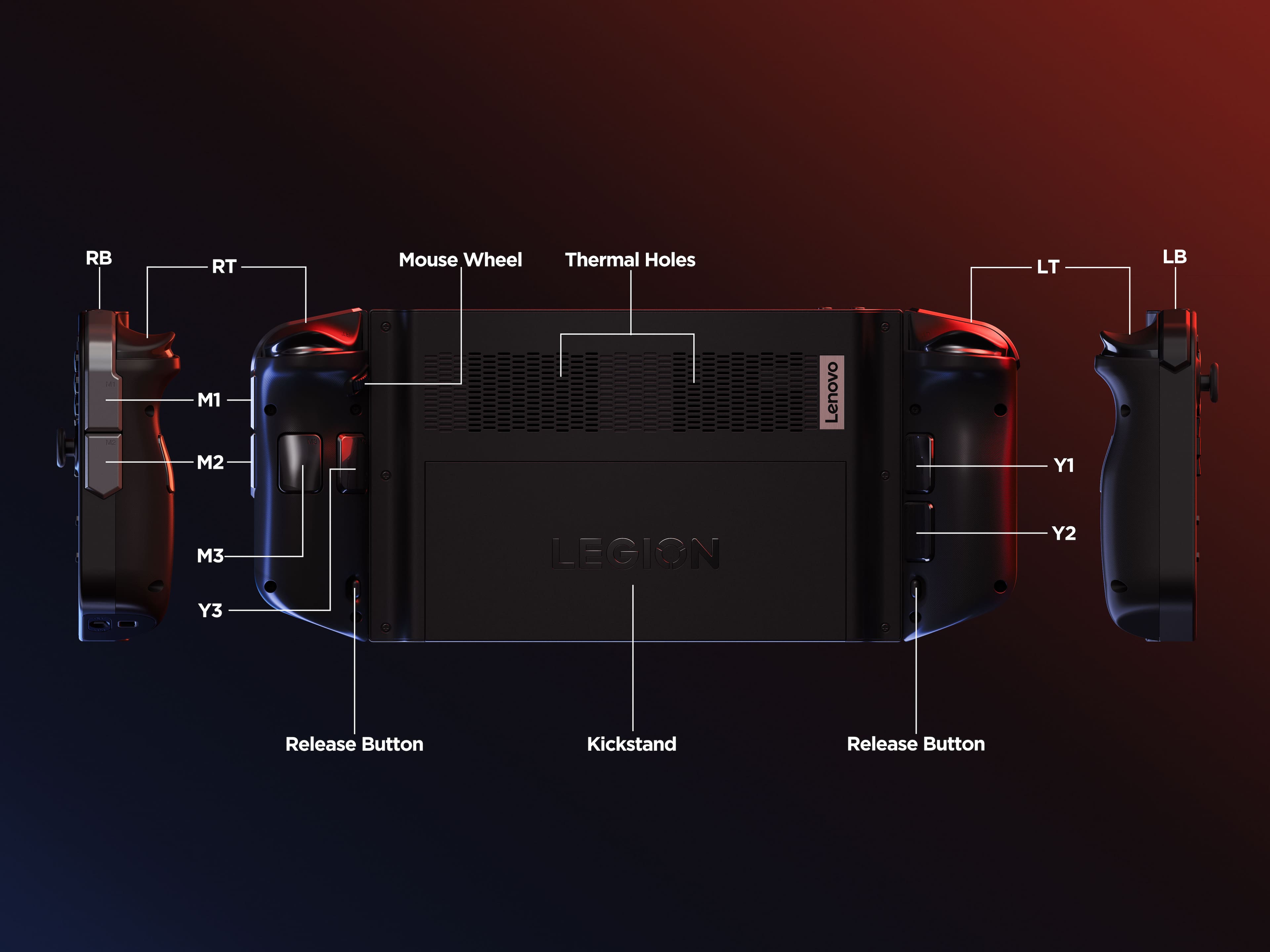
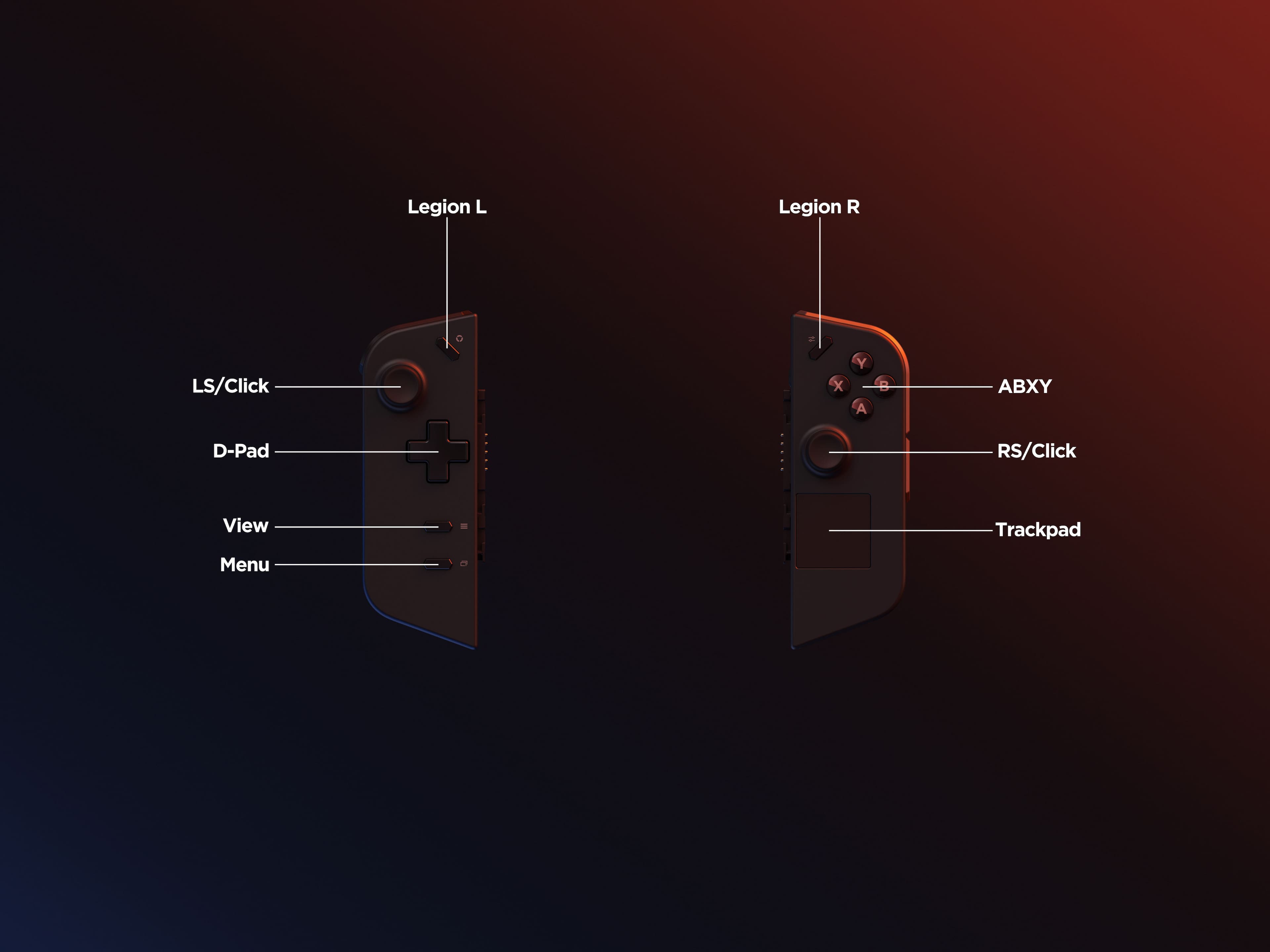
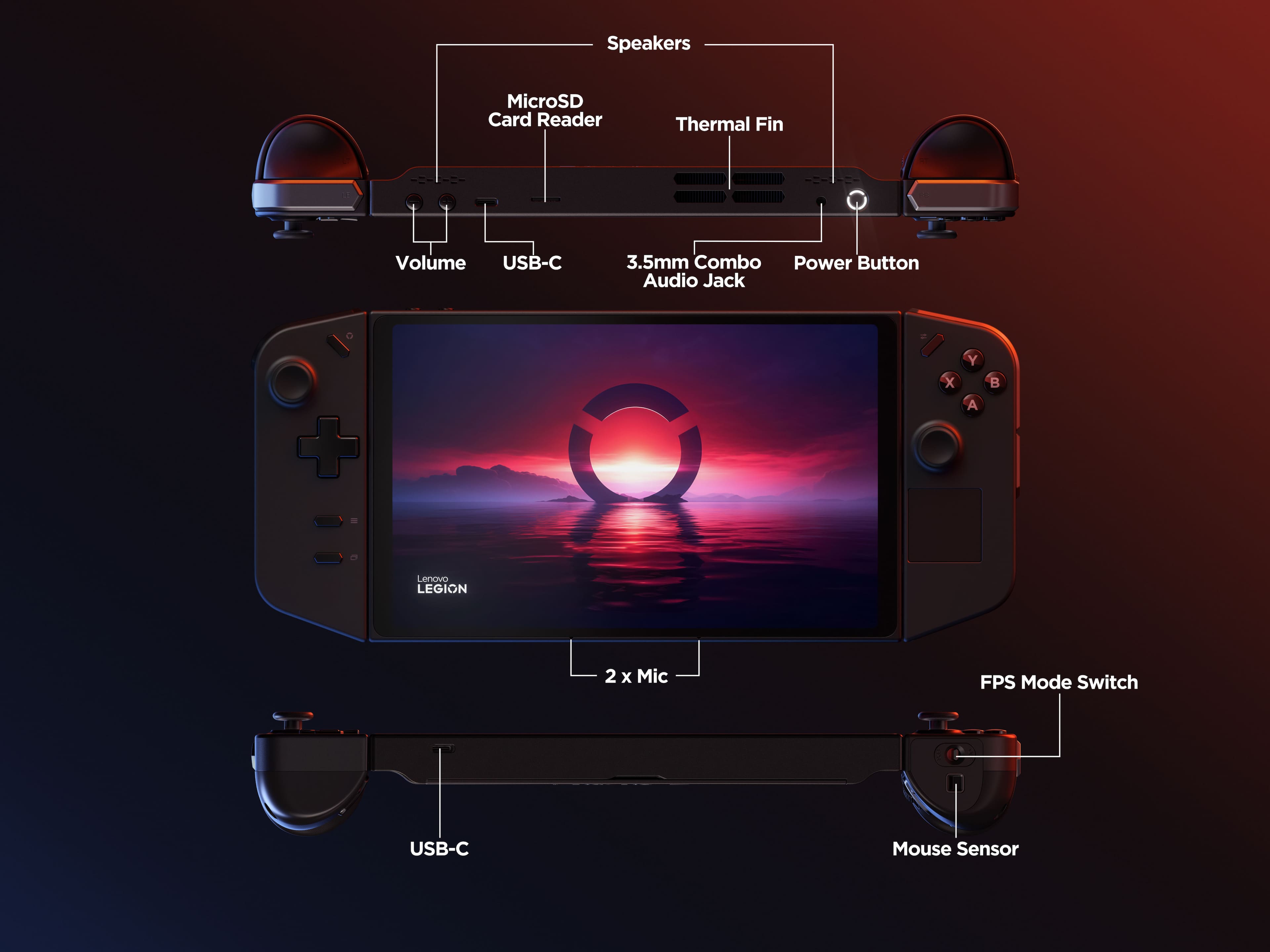
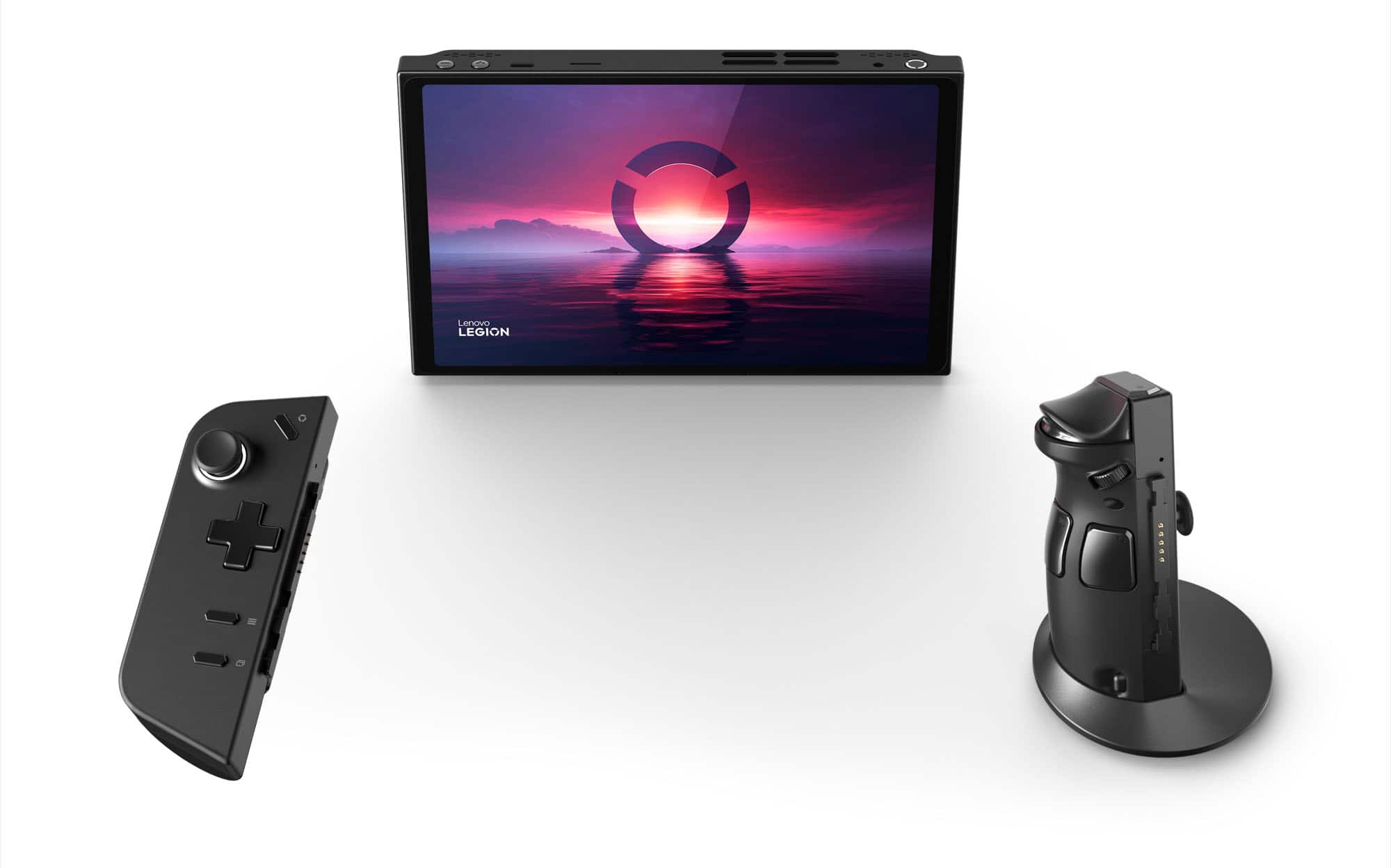
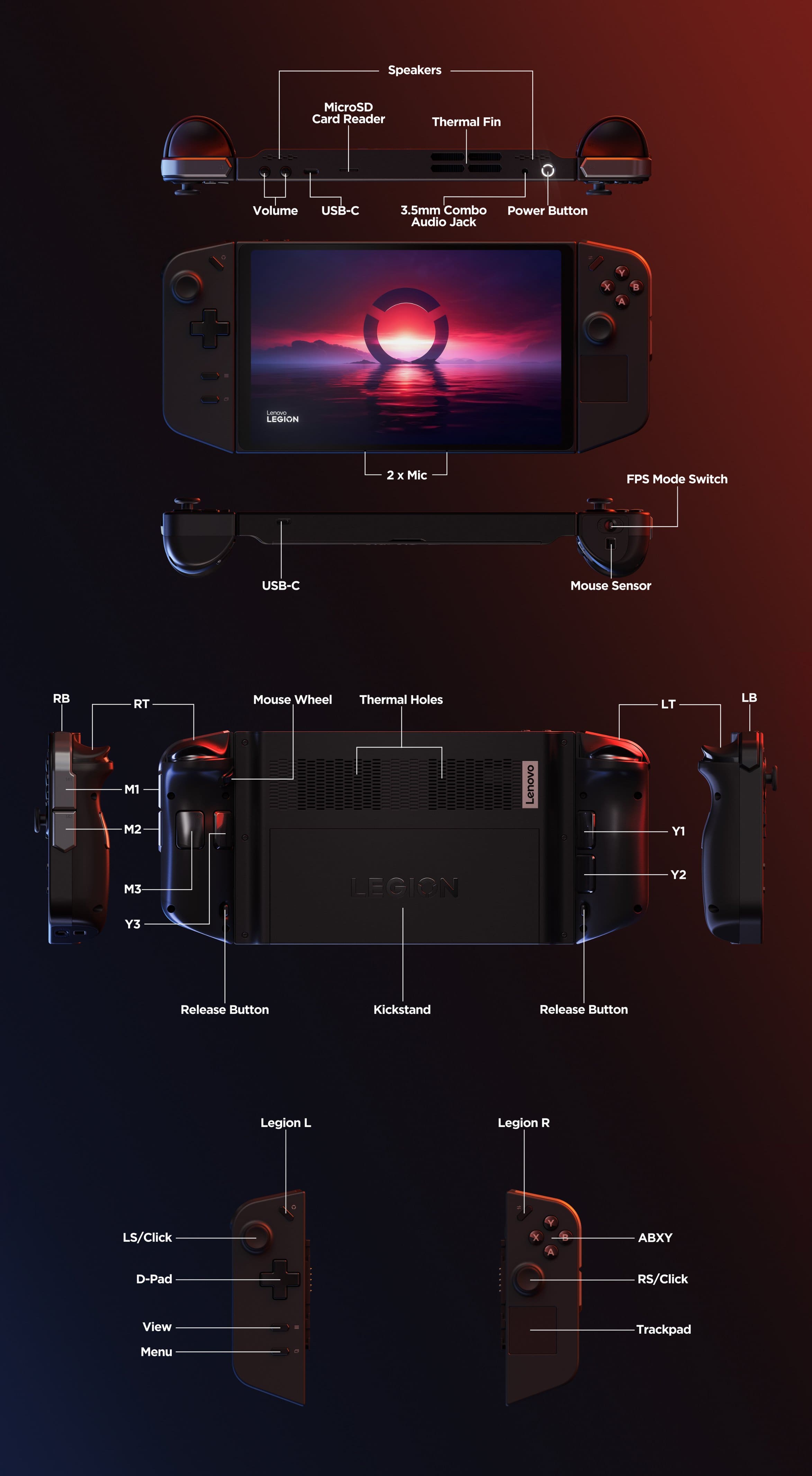
A:AnswerYes it can run it fine. As for is it better. Both are about the same in performance, rog has slightly better battery life and legion has detachable controls and fps mode i recommend comparing them for your preferred gamming needs.
A:AnswerNo, you can’t upgrade the RAM on the Legion Go. The ram is soldered in place, so for almost everyone, it’s not possible to add more. Technically, it could be done with advanced skills and special tools, but for regular users, it’s not an option.
A:AnswerHello, JORCV. Thank you for your question. From the manufacturer, the Legion Go is not covered by International Warranty Services. However, by using the following link, users in each of the available countries can contact local Lenovo Support for support options: https://pcsupport.lenovo.com/us/en/iwslookup#/ideapad You can lookup options by entering the product serial or model number in the search box at the previously listed link.
A:AnswerThe 16 GB refers to the RAM, the terabyte the Legion comes with is expandable, like the Ally. You won't get 1016 gigabytes of storage from the base SSD regardless however, because of Windows bloatware and the OS install, more like 850 gigabytes after uninstalling a few unnecesary apps that you don't have to tweak the OS to get rid of.
A:AnswerCan play any windows program/game thrown at it might have to lower settings since wow is pretty heavy hitter but ive played gta red dead mw3 and they all have played smoothly 60+fps even ran 3d modeling programs with it without issues