A:AnswerHey Jordan,
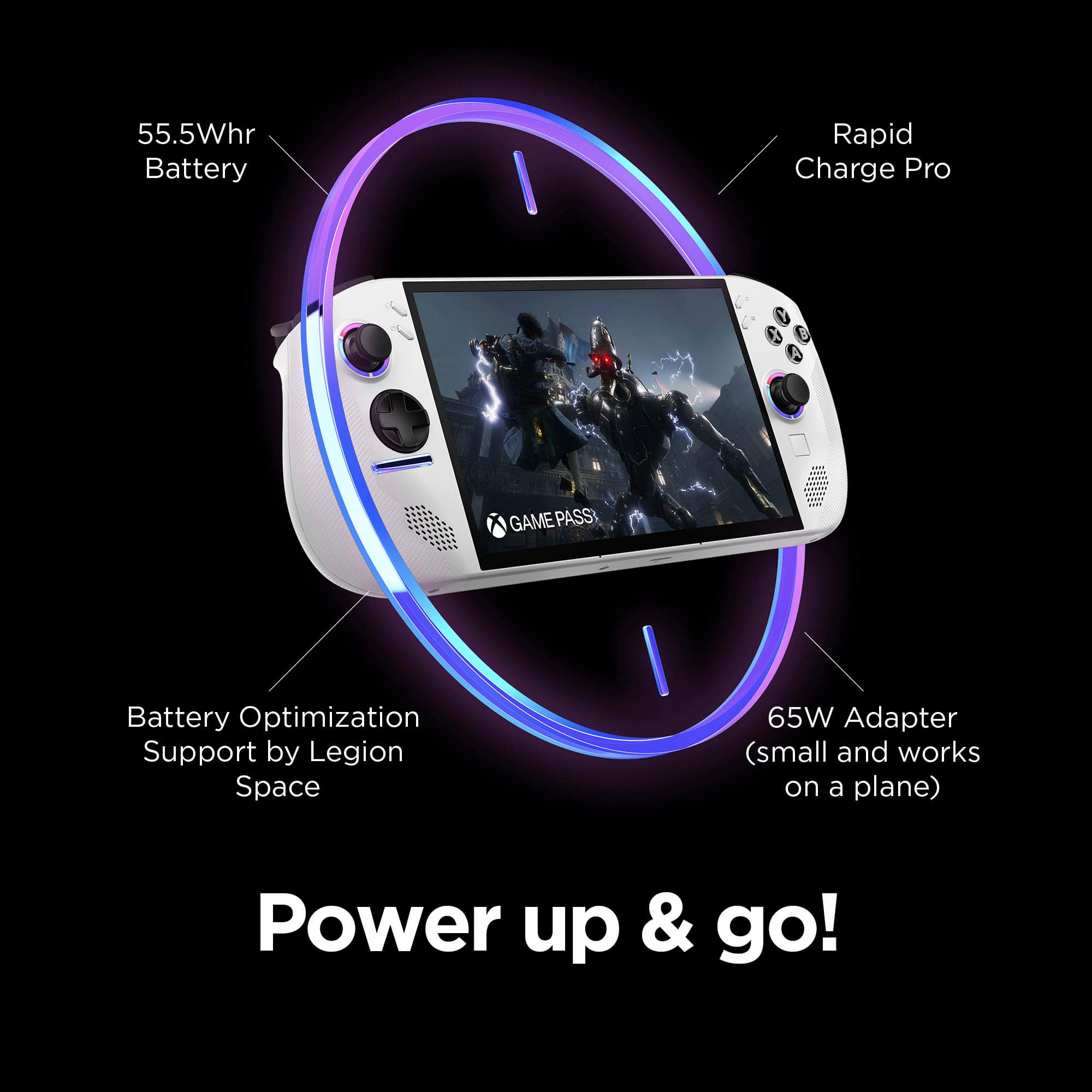
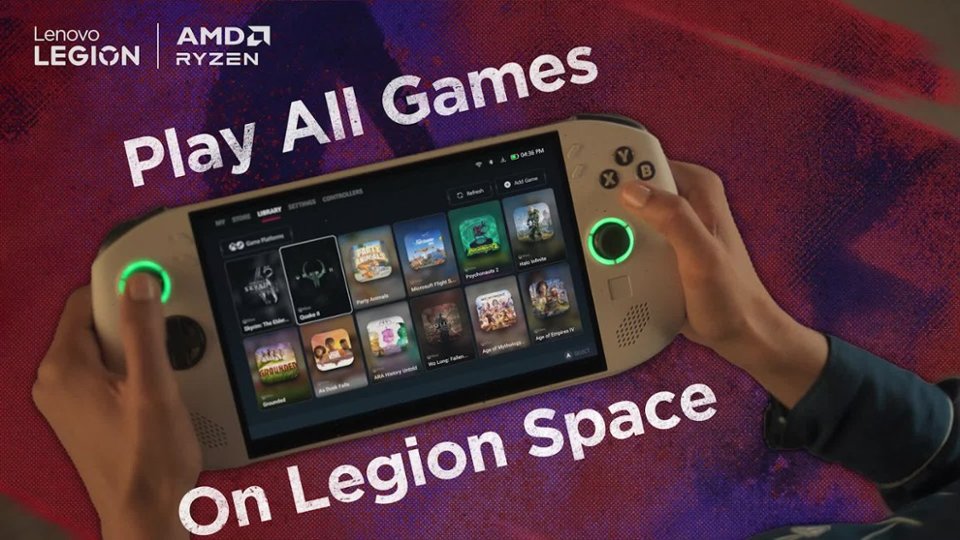
Yes, updates can be made in Legion Space for the Legion Go S. As for the release date of this configuration, May 25th is currently what can be expected for this Go S to be available to purchase.
Please let us know if you have any other questions!
A:AnswerHi there,
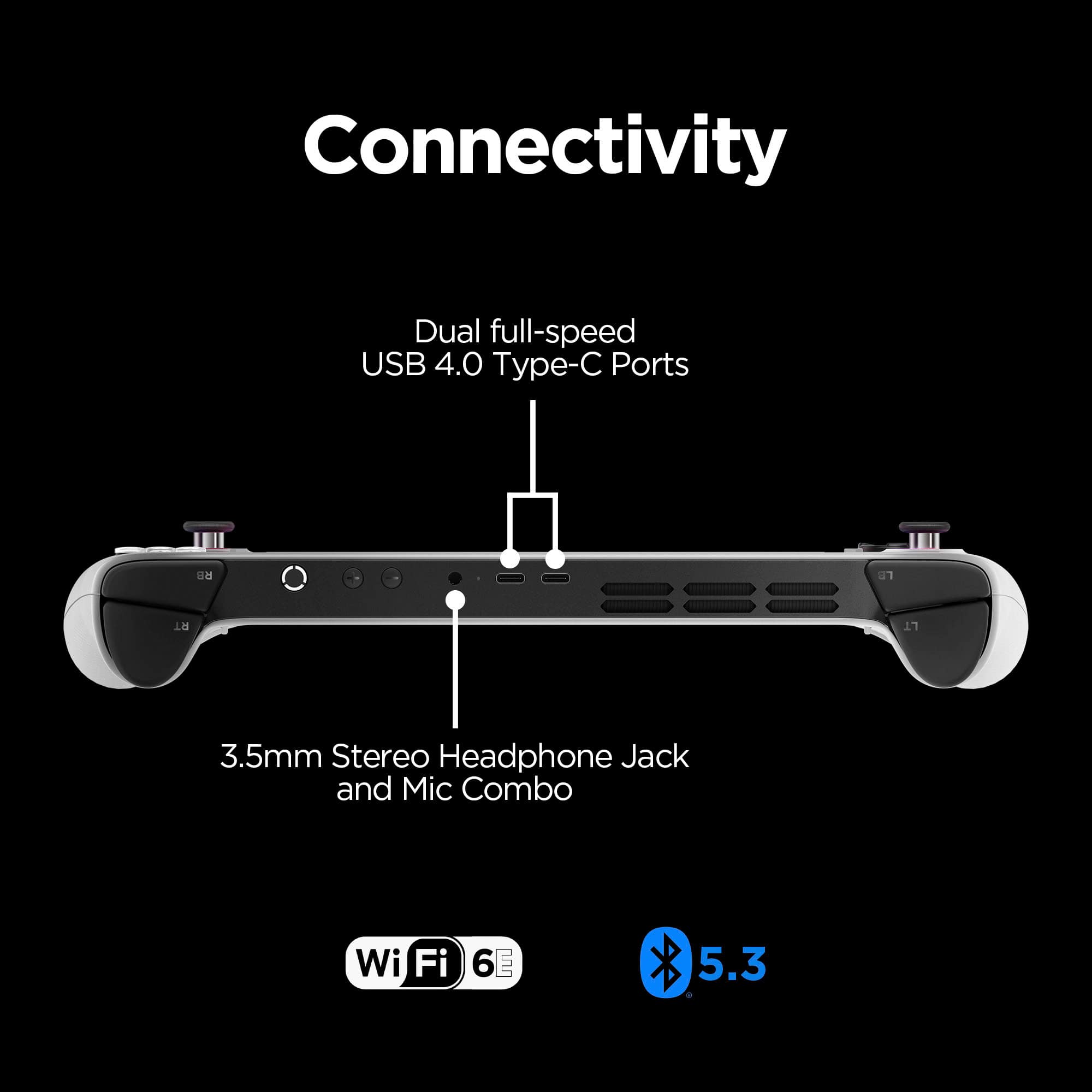
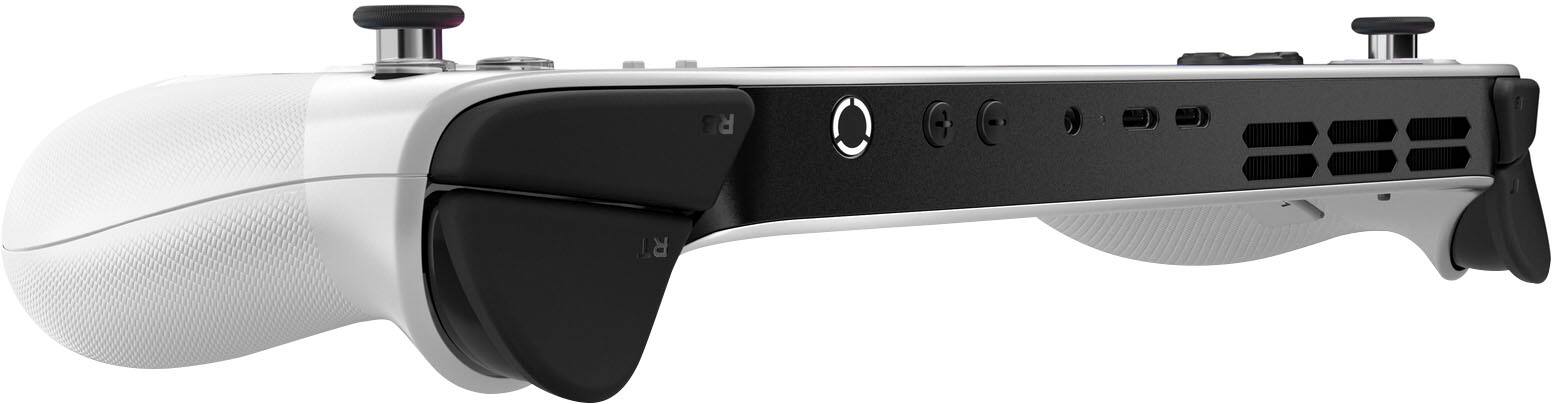
It can depend, as although the system doesn't feature Thunderbolt 4, it does feature two USB4 ports which may work some individuals looking to use an eGPU.
Please let us know if you have any other questions.
A:AnswerHey Paige,
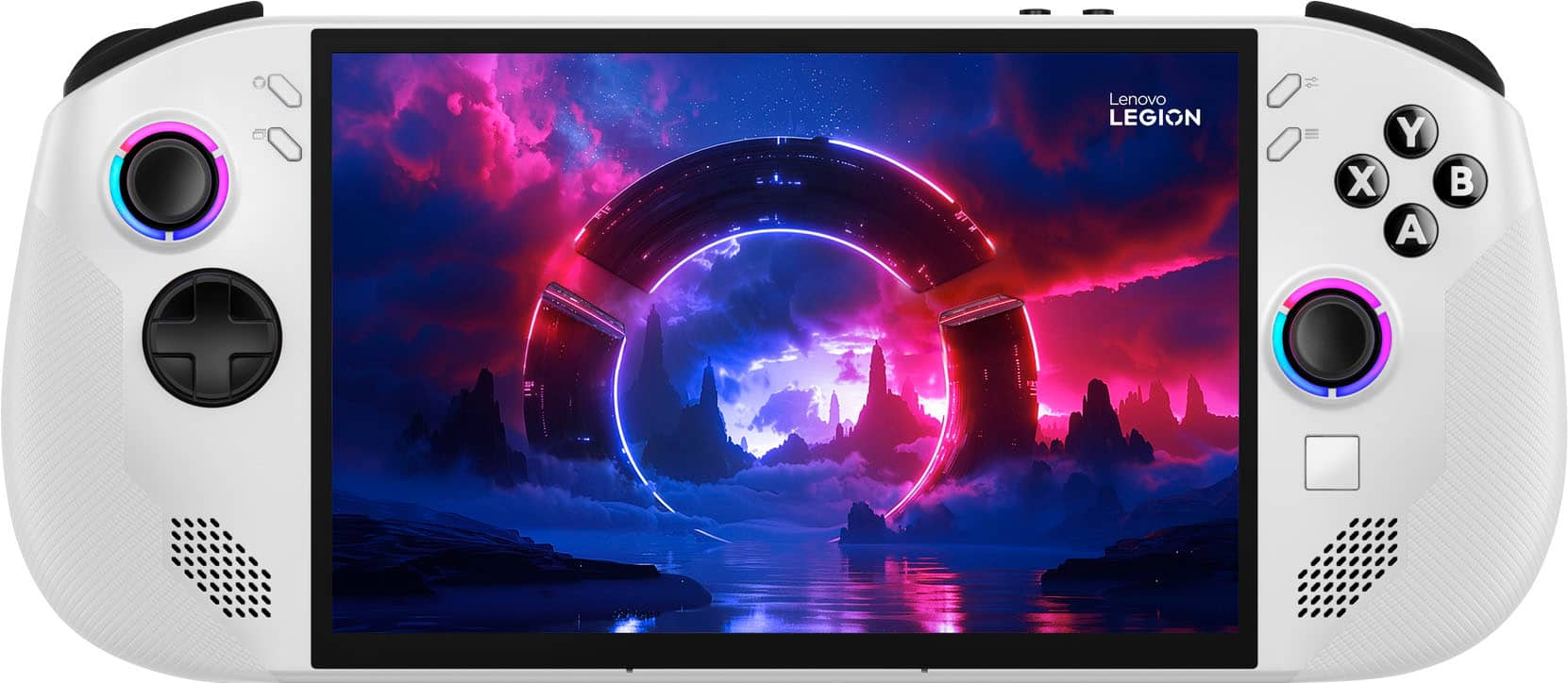
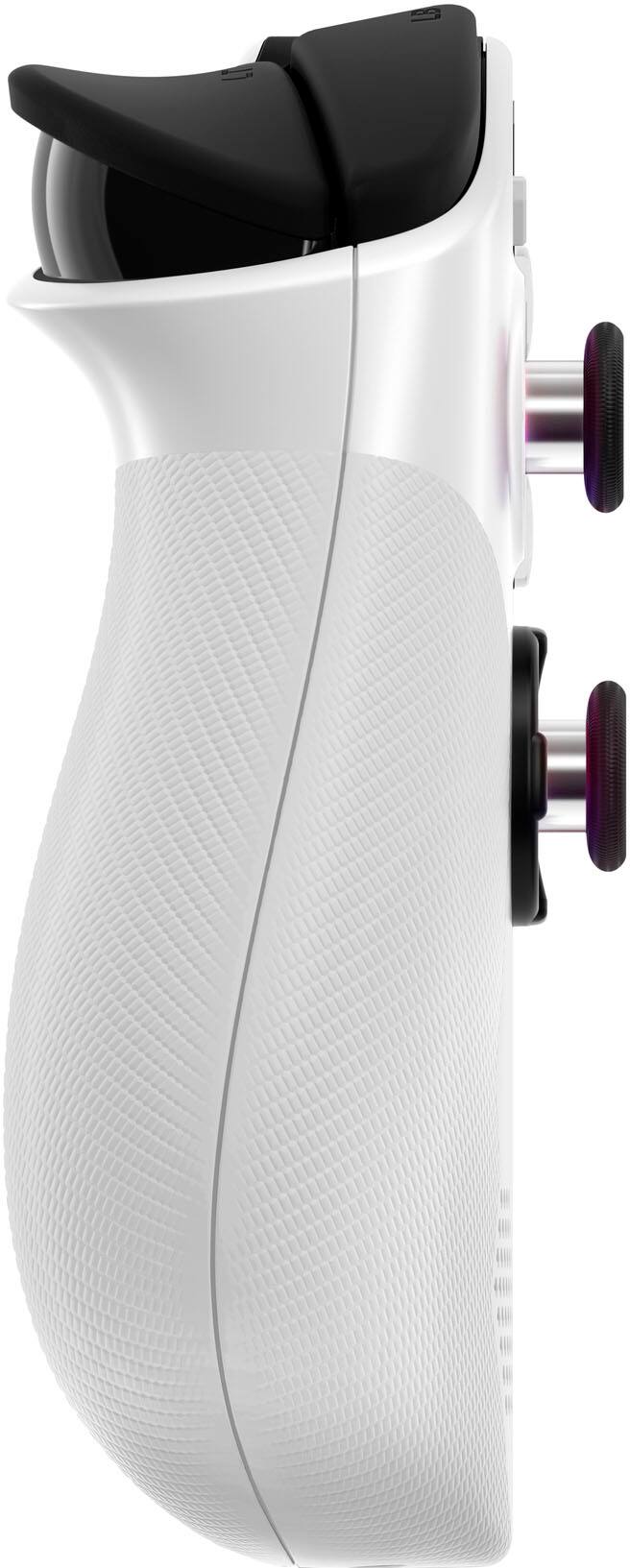
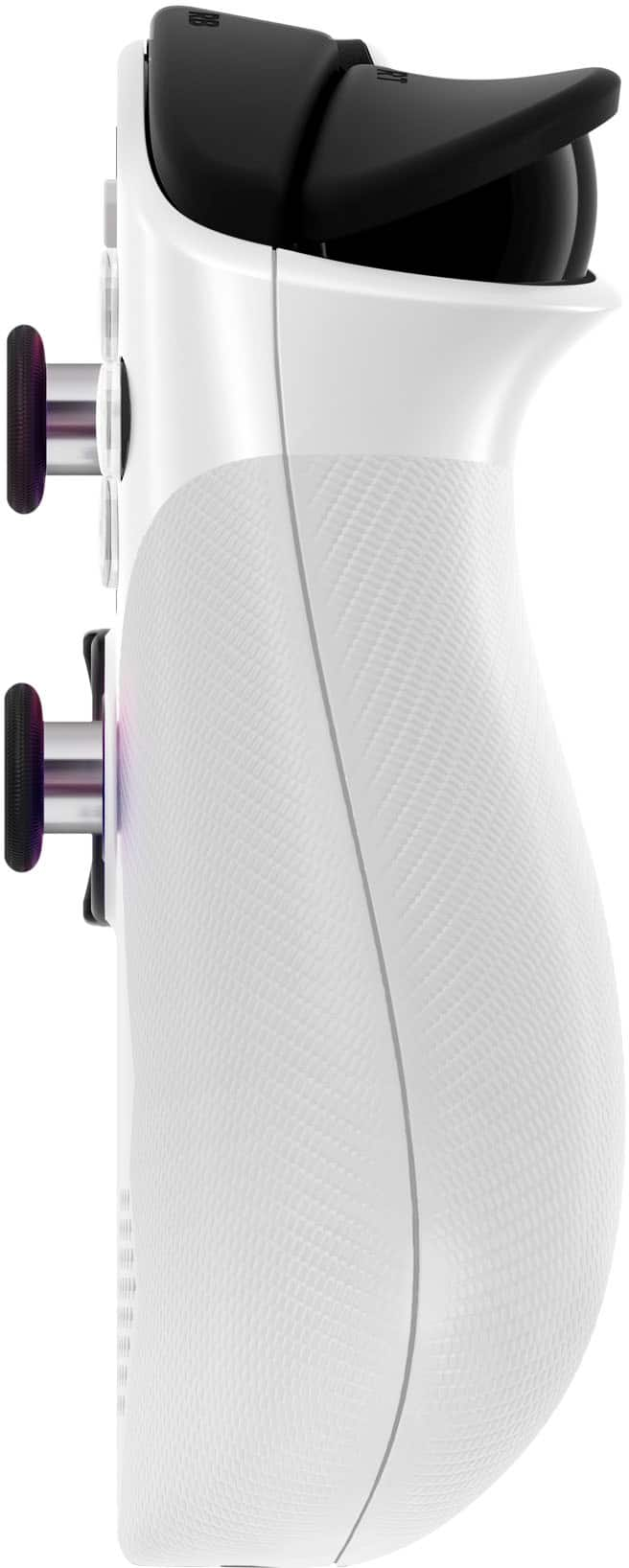
There are a few accessory options for the Legion Go S, including:
A carrying case: https://www.bestbuy.com/site/lenovo-legion-go-s-carry-case-black/6635977.p?skuId=6635977
Screen protector: https://www.bestbuy.com/site/lenovo-legion-go-s-screen-protector-clear/6635980.p?skuId=6635980
Various colors of joystick caps:
https://www.bestbuy.com/site/lenovo-legion-go-joystick-caps-indigo-blue/6635976.p?skuId=6635976
And many more from Lenovo and partners. Please feel free to reach out to us with any other questions!
A:AnswerHey again, DaedricPrincessOfMadness,
Yes, as a heads up we responded to your identical question for the Z2Go configuration Legion Go S, and based on user reviews, this system should work well for your use.
Please feel free to reach out to us with any other questions!
A:AnswerHey again rob,
For this Legion Go S configuration as well, both of its USB-C ports support display output and Power Delivery, so the system should work with both types of the displays you mentioned.
Let us know if you have any other questions!