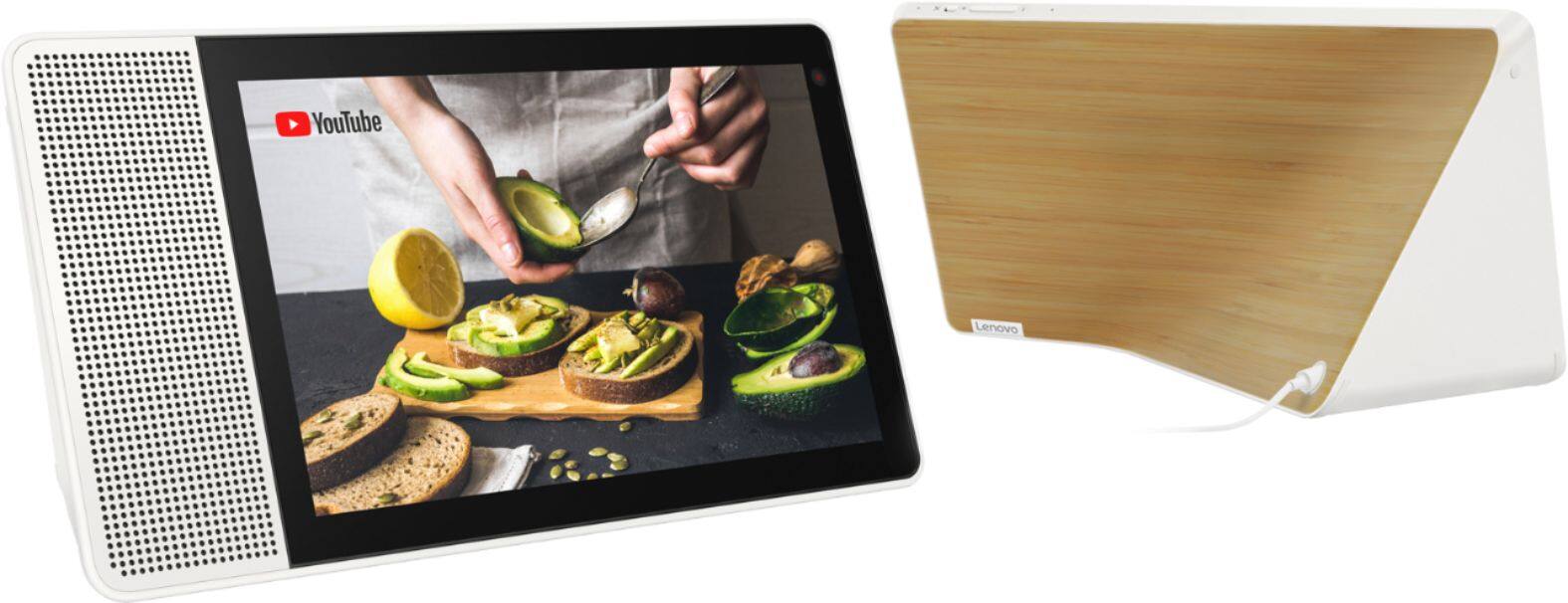
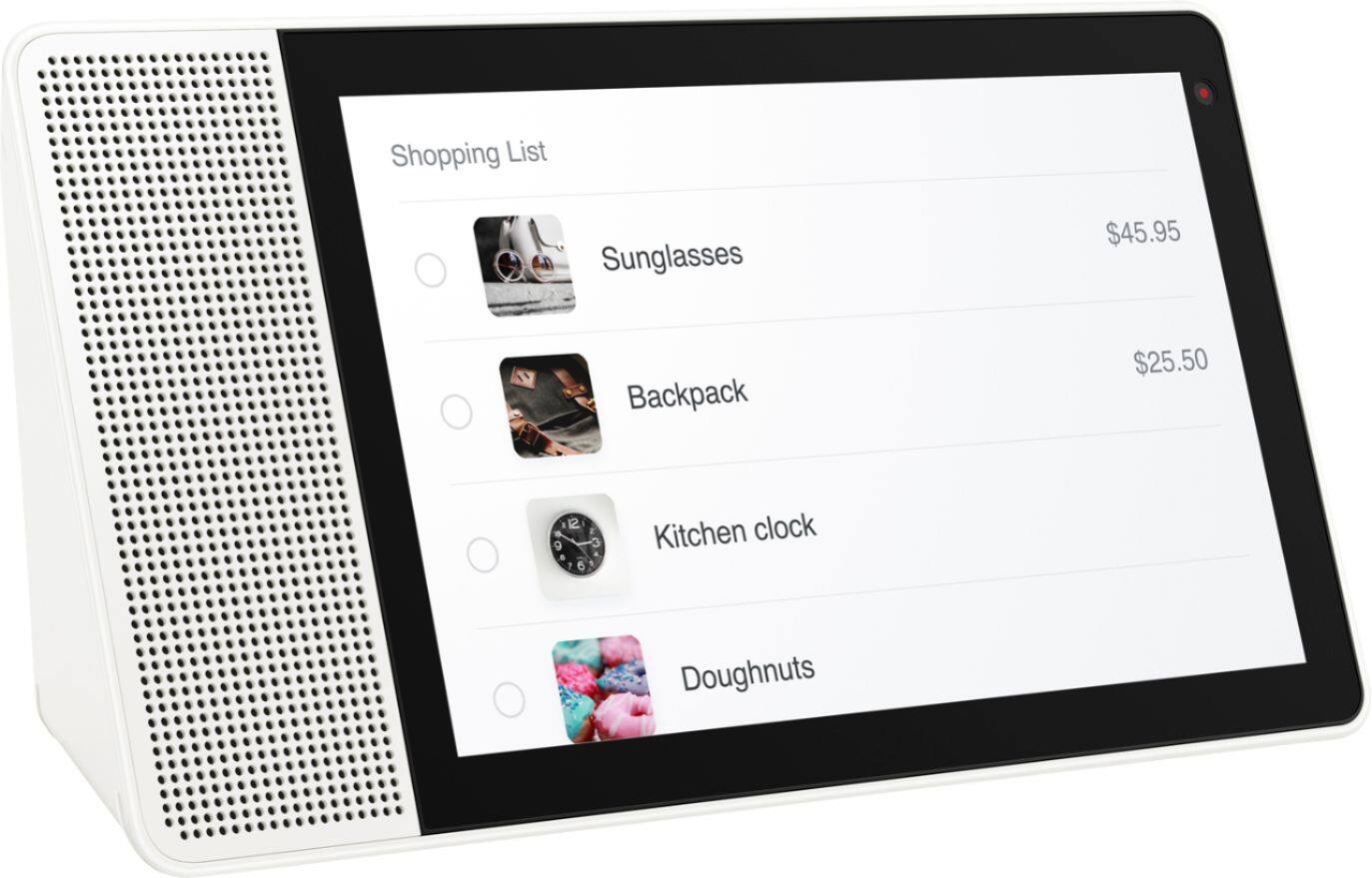
A:AnswerThe Lenovo Smart Display works with more than 5000 smart home devices from more than 250 brands. It can control all home devices and gadgets featuring the “works with the Google Assistant” badge. It is not currently compatible with SiriusXM Satellite radio.
A:AnswerI had exactly the same question. Here is what I found from Lenovo website:
Can the Lenovo Smart Display make calls?
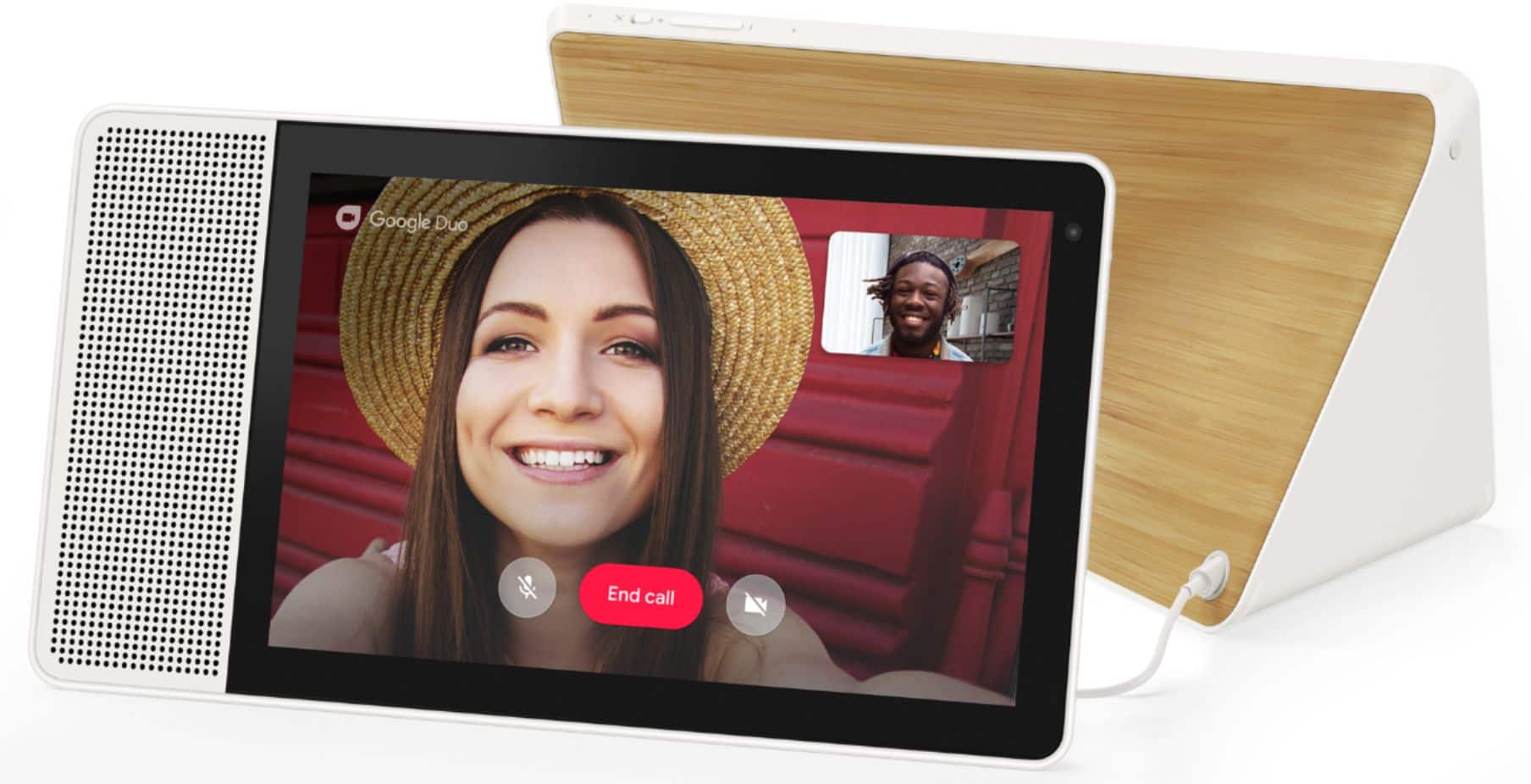
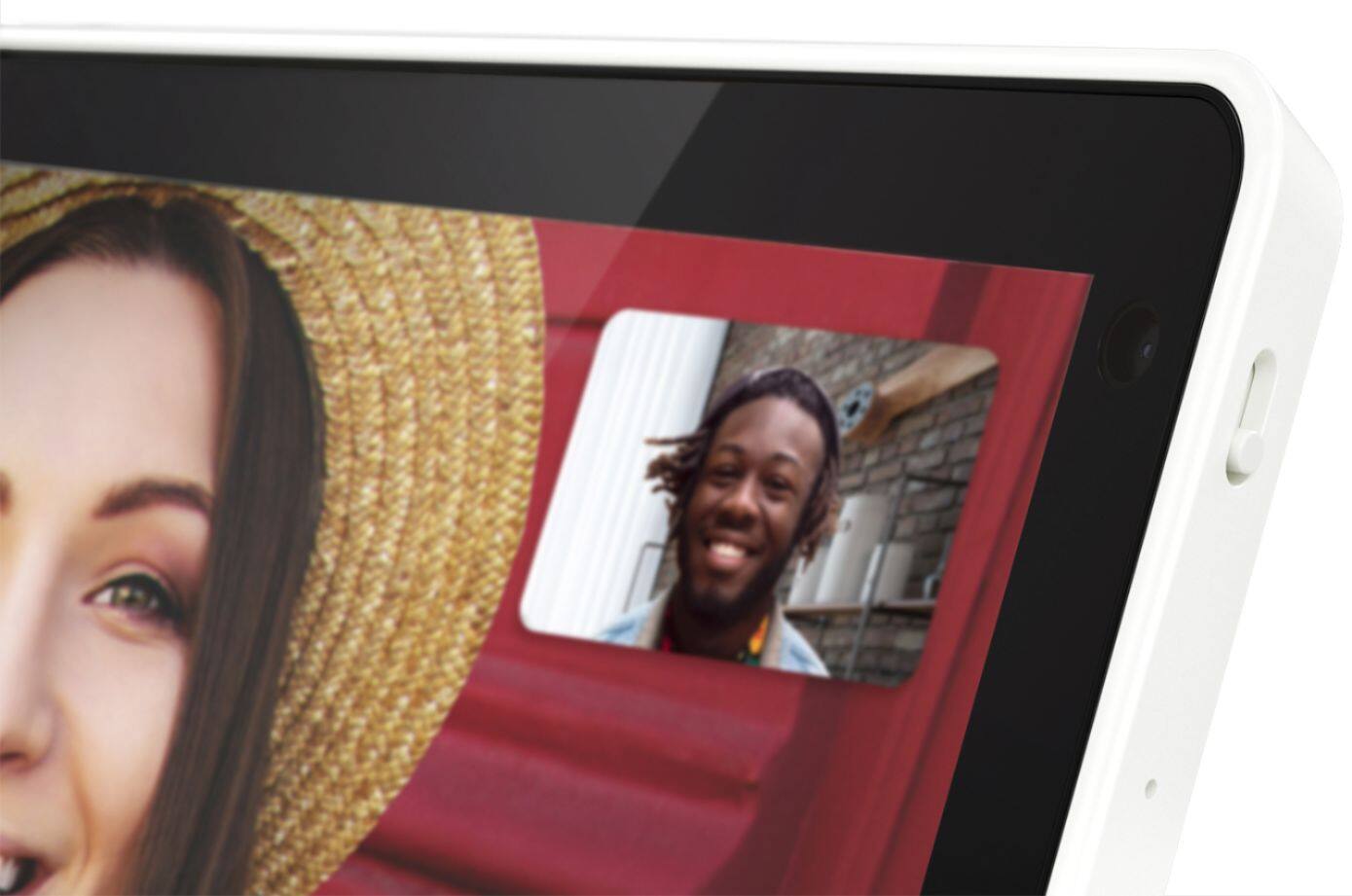
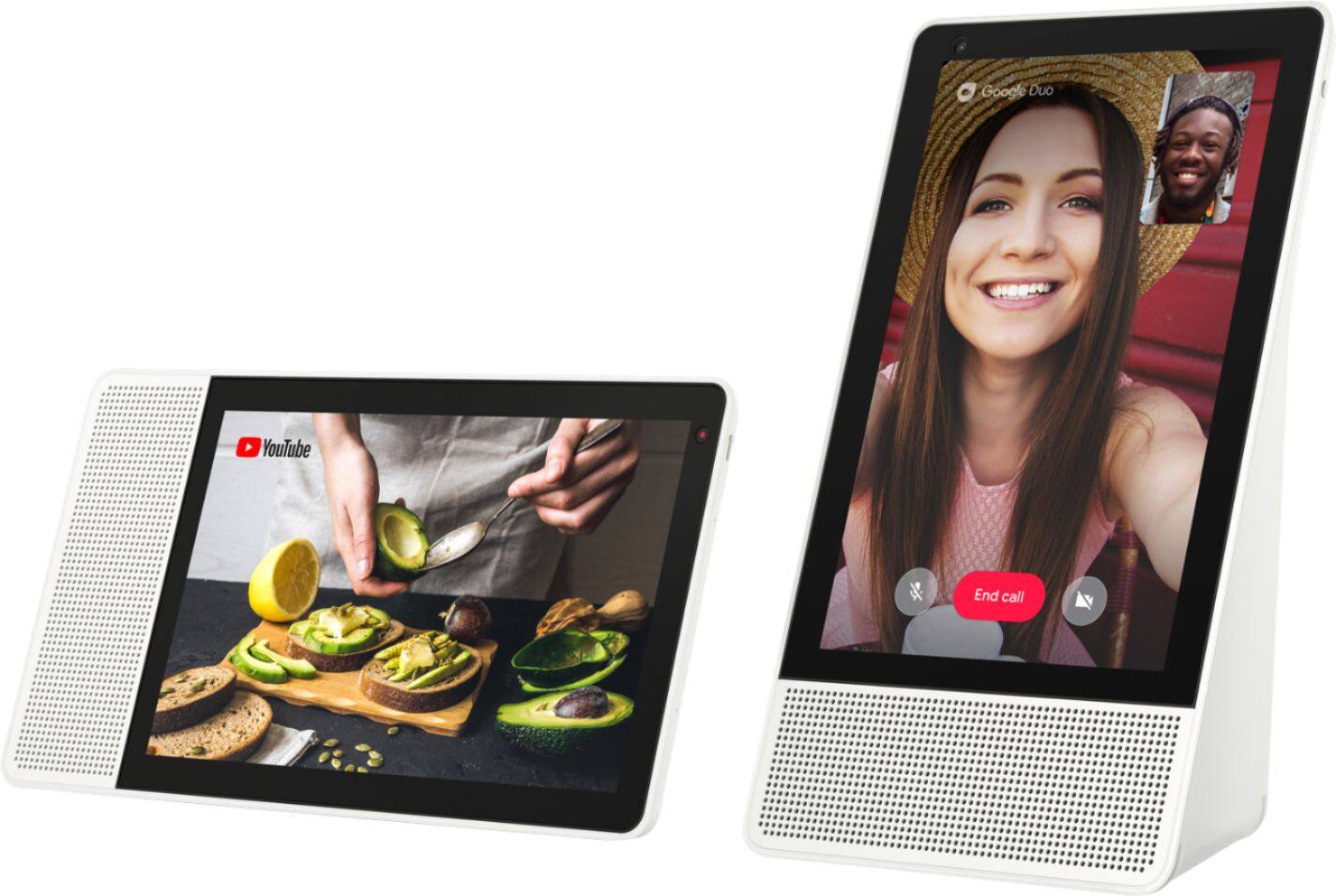
Yes it can. With help from your Assistant, you can directly call a phone number over PTSN (plain old telephone service). Or, make video calls with Google Duo.
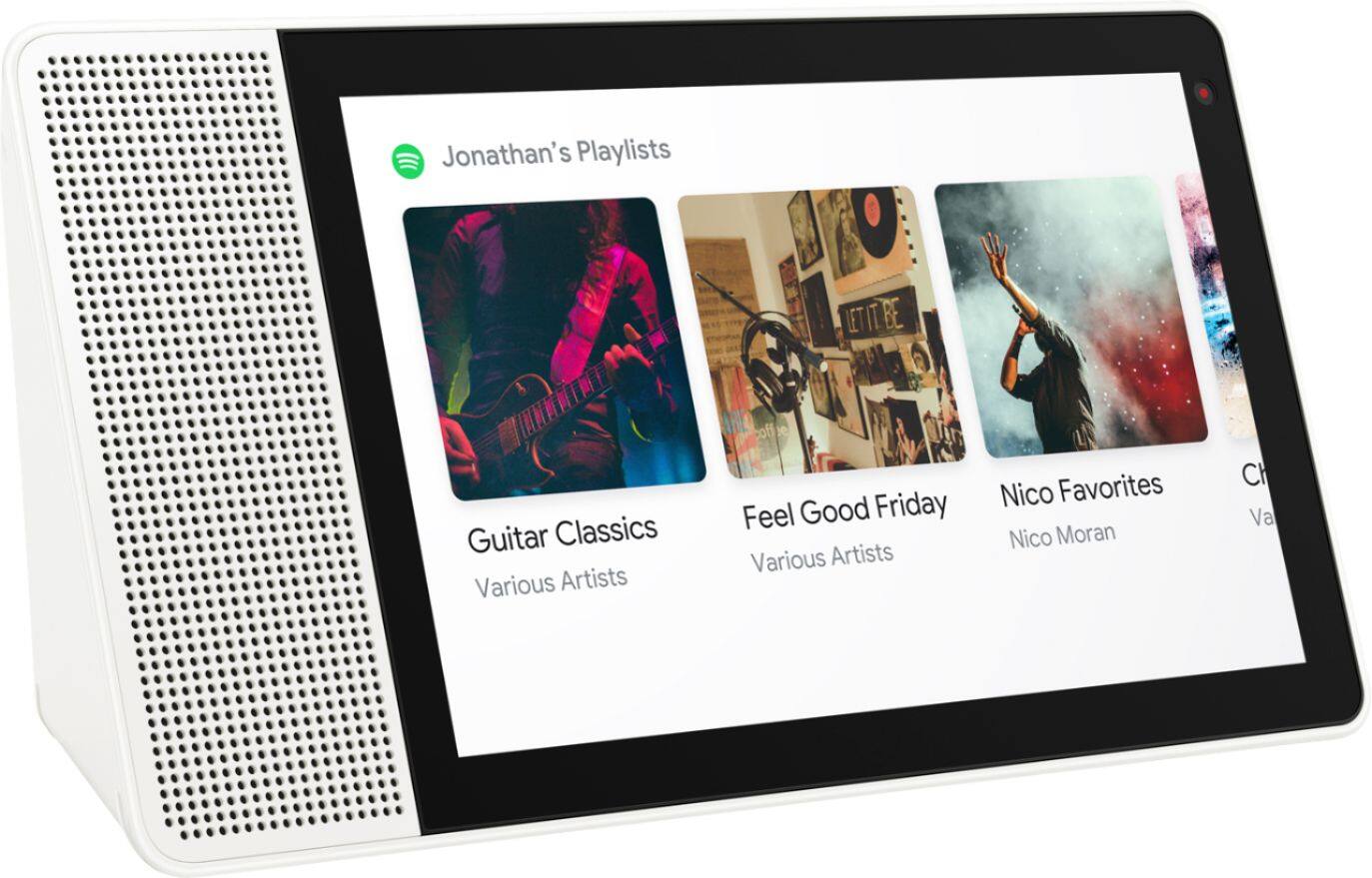
A:AnswerYou can add your Smart Display to a speaker group and play music throughout the house. Enjoy universal controls to power devices on and off, adjust playback/volume, and browse a visual channel guide, all by touch or by voice on your Smart Display.
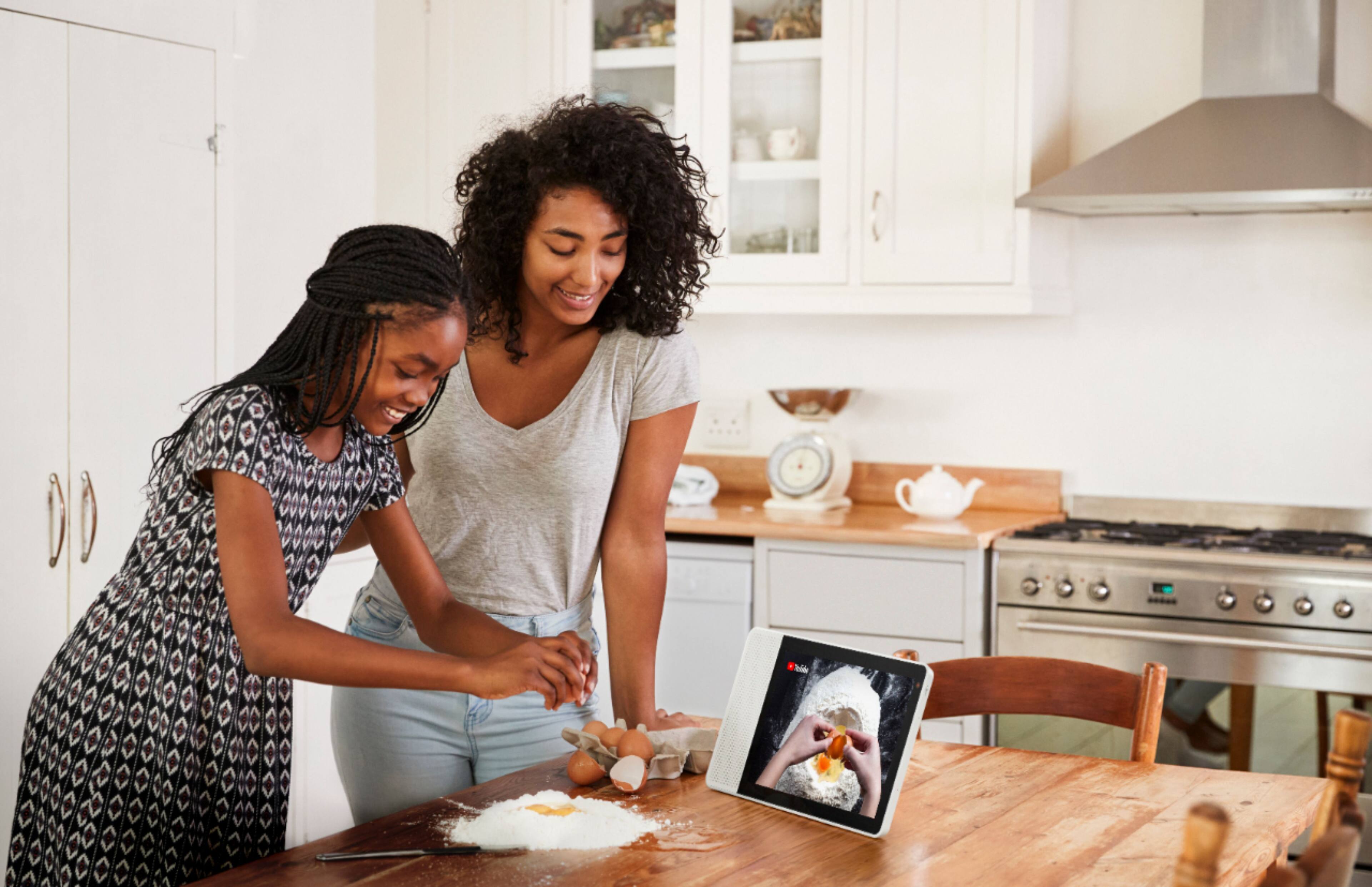
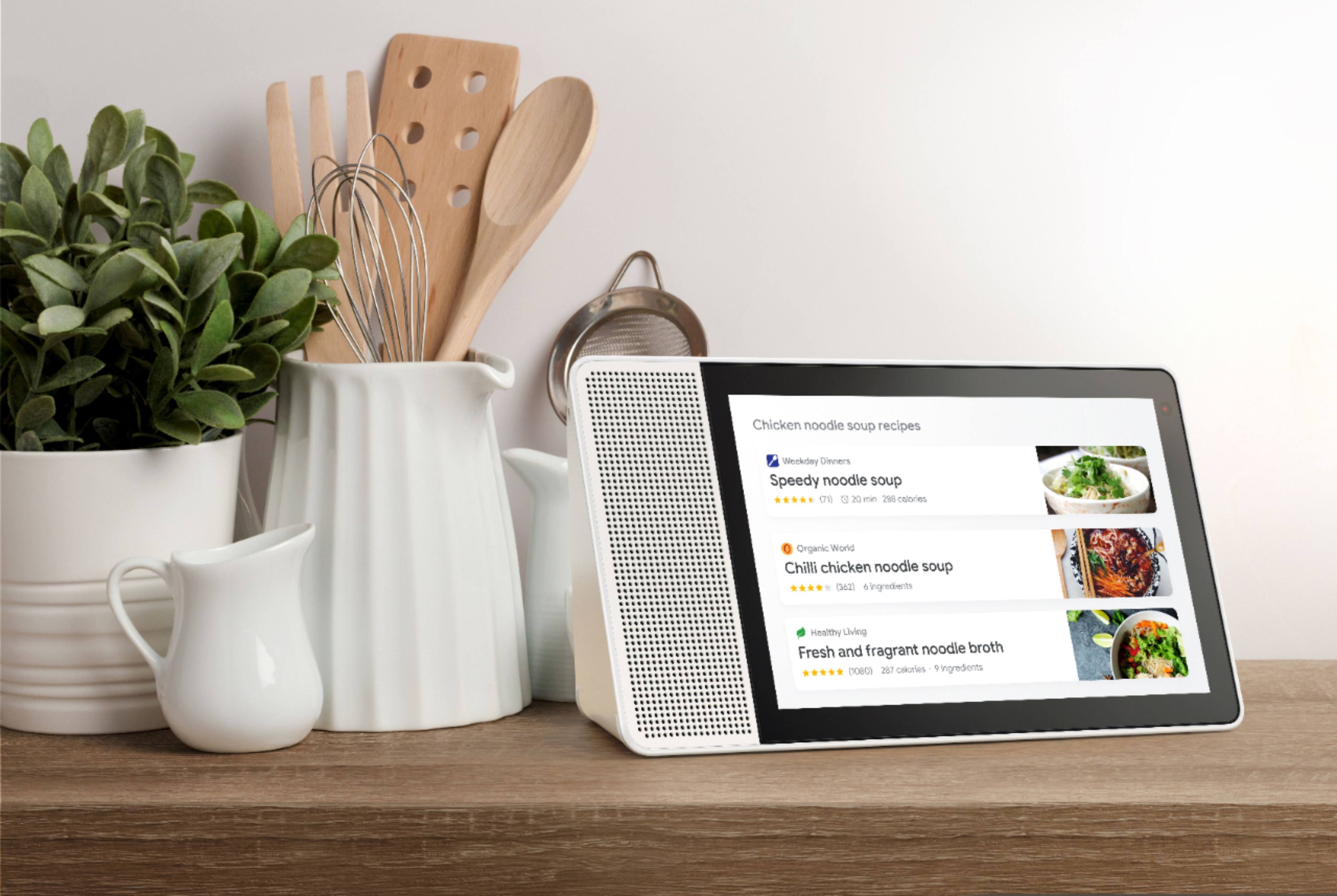
A:AnswerI have had mine on the kitchen counter since the day it came out. I've had minor spills and no issues with the display. You might not want to put it in the sink with the water running.
A:AnswerUse built-in video calling through Google Duo to connect with your friends and family using just your voice to a smart phone or another Smart Display.
A:AnswerHey Cat. Thank you for your question. The Lenovo Smart Display 8" can play music alarms. Just say "Okay Google Set a music alarm." The Lenovo 8" Smart Display features one 1.75" 10W Full-range speaker and two Passive tweeters. The Lenovo Smart Display 7" features two 1.5" 5W stereo speakers and one passive radiator.
A:AnswerHi there, the Lenovo Smart displays are compatible with Nest cameras and other cameras that carry the "works with Google Assistant Badge, however the Lenovo Smart Display 10" cannot be used as a nest cam.