A:AnswerHello, it looks like Zoom and Google Meet video conferencing support is expected to be included on the Lenovo 8" and 10" displays soon. The exact date is TBA. For now it doesn't look like the Lenovo 7" display is included in the future update to support Zoom.
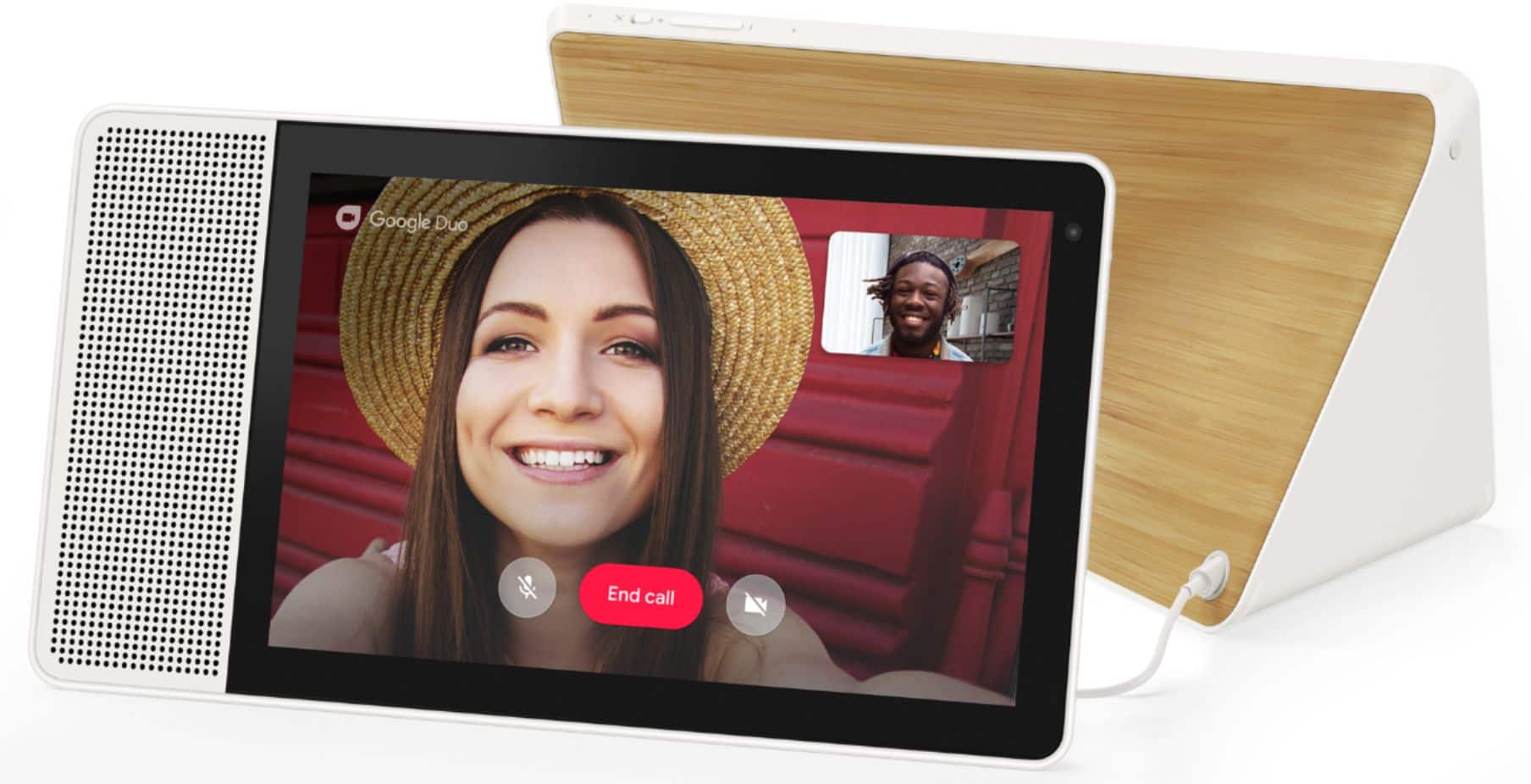
A:AnswerNo, Teams is not installed on the Lenovo 7" Smart Display with Google Assistant. Instead it uses Google Duo for video calls. At this time the installation of 3rd party apps is not allowed on this device.
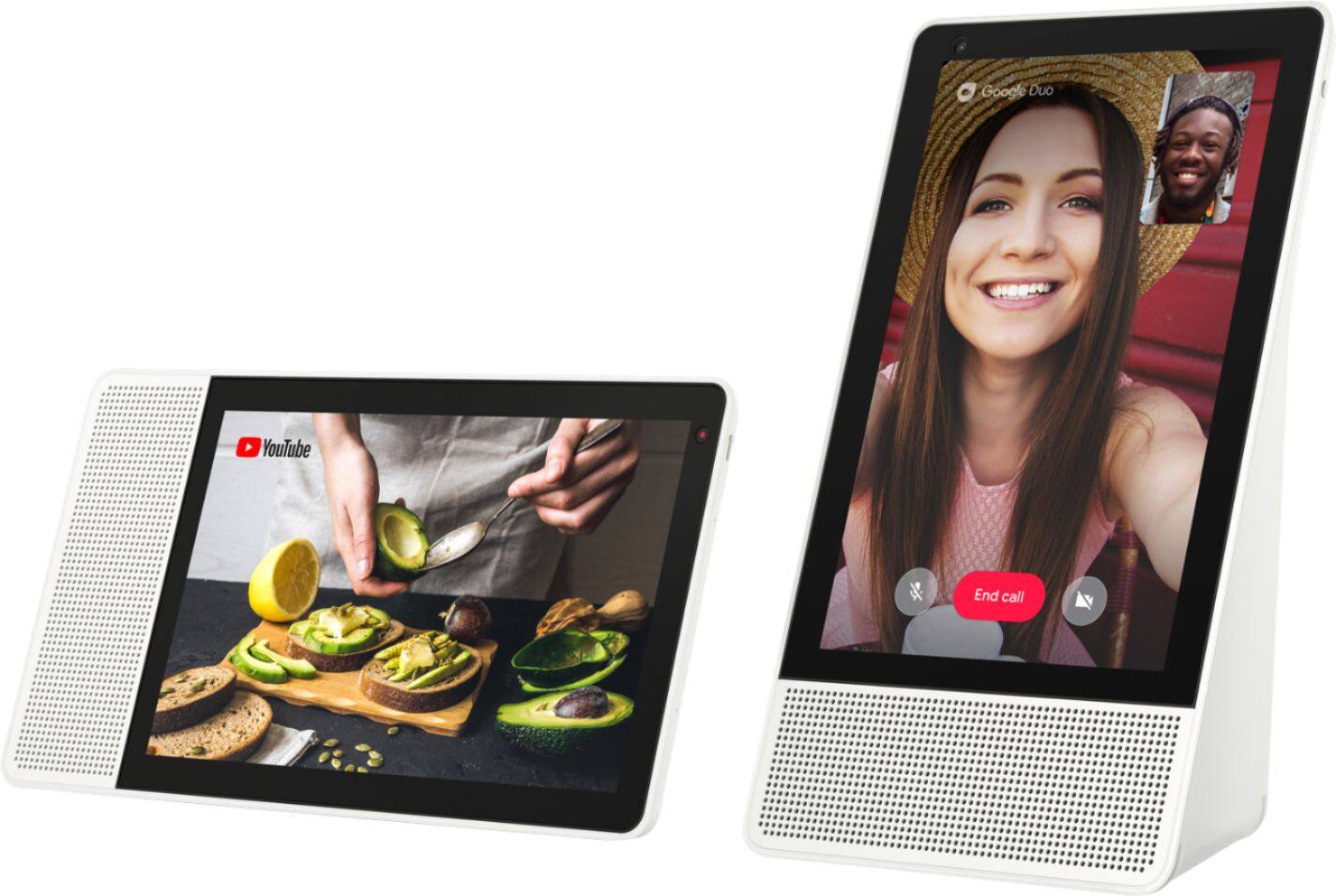
A:AnswerHello, Yes The Lenovo 10" Smart Display with Google Assistant can make or receive calls to and from any smart device, phone, or tablet that has the Google Duo App installed. This service is free =)
A:AnswerThe Lenovo Smart Display is not designed to surf the web like other devices."With the Lenovo Smart Display, you can kick start your morning routine or unwind in the evening.
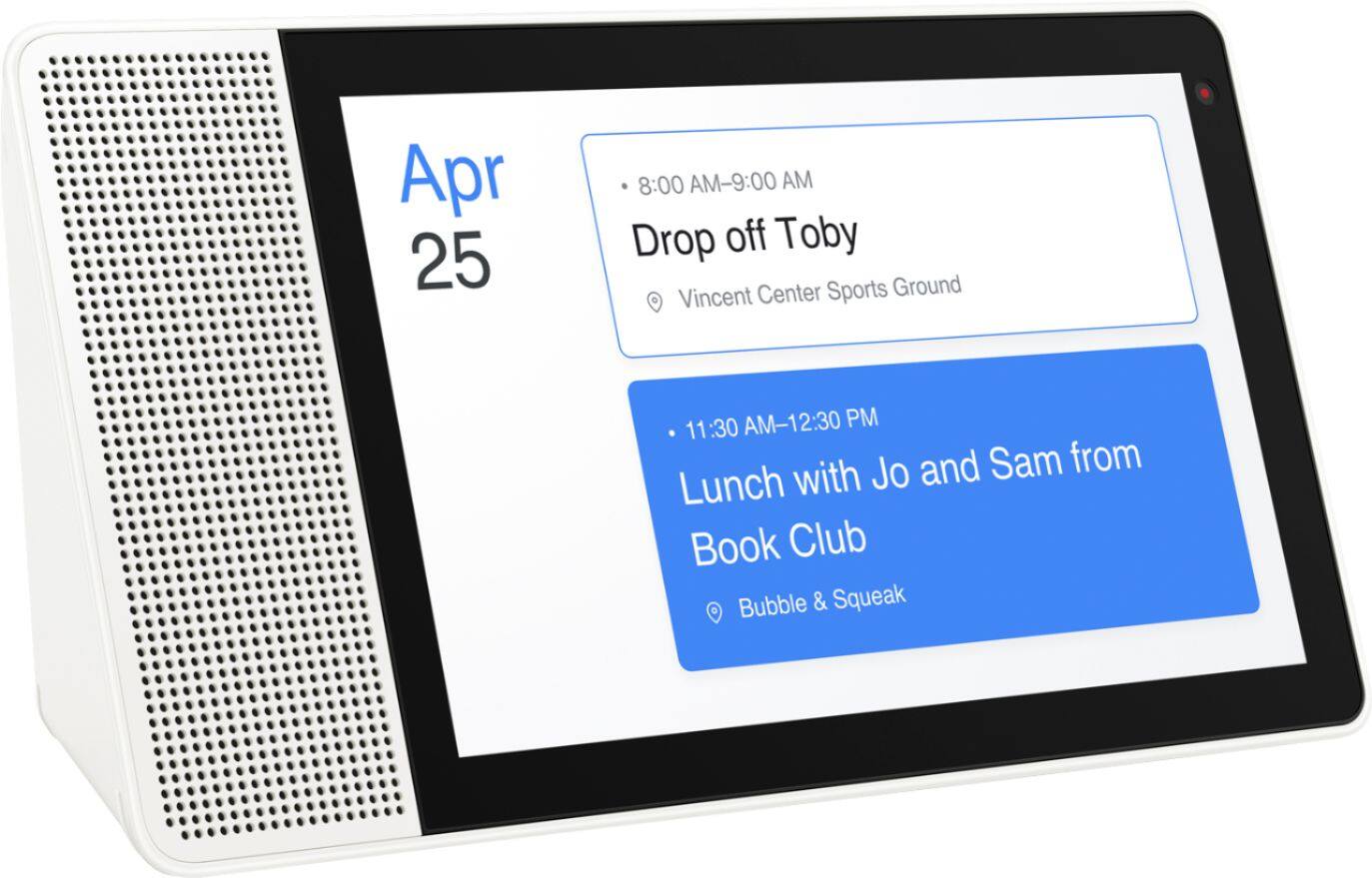
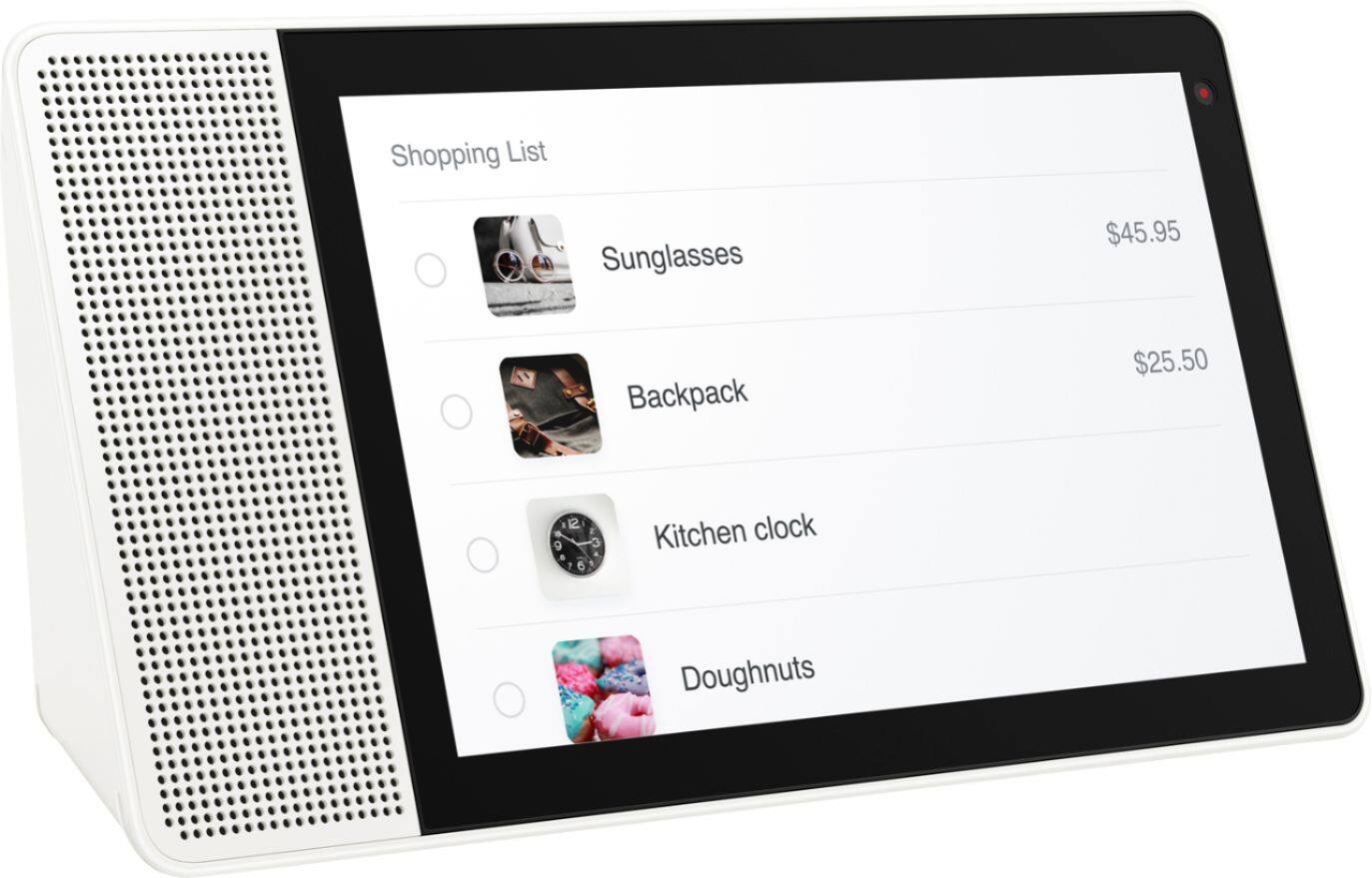
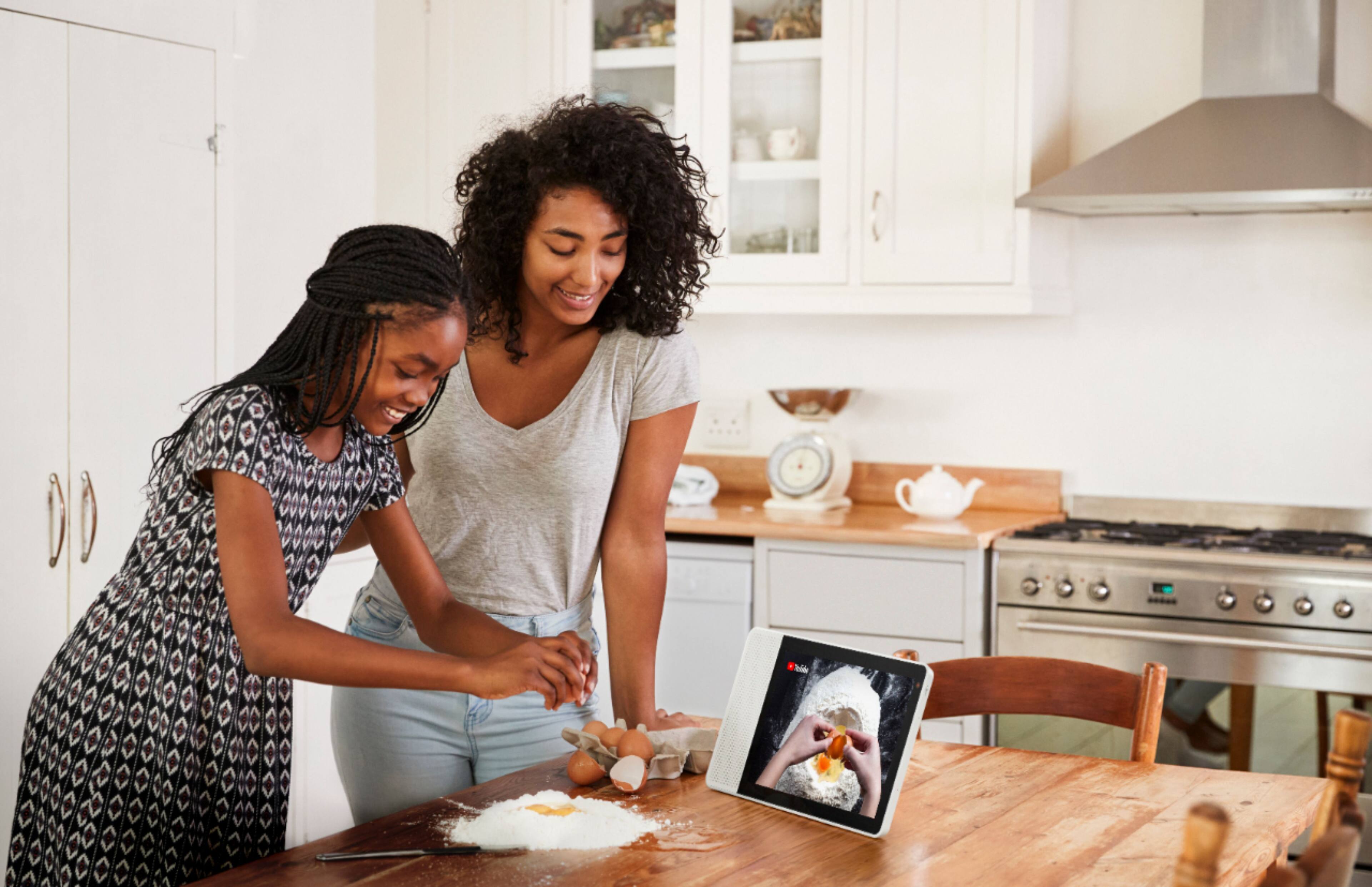
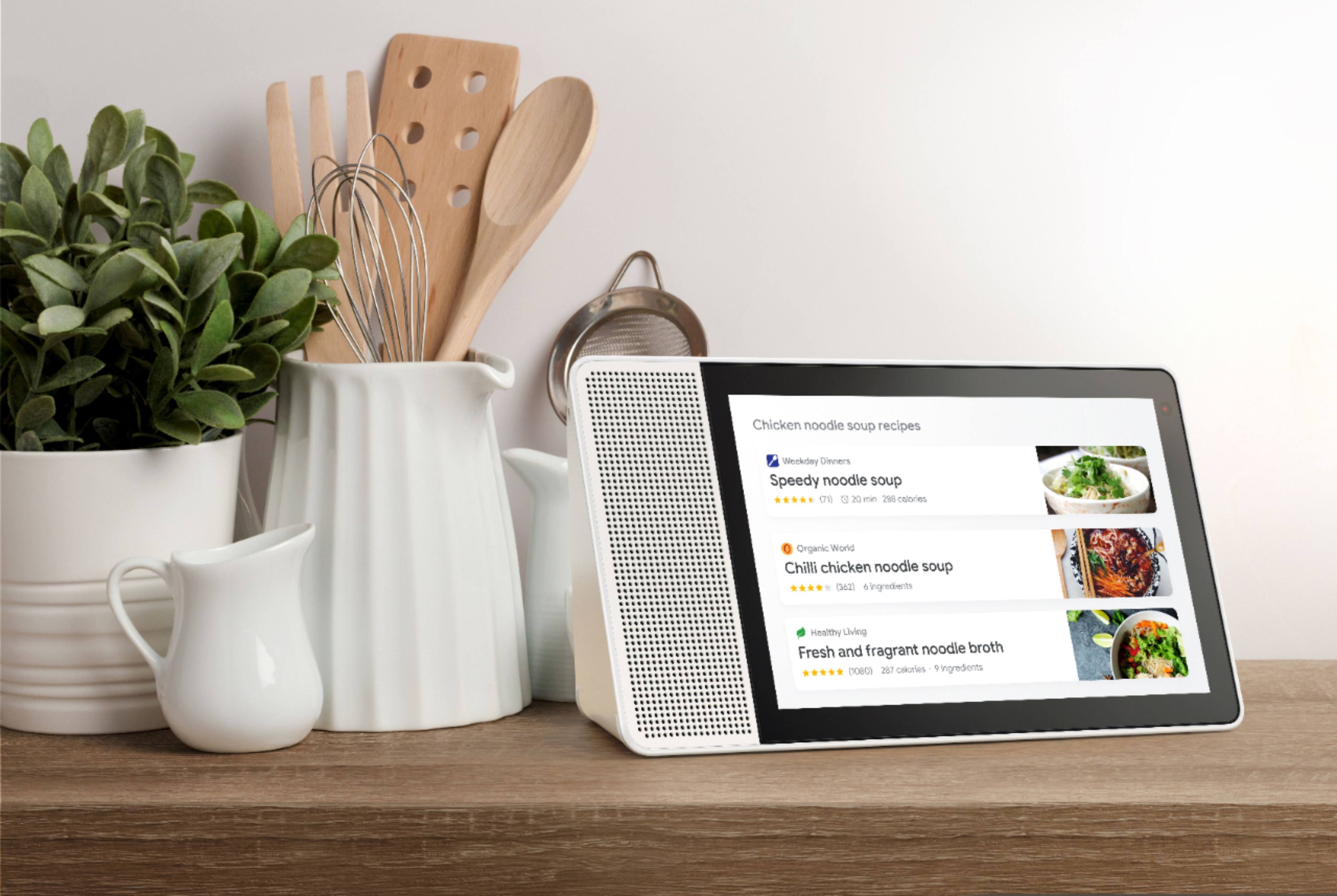
Manage Tasks: Browse and find recipes, set timers and add items to your shopping list.
Get Answers: Get glance able answers, like the latest weather, traffic, local businesses and more.
Control Your Home: Control lighting, heating and more with just your voice.
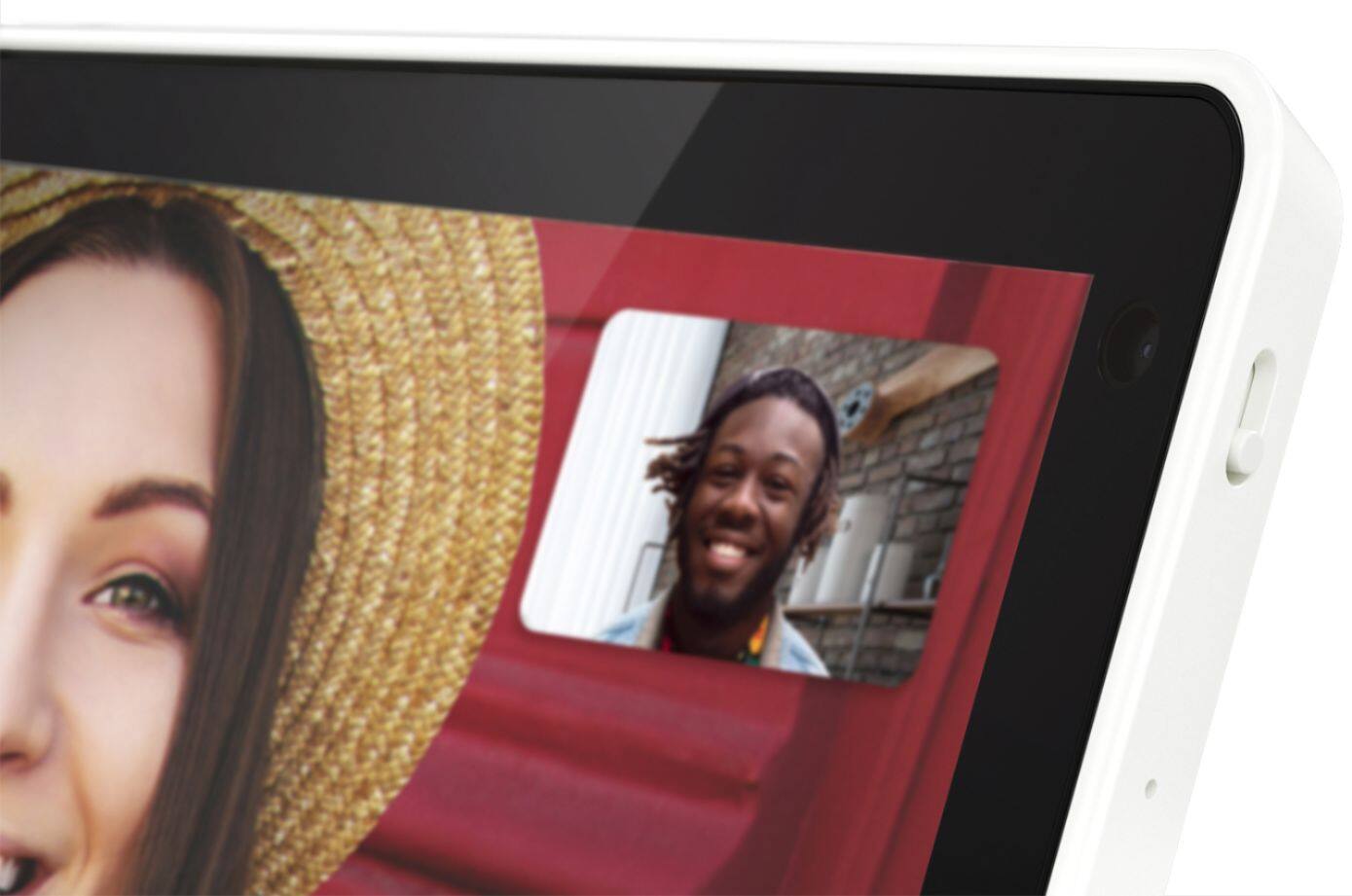
Keep in Touch: Use built-in video calling through Google Duo to connect with your friends and family using just your voice.
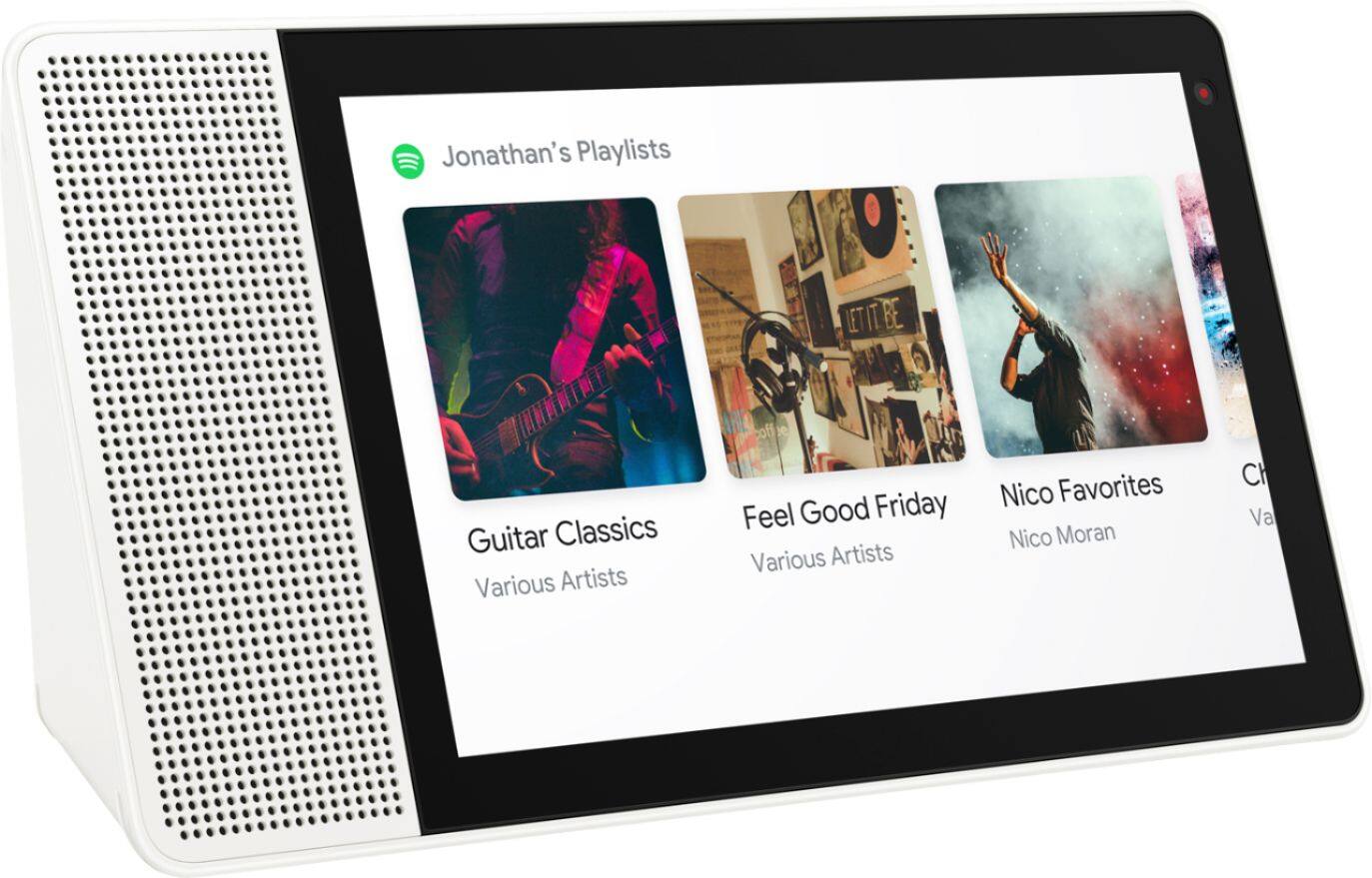
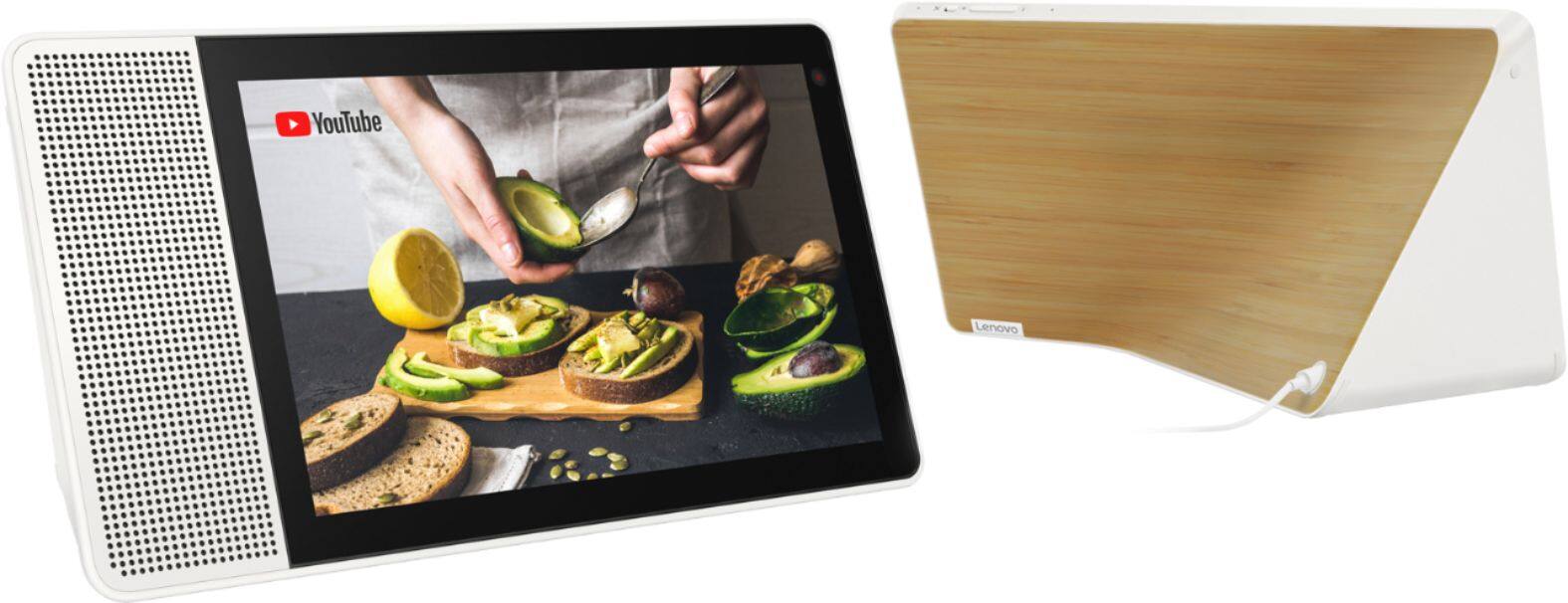
Enjoy Entertainment: Play music, news and podcasts or stream your favorite YouTube video and browse through your favorite moments on Google Photos."The Lenovo Smart Display runs Android Things and does not support Android applications. It supports more than 1 million actions (which include most popular services like Spotify, YouTube, All Recipes, Maps... and many more). It also supports over 5000+ smart devices that have the "works with the Google Assistant".
A:AnswerThis is determined by the Google Assistant capabilities, which are constantly evolving. Visit http://support.google.com/assistant/answer/7544506?ctx=assistant_partner_lenovo to find out more.
A:AnswerIt currently does not support Netflix but the Lenovo Smart Display supports many audio and video services, to name a few: Audio: Google Play Music, YouTube Music, Pandora, iHeart Radio, TuneIn, Spotify, Video: YouTube, HBO Now, CW, Google Play Movies & TV, Crackle and YouTube TV gives you access to up to 40 premium TV channels live. Some of these services will require an active subscription. "
A:AnswerSure can, I have my mini in the next room. You can program it so that when you ask the mini to play music it will default to playing from the Lenovo. You can also broadcast messages throughout the home.
A:AnswerThe Lenovo Smart Display has the Google assistant built in and it reacts to your voice. It does not offer the ability to launch a web browser and type in a website with touch, as you can do all this with just your voice, which is what the Lenovo Smart Display is built to do best. To open a YouTube video just say "Hey Google, show me "title of the video" "videos on YouTube" it will prompt you with a YouTube result page of matching videos.
A:AnswerAllowing others on your network to control playback is a feature that can be turned on/off in the Google Home App. It is turned on by default, but can easily be disabled.