A:AnswerThis device is not user upgradable. We recommend you contact a certified technician, like the Geek Squad for details about upgrading this device.
A:AnswerThis unit can be upgraded to 8GBs of RAM (it uses DDR3L SDRAM). I found the recommended maintenance manual on Lenovo's support website, and it looks like you may need to remove the ODD and side bezel, battery, and back panel, to gain access to the RAM slot. You will want to ensure that it is taken to somewhere that can swap the ram in an ESD prepped and grounded environment (most Geek Squad locations may be able to do so for you for a charge). Some manufacturers will not honor the manufacturer's warranty if any internal components are swapped out.
A:AnswerI am running steam right now and downloading Counter Strike: GO while i am doing homework. Didn't seem to slow down, no studders. If you play any games you probably have to run on standard/low settings!
Hope that helps!
A:AnswerIt will depend on the requirements of the specific games. We recommend you check with the specific game's software publisher web sites for their compatibility with Windows 10 Home 64-bit operating system and the minimum/recommended hardware requirements (Is a Graphics card required, the processor speed and the minimum required system RAM and the minimum available hard drive space) to run their program, then compare those requirements to this system's configuration.
A:AnswerThat will depend on the requirements of the game. We recommend you check with the game's software publisher for their compatibility with Windows 10 Home 64-bit operating system and the minimum/recommended hardware requirements (Is a Graphics card required, the processor speed and the minimum required system RAM and the minimum available hard drive space) to run their program, then compare those requirements to this system's configuration.
A:AnswerThat will depend on the requirements of the game. We recommend you check with the game's software publisher web site for their compatibility with Windows 10 Home 64-bit operating system and the minimum/recommended hardware requirements (Is a Graphics card required, the processor speed and the minimum required system RAM and the minimum available hard drive space) to run their program, then compare those requirements to this system's configuration.
A:AnswerThat will depend on the programs the student will be using for school. The school's web site should provide some basic suggestions for a computer configuration. This is a mid-level, moderate usage system. It is good for Microsoft Office type work and browsing/research on the internet. If this is the type of work the student will be performing, it would be a good choice.
A:AnswerIf you can add the SSD drive to be an additional drive, using it as the virtual memory and for other intensive tasks, yes. I did that on my Lenovo T430 and was happy with the result. If you will be giving up a lot of space for the SSD as your only drive, no.
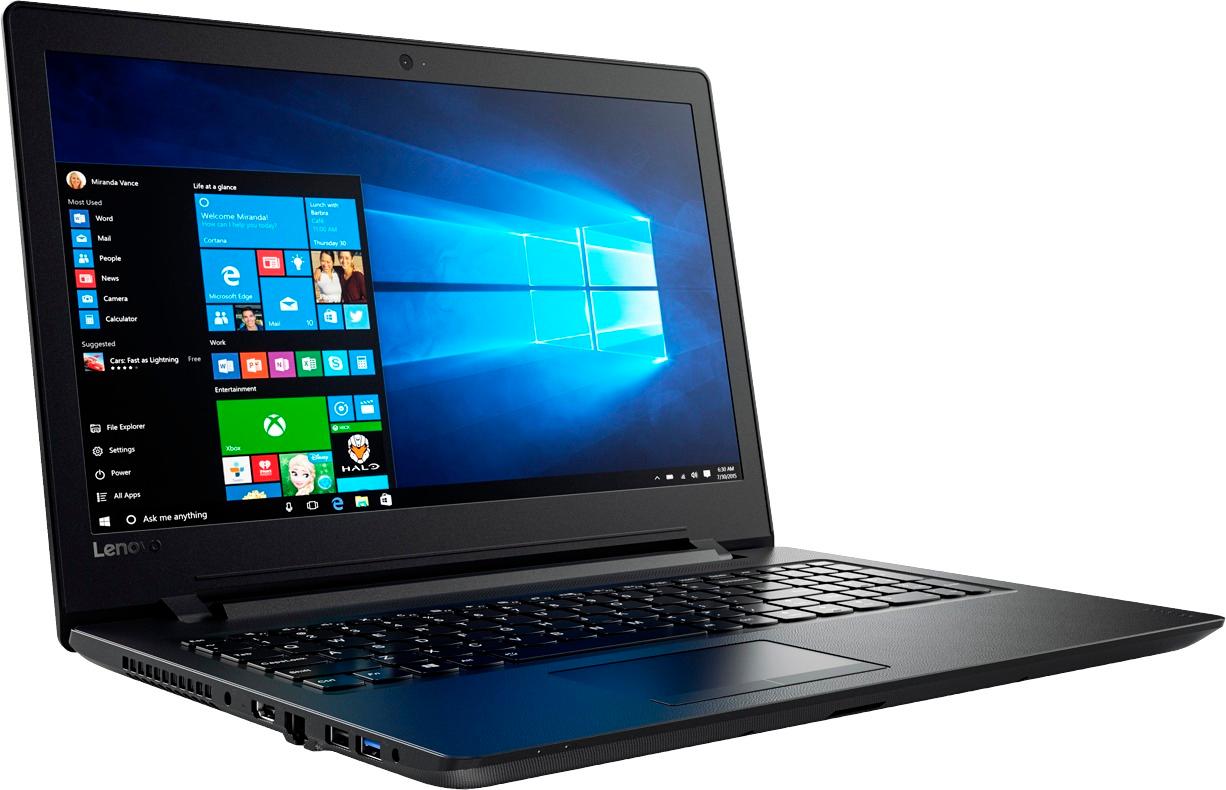
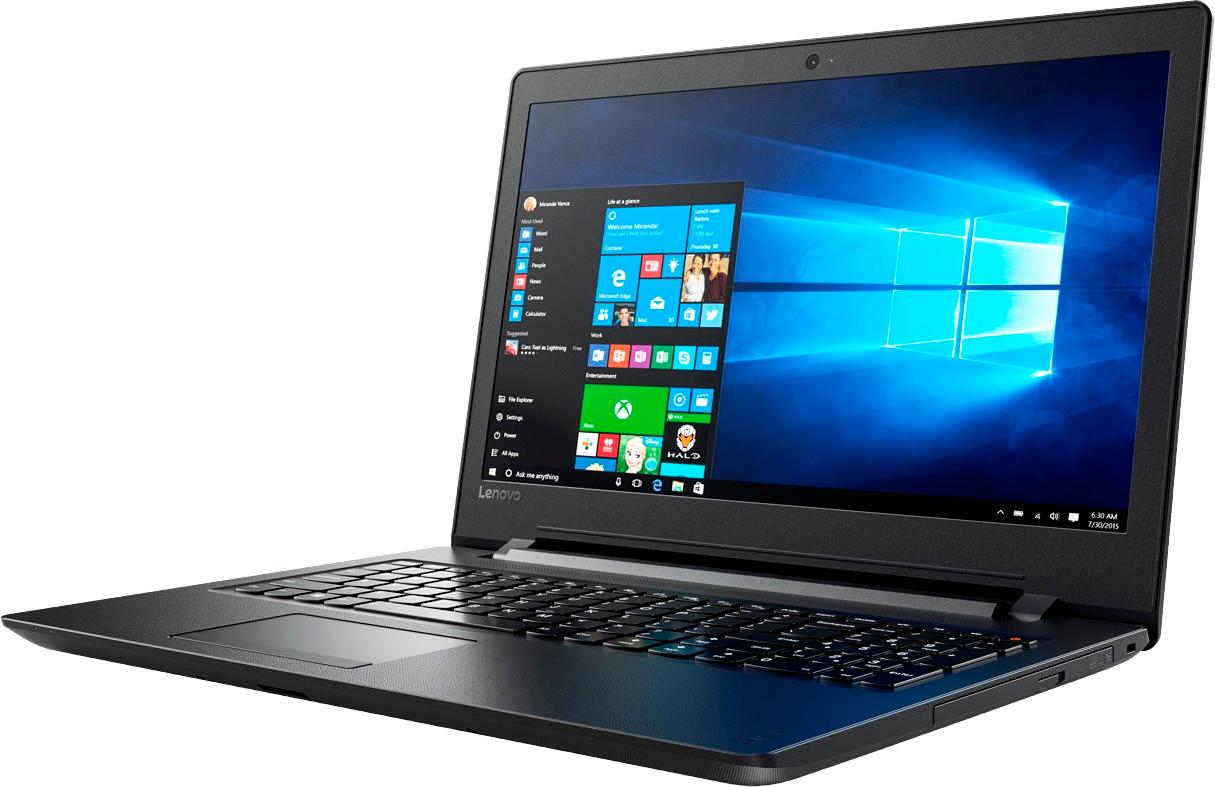
A:AnswerYES-This DOES have a built-in CD/DVD drive: "its built-in optical drive lets you read and write digital files" (so the answer from "rengojk" is incorrect)
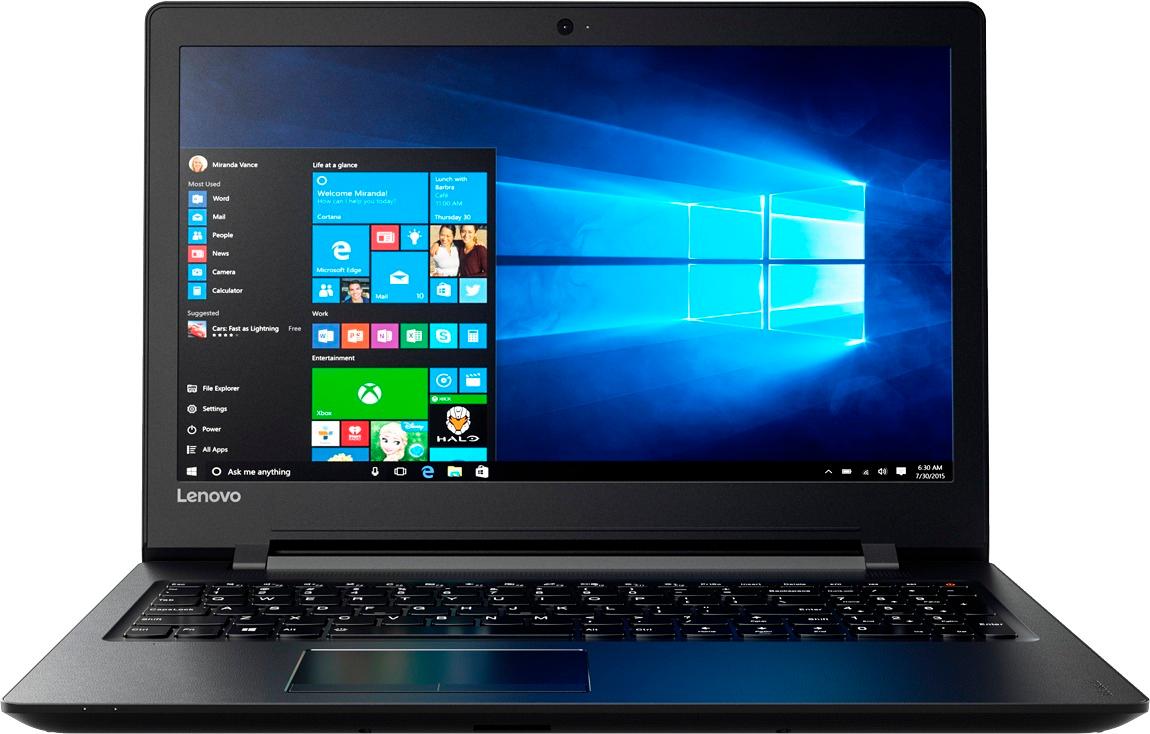
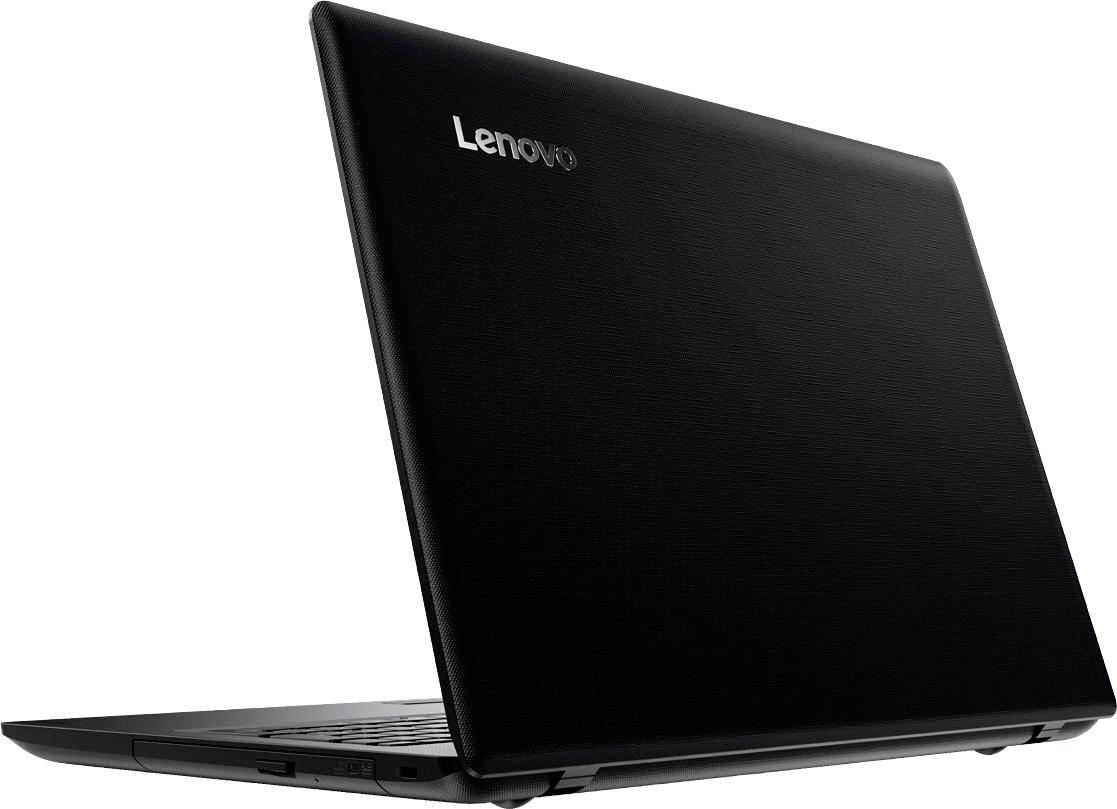
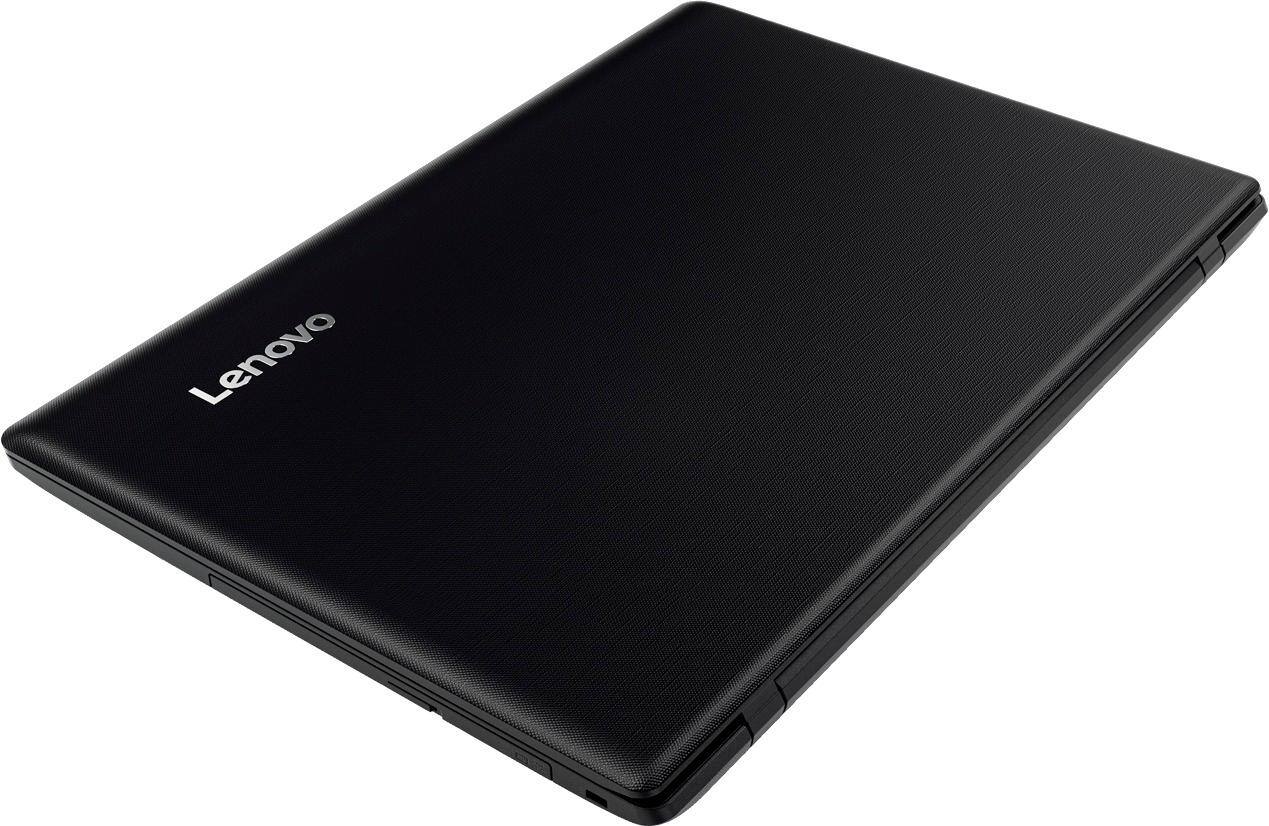
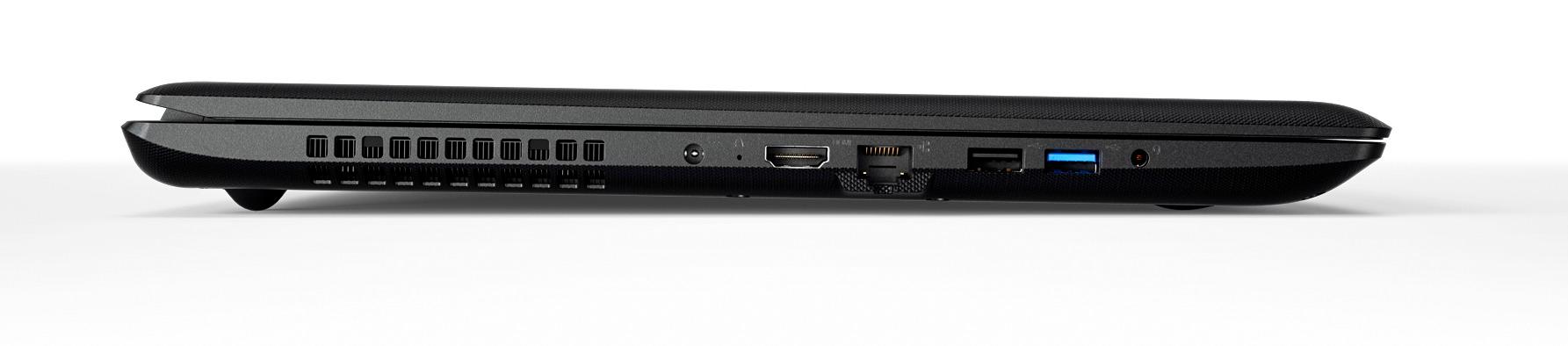
Lenovo - 15.6" Laptop - AMD A6-Series - 4GB Memory - AMD Radeon R4 - 500GB Hard Drive - Black