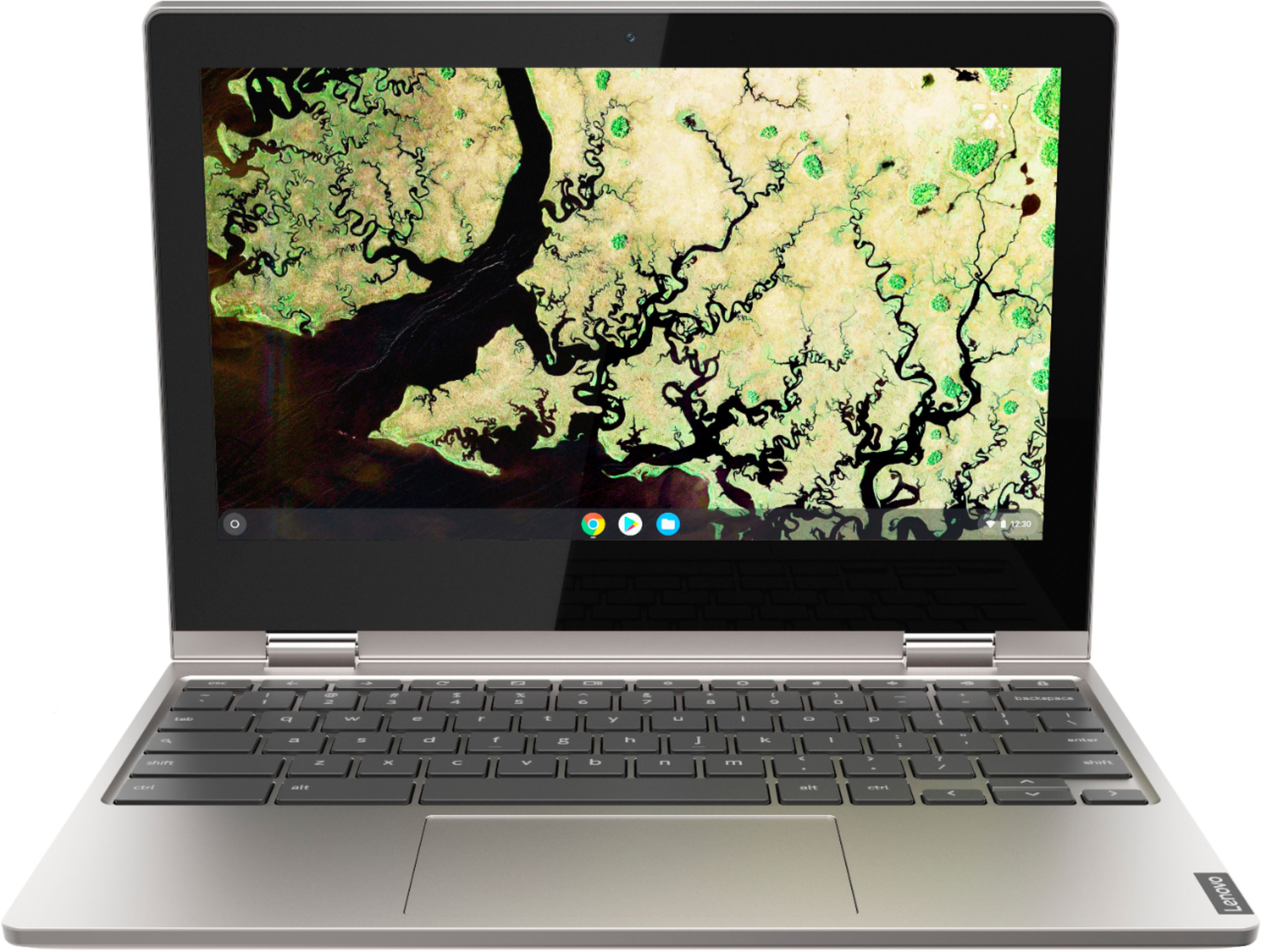
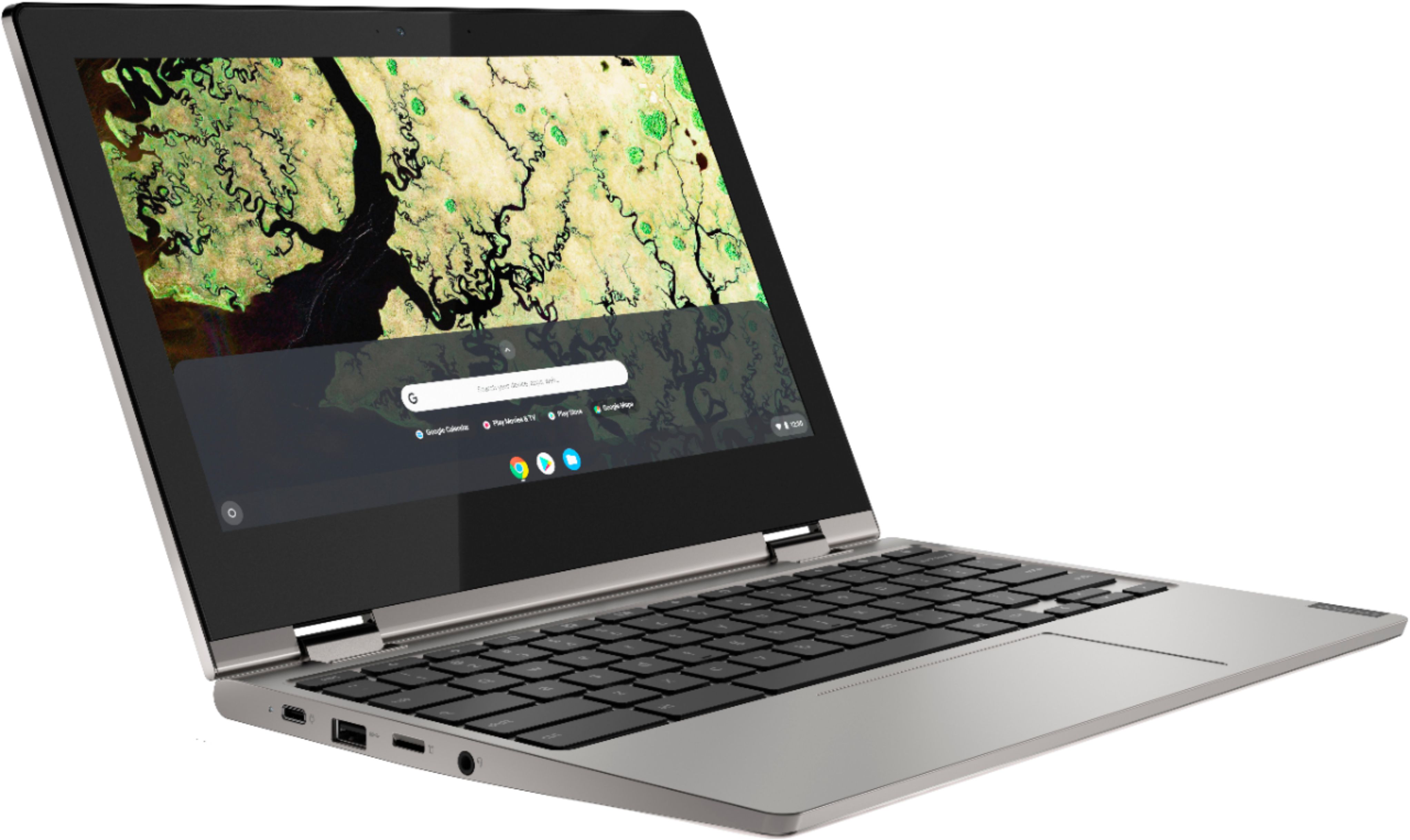
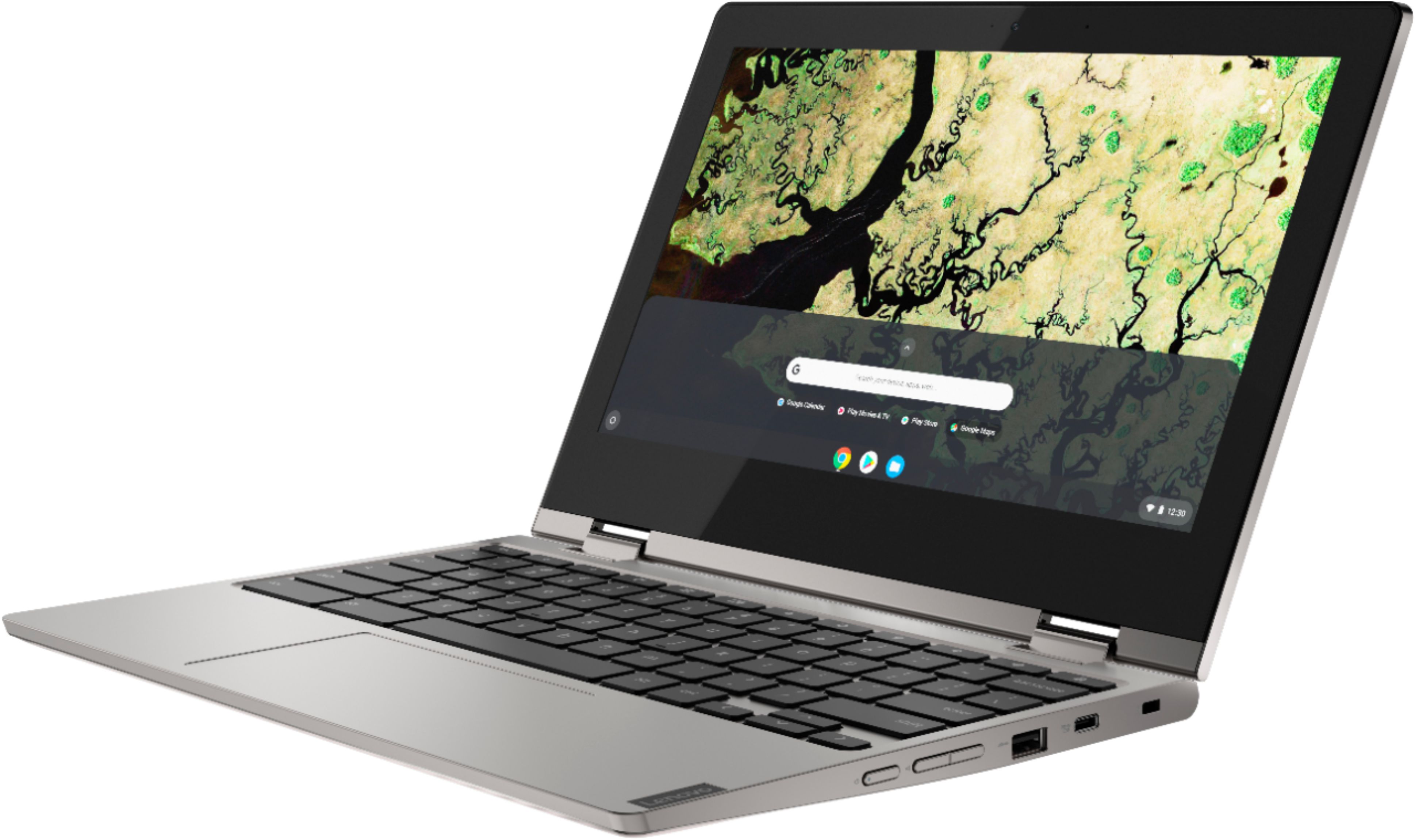
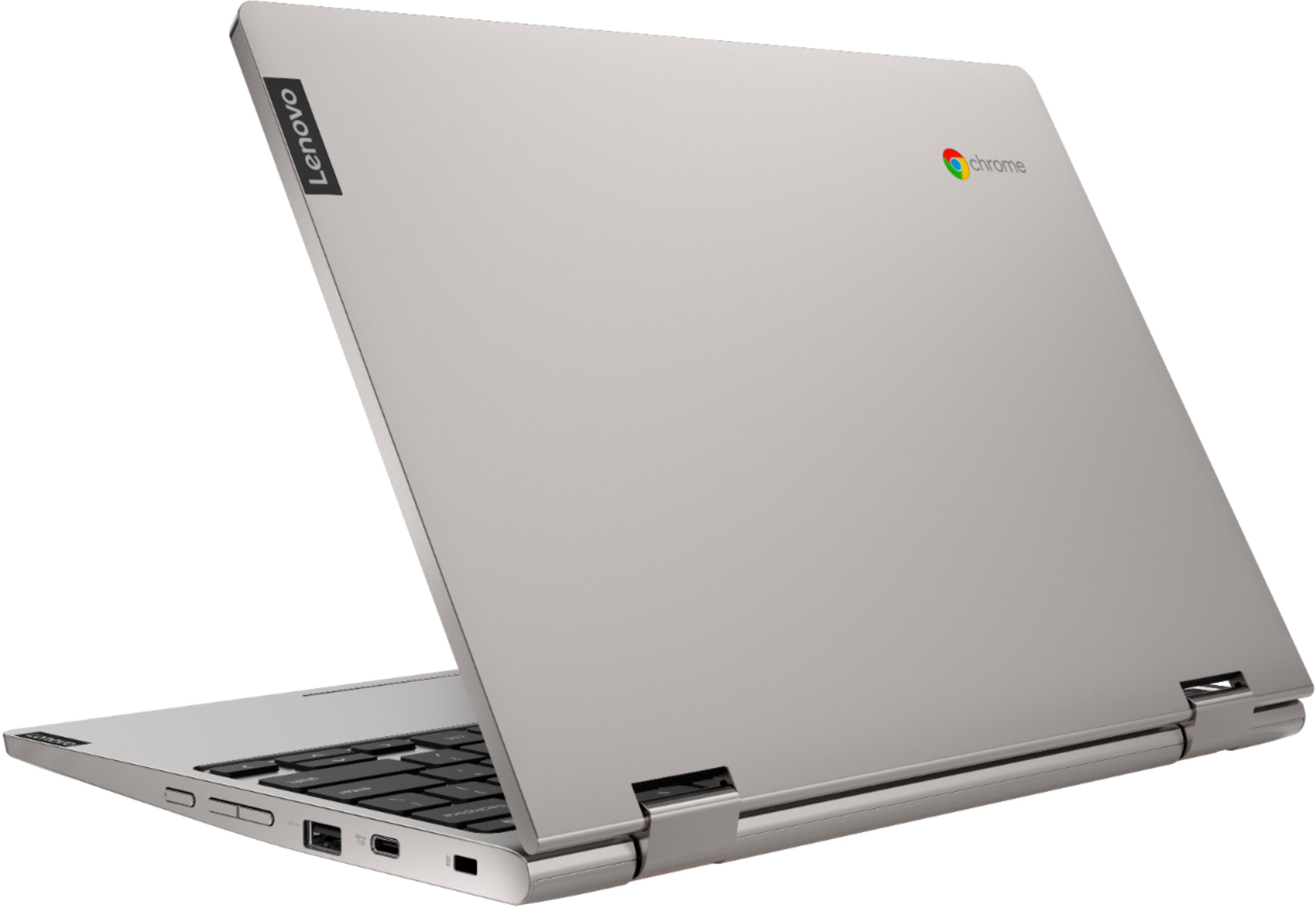
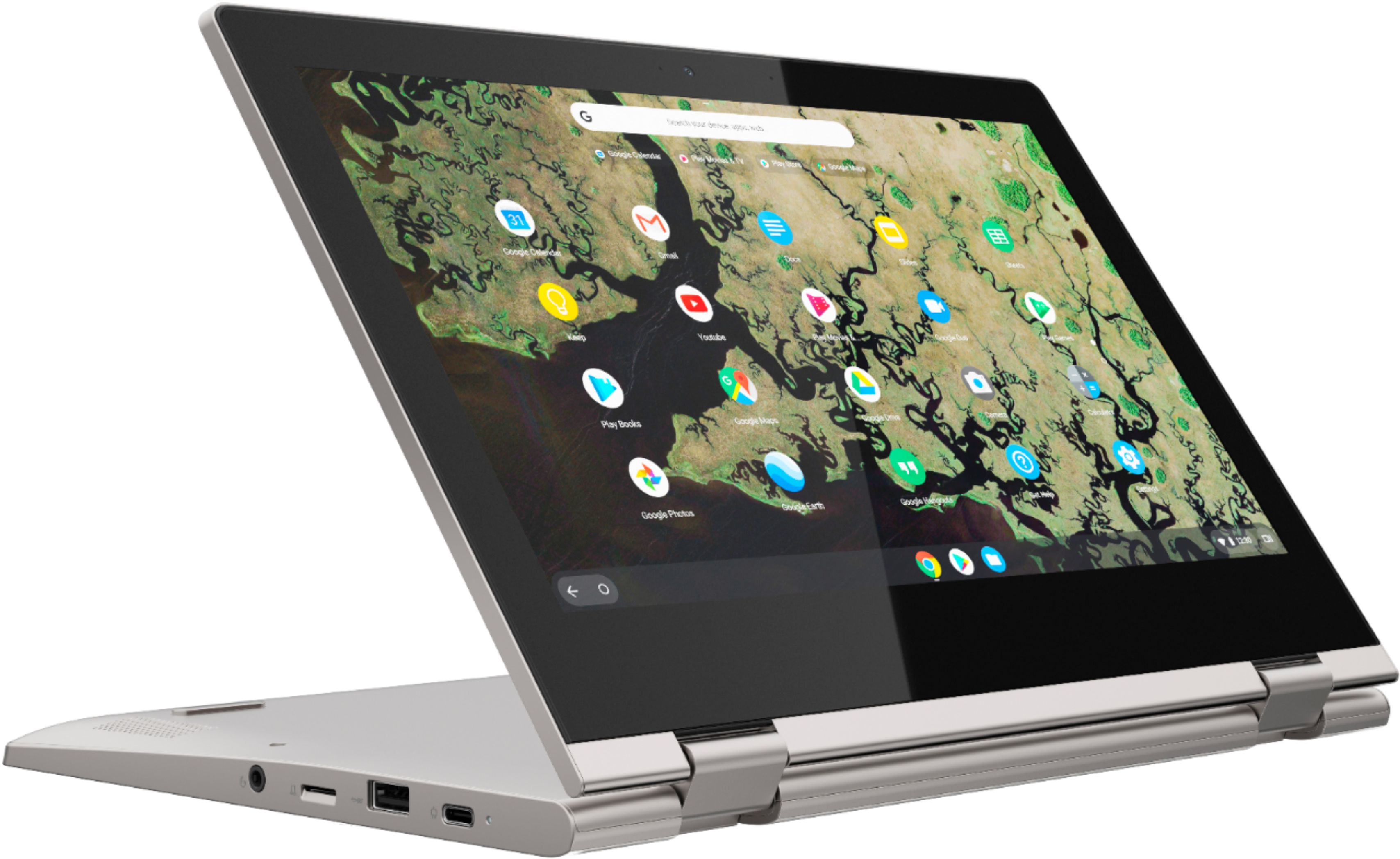
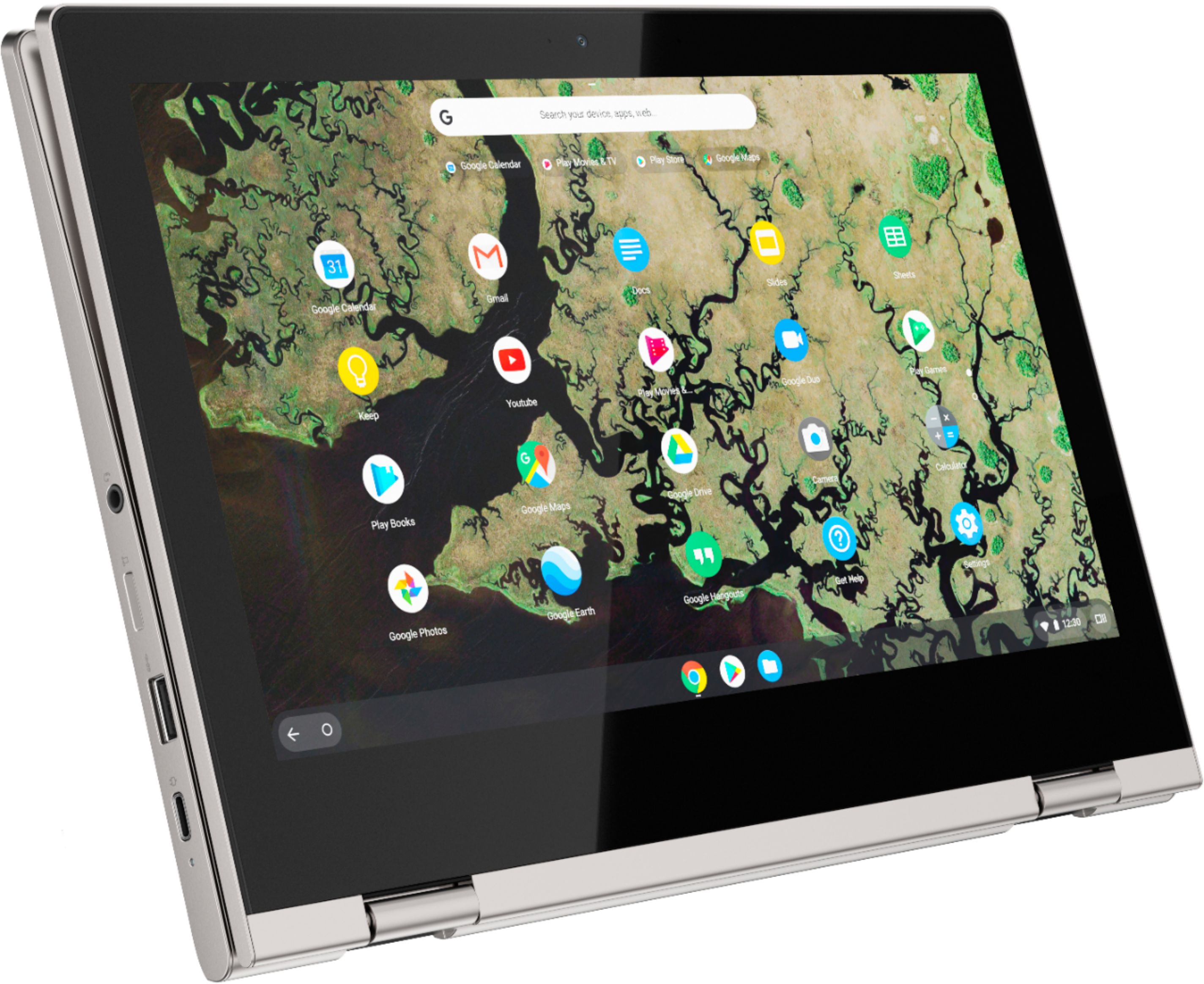
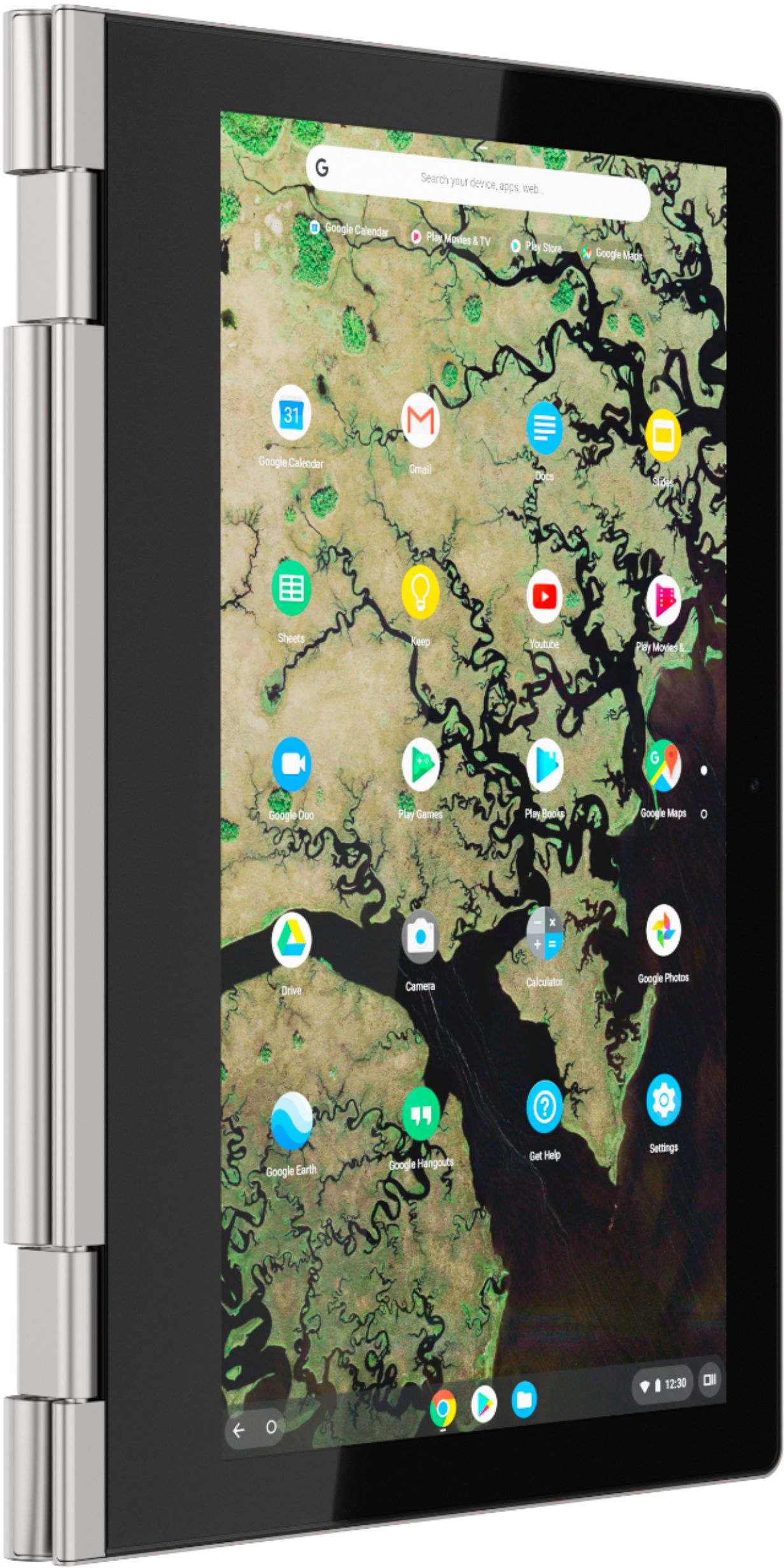
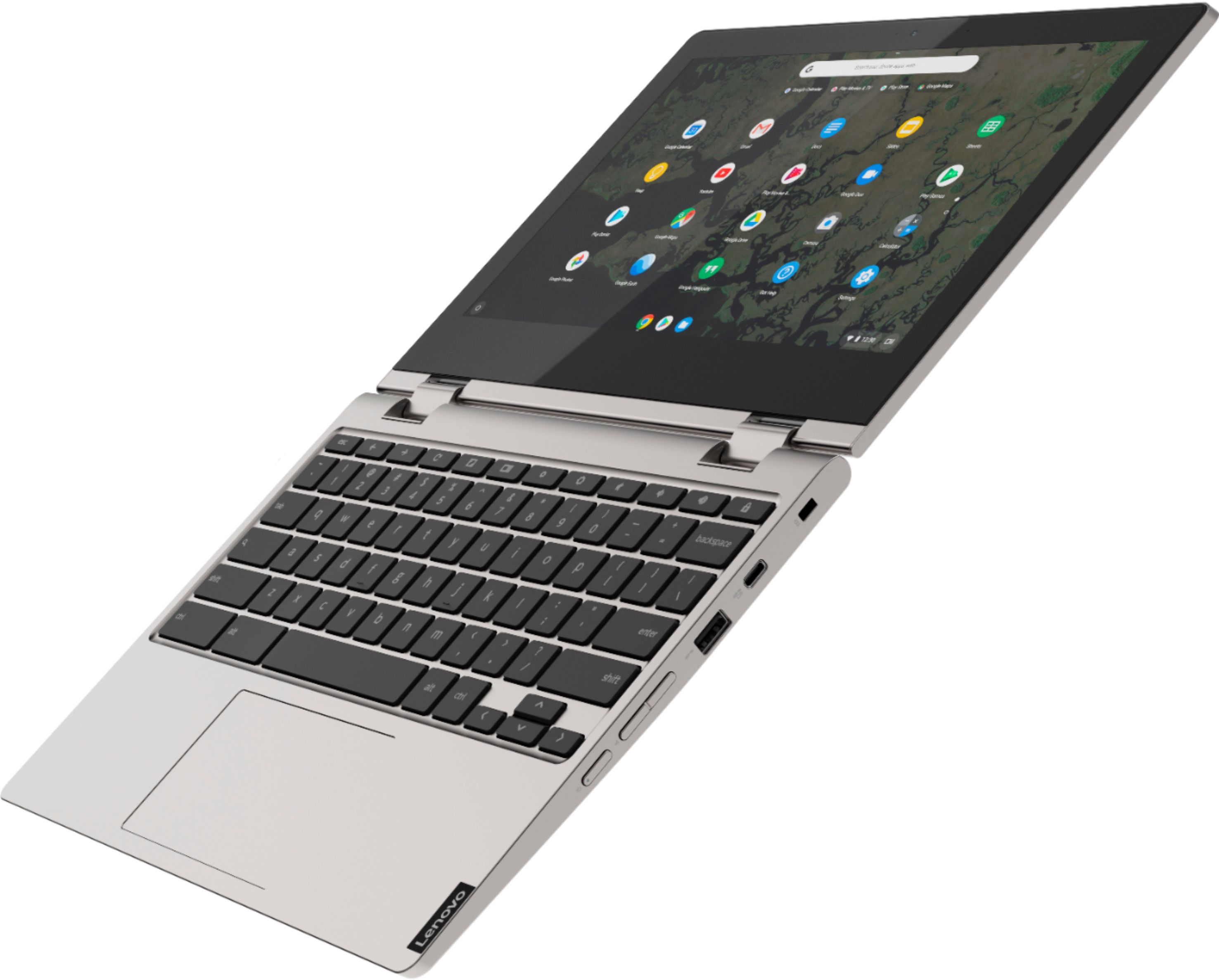
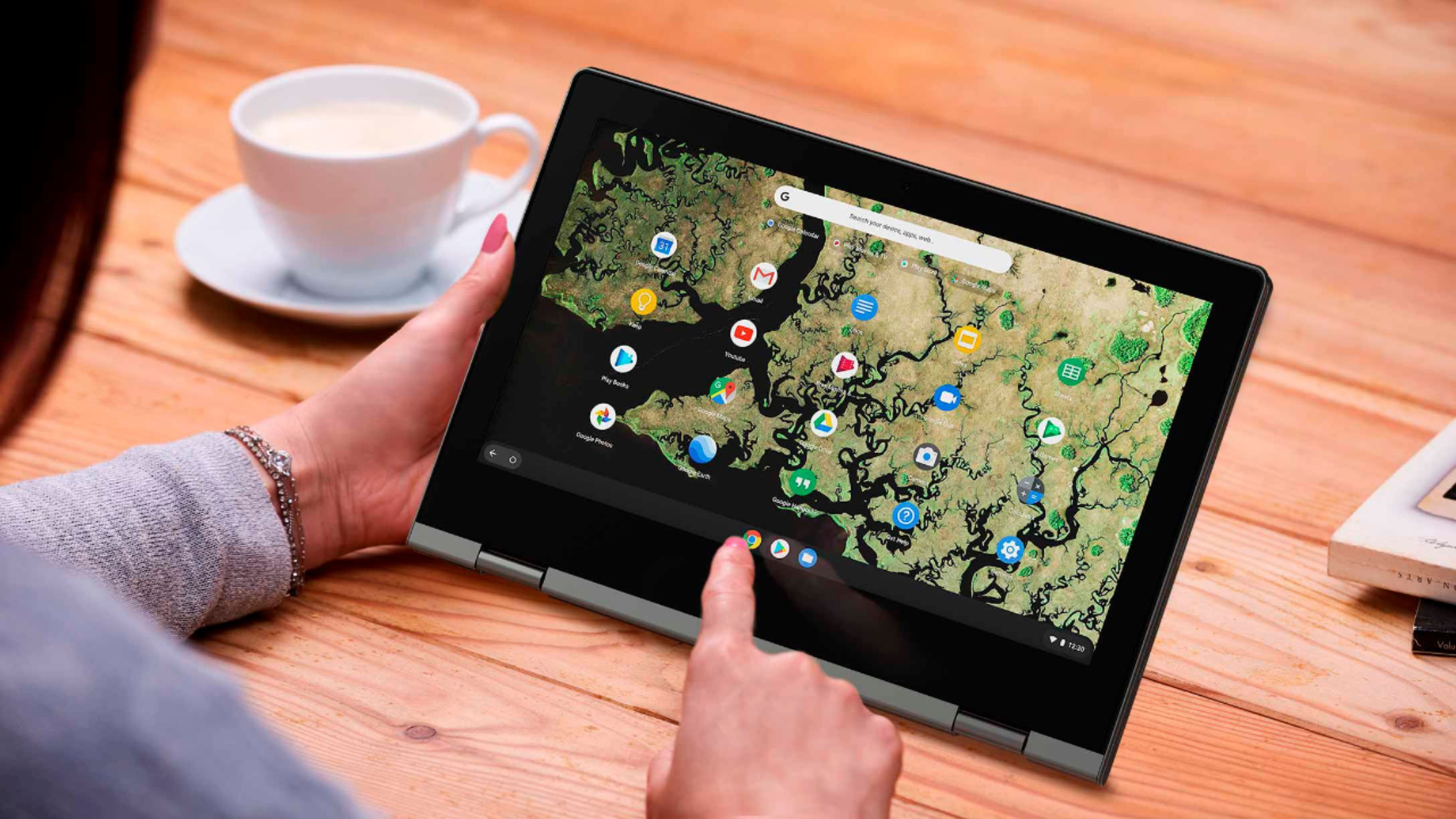
A:AnswerThat will depend on the requirements and compatibility of the specific software you want to use. The Lenovo C340-11 Chromebook uses the Chrome Operating System and is compatible with the Google Play Store APPs. We recommend you check with the specific software publisher's web site for their compatibility with the Chrome operating system and the minimum/recommended hardware requirements (Is a Graphics card required, the processor speed and the minimum required system RAM and the minimum available hard drive space) to run their program, then compare those requirements to this system's configuration.
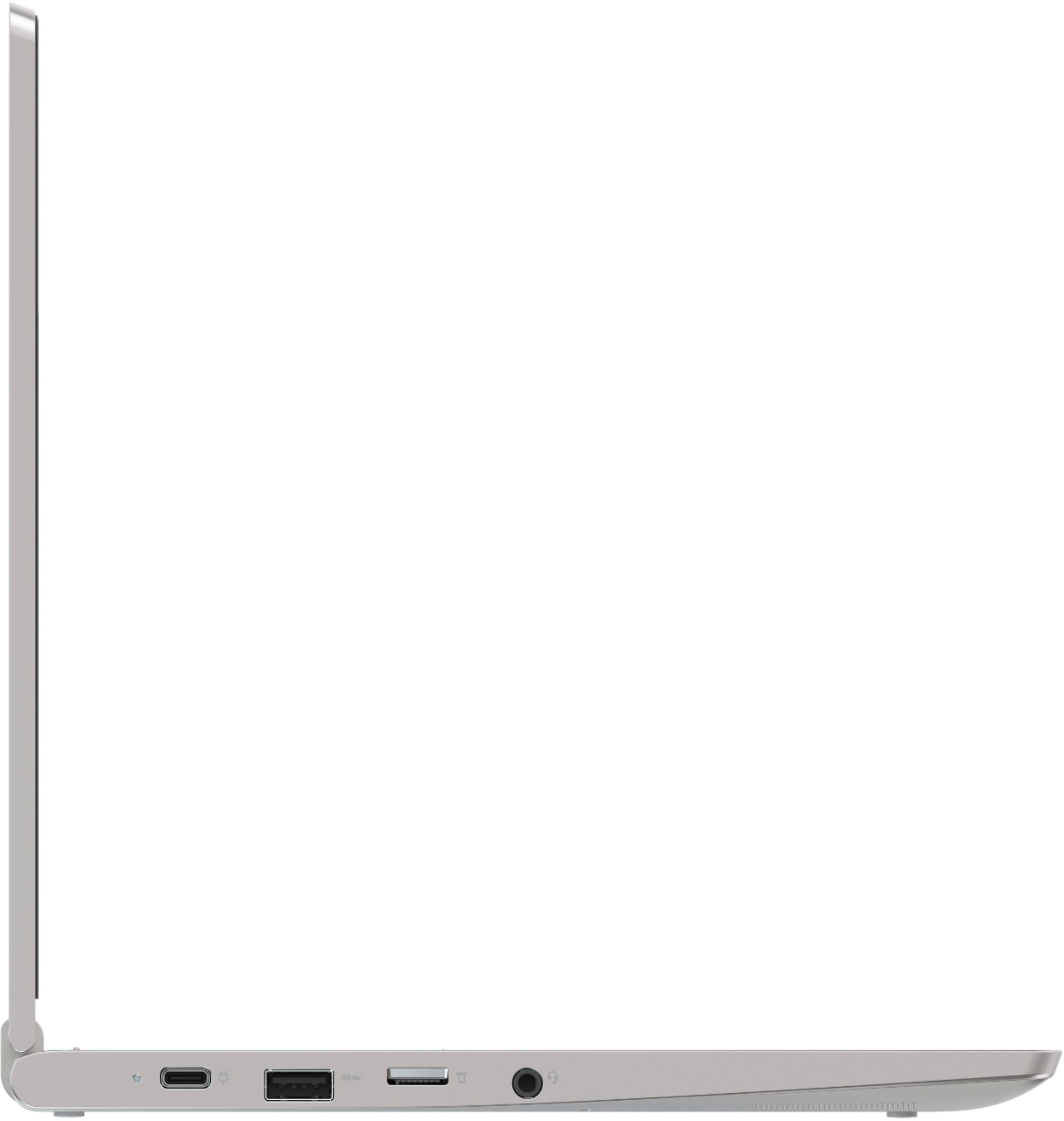
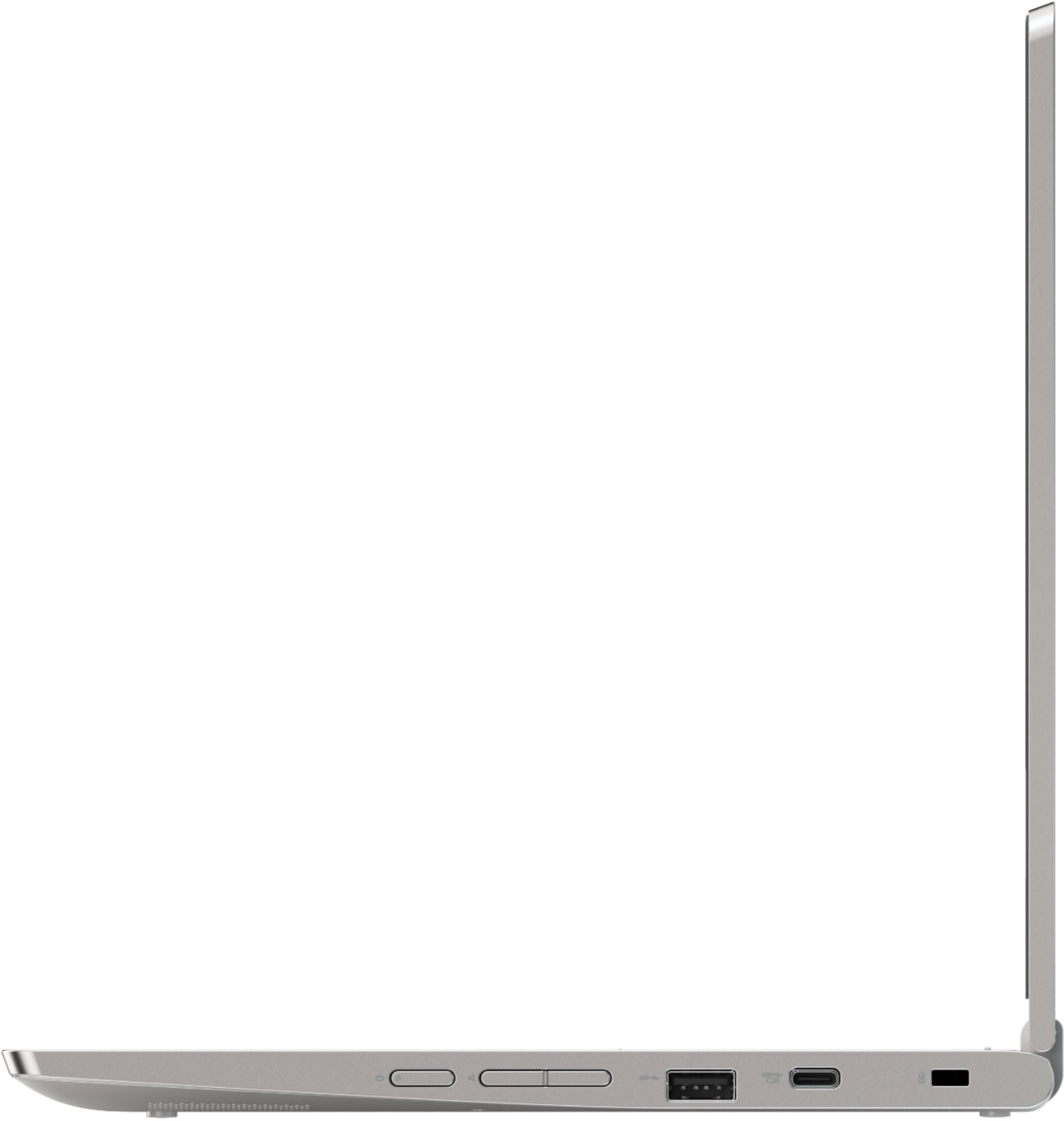
A:AnswerThat will depend on the compatibility of the projector to the Chrome Operating System. There is an HDMI-Out port on the C340-11 Chromebook to connect an external device to. The Lenovo C340-11 Chromebook is compatible with Google Play Store APPs. We recommend you check with the specific projector you use, web site for their compatibility with the Chrome operating system and the minimum/recommended hardware requirements (Is a Graphics card required, the processor speed and the minimum required system RAM and the minimum available hard drive space) to run their program, then compare those requirements to this system's configuration.
A:AnswerYou can use any printer that is compatible with the Chrome Operating System and the Google Cloud Print APP. We recommend you check with the printer manufacturer for compatibility of your specific printer and the pairing instructions for a new Chromebook with your model printer.