A:AnswerCheck the HP print app for chrome OS, if your printer is in the list of compatible printer it shall work. You can try the app on any laptop with chrome browser installed it does not need to be a Chromebook..
A:AnswerThe Lenovo C330 Chromebook is not compatible with any digital or active pen. You can use a standard capacitive touch stylus (non-digital) to draw with. This would give you a result similar to using your finger on the touchscreen.
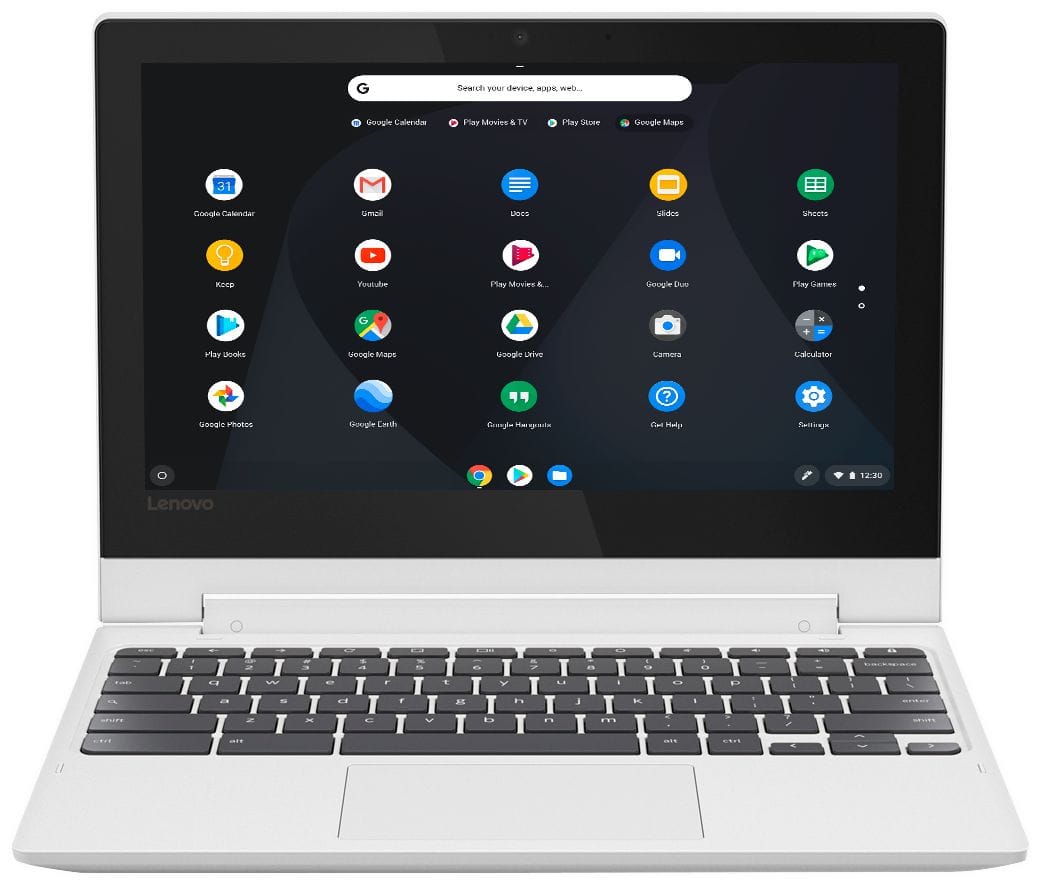
A:AnswerVery little is preloaded, (thank you lenovo) only thing I found was we weblinks to the basics of google docs and slides and the web store but none of it takes any storage space.
A:AnswerI edited light videos with little added animations and extras it can handle it just processing it will be slow, but if you can do it with your phone you can do it a lot easier on this.
A:AnswerThis is a Chromebook. It is compatible with Google Play Store APPs. We recommend you check with Apple Music for compatibility with the Chrome operating system and this device configuration.
A:AnswerNo, there is no photo editing software installed on this Chromebook. To look for compatible photo editing APPs, check the Google Play Store, then we recommend you check with the APPs publisher's web sites for their compatibility with the Chrome operating system and the minimum/recommended hardware requirements (Is a Graphics card required, the processor speed and the minimum required system RAM and the minimum available hard drive space) to run their program, then compare those requirements to this system's configuration.