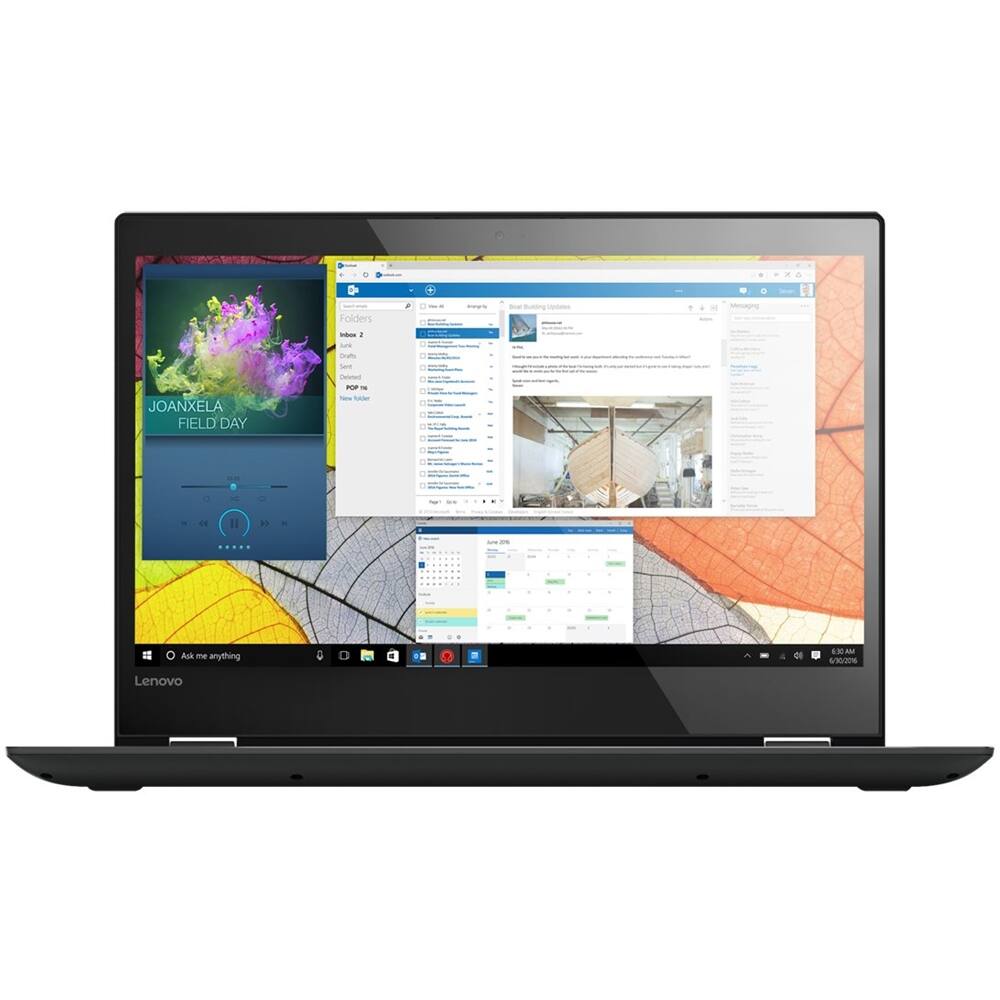
A:AnswerYes, this Windows 10 system can boot from a bootable Flash Drive. According to Microsoft: 1.Connect a bootable USB drive to a USB port on your PC.
2.Boot to Advanced startup options from within Windows 10.
3.After the computer restarts, click/tap on the Use a device option.
4.Click/tap on the USB drive that you want to use to boot from.
A:AnswerThis model is not user upgradable. A certified technician must do all of the work, so as to not void the warranty. There is one RAM slot on this device. The maximum RAM the system can support is 16GB, so your certified technician can replace the existing RAM with more.