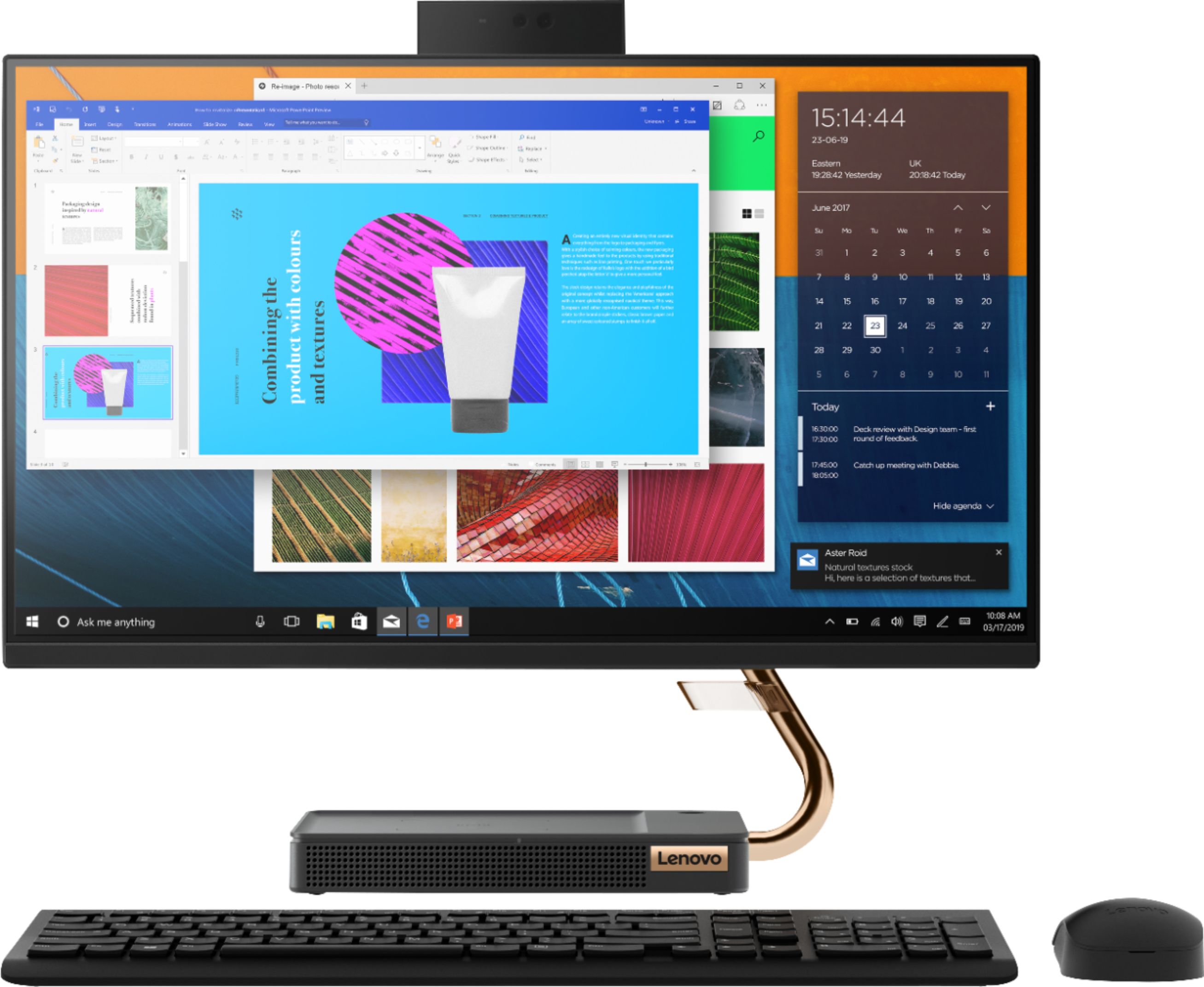
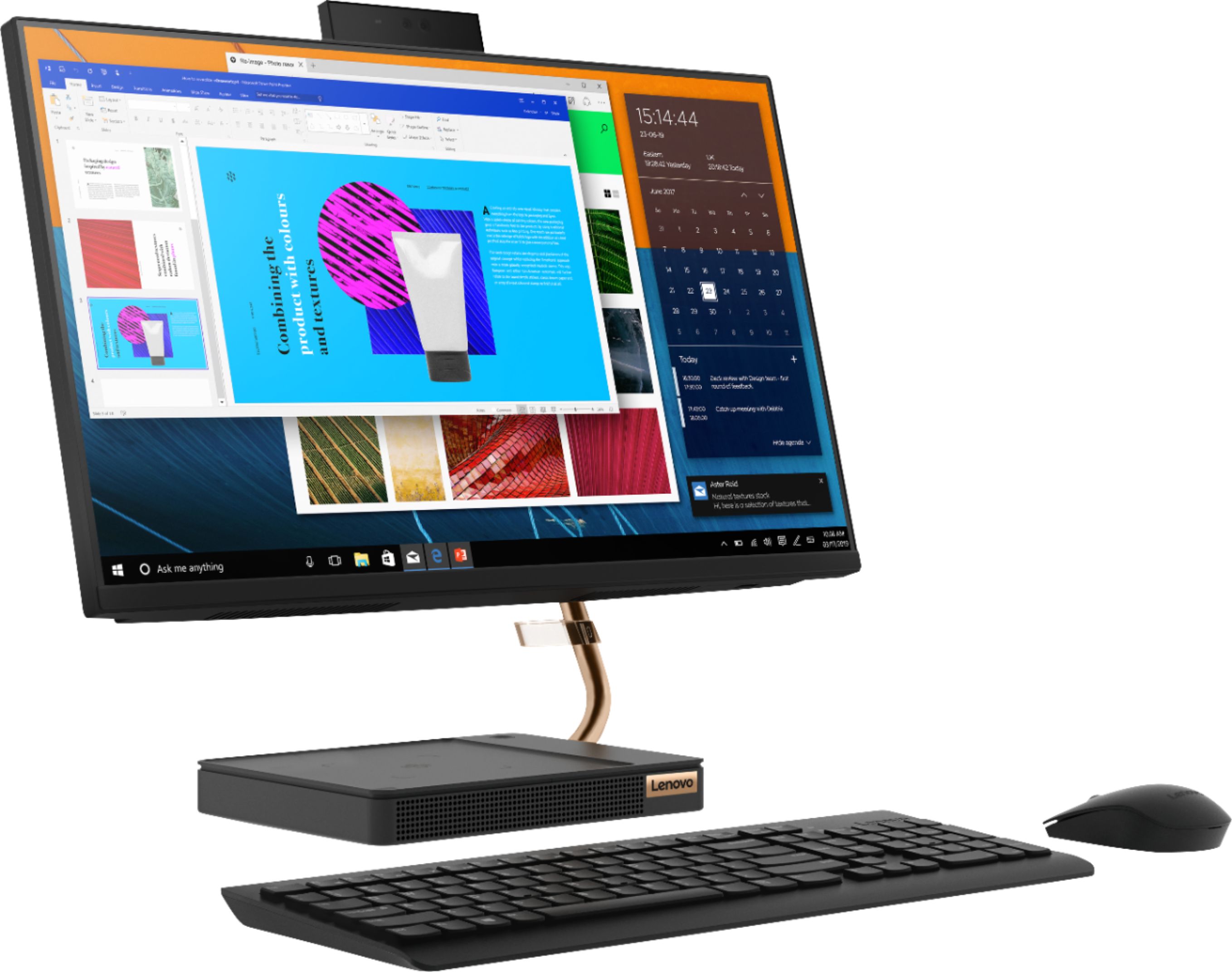
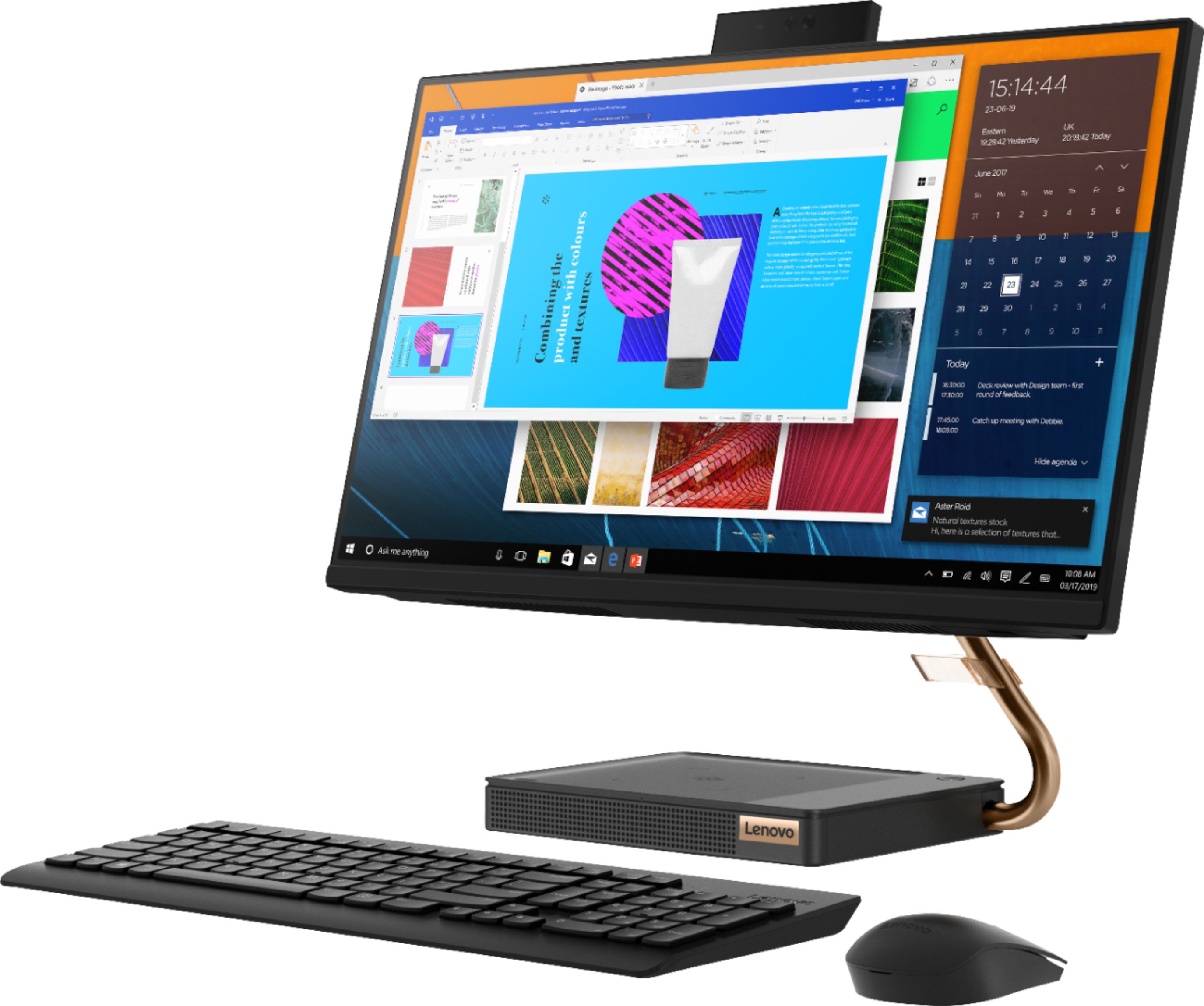
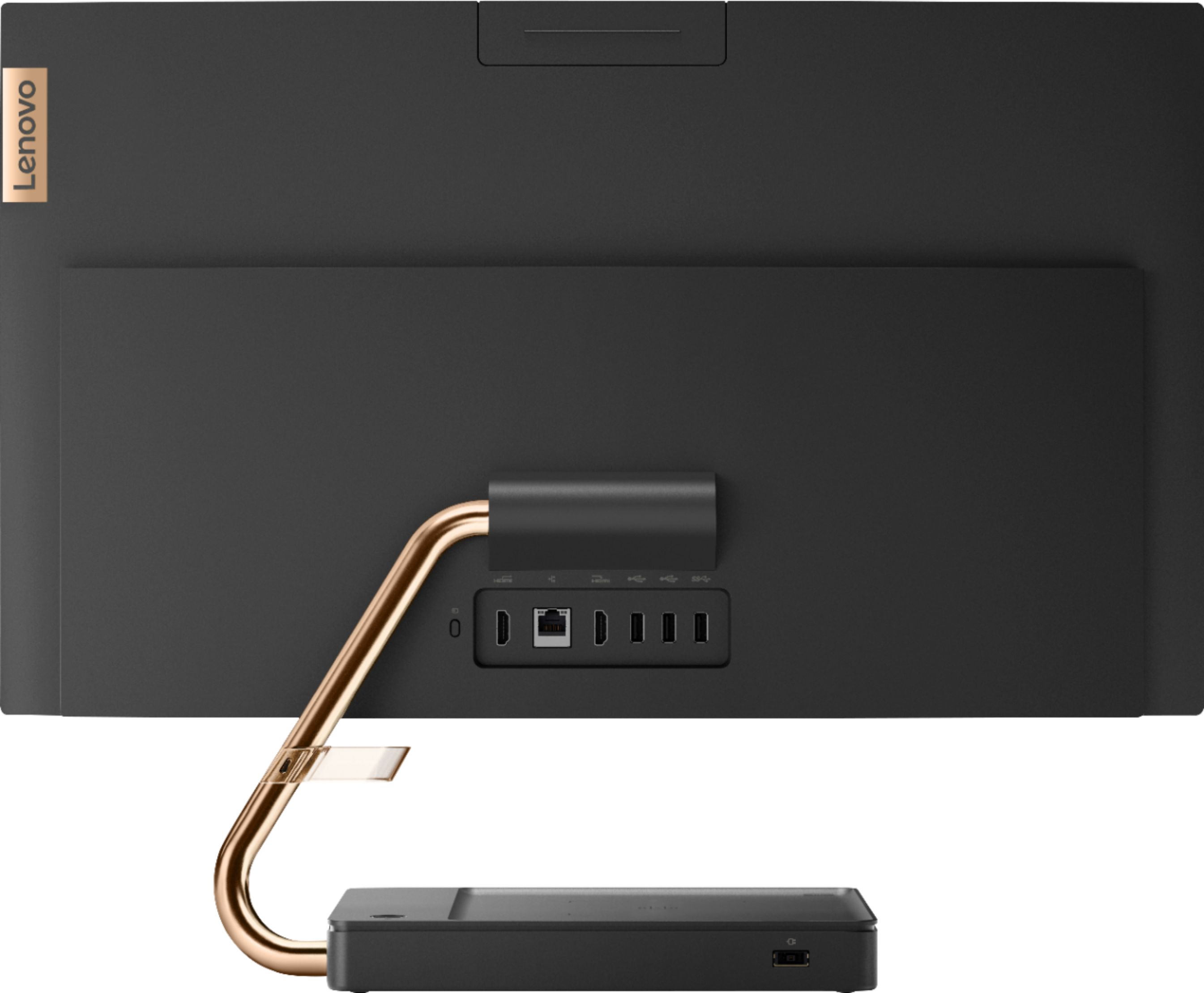
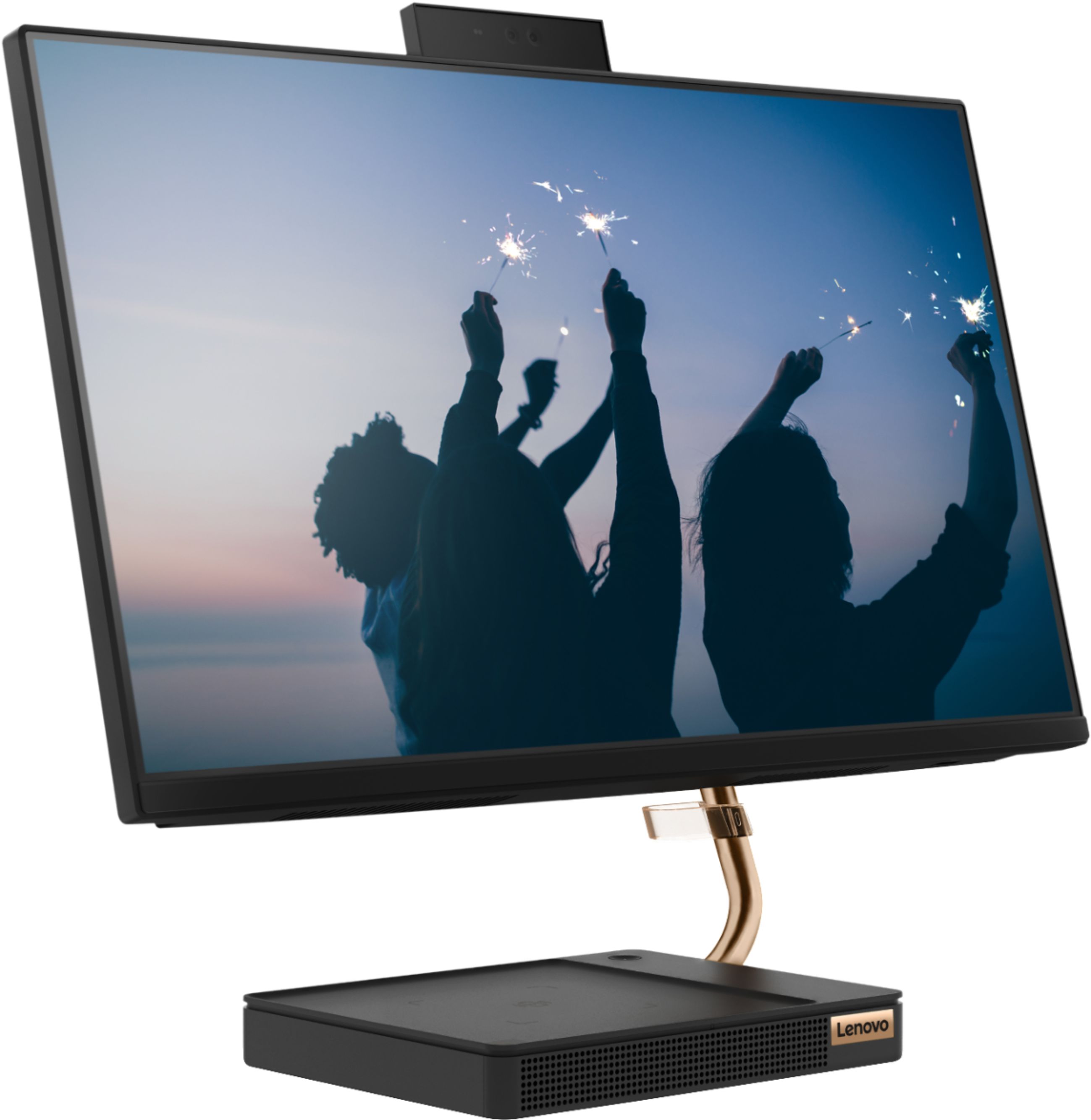
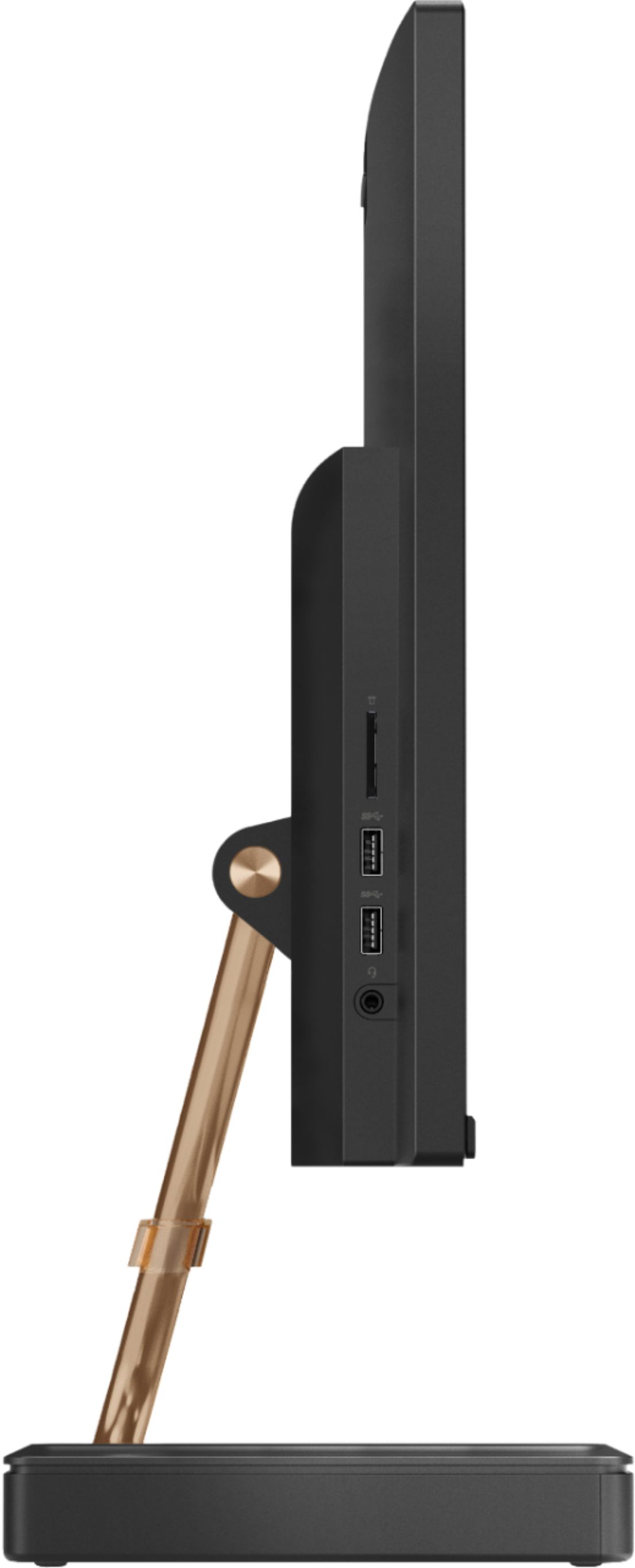
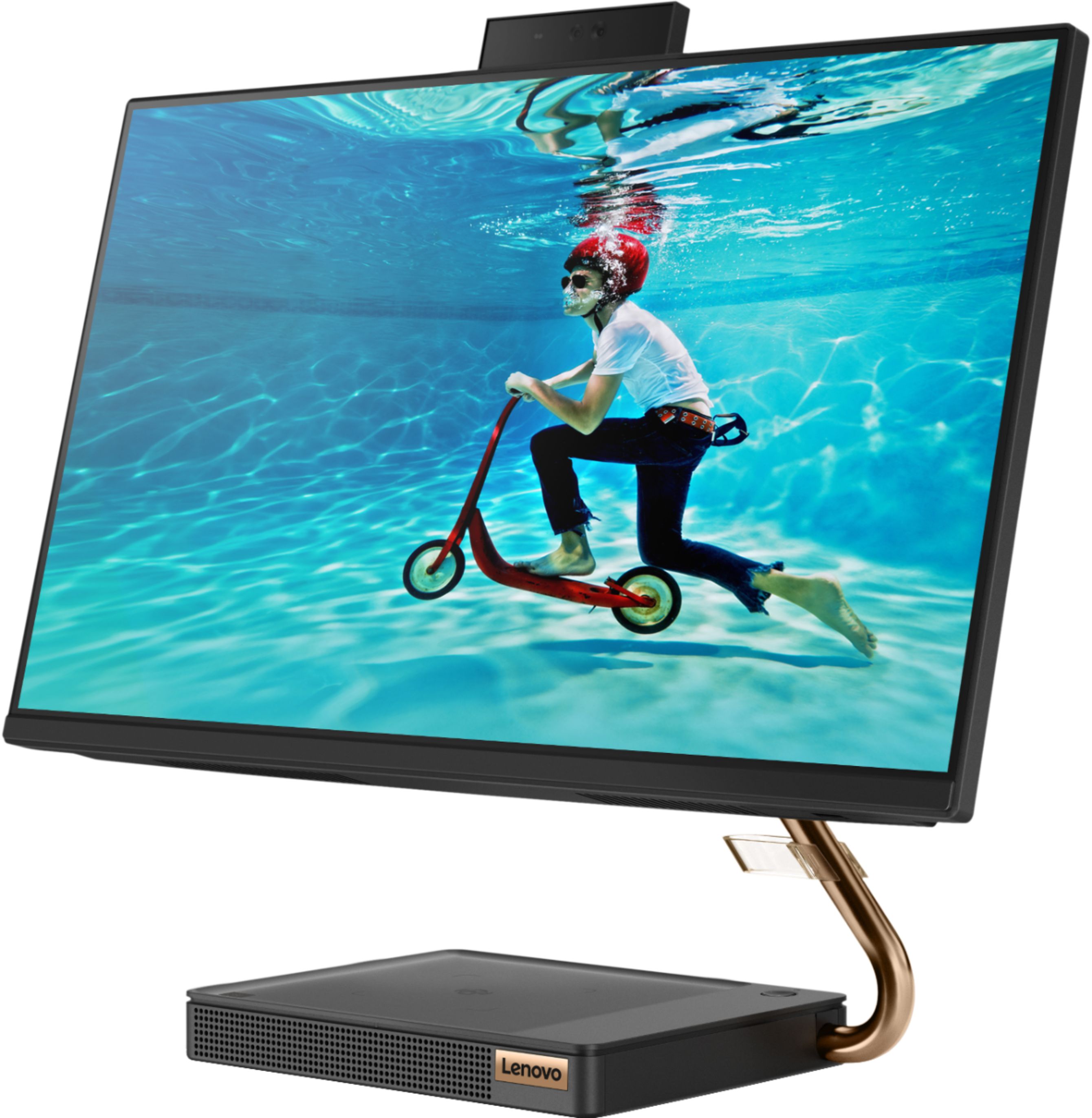
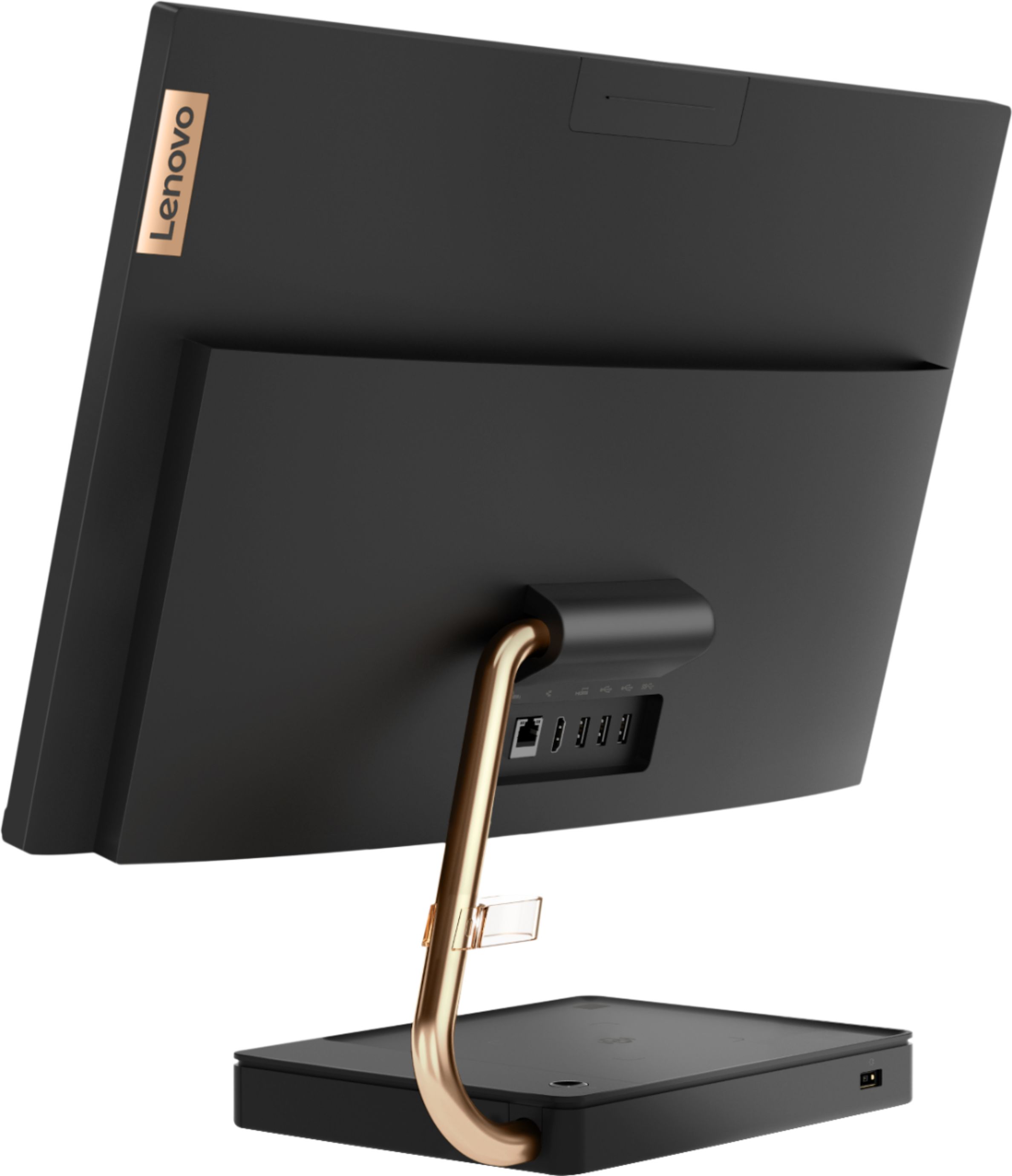
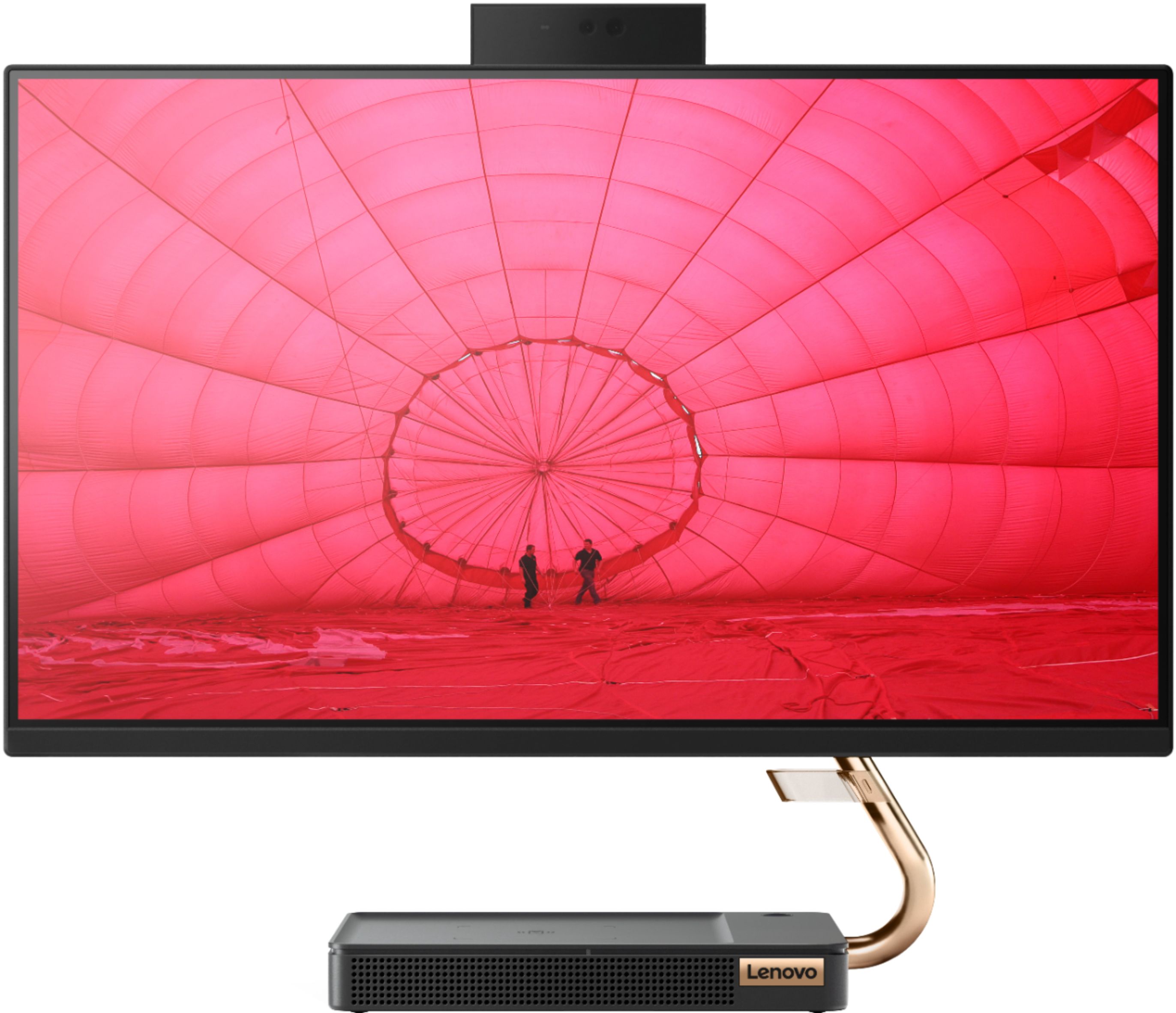
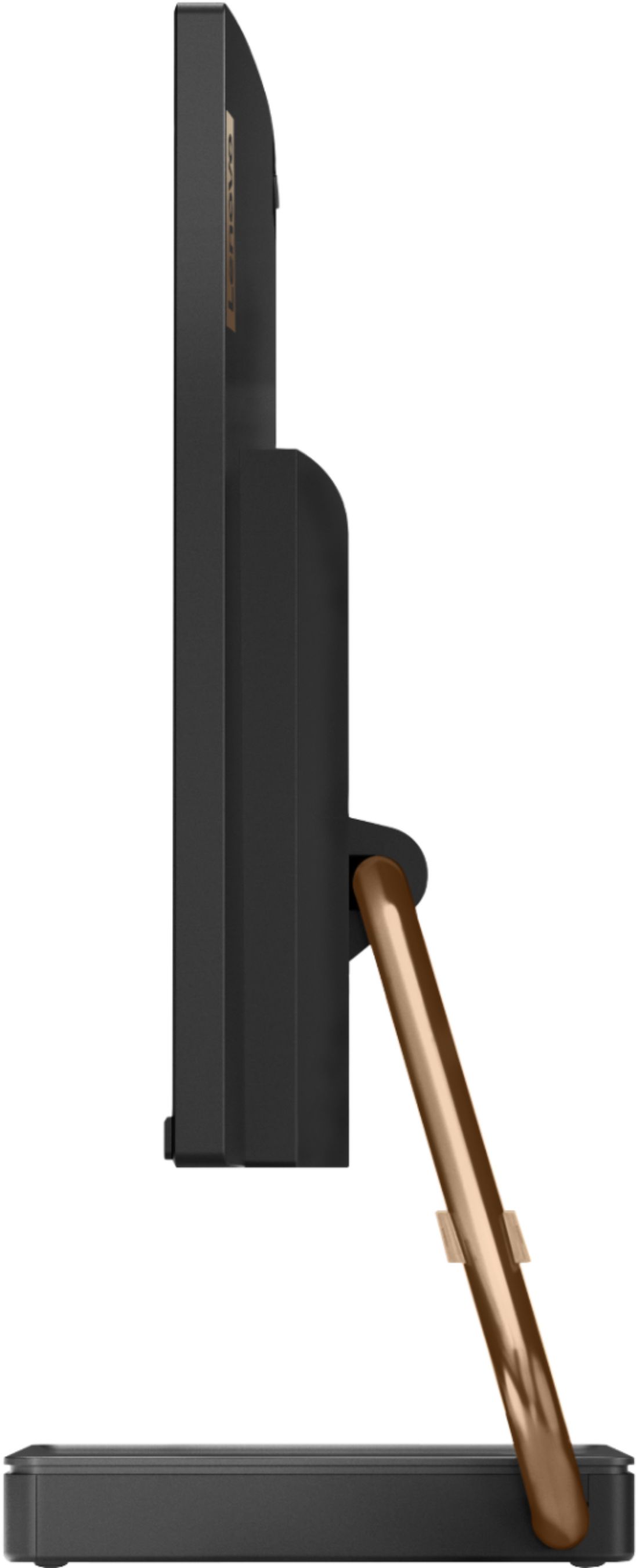
A:AnswerYes, the Lenovo IdeaCentre A540-24 All-In-One system model number F0EM0003US, ships with 5G, 802.11ac frequency WiFi built in as well as having an ethernet port for wired connectivity.
A:AnswerThat really will depend on the requirements and compatibility of the specific game. We recommend you check with the specific game's software publisher's web site for their compatibility with Windows 10 Home 64-bit operating system and the minimum/recommended hardware requirements (Is a Graphics card required, the processor speed and the minimum required system RAM and the minimum available hard drive space) to run their program, then compare those requirements to this system's configuration.
A:AnswerThe Lenovo A540-24 All-In-One system is more than just a monitor. It is an all-in-one computer with the system board, processor and RAM all built in the the back of the screen area. It is a general use configuration. Whether it is compatible with gaming software will depend on the requirements and compatibility of the specific games. We recommend you check with the specific game's software publisher's web sites for their compatibility with Windows 10 Home 64-bit operating system and the minimum/recommended hardware requirements (Is a Graphics card required, the processor speed and the minimum required system RAM and the minimum available hard drive space) to run their program, then compare those requirements to this system's configuration.
A:AnswerThe Lenovo IdeaCentre A540-24 All-In-One computer, model number F0EM0003US, ships with a HDMI 1.4 version video in port for connecting an external video source, like a gaming console. We recommend you check with your gaming console manufacturer's website for the requirements and compatibility of the gaming console with a video screen and the required connection version/type.
A:AnswerHello, yes you will need a monitor that uses HDMI and then you will plug the external monitor into the HDMI out on the back of the Lenovo A540 AIO model # F0EM0003US.
A:AnswerThis model is not user upgradable. A certified technician must do all of the work, so as to not void the warranty. We recommend you consult with your certified technician about your memory upgrade options.
A:AnswerThat really will depend on the requirements and compatibility of the editing software you are using. We recommend you check with the editing software publisher's web site of the editing software you will be using, for their compatibility with Windows 10 Home 64-bit operating system and the minimum/recommended hardware requirements (Is a Graphics card required, the processor speed and the minimum required system RAM and the minimum available hard drive space) to run their program, then compare those requirements to this system's configuration.
A:AnswerYes you can add an additional monitor with an adapter like this one https://www.bestbuy.com/site/insignia-usb-to-hdmi-adapter-white/6418342.p?skuId=6418342
A:AnswerTry the other HDMI port on this model. There is one HDMI-Out port for connecting an external monitor and there is one HDMI-In port for connecting an external video source, like a game console, to this computer. It sounds like you are connected to the HDMI-In port currently. If the issue continues, we recommend you call Lenovo Tech Support at: 877-453-6686.
A:AnswerWe are sorry to heart that you are having issues with the webcam on your Lenovo IdeaCentre A540-24 All-In-One System, model number F0EM0003US. The web cam on this model has a retractable housing that is located at the top of the screen. Be sure this retractable housing is extended above the top of the monitor before you try to use the webcam. Here is a demonstration YouTube video that highlights the webcam features and operation: https://www.youtube.com/watch?v=_3csg4VY7mY&t=96s. If the issue continues, we recommend you call Lenovo Tech Support for additional help at: 877-453-6686.
A:AnswerHi Heidi! The Lenovo A540-24 Model:F0EM0003US has a front facing 1080p camera. This will work with any program that can access the camera. We do recommend you check the minimum system requirements to run these programs on the developers' websites then compare with the specs of this model to ensure the best user experience.
A:AnswerHi there! Yes you can. This model has an HDMI input and output. To plug in a secondary computer and use this device as a monitor plug in the HDMI out from the secondary computer to the HDMI in on the Lenovo A540 24 Model:F0EM0003US. Lastly select the appropriate "HDMI IN" input on the Lenovo A540 all-in-one.
A:AnswerThere is a 30-day trial of Microsoft Office 365 included as part of the Windows 10 operating system. In order to keep the program active after the trial period, you will need to purchase a product key. You will not need to download any additional software.
A:AnswerWe recommend you check with the game's software publisher's web site for their compatibility with Windows 10 Home (or S-Mode if applicable) 64-bit operating system and the minimum/recommended hardware requirements (Is a Graphics card required, the processor speed and the minimum required system RAM and the minimum available hard drive space) to run their program, then compare those requirements to this system's configuration.
A:AnswerReally that depends on the requirements and compatibility of the software you will be using. We recommend you check with the specific software publisher's web sites of the software you will need to use, for their compatibility with Windows 10 Home 64-bit operating system and the minimum/recommended hardware requirements (Is a Graphics card required, the processor speed and the minimum required system RAM and the minimum available hard drive space) to run their program, then compare those requirements to this system's configuration.
A:AnswerThe Lenovo IdeaCentre A540-24 All-In-One system, model number F0EM0003US, ships with both 802.11AC WiFi as well as an ethernet port for a wired network connection, built in.