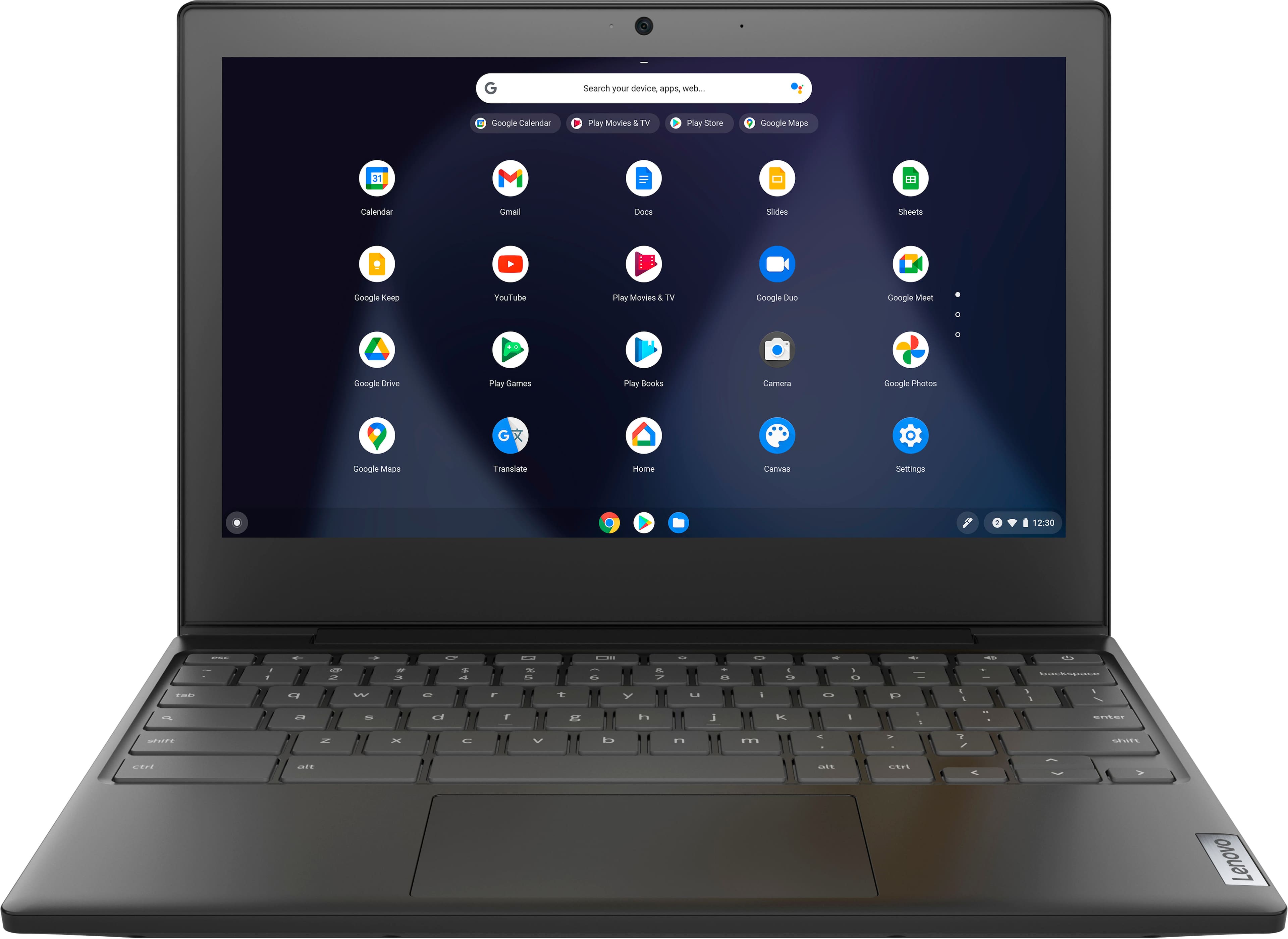
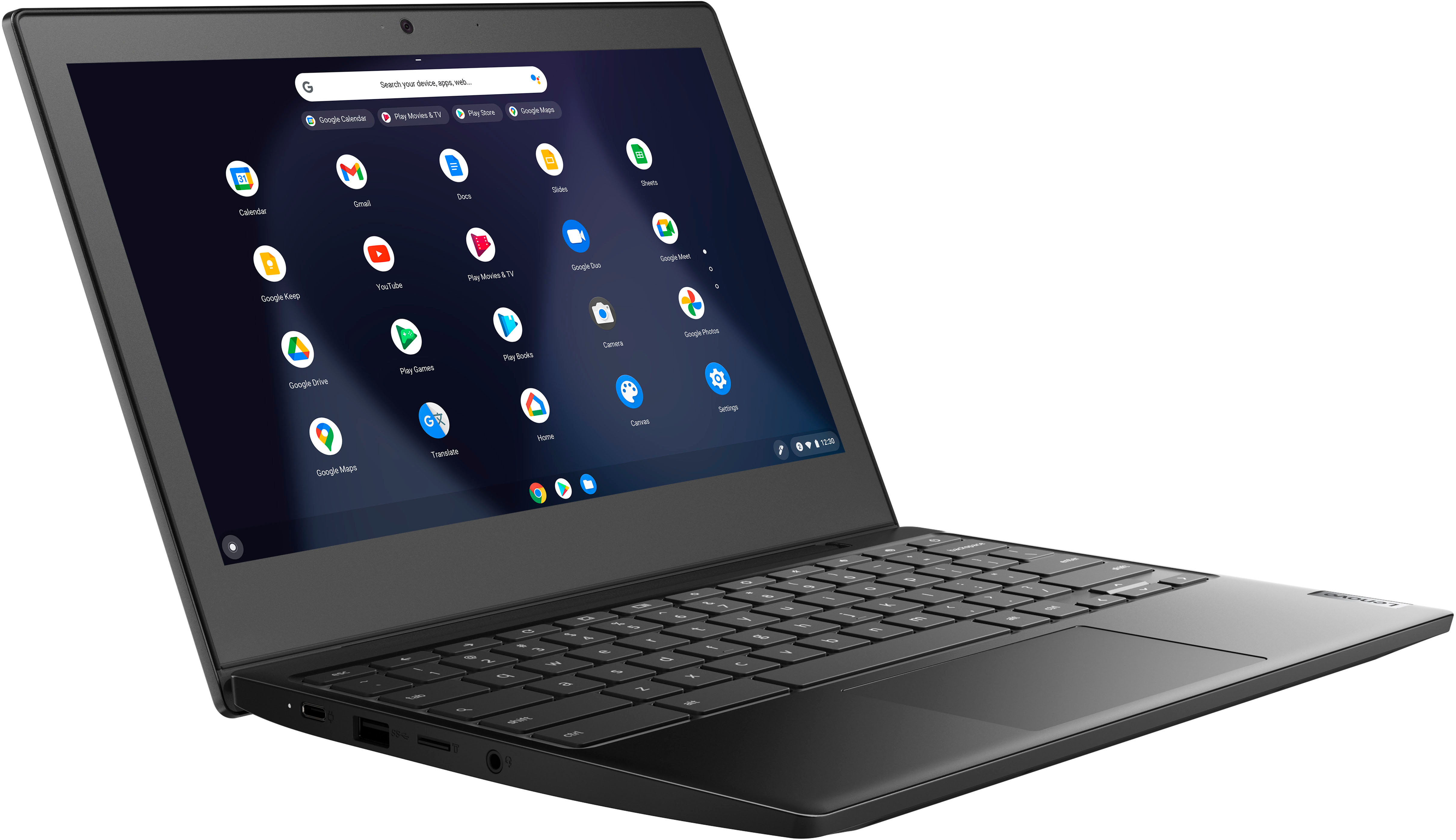
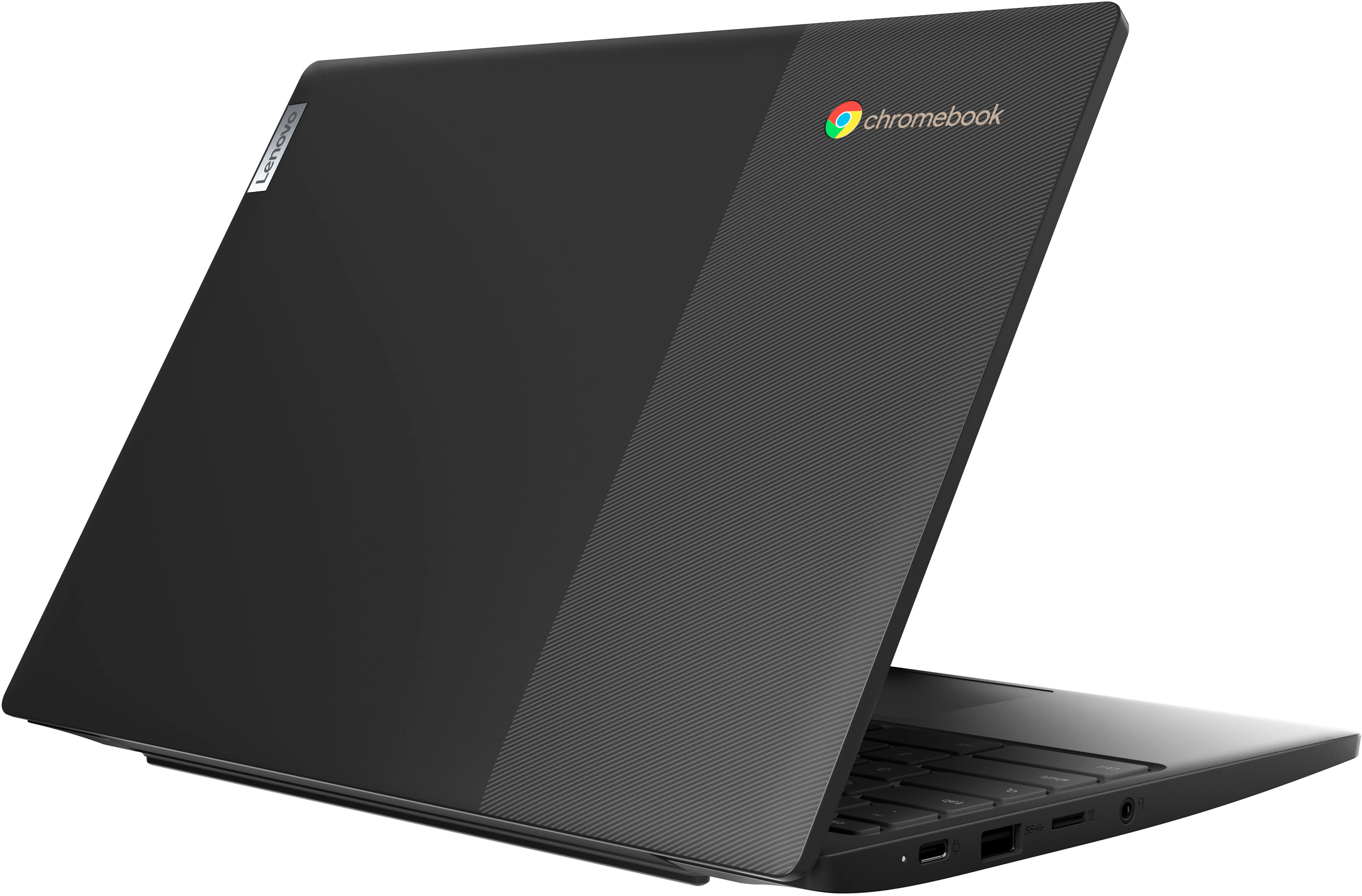
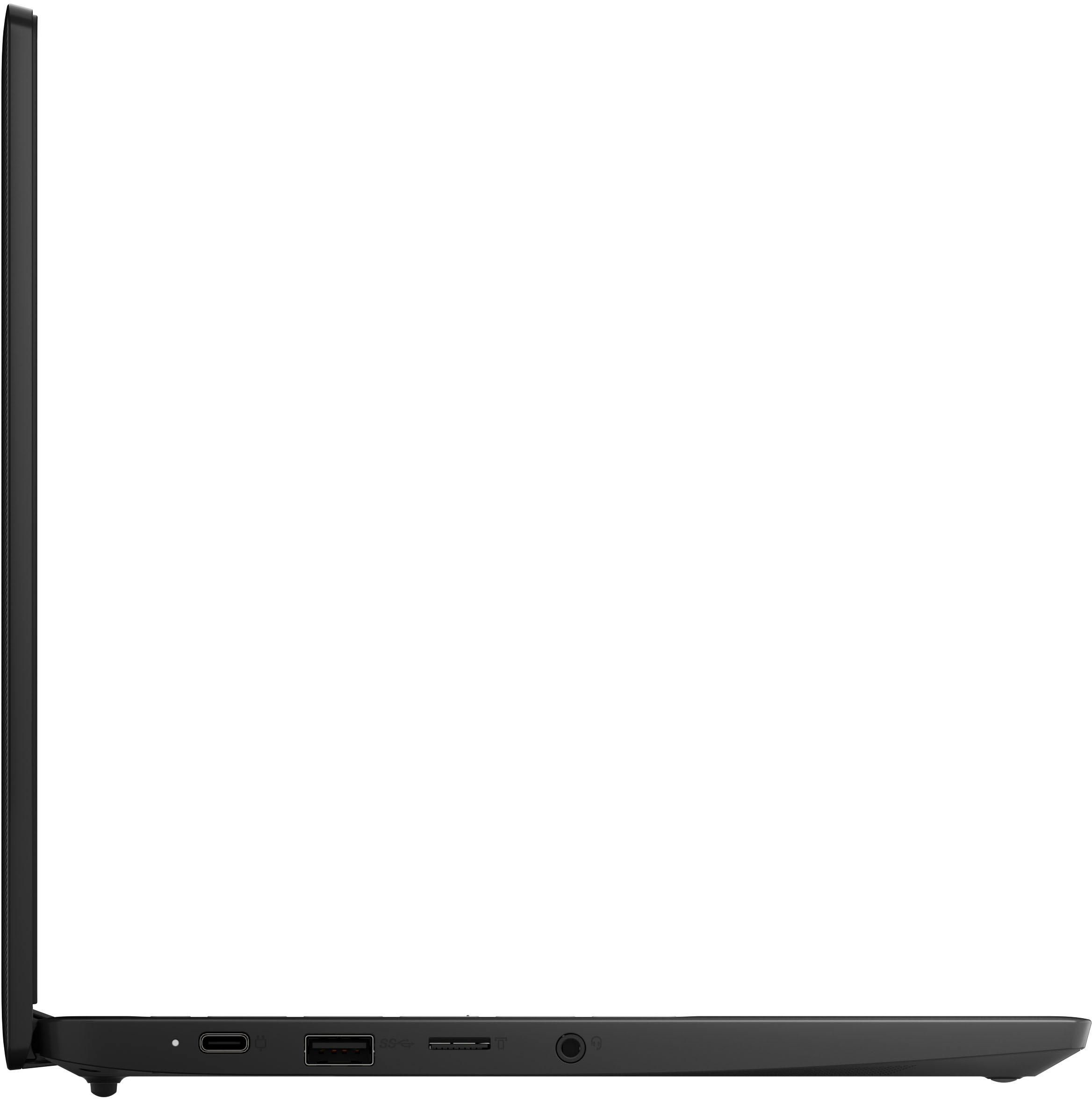
A:AnswerThis Lenovo Chromebook 3 11, model number 82BA001FUS, ships with the Chrome Operating System installed and has a 64GB eMMC 5.1 solid state hard drive soldered on the systemboard. There is also a MicroSD Card Reader Slot. This Chromebook 3 11 is compatible with Google Play Store APPs. Not all Google Play Store APPs are optimized for the Chrome OS. We recommend you check with the specific APPs software publisher's web sites, of the APPs you will want tin install, for their compatibility with the Chrome operating system and the minimum/recommended hardware requirements (Is a Graphics card required, the processor speed and the minimum required system RAM and the minimum available hard drive space) to run their program, then compare those requirements to this Chromebook's configuration.
A:AnswerThe chrome book does come with its own built in antivirus features which works for me, but if you want that extra security you will probably have to purchase a software that is compatible.
A:AnswerThis Lenovo Chromebook 3 11 uses Google Docs for office type programs. Google Docs is completely compatible with Microsoft Office Programs and this is a free service through the Google Server. If you currently have a Microsoft Office 365 Account, you can access that existing account through a Chromebook. Here is a link to more information: https://support.microsoft.com/en-gb/office/how-to-access-microsoft-office-on-a-chromebook-32f14a23-2c1a-4579-b973-d4b1d78561ad#:~:text=Open%20the%20browser%20on%20your,with%20your%20Microsoft%20365%20subscription.
A:AnswerI don't recommend this model for work for school works but if you are going to use as your only source for home I recommend a much more powerful one or a laptop
A:AnswerChrome OS has built in security. from the tech advisor article - "combination of automatic updates to the system, self-monitoring for any changes to files during boot-up, sandboxing of browser tabs so one can’t affect another, and encryption for sensitive data."
And while no device is 100% immune, if you observe best practices, it will be more than enough.
You know the drill I'm sure. Don't install dodgy apps or extensions. Don't fall for phishing scams. Use a VPN when using it in public places.
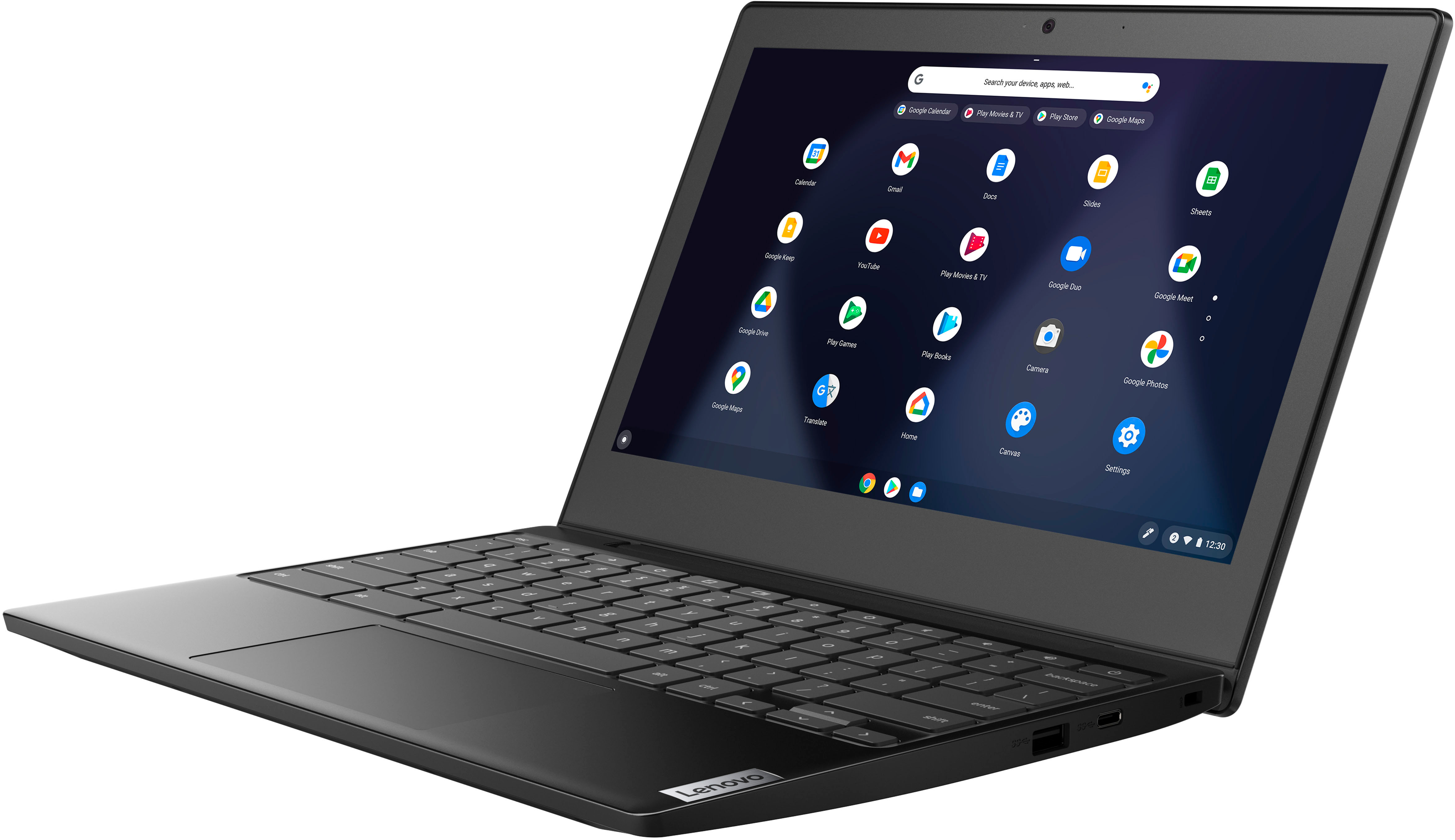
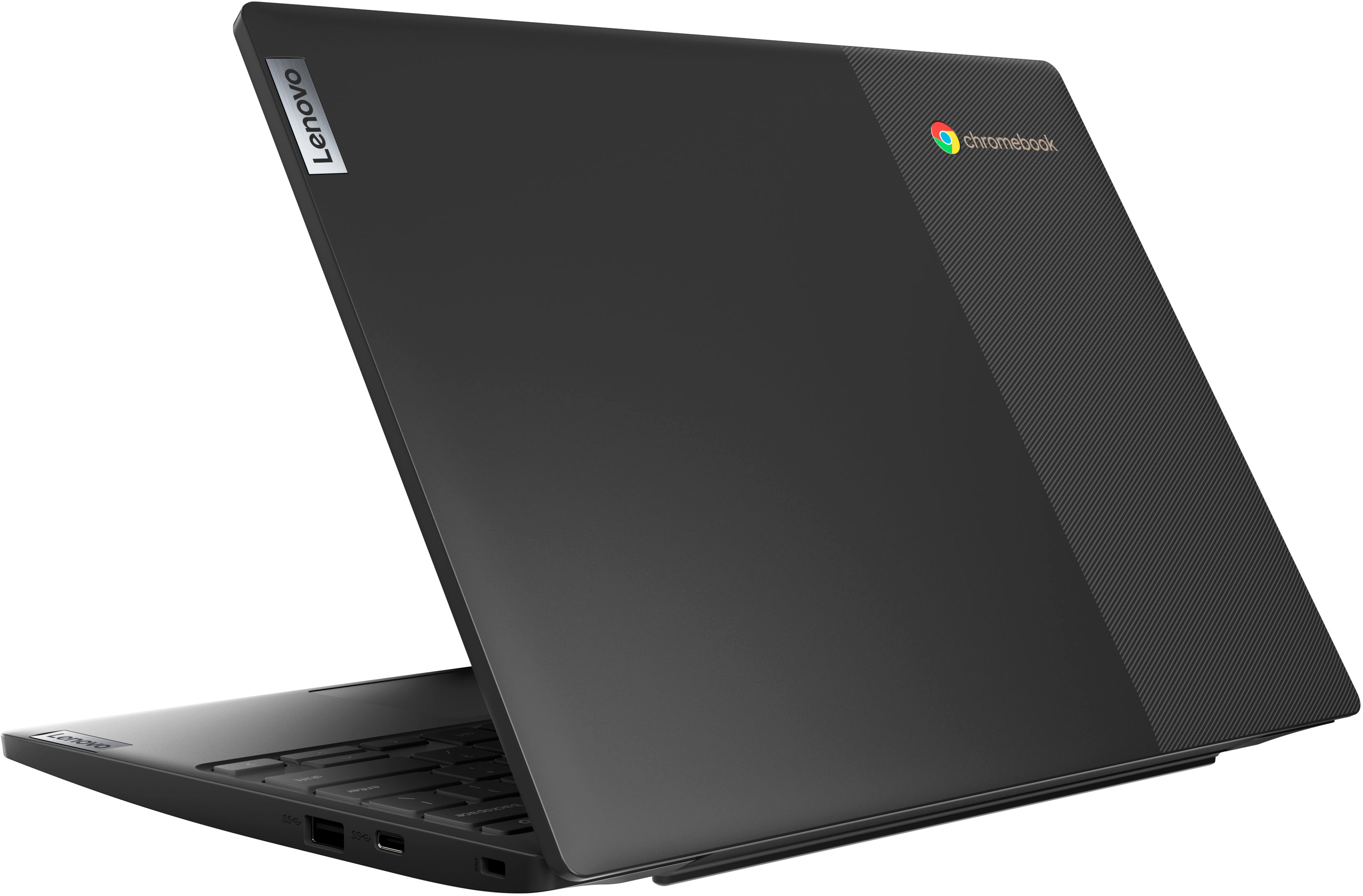
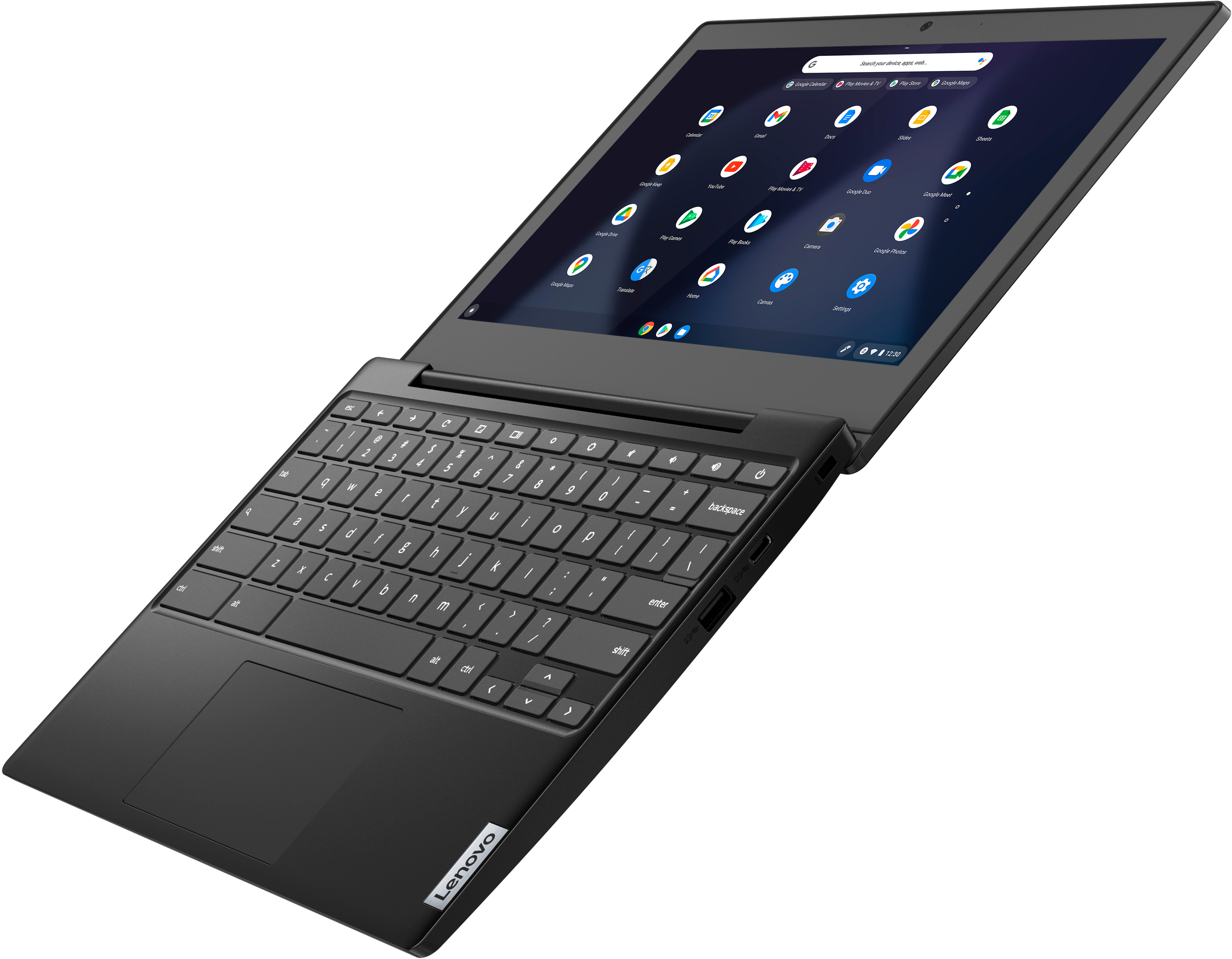
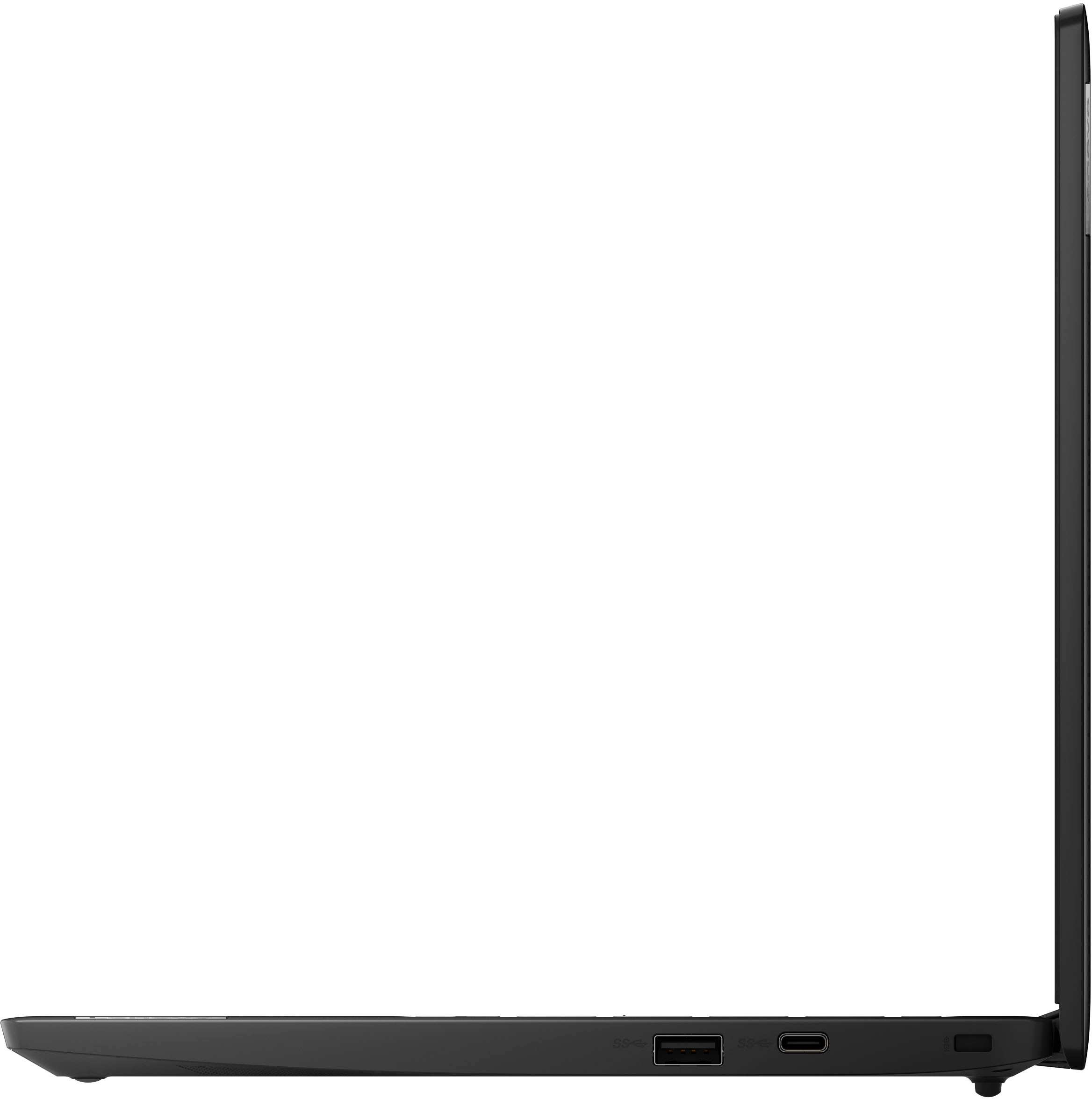
A:AnswerThat will depend on the compatibility of the external hard drive and the files on the drive, with the Chrome Operating System. This Lenovo Chromebook 3 11, model number 82BA001FUS, ships with 2x USB 3.2 Gen 1 ports for connectivity.
A:AnswerThat will really depend on the requirements and compatibility of the specific games you want to play. This Lenovo Chromebook 3 11 ships with the Chrome Operatingf System installed and is compatible with Google Play Store APPs. Not all Google Play Store APPs are optimized for the Chrome OS. We recommend you check with the specific game's software publisher's web sites, of the specific games you want to play, for their compatibility with the Chrome operating system and the minimum/recommended hardware requirements (Is a Graphics card required, the processor speed and the minimum required system RAM and the minimum available hard drive space) to run their program, then compare those requirements to this Chromebook's configuration.
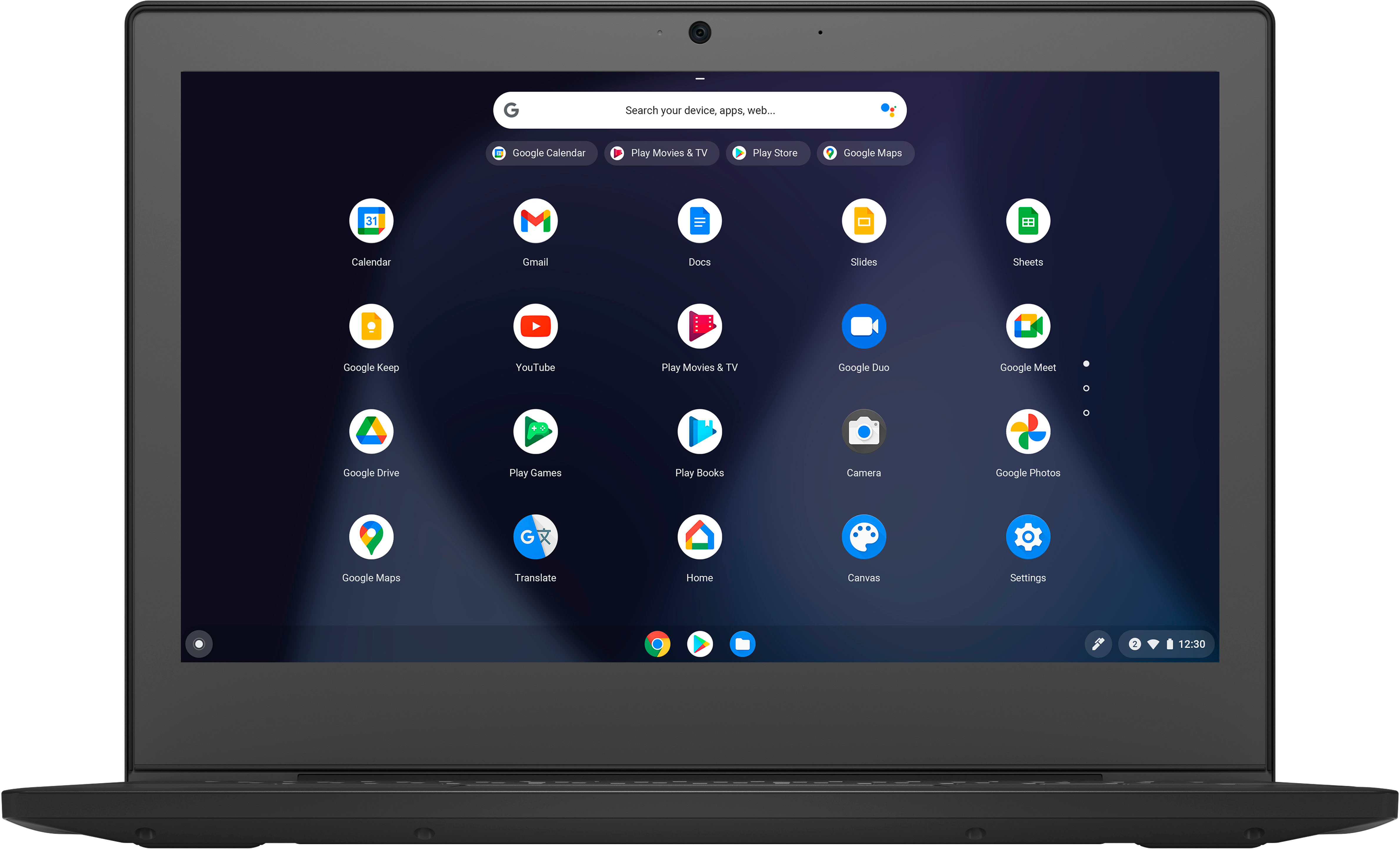
A:AnswerThis Lenovo Chromebook 3 11 Model number 82BA001FUS, ships with a non-touch, 11.6 inch (screen size measured diagonally) TN - HD (1366x768) screen, with a brightness level of 250 nits and has an Anti-glare Coating.