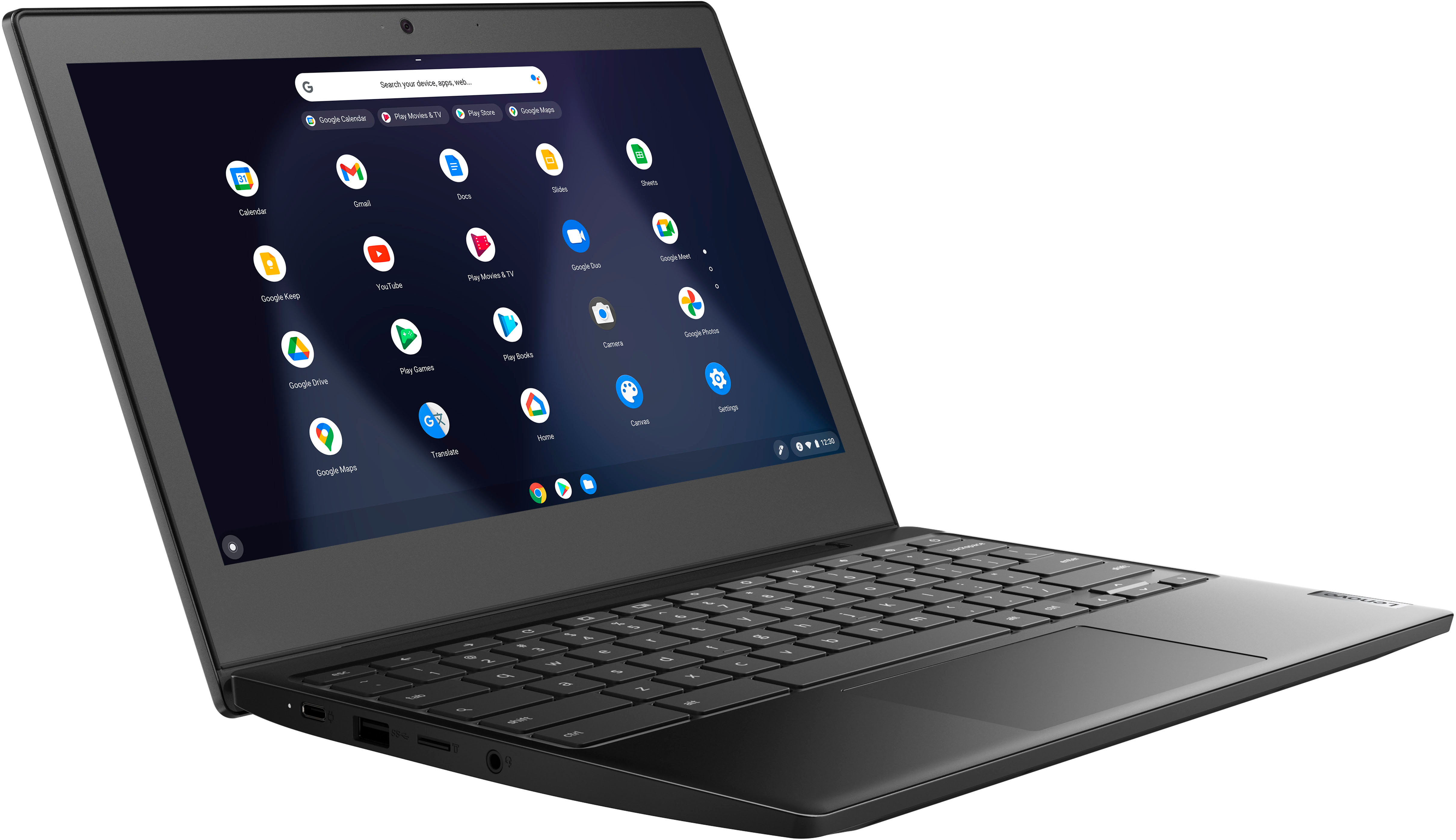
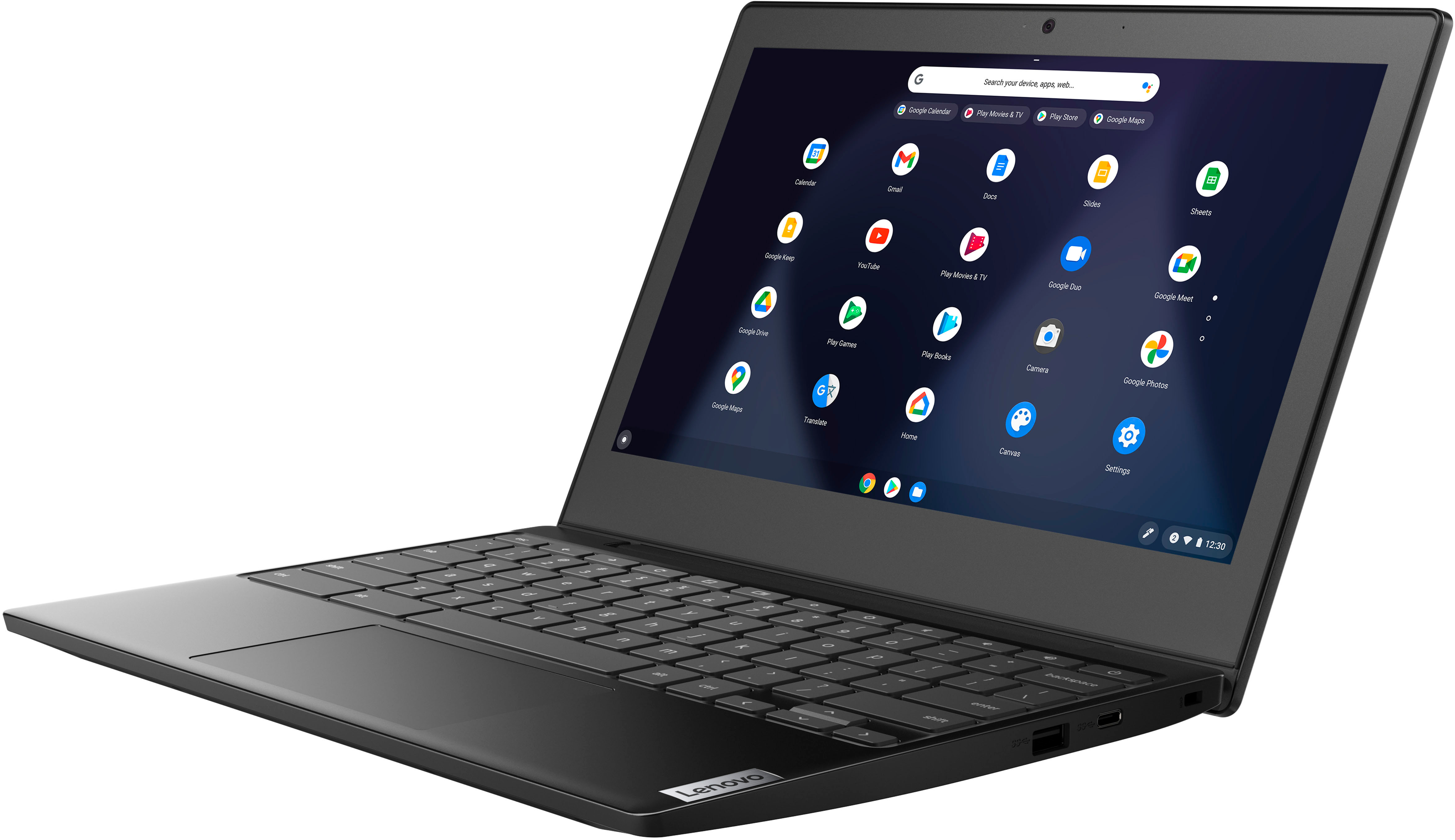
A:AnswerHere is a link to the User Guide for this Lenovo Chromebook 3 11, model number 82BA001FUS: https://download.lenovo.com/consumer/mobiles_pub/ideapad_3cb_ug_en_202004.pdf. Also, here is a link to information from Google about getting started with a new Chromebook: https://www.google.com/intl/en_us/chromebook/howto/get-started/. If you have questions about your new Lenovo Chromebook 3 11, we recommend you contact Lenovo Tech Support for Chromebooks at: 800-426-7378.
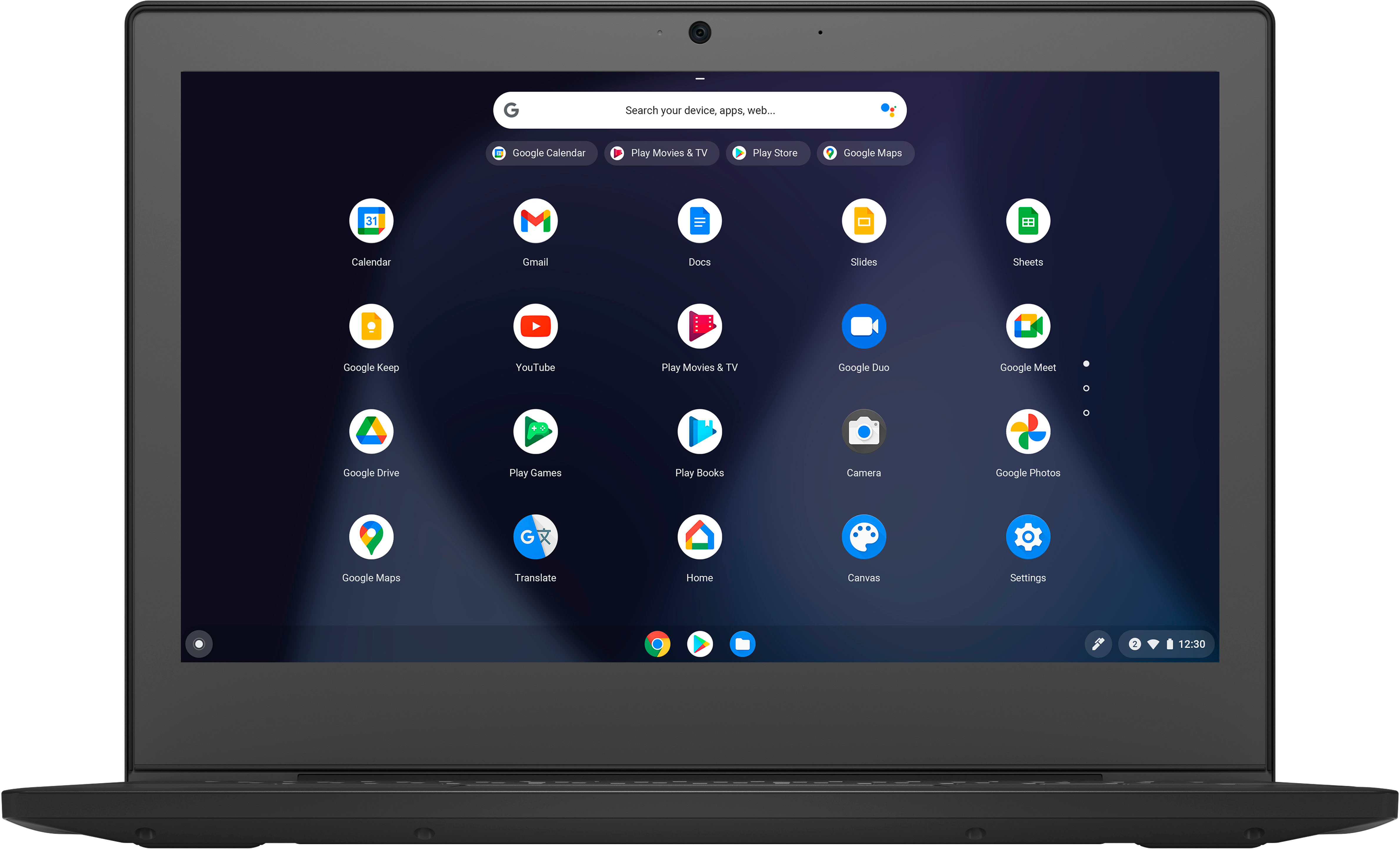
A:AnswerThis Lenovo Chromebook 3 11, model number 82BA001FUS, ships with a matte finish, Anti-glare Coated, 11.6 Inch (screen size measured diagonally) TN - HD (1366x768) screen, with a brightness level of 250 nits. This screen provides 67 Precent of the sRGB (45 Percent NTSC) color gamut.
A:AnswerChromebooks like this Lenovo Chromebook 3 11, model number 82BA001FUS, are designed to be used with Google's educational suite of applications. Chromebooks also work seamlessly with Google's educational software: Google Classroom, G Suite for Education, and even Google's consumer applications like Gmail or Google Keep. You can also check with the school's web site for additional recommendations.
A:AnswerThat will depend on the requirements and compatibility of both the APPs you want to use and and the requirements and compatibility of the movie files you want to download. This Lenovo Chromebook 3 11, model number 82BA001FUS, ships with the Chrome Operating System installed and is compatible with Google Play Store APPs. Not all Google Play Store APPs are optimized for the Chrome OS. We recommend you check with the both the specific APPs software publisher's web sites as well as the movie file formats you want to download, for their compatibility with the Chrome operating system and the minimum/recommended hardware requirements (Is a Graphics card required, the processor speed and the minimum required system RAM and the minimum available hard drive space) to run their program, then compare those requirements to this Chromebook's configuration. Whether you will be able to download a commercial (purchased movie file) movie to removable storage like a MicroSD Card or a USB-based external hard drive will depend on the Copyright Protection the publisher puts on the movie file. Whether it will play on this Chromebook 3 11 will depend on the compatibility of the Movie file with the Chrome OS.
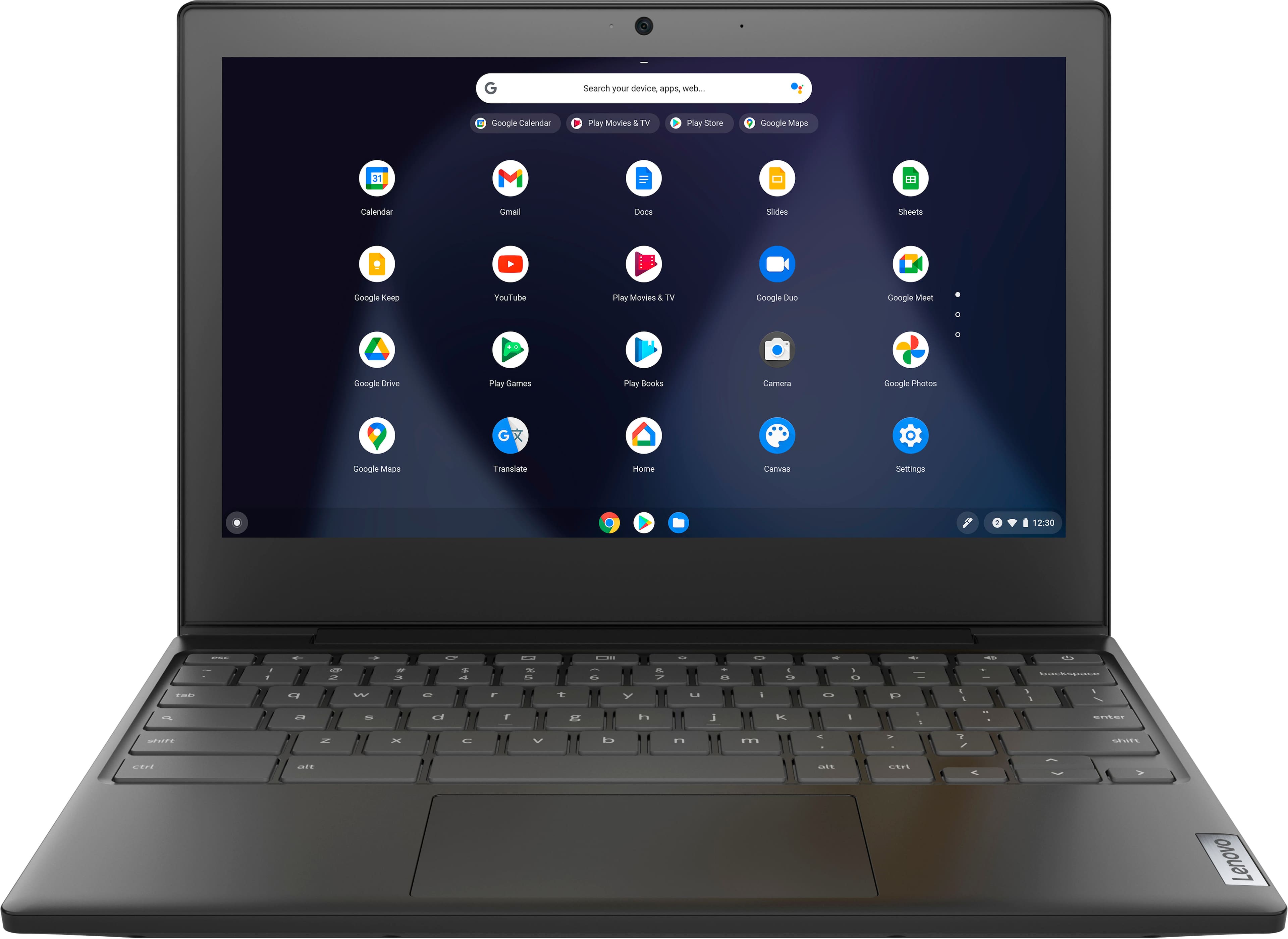
A:AnswerBy default Google Play apps work if they can use mouse/keyboard instead of touchscreen. Not all apps can do that. But many install and work great.
Browser games work, certain ones are a little slow depending on the browser you run them on.
If you enable Linux, and enter a few commands you can install Linux games and even the Linux version of steam. If you install Steam then a lot of Linux games are easy to manage.
Minecraft is blocked by default, but though Linux I was able to get slightly older mobile versions of it to work great, so it is powerful enough for many games.
A:AnswerYes I watch HBO Max daily as it's the only streaming platform I've had all year and the Chromebook is compatible. At night my Chromebook is my bedside theater.
A:AnswerThis Lenovo Chromebook 3 11, model number 82BA001FUS, is compatible with any printer that is compatible with the Chrome Operating System. We recommend you check the printer manufacturer's web site for the requirements and compatibility of your specific printer model.