A:AnswerWe always recommend you check the requirements and compatibility of any software you will be installing on your new computer before you invest in any computer. Be sure your new computer can support the software you will need to use. This information an usually be found on the software manufacturers website.
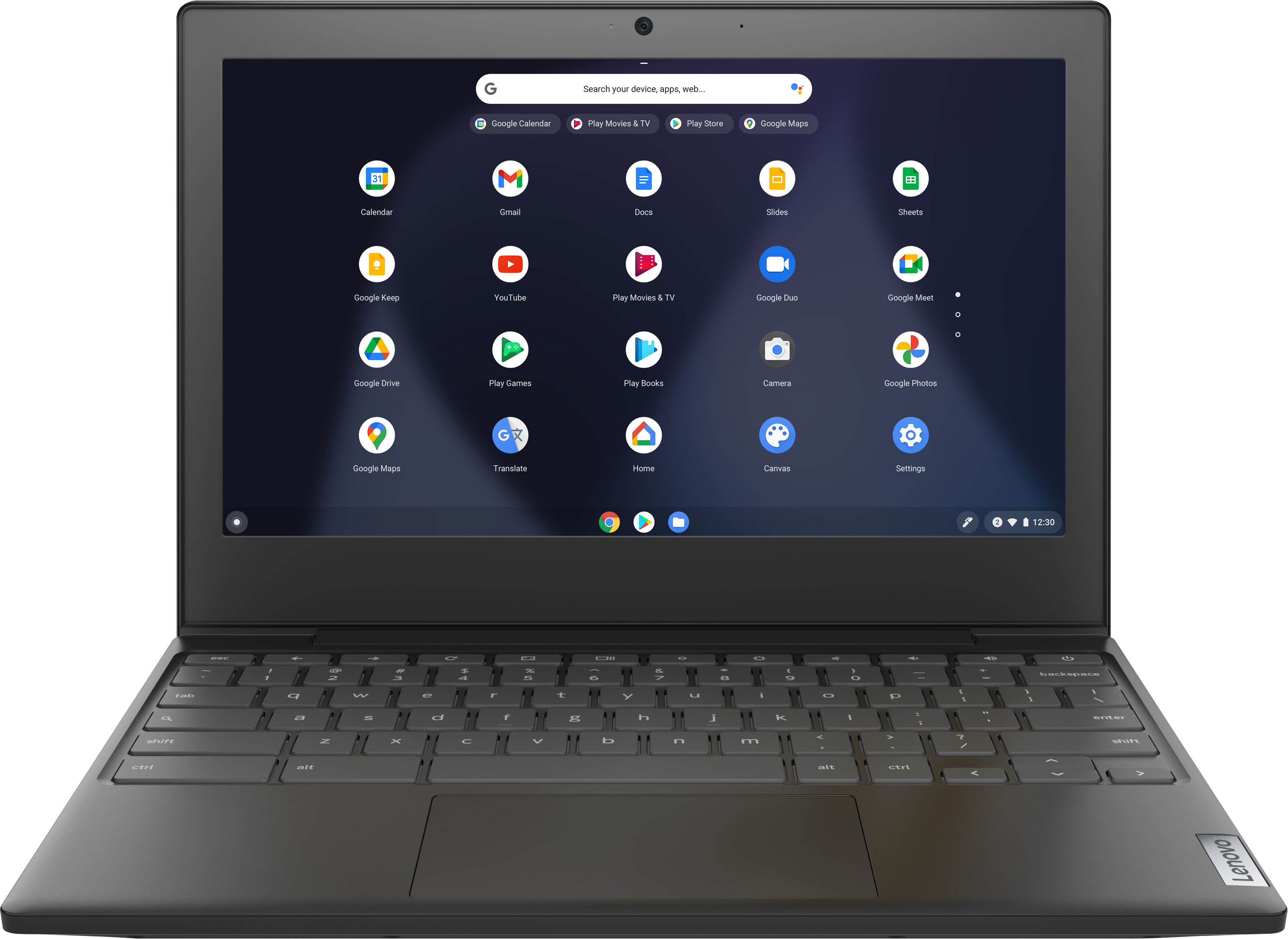
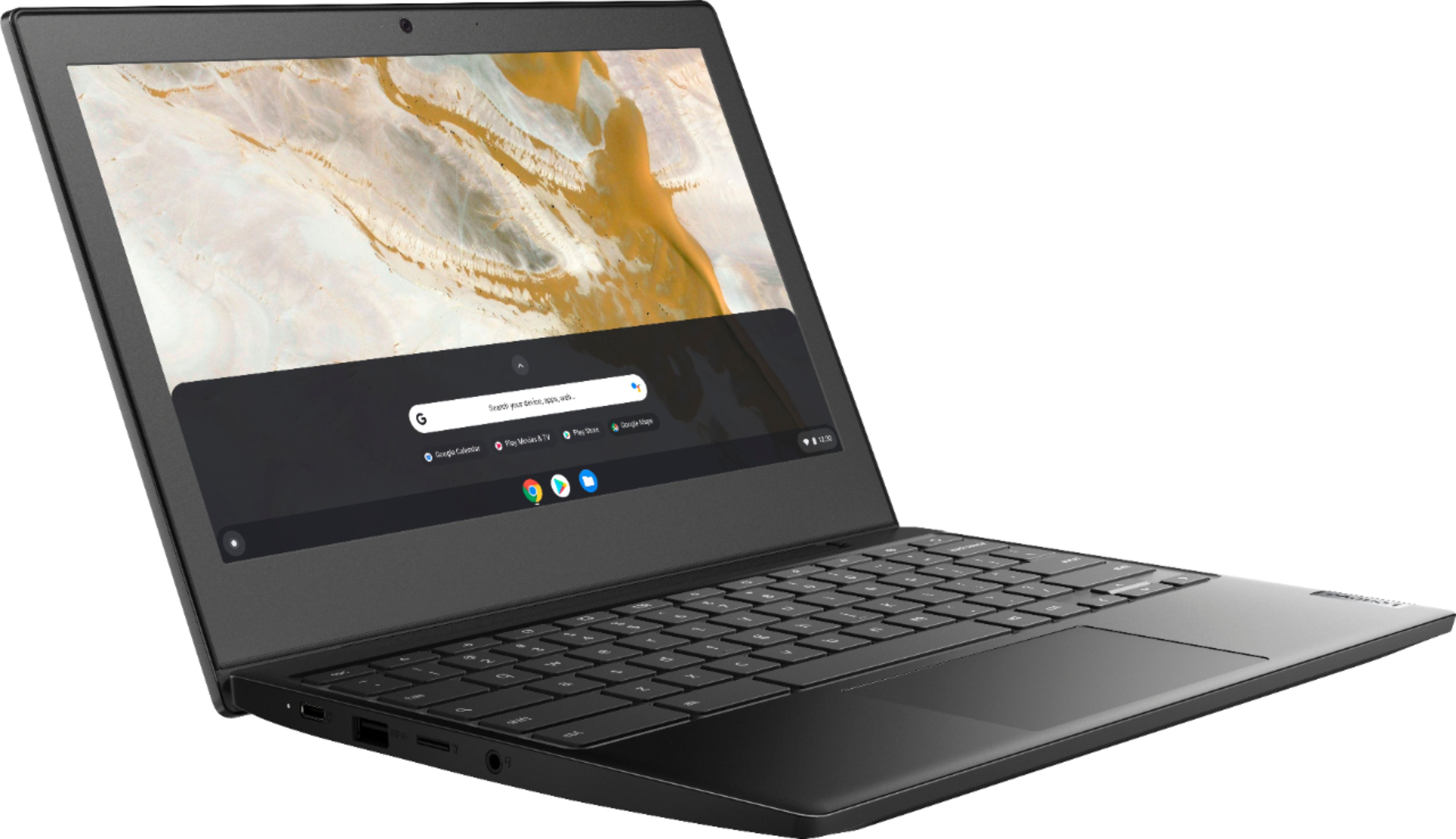
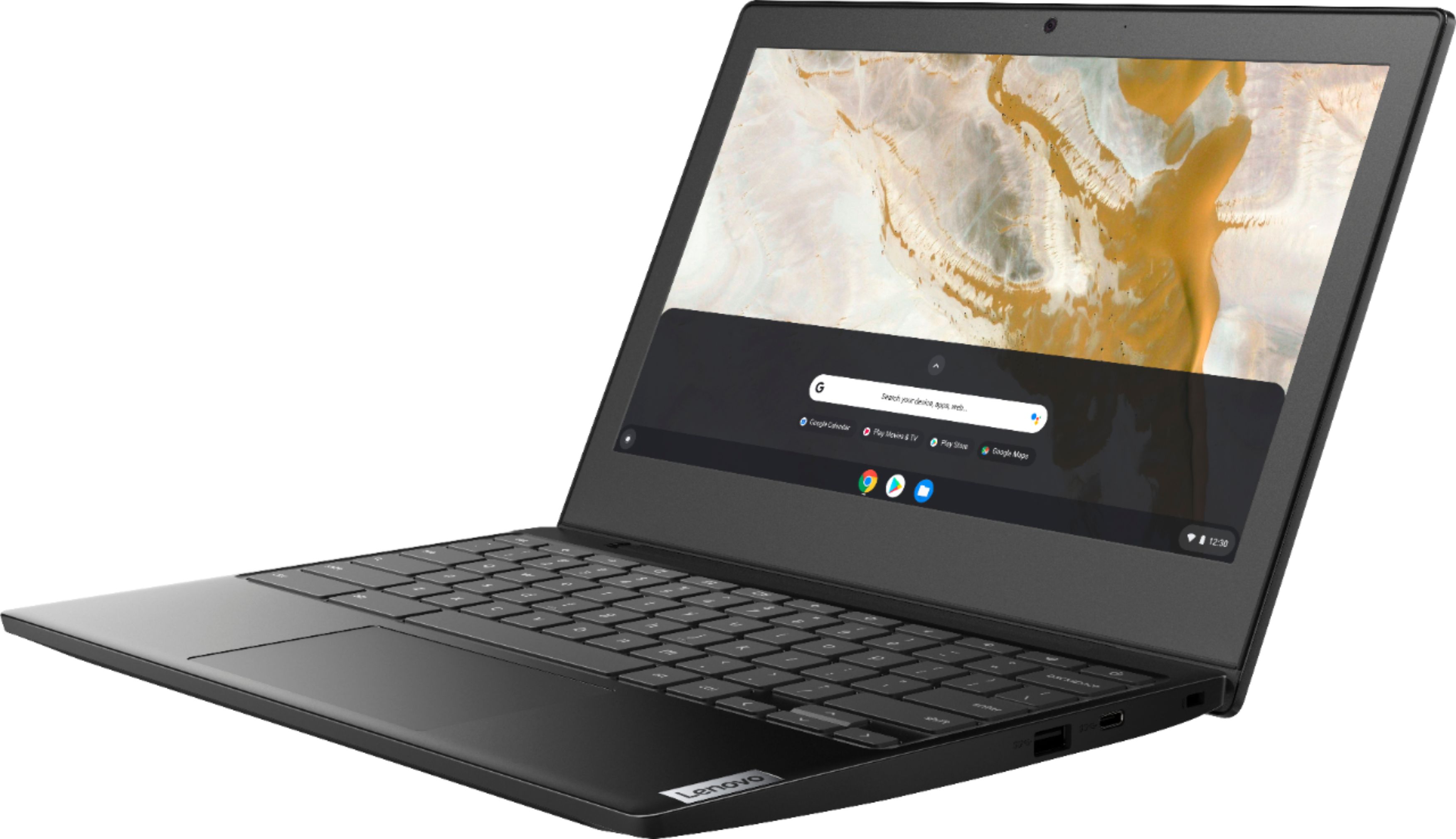
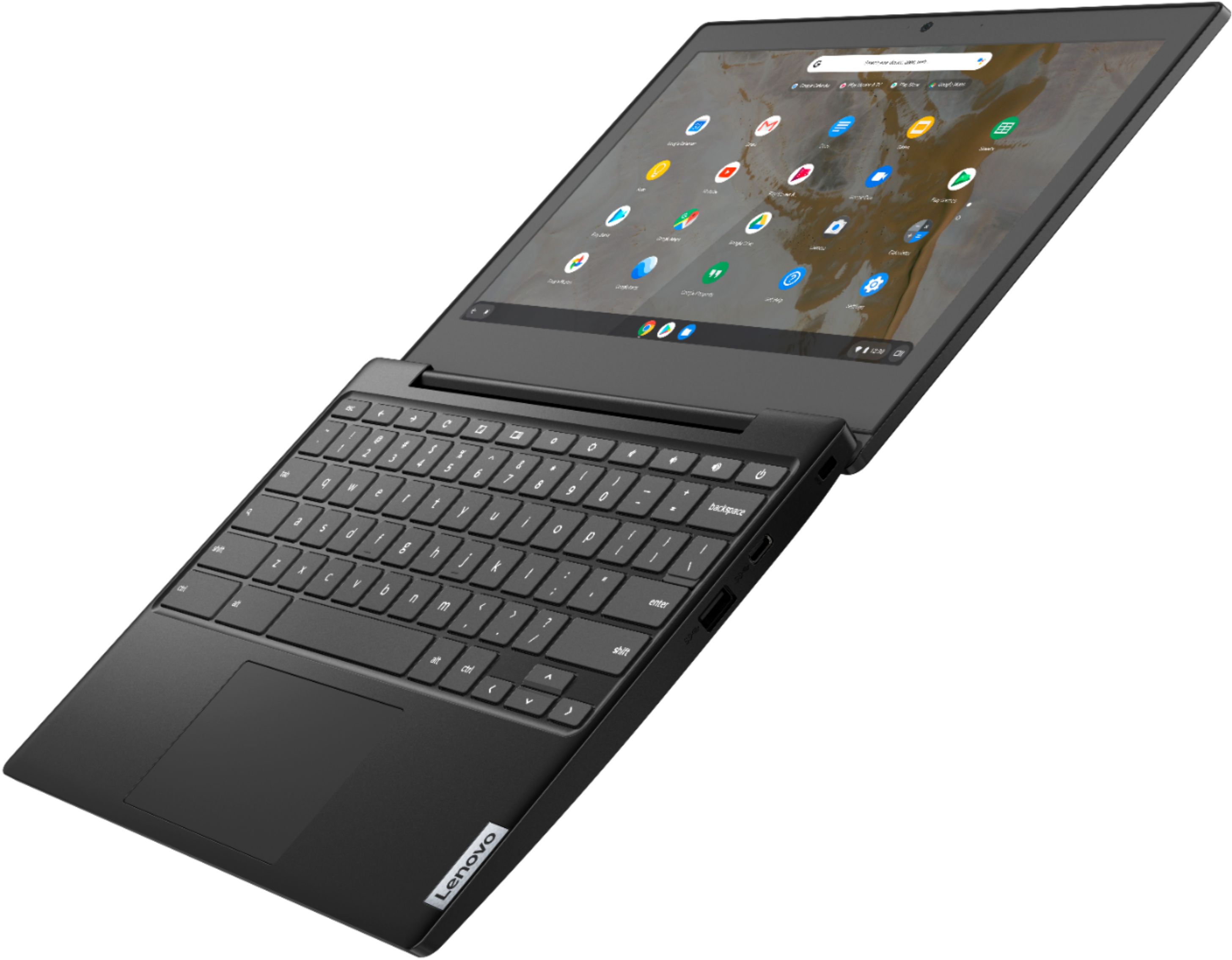
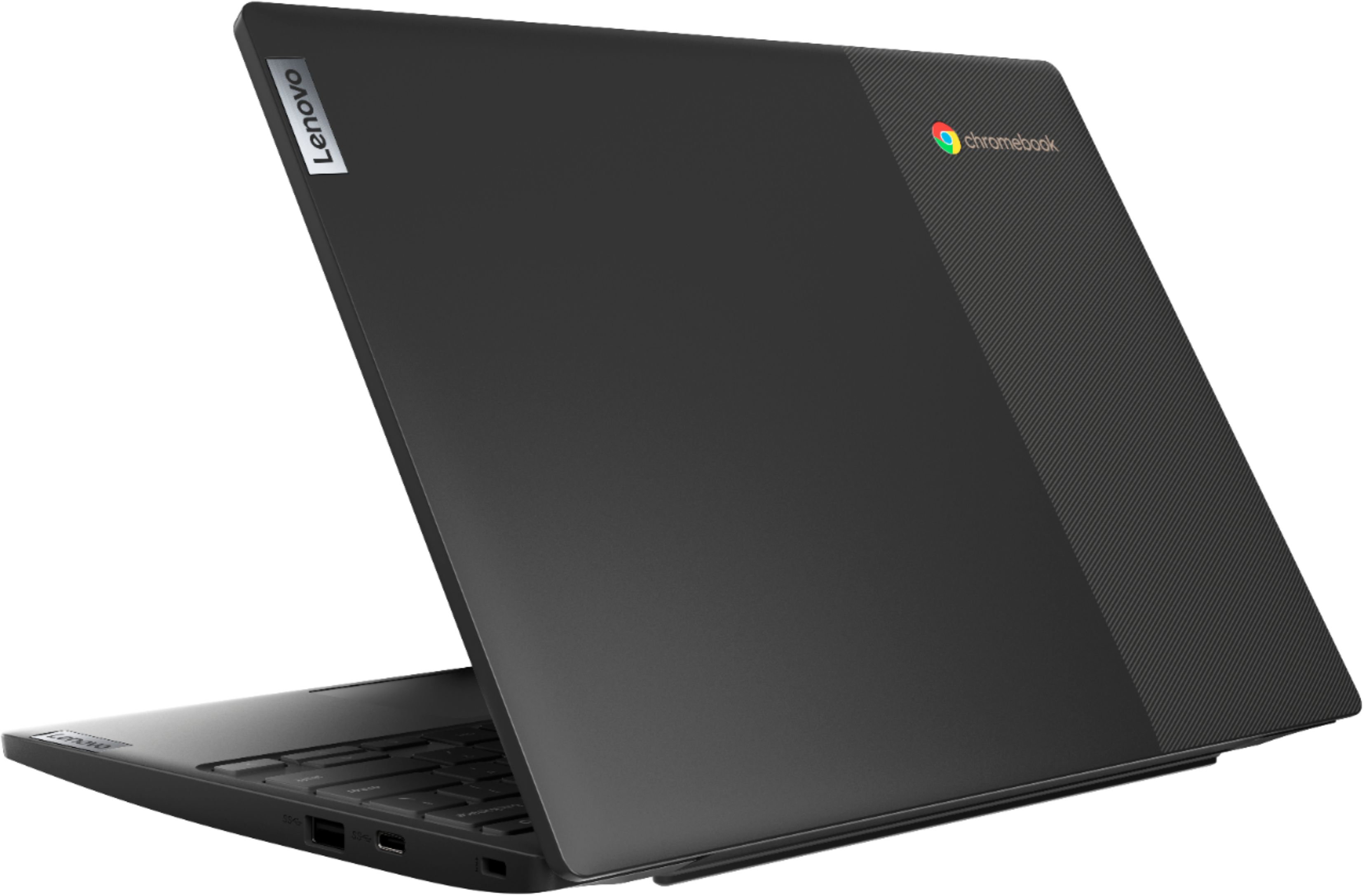
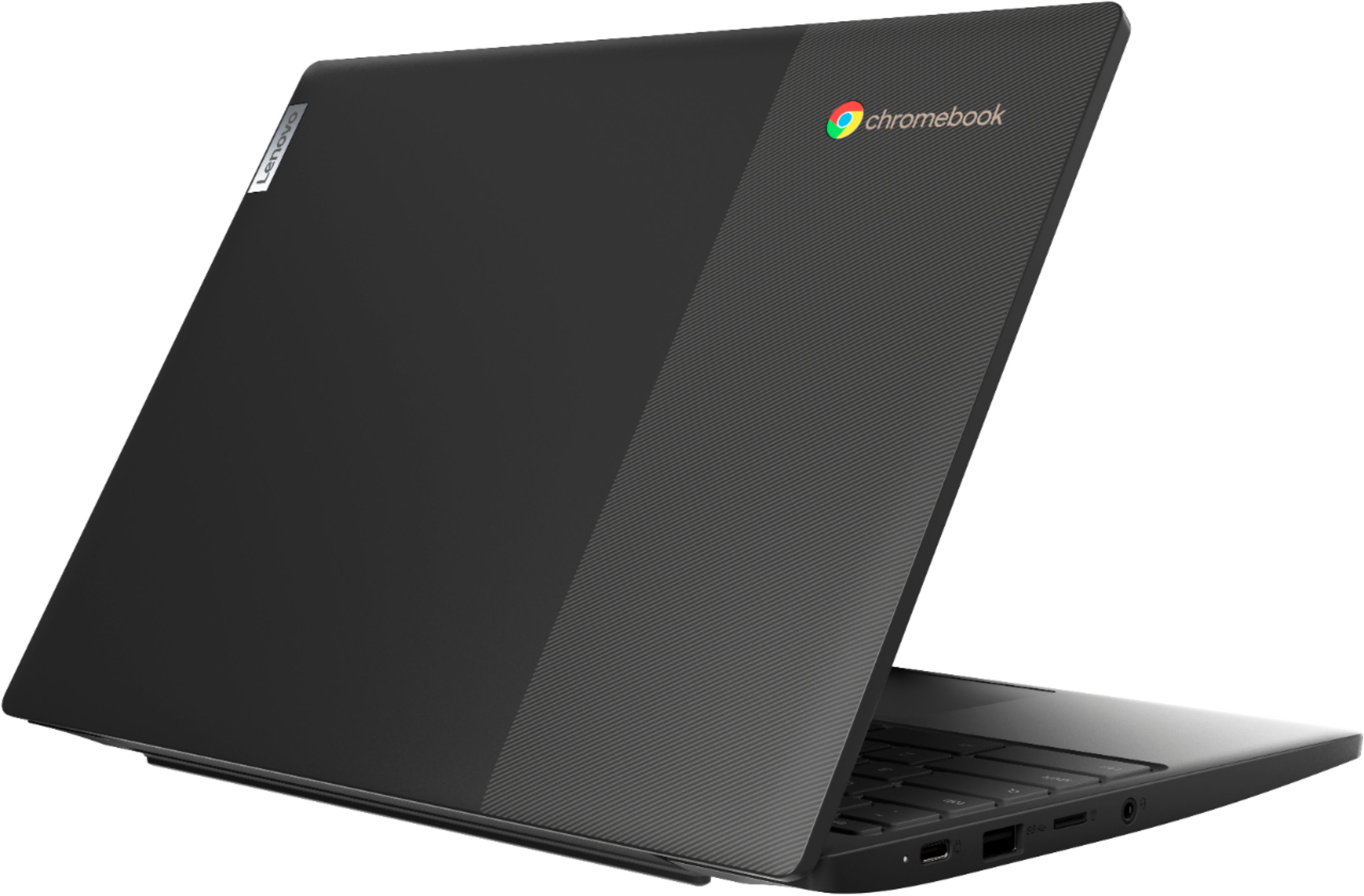
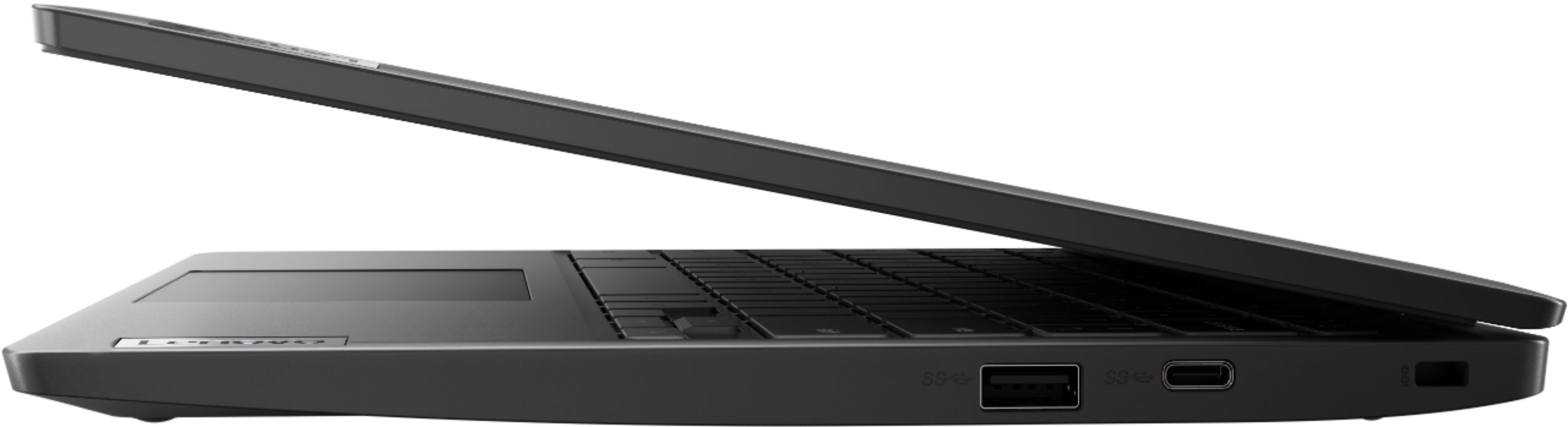
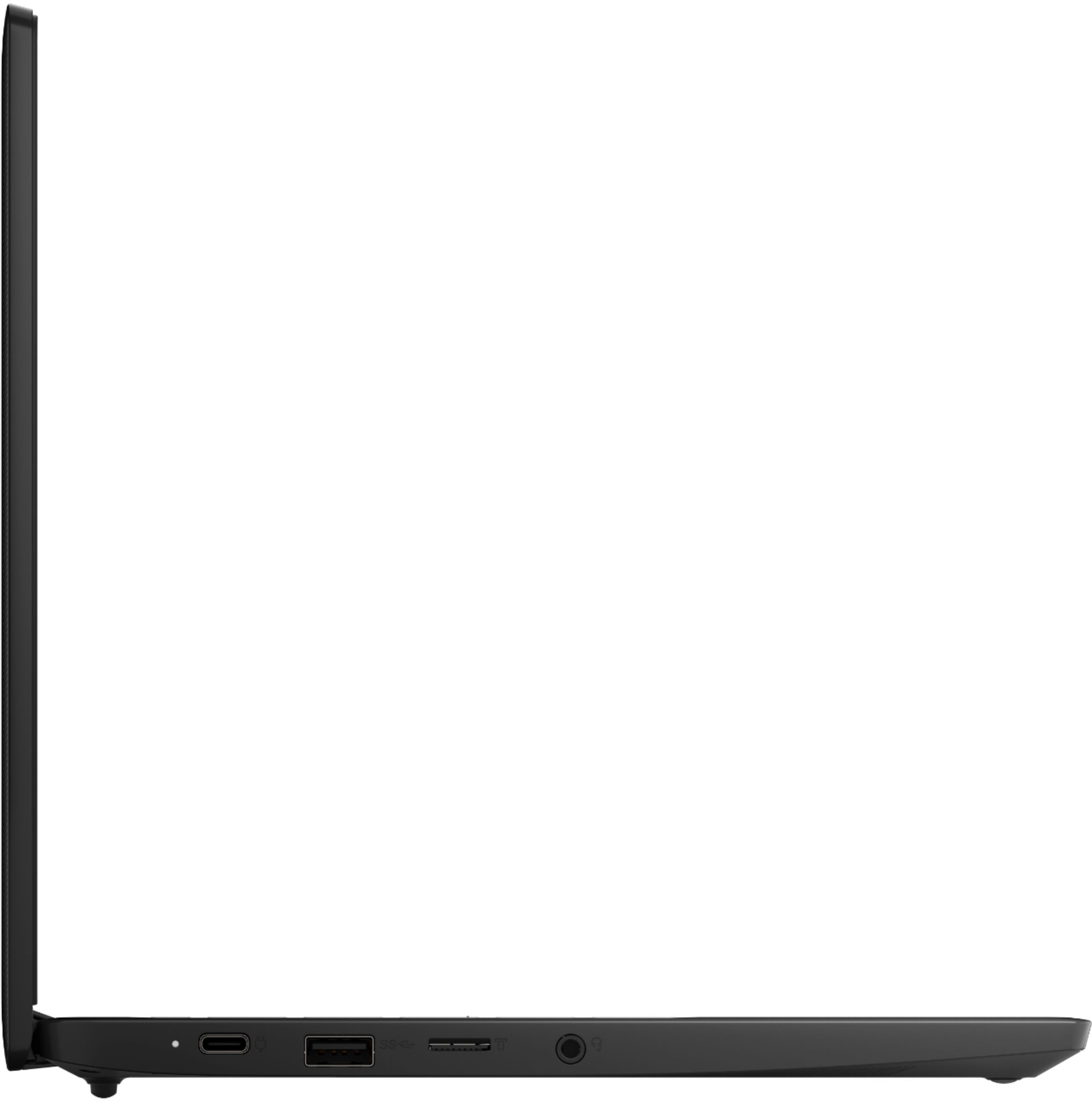
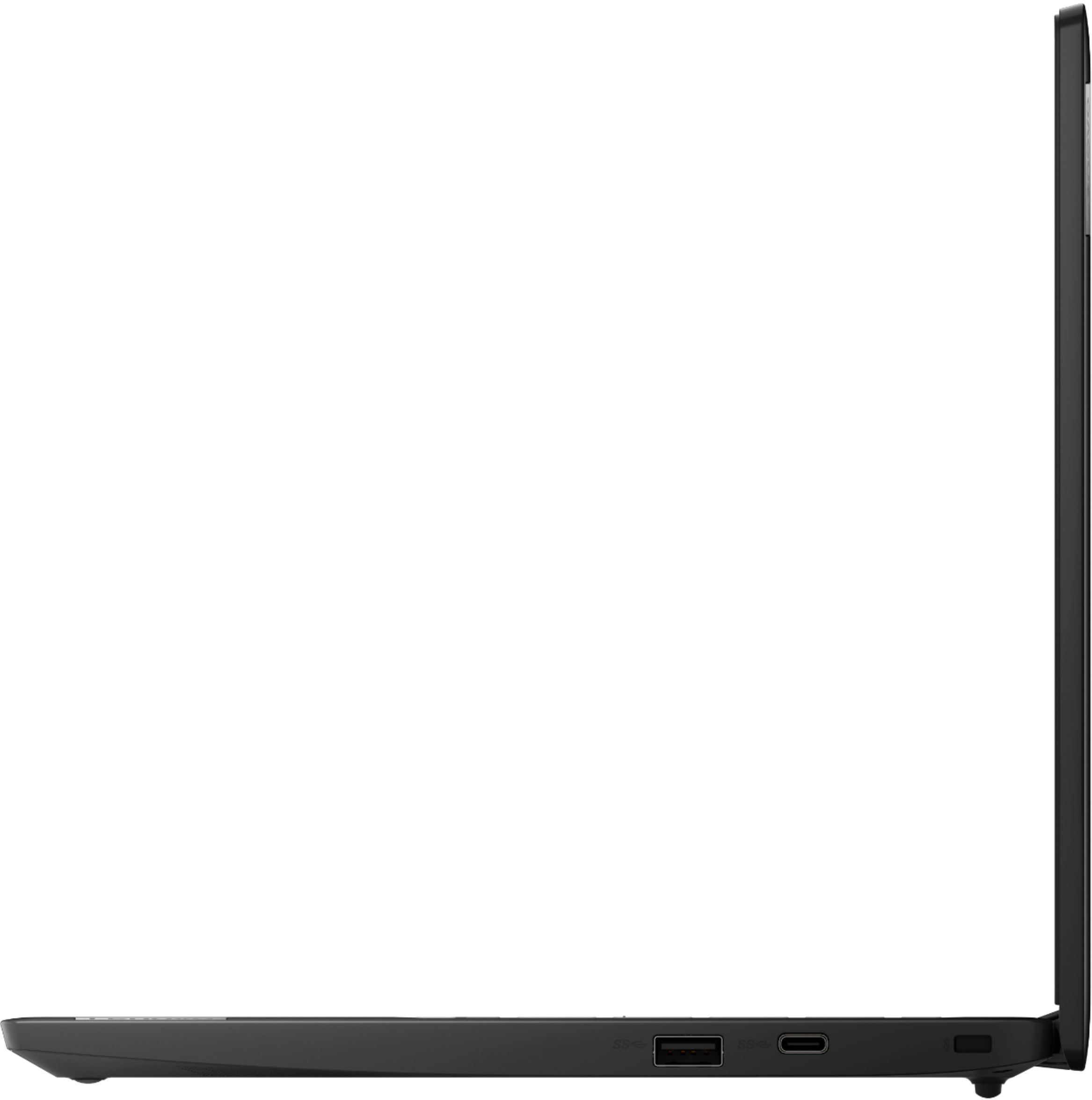
A:AnswerThe Lenovo Chromebook 3 11 model number 82H40000US, ships with two USB-c 3.1 version ports. One is for power delivery the other has a video out signal capability that is DisplayPort compatible.
A:AnswerYou can print from a Chromebook. Here is a link to instructions for connecting a printer to a Chromebook: https://support.google.com/chromebook/answer/7225252?hl=en#:~:text=You%20can%20print%20from%20your,don't%20support%20Bluetooth%20printing.&text=Your%20printer%20won't%20need,directly%20connected%20to%20your%20Chromebook.
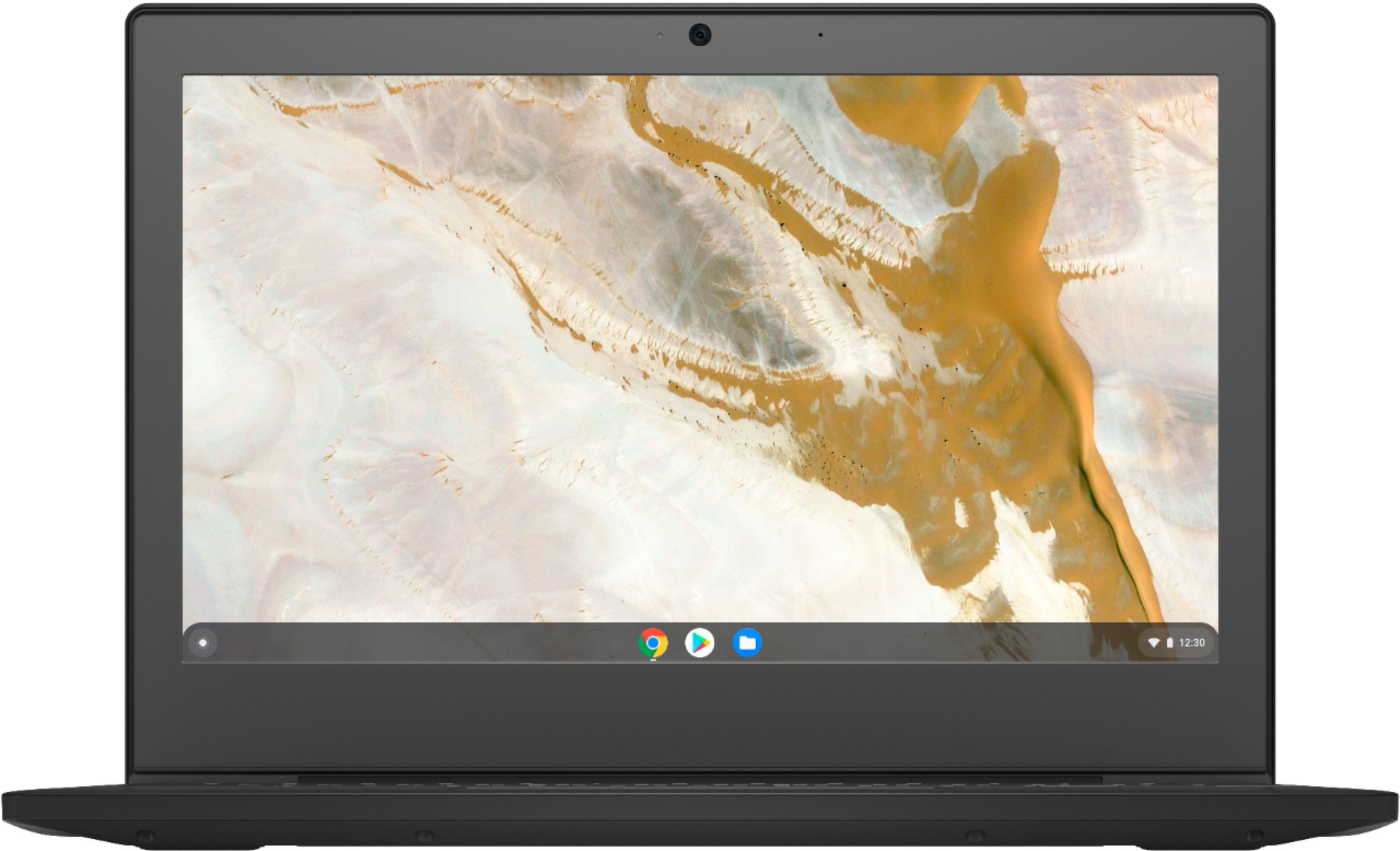
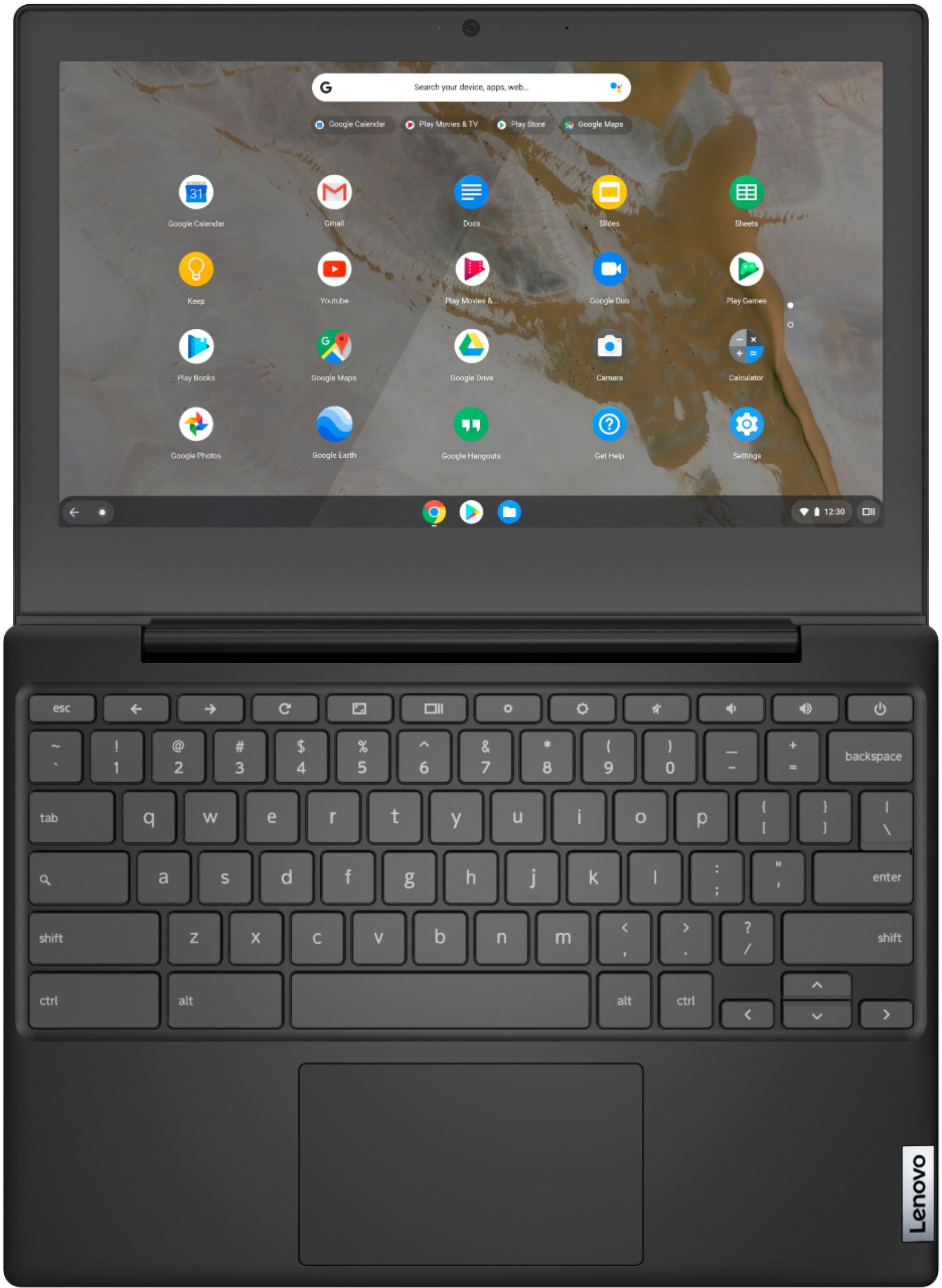
A:AnswerThe Lenovo Chromebook 3 11 model number 82H40000US, has a Matte Finish screen that is TN, LCD w/LED Backlight (Anti-glare), with a resolution of 1366 X 768 (HD) and a brightness level of 250 nits.
A:AnswerThis Lenovo Chromebook 3 11 model number 82H40000US, Supports up to 2 independent displays via native display and 1 external monitor; supports external monitor via USB-C (up to 3840x2160@30Hz). There can only be one external monitor connected directly to this Chromebook, plus the Chromebook screen for two independent displays.
A:AnswerThis Lenovo Chromebook 3 11 model number 82H40000US, ships with a AMD A6-9220C Processor. Has 4GB Soldered DDR4-1866MHz RAM and is not upgradeable. Uses Integrated AMD Radeon R5 Graphics and runs the Chrome Operating System. The processor within this configuration does not seem to meet your specification.
A:AnswerThat will depend on the requirements and compatibility of the device you want to connect to this Lenovo Chromebook 3 11. This Chromebook 3 11 ships with the Chrome Operating System and is compatible with Google Play Store APPs. We recommend you check with the device manufacturer's web site for their compatibility with the Chrome operating system and the minimum/recommended hardware requirements (Is a Graphics card required, the processor speed and the minimum required system RAM and the minimum available hard drive space) to run their program, then compare those requirements to this system's configuration.
A:AnswerThat will depend on the specific games he will want to play on this Lenovo Chromebook 3 11. This Chromebook 3 11 ships with the Chrome Operating System and is compatible with Google Play Store APPs. We recommend you check with the specific game's software publisher's web sites, of the specific games your grandson will want to play, for their compatibility with the Chrome operating system and the minimum/recommended hardware requirements (Is a Graphics card required, the processor speed and the minimum required system RAM and the minimum available hard drive space) to run their program, then compare those requirements to this system's configuration.