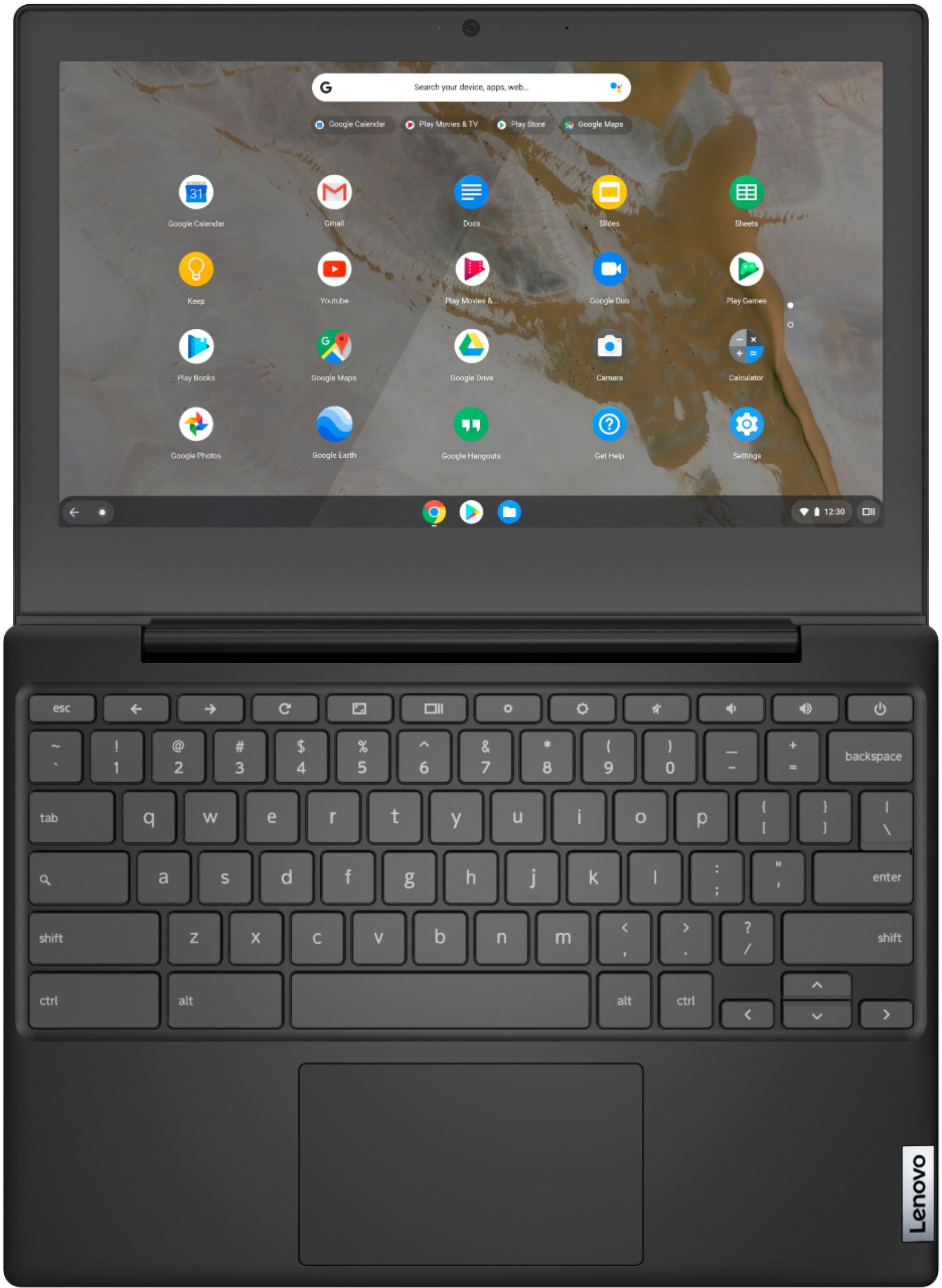
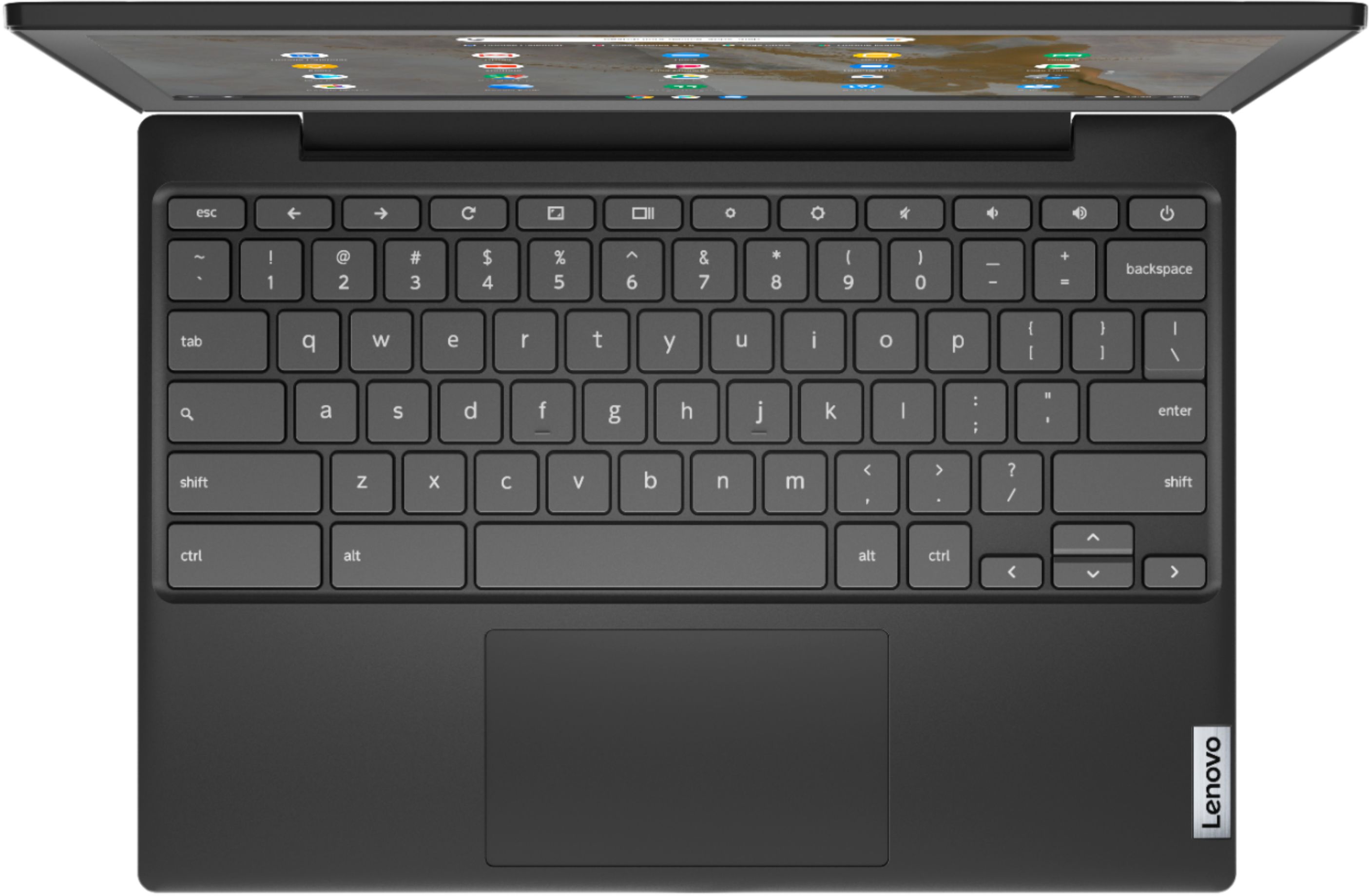
A:AnswerYes. Here is a link to instructions for turning off your Lenovo Chromebook 3 11 touchpad: https://www.alphr.com/disable-touchpad-chromebook/. If you have questions about your Lenovo Chromebook 3 11, we recommend you contact Lenovo Tech Support for Chromebooks at: 800-426-7378.
A:AnswerThe computer itself, seems like a little step down from your normal work computer. You should be able to download those apps and use them. I don't know about the screen resolution.
A:AnswerThat will depend on the requirements and compatibility of the specific game. This Lenovo Chromebook 3 11 ships with the Chrome Operating System and is compatible with Google Play Store APPs. We recommend you check with the specific game's software publisher's web site for their compatibility with the Chrome operating system and the minimum/recommended hardware requirements (Is a Graphics card required, the processor speed and the minimum required system RAM and the minimum available hard drive space) to run their program, then compare those requirements to this system's configuration.
A:AnswerThat will depend on the requirements and compatibility of the specific game. The Lenovo Chromebook 3 11 model number 82H40000US, ships with the Chrome Operating System and is compatible with Google Play Store APPs. We recommend you check with the specific game's software publisher's web site for their compatibility with the Chrome operating system and the minimum/recommended hardware requirements (Is a Graphics card required, the processor speed and the minimum required system RAM and the minimum available hard drive space) to run their program, then compare those requirements to this system's configuration.
A:AnswerThat will depend on the requirements and compatibility of the specific APP you want to use. The Lenovo Chromebook 3 11 ships with the Chrome Operating System and is compatible with Google Play Store APPs. We recommend you check with the specific APPs software publisher's web site for their compatibility with the Chrome operating system and the minimum/recommended hardware requirements (Is a Graphics card required, the processor speed and the minimum required system RAM and the minimum available hard drive space) to run their program, then compare those requirements to this system's configuration.
A:AnswerThat will depend on the requirements and compatibility of the specific APP you want to use. The Lenovo Chromebook 3 11 ships with the Chrome Operating System and is compatible with Google Play Store APPs. We recommend you check with the specific APPs software publisher's web site for their compatibility with the Chrome operating system and the minimum/recommended hardware requirements (Is a Graphics card required, the processor speed and the minimum required system RAM and the minimum available hard drive space) to run their program, then compare those requirements to this system's configuration.
A:AnswerThat will depend on the requirements and compatibility of the specific APP you want to use. The Lenovo Chromebook 3 11 model number 82H40000US, ships with the Chrome Operating System and is compatible with Google Play Store APPs. We recommend you check with the specific APPs software publisher's web site for their compatibility with the Chrome operating system and the minimum/recommended hardware requirements (Is a Graphics card required, the processor speed and the minimum required system RAM and the minimum available hard drive space) to run their program, then compare those requirements to this system's configuration.
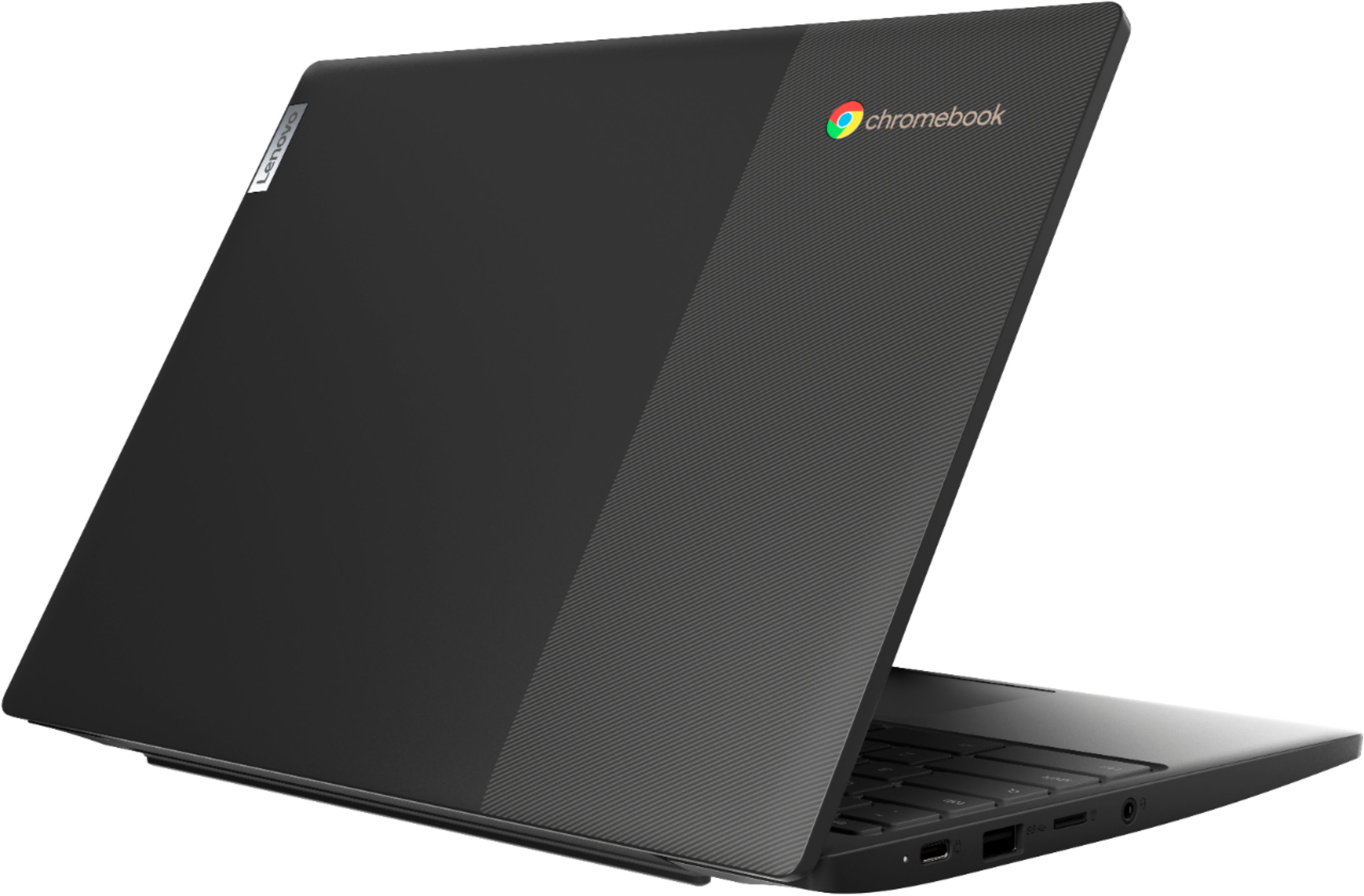
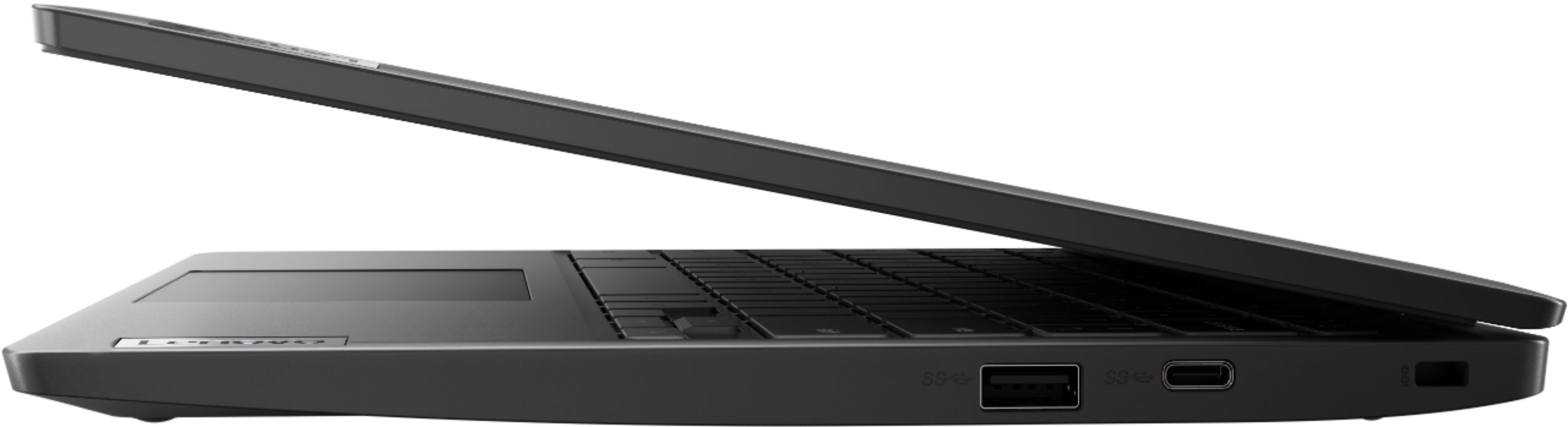
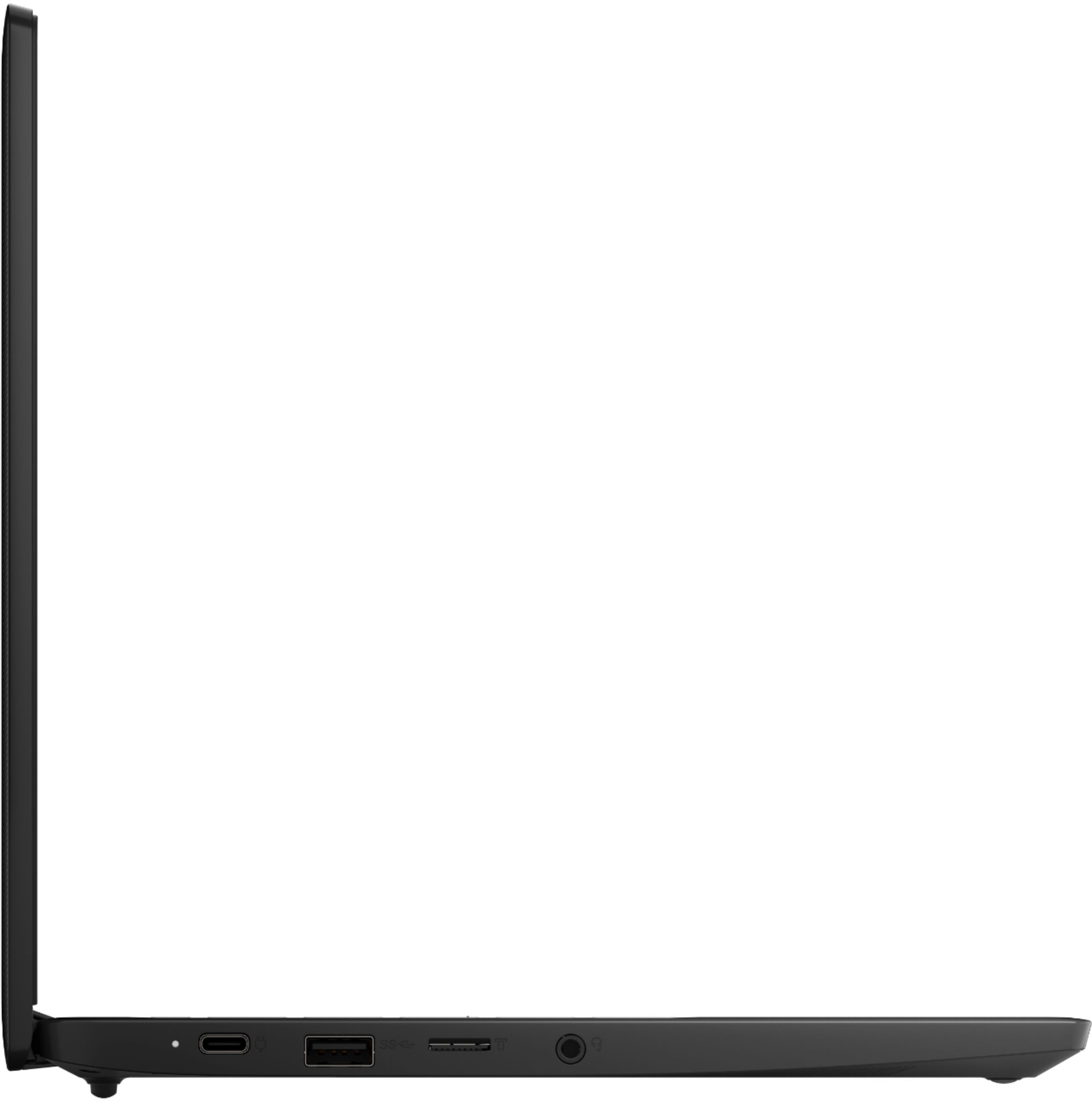
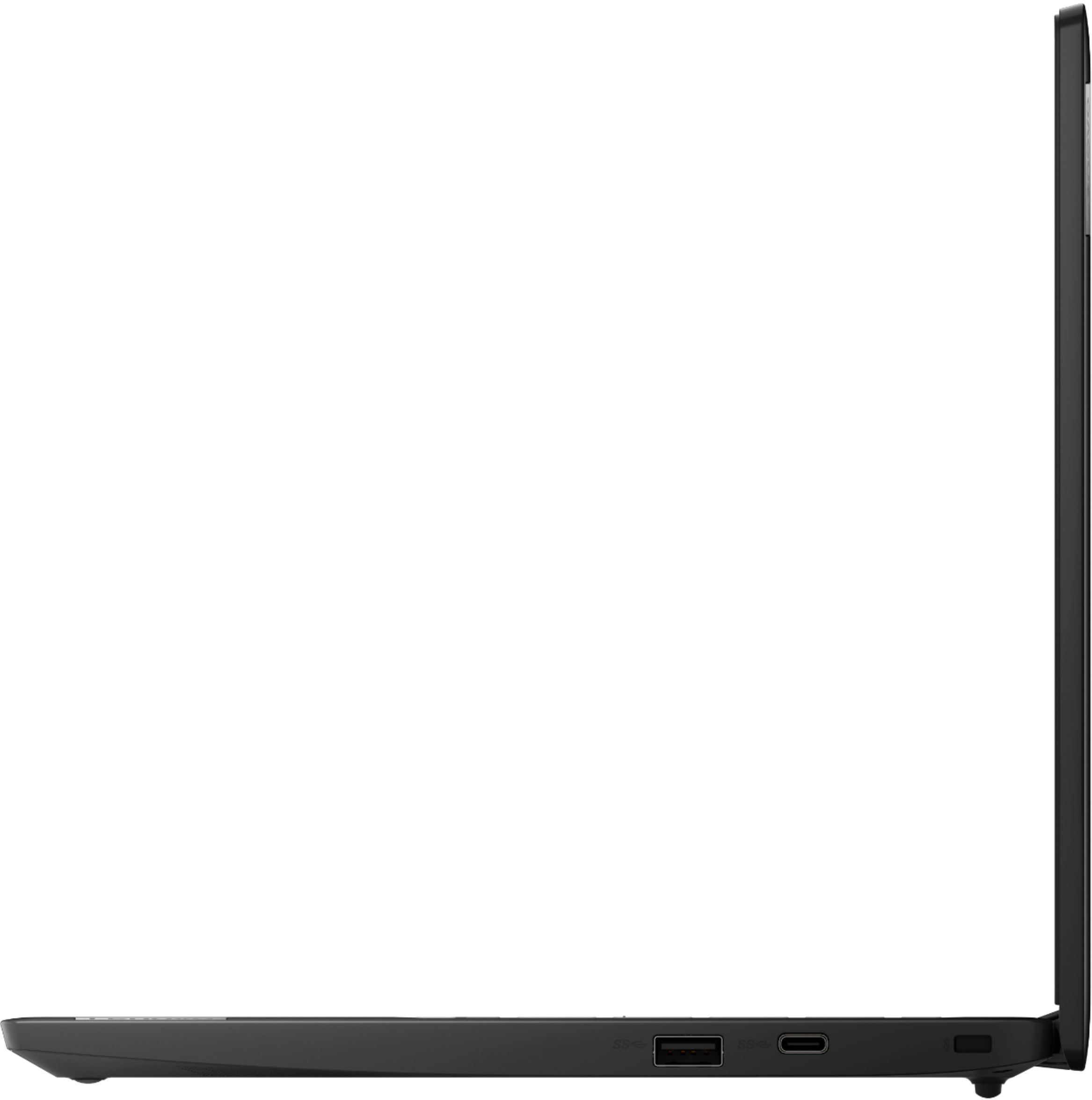
A:AnswerHello, Thanks for you question. The Lenovo Chromebook 3 11" model# 82H40000US features 2x USBC ports that are 3.1 / Display Port compatible. You can Hook up a monitor that is compatible with these ports. We recommend reaching out to Geek Squad with questions about compatible monitors.
A:AnswerThat really will depend on the requirements and compatibility of the specific APPs you want to use. The Lenovo Chromebook 3 11 ships with the Chrome Operating System and is compatible with Google Play Store APPs. We recommend you check with the specific APPs software publisher's web sites, of the specific APPs you will be using, for their compatibility with the Chrome operating system and the minimum/recommended hardware requirements (Is a Graphics card required, the processor speed and the minimum required system RAM and the minimum available hard drive space) to run their program, then compare those requirements to this system's configuration.
A:AnswerThat will depend on the requirements and compatibility of the specific games you want to install. The Lenovo Chromebook 3 11 ships with the Chrome Operating System, has a 32GB eMMC solid state hard drive and is compatible with Google Play Store APPs. We recommend you check with the specific game's software publisher's web site for their compatibility with the Chrome operating system and the minimum/recommended hardware requirements (Is a Graphics card required, the processor speed and the minimum required system RAM and the minimum available hard drive space) to run their program, then compare those requirements to this system's configuration.
A:AnswerThat will depend on the requirements and compatibility of the file you want to play on this Lenovo Chromebook 3 11. This Chromebook ships with the Chrome Operating System and is compatible with Google Play Store APPs. We recommend you check with the specific APPs software publisher's web site for their compatibility with the Chrome operating system and the minimum/recommended hardware requirements (Is a Graphics card required, the processor speed and the minimum required system RAM and the minimum available hard drive space) to run their program, then compare those requirements to this system's configuration.
A:AnswerThat will depend on the games you want to play and entertainment applications you wish to use. This is a Chromebook and runs on Chrome OS. It has access to the Google Play Store and can use any applications that are found there https://play.google.com/store
A:AnswerThat will depend on the requirements of the game. We recommend you check with the game's software publisher's web site for their compatibility with Chrome operating system and the minimum/recommended hardware requirements (Is a Graphics card required, the processor speed and the minimum required system RAM and the minimum available hard drive space) to run their program, then compare those requirements to this system's configuration.