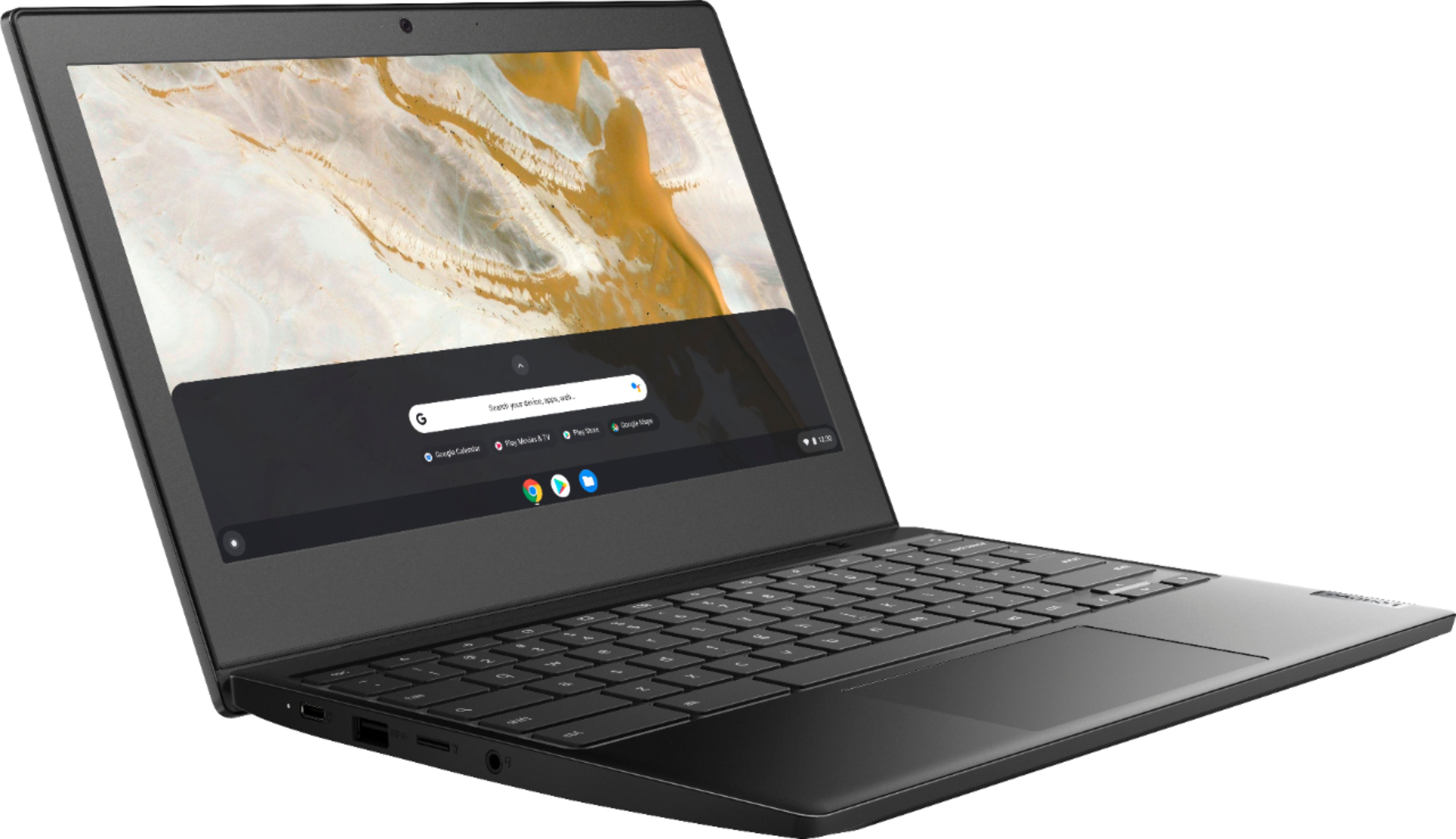
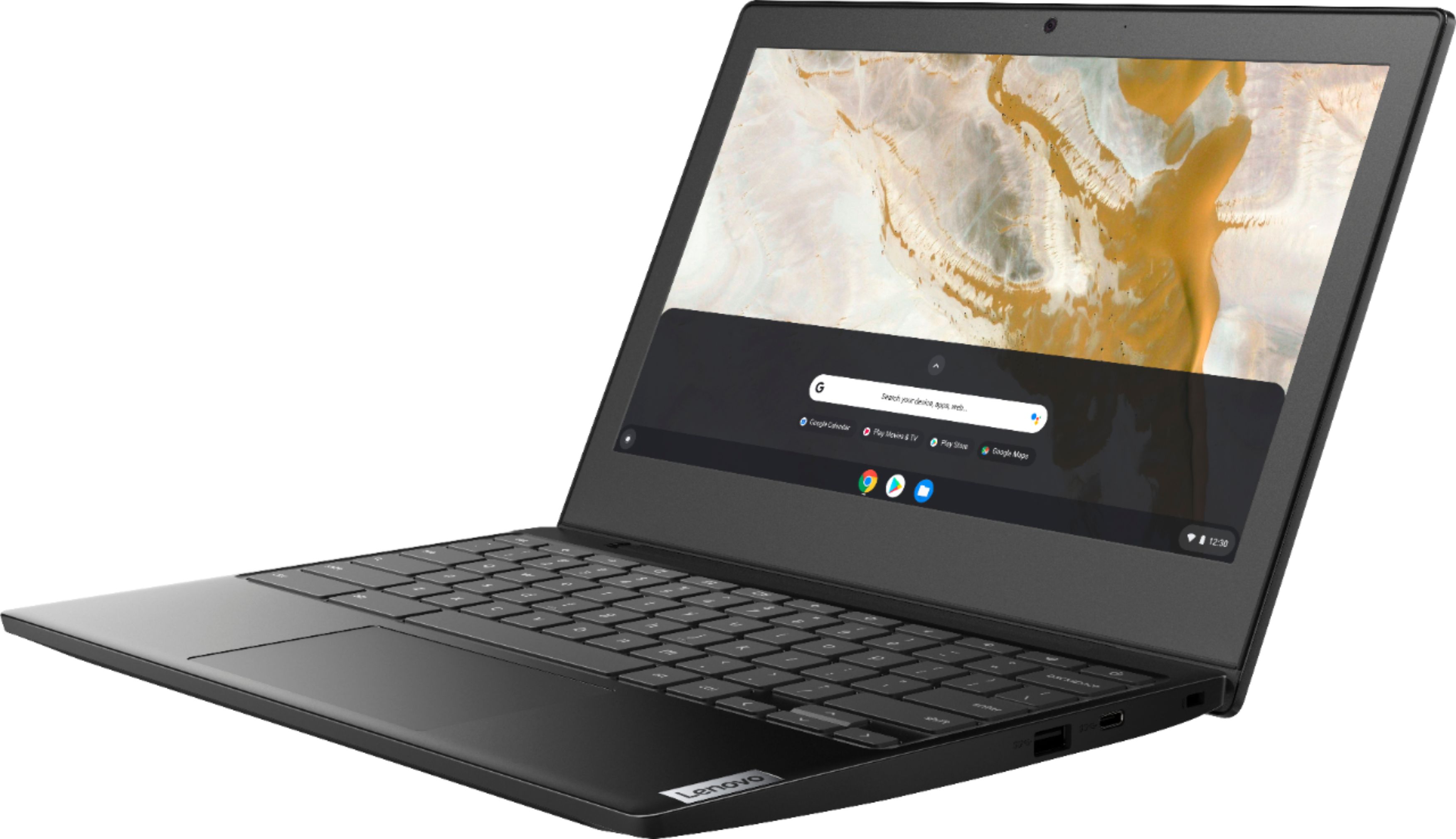
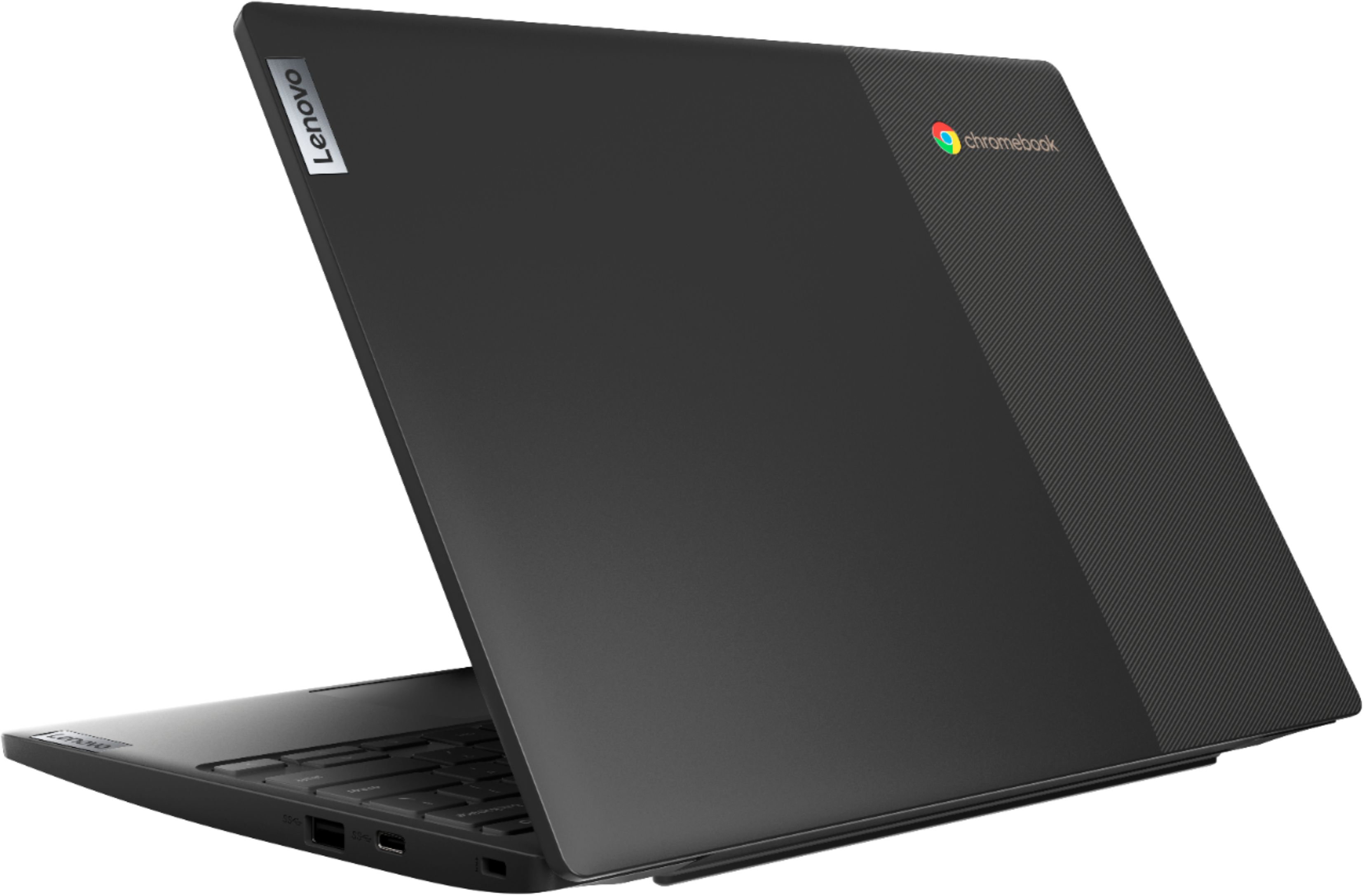
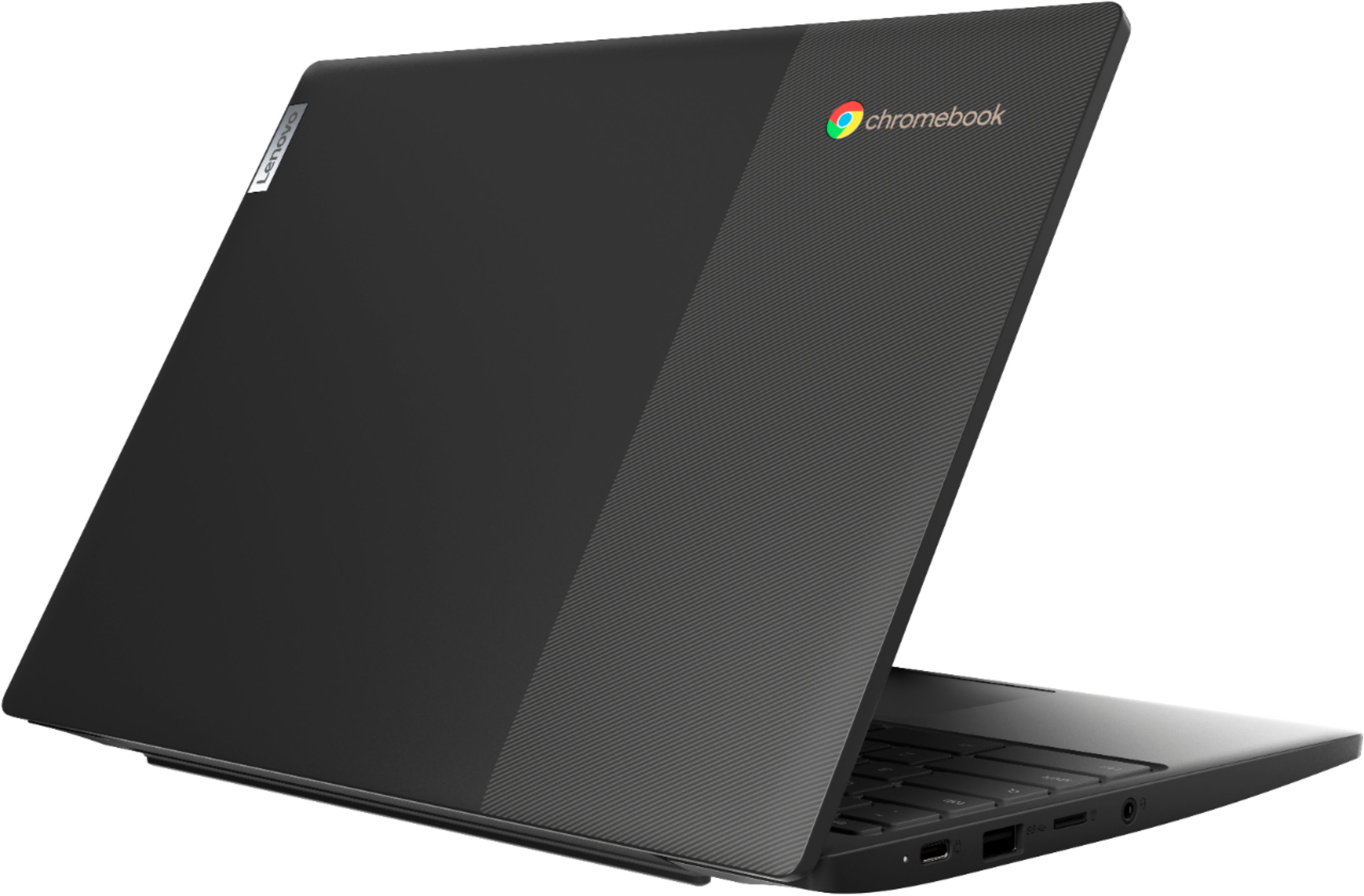
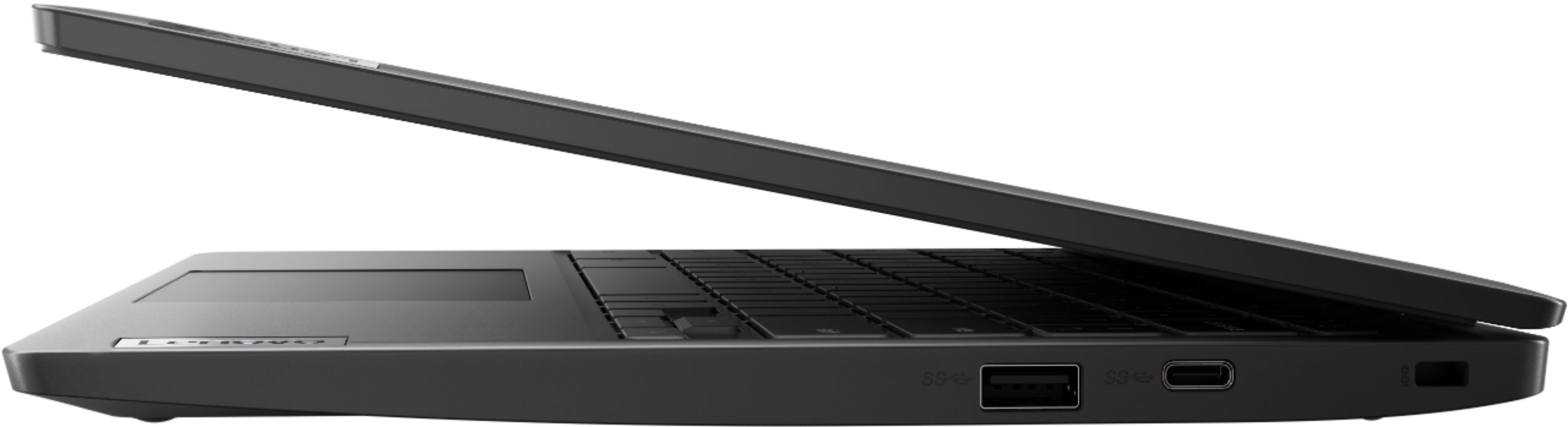
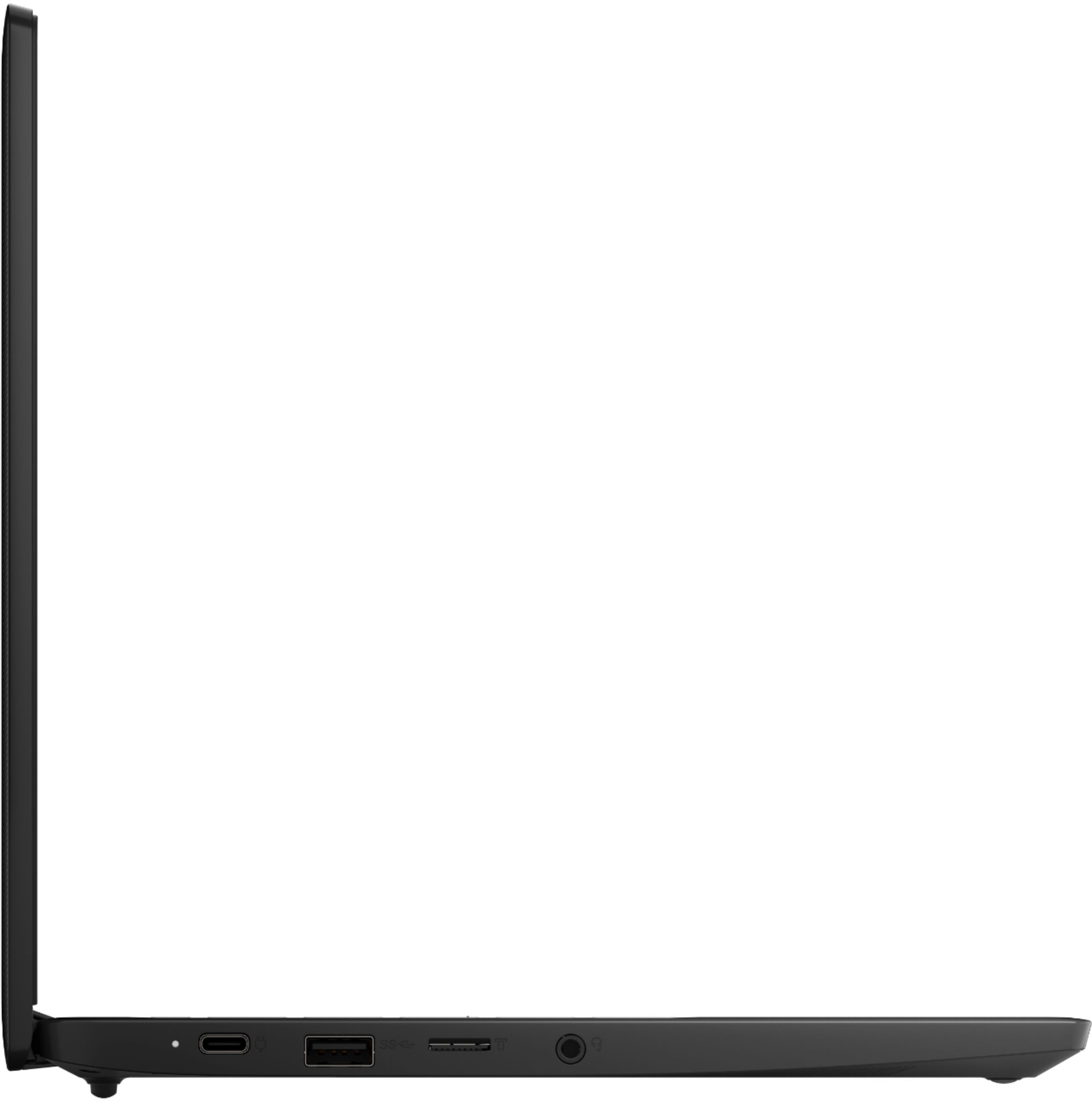
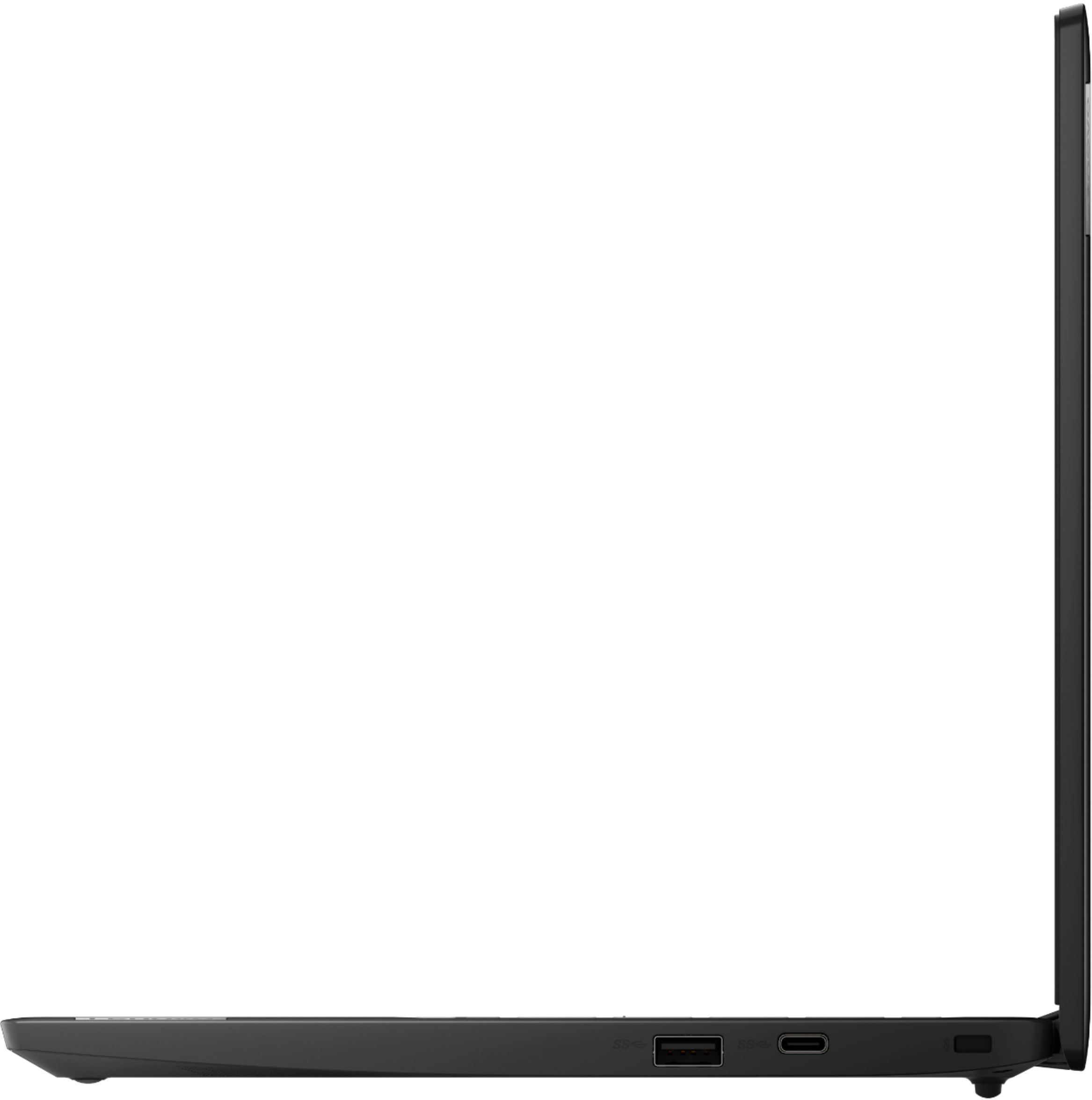
A:AnswerThe Lenovo Chromebook 3 11 model number 82H40000US, uses 2x USB-C 3.2 Gen 1 (support data transfer, Power Delivery and DisplayPort 1.2) ports with video out capability for connecting an external monitor. The Chromebook 3 11 supports up to 2 independent displays via native display and 1 external monitor; supports external monitor via USB-C (up to 3840x2160@30Hz). You can connect an HDMI monitor to this Chromebook by using a USB-c to HDMI adapter, like this one: https://www.bestbuy.com/site/insignia-usb-c-to-hdmi-adapter-white/6424886.p?skuId=6424886
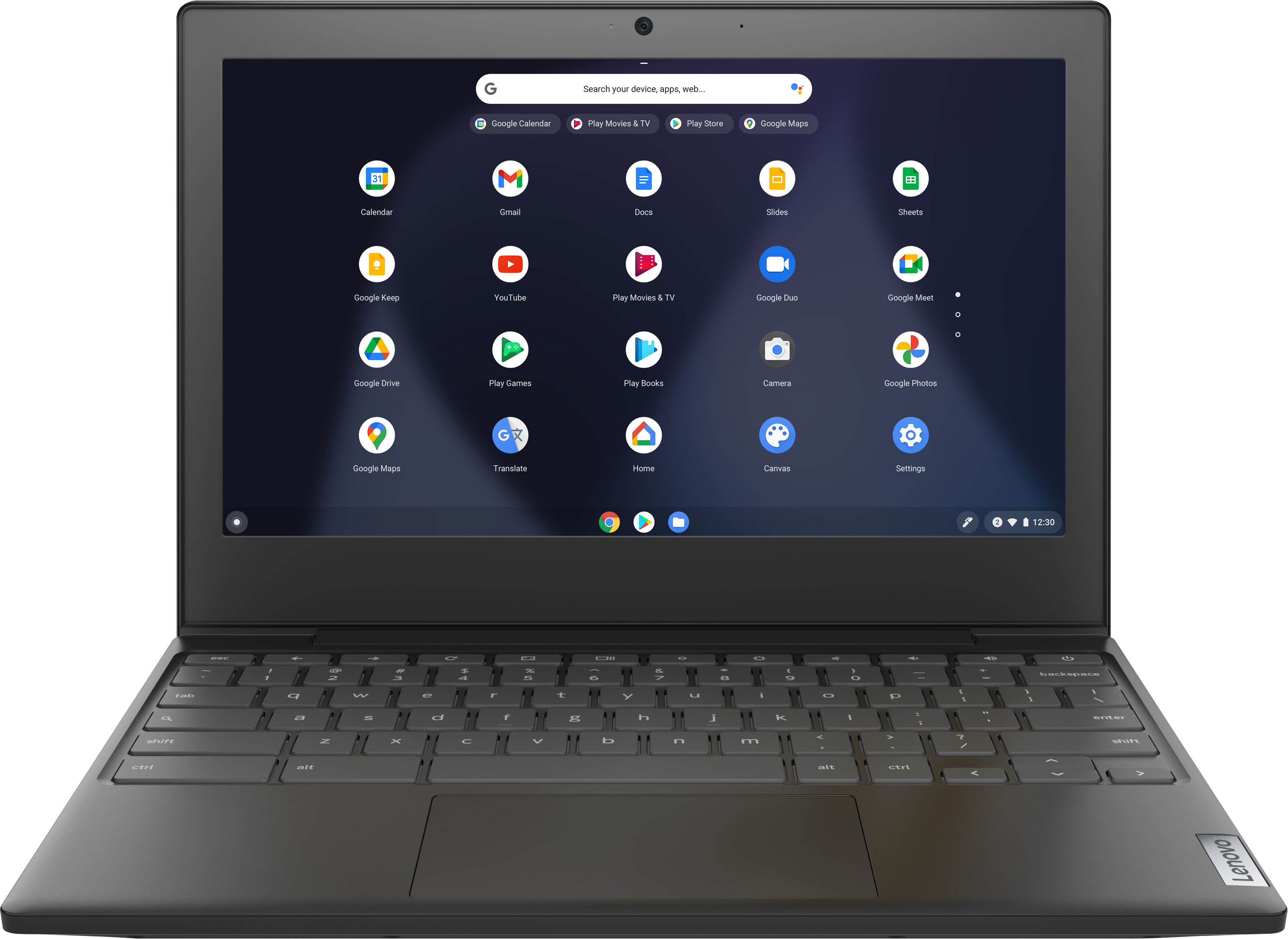
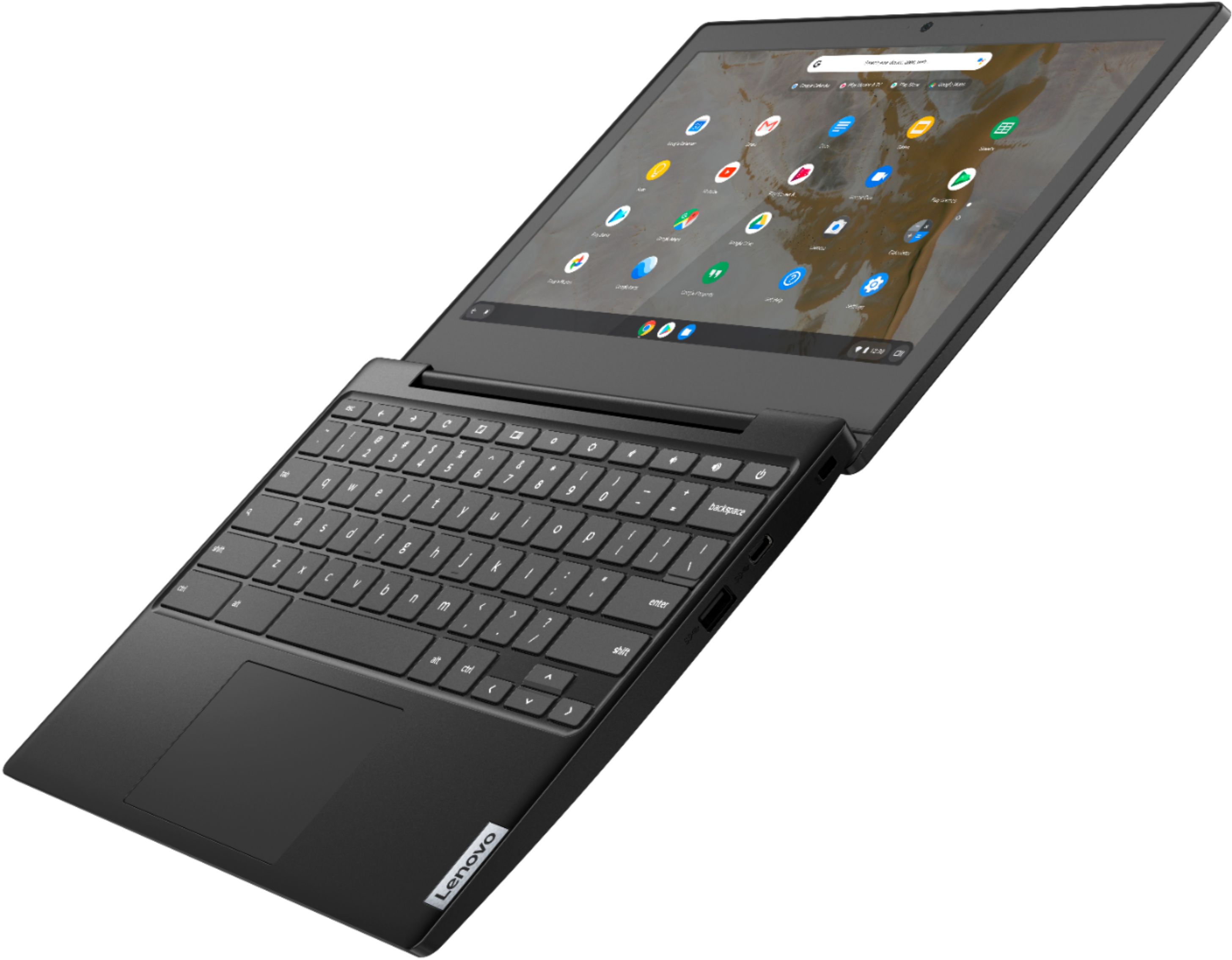
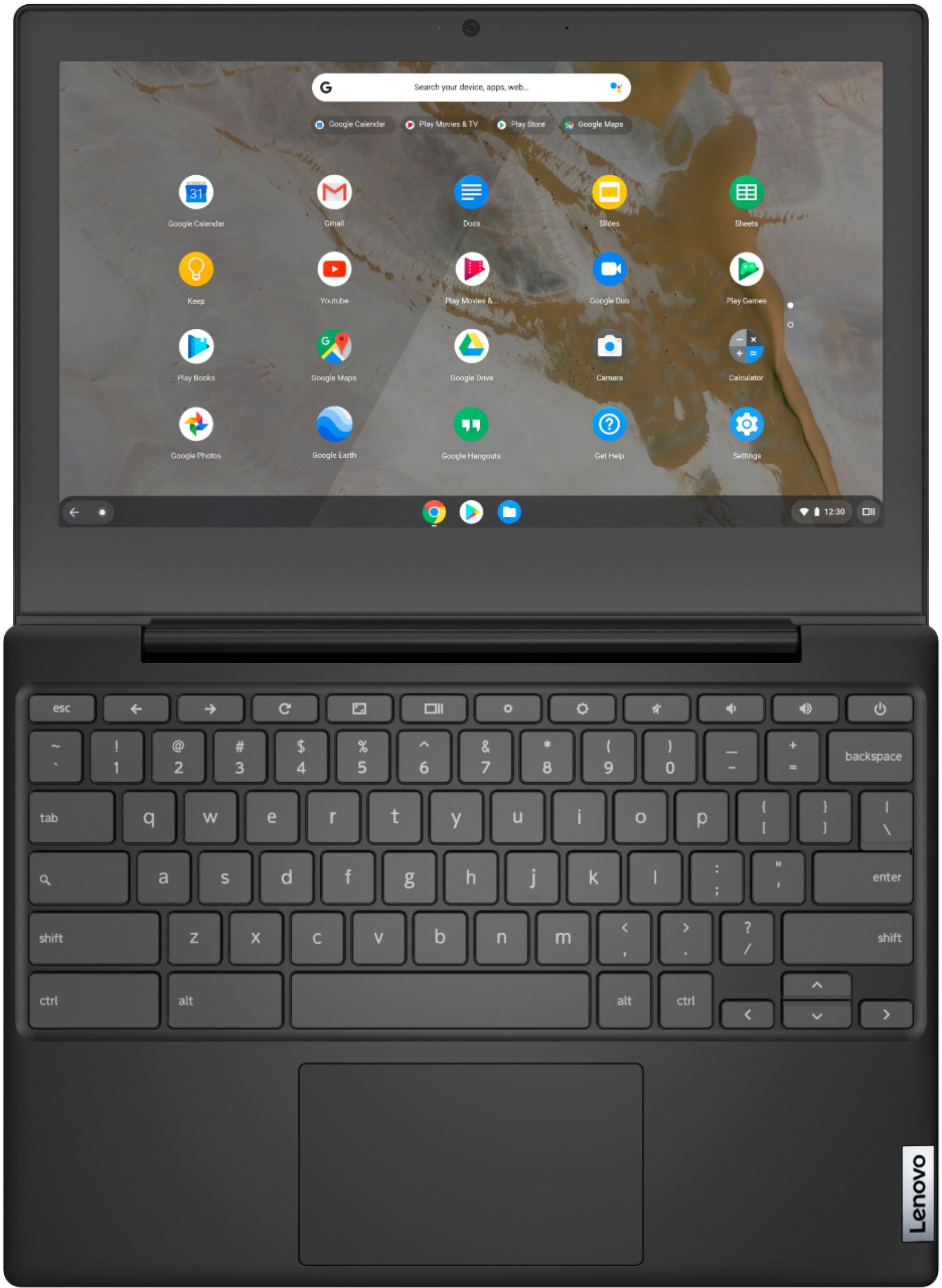
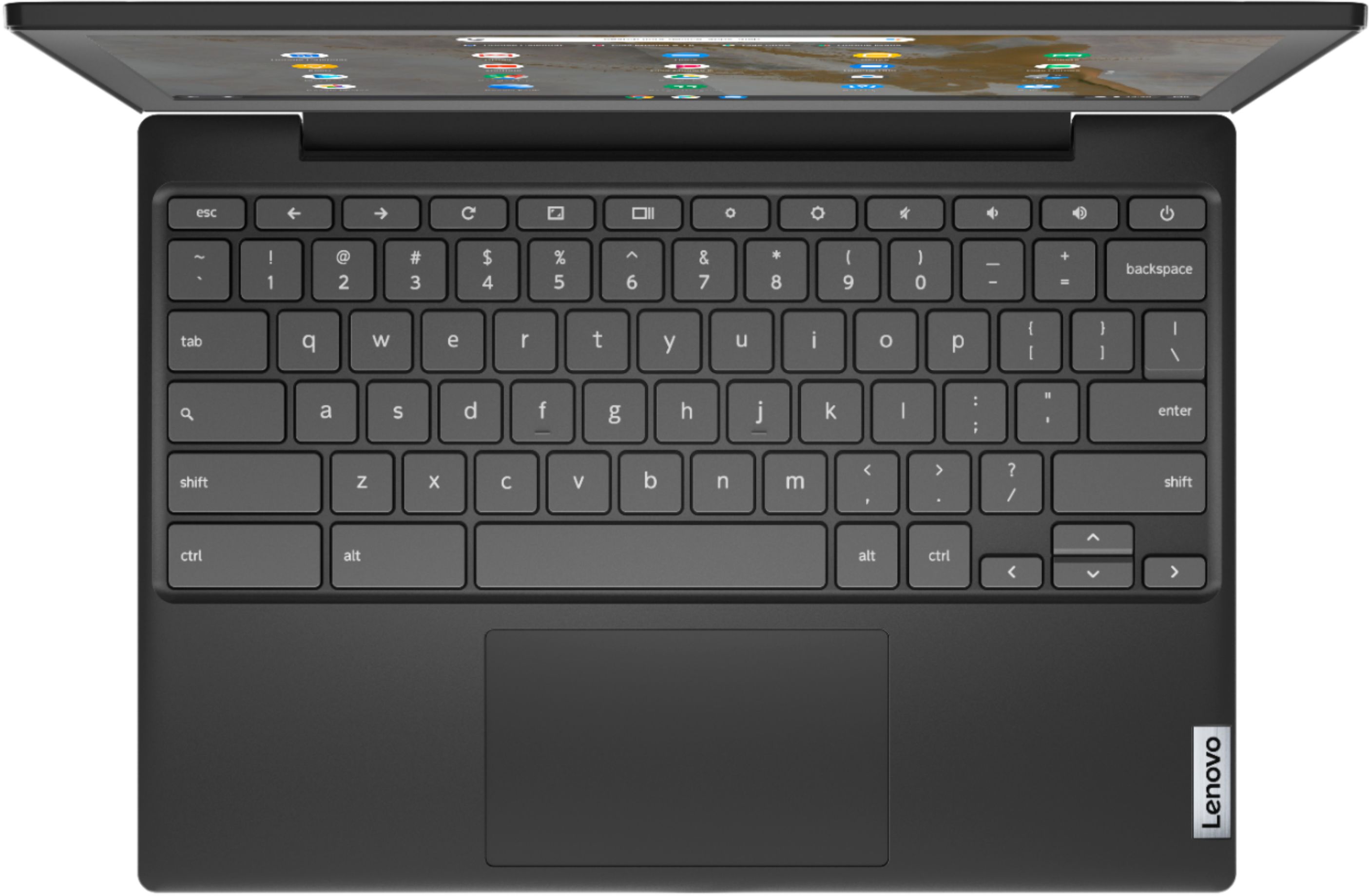
A:AnswerThe Lenovo Chromebook 3 11 model number 82H40000US, does not ship with a 10-key numeric pad. The numbers are placed across the top of the QWERTY keys on the keyboard.
A:AnswerThat will depend on the requirements and compatibility of the specific APPs you want to use. This Lenovo Chromebook 3 11 ships with the Chrome Operating System and is compatible with Google Play Store APPs. We recommend you check with the specific APPs software publisher's web sites, of the specific APPs you want to use, for their compatibility with the Chrome operating system and the minimum/recommended hardware requirements (Is a Graphics card required, the processor speed and the minimum required system RAM and the minimum available hard drive space) to run their program, then compare those requirements to this system's configuration.
A:AnswerThe Lenovo Chromebook 3 11 model number 82H40000US, is compatible with any printer that is compatible with the Chrome Operating System. We recommend you check with your printer's manufacturer's web site for requirements and compatibility information of your specific printer model. Here is a link to information about connecting a compatible printer to your Chromebook: https://support.google.com/chromebook/answer/7225252?hl=en. If you have additional questions about your Chromebook 3 11 we recommend you contact Lenovo Tech Support for Chromebooks at: 800-426-7378.
A:AnswerThe Lenovo Chromebook 3 11 model number 82H40000US, ships with a Integrated 47Wh, Lithium-Polymer battery, with a Google power load test: 10 hr.
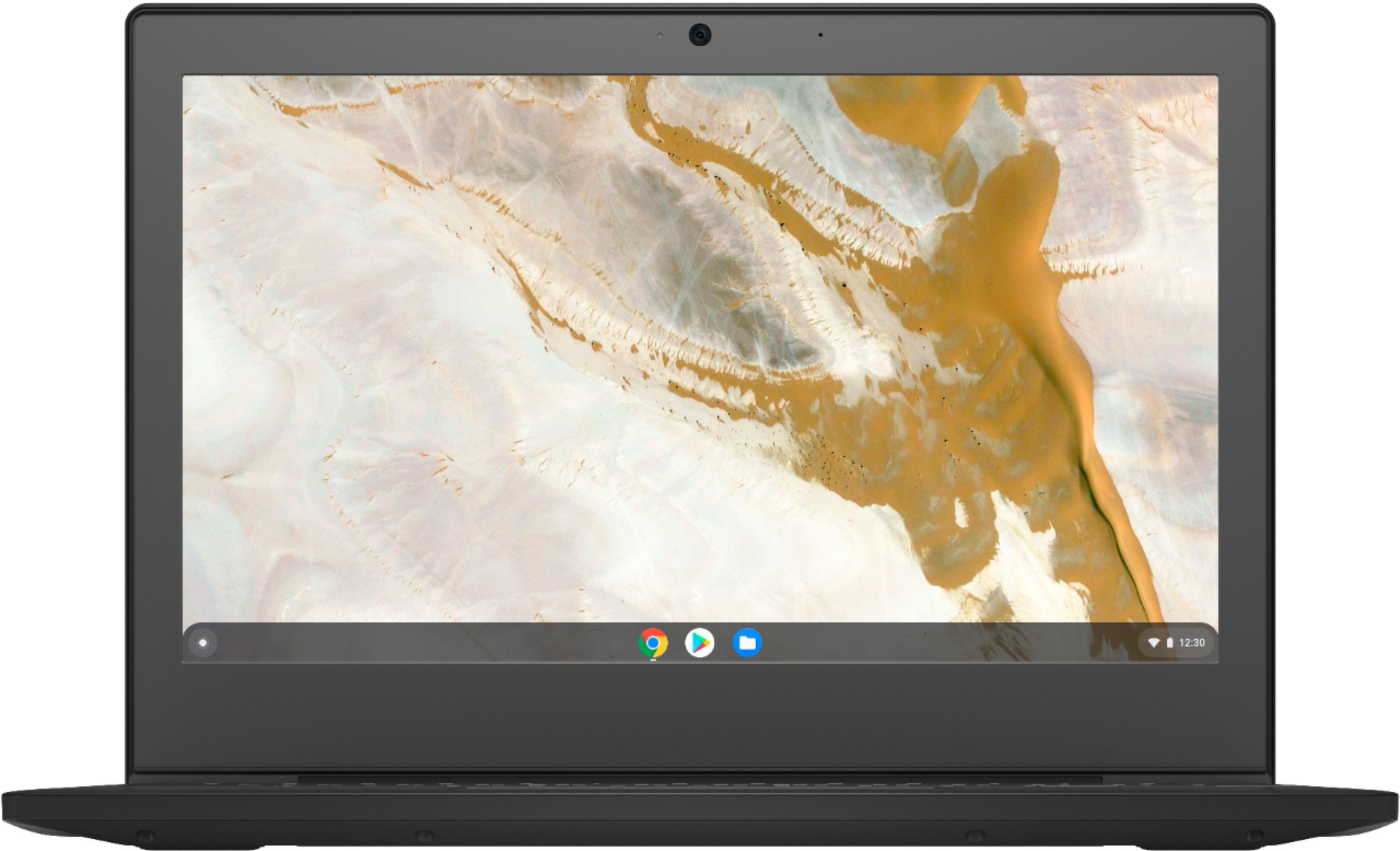
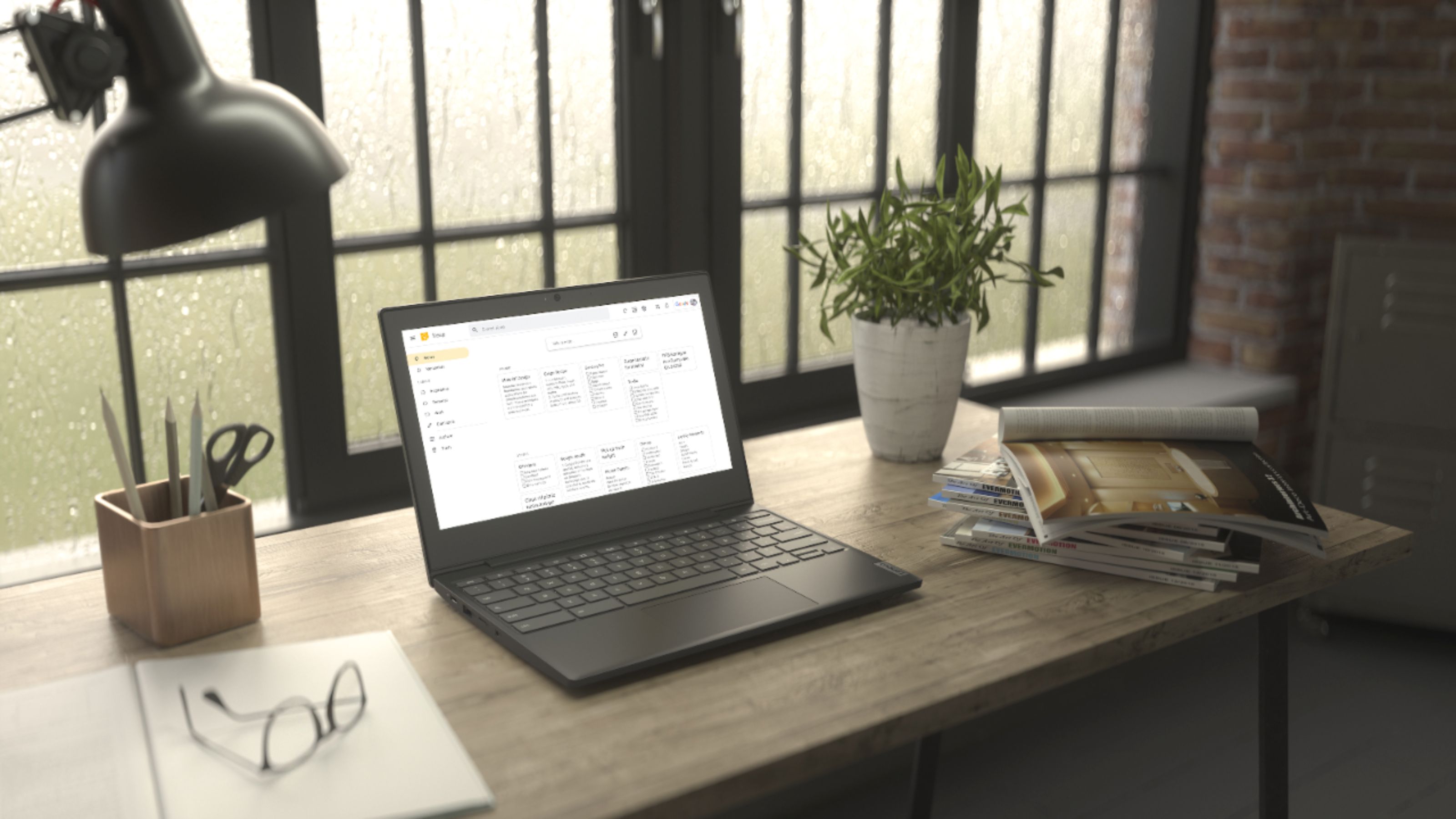
A:AnswerYes. The keyboard is included and does not detach from the screen of this traditionally configured Lenovo Chromebook 3 11. It functions as a traditional laptop format Chromebook.
A:AnswerYes, as long as the dock is compatible with USB-c and the Chrome Operating System. Here is a link to more information: https://chromeunboxed.com/chromebook-chrome-os-multi-monitor-display-usb-c-dock#:~:text=Chromebooks%20have%20handled%20extended%20displays%20quite%20well%20for%20some%20time%20now.&text=As%20it%20turns%20out%2C%20this,to%20your%20Chromebook's%20internal%20display.
A:AnswerThe Lenovo Chromebook 3 11 model number 82H40000US, is a 110V device. It does ship with a Dual Voltage, 45W USB-C (3-pin), AC adapter/charger, with a USA compatible wall side plug. To use outside the USA, you will need to add a compatible wall side plug adapter, compatible with the country the computer will be used in. This wall side adapter is sold separately.
A:AnswerThat really will depend on the requirements and compatibility of the specific APPs you will be using. The Lenovo Chromebook 3 11 model number 82H40000US, ships with the Chrome Operating System and is compatible with Google Play Store APPs. We recommend you check with the specific APPs software publisher's web sites, of the APPs you will be using, for their compatibility with the Chrome operating system and the minimum/recommended hardware requirements (Is a Graphics card required, the processor speed and the minimum required system RAM and the minimum available hard drive space) to run their program, then compare those requirements to this system's configuration.
A:AnswerThat will depend on the compatibility and requirements of the external mouse/trackball you want to use. The Lenovo Chromebook 3 11 model number 82H40000US, ships with the Chrome Operating System and is compatible with Google Play Store APPs. We recommend you check with the trackball manufacturer for the device compatibility with the Chrome Operating System and this Chromebook's specific configuration.